The Windscribe download installs a free VPN app on Windows 11, Windows 10, Mac and Linux, with 10 GB of data a month on the free plan. Version 2.24.13 is the current Windows release.
The same account also signs in on iPhone, Android and the browser extensions.
This guide covers which build to pick, installing on Windows and Mac, what Pro costs, other platforms, fixes for connection errors and a clean uninstall.
Which Windscribe download do you need?
Open Settings > System > About on Windows and read System type. An ARM-based processor needs the ARM64 build; everything else takes the 64-bit x86 build.
| Your device | Get this | Needs |
|---|---|---|
| Windows PC with an Intel or AMD processor | Download for Windows (64-bit x86) | Windows 10 or 11, 64-bit |
| Windows on ARM, such as a Snapdragon Copilot+ PC | ARM64 build on the Windows tab | Windows 10 or 11 |
| Mac with Apple silicon or Intel | macOS tab, universal .pkg | macOS 13 or later |
| Ubuntu, Fedora, openSUSE or Arch | Linux tab, .deb, .rpm or .pkg.tar.zst | Ubuntu 22.04+, Fedora 36+ |
| iPhone or iPad | App Store listing | iOS 15.0 or later, 191.4 MB |
| Android phone or tablet | Google Play listing | Google Play |
| Windows 7, 8 or a 32-bit PC | Browser extension tab | Chrome, Firefox or Edge |
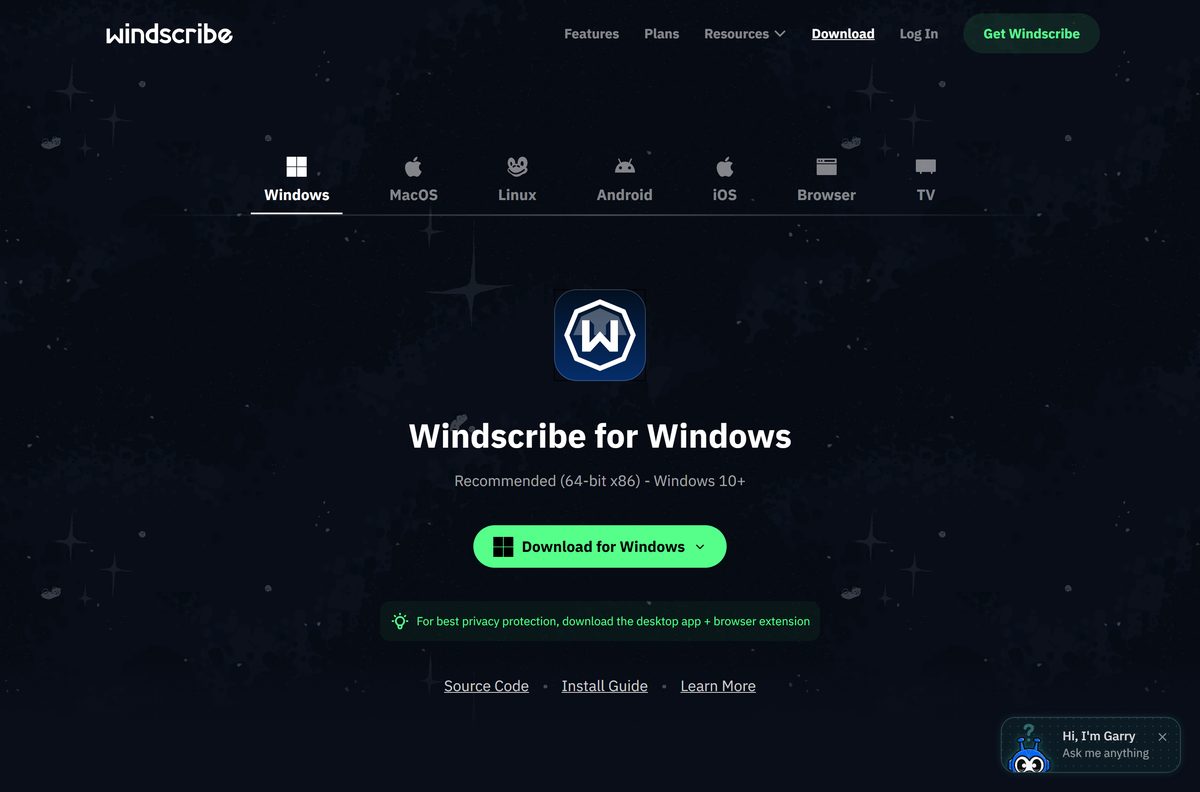
The download page opens on the Windows tab. Select MacOS, Linux, Android, iOS, Browser or TV to switch platforms.
Download Windscribe for Windows 11 and Windows 10
The Windows tab carries one button, Download for Windows, labelled Recommended (64-bit x86) – Windows 10+. It saves a single .exe installer.
- Windscribe download page (Windows, Mac, Linux, mobile, browser) — Windows 2.24.13, released 2026-09-08
- Windows changelog and older releases — Release, Beta and Guinea Pig builds
- Windscribe on the App Store — 191.4 MB · iPhone, iPad and Apple TV
- Windscribe on Google Play — free with in-app purchases
How to install Windscribe on Windows 11 and 10
You need a Windscribe account to connect. A free account works, and you can create one from the app’s login screen.
- Open windscribe.com/download in your browser.
- Select Download for Windows and save the .exe installer.
- Open the saved .exe file from your Downloads folder.
- Follow the setup wizard prompts to finish the installation.
- Approve the prompt to install a network adapter or driver when Windows asks.
- Open Windscribe from the desktop shortcut or the Start menu.
- Log in with your username and password, or create a free account.
- Select the large connection button to connect to the best location.
Turn on Firewall in the app to block any traffic outside the VPN tunnel. Leave the protocol on its default, WireGuard, unless a network blocks it.
Which Windscribe download do you need for your Mac?
Windscribe for macOS is a native universal binary, so one installer covers every supported Mac. It needs macOS 13 or later.
| Your Mac | Get this | Latest version |
|---|---|---|
| Apple silicon (M-series) on macOS 13 or later | macOS tab, universal .pkg | 2.24.12 |
| Intel Mac on macOS 13 or later | macOS tab, universal .pkg | 2.24.12 |
| Mac on macOS 12 or older | Browser extension tab | Extension only |
| Earlier macOS app releases | macOS changelog | Release and Beta builds |
Open the downloaded .pkg file, select Install and enter your Mac password. On the first connection, macOS asks to add a VPN configuration: select Allow and confirm with your password or Touch ID.
Is Windscribe free?
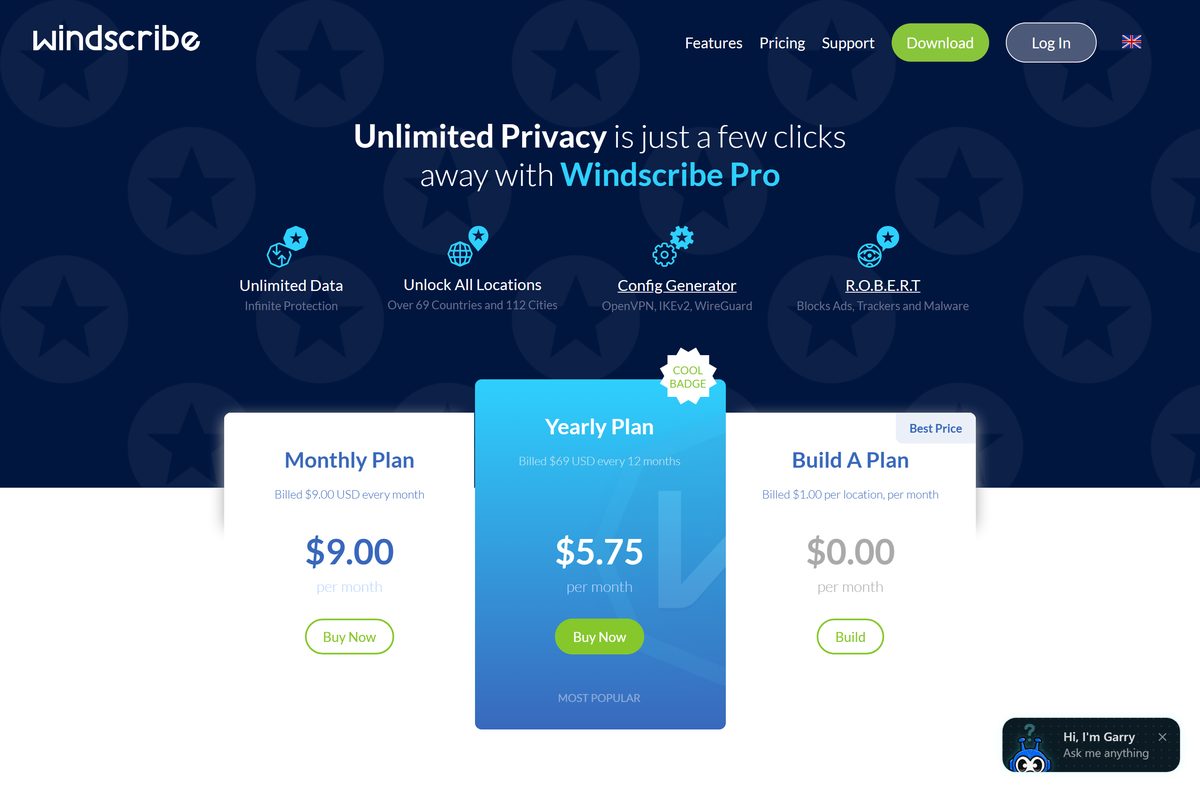
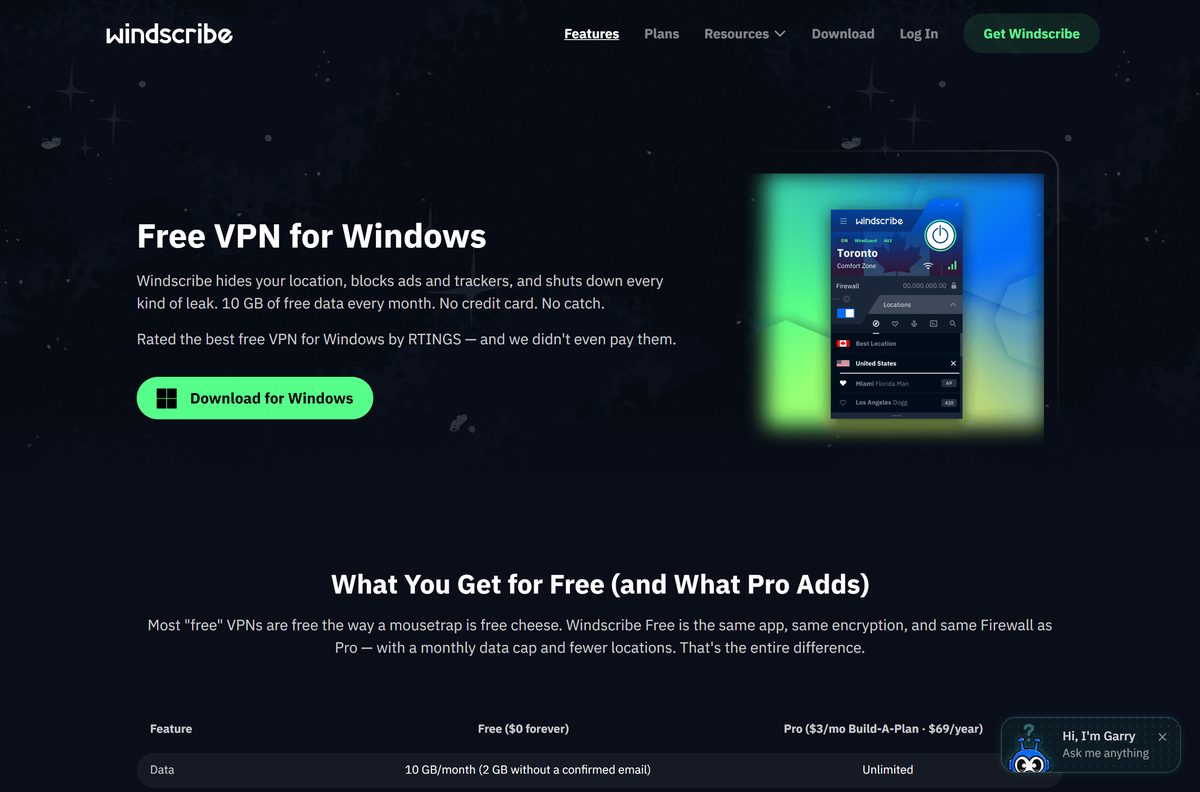
Yes. The free plan gives you 10 GB of data a month after you confirm your email address, or 2 GB without one. It includes 10 countries, unlimited devices, the Firewall, all six protocols and split tunneling.
Pro removes the data cap and opens 69+ countries. It costs $9 a month, or $69 a year, which works out to $5.75 a month. Build A Plan charges $1 per location per month for just the countries you need.
Posting about Windscribe on X adds 5 GB a month to a free account. Treat any “Windscribe Pro cracked” download or free Pro key as malware.
Start on the free plan and confirm your email to get 10 GB a month. Free runs the same app as Pro, so you only pay once you hit the data cap or need a location outside the free 10 countries.
Choose between the Windscribe Release, Beta and Guinea Pig builds
The changelog lists three channels. Release is the stable build on the download page. Beta and Guinea Pig are test builds that arrive first.
Install the Release build, version 2.24.13 on Windows. Beta and Guinea Pig builds exist to catch bugs before a Release. Use the Windows changelog only to roll back to an earlier Release, and never below 2.10.16, the oldest version Windscribe still supports.
Install Windscribe on Linux, phones and browsers
One account works on every platform. The free plan has no device limit, so you can install it everywhere you need it.
| Platform | Get it from | Needs |
|---|---|---|
| Ubuntu and Debian | Linux tab, .deb (AMD64 and ARM64) | Ubuntu 22.04 or newer |
| Fedora | Linux tab, .rpm (AMD64 and ARM64) | Fedora 36 or newer |
| openSUSE | Linux tab, .rpm (AMD64) | openSUSE Leap 15.6 |
| Arch Linux | Linux tab, .pkg.tar.zst (AMD64) | glibc 2.35 or newer |
| iPhone, iPad and Apple TV | App Store | iOS 15.0 or later |
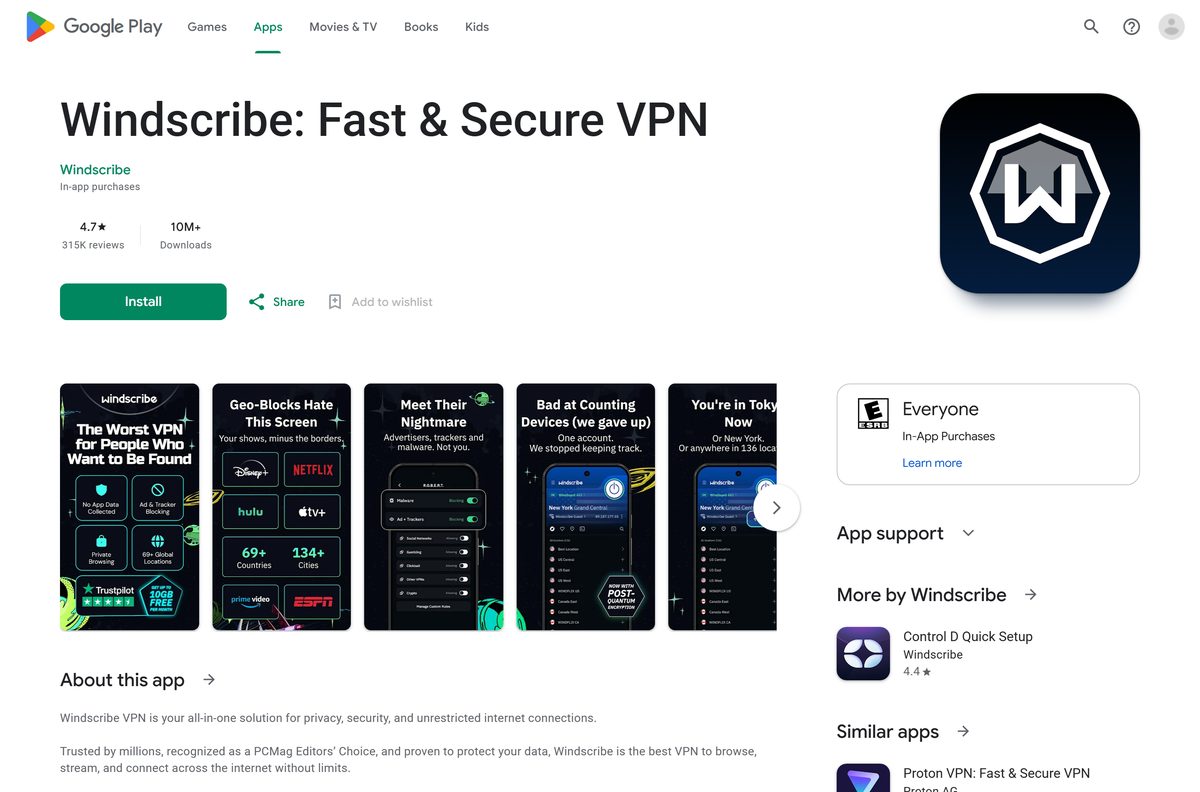
| Android | Google Play | 10M+ installs, rated 4.7 |
| Chrome, Firefox and Edge | Browser tab | Covers browser traffic only |
On Ubuntu, install the saved package with sudo apt install ~/Downloads/windscribe_[version]_amd64.deb . Fedora uses sudo dnf install , and Arch uses sudo pacman -U with the matching file name.
Check the Windscribe system requirements and specifications
| Specification | Detail |
|---|---|
| Software | Windscribe VPN |
| Developer | Windscribe Limited |
| Latest version | 2.24.13 for Windows (2026-09-08); 2.24.12 for macOS (2026-09-02) |
| Licence / price | Free plan with 10 GB a month; Pro from $9 a month or $69 a year |
| Windows | Windows 10 and Windows 11, 64-bit |
| Windows architecture | x64 and native ARM64 |
| macOS | macOS 13 or later, universal binary |
| Linux | Ubuntu 22.04+, Fedora 36+, openSUSE Leap 15.6, Arch with glibc 2.35+ |
| Mobile | iOS 15.0 or later (191.4 MB); Android on Google Play |
| Windows 7 and 8 | Not supported; use the browser extension |
| Protocols | WireGuard, IKEv2, OpenVPN UDP, OpenVPN TCP, Stealth, WStunnel |
| Official download source | windscribe.com/download |
| Last verified | 2026-09-25 |
Fix Windscribe not installing or not connecting on Windows
The installer will not run on Windows 7 or 8
Every supported Windscribe version, 2.10.16 and later, needs Windows 10 or newer.
- Open Settings > System > About and check the Windows edition.
- Upgrade to Windows 10 or Windows 11 if the PC supports it.
- On a PC that must stay on Windows 7 or 8, install the browser extension instead.
Setup stops at the network adapter or driver prompt
Windscribe creates a virtual network adapter, and setup cannot finish without it.
- Run the .exe installer again.
- Select Install or Yes when Windows asks to install the network adapter or driver.
- Pause third-party antivirus during setup if it blocks the driver.
- Restart the PC and open Windscribe.
Windscribe will not connect
The network, a security suite or the chosen protocol blocks the tunnel.
- Confirm that the PC has internet access without the VPN.
- Connect to a different Windscribe location.
- Open Preferences > Connection and set Connection Mode to Manual.
- Try another Protocol and Port, such as Stealth or WStunnel on a restrictive network.
- Whitelist Windscribe in any antivirus or firewall, then restart the PC and router.
Connected, but no internet access
A custom DNS setting or a security program stops traffic inside the tunnel.
- Set the app’s custom DNS setting back to Auto.
- Close antivirus and firewall programs completely, using Task Manager if needed.
- Open Preferences > Connection, set Connection Mode to Manual and change the protocol and port.
- Turn on Circumvent Censorship in the same menu on a restrictive network.
API connectivity error when you log in
Versions older than 2.16.14 fail current security checks, and proxies or security software can block the login.
- Install the current release from windscribe.com/download.
- Open Preferences > Advanced Options and turn on Ignore SSL Errors.
- Set your network proxy under Preferences > Connection > Proxy Settings if you use one.
- Log in once from a less restricted network, then return and connect.
- Open Preferences > Help, select Send Debug Log and contact support if the error stays.
How to uninstall Windscribe completely
Uninstalling the app keeps your account and any free data allowance. Reinstall at any time with the same login.
- Quit Windscribe from its icon in the notification area.
- Press Start and type Uninstall Windscribe.
- Open the uninstall wizard and follow its steps.
- Restart the PC to clear temporary files.
- Remove the Windscribe extension from your browser’s extensions page if you added it.
- On a Mac, open Finder > Applications, drag Windscribe to the Trash, then choose Finder > Empty Trash.
Choose a Windscribe alternative
Windscribe is one of the few desktop VPNs with a permanent free plan. The two services below are paid, with a trial or refund window.
| VPN | Free option | Best for |
|---|---|---|
| Windscribe | Free plan, 10 GB a month | A free VPN on every device |
| ExpressVPN | 30-day money-back guarantee; 3-day trial on iOS and Android | A paid VPN with apps for Windows on ARM |
| Surfshark | 7-day free trial on 12- and 24-month plans | A paid plan shared across many devices |
Stay with Windscribe if 10 GB a month covers your use. Move to Pro, or a paid service, once you need unlimited data.
Frequently asked questions
Is Windscribe free?
Yes. The free plan gives you 10 GB of data a month once you confirm your email, or 2 GB without one, across 10 countries. Pro removes the cap for $9 a month or $69 a year.
Is Windscribe still free in 2026?
Yes. Windscribe still offers a free plan with no credit card. It uses the same app, encryption and Firewall as Pro, with a monthly data cap and fewer server locations.
What is the official Windscribe download page?
windscribe.com/download is the official page. Its tabs cover Windows, macOS, Linux, Android, iOS, browser extensions and TV apps, and each tab points to the matching installer or store listing.
Does Windscribe work on Windows 11?
Yes. The current Windscribe desktop app supports Windows 11 and Windows 10. Windscribe does not guarantee compatibility with Windows Insider preview builds, so use a release build of Windows 11.
How big is the Windscribe download?
Windscribe does not state a size for the Windows or Mac installer on its download page. The iPhone and iPad app is 191.4 MB on the App Store.
Is there a Windscribe offline installer?
Windscribe offers one Windows installer, a single .exe file from windscribe.com/download, and does not publish a separate offline package. You still need an internet connection to log in and connect.
Is there a 32-bit version of Windscribe?
No. The current Windows app runs on 64-bit Windows 10 and 11, with builds for x64 and native ARM64. A 32-bit PC can use the Windscribe browser extension instead.
Does Windscribe support Windows on ARM?
Yes. Windscribe has a native ARM64 build for Windows, including its split tunneling driver. Pick the ARM version on windscribe.com/download for a Snapdragon or other Windows on ARM laptop.
Can you download Windscribe for Mac?
Yes. Windscribe for macOS is a universal .pkg installer that runs natively on Apple silicon and Intel Macs. It needs macOS 13 or later and installs from the macOS tab on windscribe.com/download.
What is the latest version of Windscribe?
Windscribe 2.24.13, released on September 8, 2026, is the latest Windows release. The latest macOS release is 2.24.12 from September 2, 2026.
Is Windscribe safe to use?
Windscribe states that its no-logs policy held up in a court case, its apps and infrastructure are audited, and its desktop apps are open source. Download it only from windscribe.com or the official app stores.
How do you download an old version of Windscribe?
Open windscribe.com/changelog/windows, or the macOS changelog, and select the version you want. Stay on a version newer than 2.10.16, since Windscribe no longer supports anything older.
Why won’t Windscribe install on my PC?
The most common cause is an unsupported system: the app needs 64-bit Windows 10 or 11. Also approve the network adapter or driver prompt during setup, because Windscribe needs it to create the VPN connection.
How do you completely uninstall Windscribe?
Press Start, type Uninstall Windscribe, and run the uninstall wizard. Restart the PC afterwards to clear temporary files. Remove the browser extension separately if you added one.