The Apache JMeter download is free from jmeter.apache.org, and one archive covers Windows 11, Windows 10, macOS and Linux. Extract it, point it at a Java runtime, then start the tool from the bin folder.
JMeter is the Apache Software Foundation’s open source load testing tool, published under the Apache License 2.0. There is no setup program, no paid edition and no account to create.
This guide covers which file to take, the official links, setup on Windows and Mac, checksum and signature checks, command-line runs, fixes for startup errors and clean removal.
Which Apache JMeter download do you need?
The project publishes four files per release: two binary archives holding the same program, and two source archives for people who compile it.
| Your case | Download | Size |
|---|---|---|
| Windows 11 or Windows 10 PC | apache-jmeter-5.6.3.zip | 86.4 MB |
| Mac or Linux, extracting from a terminal | apache-jmeter-5.6.3.tgz | 83.4 MB |
| You want to build the tool or patch it | apache-jmeter-5.6.3_src.zip | 18.8 MB |
| Source code on Mac or Linux | apache-jmeter-5.6.3_src.tgz | 16.2 MB |
Source archives hold no runnable program, so skip them unless you plan to change the code.
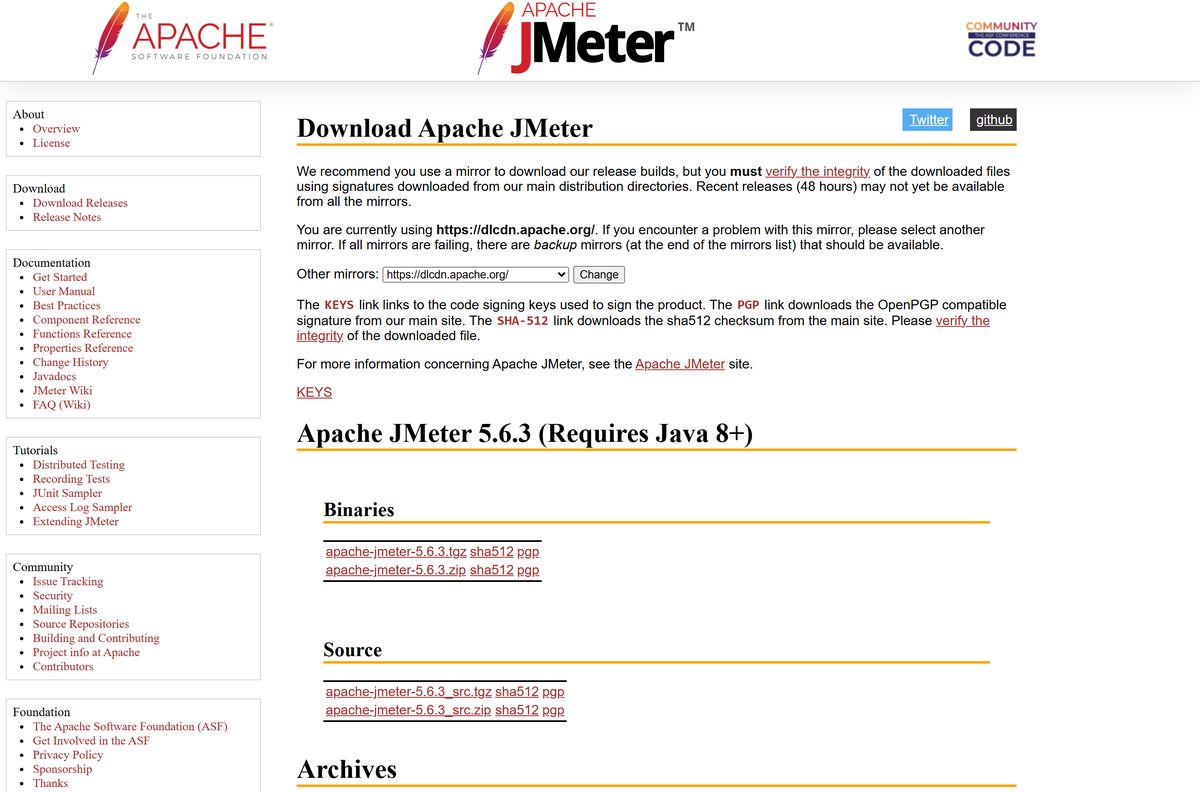
Download Apache JMeter from the official Apache page
Releases are served from the Apache Software Foundation’s mirror network, currently dlcdn.apache.org. Checksums and signatures come from the main distribution directory instead, which is what makes a mirror safe to use.
- Apache JMeter download page — Binaries, source, checksums and the mirror picker
- Binary archive (zip) — 86.4 MB · The file most Windows users want
- Binary archive (tgz) — 83.4 MB · Same program, smaller archive
- SHA-512 checksum — Never served from a mirror
- PGP signature — Used with gpg –verify
- KEYS file — Public keys of the release managers
- Apache archives — Older releases
Recent releases take up to 48 hours to reach every mirror. If one returns a 404, use the backup mirror.
How to install Apache JMeter on Windows 11 and 10
Installation is an extraction. The archive carries the whole program, so nothing writes to the registry and nothing appears in Apps & features.
Java has to be present first. A Java JDK beats a plain runtime here, because HTTPS recording uses the keytool utility that only the JDK ships.
- Install a Java 17 or later JDK and set JAVA_HOME to its folder.
- Open the download page and click apache-jmeter-5.6.3.zip under Binaries.
- Right-click the downloaded archive in Downloads and choose Extract All.
- Set the destination to a short path with no spaces, such as C:\jmeter , then click Extract.
- Open the extracted folder and go into bin .
- Double-click jmeter.bat to start the graphical test editor.
- Use File > Templates to start from a supplied test plan, then save it as a .jmx file.
A path with a space in it, such as the default Program Files location, breaks client-server mode. A USB stick runs it the same way.
How to run a load test from the command line
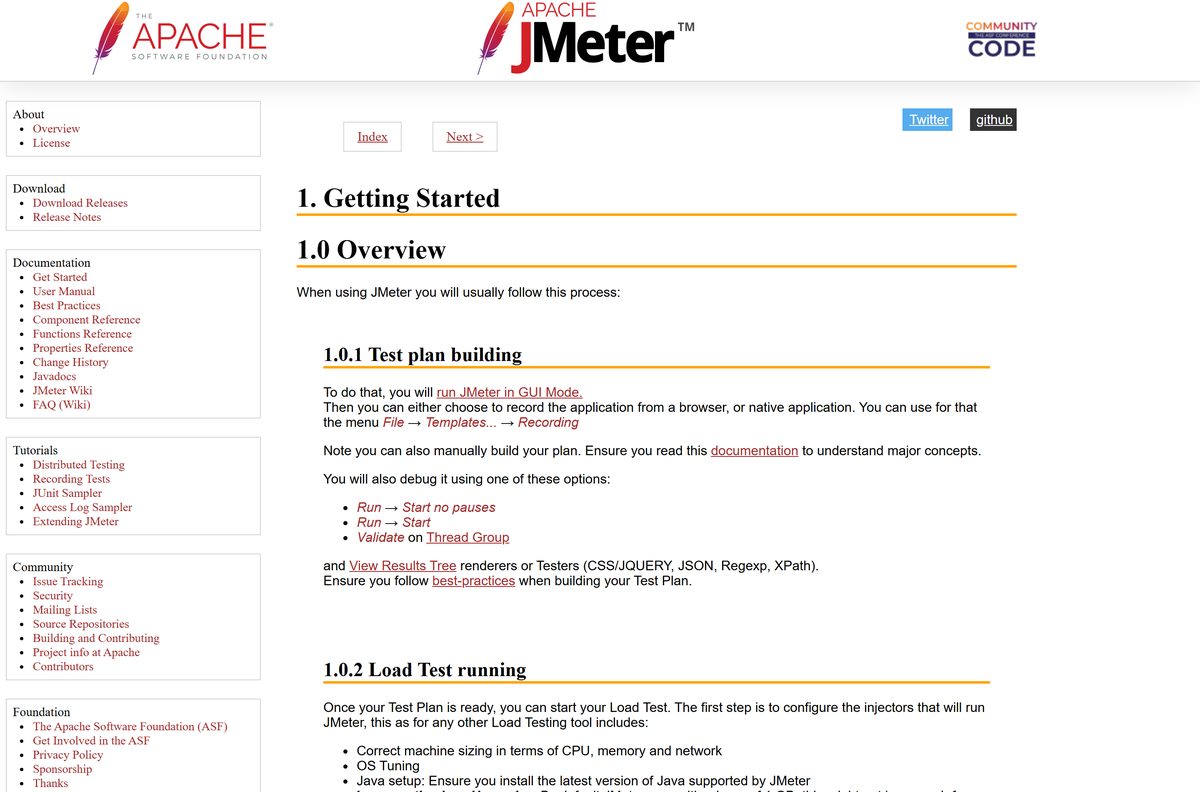
The graphical mode is for building and debugging a test plan. The documentation is blunt about it: “GUI mode should only be used for creating the test script, CLI mode (NON GUI) must be used for load testing”.
- Build and save your test plan in the graphical editor first, then close it.
- Open Command Prompt and change into the bin folder.
- Run jmeter -n -t
-l -e -o . - Leave the run alone until the console prints its final summary line.
- Open index.html in the output folder to read the generated HTML dashboard.
- Raise the heap before a big run: create bin\setenv.bat containing set JVM_ARGS=-Xms1024m -Xmx1024m .
- Stop a running test gracefully with shutdown.cmd , or abruptly with stoptest.cmd .
How to verify the Apache JMeter download
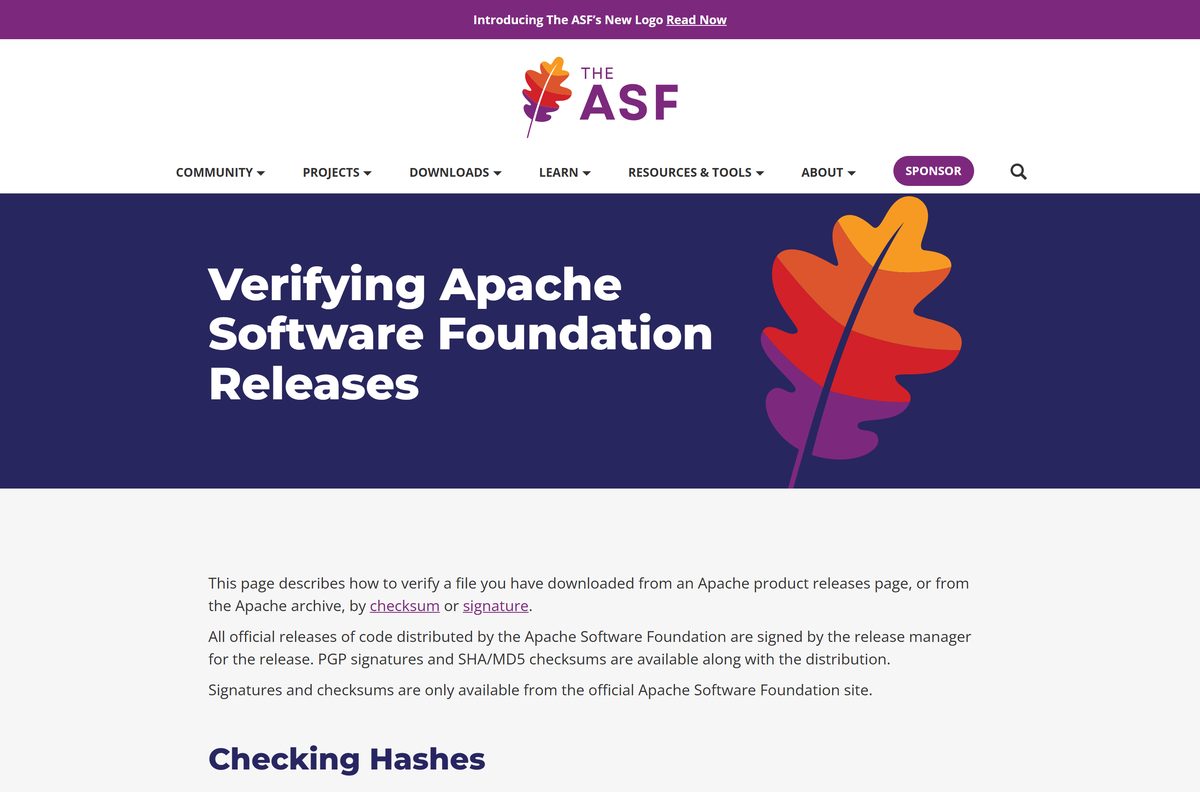
Mirrors are volunteer infrastructure, so the project signs every release and hosts the signatures on its own servers.
- Open the download page and click the sha512 link next to the archive you took.
- Run certUtil -hashfile apache-jmeter-5.6.3.zip SHA512 in the folder holding the file.
- Compare the printed hash with the published one character by character.
- Import the release managers’ keys from the KEYS file with gpg –import KEYS .
- Run gpg –verify apache-jmeter-5.6.3.zip.asc apache-jmeter-5.6.3.zip , naming both the signature and the file.
- Treat Good signature as the pass condition, and delete the archive on BAD signature.
On a Mac the checksum command is shasum -a 512 apache-jmeter-5.6.3.tgz , and on Linux it is sha512sum .
Which Apache JMeter download do you need for your Mac?
Both binary archives hold identical Java bytecode, so neither is tied to a processor. Pick by how you want to unpack it, not by which chip the Mac has.
| Your Mac | Download | How to unpack |
|---|---|---|
| Apple silicon, M1 through M4 | apache-jmeter-5.6.3.tgz | tar -xzf in Terminal |
| Intel Mac | apache-jmeter-5.6.3.tgz | tar -xzf in Terminal |
| Either chip, unpacking in Finder | apache-jmeter-5.6.3.zip | Double-click in Finder |
Open Terminal, change into the bin folder and run ./jmeter . Apple silicon wants an ARM64 JDK for full speed.
Is Apache JMeter free?
Nothing in the project is gated. The download page carries no sign-in, no email form and no trial counter.
Yes, it is free for any use, commercial work included. The Apache Software Foundation releases it under the Apache License, Version 2.0, which permits use, modification and redistribution at no cost. There is no professional edition and no support contract to buy from the project.
Commercial services sell hosted load testing built on the same engine, but those are separate products.
Should you run Apache JMeter on Java 8 or Java 17?
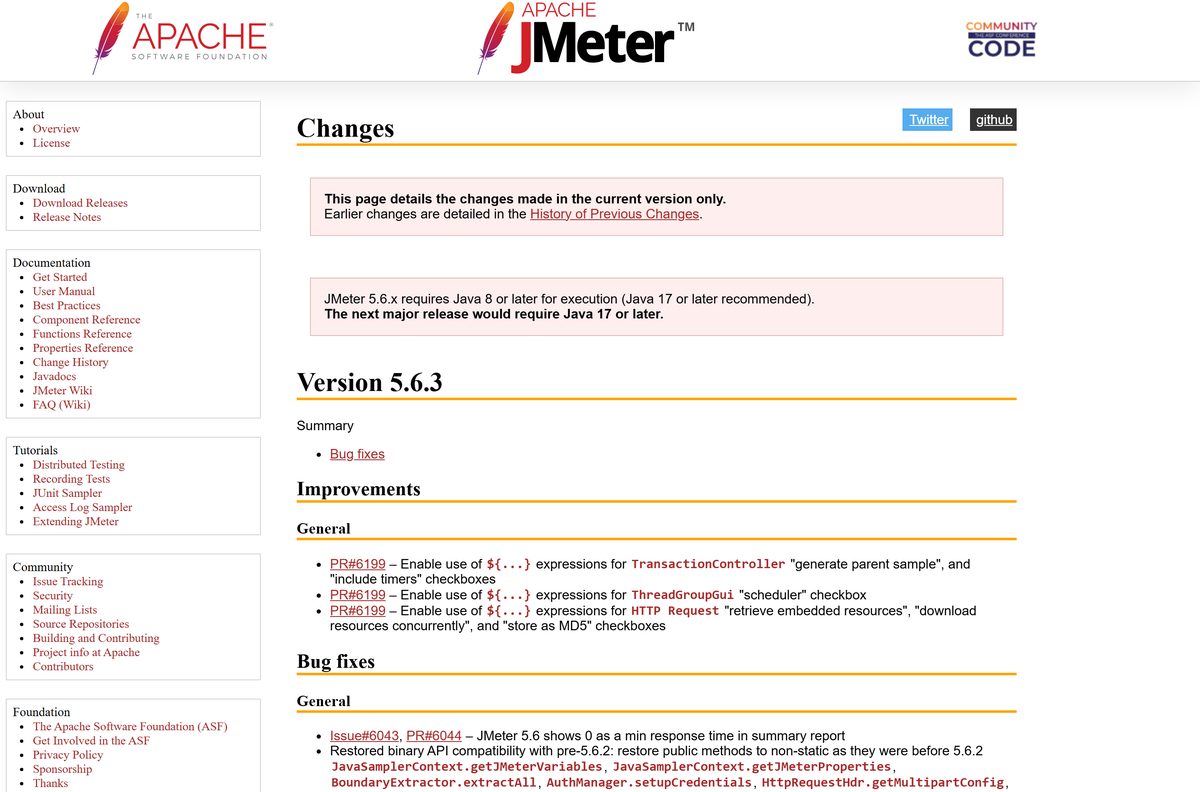
The release runs on both. The change history sets the floor at Java 8 and names a preference above it.
Install a Java 17 or later JDK. The change history states that 5.6.x “requires Java 8 or later for execution (Java 17 or later recommended)” and that the next major release will require Java 17 or later. Starting on 17 today removes the upgrade work later.
How to check your Apache JMeter version and update it
There is no updater and no background service. Upgrading means putting a new folder beside the old one and moving your test plans across.
- Open Command Prompt, change into the bin folder and run jmeter -v .
- Compare the version in the banner with the one on the download page.
- Download the current archive and extract it to a new folder next to the old one.
- Copy any custom jars from the old lib/ext into the new lib/ext .
- Move edited user.properties entries across by hand, rather than overwriting the new file.
- Open a saved .jmx plan in the new build and run it once to confirm every element loads.
- Delete the old folder once the plan runs clean.
Check the Apache JMeter system requirements
Requirements come from the JVM, not from the tool. Anything that runs a compliant Java implementation runs this.
| Field | Detail |
|---|---|
| Software | Apache JMeter |
| Developer | Apache Software Foundation |
| Latest version | 5.6.3 |
| License | Free and open source, Apache License 2.0 |
| File size | 86.4 MB (zip), 83.4 MB (tgz) |
| Java | Java 8 or later; Java 17 or later recommended |
| Supported OS | Windows 11, Windows 10, macOS and Linux with a compliant JVM |
| Architecture | Java bytecode, so x64 and ARM64 both run it |
| Disk space | About 300 MB for the archive plus the extracted folder |
| Install path | No spaces anywhere in the path |
| Offline installer | Yes, the archive is complete once downloaded |
| Official download source | jmeter.apache.org |
| Last verified | 2026-09-22 |
Memory is the real constraint. Past a few thousand threads, split the run across several machines in distributed mode.
What Apache JMeter can test
Each row is a protocol family the samplers reach out of the box.
| Target | What it covers |
|---|---|
| Web | HTTP and HTTPS against Java, NodeJS, PHP and ASP.NET applications |
| Web services | SOAP and REST endpoints |
| Databases | Any database with a JDBC driver |
| Directories and files | LDAP servers and FTP servers |
| Messaging and mail | JMS middleware, plus SMTP, POP3 and IMAP |
| System | Native commands, shell scripts and raw TCP connections |
| Code | Java objects called directly |
Fix Apache JMeter not starting on Windows 11 or 10
Almost every startup failure traces back to Java or to the extraction path. Match the symptom, then work through its fix.
The console window flashes and closes
Java is missing from the machine or absent from the path the launcher searches.
- Open Command Prompt and run java -version .
- Install a Java 17 JDK if the command is not recognised.
- Set JAVA_HOME to the JDK folder, for example C:\Program Files\Java\jdk-17 .
- Open a new Command Prompt, then start bin\jmeter.bat from it and read any error.
Windows blocks the extracted files
Files downloaded from the internet carry a zone marker that blocks the scripts inside.
- Right-click the downloaded archive and choose Properties.
- Tick Unblock at the bottom of the General tab and click OK.
- Delete the folder you already extracted.
- Extract the archive again so the unblocked files land on disk.
The run stops with OutOfMemoryError
The default heap is too small for the thread count, or listeners were left enabled.
- Create bin\setenv.bat with the line set JVM_ARGS=-Xms1024m -Xmx1024m .
- Raise both numbers together, staying under the machine’s physical RAM.
- Remove View Results Tree and View Results in Table from the plan.
- Rerun with -n and write results to CSV rather than XML.
HTTPS recording shows certificate errors
The recorder’s certificate authority is not generated or not trusted by the browser.
- Confirm a JDK is installed, because keytool generates that certificate.
- Start the HTTP(S) Test Script Recorder once so it writes ApacheJMeterTemporaryRootCA.crt into bin .
- Import that certificate into the browser’s trusted authorities.
- Point the browser’s proxy at localhost on the recorder’s port and record again.
How to uninstall Apache JMeter
There is nothing to uninstall in the Windows sense. Removal is deleting the folder you extracted.
- Close the editor and stop any test still running.
- Copy your .jmx plans and result files somewhere safe first.
- Delete the extracted folder, for example C:\jmeter .
- Delete the downloaded archive from Downloads.
- Remove the JMETER_HOME variable if you created one, under System Properties > Environment Variables.
- Check Documents for a jmeter.log or stray report folders and delete those too.
Which Apache JMeter alternative should you consider?
Other load generators trade the graphical plan editor for code.
| Tool | Test plans written in | Best for |
|---|---|---|
| Apache JMeter | A graphical editor, saved as XML | Mixed teams, many protocols, no coding required |
| Gatling | Scala or Java code | Developers keeping tests in the app’s repository |
| k6 | JavaScript | API load tests wired into a CI pipeline |
| Locust | Python | Python teams scripting user behaviour |
| wrk | C and Lua | Raw HTTP throughput benchmarks from one machine |
Frequently asked questions
Is Apache JMeter free?
Yes. The Apache Software Foundation publishes it under the Apache License 2.0, free for personal and commercial use, with no trial, no account and no paid edition. The source code is free as well.
Where is the official Apache JMeter download page?
The official page is jmeter.apache.org/download_jmeter.cgi. It lists the binary and source archives, an SHA-512 checksum and a PGP signature for each one, and a link to the archives holding older releases.
Does Apache JMeter work on Windows 11?
Yes. Extract the zip archive to a path with no spaces and run jmeter.bat from the bin folder. Windows 11 and Windows 10 both need a Java 8 or later runtime installed separately.
How big is the Apache JMeter download?
The binary zip is 86.4 MB and the tgz is 83.4 MB. The source archives are much smaller, at 18.8 MB for the zip and 16.2 MB for the tgz.
Is there an Apache JMeter offline installer?
There is no installer at all. The archive is a complete offline package: download it once, extract it on any machine with Java, and it runs without further network access.
Is there an Apache JMeter version for Mac?
The same archive runs on macOS. Extract the tgz in Terminal, change into the bin folder and run ./jmeter. Apple silicon and Intel Macs both work, given a compatible Java installation.
Does Apache JMeter run on 64-bit and ARM64?
Yes. It contains Java bytecode rather than native code, so there is one download for every processor. Your Java runtime handles the difference between x64 and ARM64.
Is the Apache JMeter download safe?
Yes, when it comes from apache.org. Every release carries an SHA-512 checksum and a PGP signature hosted on the main distribution directory, so you can prove the mirror served an untouched file.
What is the latest Apache JMeter version?
Version 5.6.3 is the current release listed on the download page. Earlier builds move to the Apache archives once a new version ships.
What Java version does Apache JMeter need?
Java 8 or later is required, and Java 17 or later is recommended. Install the JDK rather than the runtime, because HTTPS recording relies on the keytool utility that only the JDK provides.
Why won’t Apache JMeter start?
Java is usually missing or JAVA_HOME points at the wrong folder. Run java -version in a terminal, install a JDK if nothing answers, then set JAVA_HOME and open a new terminal before trying again.