The PuTTY download is free from the PuTTY team’s own site, with MSI installers for 64-bit and 32-bit Windows on both x86 and Arm. Pick the 64-bit x86 installer for almost any Windows 11 or Windows 10 PC, run it, and PuTTY is ready in under a minute.
PuTTY is an SSH and Telnet client written by Simon Tatham. The installer also adds PSCP and PSFTP for file transfer, Plink for scripts, Pageant for keys and PuTTYgen for key generation.
Below you will find the right build for your processor, the Microsoft Store route, silent MSI deployment, signature checks, setup fixes, the Mac options and a clean uninstall.
Which PuTTY download do you need?
The PuTTY team publishes one MSI per Windows architecture. Match your processor to a row, then grab that file from the latest release page.
| Your PC | Download | Note |
|---|---|---|
| Intel or AMD processor, 64-bit Windows 11 or 10 | putty-64bit-0.85-installer.msi | The build the PuTTY team recommends for most people |
| Snapdragon or other Arm processor | putty-arm64-0.85-installer.msi | Native 64-bit Arm build |
| Old 32-bit Windows on x86 | putty-0.85-installer.msi | Kept only for backward compatibility |
| 32-bit Windows on Arm, such as Windows IoT Core | putty-arm32-0.85-installer.msi | Listed in a separate section at the bottom of the page |
To check your processor, open Settings > System > About and read System type and Processor. “x64-based processor” means the 64-bit x86 build.
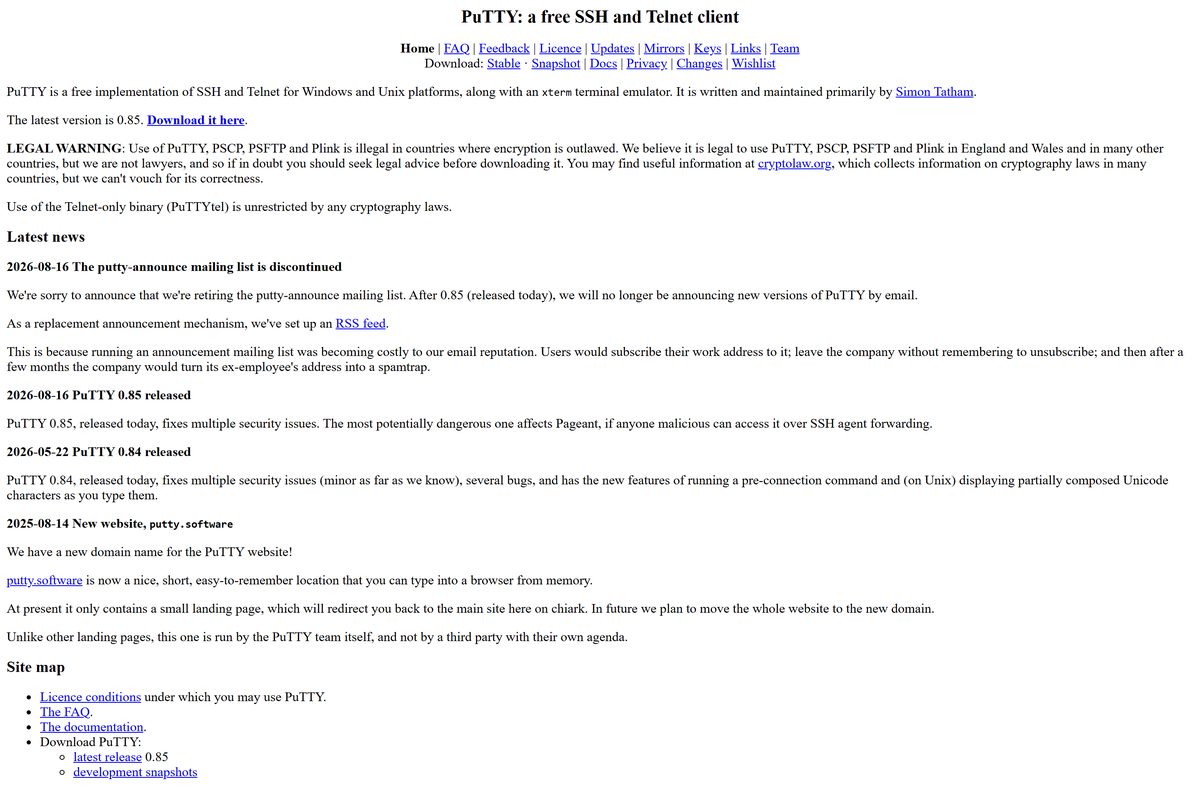
Download PuTTY from the official download link
The real PuTTY website lives at chiark.greenend.org.uk, and the team also owns putty.software. The download buttons on the release page point to files on the.earth.li, a separate server the team uses for bandwidth reasons.
Bookmark the latest release page rather than a version-specific link. It always points to the newest stable build.
- PuTTY latest release page — MSI installers, standalone executables, putty.zip and checksums
- PuTTY in the Microsoft Store — Free listing published by Simon Tatham
- PuTTY home page — Documentation, FAQ and change log
How to install PuTTY on Windows 11 and 10
- Open the PuTTY latest release page.
- Under Package files, click the MSI that matches your processor. Most PCs need the 64-bit x86 file.
- Open the downloaded MSI from your Downloads folder.
- Click Next on the welcome screen and keep the default install folder unless you need another one.
- Review the optional features on the next screen, change any you do not want, then click Install.
- Approve the User Account Control prompt with Yes.
- Click Finish, then open PuTTY from the Start menu.
- Type the server name or IP address in Host Name (or IP address), leave Connection type on SSH, and click Open.
The first time you connect to a server, PuTTY shows its host key and asks you to confirm it. Check the fingerprint with the server’s administrator before you accept it.
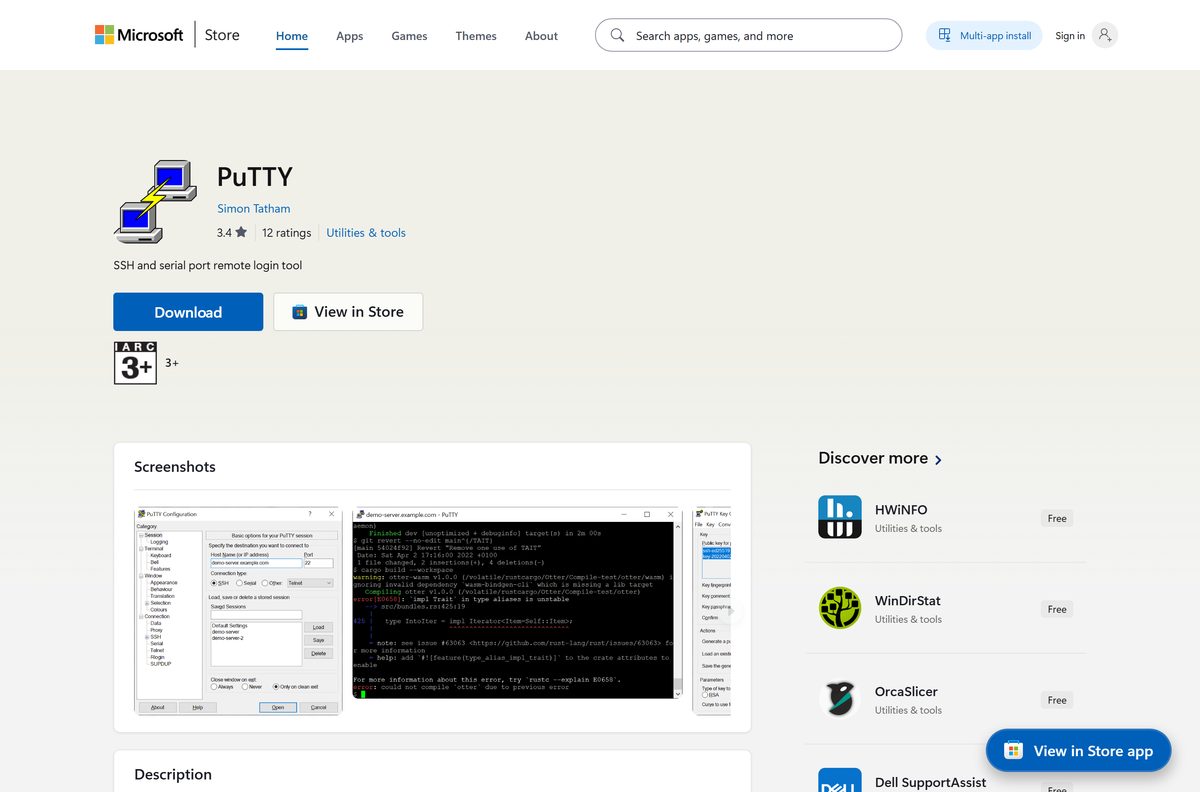
Install PuTTY from the Microsoft Store or with winget
The Microsoft Store copy is the same free release, published by the PuTTY team and usually updated within a few days of each new version. Other PuTTY-like listings on the Store, some of them paid, come from other people.
- Open the PuTTY Store listing and confirm the publisher reads Simon Tatham and the price reads Free.
- Click Get or Install and let the Microsoft Store app finish.
- Or open Terminal and run winget install –id XPFNZKSKLBP7RJ –source msstore to install the same listing from the command line.
- Open PuTTY from the Start menu once the install completes.
Download the PuTTY MSI package for deployment
Every PuTTY installer is a standard Windows Installer package, so it works with msiexec, Intune, Configuration Manager or Group Policy software installation.
| Architecture | MSI file | Where to get it |
|---|---|---|
| 64-bit x86 | putty-64bit-0.85-installer.msi | Latest release page |
| 64-bit Arm | putty-arm64-0.85-installer.msi | Latest release page |
| 32-bit x86 | putty-0.85-installer.msi | Latest release page |
| 32-bit Arm | putty-arm32-0.85-installer.msi | Latest release page |
Run this from an elevated prompt for a silent install with a log file: msiexec /i putty-64bit-0.85-installer.msi /qn /l*v putty-install.log .
The MSI packages carry every PuTTY tool except PuTTYtel and pterm. Push those two as standalone executables if your users need them.
How to verify the PuTTY installer
Fake PuTTY copies circulate on lookalike sites. Two checks confirm the file came from the PuTTY team: the Windows signature and the published SHA-256 checksum.
- Right-click the downloaded MSI, choose Properties, and open the Digital Signatures tab.
- Confirm the signer name reads Simon Tatham. PuTTY installers and executables have carried this Authenticode signature since release 0.67.
- Open the SHA-256: sha256sums link under Checksum files on the latest release page.
- Open Terminal in your Downloads folder and run Get-FileHash .\putty-64bit-0.85-installer.msi -Algorithm SHA256 .
- Compare the hash with the line for your file in sha256sums. Any difference means the file is not genuine, so delete it.
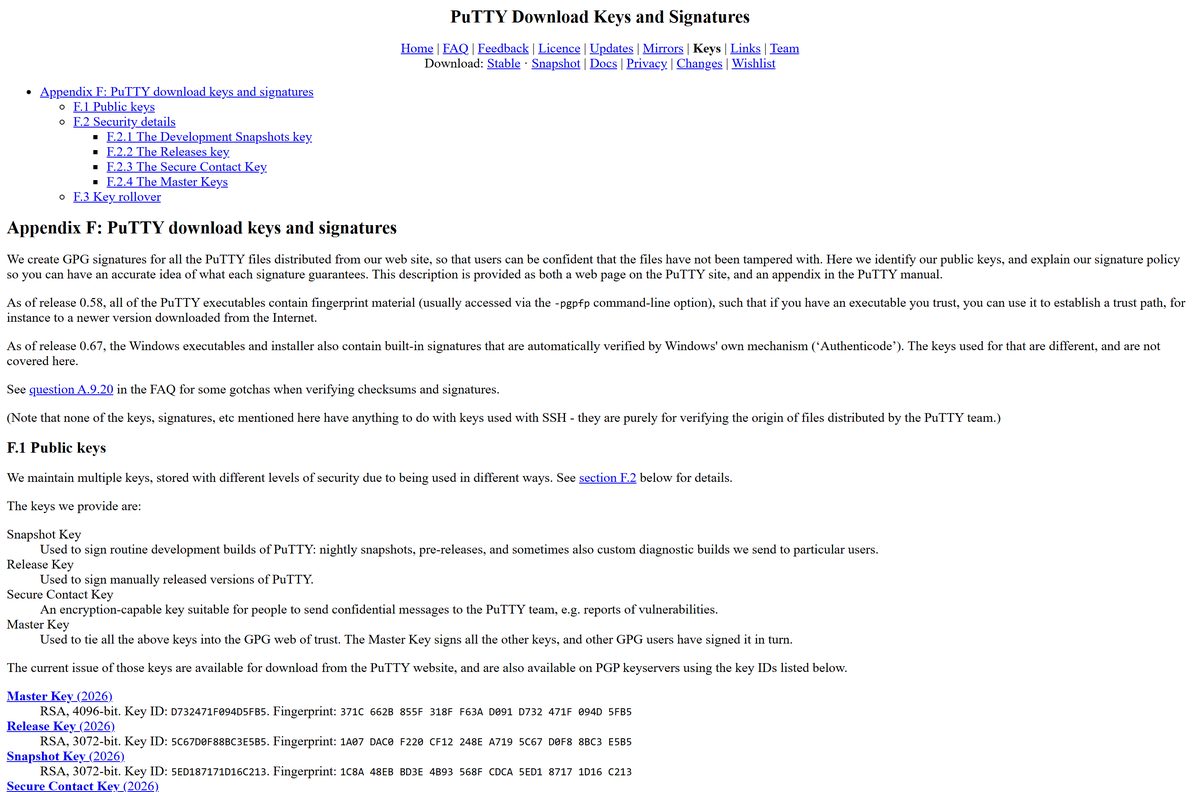
For a stronger check, verify the GPG signature file next to each download against the 2026 Release Key listed on the PuTTY keys page, fingerprint 1A07 DAC0 F220 CF12 248E A719 5C67 D0F8 8BC3 E5B5 .
Run PuTTY without installing it
PuTTY runs as a single executable, so you can skip the installer on a locked-down PC or carry it on a USB stick. Saved sessions still go to the registry of whichever PC you run it on.
- On the latest release page, scroll to Alternative binary files.
- Under putty.exe, click the build for your processor. Most PCs need 64-bit x86.
- For the whole toolkit, download putty.zip instead and extract it to a folder of your choice.
- Double-click putty.exe to start it. No setup or administrator rights are needed.
On a shared PC, run putty -cleanup before you leave. It deletes your saved sessions, host keys and random seed file for the current user.
Which PuTTY download do you need for your Mac?
Mac users get SSH through the Terminal app that ships with macOS. It connects to the same servers PuTTY does, with no download.
| You want to | Use | How |
|---|---|---|
| Open an SSH session from a Mac | Terminal, Shell > New Remote Connection | Pick Secure Shell (ssh), add the server, click Connect |
| Open Terminal for the first time | Open Terminal on Mac | Spotlight, or /Applications/Utilities |
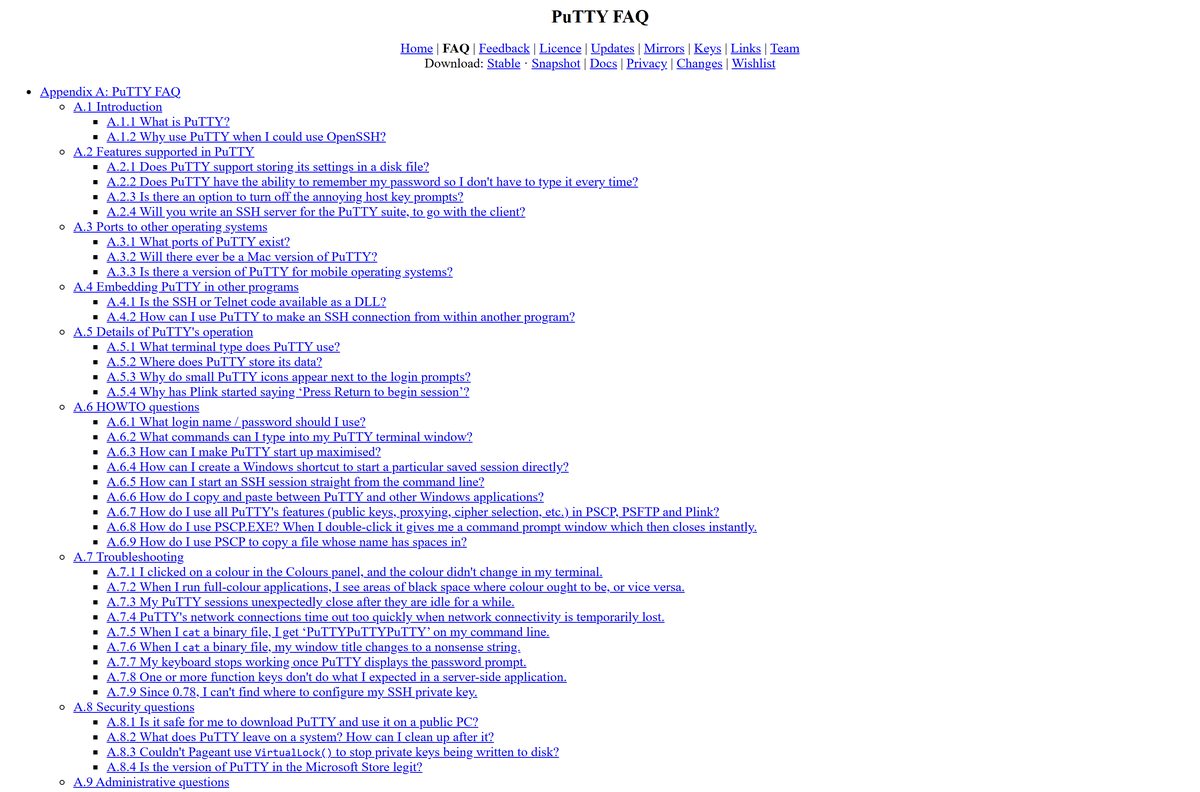
| Run the PuTTY program itself on macOS | PuTTY FAQ on Mac ports | No release-quality Mac build exists |
The PuTTY team tried a native Cocoa port around 2005 and a Quartz GTK 3 port in 2015, and finished neither. Any “PuTTY for Mac” installer on a download portal is not from the PuTTY team.
Is PuTTY free for personal and commercial use?
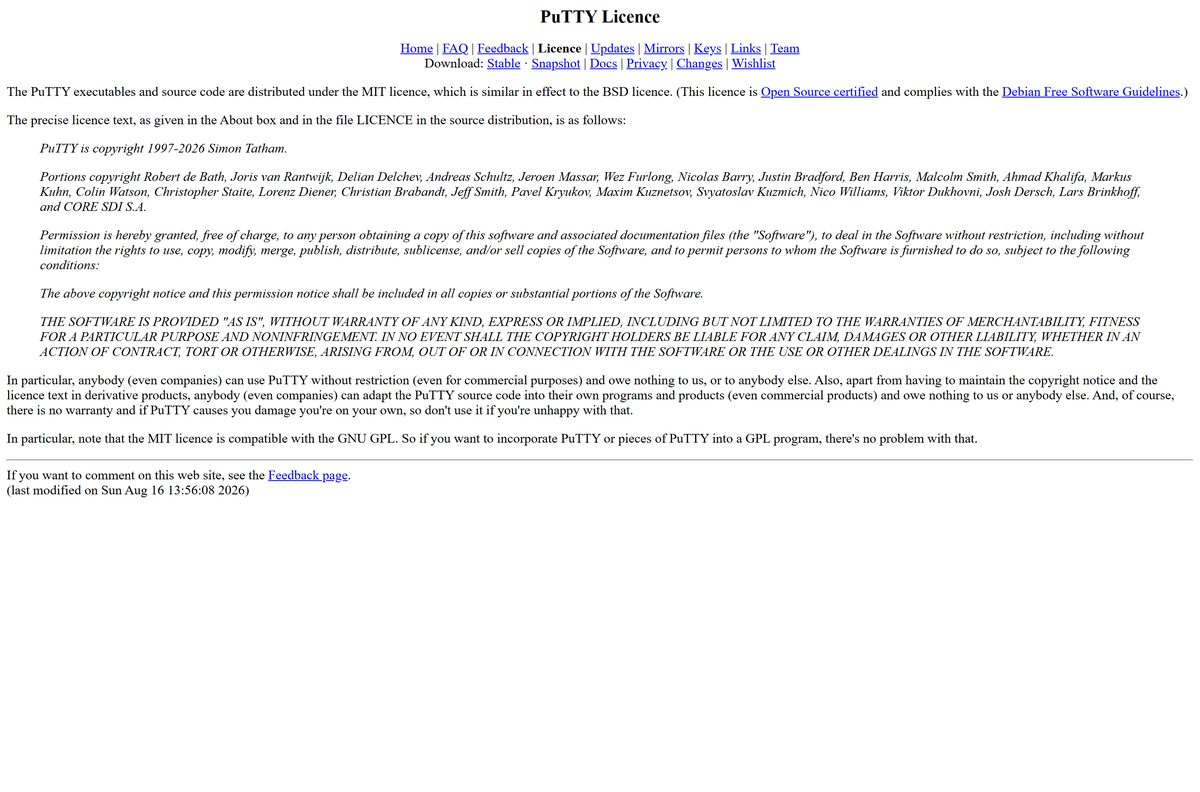
PuTTY is released under the MIT licence. The licence page states that anybody, even companies, can use it without restriction, even for commercial purposes, and owes nothing to anyone.
Never pay for PuTTY. The official download and the official Microsoft Store listing are both free. Paid “PuTTY” listings on the Store were uploaded by other people, and putty.org is not owned by the PuTTY team. Read the full terms on the PuTTY licence page.
How to check your PuTTY version and update it
Release 0.85 fixes a remotely triggerable use-after-free in Pageant and two buffer overflows, so an old copy is worth replacing now.
- Open PuTTY and click About in the bottom-left corner of the PuTTY Configuration window.
- Read the release number on the first line of the About box.
- Compare it with the version at the top of the latest release page.
- If yours is older, download the current MSI for your processor and run it.
- For the Store copy, open Microsoft Store > Library and click Get updates.
The PuTTY change log lists every fix by release.
What are the PuTTY system requirements?
| Item | Detail |
|---|---|
| Developer | Simon Tatham and the PuTTY team |
| Latest version | 0.85, released 2026-08-16 |
| Operating system | Windows 11 and Windows 10; the builds target every Windows version still in security support |
| Processor | 64-bit x86, 64-bit Arm, 32-bit x86 or 32-bit Arm |
| Installer type | MSI (Windows Installer), plus standalone executables and putty.zip |
| Licence | MIT, free for personal and commercial use |
| Mac and mobile | No official build for macOS, Android or iOS |
| Official site | chiark.greenend.org.uk/~sgtatham/putty |
| Last verified | 2026-09-19 |
Fix PuTTY not installing on Windows 11 or 10
The installer refuses to run on an Arm laptop
An x86 MSI was downloaded for a Snapdragon or other Arm PC.
- Open Settings > System > About and check System type.
- If it names an ARM-based processor, download putty-arm64-0.85-installer.msi from the latest release page and run that instead.
Windows warns about an unknown publisher
The file did not come from the PuTTY team, or it was damaged in transit.
- Open the MSI’s Properties > Digital Signatures tab.
- If there is no tab, or the signer is not Simon Tatham, delete the file.
- Download it again from the latest release page and compare its SHA-256 hash.
Setup stops because an older PuTTY is installed
A previous install left a conflicting entry behind.
- Open Settings > Apps > Installed apps, find PuTTY, and choose Uninstall.
- Restart the PC, then run the new MSI again.
The installer is blocked on a work PC
Your account has no administrator rights, and the MSI needs them.
- Ask IT to deploy the MSI for you.
- In the meantime, run the standalone putty.exe, which needs no installation.
How to uninstall PuTTY completely
The PuTTY uninstaller leaves your saved sessions and host keys in the registry under HKEY_CURRENT_USER\Software\SimonTatham\PuTTY . Clear them first if you want nothing left behind.
- Open Terminal in the folder that holds putty.exe, run .\putty.exe -cleanup , and confirm the prompt to delete saved sessions, host keys and the random seed file.
- Open Settings > Apps > Installed apps on Windows 11, or Settings > Apps > Apps & features on Windows 10.
- Find PuTTY, click the three-dot menu or the entry itself, and choose Uninstall.
- Confirm with Uninstall again and approve the User Account Control prompt.
The cleanup only clears settings for the account you are signed in with. Repeat it under each user who ran PuTTY.
Should you use PuTTY or a built-in SSH client?
| Tool | Platform | Best for |
|---|---|---|
| PuTTY | Windows | Saved sessions, a GUI settings dialog, serial connections and Telnet |
| OpenSSH for Windows | Windows 10 build 1809 and later, Windows 11 | Command-line ssh, sftp and ssh-keygen as an optional Windows feature |
| Terminal on Mac | macOS | ssh, sftp and telnet connections from a Mac |
Pick PuTTY when you manage many servers and want every profile saved behind a click. Pick OpenSSH when you script connections or already live in the command line.
Frequently asked questions
Is PuTTY free?
Yes. PuTTY is free and open source under the MIT licence. Anybody, including companies, can use it for commercial purposes without paying, and the official Microsoft Store listing is free as well.
Where is the official PuTTY download?
The official download is the latest release page at chiark.greenend.org.uk/~sgtatham/putty/latest.html. Its download links point to the.earth.li, a separate server the PuTTY team uses for release files.
Is putty.org the official PuTTY website?
No. The PuTTY team says it does not own putty.org and has never run it. The real site is at chiark.greenend.org.uk, and the team also owns putty.software.
Which PuTTY version should I download for Windows 11?
Download the 64-bit x86 MSI for an Intel or AMD PC. Choose the 64-bit Arm MSI for a Snapdragon laptop. The 32-bit builds exist only for very old PCs and versions of Windows.
Is there a PuTTY for Mac?
No. The PuTTY team has no release-quality macOS build and does not expect to finish one. Use the Terminal app on your Mac and choose Shell > New Remote Connection to open an SSH session.
Can I use PuTTY without installing it?
Yes. Download the standalone putty.exe or putty.zip from the Alternative binary files section of the latest release page and run it directly. It needs no setup or administrator rights.
Is the PuTTY app in the Microsoft Store legit?
The free PuTTY listing published by Simon Tatham is maintained by the PuTTY team and usually updates within a few days of each release. Other lookalike or paid listings come from other people.
How do I uninstall PuTTY completely?
Run putty -cleanup first to delete saved sessions, host keys and the random seed file. Then uninstall PuTTY from Settings > Apps > Installed apps on Windows 11, or Apps & features on Windows 10.
How do I check that my PuTTY download is genuine?
Open the file’s Properties and check that the Digital Signatures tab names Simon Tatham. Then compare its SHA-256 hash with the sha256sums file linked from the latest release page.