The Arch Linux download is a free ISO from archlinux.org that installs Arch on any 64-bit Intel or AMD PC or virtual machine. You write it to a USB drive on Windows 11, Windows 10 or a Mac, boot from it, and build the system from the command line.
Arch Linux is a rolling-release distribution with the pacman package manager. On Windows you can also skip the USB drive and add the official WSL image with one command.
Below: the right download for your setup, checksum and signature checks, USB steps for Windows and Mac, the WSL route, requirements and fixes for boot problems.
Which Arch Linux download do you need?
Match the image to where Arch will run. The ISO is for new installations only; an installed system updates itself.
| You want to | Get this | Link |
|---|---|---|
| Install Arch on a PC or in a virtual machine | The ISO, from a mirror or by BitTorrent | Arch Linux download page |
| Download the ISO over a slow or unstable connection | The torrent, which Arch recommends | Torrent for the current release |
| Boot the installer over a wired network | Arch Linux Netboot | Netboot page |
| Run Arch inside Windows 11 or 10 | The official WSL image | WSL guide on ArchWiki |
| Start from a ready-made virtual machine | Official VM images | Arch VM images on GitLab |
Docker users can start the official image with docker run -it archlinux .
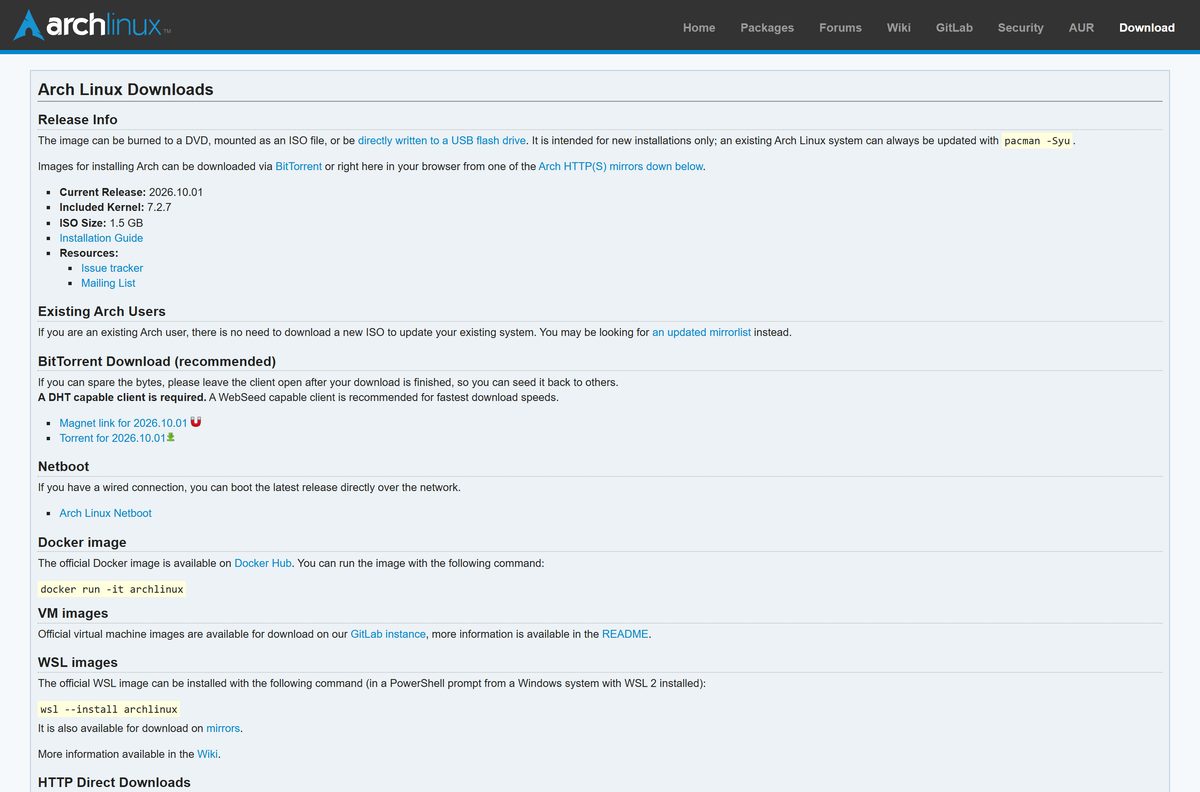
Download the Arch Linux ISO from the official page
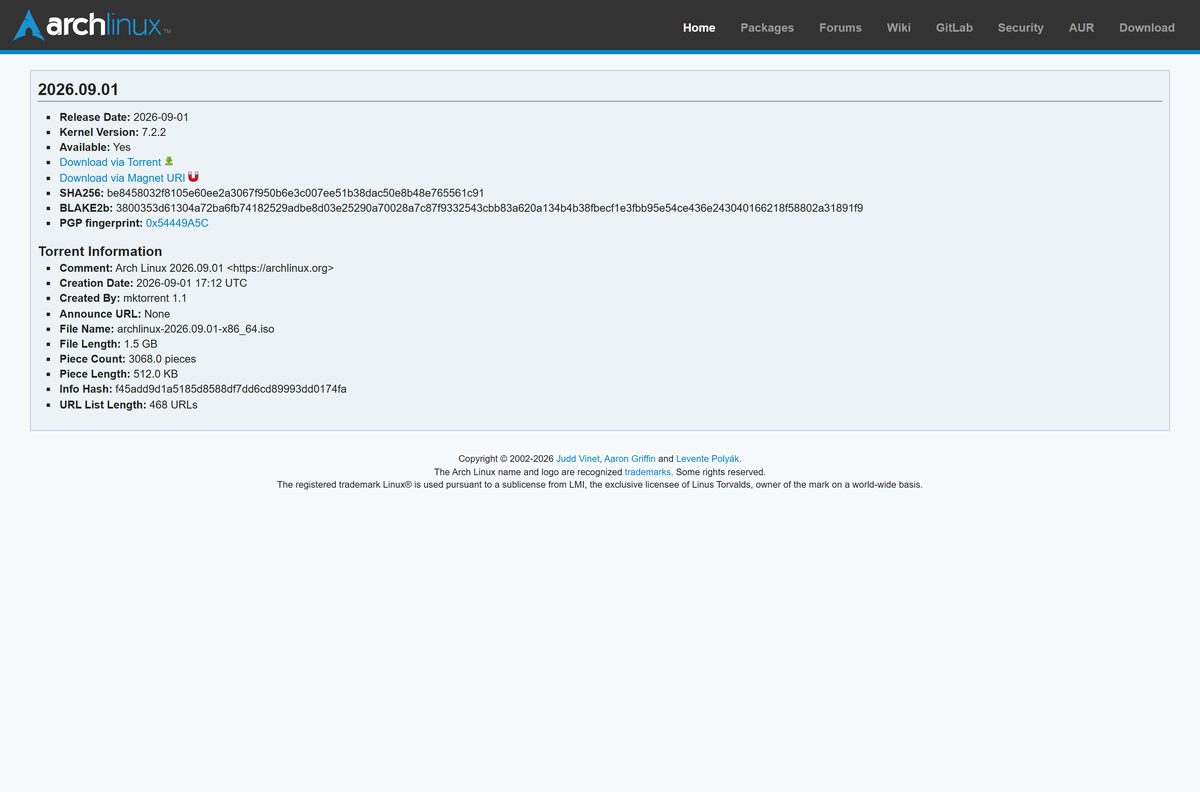
Open the download page and scroll to HTTP Direct Downloads. Pick a mirror in or near your country and click archlinux-2026.09.01-x86_64.iso in that folder. Take the signature from archlinux.org itself, not from the mirror.
- Arch Linux download page (mirrors, torrent, magnet) — Current release 2026.09.01 with kernel 7.2.2
- Release details and torrent information
- ISO PGP signature (.sig)
- sha256sums.txt
- b2sums.txt
Arch asks torrent users to leave the client open afterwards so the file seeds back to others.
How to verify the Arch Linux ISO before you use it
HTTP mirror downloads can be intercepted, so check the file before you write it to a USB drive.
- Save the ISO and its .sig file in the same folder.
- On Windows, open PowerShell in that folder and run Get-FileHash .\archlinux-2026.09.01-x86_64.iso -Algorithm SHA256 .
- Compare the result with the SHA256 value on the download page: be8458032f8105e60ee2a3067f950b6e3c007ee51b38dac50e8b48e765561c91 .
- On Linux, place b2sums.txt next to the ISO and run b2sum -c b2sums.txt .
- Fetch the release signing key with gpg –auto-key-locate clear,wkd -v –locate-external-key [email protected] .
- Run gpg –verify on the .sig file and the ISO, and confirm the fingerprint ends in 54449A5C.
- Delete the file and download it again from another mirror if any check fails.
How to install Arch Linux from a USB drive made on Windows 11 or 10
Writing the USB drive erases everything on it. Back up its files first.
- Open Rufus, select the Arch Linux ISO and your USB drive, then click START.
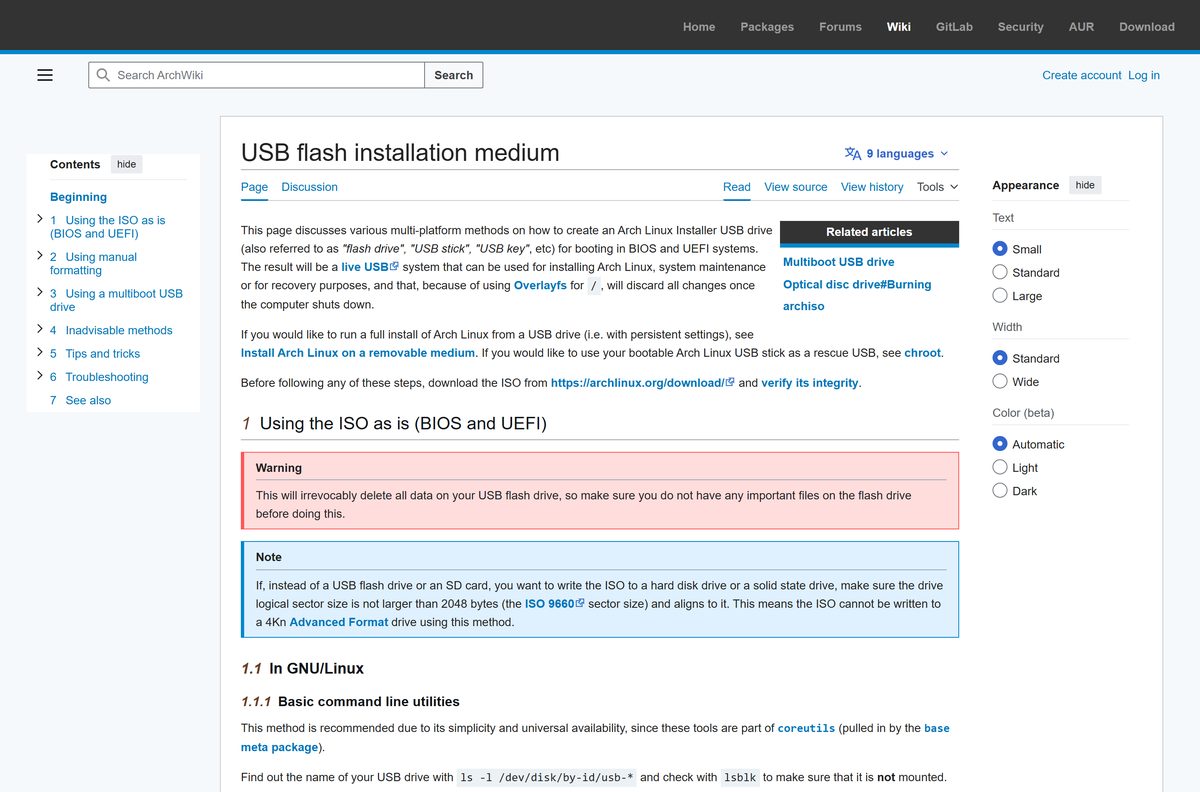
- If the drive later fails to boot, rewrite it: choose GPT under Partition scheme, click START and pick DD Image mode.
- Disable Secure Boot in the target PC’s firmware settings.
- Restart and press the boot-menu key shown on the splash screen, then choose the USB drive.
- Select Arch Linux install medium and press Enter. You land at a root Zsh prompt.
- Connect to the internet: plug in Ethernet, or run iwctl for Wi-Fi, then test with ping ping.archlinux.org .
- Partition, format and mount the disk as the Installation guide describes.
- Install the essential packages, then set the time, locale, hostname, root password ( passwd ) and a boot loader.
- Type reboot , remove the USB drive and log in as root.
USBwriter, win32diskimager and USBImager also write the ISO on Windows.
Install Arch Linux on Windows 11 with WSL
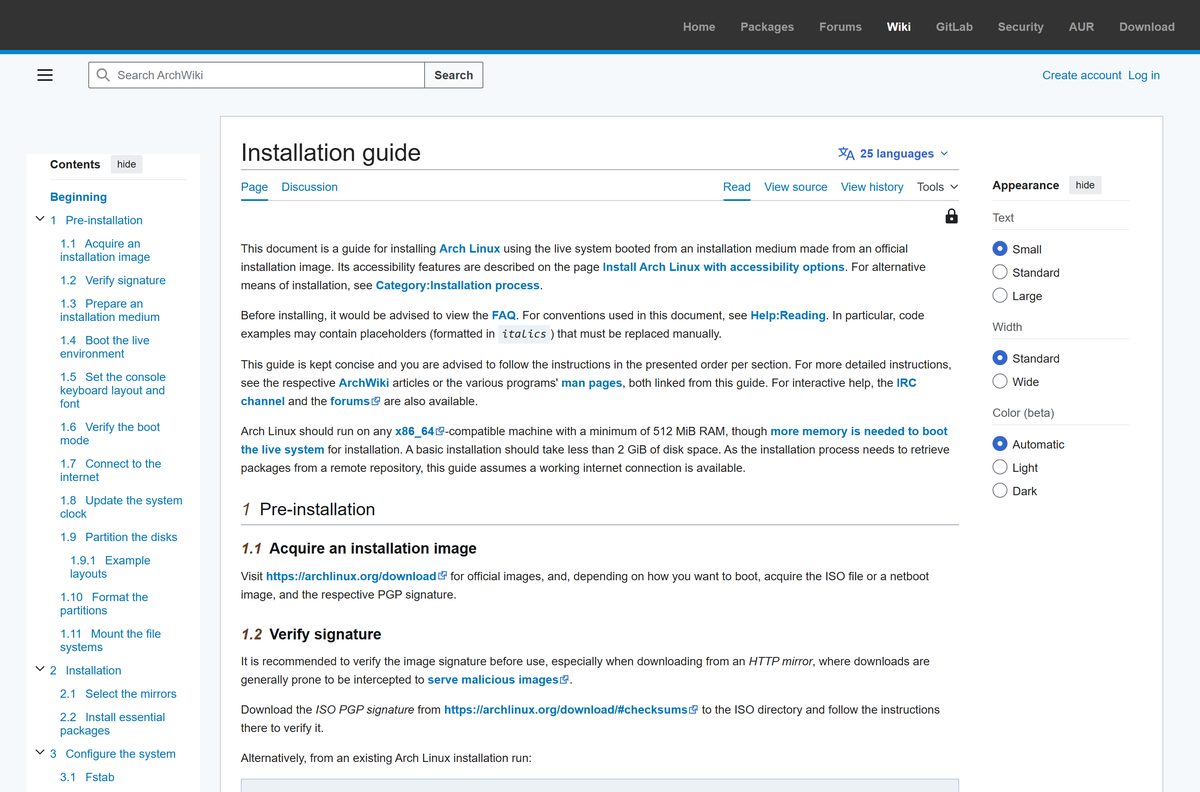
This route needs no USB drive and no repartitioning. WSL 2 is required; WSL 1 is not supported.
- Enable virtualization in the UEFI setup.
- Install Windows Subsystem for Linux from the Microsoft Store.
- Open an elevated PowerShell window and run wsl –update .
- Run wsl –install archlinux .
- Launch archlinux from the Start menu, or run wsl -d archlinux .
- Set a root password with passwd before you close the session.
Arch builds and releases a new WSL image every month.
Which Arch Linux steps do you need on a Mac?
There is no macOS app. A Mac can still prepare the USB installer for another machine.
| Your situation | What to do | Reference |
|---|---|---|
| You want to write the USB installer on a Mac | Run diskutil list, then diskutil unmountDisk /dev/diskX, then sudo dd if=path/to/archlinux-version-x86_64.iso of=/dev/rdiskX bs=4m |
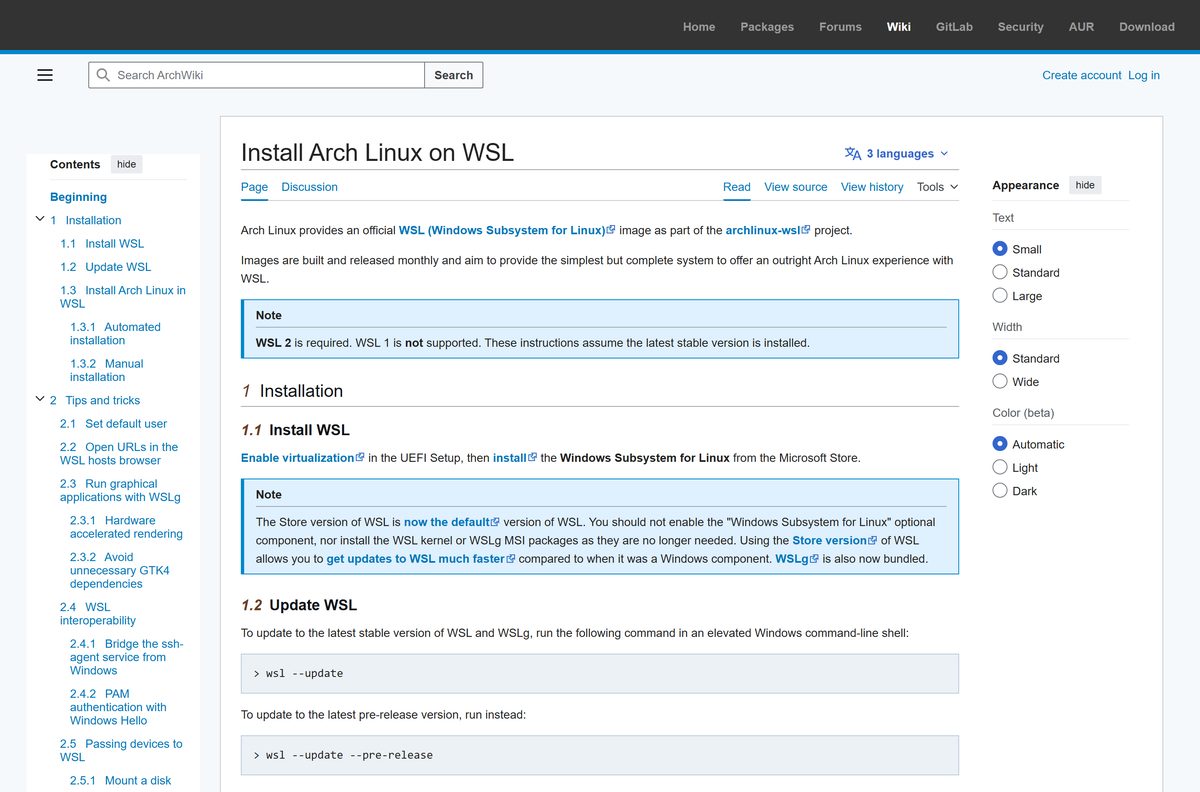
USB flash installation medium |
| macOS says the disk is not readable after writing | Click Ignore; the drive still boots | USB flash installation medium |
| You want to install on the Mac itself | The official ISO targets x86_64 hardware only; Arch does not support ARM processors | Arch Linux download page |
Use the whole device such as /dev/rdisk2 , not a partition like disk2s1 , or the drive boots only in UEFI mode. Press Ctrl+T to see progress while dd runs.
Is Arch Linux free?
Yes. Arch Linux is free to download, install and use. Its developers are unpaid volunteers and the project has no plans to monetize it. There is no paid edition, licence key or subscription. A site that charges for the ISO is not the official source.
How to update Arch Linux after you install it
Existing Arch systems never need a fresh ISO. Arch is a rolling release, so one command brings the whole system up to date.
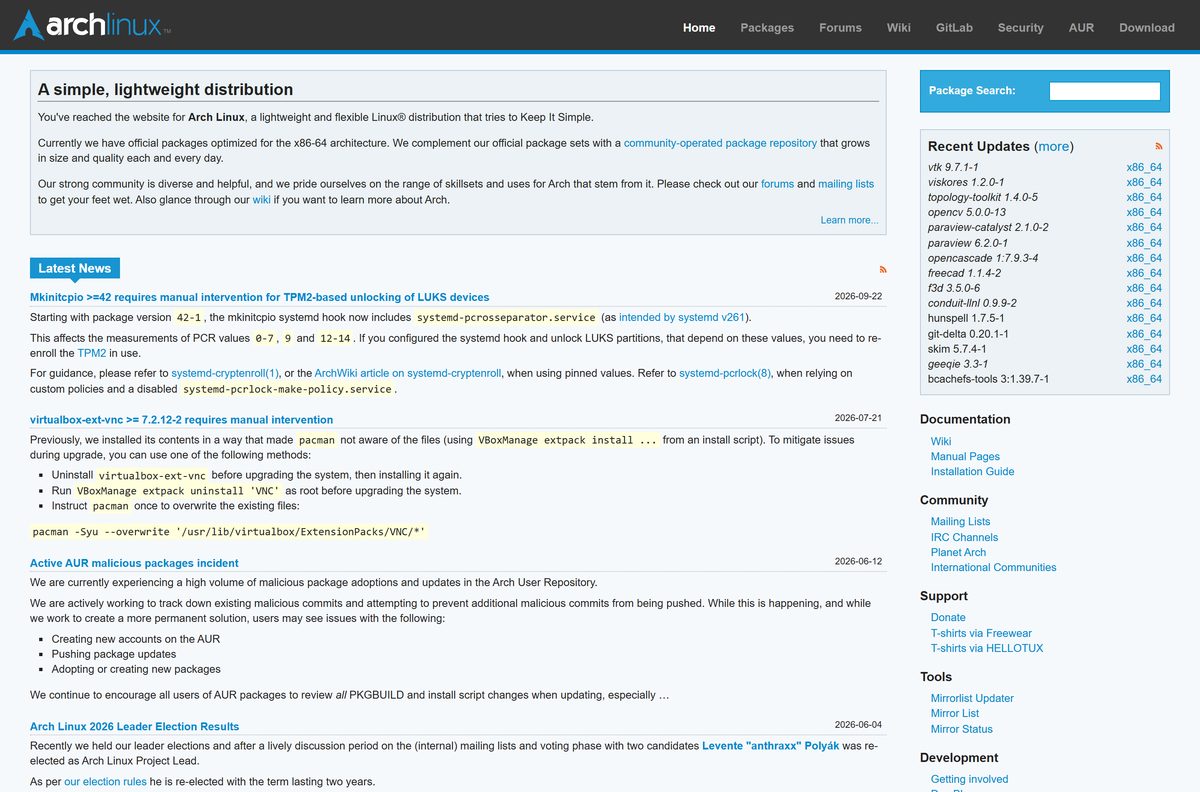
- Read the Latest News on the Arch Linux homepage for updates that need manual intervention.
- Open a terminal on the installed system.
- Run pacman -Syu as root.
- Review the package list and confirm the upgrade.
Check the Arch Linux system requirements before you install
On an existing Linux system, look for the lm flag in /proc/cpuinfo to confirm the processor is x86_64 compatible.
| Item | Detail |
|---|---|
| Software | Arch Linux installation image |
| Developer | Arch Linux project (volunteer developers) |
| Latest version | 2026.09.01 (kernel 7.2.2) |
| License / price | Free |
| Architecture | x86_64 only; no 32-bit or ARM ISO |
| Memory | 512 MiB minimum; more to boot the live installer |
| Disk space | Under 2 GiB for a basic installation |
| Internet | Required during installation |
| Secure Boot | Must be off to boot the installer |
| Offline installer | No |
| Official source | archlinux.org/download |
| Last verified | 2026-09-25 |
Fix the Arch Linux USB not booting or installing
The PC skips the USB drive or shows a Secure Boot error
Arch installation images do not support Secure Boot.
- Open the firmware setup and turn off Secure Boot.
- Save, restart and pick the USB drive from the boot menu.
A Rufus-made drive does not boot
The default ISO Image mode does not suit every machine.
- Set Partition scheme to GPT in Rufus.
- Click START and choose DD Image mode.
The UEFI boot menu hangs or fails to load
The installation medium was not written cleanly.
- Write the USB drive again, one or more times.
- Update the motherboard firmware if it still hangs.
The disk does not appear in fdisk -l
The disk controller is set to RAID mode.
- Open the firmware setup and take the disk controller out of RAID mode.
- Boot the USB drive again and rerun fdisk -l .
Package signature or TLS certificate errors
The live system clock is wrong.
- Connect to the internet so systemd-timesyncd syncs the time.
- Run timedatectl and confirm the clock is synchronized.
How to wipe the Arch Linux USB drive and reuse it
The written drive keeps an ISO 9660 signature that must go before you repartition it.
- Plug the drive into a Linux machine and find it with lsblk .
- Run wipefs –all /dev/disk/by-id/usb-My_flash_drive as root, using your drive’s name.
- Create a new partition table and partition with fdisk .
- Format the new partition, for example with mkfs.fat -F 32 .
Frequently asked questions
Is Arch Linux free to download?
Yes. Arch Linux is free, and the ISO, the WSL image and every official package cost nothing. The developers are unpaid volunteers, and the project states Arch will remain free in all senses of the word. Any site charging for the ISO is not the official source.
What is the official Arch Linux download page?
The official page is archlinux.org/download. It lists the current ISO release, the torrent and magnet links, netboot, Docker, VM and WSL images, the PGP signature and checksum files, and the HTTP mirrors that serve the ISO itself.
Can I install Arch Linux on Windows 11?
Yes, in two ways. Run wsl –install archlinux in PowerShell to add the official WSL image on a PC with WSL 2, or write the ISO to a USB drive and install Arch as its own operating system on the disk.
How much disk space does Arch Linux need?
A basic Arch Linux installation takes less than 2 GiB of disk space. The example partition layouts on the ArchWiki suggest at least 23 to 32 GiB for the root partition, which leaves room for a desktop and applications.
Is the Arch Linux ISO an offline installer?
No. The ISO boots a live environment, but installation downloads packages from the Arch mirrors, so the target machine needs a working internet connection. Ethernet works out of the box, and Wi-Fi connects with the iwctl tool.
Can I install Arch Linux on a Mac?
There is no macOS app. On a Mac you write the ISO to a USB drive with diskutil and dd in Terminal. The official ISO boots x86_64 hardware only, and Arch Linux does not support ARM processors.
Does Arch Linux support 32-bit or ARM64?
No. Arch Linux supports only the x86_64 architecture, also called amd64. Support for 32-bit i686 ended in November 2017. Community derivatives exist for i686 and ARM CPUs, but Arch Linux does not support them.
Is the Arch Linux ISO safe?
The ISO is safe when it matches the official checksum and signature. Mirrors serve the file, so compare its SHA256 or BLAKE2b sum with the values on archlinux.org and verify the PGP signature from key 0x54449A5C before you boot it.
What is the latest version of Arch Linux?
The current installation image is 2026.09.01, released on September 1, 2026, with Linux kernel 7.2.2. Arch is a rolling release, so an installed system stays current with pacman -Syu and never needs a new ISO.
Why won’t the Arch Linux USB boot?
The usual causes are Secure Boot, which the installation image does not support, and a USB drive written in Rufus ISO Image mode. Disable Secure Boot in the firmware, or rewrite the drive in Rufus with GPT and DD Image mode.