You can add Adblock Plus to Chrome, Edge or Firefox on Windows 11 and Windows 10 in under a minute, and to Safari or any of those browsers on a Mac. It installs from the official browser store, adds a toolbar icon and starts blocking ads straight away.
Adblock Plus is free, made by eyeo GmbH, and updates itself through the store it came from.
Below: the right listing for each browser, install steps for Chrome, Edge, Firefox and Safari, how to turn off Acceptable Ads, and fixes for ads that still get through.
Which Adblock Plus download do you need?
Match the browser you use to a row. Each link opens eyeo’s own listing in that browser’s store.
| Your browser | What to install | Size |
|---|---|---|
| Google Chrome on Windows 11, Windows 10, Mac or Linux | Adblock Plus in the Chrome Web Store | 73.78 MiB |
| Microsoft Edge on Windows 11, Windows 10 or Mac | Adblock Plus in Microsoft Edge Add-ons | Not stated by the store |
| Mozilla Firefox, version 128 or later | Adblock Plus in Firefox Add-ons | 3.9 MiB |
| Opera | Adblock Plus in Opera add-ons | Not stated by the store |
| Safari on a Mac with macOS 11.0 or later | Adblock Plus for Safari ABP on the Mac App Store | 19.4 MB |
| Safari on iPhone or iPad with iOS 17.0 or later | Adblock Plus for Safari & Apps on the App Store | 89.2 MB |
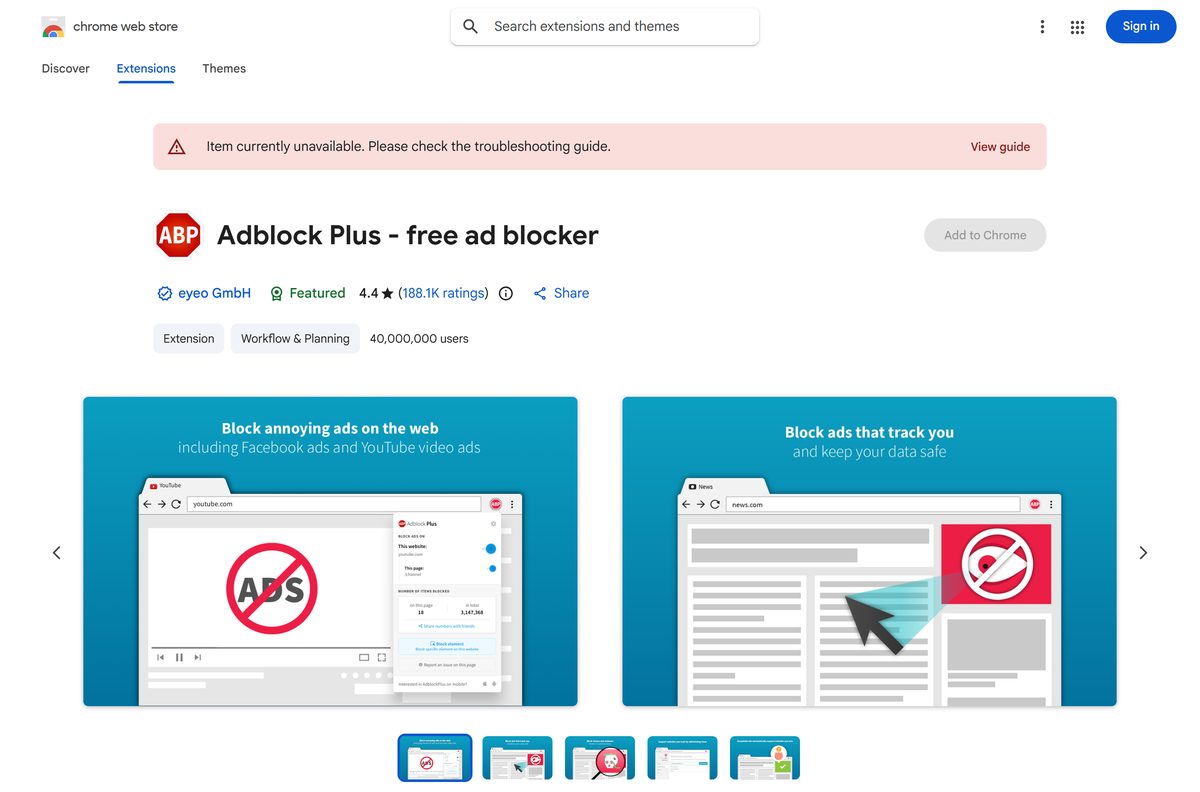
Download Adblock Plus from the official stores
eyeo publishes Adblock Plus only through these listings, all linked from adblockplus.org. Check that the developer reads eyeo GmbH before you click install.
- Adblock Plus download page — eyeo’s own page, which detects your browser and links the right store
- Adblock Plus – free ad blocker for Chrome — 73.78 MiB · version 4.44.1, 40,000,000 users
- Adblock Plus – free ad blocker for Microsoft Edge — version 4.44.1, 11,000,000+ users
- Adblock Plus for Firefox — 3.9 MiB · version 4.43.4, also runs on Firefox for Android
- Adblock Plus for Safari ABP — 19.4 MB · Mac App Store, version 2.2.22
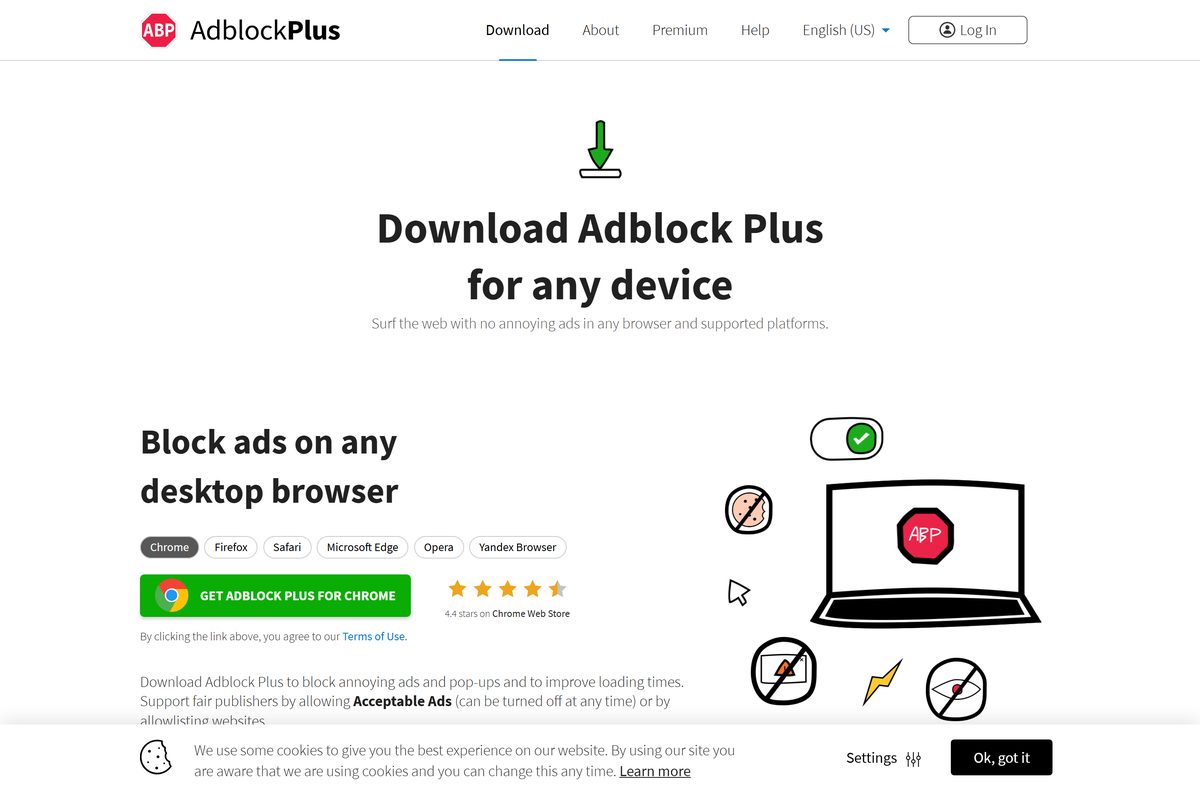
How to install Adblock Plus in Chrome on Windows 11 and 10
Chrome is the most common route on Windows. The same steps work in Chrome on a Mac.
- Open Chrome and go to the Adblock Plus Chrome Web Store listing.
- Confirm the developer shows eyeo GmbH.
- Select Add to Chrome.
- Read the permission prompt, then select Add extension.
- Select the Extensions puzzle icon in the toolbar and pin Adblock Plus.
- Reload any page that was already open so the extension starts blocking on it.
Chrome warns that the extension can read and change data on websites. Every ad blocker needs that access to remove ads from a page.
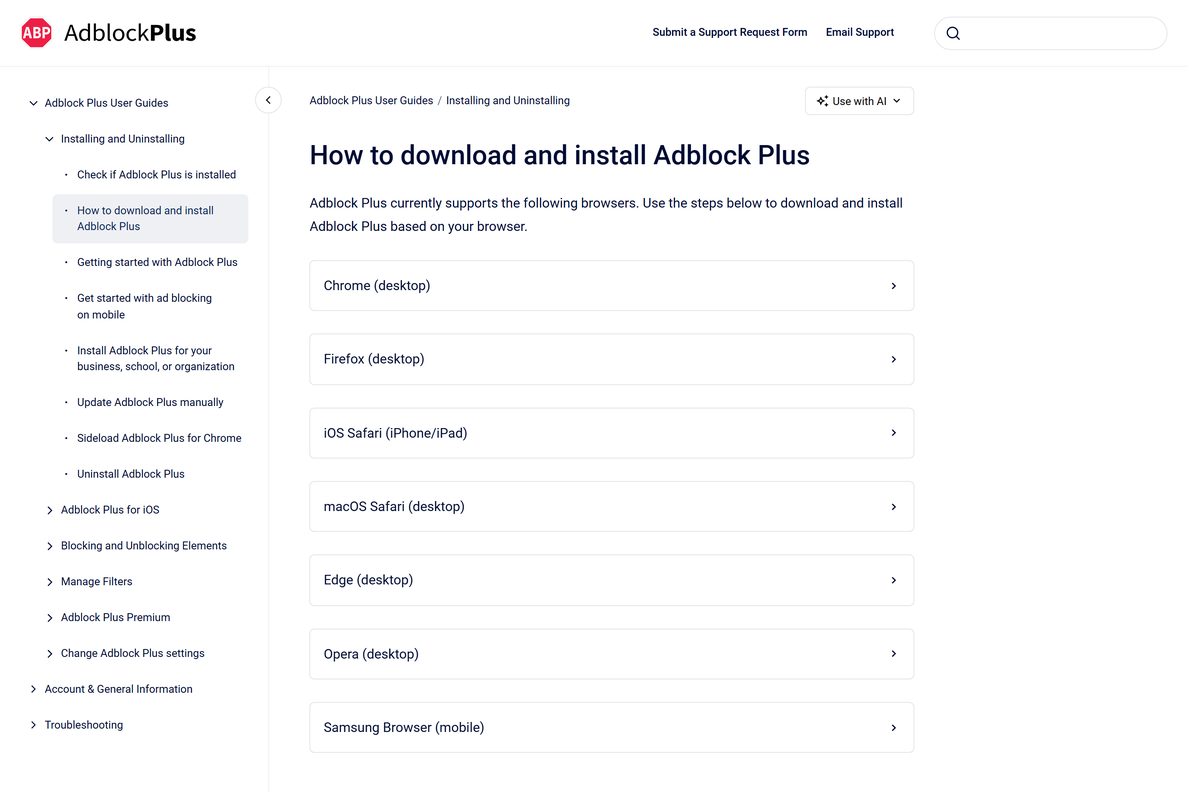
Install Adblock Plus in Microsoft Edge or Firefox
Edge and Firefox each have their own add-on store. Pick the group for your browser.
Microsoft Edge on Windows 11 or 10
Edge installs Adblock Plus from Microsoft Edge Add-ons.
- Open Edge and go to the Adblock Plus Edge Add-ons listing.
- Select Get.
- Select Add extension in the prompt.
- Select the Extensions icon and turn on Show in toolbar for Adblock Plus.
Mozilla Firefox on Windows or Mac
Firefox installs Adblock Plus from addons.mozilla.org and needs version 128 or later.
- Open Firefox and go to the Adblock Plus Firefox Add-ons listing.
- Select Add to Firefox.
- Select Add in the permission prompt.
- Pin the icon from the Extensions menu in the toolbar.
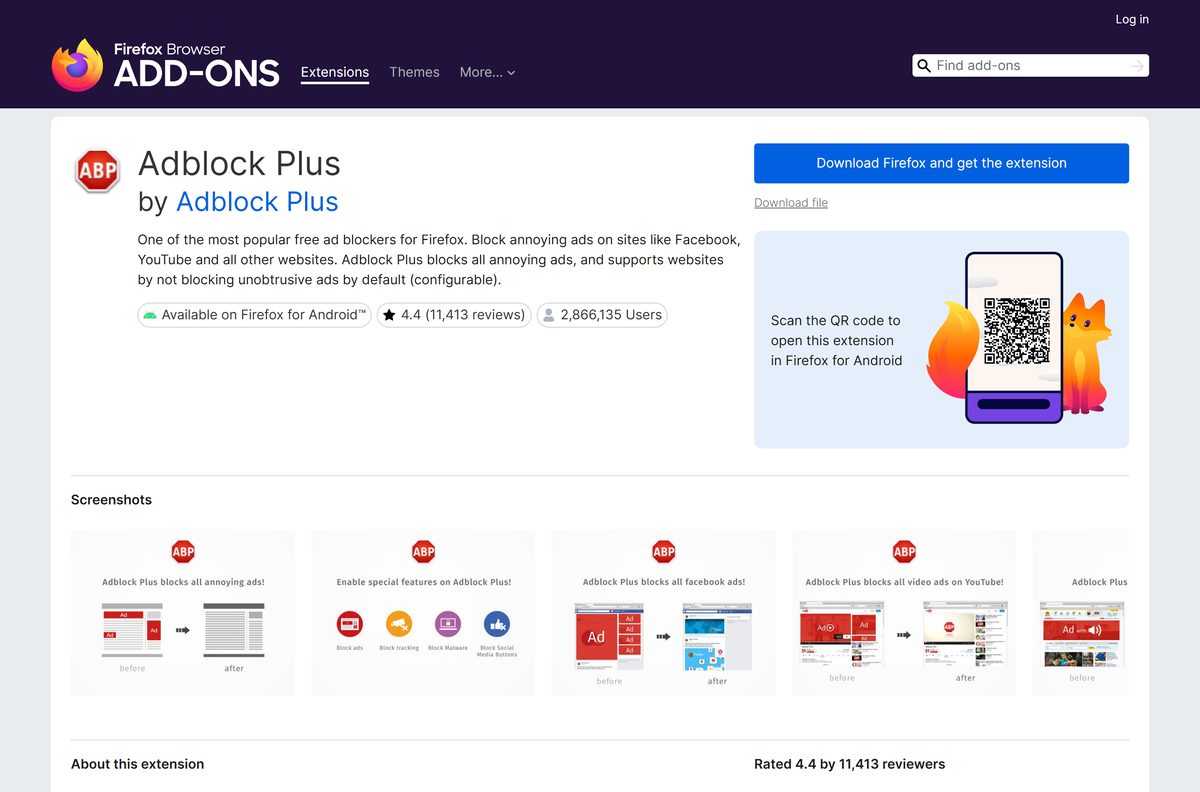
How to deploy Adblock Plus to Chrome and Edge across an organization
There is no MSI. Admins push the store extension with browser group policy, using these IDs. Premium upgrades are not supported in managed deployments.
| Browser | Extension ID | Policy guide |
|---|---|---|
| Google Chrome | cfhdojbkjhnklbpkdaibdccddilifddb | eyeo’s Chrome deployment steps |
| Microsoft Edge | gmgoamodcdcjnbaobigkjelfplakmdhh | eyeo’s organization install guide |
Test the policy on one machine first. eyeo’s guide also shows how to suppress the first-run page and subscribe users to extra filter lists.
Which Adblock Plus download do you need for your Mac?
The Mac version depends on the browser, not the chip. Apple silicon and Intel Macs use the same listings.
| You browse with | Install | Size |
|---|---|---|
| Safari | Adblock Plus for Safari ABP | 19.4 MB, macOS 11.0 or later |
| Chrome | Adblock Plus in the Chrome Web Store | 73.78 MiB |
| Edge | Adblock Plus in Microsoft Edge Add-ons | Not stated by the store |
| Firefox | Adblock Plus in Firefox Add-ons | 3.9 MiB |
For Safari, open the app once after installing it and follow its onboarding. Then confirm its extensions are switched on in Safari’s settings.
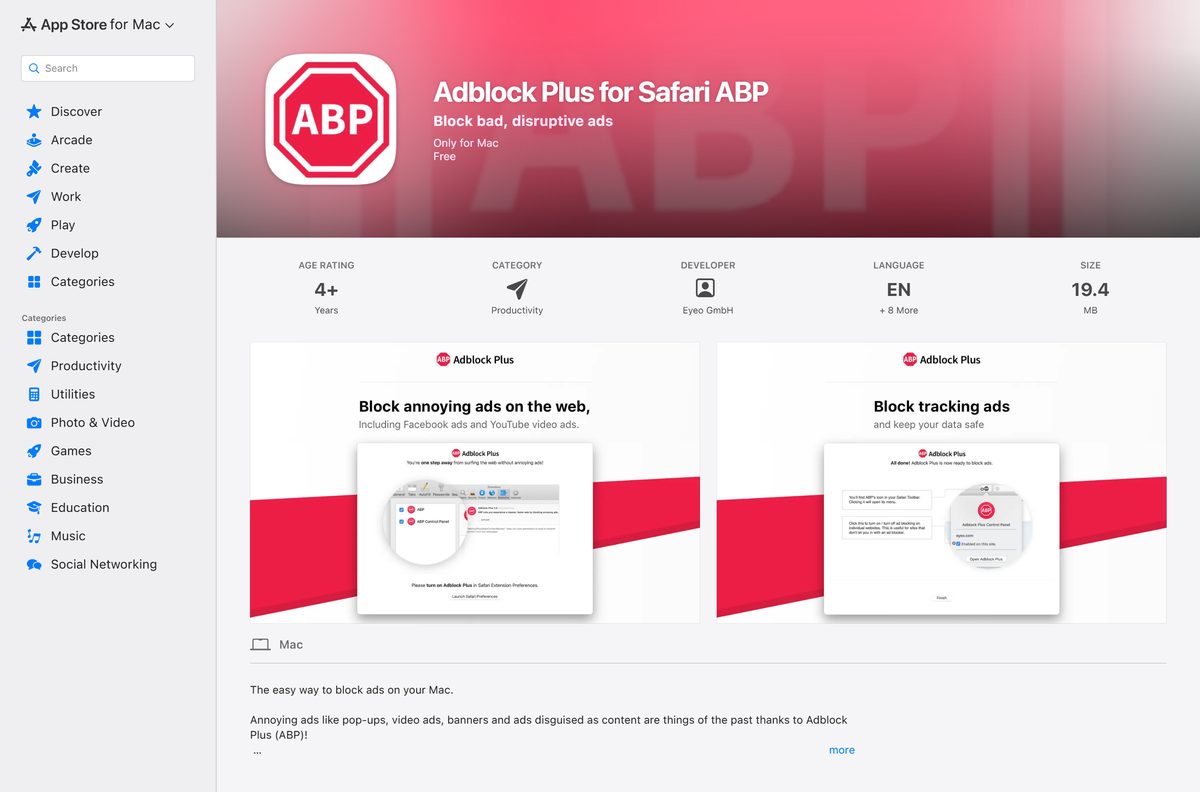
Is Adblock Plus free?
Yes. The Adblock Plus extension is free in every browser, and eyeo states it always will be. Every store listing shows it as free, and the web extension is licensed under GPLv3. Adblock Plus Premium is optional at $4 a month or $40 a year, with a 60-day money-back guarantee. It adds blocking for cookie consent pop-ups, floating videos, newsletter pop-ups and site notifications, not better ad blocking. Acceptable Ads, on by default, lets some nonintrusive ads through, and you can turn it off at any time.
How to check your Adblock Plus version and update it
The stores update Adblock Plus automatically. Force an update when a fix has just shipped.
Chrome, Edge or Opera
The extensions page shows the version and has a manual update button.
- Type chrome://extensions (or edge://extensions) in the address bar and press Enter.
- Find the version number on the Adblock Plus card.
- Turn Developer mode on.
- Select Update.
Firefox
Firefox checks for add-on updates from its add-ons manager.
- Type about:addons in the address bar and press Enter.
- Select the gear icon at the top right.
- Select Check for Updates.
Safari on Mac
The Mac App Store handles updates.
- Open the App Store.
- Select Updates in the left-hand menu.
- Select Update All or Update next to Adblock Plus.
Check the Adblock Plus system requirements
Adblock Plus has no hardware floor of its own. The browser sets it.
| Field | Value |
|---|---|
| Developer | eyeo GmbH |
| Latest version | 4.44.1 (Chrome and Edge), 4.43.4 (Firefox), 2.2.22 (Safari for Mac) |
| Price | Free; Premium $4 a month or $40 a year |
| License | GPLv3 for the web extension |
| Supported OS | Windows 11, Windows 10, macOS and Linux through Chrome, Edge, Firefox and Opera; Safari on macOS 11.0 or later; iOS 17.0 or later |
| Firefox version | 128 or later |
| Architecture | None of its own; runs on any x64 or ARM64 browser build |
| File size | 73.78 MiB (Chrome), 3.9 MiB (Firefox), 19.4 MB (Safari for Mac) |
| Offline installer | None |
| Last verified | 2026-09-25 |
How to check you installed the real Adblock Plus
Copycat extensions reuse the name. The extension ID and developer name tell the real one apart.
- Open chrome://extensions or edge://extensions.
- Turn Developer mode on so each card shows its ID.
- Confirm the Adblock Plus ID is cfhdojbkjhnklbpkdaibdccddilifddb in Chrome or gmgoamodcdcjnbaobigkjelfplakmdhh in Edge.
- Open the store listing and confirm the developer reads eyeo GmbH.
- Remove any second ad blocker with a similar name that you did not install on purpose.
Fix Adblock Plus not blocking ads or not installing
Ads still show on most sites
Acceptable Ads is on, or the filter lists are out of date.
- Select the Adblock Plus toolbar icon, then the gear icon.
- On the General tab, clear Allow Acceptable Ads.
- Open the Advanced tab and select Update all filter lists.
- If EasyList is missing, select Add built-in filter lists and add it.
- Reload the page that showed ads.
Ads still play on YouTube
YouTube is on your allowlist, your account changes what is served, or another extension interferes.
- Confirm YouTube is not on the Adblock Plus allowlist.
- Sign out of YouTube and test the video again.
- Disable every extension except Adblock Plus and reload the page.
- Turn the other extensions back on one at a time to find the conflict.
- Follow eyeo’s YouTube guide if ads remain.
The Add to Chrome button does nothing or is greyed out
The browser is out of date or managed by an organization policy.
- Update Chrome from Settings > About Chrome.
- Check chrome://management to see if your organization blocks extensions.
- Leave Incognito or Guest mode and try again from a normal window.
How to uninstall Adblock Plus
Removing the extension deletes its settings and custom filters from that browser.
Chrome, Edge or Opera
Remove it from the toolbar icon.
- Right-click the Adblock Plus icon in the toolbar.
- Select Remove from Chrome, Remove from Microsoft Edge or Remove from Opera.
- Select Remove to confirm.
Firefox
Remove it from the toolbar icon or about:addons.
- Right-click the Adblock Plus icon.
- Select Remove Extension.
- Select Remove to confirm.
Safari on Mac
The Safari version is a Mac app.
- Quit Adblock Plus with Adblock Plus > Quit, then quit Safari.
- Open Finder > Applications.
- Right-click Adblock Plus and select Move to Trash.
Which ad blocking option to use instead of Adblock Plus
Adblock Plus suits most people who want ads gone with one click. Pick another route when you need less or more.
| Option | Publisher | Cost | Best for |
|---|---|---|---|
| Adblock Plus | eyeo GmbH | Free | Blocking ads in Chrome, Edge, Firefox, Opera and Safari |
| Adblock Plus Premium | eyeo GmbH | $4 a month or $40 a year | Also hiding cookie pop-ups, floating videos and newsletter prompts |
| Adblock Browser | eyeo GmbH | Free | Android phones where a built-in blocking browser is simpler |
| Edge tracking prevention | Microsoft | Built into Edge | Cutting trackers with no extension, though it does not remove ads |
Frequently asked questions
Is Adblock Plus free?
Yes. Adblock Plus is free in Chrome, Edge, Firefox, Opera and Safari, and eyeo states it will stay free. Premium is an optional $4 a month or $40 a year upgrade that blocks cookie pop-ups, floating videos and other distractions.
Where is the official Adblock Plus download page?
The official page is adblockplus.org/en/download. It links to the Chrome Web Store, Microsoft Edge Add-ons, Firefox Add-ons, Opera add-ons and the App Store, which are the only places the real extension comes from.
Does Adblock Plus work on Windows 11?
Yes. Adblock Plus runs inside Chrome, Edge, Firefox and Opera, and all four run on Windows 11 and Windows 10. The extension adds a toolbar icon and blocks ads from the first page you load.
What is the Adblock Plus download size?
The Chrome Web Store lists the extension at 73.78 MiB and the Firefox add-on file is 3.9 MiB. The Safari app for Mac is 19.4 MB, and the iPhone and iPad app is 89.2 MB.
Is there an Adblock Plus offline installer or .exe?
No. eyeo ships Adblock Plus only through browser stores and the App Store, with no Windows .exe. A site offering an Adblock Plus setup file is not eyeo, so install from the official store listing instead.
Is there Adblock Plus for Mac?
Yes. Adblock Plus for Safari ABP is free on the Mac App Store and needs macOS 11.0 or later. Chrome, Edge, Firefox and Opera on a Mac use the same extension as on Windows.
Does Adblock Plus have a 64-bit or ARM64 version?
The extension has no architecture of its own. It runs on whatever build of Chrome, Edge, Firefox or Opera you have, including 64-bit and ARM64 builds on Windows 11.
Is Adblock Plus safe?
Yes, when it comes from an official store listing that names eyeo GmbH as the developer. The Chrome listing states the developer does not collect or use your data, and the permission warning at install is standard for ad blockers.
What is the latest version of Adblock Plus?
Version 4.44.1 is current in the Chrome Web Store and Microsoft Edge Add-ons, updated on 22 September 2026. Firefox Add-ons lists 4.43.4, and the Safari app for Mac is 2.2.22.
Why do I still see ads with Adblock Plus?
Acceptable Ads is on by default, so some nonintrusive ads still show. Open the Adblock Plus settings, clear Allow Acceptable Ads, update all filter lists, and reload the page.
Why does Adblock Plus not block YouTube ads?
YouTube changes how it serves ads, and a site on your allowlist or another extension can interfere. Check YouTube is not allowlisted, sign out of YouTube to test, and disable other extensions one at a time.
How do I uninstall Adblock Plus?
Right-click the Adblock Plus toolbar icon and select Remove from Chrome, Remove from Microsoft Edge or Remove Extension in Firefox, then confirm with Remove. On a Mac, quit the Safari app and move it to the Trash.