You can get the Microsoft Support and Recovery Assistant free for Windows 11 and Windows 10 in two forms. Microsoft now ships its fixes as troubleshooters inside the Get Help app, and publishes a separate 2.5 MB command line build for admins who repair many PCs at once.
This guide gives you both official Microsoft links, the extract-and-run steps, the exact command for every scenario, the position on a Mac, fixes for each result code and a clean removal.
Which Microsoft Support and Recovery Assistant download do you need?
Match your row, then take the link. Every file comes from Microsoft.
| Your situation | Download | Size |
|---|---|---|
| One PC, you want a guided fix | Get Help troubleshooters | Built into Windows |
| Many PCs, or a machine you fix remotely | GetHelpCmd_146630116.zip | 2.5 MB |
| You script one scenario with no prompts | ExecuteSaraCmd.zip sample script | 4.8 KB |
| You want the script to ask which scenario to run | ExecuteSaraCmdInteractive.zip | 5.9 KB |
| You need two scenarios back to back | SaraCmd-ExecuteCombinations.zip | 5.1 KB |
| You collect an Outlook diagnostic report | OutlookAdvancedDiagnostics script | 5.2 KB |
| You are on a Mac | No macOS build; read the Windows options | Not available |
Download Microsoft Support and Recovery Assistant from official Microsoft links
Microsoft serves the troubleshooters through the Get Help app and the command line build as a standalone .zip file.
- Get Help troubleshooters — Windows, Microsoft 365, classic Outlook, classic Teams and Copilot
- Command line version of Get Help on Microsoft Learn — download button, switch reference and result codes
- GetHelpCmd_146630116.zip direct file — 2.5 MB
- Get Help in the Microsoft Store — free, product ID 9PKDZBMV1H3T, x86, x64 and ARM64
- Office Uninstall scenario reference — switches, sample commands and every result code
Ignore portal copies of SaRAcmd.exe. Each build stops working 90 days after the Created date on the file.
How to run the command line build on Windows 11 and 10
Nothing installs. You extract the .zip and run one executable from that folder.
- Open the command line version of Get Help page and select the download button.
- Save GetHelpCmd_146630116.zip, then extract it to a folder the affected PC can reach, such as C:\GetHelp .
- On that PC, select Start, type cmd , then press Enter.
- For Office Uninstall, Office Activation or Reset Office Activation, right-click Command Prompt and select Run as administrator instead.
- Change to the extracted folder: cd C:\GetHelp .
- Run the scenario, for example GetHelpCmd.exe -S OfficeScrubScenario -AcceptEula .
- Read the numbered result in the console, then restart the PC if the scenario asks for it.
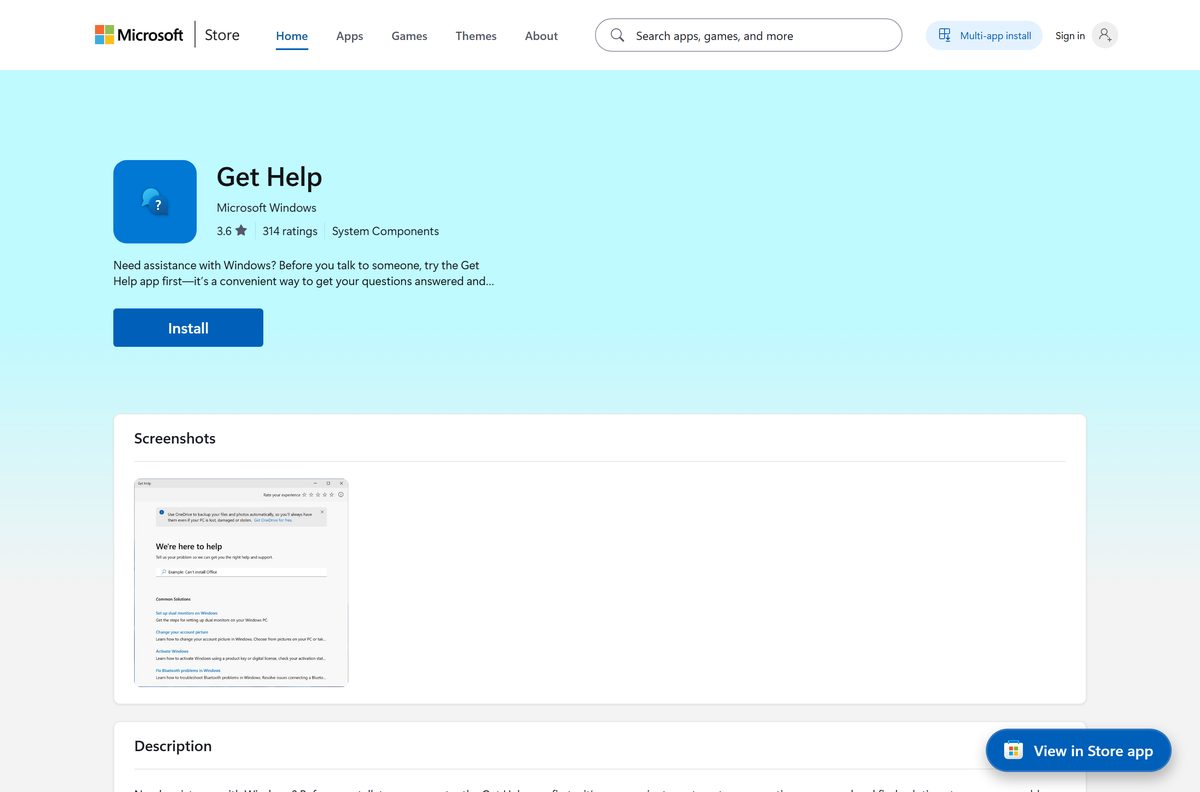
How to open or reinstall Get Help on Windows 11
Get Help ships with Windows 11 and Windows 10. Reinstall it from the Store if it is broken.
- Open the Get Help listing in the Microsoft Store.
- Select Get, or Install if the Store app opens first.
- Select Open, or type Get Help at the Start menu.
- Describe the problem in your own words, such as uninstall Office.
- Select Start on the troubleshooter that appears, then follow its prompts.
Run the Assistant from a USB stick or file share
The command line build is self-contained, so a copied folder works on any supported PC.
- Extract GetHelpCmd_146630116.zip once on your own machine.
- Copy the whole extracted folder to a USB stick or a share such as \\server\tools\GetHelp .
- On the target PC, open a Command Prompt and change to that folder.
- Run GetHelpCmd.exe -? to list every switch the build supports.
- Run the scenario you need, then collect the logs from %localappdata%\saralogs\UploadLogs .
Which command runs each Get Help scenario?
Every command starts with GetHelpCmd.exe, names a scenario with -S , and accepts the licence terms.
| Task | Command | Microsoft reference |
|---|---|---|
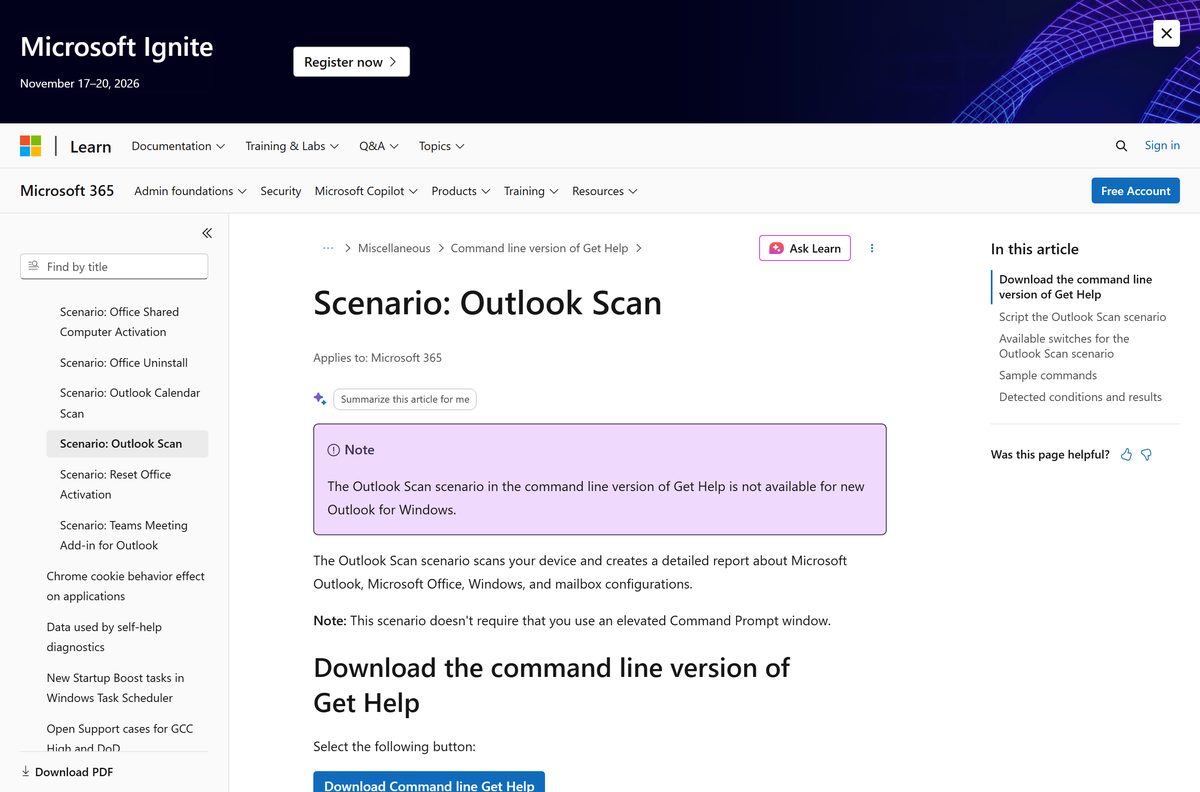
| Scan Outlook and build a configuration report | GetHelpCmd.exe -S ExpertExperienceAdminTask -AcceptEula | Outlook Scan |
| Scan Outlook while Outlook stays open | GetHelpCmd.exe -S ExpertExperienceAdminTask -AcceptEula -OfflineScan -HideProgress | Outlook Scan |
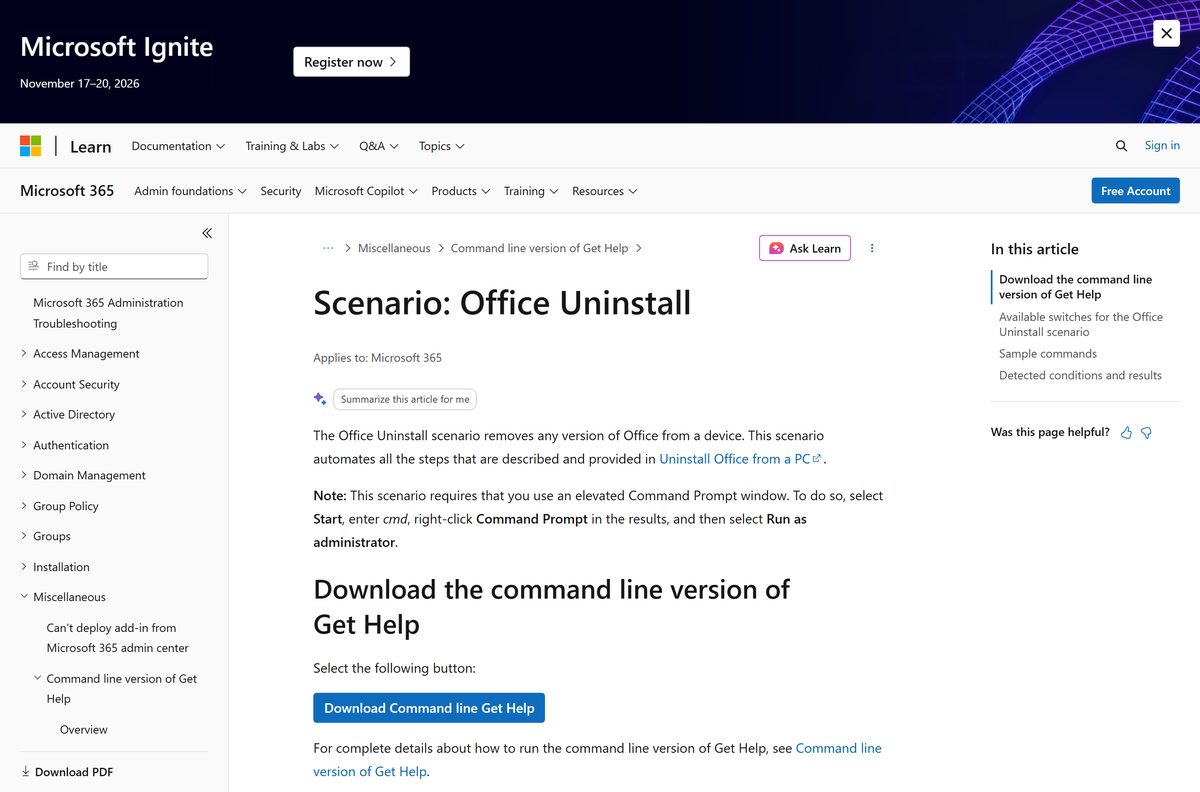
| Remove every Office version from the PC | GetHelpCmd.exe -S OfficeScrubScenario -AcceptEula -OfficeVersion All | Office Uninstall |
| Remove Microsoft 365 Apps only | GetHelpCmd.exe -S OfficeScrubScenario -AcceptEula -OfficeVersion M365 | Office Uninstall |
| Write the logs to a folder you choose | GetHelpCmd.exe -S ExpertExperienceAdminTask -AcceptEula -LogFolder C:\temp | Switch reference |
| Save the licence terms to a text file | GetHelpCmd.exe -DisplayEULA C:\temp\eula.txt | Switch reference |
The -OfficeVersion switch accepts All, M365, 2024, 2021, 2019, 2016, 2013, 2010 and 2007.
Which Microsoft Support and Recovery Assistant option works on a Mac?
Microsoft builds the Assistant for Windows only.
| Your setup | What to do | Link |
|---|---|---|
| A Mac and nothing else | Run the troubleshooters on a Windows PC, because Get Help is a Windows app | Get Help troubleshooters |
| Windows in a virtual machine on the Mac | Extract the command line build inside that Windows guest and run it there | Command line version of Get Help |
| A mixed fleet of Macs and PCs | Script the Windows side and leave the Macs to their own Office tooling | Sample script for a non-interactive session |
| You were looking for a .dmg | Microsoft publishes none, and no third-party build is official | Windows download page |
Is Microsoft Support and Recovery Assistant free?
Both the app it became and the command line build cost nothing.
Yes. Get Help is listed at 0.00 in the Microsoft Store, and the command line download carries no charge. Any site selling a licence or a “pro” edition of it is not Microsoft. The tools repair Microsoft 365, Outlook and Teams configurations on a PC you already own. They never hand out an Office licence.
Should you run the troubleshooters or the command line build?
Use the Get Help troubleshooters on a single PC, and the command line build when several machines are affected. Microsoft recommends the full version for one computer, because it prompts and explains as it goes. The command line build runs unattended through a script, but it shows only a numbered result.
How to check your copy and replace an expired build
The command line build has a fixed lifetime, which is the most common reason it stops working.
- Open the folder you extracted, right-click GetHelpCmd.exe and select Properties.
- Read the Created date on the General tab.
- Add 90 days to that date. Past it, the build refuses to run any scenario.
- Open the download page again and save a fresh .zip.
- Delete the old folder so nobody on the team runs the stale copy.
- For the Get Help app, open Microsoft Store > Library and select Get updates.
Check your PC against the system requirements
| Item | Requirement |
|---|---|
| Operating system | Windows 11, or Windows 10 build 17763 and later |
| Architecture | x86, x64 and ARM64 |
| Developer | Microsoft Corporation |
| Latest version | Get Help 10.2409.40781.0 |
| Command line download | GetHelpCmd_146630116.zip, 2.5 MB |
| Price | Free |
| Elevation | Administrator Command Prompt for Office Uninstall, Office Activation and Reset Office Activation |
| Build lifetime | 90 days from the Created date on GetHelpCmd.exe |
| Log folder | %localappdata%\saralogs\UploadLogs |
| macOS build | None |
| Last verified | 22 September 2026 |
What can the Assistant scenarios fix?
| Scenario | Scenario name | What it does |
|---|---|---|
| Outlook Scan | ExpertExperienceAdminTask | Scans Outlook for known issues and reports on Outlook, Office and Windows configuration |
| Office Uninstall | OfficeScrubScenario | Scrubs any version of Office off a device when Control Panel cannot |
| Office Activation | OfficeActivationScenario | Resets activation settings so a subscription copy of Office activates |
| Office Shared Computer Activation | OfficeSharedComputerScenario | Turns Shared Computer Activation on or off |
| Outlook Calendar Scan | OutlookCalendarCheckTask | Checks the calendar with CalCheck for known problems |
| Teams Meeting Add-in for Outlook | TeamsAddinScenario | Restores the Teams Meeting add-in in classic Outlook |
| Reset Office Activation | ResetOfficeActivation | Clears previous activations and cached account details from Microsoft 365 Apps for enterprise |
None of these scenarios apply to new Outlook for Windows or new Teams, and the uninstall troubleshooter cannot remove Office 2024.
Fix Microsoft Support and Recovery Assistant errors on Windows 11 or 10
The command line build answers with a two-digit result code instead of a dialog. Match the code, then act.
Result 06: Office programs are running
The scenario found an Office process such as winword, excel, outlook, teams or visio still open.
- Save and close every Office window.
- Open Task Manager, then end any leftover Office process on the Details tab.
- Run the command again.
Result 10: the build needs to run elevated
Office Uninstall, Office Activation and Reset Office Activation each require administrator rights.
- Select Start and type cmd .
- Right-click Command Prompt, then select Run as administrator.
- Change back to the extracted folder and rerun the command.
Result 08: multiple Office versions found
The scenario stops rather than guess which install to remove.
- Add -OfficeVersion and name one version, such as -OfficeVersion 2016 .
- Repeat the command for the second version.
- Use the full Get Help troubleshooter if the versions overlap.
Result 68 or 66: no matching Office version found
The -OfficeVersion value does not match what is installed, or no Office install was detected.
- Open Settings > Apps > Installed apps and read the exact Office entry.
- Rerun with the matching value: All, M365, 2024, 2021, 2019, 2016, 2013, 2010 or 2007.
- Run GetHelpCmd.exe -S OfficeScrubScenario -AcceptEula -OfficeVersion All to clear everything.
Result 04: Outlook is not running elevated
The Command Prompt is elevated while Outlook is not, so the scan cannot attach.
- Close the elevated Command Prompt.
- Open a normal Command Prompt from Start.
- Rerun GetHelpCmd.exe -S ExpertExperienceAdminTask -AcceptEula .
Nothing runs, or the tool closes at once
The build passed its 90-day lifetime, or the .zip was extracted only partly.
- Delete the extracted folder.
- Download a fresh copy and extract the whole .zip.
- Add -AcceptEula to the command, because a scenario without it stops immediately.
How to remove the Assistant files from a PC
There is nothing in Programs and Features for the command line build, so removal is a folder delete.
- Close any Command Prompt still sitting in the extracted folder.
- Delete the folder you extracted, for example C:\GetHelp .
- Open File Explorer, type %localappdata%\saralogs in the address bar and delete the log folders.
- Remove the copy on any USB stick or share used to reach the PC.
- To remove the Get Help app, open Settings > Apps > Installed apps, find Get Help and use its three-dot menu.
Which Microsoft tools replace the Assistant?
| Task | Microsoft tool | Where to start |
|---|---|---|
| Guided fixes on one PC | Get Help troubleshooters | Windows, Microsoft 365 and Copilot troubleshooters |
| Remove Office when Control Panel fails | Office Uninstall scenario | Office Uninstall reference |
| Fix several PCs remotely | Command line version of Get Help | Switches and result codes |
| Collect an Outlook diagnostic report | Outlook Scan sample script | OutlookAdvancedDiagnostics script |
| Run two scenarios in one pass | Back-to-back sample script | SaraCmd-ExecuteCombinations.zip |
Frequently asked questions
Is the Microsoft Support and Recovery Assistant still available?
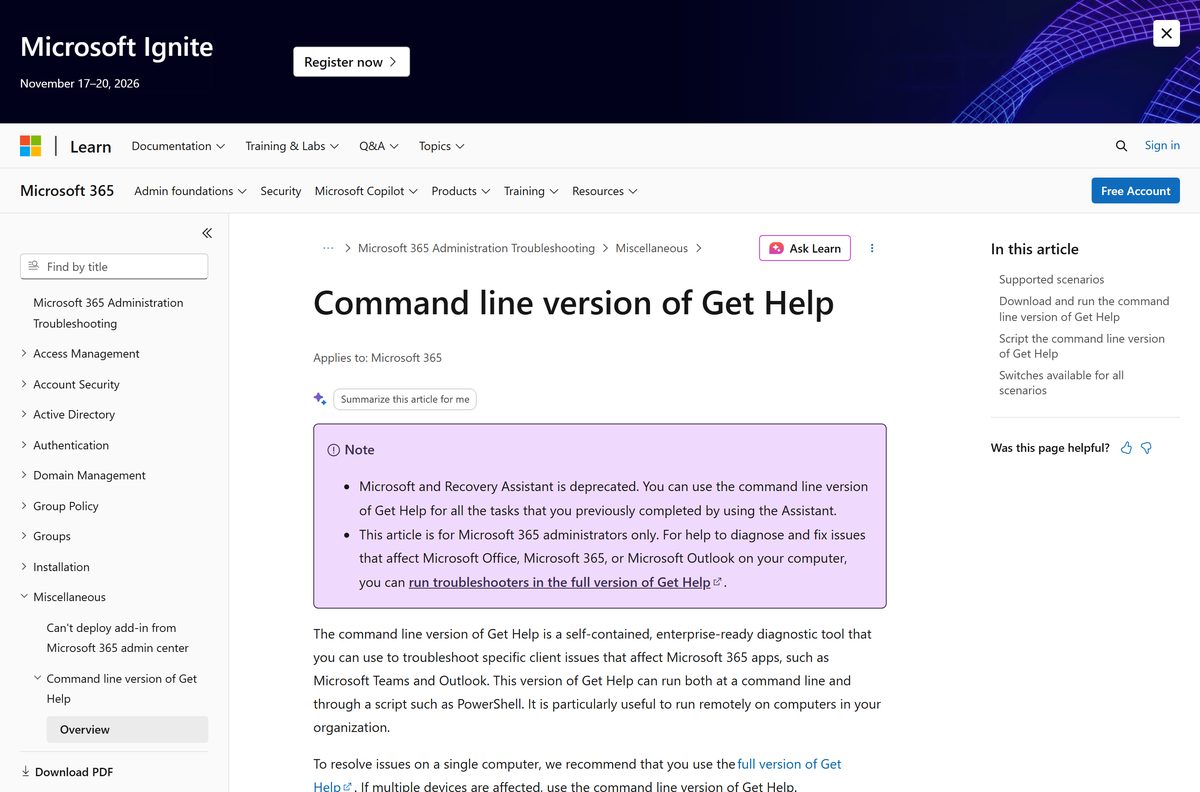
The standalone Assistant is deprecated. Microsoft replaced it with troubleshooters built into the Get Help app, and still publishes the command line build for administrators. Every task the old Assistant handled now runs from one of those two places.
Where is the official Microsoft Support and Recovery Assistant download?
The command line build comes from the Microsoft Learn page for the command line version of Get Help, which serves GetHelpCmd_146630116.zip. The guided version is the Get Help app, free in the Microsoft Store under product ID 9PKDZBMV1H3T.
How big is the download?
GetHelpCmd_146630116.zip is 2.5 MB. Nothing installs from it: you extract the files and run GetHelpCmd.exe from that folder. The Get Help app itself arrives through the Microsoft Store as part of Windows.
Is there a Mac version?
No. Microsoft ships the Assistant, Get Help and the command line build for Windows only, and publishes no .dmg. On a Mac, run the tool inside a Windows virtual machine instead.
Why does the tool stop working after a while?
Each build of the command line application stops working 90 days after the Created date shown on GetHelpCmd.exe. Microsoft ships updates on a regular schedule, so the fix is to download the .zip again and delete the old folder.
Does it still uninstall Office?
Yes. Run GetHelpCmd.exe -S OfficeScrubScenario -AcceptEula from an elevated Command Prompt, and add -OfficeVersion All to clear every version. The guided uninstall troubleshooter in Get Help does the same job, but it cannot remove Office 2024.
Do I need administrator rights?
It depends on the scenario. Office Uninstall, Office Activation, Office Shared Computer Activation and Reset Office Activation all need an elevated Command Prompt. The Outlook Scan and Outlook Calendar Scan scenarios run in a normal window.
Where does it save its logs?
Scenario logs land in %localappdata%\saralogs\UploadLogs. The -LogFolder switch redirects them for the Outlook Scan and Outlook Calendar Scan scenarios, and the folder you name has to exist already and be writeable.
Does it work with new Outlook or new Teams?
No. Microsoft states that the command line scenarios are not available for new Outlook for Windows or new Teams. They target classic Outlook, classic Teams and the Microsoft 365 desktop apps on Windows 11 and Windows 10.
What is SaRAcmd.exe?
It is the old name of the same tool. The command line version of Get Help was historically called SaRA, its executable is now GetHelpCmd.exe, and the links still carry SaRA in the address.