The Jira download works two ways. Install Jira Cloud as a desktop app on Windows 11, Windows 10 and Mac straight from Chrome or Microsoft Edge, or get the Jira Data Center installer from atlassian.com and run Jira on your own server.
Jira is Atlassian’s work tracker for software and business teams. The Cloud plan is free forever for up to 10 people, and Atlassian ships Jira apps for iPhone, iPad and Android alongside it.
This guide covers which route fits you, the official links and file sizes, setup on Windows and Mac, the server installers, checksum checks, pricing, fixes and clean removal.
Which Jira download do you need?
Atlassian sells Jira in two shapes: a hosted Cloud service and a self-managed Data Center licence. Match your situation to a row.
| Your situation | What to get | Size |
|---|---|---|
| A team of 10 or fewer, no server to run | Jira Cloud Free plan | Nothing to download |
| Jira in its own window on Windows or Mac | Install the Jira site as an app in Edge | Nothing to download |
| iPhone or iPad | Jira Cloud by Atlassian | 432.2 MB |
| Android phone or tablet | Jira Cloud on Google Play | Set by Google Play |
| Your own Windows server | atlassian-jira-software-11.3.11-x64.exe | 645.3 MB |
| Your own Linux server | atlassian-jira-software-11.3.11-x64.bin | 643.0 MB |
The Cloud rows need a browser and an Atlassian account. The server rows need a paid Data Center licence.
Download Jira from the official Atlassian pages
Every file below comes from atlassian.com. Atlassian serves the binaries from product-downloads.atlassian.com after a redirect.
- Jira Cloud Free plan sign-up — Free forever for 10 users
- Jira Data Center download archives — Current and past server releases
- Jira Data Center 30-day trial — Generates a trial licence key
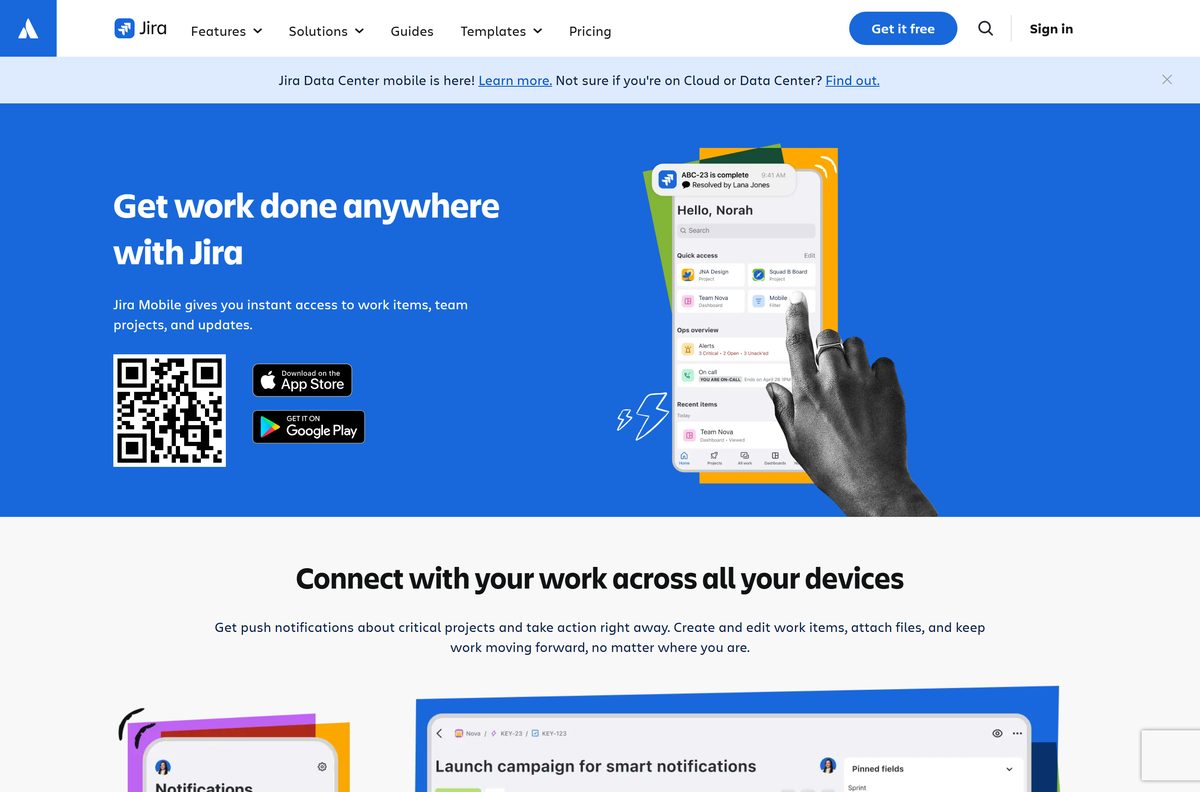
- Jira Cloud by Atlassian for iPhone and iPad — 432.2 MB · Free, iOS 18.0 or later
- Jira Cloud for Android — Free
Atlassian never distributes Jira through download portals. A site offering a small Jira setup file is not shipping the real thing.
How to install Jira on Windows 11 and 10
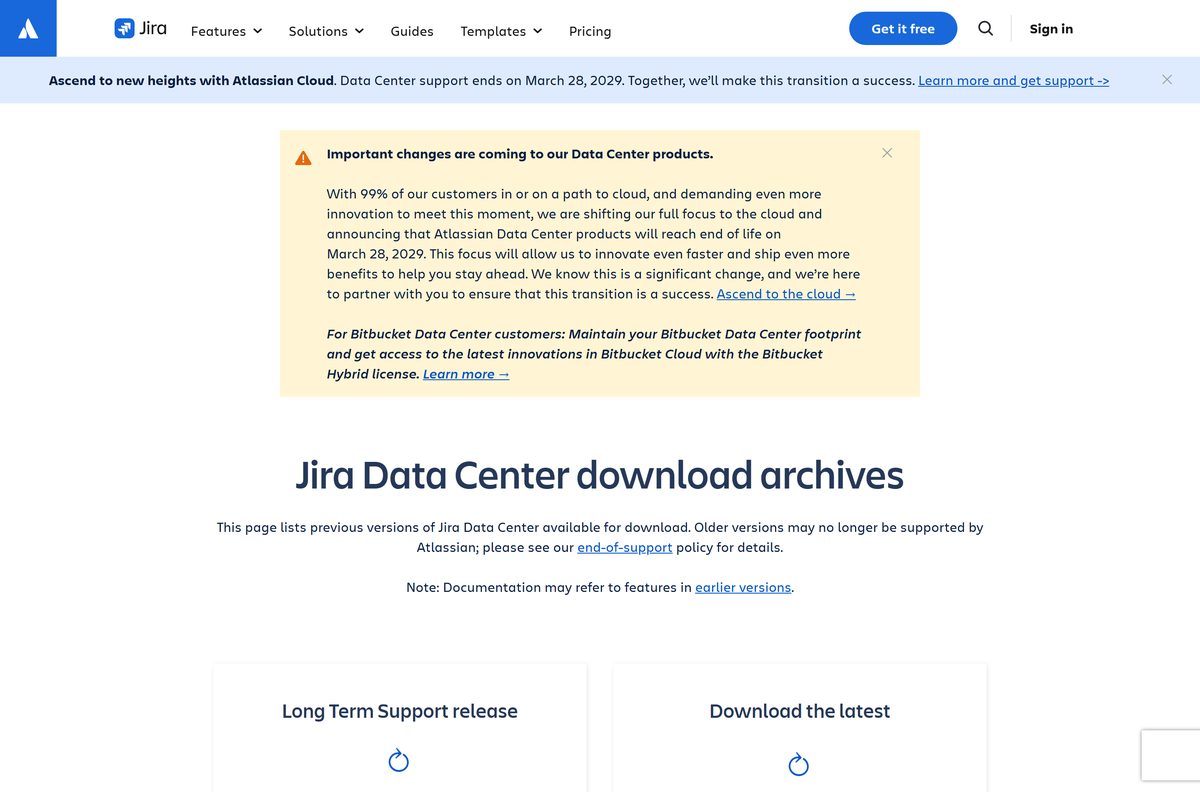
Microsoft Edge turns a Jira site into a real Windows app. It gets a taskbar icon, its own window and an entry in Add or remove programs.
- Open Microsoft Edge and sign in to your Jira site at yourteam.atlassian.net .
- Look in the address bar for the App available icon.
- Click App available, then click Install.
- Tick Pin to Start in the installation prompt to put Jira on the Start menu.
- Tick Auto-start on device login in the dialog that follows to open Jira at sign-in.
- Right-click the new taskbar icon and choose Pin to taskbar.
- Launch Jira from Start and confirm it opens in its own window rather than a browser tab.
Chrome installs the same app a different way: select More, then Cast, save, and share, then Install page as app.
No Atlassian .exe is involved here. The installers on atlassian.com belong to Jira Data Center, the self-managed product covered further down.
Download the Jira Data Center files for your server
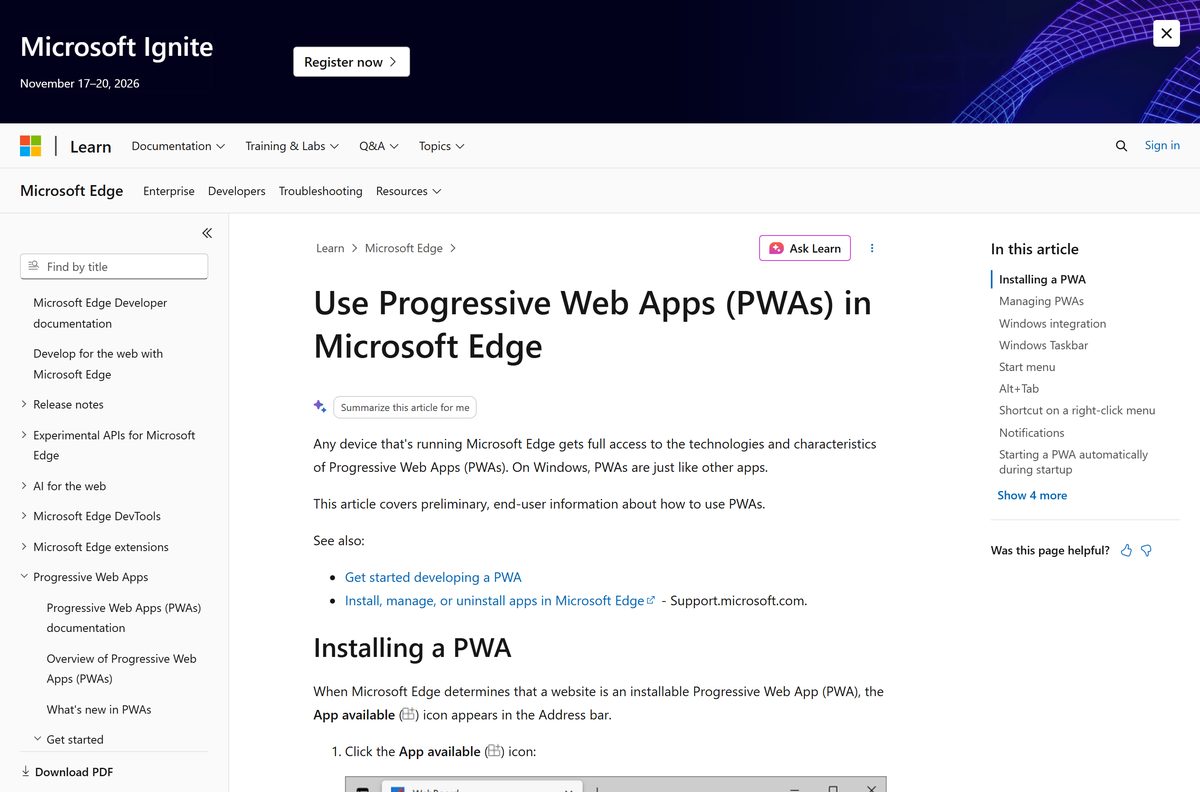
Atlassian publishes four files for release 11.3.11, dated 2 September 2026. Pick one per server, not one per user.
| File | Platform | Size | MD5 |
|---|---|---|---|
| atlassian-jira-software-11.3.11-x64.exe | Windows 64-bit | 645.3 MB | 94058d616211ba1ac950b903aecdde08 |
| atlassian-jira-software-11.3.11-x64.bin | Linux 64-bit | 643.0 MB | ab732793b3240011a785ef475113bef0 |
| atlassian-jira-software-11.3.11.zip | Windows archive | 591.0 MB | a2562a2fe12647d4689414f8186c83af |
| atlassian-jira-software-11.3.11.tar.gz | macOS and Unix archive | 578.4 MB | 4ce0911b3e3ee2d3756ab1c54dd5fd77 |
Atlassian’s own Windows instructions use the archive: from Jira 10 onwards the documented route is to extract the zip into an installation directory, set a separate JIRA_HOME directory, then run start-jira.bat from the bin folder.
Jira listens on port 8080 by default, with 8005 as the server control port. Change both in server.xml when something else holds them.
How to verify the Jira installer you downloaded
Atlassian publishes an MD5 hash for every Jira Data Center file. Compare it before an admin runs a 645 MB binary on a production box.
- Open Windows Terminal in the folder holding the file.
- Run certutil -hashfile atlassian-jira-software-11.3.11-x64.exe MD5 .
- Compare the printed hash with the value in the table above, character for character.
- On Linux or macOS, run md5sum atlassian-jira-software-11.3.11-x64.bin instead.
- Delete the file and fetch it again from atlassian.com when the hashes differ.
Which Jira download do you need for your Mac?
macOS gets the same Cloud service as Windows. Atlassian supports Safari on macOS plus Chrome, Edge and Firefox.
| Your Mac | What to get | Notes |
|---|---|---|
| Any Mac, everyday use | Jira Cloud Free plan | Sign in, then install the site as an app from Chrome |
| Mac plus an iPhone or iPad | Jira Cloud by Atlassian | 432.2 MB, free, iOS 18.0 or later |
| Mac used to trial the server product | atlassian-jira-software-11.3.11.tar.gz | 578.4 MB, evaluation only |
Atlassian marks macOS as limited support for Jira Data Center. Run a production Jira site on Windows or Linux.
Is Jira free?
Two price models sit behind one name, and the paid one causes most of the confusion.
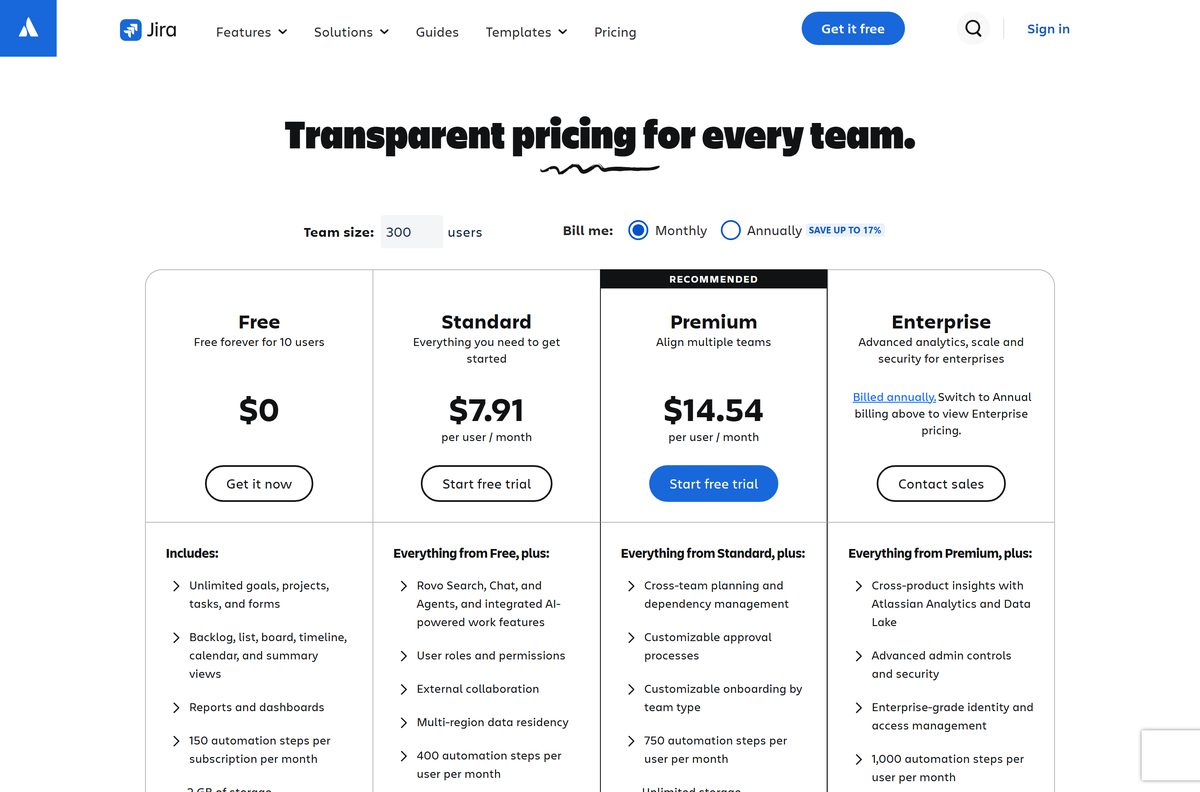
Jira Cloud is free forever for up to 10 users, and every server licence costs money. The Free plan covers one site, 2 GB of file storage, 100 emails a day and 150 automation steps a month, with Atlassian Community support. Standard is $7.91 per user per month and Premium is $14.54 per user per month, both with a free trial. Enterprise is billed annually and quoted by Atlassian sales. Jira Data Center is a paid self-managed licence that starts with a 30-day trial, and Atlassian has set 28 March 2029 as the end of life for its Data Center products.
No paid unlock exists for the mobile apps. Anything charging for a Jira installer is reselling a file Atlassian gives away.
Should you install Jira Cloud or Jira Data Center?
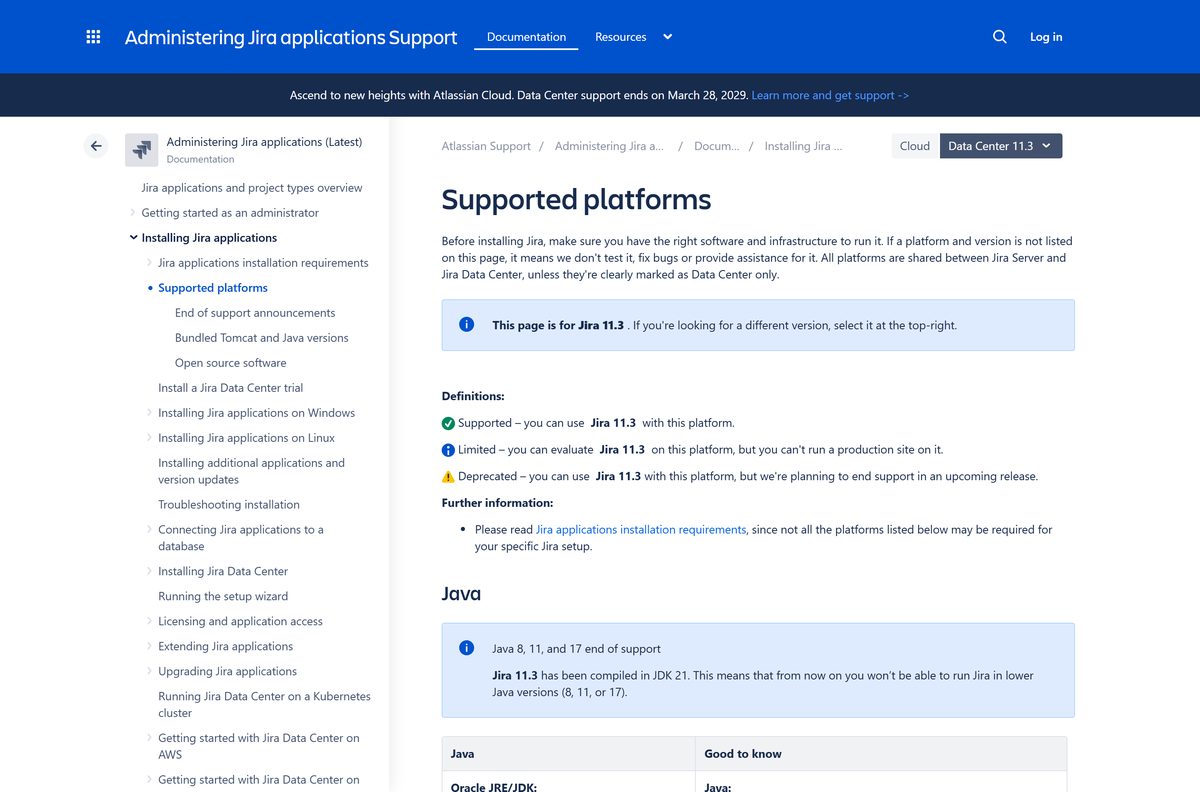
Choose Jira Cloud unless a regulator or a security policy forces the data onto hardware you control. Cloud needs no server, no Java runtime and no database, updates itself, and starts free for 10 users. Data Center means running Jira 11.3.11 on your own Windows or Linux box with Java 21, a supported database such as PostgreSQL 16 or SQL Server 2022, and an annual licence. That is a platform team’s job, not an afternoon.
Check the Jira system requirements
The Cloud rows describe what your PC needs. The server rows describe what a Data Center host needs.
| Item | Detail |
|---|---|
| Developer | Atlassian |
| Latest version | 11.3.11 (Jira Data Center, released 2 September 2026) |
| Price | Free plan for 10 users; Standard $7.91 per user per month; Premium $14.54 |
| Windows server file | atlassian-jira-software-11.3.11-x64.exe, 645.3 MB |
| Supported systems | Windows and Linux for the server; macOS for evaluation only |
| Browsers | Chrome, Microsoft Edge, Firefox and Safari on macOS, latest stable versions |
| Minimum screen | 1024 x 768 |
| Java | Java 21 runtime level, Oracle JRE/JDK or Eclipse Temurin |
| Architecture | x86 hardware and 64-bit derivatives of x86 only |
| Default ports | 8080 for HTTP, 8005 for server control |
| Mobile | iOS 18.0 or iPadOS 18.0 and later; Android from Google Play |
| Official source | atlassian.com |
| Last verified | 22 September 2026 |
Fix Jira not installing on Windows 11 or 10
No App available icon shows in the address bar
Edge shows the icon only on a signed-in Jira site, and only in a normal browser window.
- Sign in fully at yourteam.atlassian.net and wait for the board to load.
- Leave InPrivate browsing and use a normal window.
- Open Settings and more, then More tools, then Apps, then View apps to check whether Jira is already installed.
- Go to edge://apps and look for Jira in the list.
The installed app disappears after you sign out of Windows
Installed web apps are not supported in FSLogix profile environments.
- Ask your administrator whether the machine uses FSLogix profiles.
- Use Jira in a browser tab on that machine instead.
- Pin the tab to the taskbar from Settings and more as a substitute.
The Data Center installer refuses to start on your server
Jira 11.3 is compiled in JDK 21 and runs on 64-bit x86 hardware only.
- Install a Java 21 runtime, Oracle JRE/JDK or Eclipse Temurin.
- Point the JAVA_HOME environment variable at that runtime.
- Confirm the host is 64-bit x86, because Jira supports no other hardware.
- Create an installation directory with no spaces or special characters in its path.
- Set JIRA_HOME to a separate empty folder, then run start-jira.bat .
Jira starts but nothing answers on the address you opened
Another service holds port 8080 or port 8005.
- Run netstat -ano | findstr :8080 to find the process holding the port.
- Edit conf/server.xml in the installation directory and change the Connector port.
- Change the Server port from 8005 in the same file.
- Restart Jira and open the new address.
How to uninstall Jira from Windows and Mac
Removing the installed app leaves the Jira site itself untouched. Your work stays in the Cloud site.
- In Microsoft Edge, go to edge://apps .
- Right-click the Jira entry, select Manage app, then remove it.
- Or open Settings in Windows, search Add or remove programs, select Jira and uninstall it.
- In Chrome, open chrome://apps , right-click the icon and choose Remove from Chrome.
- On a Mac, drag the app from the Applications folder to the Trash.
- To leave the service as well, ask a site admin to remove your account from the Jira site.
Data Center removal is different: stop the Jira service, then delete the installation directory and the JIRA_HOME directory by hand.
Which Jira alternative should you pick?
Three of these come from Atlassian and share the same account, so switching costs nothing.
| Instead of Jira | Suits | Price model |
|---|---|---|
| Trello | Small teams that want boards without workflows | Free tier, paid plans |
| Jira Service Management | IT help desks handling tickets from staff | Free tier, paid plans |
| Confluence | Documentation rather than task tracking | Free tier, paid plans |
| Microsoft Planner | Teams already paying for Microsoft 365 | Included with Microsoft 365 plans |
Pick Trello when the work fits a board. Stay on Jira when releases, sprints and dependencies matter.
Frequently asked questions
Is Jira free?
Yes, on the Cloud Free plan. It covers up to 10 users on one site, with 2 GB of file storage and 150 automation steps a month. Standard costs $7.91 per user per month, and the self-managed Data Center licence is paid.
Where is the official Jira download page?
Start at atlassian.com. The Free plan sign-up sits at atlassian.com/software/jira/free, and the server installers sit at atlassian.com/software/jira/download-archives. Atlassian serves those files from product-downloads.atlassian.com after a redirect.
Does Jira work on Windows 11?
Yes. Sign in to your site in Microsoft Edge or Chrome and install it as an app, and Jira gets a taskbar icon, a Start menu entry and its own window. Jira Data Center is supported on Windows Server as well.
How big is the Jira download?
The Windows Data Center installer is 645.3 MB and the Linux installer is 643.0 MB. The archives are 591.0 MB for the zip and 578.4 MB for the tar.gz. The iPhone and iPad app is 432.2 MB.
Is there a Jira offline installer?
Only for the server product. Jira Data Center ships as a complete Windows .exe, a Linux .bin and two archives, none of which fetch anything during setup. Jira Cloud is a hosted service and needs a connection.
Is there a Jira download for Mac?
Jira Cloud runs on any Mac in Safari, Chrome, Edge or Firefox and installs to the Dock from Chrome. Atlassian publishes a tar.gz archive that runs on macOS, but supports it for evaluation only, never production.
Is there a Jira app for iPhone and Android?
Yes. Jira Cloud by Atlassian is free on the App Store at 432.2 MB and needs iOS 18.0 or iPadOS 18.0. The Android build is free on Google Play under the package com.atlassian.android.jira.core.
Is Jira 64-bit?
Yes. Atlassian supports Jira on x86 hardware and 64-bit derivatives of x86 only, so both server installers are 64-bit. No 32-bit build exists, and Jira 11.3 needs a Java 21 runtime.
Is the Jira download safe?
Yes, when the file comes from atlassian.com. Atlassian publishes an MD5 hash beside every server release, so run certutil against your copy and compare the two values. Avoid portals that repackage Atlassian installers.
What is the latest version of Jira?
Jira Data Center 11.3.11, released on 2 September 2026, is the current server release in Atlassian’s own download feed. Jira Cloud carries no version number, because Atlassian updates the hosted service directly.
Why won’t Jira install on Windows?
For the installed web app, the App available icon shows only on a signed-in Jira site in a normal Edge window. For the server product, a missing Java 21 runtime or an unset JAVA_HOME stops setup before it starts.