The GroupMe download for Windows 11 and Windows 10 is free from the Microsoft Store, and on a Mac the same account runs in any browser. The Windows package is 27.1 MB and signs you in with a phone number or an email address.
Microsoft publishes the app under the Skype name in the Store, so the listing you want is the one with Microsoft as the developer. Nothing in it is paid, and the Store handles updates for you.
This guide covers the official links, installing from the Store or with winget, the Mac and iPhone routes, system requirements, and fixes for installs that stall.
Which GroupMe download do you need?
Only Windows gets a native desktop app. Every other desktop platform uses the browser version, which carries the same chats and contacts.
| Your device | Get this | Size and notes |
|---|---|---|
| Windows 11 or Windows 10 PC with an Intel or AMD chip | GroupMe in the Microsoft Store | 27.1 MB, version 8.2.18.0 |
| Windows 11 on Arm (Snapdragon or similar) | GroupMe in the Microsoft Store | 27.1 MB, runs through x64 emulation |
| Windows 10 on Arm | Browser version | No install; Windows 10 on Arm emulates x86 only |
| Any Mac, Intel or Apple silicon | Browser version | No install; there is no macOS build |
| iPhone, iPad or Apple Vision | App Store listing | 397.8 MB, version 16.16 |
| Chromebook or a Linux desktop | Browser version | No install; sign in with the same number |
The Store package is a single x64 MSIX bundle. Microsoft builds no ARM64 and no 32-bit version, which is why the Arm rows split by Windows release.
Download GroupMe from the official Microsoft links
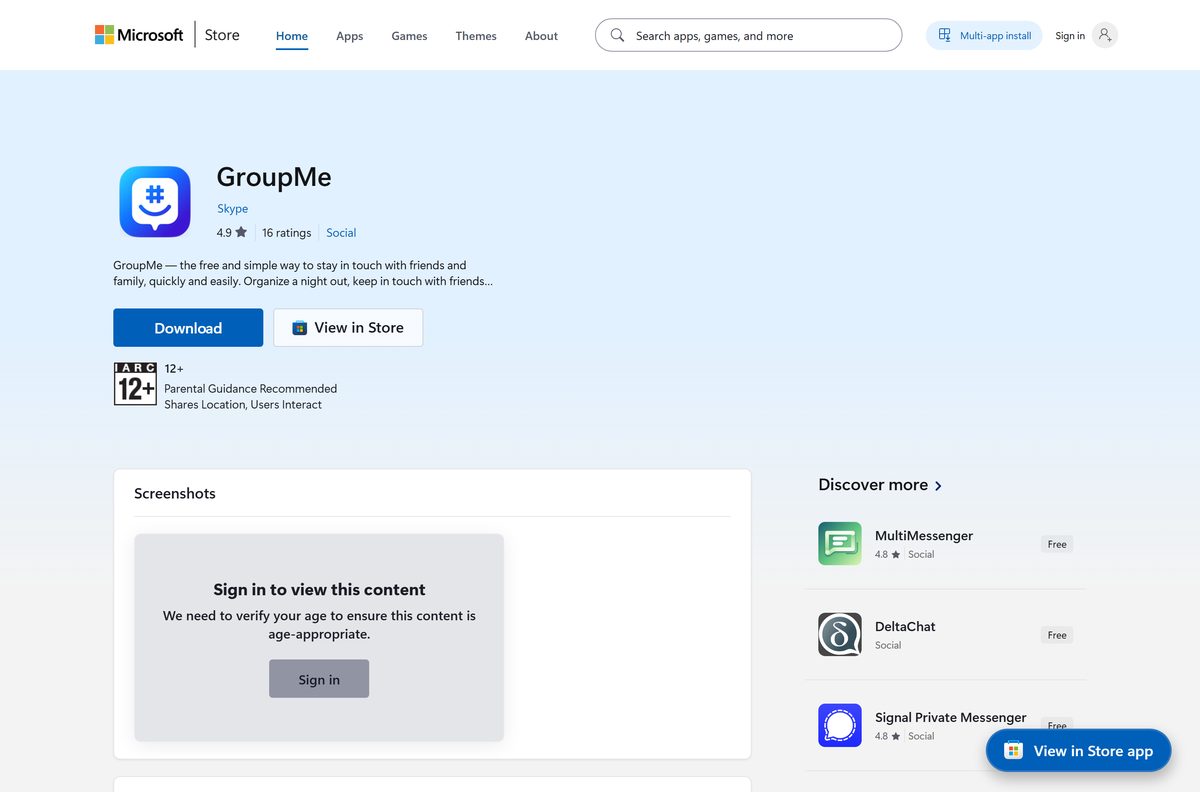
The Microsoft Store is the only place that serves the Windows package. Product ID 9NBLGGH5Z4F2 identifies the genuine listing.
- GroupMe on the Microsoft Store — 27.1 MB · version 8.2.18.0, x64, free
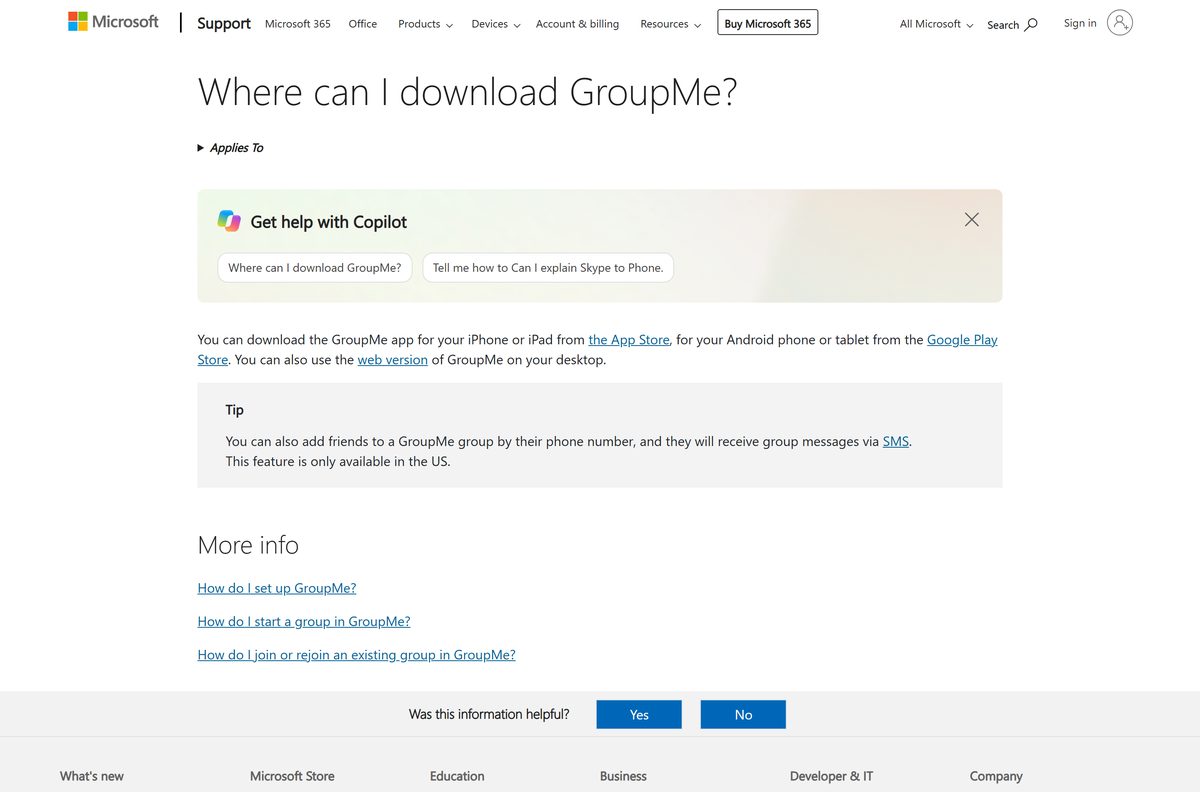
- Where can I download GroupMe? (Microsoft Support) — Microsoft’s own list of platforms
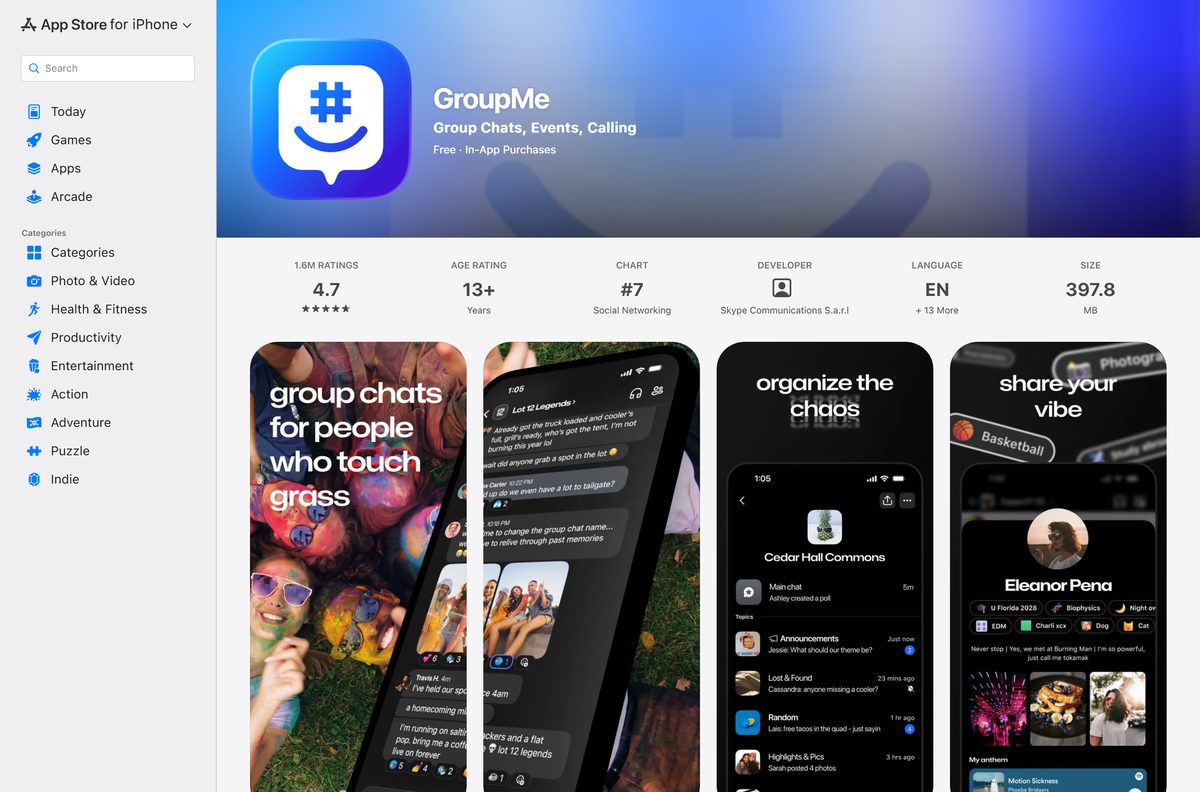
- GroupMe on the App Store — 397.8 MB · iPhone, iPad and Apple Vision
- Browser version at app.groupme.com — the route Microsoft gives desktop users
Search results that offer a GroupMe setup.exe are repackaging something else. The app ships as an MSIX bundle and has no standalone installer.
How to install GroupMe on Windows 11 and 10
The Store handles the install. Budget about a minute on a normal connection.
- Open the Store listing in Edge or Chrome.
- Select Get in Store app, then select Open Microsoft Store when the browser asks.
- Confirm the publisher reads Skype and the developer reads Microsoft before you continue.
- Select Get. The 27.1 MB package downloads and installs on its own.
- Select Open, or press the Windows key and type GroupMe .
- Enter your phone number or email address, then select Next.
- Type the PIN sent by SMS or email to finish signing in.
- Pin the app to the taskbar so chats stay one click away.
Installing needs no administrator rights. The package lands in your user profile, not in Program Files.
Install GroupMe with winget from the command line
Windows Package Manager reaches the same Store package, which suits setup scripts and fresh PCs.
- Press the Windows key, type Terminal , and open it.
- Run winget search GroupMe -s msstore to confirm the ID comes back as 9NBLGGH5Z4F2.
- Run winget install 9NBLGGH5Z4F2 -s msstore to install it.
- Add –accept-package-agreements –accept-source-agreements when you script the command, so nothing waits for a keypress.
- Sign in to the Microsoft Store once if winget reports that the msstore source needs an account.
- Launch the app from Start and sign in with your number or email.
Store IDs are used in place of publisher names on the msstore source, so -e for an exact match is unnecessary here.
Which GroupMe download do you need for your Mac?
There is no macOS app. The App Store listing covers iPhone, iPad and Apple Vision, and it states no Mac compatibility at all.
| Your Mac | What to use | How it behaves |
|---|---|---|
| MacBook, iMac or Mac mini with Apple silicon | Browser version | Full chat, media and Copilot in Safari, Chrome or Edge |
| Intel Mac on an older macOS | Browser version | Same page, no minimum macOS build to meet |
| You want a Dock icon | Browser version | Open it in Safari, then choose File and Add to Dock |
| You also carry an iPhone or iPad | App Store listing | 397.8 MB, keeps notifications on the phone |
Adding the page to the Dock gives you a standalone window with its own icon, which is the closest thing macOS has to the Windows app.
Is GroupMe free?
Yes. The Microsoft Store lists the Windows app at $0.00, with no paid tier, no subscription and no trial period. Group chats, direct messages, photo sharing and Copilot all work on the free account. The App Store listing flags optional in-app purchases, which cover cosmetic extras rather than access. Any site charging for a GroupMe installer is selling something Microsoft gives away.
Should you use the GroupMe app or the web version?
Microsoft’s own download article names the App Store, Google Play and the web version, and skips the Windows app. The Store listing is still live and still updated, so both routes work.
Install the Windows app on a PC you own, and use the browser version everywhere else. The desktop app delivers notifications through the Windows Action Center even when no browser is open, and it survives a reboot without a fresh sign-in. The browser version needs no install, works on macOS, ChromeOS and Linux, and suits a shared or locked-down machine where Store installs are blocked.
How to check your GroupMe version and update it
The Store updates the app quietly in the background. Force the check when a chat feature stops behaving.
- Open the Microsoft Store from Start.
- Select Library in the lower-left corner.
- Select Get updates and let the list refresh.
- Select Update next to the GroupMe row if one appears.
- Open Settings, then Apps, then Installed apps to read the number currently on the PC.
- Find the app in the list, select the … menu, then select Advanced options to see the version.
The current Store package is version 8.2.18.0. A number below that means the Store has not applied an update yet.
Check whether your PC meets the GroupMe system requirements
The package targets Windows 10 version 1809 and newer. Anything older is limited to the browser version.
| Field | Value |
|---|---|
| Software | GroupMe |
| Developer | Microsoft (listed in the Store under the publisher name Skype) |
| Latest version | 8.2.18.0 on Windows, 16.16 on iPhone and iPad |
| License | Free, proprietary |
| Download size | 27.1 MB on Windows, 397.8 MB on iPhone and iPad |
| Supported OS | Windows 11, Windows 10 build 17763 or later, iOS 16, iPadOS 16, visionOS 1.0, Android |
| Architecture | x64 only; no ARM64 and no 32-bit package |
| Package format | MSIX bundle, delivered by the Store |
| Official download source | Microsoft Store, product ID 9NBLGGH5Z4F2 |
| Offline installer | No |
| Category | Social |
| Last verified | 2026-09-22 |
Microsoft tests the package up to Windows 11 build 22621. Later builds still run it, and the Store does not block the install.
Fix GroupMe not installing or not opening on Windows 11
Almost every failure traces back to the Store rather than to the app itself.
The Store button does nothing, or the install stops partway
A stalled Store cache blocks new package downloads.
- Press Windows + R, type wsreset.exe , and select OK.
- Wait for the blank window to close and the Store to reopen.
- Open Settings, then Windows Update, and install anything pending.
- Return to the listing and select Get again.
The Store says the app does not work on your device
The PC runs Windows 10 build 17763 or the package is being asked for on Arm64 Windows 10.
- Open Settings, then System, then About, and read the OS build line.
- Install pending updates until the build reaches 17763 or higher.
- Use the browser version on a Windows 10 Arm device, because that release emulates x86 only.
- Sign in with the same phone number so no chat history is lost.
The app opens but no notifications arrive
Notifications are muted in the app, in a specific chat, or at the Windows level.
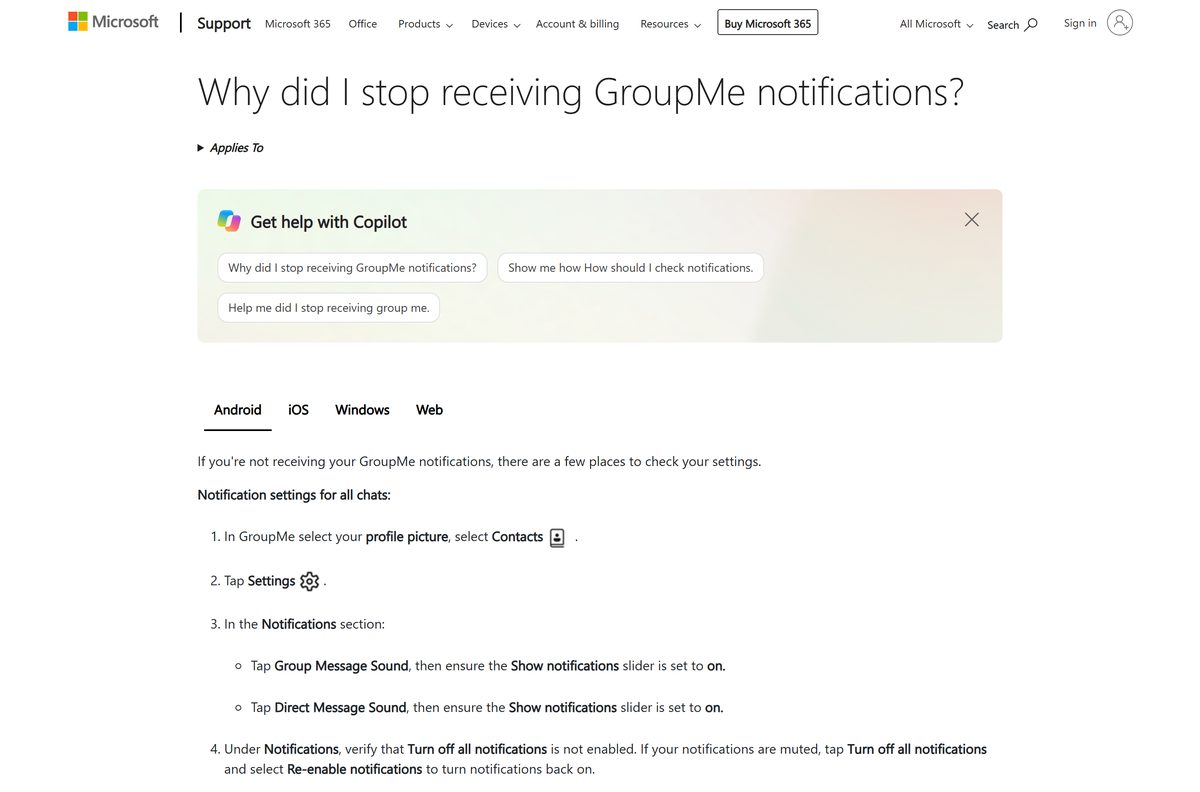
- Open the app, select your profile picture, then select Settings.
- Confirm Turn off all notifications is off, and select Re-enable notifications when it is on.
- Open the chat, select the More options menu, and set Mute to off.
- Open Windows Settings, then System, then Notifications, and turn the app’s switch on.
Sign-in fails because the PIN never arrives
The number on file is wrong, or the password needs a reset.
- Select Resend code and allow a full minute for the SMS.
- Switch to the email address option and check the junk folder.
- Open the password reset article and follow the Forgot Password link.
- Enter a new password once, then sign in on the PC.
How to uninstall GroupMe from Windows
Removing the app leaves the account untouched. Deleting the account is a separate job inside the app.
- Press the Windows key and type GroupMe .
- Right-click the result and select Uninstall.
- Select Uninstall again in the confirmation dialog.
- Open Settings, then Apps, then Installed apps, and confirm the entry has gone.
- Sign out of the browser version on that PC if you used it as well.
- Open the app on a phone and follow Microsoft’s account deletion steps only when you want the account gone too.
A deleted account can be restored within 48 hours by signing back in. After that window it is permanent.
What to use instead of GroupMe on a PC
Each of these ships a real Windows desktop app, which is the gap the browser-only platforms leave.
| App | Windows app | Mac app | Pick it when |
|---|---|---|---|
| Microsoft Teams (free) | Yes | Yes | You want the same Microsoft account and calls on both desktops |
| Discord | Yes | Yes | Voice channels and large communities matter more than SMS fallback |
| Telegram | Yes | Yes | You need big file transfers and a native Mac client |
| Signal | Yes | Yes | Privacy is the deciding factor |
| Yes | Yes | Most of the group already uses it on phones |
Only the SMS fallback is hard to replace: adding a US number to a chat lets that person reply by text without installing anything.
Frequently asked questions
Is GroupMe free to download?
Yes. The Microsoft Store lists the Windows app at $0.00 with no paid tier, no subscription and no trial. The browser version and the iPhone app cost nothing either. The App Store listing notes optional in-app purchases, which are extras rather than access.
What is the official GroupMe download page?
The Microsoft Store listing at apps.microsoft.com under product ID 9NBLGGH5Z4F2 is the only official source for the Windows app. Microsoft’s support article points desktop users to the browser version at app.groupme.com, and iPhone users to the App Store.
Does GroupMe work on Windows 11?
Yes. The Store package supports Windows 11 and Windows 10 from build 17763 onwards, and Microsoft tests it up to build 22621. Installing it needs no administrator rights, because the package installs into your user profile.
How big is the GroupMe download?
The Windows MSIX bundle is 27.1 MB, which is 28,390,035 bytes in the Store catalog. The iPhone and iPad build is much larger at 397.8 MB. Both figures come from the store listings themselves.
Is there a GroupMe offline installer or EXE?
No. The app ships only as a Microsoft Store MSIX bundle, so there is no standalone EXE, no MSI and no offline installer. Any file advertised as a GroupMe setup.exe comes from somewhere other than Microsoft.
Is there a GroupMe app for Mac?
No. The App Store listing covers iPhone, iPad and Apple Vision only, with no macOS compatibility line. Mac users open app.groupme.com in a browser, and Safari can add that page to the Dock as a standalone window.
Does GroupMe run on ARM64 or 32-bit Windows?
The Store carries one x64 package and nothing else. Windows 11 on Arm runs it through x64 emulation. Windows 10 on Arm emulates x86 only, so those PCs need the browser version instead.
Is the GroupMe download safe?
The Microsoft Store listing is signed and certified by Microsoft, and the Store installs the package without a separate installer to inspect. Check that the publisher reads Skype and the developer reads Microsoft before selecting Get.
What is the latest GroupMe version?
The Windows Store package is version 8.2.18.0, and the iPhone and iPad build is 16.16. The Store updates the Windows app in the background, so the number on your PC should match after a Get updates run in the Library.
Why will GroupMe not install on my PC?
A stalled Store cache is the usual cause, and running wsreset.exe clears it. A blocked install also happens on Windows 10 builds older than 17763, and on Arm-based Windows 10 PCs, where the x64 package cannot be emulated.