The official Dota 2 download is free on Steam for Windows 11, Windows 10, Mac and Linux. Valve’s 5v5 battle game installs inside the Steam desktop app, and every hero is unlocked from the first match.
Plan for 60 GB of free storage and a broadband connection before you start.
This guide covers the official links, the install steps for PC and Mac, system requirements, updates and fixes for Dota 2 that will not download or launch.
Which Dota 2 download do you need?
Valve ships one Steam listing for every platform. Steam picks the right build for your computer automatically.
| Your computer | What to install | What it needs |
|---|---|---|
| Windows 11 or 64-bit Windows 10 PC | Dota 2 on Steam | Steam desktop app, DirectX 11, 4 GB RAM, 60 GB free storage |
| Mac on macOS 10.15 or newer | Dota 2 on Steam | Steam for Mac and a Metal-capable graphics chip |
| SteamOS or Linux PC | Dota 2 on Steam | Steam for Linux and an AMD GCN, NVIDIA Kepler or Intel HD 5000 GPU or newer |
| Computer without Steam yet | Install Steam | A free Steam account |
Your account, heroes and cosmetics follow you across platforms, because they live on your Steam account rather than on one machine.
Download Dota 2 from the official Steam and Valve links
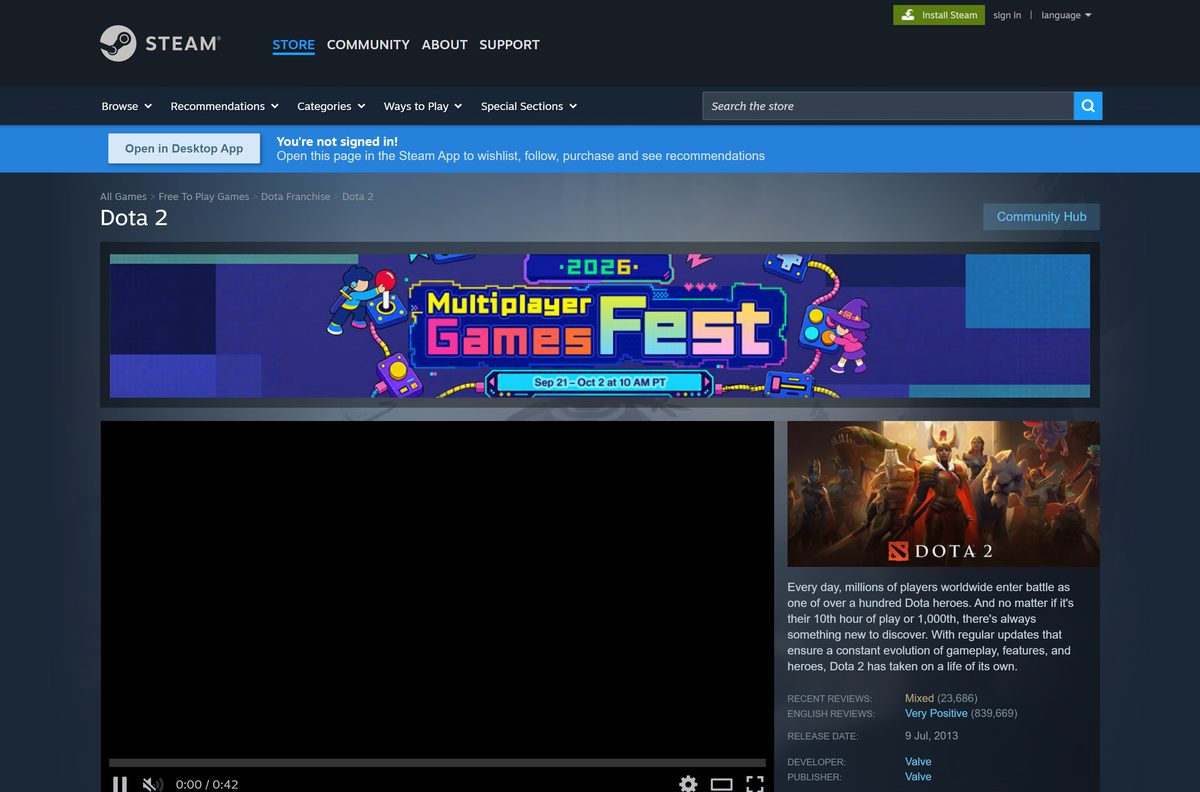
Valve develops and publishes Dota 2 and distributes it only through Steam. The Download on Steam button on dota2.com opens the same store listing.
- Dota 2 on the Steam store — Free; select Play Game to install it through Steam
- Steam desktop app — Required before Dota 2 can install or launch
- Official Dota 2 website — Heroes, news and the Play for Free button
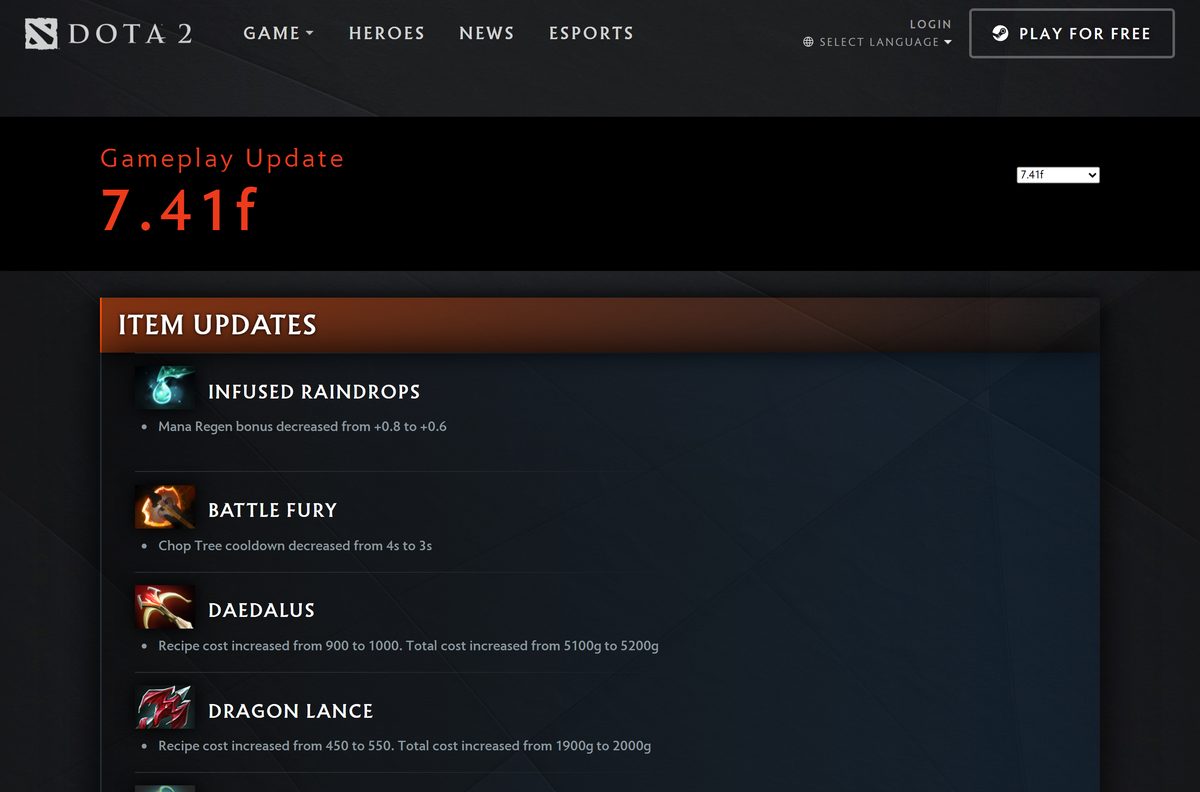
- Dota 2 patch notes — Changes in the newest gameplay update, 7.41f
Steam lists no separate download size. The store asks for 60 GB of free space, so clear room on the drive before you install.
How to install Dota 2 on Windows 11 and 10
Pick a drive with at least 60 GB free.
- Open the Steam install page and select Install Steam if the Steam app is not on your PC yet.
- Run the Steam setup and sign in with your Steam account, or create a free one.
- Open the Dota 2 store page and select Play Game.
- Choose the install drive in the dialog and select Install.
- Watch the progress under Library > Downloads until it finishes.
- Select Dota 2 in your Library and select Play.
- Start with a co-op bot match or the hero demo mode to learn the controls.
Bot matches and the hero demo mode let you practice before you join matchmaking with real players.
How to install Dota 2 on a Mac
Dota 2 has a native macOS build on Steam. The Mac listing asks for macOS 10.15 or newer, a dual-core Intel processor and a Metal-capable graphics chip.
Check your Mac first under Apple menu > About This Mac, then follow the route that matches it.
| Your Mac | What to do | Link |
|---|---|---|
| macOS 10.15 Catalina or newer, 4 GB RAM, 60 GB free | Install Steam for Mac, sign in, open the Dota 2 page and select Play Game | Dota 2 on Steam |
| Mac without Steam | Select Install Steam, run the Mac installer and sign in | Install Steam |
| macOS older than 10.15 | Update macOS under System Settings before you install | Dota 2 system requirements |
Mac graphics that qualify include AMD GCN or newer, NVIDIA Kepler or newer, and Intel HD 4000 or newer.

Is Dota 2 free to play?
Yes. The Steam store lists Dota 2 as free to play, and Valve’s own site calls it completely free to play.
All heroes are free. The in-game store sells cosmetics and event items, which change how heroes look, not how strong they are.
Install Dota 2 free from the Steam store and ignore any site that sells a copy, key or standalone installer. Valve gives the full game away through Steam, so a paid download or a separate exe is either a scam or malware.
How to check your Dota 2 version and update it
Steam updates Dota 2 automatically. The newest gameplay update is patch 7.41f, released on September 15, 2026.
- Open Steam and go to Library > Downloads to finish any queued Dota 2 update.
- Restart Steam if Dota 2 shows Update instead of Play.
- Right-click Dota 2 in your library and select Properties.
- Open Updates and keep automatic updates turned on.
- Read the 7.41f patch notes to see which heroes and items changed.
Let each update finish before you queue for a match.
Check the Dota 2 system requirements
These are Valve’s minimum requirements from the Steam listing. The game runs on modest hardware, but storage is the usual blocker.
| Field | Details |
|---|---|
| Game | Dota 2 |
| Developer | Valve |
| Latest version | 7.41f (gameplay patch, September 15, 2026) |
| Price | Free to play; optional cosmetic purchases |
| Windows | 64-bit Windows 10 or Windows 11 (the store lists Windows 7 or newer, but Steam supports Windows 10 and later only) |
| macOS | macOS 10.15 or newer, dual-core Intel processor, Metal-capable GPU |
| Linux | SteamOS or Ubuntu 12.04 or newer, OpenAL-compatible sound card |
| Architecture | 64-bit (x64); Steam ended 32-bit Windows support on January 1, 2026 |
| Processor (Windows) | Dual core from Intel or AMD at 2.8 GHz |
| Memory | 4 GB RAM |
| Graphics (Windows) | NVIDIA GeForce 8600/9600GT or ATI/AMD Radeon HD2600/3600, DirectX 11 |
| Storage | 60 GB available space |
| Network | Broadband internet connection |
| Offline installer | No; installs through the Steam desktop app |
| Official download source | Steam store (store.steampowered.com) |
| Last verified | 2026-09-24 |
Press Windows + R, type dxdiag and select OK to see your processor, memory, graphics card and DirectX version in one window.
How to confirm your Dota 2 download is genuine
Fake Dota 2 downloads usually arrive as a single exe or zip from a file site. The real game never ships that way.
- Start from store.steampowered.com or dota2.com and nowhere else.
- Check that the store page lists Valve as both developer and publisher.
- Right-click the Steam setup file, select Properties and open Digital Signatures.
- Confirm the signer is Valve before you run it.
- Delete any file offering Dota 2 as a standalone exe, zip, repack or “offline installer”.
Fix Dota 2 not downloading or not launching
Match the symptom to what you see, then work through its fix in order.
Dota 2 crashes, shows missing textures or will not start
Game files were damaged by an interrupted update.
- Restart the computer and launch Steam.
- Right-click Dota 2 in your library and select Properties.
- Open Installed Files and select Verify integrity of game files.
- Launch the game again once the check finishes; a few config files failing is normal.
The download stops or reports not enough disk space
The drive has less than the 60 GB the game needs.
- Open Settings > System > Storage and check free space on the install drive.
- Free up space or pick another drive in the Steam install dialog.
- Resume the download under Library > Downloads.
Steam will not install or update on the PC
The PC runs 32-bit Windows or a version older than Windows 10.
- Open Settings > System > About.
- Read System type and the Windows edition under Device specifications and Windows specifications.
- Move to 64-bit Windows 10 or Windows 11 if it shows a 32-bit system or an older release.
Dota 2 says an update is required and will not queue
Steam has not finished the latest patch.
- Close Dota 2 and open Library > Downloads in Steam.
- Let the pending update finish, or restart Steam to trigger it.
- Launch the game again and rejoin matchmaking.
How to uninstall Dota 2
Remove the game from inside Steam. Your heroes, items and match history stay on your Steam account.
- Close Dota 2.
- Open Steam and select Library.
- Right-click Dota 2 and select Manage > Uninstall.
- Confirm with Uninstall in the dialog.
- Reinstall later from the Dota 2 store page if you want a clean copy.
Uninstalling frees the full 60 GB and removes nothing tied to your account.
Frequently asked questions
Is Dota 2 free to download?
Yes. Dota 2 is free to play on Steam for Windows, Mac and Linux, and every hero is unlocked. You need only a free Steam account. Optional purchases cover cosmetics, not gameplay power.
Where is the official Dota 2 download?
The official download is the Dota 2 page on the Steam store at store.steampowered.com/app/570. The Download on Steam button on dota2.com opens the same page. Select Play Game and Steam installs the game.
Can I download Dota 2 without Steam?
No. Dota 2 installs, updates and launches only through the Steam desktop app. Install Steam from store.steampowered.com/about first, sign in, and then install the game from its store page.
Does Dota 2 work on Windows 11?
Yes. Dota 2 runs on Windows 11 and 64-bit Windows 10. Steam supports Windows 10 and later only, and it dropped 32-bit Windows on January 1, 2026. Every copy of Windows 11 is 64-bit.
How big is the Dota 2 download?
Valve’s Steam listing asks for 60 GB of available storage on Windows, Mac and Linux. Steam shows the exact download size in the install dialog, so check it against your free space there.
Is there a Dota 2 offline installer?
No. Dota 2 downloads and updates through the Steam desktop app, which needs an internet connection. Any site offering an offline Dota 2 installer or repack is not distributing Valve’s files.
Can you play Dota 2 on a Mac?
Yes. Dota 2 has a native Mac version on Steam. It needs macOS 10.15 or newer, 4 GB of RAM, 60 GB of storage and a Metal-capable graphics chip such as Intel HD 4000 or newer.
Does Dota 2 need a 64-bit PC?
Yes, on Windows. The Steam client runs only on 64-bit Windows since January 1, 2026, so you need a 64-bit processor and a 64-bit copy of Windows 10 or Windows 11.
Is it safe to download Dota 2?
Yes, from Steam. Valve develops Dota 2 and delivers it through Steam, and the game uses Valve Anti-Cheat. Avoid any site offering a Dota 2 exe, zip or hack tool, because the real game never ships that way.
What is the latest version of Dota 2?
The newest gameplay update is patch 7.41f, released on September 15, 2026. Steam installs updates automatically, and the full change list sits on the patches page at dota2.com.
Can you play Dota 2 on Linux?
Yes. The Steam listing supports SteamOS and Linux alongside Windows and Mac. Valve lists Ubuntu 12.04 or newer, a dual-core 2.8 GHz processor, 4 GB of RAM and an AMD GCN, NVIDIA Kepler or Intel HD 5000 GPU.
Why won’t Dota 2 download or launch?
The usual causes are less than 60 GB of free space, damaged files, or a pending update. Free up space, verify the game files in Steam under Properties, then let Library Downloads finish the latest patch.