You can download Microsoft Sticky Notes free from the Microsoft Store on any Windows 11 or Windows 10 PC. Search Start for Sticky Notes first, because many PCs already have it.
Microsoft now ships sticky notes in two forms: the standalone Sticky Notes app and a newer Sticky Notes view inside OneNote for Windows. Both use the same notes when you sign in with the same account.
This guide covers which one to install, the official Store and winget routes, what Mac, iPhone and Android users get instead, and fixes for notes that will not open, load or sync.
Which Sticky Notes download do you need?
Match your device and goal below. The Windows rows all lead to free Microsoft sources.
| Your situation | What to get | Size |
|---|---|---|
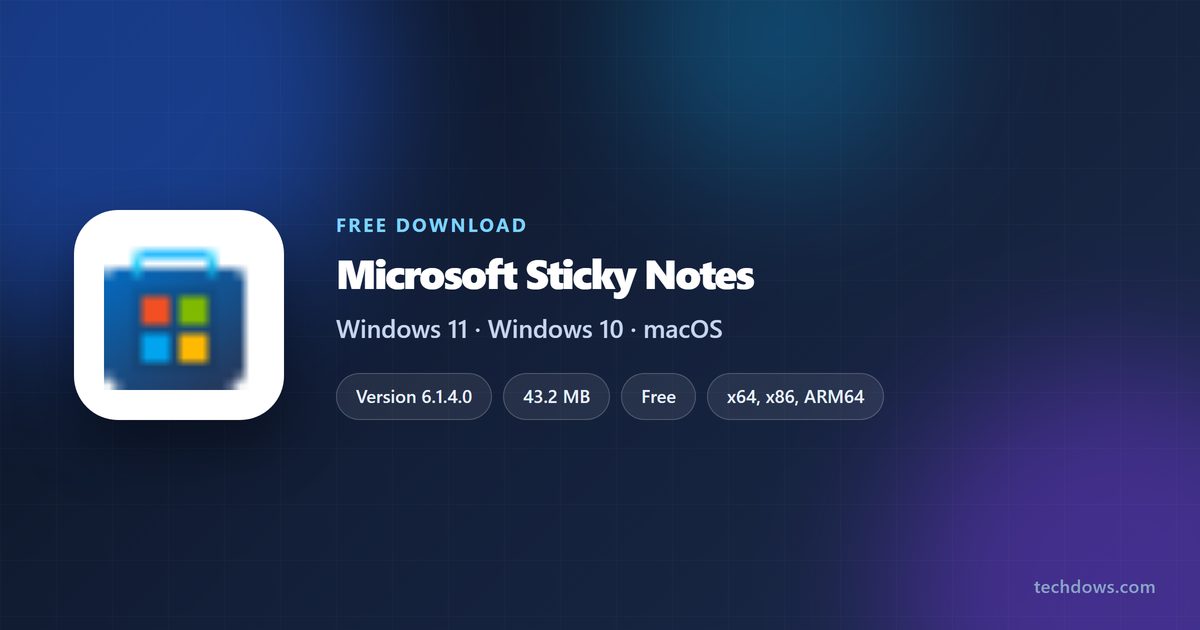
| Windows 11 or Windows 10 (1903 or later), classic notes on the desktop | Microsoft Sticky Notes, Microsoft Store | 43.2 MB bundle |
| You already use OneNote for Windows | New Sticky Notes view in OneNote (Win + Alt + S) | Part of OneNote |
| Admin or command-line install | winget install 9NBLGGH4QGHW -s msstore | 43.2 MB bundle |
| Mac | Apple Stickies, built into macOS | 0, already installed |
| iPhone or iPad | Microsoft OneNote on the App Store | See listing |
| Android phone or tablet | Microsoft OneNote on Google Play | See listing |
The 43.2 MB figure is the full multi-architecture bundle in Microsoft’s catalog. Installed on disk, the package takes about 39.9 MB.
Download Microsoft Sticky Notes from the official Microsoft source
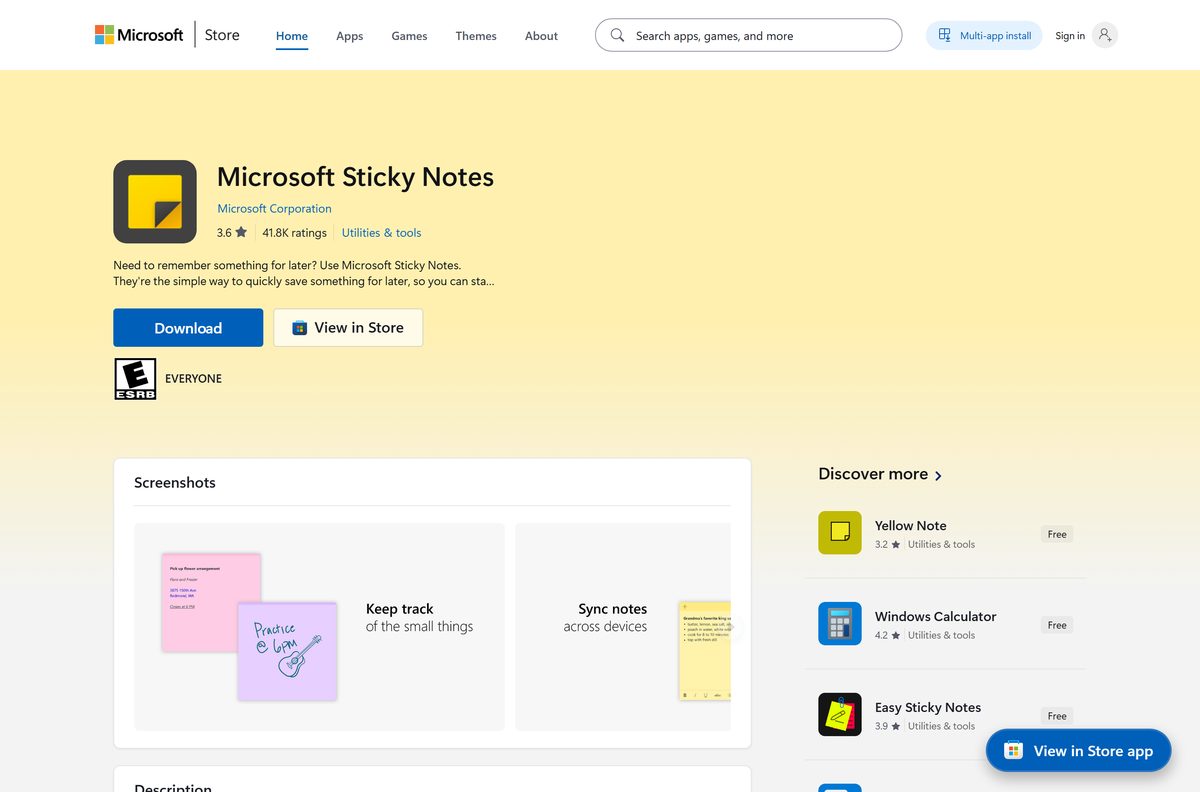
Microsoft distributes Sticky Notes only through its own Store. The publisher line on the listing reads Microsoft Corporation.
- Microsoft Sticky Notes on the Microsoft Store, product 9NBLGGH4QGHW — free, x64, x86 and ARM64
- Microsoft’s announcement of the new Sticky Notes in OneNote — launch steps and requirements
- OneNote, which hosts the new Sticky Notes view — Windows, Mac, iPhone and Android
There is no standalone .exe and no offline installer. The app is an MSIX bundle that the Store downloads and installs, so the PC needs an internet connection during setup.
Pages offering a “Sticky Notes installer” or an “offline setup” are serving a repackaged copy or a different app. Microsoft’s guidance is to download apps from official publisher websites or stores.
How to install Sticky Notes on Windows 11 and 10
Check Start first. If Sticky Notes already appears there, open it and skip the steps.
- Open Microsoft Store from the Start menu.
- Search for Microsoft Sticky Notes, or open product 9NBLGGH4QGHW from the link above.
- Check the publisher line reads Microsoft Corporation.
- Select Get, or Install if the app is in your Store library.
- Wait for the download to finish, then select Open.
- Select Sign in and use your Microsoft account to back up and sync your notes.
- Right-click Sticky Notes on the taskbar and select Pin to taskbar for one-click access.
You can skip sign-in and still write notes, but they then stay on that one PC with no backup.
Install Sticky Notes with winget from the command line
The Store product ID doubles as the winget ID. This is the fastest route when you set up several PCs.
- Right-click Start and select Terminal.
- Run winget install 9NBLGGH4QGHW -s msstore .
- Type Y to accept the Store source agreement the first time it asks.
- Wait for Successfully installed, then open Sticky Notes from Start.
Add –accept-package-agreements –accept-source-agreements to run the same command from a script without prompts.
Should you use classic Sticky Notes or the new OneNote version?
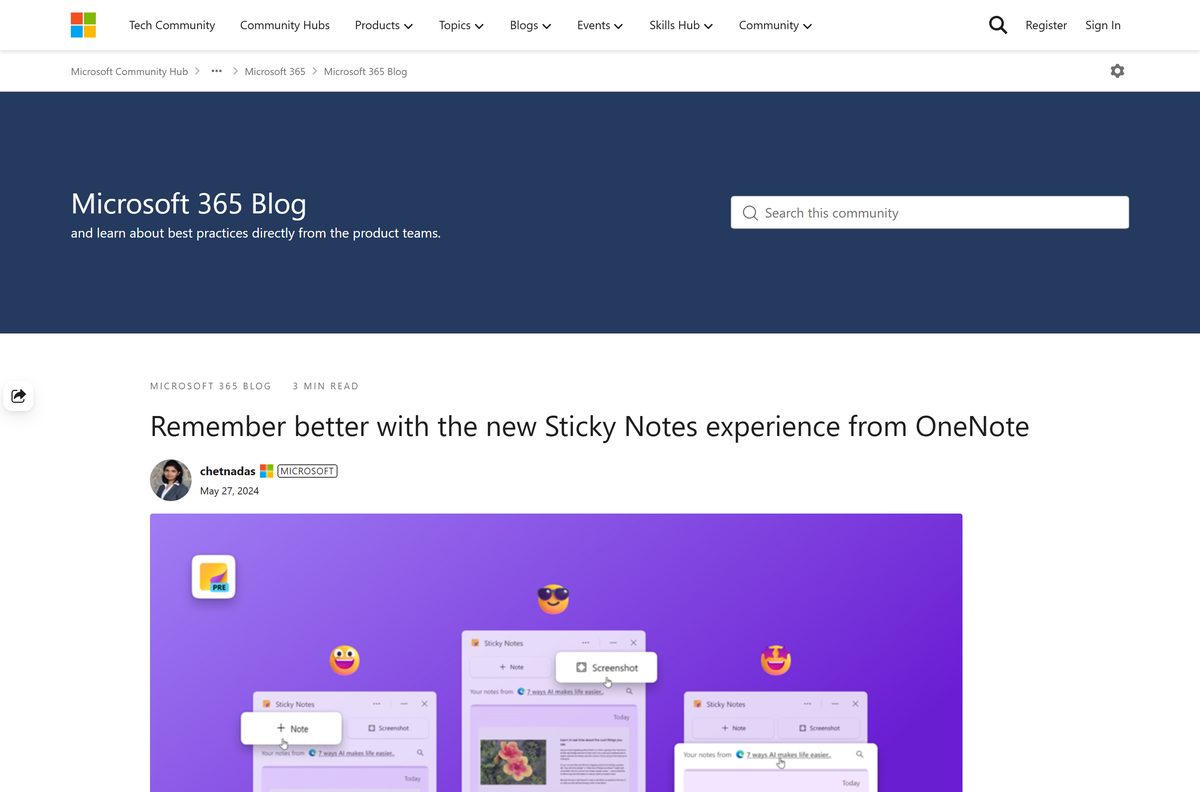
Use the classic Microsoft Sticky Notes app for plain notes on the desktop. Use the new Sticky Notes view in OneNote if you want one-click screenshots and notes tied to the web page you took them from. Microsoft began rolling the new experience out to all OneNote for Windows users in May 2024. It opens with Win + Alt + S or the Sticky Notes button in OneNote, captures the source link automatically, searches text inside images, and docks beside other apps. It needs Windows 10 version 1903 or later and OneNote version 2402 (build 17328.20000) or later. Signed-in notes from the classic app appear in it automatically.
Is Microsoft Sticky Notes free?
Yes. Microsoft Sticky Notes costs nothing. The Microsoft Store lists it at $0.00 with no paid tier and no licence key. Syncing needs only a Microsoft account sign-in. Any site charging for a Sticky Notes download, or bundling it into a paid pack, is selling something Microsoft gives away.
Which sticky notes app do you need on a Mac, iPhone or Android?
Microsoft Sticky Notes is a Windows app. Microsoft’s catalog lists Windows platforms only, so there is no Mac build to download.
| Your device | Use this | Syncs with Windows notes |
|---|---|---|
| Mac, any recent macOS | Stickies, built into macOS | No |
| iPhone or iPad | Microsoft OneNote for iOS | Yes, with the same account |
| Android | Microsoft OneNote for Android | Yes, with the same account |
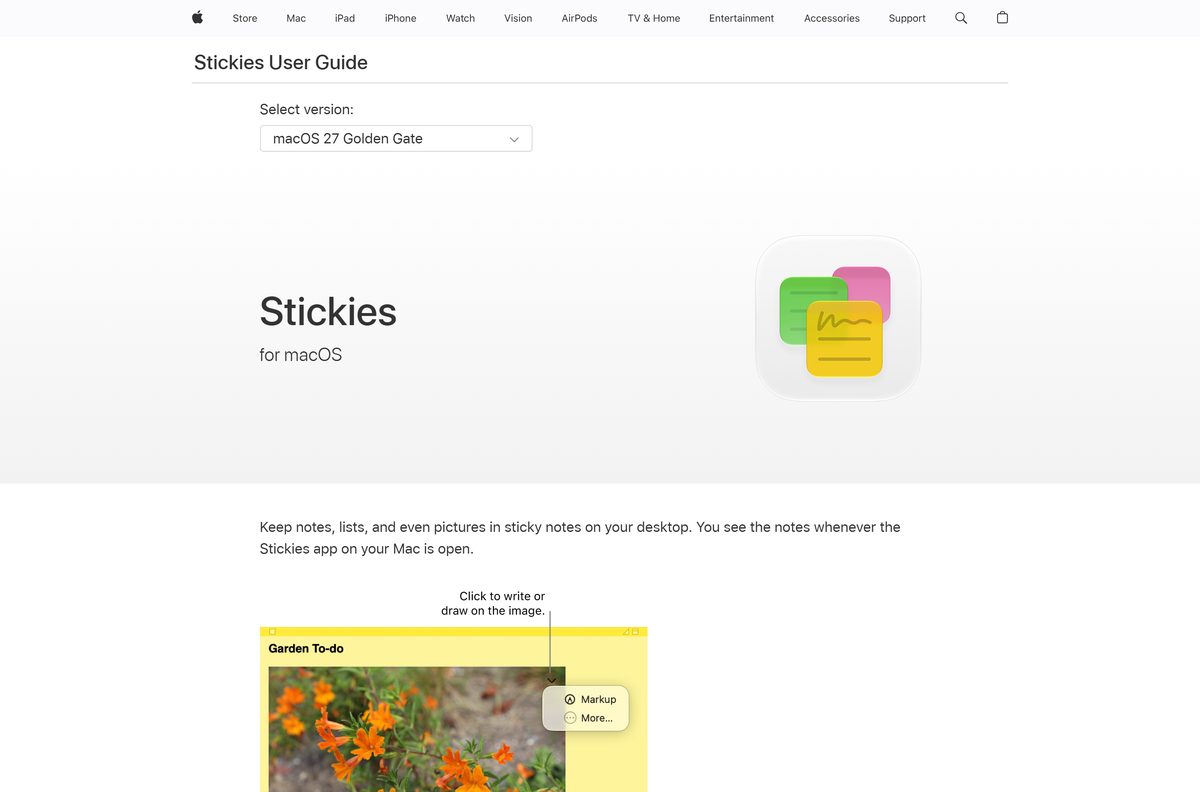
On a Mac, open Stickies from the Applications folder and choose File > New Note. Use Window > Float on Top to keep a note above other windows, the closest match to a note stuck on the Windows desktop.
How to check your Sticky Notes version and update it
Sticky Notes updates through the Microsoft Store, not Windows Update.
- Right-click Start and select Terminal.
- Run Get-AppxPackage Microsoft.MicrosoftStickyNotes | Select Name, Version .
- Compare the Version value with the current release in the table below.
- To update, open Microsoft Store and select Library.
- Select Get updates and let the Sticky Notes update install.
If the Store shows no update and the version is still old, use the repair steps below.
Check the Microsoft Sticky Notes system requirements
Sticky Notes asks for little beyond a supported Windows version.
| Field | Value |
|---|---|
| Software | Microsoft Sticky Notes |
| Developer | Microsoft Corporation |
| Latest version | 6.1.4.0 |
| Store product ID | 9NBLGGH4QGHW |
| Package family name | Microsoft.MicrosoftStickyNotes_8wekyb3d8bbwe |
| License / price | Free |
| Supported OS | Windows 10 version 1903 (build 18362) or later, Windows 11 |
| Architecture | x64, x86, ARM64 in one bundle |
| Download size | 43.2 MB (all architectures) |
| Installed size | About 39.9 MB |
| Offline installer | No, Microsoft Store only |
| Mac version | None, use Apple Stickies |
| Official download source | Microsoft Store |
| Last verified | 2026-09-19 |
Windows 10 reached end of support on 14 October 2025. Sticky Notes still installs there, but the operating system no longer receives security updates unless the PC is enrolled in Extended Security Updates. See Microsoft’s end-of-support page.
Fix Sticky Notes not opening, not loading or not syncing
On Windows 10 the app list sits under Settings > Apps > Apps & features instead of Installed apps.
Sticky Notes will not open or stays on a blank window
The app package or its local cache is damaged.
- Select Start > Settings > Apps > Installed apps.
- Select the three dots beside Microsoft Sticky Notes, then Advanced options.
- Select Repair and reopen the app.
- If that does not help, return and select Reset. Reset clears local data, so sign in afterwards to pull synced notes back.
Your notes are missing after an update or a reinstall
The app is signed out, or signed in with a different account.
- Open Sticky Notes and select the Settings gear in the notes list.
- Check which account is signed in.
- Sign out, then sign in with the Microsoft account you used before.
- Wait a minute for the notes list to sync.
Sticky Notes is missing from Start
The app was uninstalled or never installed on this PC.
- Open Microsoft Store and select Library.
- Find Microsoft Sticky Notes and select Install.
- If it is not listed, run winget install 9NBLGGH4QGHW -s msstore .
- Sign in with your usual account to restore synced notes.
The Store install fails or stalls
Pending Windows updates or an outdated Store are blocking it.
- Select Start > Settings > Windows Update > Check for updates and install everything offered.
- Restart the PC.
- Open Microsoft Store, select Library > Get updates to update the Store itself.
- Try the Sticky Notes install again.
How to uninstall Microsoft Sticky Notes
Signed-in notes stay in your Microsoft account after you remove the app. Unsynced notes on this PC are lost.
- Open Sticky Notes and confirm you are signed in, so your notes are backed up.
- Select Start > Settings > Apps > Installed apps.
- Select the three dots beside Microsoft Sticky Notes.
- Select Uninstall, then Uninstall again to confirm.
- To remove it from the command line instead, run Get-AppxPackage Microsoft.MicrosoftStickyNotes | Remove-AppxPackage .
Reinstall any time from the Microsoft Store. Your notes return when you sign in with the same account.
What you can use instead of Microsoft Sticky Notes
Before adding another app, check whether a tool you already have covers the job.
| Tool | Where it comes from | Best for |
|---|---|---|
| Sticky Notes in OneNote | OneNote for Windows | Notes with screenshots and the source link attached |
| OneNote | Microsoft, free app | Longer notes, notebooks and pages |
| Stickies | macOS, built in | Desktop notes on a Mac |
| OneNote mobile | App Store and Google Play | Reading and adding sticky notes on a phone |
| Notepad | Windows, built in | Plain text with no sync |
For desktop notes that follow you between a Windows PC and a phone, stay with Microsoft Sticky Notes and OneNote mobile on one account.
Frequently asked questions
Is Microsoft Sticky Notes free?
Yes. The Microsoft Store lists Microsoft Sticky Notes at no cost, with no paid tier and no licence key. Syncing your notes between devices needs only a Microsoft account sign-in.
What is the official Sticky Notes download page?
The Microsoft Store listing for product 9NBLGGH4QGHW, published by Microsoft Corporation. Microsoft does not host a separate installer file on any other page.
Is there a Sticky Notes offline installer or .exe?
No. Microsoft ships Sticky Notes only as an MSIX bundle through the Microsoft Store, so installing it needs an internet connection. Files sold as an offline setup are unofficial repackages.
Does Sticky Notes work on Windows 11?
Yes. It runs on Windows 11 and on Windows 10 version 1903 (build 18362) or later, on x64, x86 and ARM64 PCs, from the same Store listing.
How big is the Sticky Notes download?
Microsoft’s catalog lists a 43.2 MB bundle that covers every supported architecture. Once installed, the package takes about 39.9 MB of disk space.
Is there Microsoft Sticky Notes for Mac?
No. Microsoft publishes Sticky Notes for Windows only. On a Mac, use Apple’s built-in Stickies app, which keeps notes on the desktop but does not sync with Windows notes.
Is Sticky Notes part of OneNote?
Partly. The classic Sticky Notes app is a separate Store app, while OneNote for Windows now includes a newer Sticky Notes view that opens with Win + Alt + S. Both show the same signed-in notes.
Can I see my sticky notes on my phone?
Yes. Install Microsoft OneNote on iPhone, iPad or Android and sign in with the same Microsoft account. Your sticky notes appear alongside your notebooks.
Is Sticky Notes safe to download?
Yes, from the Microsoft Store. The listing is published by Microsoft Corporation and installs a signed package. Copies from download portals are not the same thing and should be avoided.
What is the latest Sticky Notes version?
Version 6.1.4.0 is the newest package in Microsoft’s Store catalog. Check yours with Get-AppxPackage in Terminal, and update from the Store Library page.
Can I uninstall Sticky Notes?
Yes. Remove it from Settings, Apps, Installed apps, or with Remove-AppxPackage in PowerShell. Signed-in notes stay in your Microsoft account and return after a reinstall.
Why won’t Sticky Notes install or open?
Usually a damaged package or pending Windows updates. Repair or reset the app in Advanced options, install waiting updates, restart, then reinstall from the Microsoft Store.