The X-Plane 12 download for Windows 11 and Windows 10 is a free demo installer from x-plane.com, the official Laminar Research site. Run it, and the flight simulator installs on your PC, Mac or Linux machine in demo mode.
A $59.99 license, bought directly or on Steam, unlocks the full X-Plane 12 with the same installation.
This guide covers which file to pick, installing from the zip or Steam, Mac and Linux, pricing, system requirements, updates, fixes and a clean uninstall.
Which X-Plane 12 download do you need?
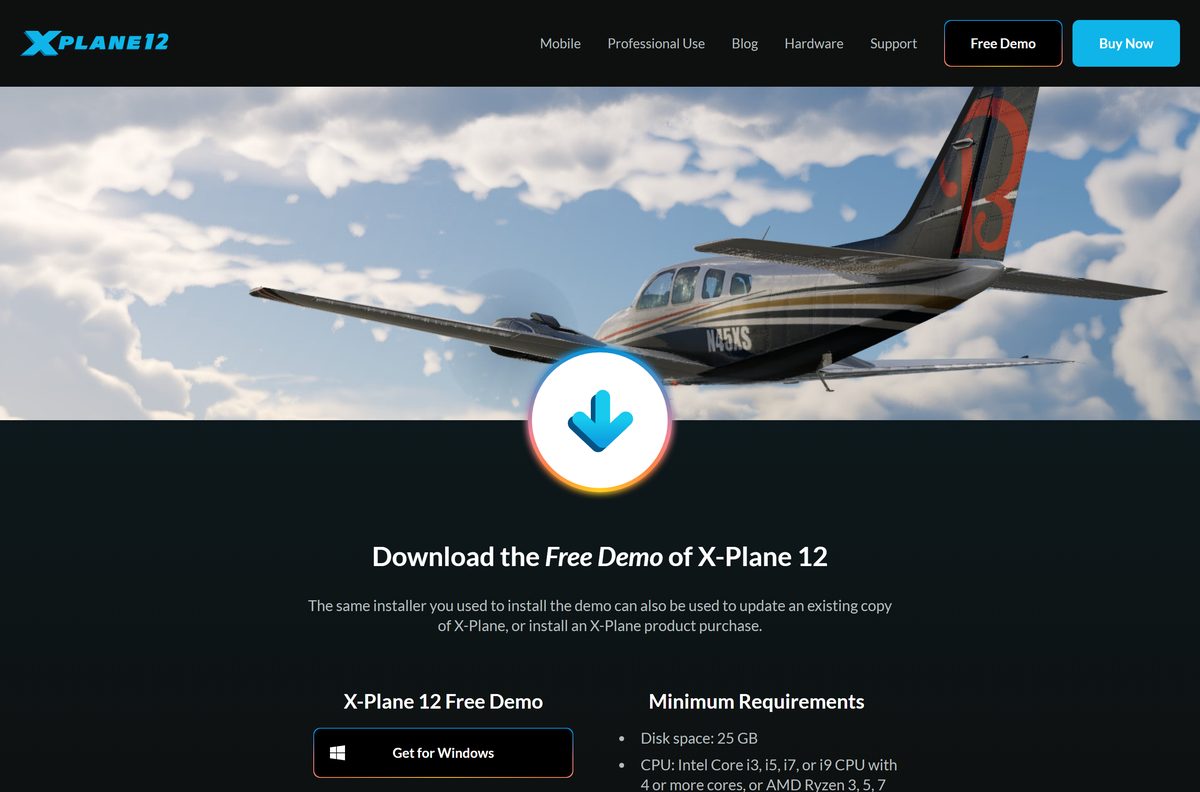
Laminar Research offers one installer per operating system on the Free Demo page. Each is a small zip that downloads the rest of the simulator during setup.
| Your computer | Button on the demo page | File you get | Size |
|---|---|---|---|
| Windows 11 or Windows 10, 64-bit | Get for Windows | X-Plane12InstallerWindows.zip |
31.1 MB |
| Mac on macOS 12 Monterey or newer | Get for Mac | X-Plane12InstallerMac.zip |
31.8 MB |
| Ubuntu Linux LTS, 64-bit | Get for Linux | X-Plane12InstallerLinux.zip |
31.8 MB |
| You bought X-Plane 12 on Steam | X-Plane 12 on Steam | Installed by the Steam client | 23 GB on disk |
Buying later does not mean a second download. The demo installer also installs a purchased copy and updates an existing one.
Download X-Plane 12 from the official links
Download X-Plane 12 only from x-plane.com or the official Steam listing. Both are run by Laminar Research, the developer and publisher.
- X-Plane 12 Free Demo — Windows, Mac and Linux installers
- Buy X-Plane 12 — digital download, Steam, DVD set and Professional Use
- X-Plane 12 on Steam — Steam edition for Windows, macOS and Linux/SteamOS
- X-Plane 12 release notes — changes in each update
- X-Plane manuals — the official user manual
How to install X-Plane 12 on Windows 11 and 10
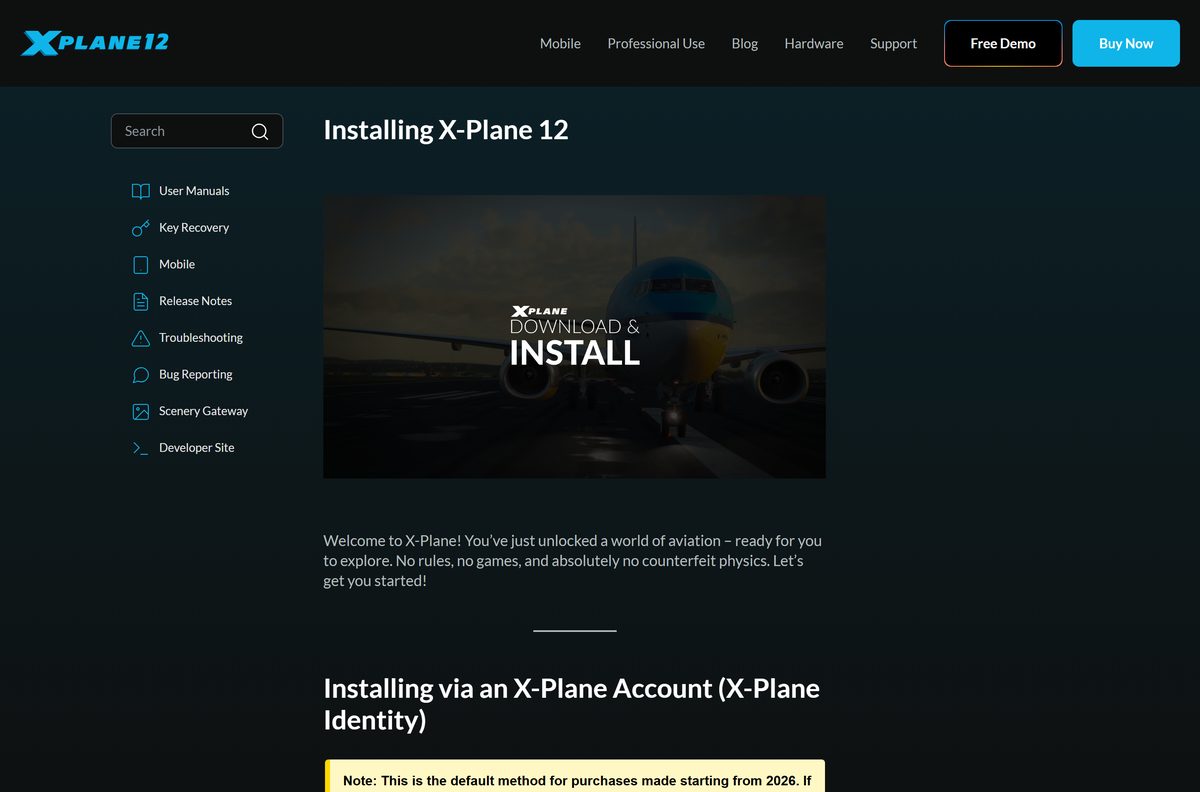
The same steps install the demo and a purchased digital copy. Keep a fast internet connection handy, because the installer downloads several gigabytes.
- Open the X-Plane 12 Free Demo page and click Get for Windows.
- Right-click X-Plane12InstallerWindows.zip in your Downloads folder and select Extract All.
- Double-click the extracted installer to run it.
- Keep the default install location on the Desktop, or click Change Destination to pick another drive.
- Select Login with X-Plane Identity if you bought X-Plane 12, or I have an XDD or DVD for a serial code.
- Choose only the scenery regions you need now. The full scenery package takes over 60 GB.
- Wait for the installer to finish downloading, then launch X-Plane 12.
- Check that your profile appears in the upper-right corner of the main menu.
Laminar Research recommends leaving X-Plane on the Desktop, even though another folder works.
Install X-Plane 12 through Steam
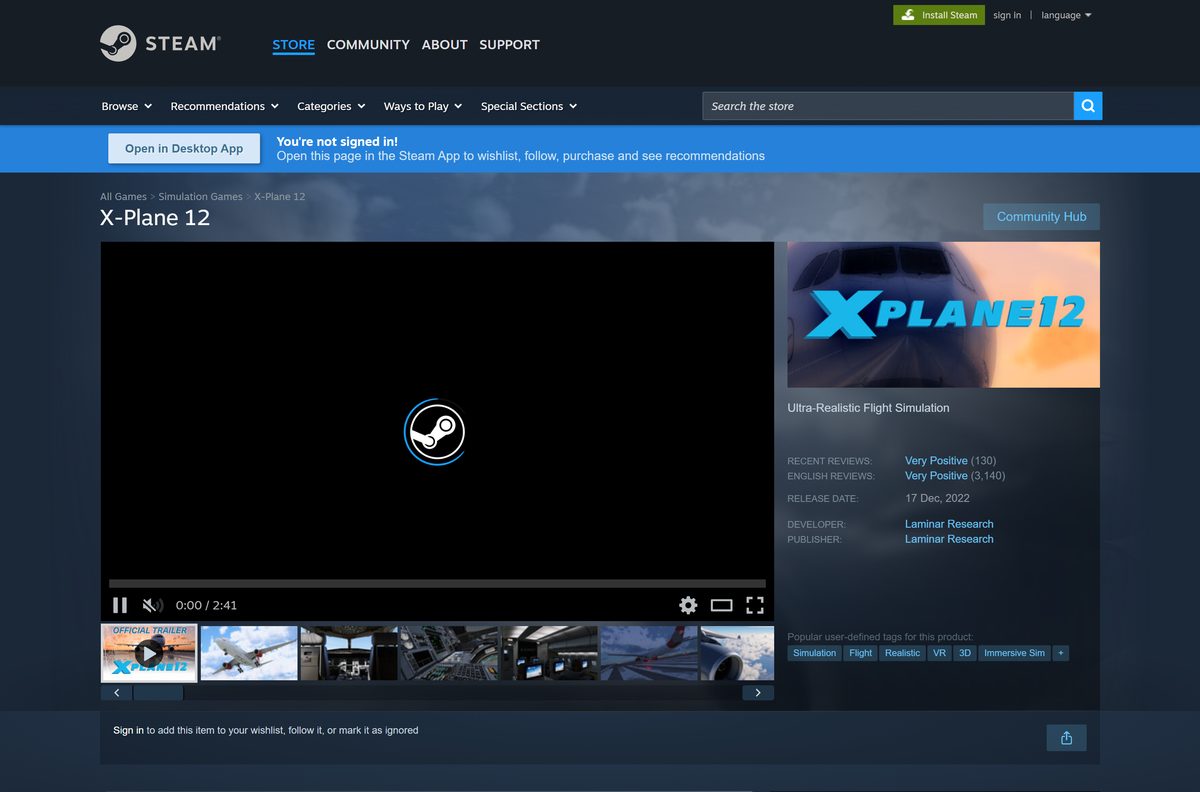
The Steam edition costs the same $59.99 and needs 23 GB of free space. Steam handles the download and every update.
- Open the Steam client and sign in.
- Go to X-Plane 12 on Steam and click Add to Cart.
- Complete the purchase in your cart.
- Open your Library, select X-Plane 12 and click Install.
- Pick a drive with at least 23 GB free and confirm.
- Click Play when the download finishes.
Update a Steam copy only through Steam. Laminar Research tells Steam users not to update with the x-plane.com installer.
Which X-Plane 12 download do you need for your Mac?
Click the Apple menu and choose About This Mac. Check the macOS version and the Chip or Processor line.
| Your Mac says | What to do | Where |
|---|---|---|
| macOS 12 or newer, Apple M-series chip | Install the Mac installer; Apple Silicon is a recommended CPU | Get for Mac |
| macOS 12 or newer, Intel quad-core CPU | Install the Mac installer if the graphics card meets the minimum | Get for Mac |
| macOS 11 Big Sur or older | Update macOS first; X-Plane 12 needs macOS 12 Monterey or newer | System requirements |
Unzip X-Plane12InstallerMac.zip , open the installer and follow the same login and scenery screens as on Windows.
Is X-Plane 12 free?
Without a purchase login or DVD, X-Plane 12 runs in demo mode only. The full simulator is a one-time purchase.
Install the free demo first, and buy the $59.99 Personal license only after X-Plane 12 runs well on your hardware. The demo uses the same installer as the full version, so buying later unlocks your existing install without a new download.
Prices on the Buy It page: $59.99 for the digital download or Steam, $99.99 for the DVD set, and $1,000 for the Professional Use digital download. The Professional Use USB key costs $1,250.
Anyone selling a cheap X-Plane 12 key or a cracked build is not Laminar Research.

Should you buy X-Plane 12 direct or on Steam?
Direct copies activate with Login with X-Plane Identity. Steam copies activate through your Steam account.
Buy the direct digital download if you want to try the demo first and keep the X-Plane installer in charge of updates. Buy on Steam if you already keep your games in Steam. Both cost $59.99, but the Steam listing has no demo, and Steam copies must update only through Steam.
Lost a direct-purchase serial? Use the official product key recovery page.
How to check your X-Plane 12 version and update it
- Start X-Plane 12.
- Open Settings and select General.
- Click About X-Plane and read the version under About This Copy of X-Plane.
- When X-Plane shows an update notice at startup, click Update.
- Let the installer/updater download the new files, then finish the process.
- Restart X-Plane 12 and check the version again.
The current release is 12.4.4. The release notes list what changed in each update.
Check the X-Plane 12 system requirements before you install
| Field | Value |
|---|---|
| Software | X-Plane 12 |
| Developer | Laminar Research |
| Latest version | 12.4.4 |
| Price | Free demo; $59.99 Personal license |
| Windows | Windows 10 or 11, 64-bit |
| Mac | macOS 12 Monterey or newer |
| Linux | Ubuntu Linux LTS, 24.04 recommended |
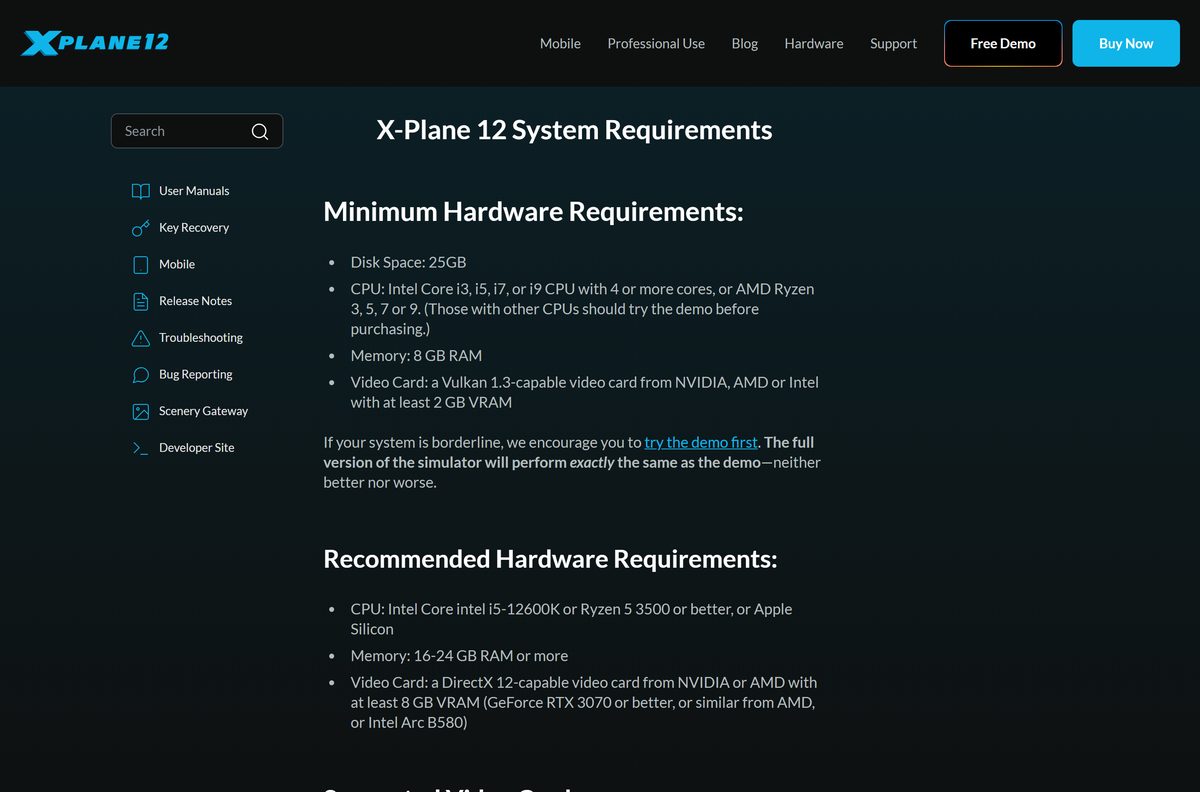
| Minimum CPU | Intel Core i3, i5, i7 or i9 with 4 or more cores, or AMD Ryzen 3, 5, 7 or 9 |
| Recommended CPU | Intel Core i5-12600K or Ryzen 5 3500 or better, or Apple Silicon |
| Memory | 8 GB minimum; 16-24 GB or more recommended |
| Minimum graphics | Vulkan 1.3 card from NVIDIA, AMD or Intel with 2 GB VRAM |
| Recommended graphics | DirectX 12 card with 8 GB VRAM: GeForce RTX 3070 or better, AMD equivalent, or Intel Arc B580 |
| Disk space | 25 GB minimum; full scenery over 60 GB |
| Installer size | 31.1 MB Windows zip; 31.8 MB Mac and Linux zips |
| Offline installer | No; the installer downloads the simulator. DVD set sold separately |
| Official download | x-plane.com Free Demo |
| Last verified | 2026-09-25 |
Intel Arc graphics cards need X-Plane 12.3.0 or newer. On Windows, open Settings > System > About to check your processor, RAM and system type.
Fix X-Plane 12 not installing or starting
X-Plane 12 fails at startup with a graphics error
The graphics card or driver lacks Vulkan 1.3 support.
- Install the latest driver from NVIDIA, AMD or Intel.
- Confirm the card has at least 2 GB of VRAM.
- On Intel Arc, update X-Plane to 12.3.0 or newer.
The installer stops with too little disk space
The full scenery package needs over 60 GB.
- Free at least 25 GB on the target drive.
- Run the installer again and select fewer scenery regions.
- Add more scenery later from the same installer.
A purchased copy still runs as the demo
X-Plane cannot find your purchase login or serial.
- Run the installer and choose Login with X-Plane Identity.
- Sign in with the account used for the purchase.
- For an old serial, use the key recovery page.
A Steam copy will not update
Steam copies update only through Steam, not the x-plane.com installer.
- Close the x-plane.com installer if it is open.
- Open your Steam Library and select X-Plane 12.
- Let Steam download the pending update, then click Play.
X-Plane 12 misbehaves on a Linux distribution
Laminar Research supports and tests only Ubuntu Linux LTS.
- Run X-Plane 12 on Ubuntu LTS, ideally 24.04.
- Update the Vulkan graphics driver for your card.
How to uninstall X-Plane 12
- Close X-Plane 12.
- Open the folder that holds the X-Plane 12 installation, on the Desktop by default.
- Copy out any add-on aircraft or scenery you want to keep.
- Drag the whole X-Plane 12 folder to the Recycle Bin, or the Trash on a Mac.
- Empty the Recycle Bin or Trash to free the disk space.
On Steam, open your Library, right-click X-Plane 12 and choose Manage > Uninstall.
Frequently asked questions
Is X-Plane 12 free?
No, but the demo is free. The same installer puts X-Plane 12 on your computer in demo mode, and a $59.99 Personal license from x-plane.com or Steam unlocks the full simulator. Professional Use costs $1,000.
What is the official X-Plane 12 download page?
The official page is x-plane.com/desktop/try-it. It offers Get for Windows, Get for Mac and Get for Linux buttons, each a zip with the X-Plane 12 installer, plus the minimum system requirements.
Does X-Plane 12 work on Windows 11?
Yes. Laminar Research lists Windows 10 or 11, 64-bit, as the supported Windows versions. Your PC also needs a quad-core Intel or AMD Ryzen CPU, 8 GB of RAM and a Vulkan 1.3 graphics card with 2 GB of VRAM.
How big is the X-Plane 12 download?
The Windows installer zip is 31.1 MB, and the Mac and Linux zips are 31.8 MB each. The installer then downloads the simulator itself, which needs at least 25 GB of disk space. All scenery takes over 60 GB.
Is there an X-Plane 12 offline installer?
No. The downloadable zip holds an online installer that fetches the simulator and scenery during setup. The only physical option is the X-Plane 12 DVD set, which costs $99.99 from x-plane.com.
Is there X-Plane 12 for Mac?
Yes. Click Get for Mac on the demo page to get the Mac installer. X-Plane 12 needs macOS 12 Monterey or newer, and Laminar Research lists Apple Silicon among its recommended processors.
Does X-Plane 12 run on Linux?
Yes. The demo page has a Get for Linux installer. Laminar Research officially supports and tests only Ubuntu Linux LTS, with version 24.04 recommended for the best results.
Is X-Plane 12 64-bit only?
Yes. The Windows requirement is Windows 10 or 11, 64-bit, and the Linux build targets 64-bit Ubuntu LTS. There is no 32-bit version of X-Plane 12 for any platform.
Is X-Plane 12 safe to download?
Yes, when you download it from x-plane.com or buy it on Steam. Both come from Laminar Research. Avoid sites that offer cracked copies or cheap product keys, which Laminar Research does not sell.
What is the latest version of X-Plane 12?
X-Plane 12.4.4 is the latest release, published in September 2026. Direct copies update through the X-Plane installer, and Steam copies update automatically through Steam.
Can I play the X-Plane 12 demo on Steam?
No. The Steam listing has no demo. Get the free demo from x-plane.com instead; the same installer later unlocks the full version if you buy a digital download.
Why won’t X-Plane 12 install or start?
The usual causes are a graphics card without Vulkan 1.3 support, too little free disk space, or an unsupported operating system. Update the graphics driver, free at least 25 GB, and check the system requirements.