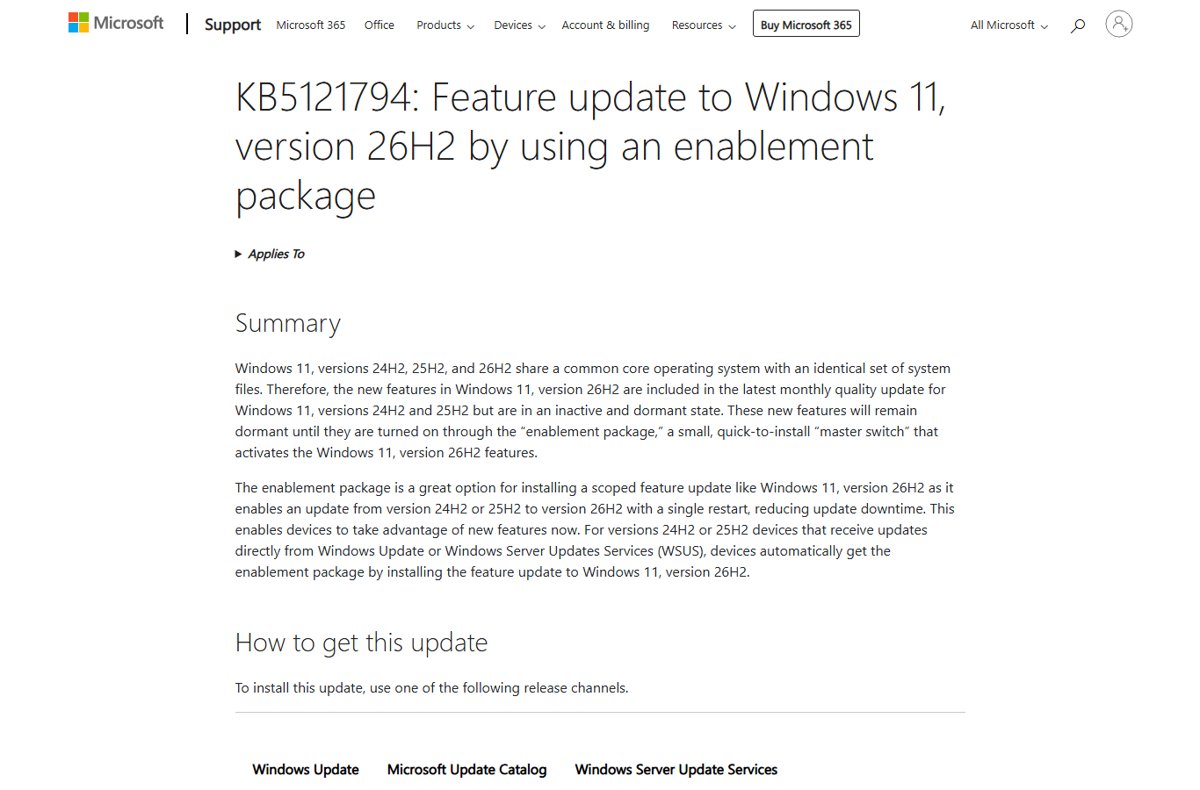
KB5121794 is the Windows 11 26H2 enablement package: a small "master switch" that turns on 26H2 features already sitting dormant on PCs running Windows 11 version 24H2 or 25H2, and it finishes with a single restart.
This guide covers how to get it, which PCs qualify, what it changes, what it does not, and what to do when it fails or never appears.
How to Get It Now
Windows 11 version 26H2 reached general availability on September 29, 2026. Microsoft is releasing it as a controlled feature rollout, so most PCs are not offered it on day one.
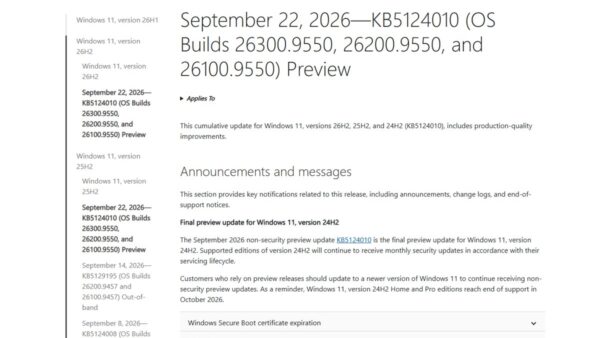
- Confirm the PC runs Windows 11 version 24H2 or 25H2 with the September 22, 2026 update (KB5124010) or a later cumulative update installed.
- Open Settings and select Windows Update.
- Turn on Get the latest updates as soon as they're available.
- Select Check for updates.
- When Windows 11, version 26H2 is available appears, select Download & install.
- Restart the PC when Windows asks. The single restart completes the switch to 26H2.
If the offer does not appear, the PC is either still waiting in the rollout or sits behind a safeguard hold. The troubleshooting section below covers both.
What 26H2 Actually Delivers
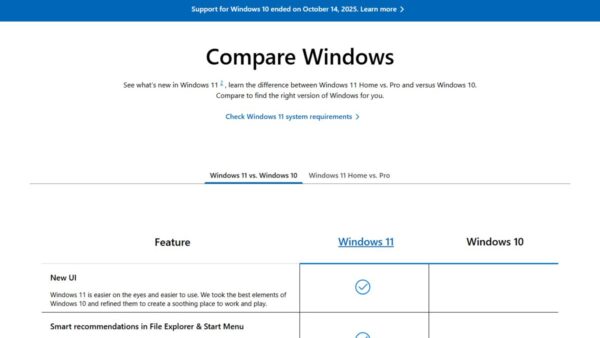
Microsoft's KB5121794 article states that versions 24H2, 25H2 and 26H2 share a common core operating system with an identical set of system files. The 26H2 features already arrived in monthly cumulative updates, switched off. The enablement package only flips them on.
| What changes | What KB5121794 does | Source of the detail |
|---|---|---|
| New features | Activates 26H2 features that were delivered in an inactive, dormant state by the monthly quality updates for 24H2 and 25H2 | KB5121794 support article |
| Version label | Moves the PC from version 24H2 or 25H2 to version 26H2 | KB5121794 support article |
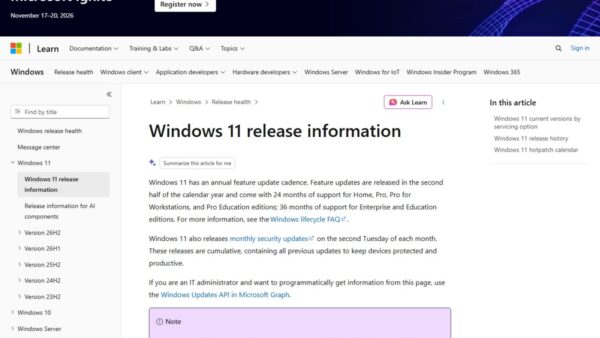
| Build number | The PC reports the 26300 build series; the same September preview update, KB5124010, is build 26300.9550 on 26H2 and 26200.9550 on 25H2 | Windows 11 release information |
| Commercial defaults | Turns on by default, for commercial devices, experiences such as Windows settings backup, app-specific actions from the taskbar and some File Explorer enhancements | Windows Insider Blog, August 27, 2026 |
| Features disabled by default in 25H2 | Select features first shipped disabled by default in 25H2 are enabled by default in 26H2 | Windows Experience Blog, September 29, 2026 |
| Support clock | Resets the support lifecycle: 24 months for Home and Pro, 36 months for Enterprise and Education | Windows Experience Blog, September 29, 2026 |
| System files | Replaces none: Microsoft states this update does not replace any previously released update | KB5121794 support article |
One side effect matters to domain administrators. Microsoft's release health page says 26H2 makes Windows begin honouring any existing or policy-provisioned Machine Identity Isolation enforcement settings.
Why Microsoft uses different upgrade methods
An enablement package works only when the old and new versions share one servicing branch and codebase. Windows 11 23H2 and Windows 10 do not share that codebase with 26H2, so they need a full operating system upgrade instead.
| Enablement package (KB5121794) | Full feature update | |
|---|---|---|
| Works from | Windows 11 24H2 and 25H2 only | Older Windows 11 versions and Windows 10 on hardware that meets Windows 11 requirements |
| What installs | A small switch that activates features already on the PC | A full OS replacement, which Microsoft contrasts with the small enablement package |
| Restarts | One, like a monthly update | Microsoft does not publish a number for full upgrades |
| Delivered by | Windows Update, WSUS, Windows Autopatch and the Microsoft 365 admin center | Windows 11 Installation Assistant, media creation tool or ISO from Microsoft's download page |
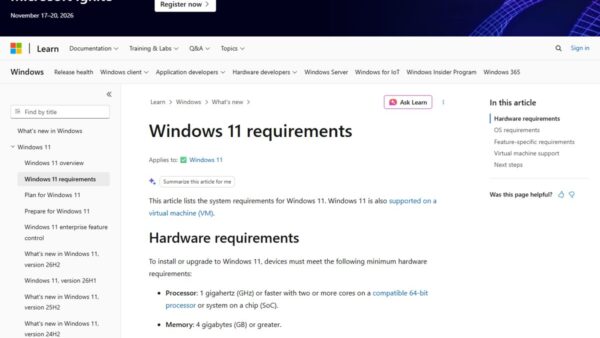
| Prerequisite | KB5124010 (September 22, 2026) or a later cumulative update | Windows 11 hardware requirements |
Upgrade Paths: Know Where You Stand
These are the Windows 11 26H2 upgrade paths Microsoft documents. Find the row that matches the version shown in Settings > System > About, then follow the last column.
| You are running | Your path to 26H2 | Why |
|---|---|---|
| Windows 11 25H2 | Enablement package KB5121794 through Windows Update | Same servicing branch; one restart |
| Windows 11 24H2 | Enablement package KB5121794 through Windows Update | Same servicing branch; one restart. Home and Pro 24H2 reach end of updates on 2026-10-13, so move soon |
| Windows 11 23H2 | Full upgrade with the Installation Assistant or an ISO | Not listed in KB5121794's Applies To, which covers only 24H2 and 25H2 |
| Windows 11 26H1 | No 26H2 path published | Microsoft states 26H1 is scoped to new devices, and KB5121794 does not list 26H1 under Applies To |
| Windows 10 | Full upgrade with the Installation Assistant or an ISO, if the PC meets Windows 11 requirements | Different codebase; an enablement package cannot bridge it |
| Windows Insider in Release Preview | 26H2 was offered from August 27, 2026 as build 26300.9278 | Preview ahead of general availability |
Microsoft's release information page confirms that 26H1 is not offered as an in-place update from 24H2 or 25H2. It has not published a 26H1-to-26H2 path.
Compatibility and upgrade path details
Check these conditions before expecting the offer. Each one comes from the KB5121794 article or Microsoft's lifecycle pages.
| Requirement | Detail |
|---|---|
| Current version | Windows 11, version 24H2 or version 25H2 |
| Prerequisite update | September 22, 2026 preview KB5124010 or a later cumulative update |
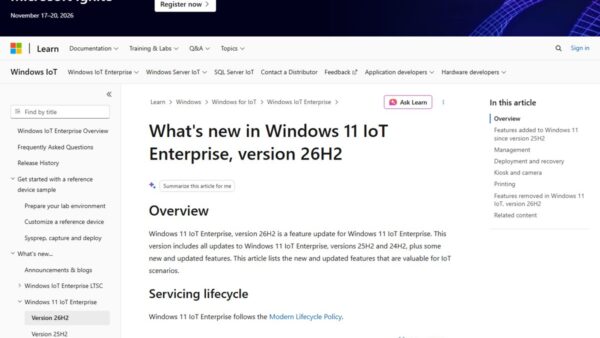
| Editions covered | Home and Pro, Enterprise and Education, Enterprise multi-session and IoT Enterprise, versions 24H2 and 25H2 |
| Restart | Required after the package installs |
| Architecture | Microsoft publishes the 26H2 cumulative updates for both x64-based and Arm64-based systems |
| Snapdragon 850 PCs | Microsoft's lifecycle page states 26H2 is the last version that will support devices with Snapdragon 850 processors |
| 26H1 devices | Not eligible for this enablement package |
Download Windows 11 26H2 Enablement Package (KB5121794)
There is no standalone download of KB5121794 from Microsoft. Its support article marks the Microsoft Update Catalog as unavailable: "This update is only available through the other release channels." A catalog search for KB5121794 returns no results.
Home users get it through Windows Update, as shown in the first section. Administrators who run Windows Server Update Services can sync it with these steps.
- In the WSUS Administration Console, under Update Services, expand the server name and select Options.
- Open Products and Classifications.
- Under products, select Windows 11.
- Under classifications, select Upgrades, then select OK.
- Synchronize the server, manually or on its schedule.
- Approve the feature update named Windows 11, version 26H2 for a pilot group of 24H2 and 25H2 devices.
Microsoft also lists Windows Autopatch and the Microsoft 365 admin center as sources, and warns that downloads there may be delayed. For ISO and Installation Assistant routes, the full list of official install methods covers each one.
Upgrading from Windows 11 23H2 or earlier
Microsoft's download page now lists the current release as Windows 11 2026 Update, version 26H2. The Installation Assistant there performs the full upgrade that 23H2 and Windows 10 PCs need. Windows 11 23H2 Home and Pro already reached end of updates on November 11, 2025.
- Back up files you cannot afford to lose to OneDrive or an external drive.
- Open
https://www.microsoft.com/software-download/windows11in a browser. - Under Windows 11 Installation Assistant, select Download Now.
- Run the downloaded file and follow the prompts to start the upgrade.
- Leave the PC plugged in until setup finishes and the desktop returns.
The Installation Assistant runs only on x64 processors. Microsoft offers separate Windows 11 ISOs for Arm64 devices from the same page.
Why some PCs upgrade faster than others
Two PCs on the same version can see the offer weeks apart. Microsoft states the rollout is phased and will expand over the next few months.
| Factor | Effect on timing |
|---|---|
| Get the latest updates as soon as they're available turned on | Eligible PCs are offered 26H2 first |
| Controlled feature rollout | Microsoft expands availability over time based on data from early devices |
| Safeguard hold | A PC with a detected compatibility issue is held back until the issue is fixed |
| Version 24H2 or 25H2 already installed | Gets the small enablement package and finishes with one restart |
| Version 23H2 or Windows 10 | Needs a full upgrade, which takes far longer than the enablement package |
| Managed by IT | Receives it when the organisation approves it in WSUS, Autopatch or its update rings |
Insider builds and rollout testing
26H2 went through the Windows Insider Program before general availability. These dates come from Microsoft's own announcements.
| Date | Milestone |
|---|---|
| June 19, 2026 | Microsoft announces 26H2 will be an enablement package and opens previews in the Insider Experimental channel |
| August 27, 2026 | Build 26300.9278 released to the Release Preview Channel |
| August 31, 2026 | Insider ISOs for 26H2 become available |
| September 29, 2026 | General availability; release information lists builds 26300.9457 and 26300.9550 (KB5124010) |
Every 26H2 build and KB released since general availability is tracked in the 26H2 update history.
Support lifecycle reset
Installing 26H2 restarts the support clock. These end dates come from Microsoft's Windows 11 release information page.
| Version | Home, Pro, Pro Education, Pro for Workstations | Enterprise, Education, IoT Enterprise, Enterprise multi-session |
|---|---|---|
| 26H2 | 2028-10-10 | 2029-10-09 |
| 25H2 | 2027-10-12 | 2028-10-10 |
| 24H2 | 2026-10-13 | 2027-10-12 |
| 23H2 | End of updates | 2026-11-10 |
A 24H2 Home or Pro PC that skips 26H2 stops getting security updates after October 13, 2026. The 26H2 servicing timeline explains the dates in more detail.
How to check the enablement package worked
- Right-click Start and select Settings.
- Select System, then select About.
- Under Windows specifications, check that Version reads 26H2.
- Check that OS build starts with 26300. A PC still on 25H2 shows 26200, and 24H2 shows 26100.
Fix problems with the 26H2 enablement package
The symptoms below come from Microsoft's Windows 11 26H2 release health page and the KB5121794 prerequisites. The 26H2 known issues list tracks new entries as Microsoft adds them.
Windows Update never shows "Windows 11, version 26H2 is available"
The PC is waiting in the phased rollout, lacks the prerequisite update, or has a safeguard hold.
- Check Settings > System > About and confirm the version is 24H2 or 25H2.
- In Settings > Windows Update, select Check for updates and install KB5124010 or any later cumulative update, then restart.
- Turn on Get the latest updates as soon as they're available.
- Check again after a few days. A safeguard hold lifts only when Microsoft resolves the issue, so do not force the upgrade with other tools.
USB audio device shows Code 10 or produces no sound after the update
A known issue affecting some USB Audio Class 1.0 devices, listed as mitigated on September 29, 2026.
- Open Settings > Windows Update and install every available update.
- Restart the PC and test the device again.
- In a managed organisation, IT administrators who still see the symptoms can contact Microsoft Support for Business.
Domain sign-in fails with a trust relationship error after 26H2
26H2 starts honouring Machine Identity Isolation enforcement, which works only with Windows Server 2025 domain functional level.
- Disable Machine Identity Isolation with the same tool used to enable it: Intune or Group Policy.
- If it was set in the registry, set
MachineIdentityIsolationfrom2to0underHKLM\SYSTEM\CurrentControlSet\Control\Lsa\MachineIdentityIsolationorHKLM\SOFTWARE\Policies\Microsoft\Windows\DeviceGuard\MachineIdentityIsolation. - Restart the device.
- In PowerShell, run
Test-ComputerSecureChannel -Repair -Credential (Get-Credential)to reset the secure channel.
Black screen after sign-in, mainly on Azure Virtual Desktop
A known desktop loading issue seen mostly on AVD hosts that use FSLogix profiles.
- Press Ctrl + Shift + Esc to open Task Manager.
- Select Run new task, type
explorer.exeand select OK. - For managed devices, deploy the Known Issue Rollback Group Policy for KB5124010 that Microsoft links on the release health page, then restart.
Frequently Asked Questions
How do I get the 26H2 enablement package?
Open Settings > Windows Update on a Windows 11 24H2 or 25H2 PC, turn on Get the latest updates as soon as they're available, and select Download & install when Windows 11, version 26H2 is available appears. Organisations can deploy it through WSUS, Windows Autopatch or the Microsoft 365 admin center.
Will Windows 11 26H2 be an enablement package?
Yes. Microsoft delivers Windows 11 26H2 as an enablement package, KB5121794, for PCs on versions 24H2 and 25H2. Those versions share a servicing branch and identical system files with 26H2, so the package only activates features that are already installed.
What is the 26H2 eKB?
eKB is Microsoft's short name for an enablement package. For Windows 11 26H2 it is KB5121794, a small update that switches on dormant 26H2 features on 24H2 and 25H2 PCs. It needs one restart and does not replace any previously released update.
Can I download the Windows 11 26H2 enablement package directly?
No. Microsoft's KB5121794 article says the update is not offered through the Microsoft Update Catalog. It comes only through Windows Update, WSUS and Microsoft's managed deployment services. For a file you can keep, use the Windows 11 26H2 ISO from Microsoft's download page instead.
How big is the Windows 11 26H2 enablement package?
Microsoft does not state a file size in the KB5121794 article. It describes the package as small and quick to install, with installation similar to a monthly update. The large cumulative updates carry the actual 26H2 code, which is why the switch itself stays small.
What must be installed before KB5121794?
The PC must run Windows 11 version 24H2 or 25H2 with the September 22, 2026 preview update KB5124010, or a later cumulative update, already installed. Without that update, the dormant 26H2 features the package activates are not present on the device.
Does KB5121794 work on Windows 11 23H2 or Windows 10?
No. KB5121794 applies only to Windows 11 versions 24H2 and 25H2. A PC on Windows 11 23H2, or a Windows 10 PC that meets Windows 11 hardware requirements, needs a full upgrade through the Installation Assistant or an ISO from Microsoft's download page.
Does the 26H2 enablement package reset the support date?
Yes. Installing 26H2 resets the support lifecycle. Home and Pro editions are supported until 2028-10-10, and Enterprise and Education editions until 2029-10-09, according to Microsoft's Windows 11 release information page.
What this means for you
On a Windows 11 24H2 or 25H2 PC, keep Windows Update current and install 26H2 when it is offered; there is no benefit in hunting for a standalone KB5121794 file. The package only activates code the PC already has, so it installs like a monthly update with one restart, and it moves the support end date to October 2028 for Home and Pro. 24H2 Home and Pro users have the strongest reason to move, because their updates end on October 13, 2026.
Everything else that changes in this release, from features to editions, is collected in the Windows 11 26H2 overview.