You can get Google Wallet on an Android phone in about a minute from Google Play, and put the Google Wallet website on a Windows 11, Windows 10 or Mac desktop as an app from Chrome or Edge.
Both are free with a Google Account. The phone app pays with a tap and holds passes, tickets and IDs; the desktop app manages cards, passes and transactions.
Below: the right route for each device, Google’s official links, setup on Windows, Mac and Android, and fixes for the errors that stop Wallet from opening.
Which Google Wallet download do you need?
Match your device to a row. Only Android devices get a native app; computers use the website.
| Your device | What to install | Size |
|---|---|---|
| Android phone on Android 9 or later | Google Wallet on Google Play | Play states no size |
| Wear OS watch or Google Fitbit device | Google Wallet on Google Play | Play states no size |
| Windows 11 or Windows 10 PC | wallet.google.com, installed as an app in Chrome or Edge | No separate download |
| Mac | wallet.google.com, installed as an app in Chrome | No separate download |
| iPhone | wallet.google.com in Safari | No iPhone app |
Download Google Wallet from Google’s official sources
Google publishes Wallet at these addresses. A site offering a Google Wallet .exe or .apk is not Google, so skip it.
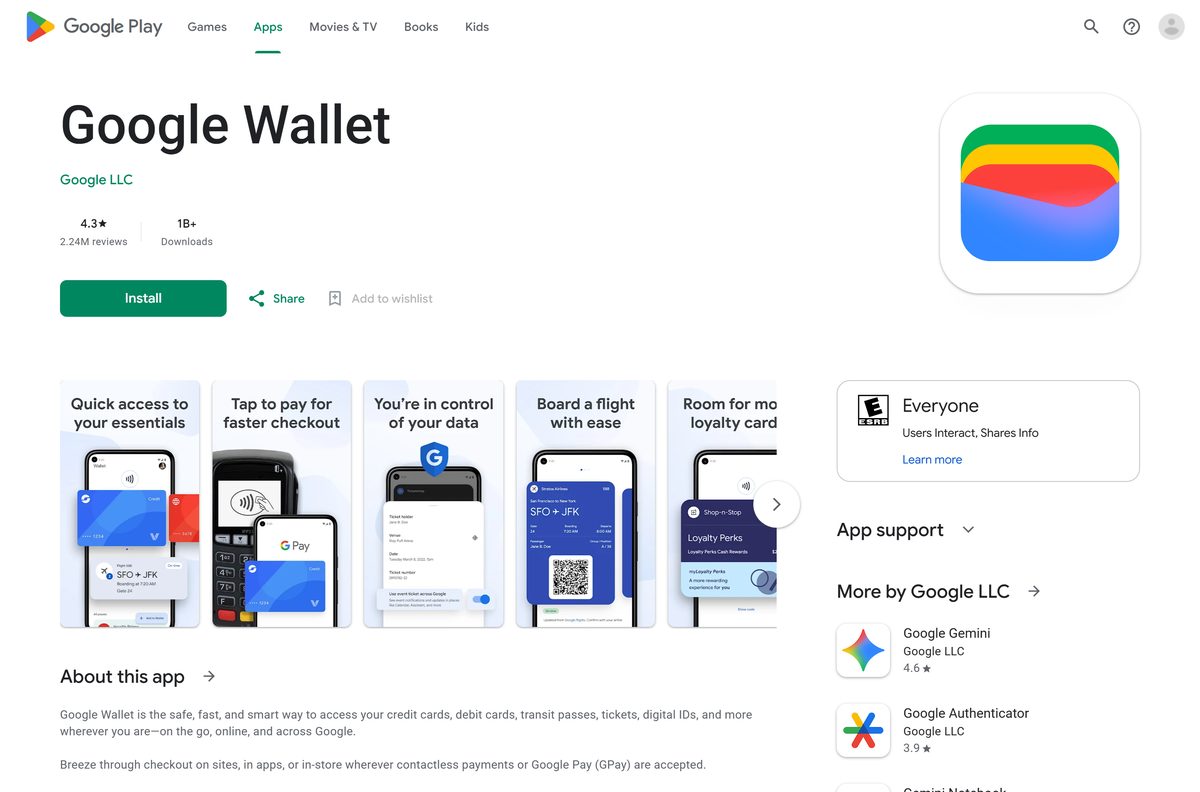
- Google Wallet on Google Play — Google LLC, 1B+ downloads, updated 25 September 2026
- Google Wallet website — sign in with a Google Account, then install it as an app
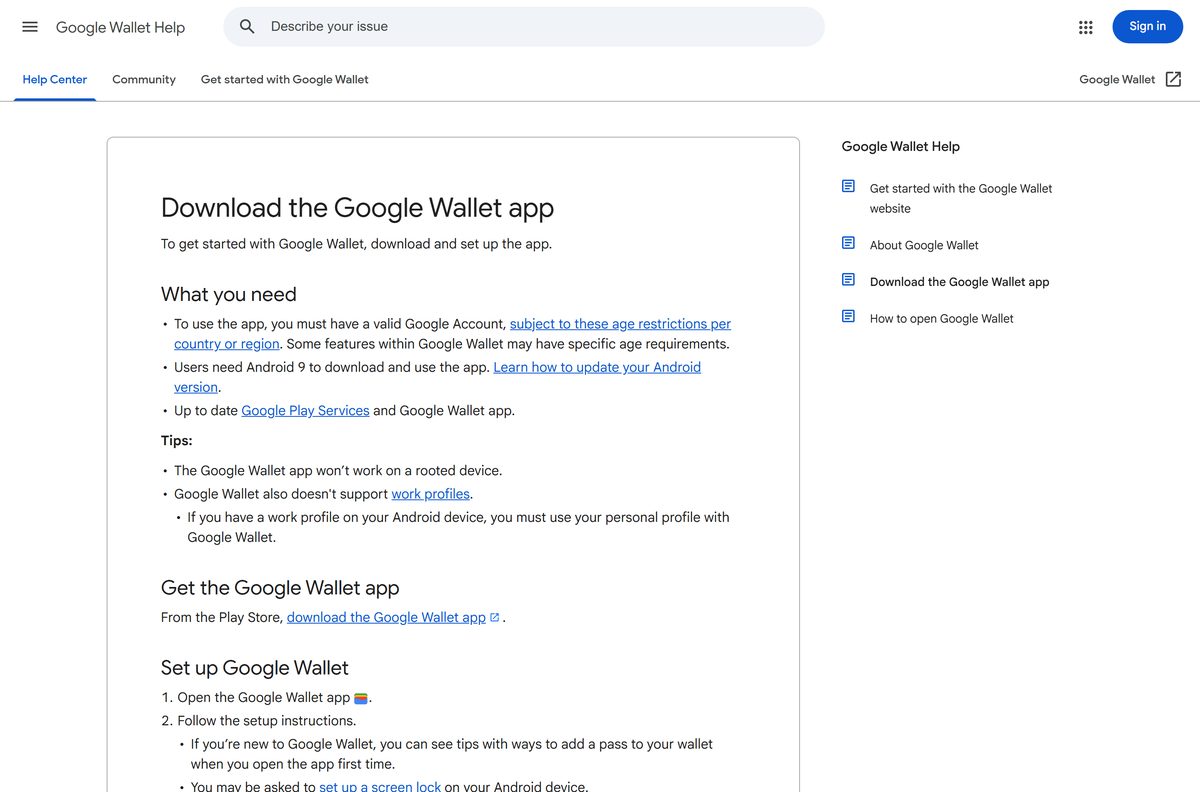
- Download the Google Wallet app (Google help) — Google’s own requirements and setup steps
Check the Google Wallet system requirements
The phone app has firm rules. The website only needs a supported country and a browser.
| Field | Value |
|---|---|
| Developer | Google LLC |
| Latest version | Varies by device; Google Play updated it on 25 September 2026 |
| Price | Free with a Google Account |
| Android | Android 9 (Pie) or later, with up-to-date Google Play services |
| Watches | Wear OS and Google Fitbit devices |
| Windows and Mac | Google Wallet website in a browser, installable as an app |
| iPhone | No app; the website opens in Safari |
| Architecture | None of its own; Google Play picks the right Android build |
| Not supported | Rooted phones and Android work profiles |
| Availability | Over 80 countries and regions; the website in fewer |
| Offline installer | None |
| Last verified | 2026-09-25 |
How to install Google Wallet on Windows 11 and 10 as a desktop app
Chrome turns the Google Wallet website into a windowed app with its own taskbar icon. It opens without tabs or an address bar.
- Open Chrome and go to wallet.google.com.
- Sign in with the Google Account that holds your cards.
- Select More, the three-dot button at the top right.
- Select Cast, save, and share, then Install page as app.
- Follow the on-screen prompt to finish the install.
- Right-click the new window’s taskbar icon and select Pin to taskbar.
- Open Google Wallet from the Start menu and confirm Payment methods appears on the left.
Some sites show an Install icon in the address bar instead. It does the same job in one click.
Install Google Wallet with Microsoft Edge instead of the Store
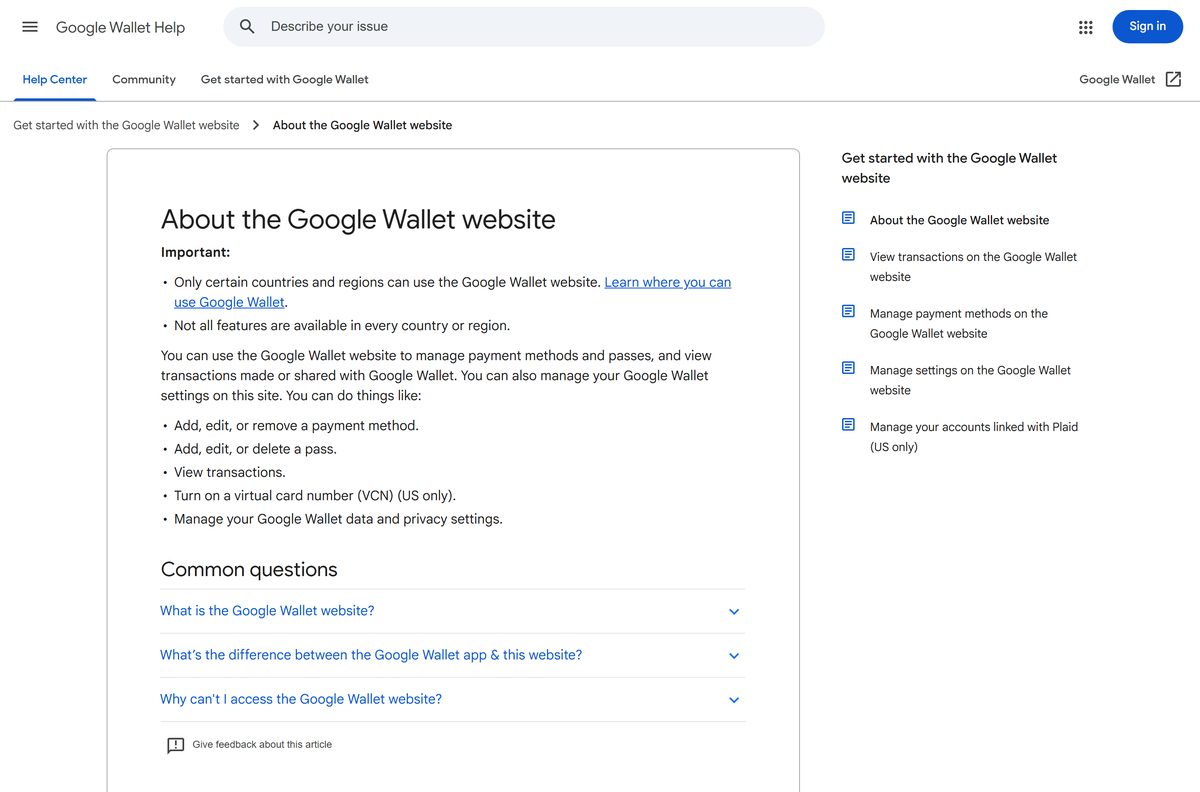
The Microsoft Store lists no Google Wallet package. Edge installs any site as an app and manages it from one page.
- Open Microsoft Edge and go to wallet.google.com.
- Sign in with your Google Account.
- Select Settings and more, the three-dot button at the top right.
- Select More tools, then Apps, then Install this site as an app.
- Open edge://apps and select Details on the Google Wallet card.
- Select Pin to taskbar, Pin to Start or Create Desktop shortcut.
Which Google Wallet download do you need for your Mac?
There is no DMG. A Mac gets the same website, either as a Chrome app or in Safari.
| Your Mac setup | What to do | Result |
|---|---|---|
| Chrome is installed | Install wallet.google.com as an app from Chrome | Opens from the Dock in its own window |
| Safari only | Open wallet.google.com in Safari | Full website, in a browser tab |
| You also carry an iPhone | Manage cards at wallet.google.com | Tap to pay on iPhone uses Apple Wallet instead |
How to set up Google Wallet on an Android phone
The phone app is where tap to pay, boarding passes, tickets and digital IDs live.
- Confirm the phone runs Android 9 or later and is not rooted.
- Open the Google Wallet listing on Google Play and tap Install.
- Open the Google Wallet app and follow the setup instructions.
- Set up a screen lock if Wallet asks for one.
- Add a card or pass, then turn NFC on in the phone’s settings.
- To pay, unlock the phone, hold it near the terminal and wait for the check mark.
On Android 12 and up, open Wallet from the Quick Settings tile or the Wallet button on the lock screen.
Should you use the Google Wallet app or the website?
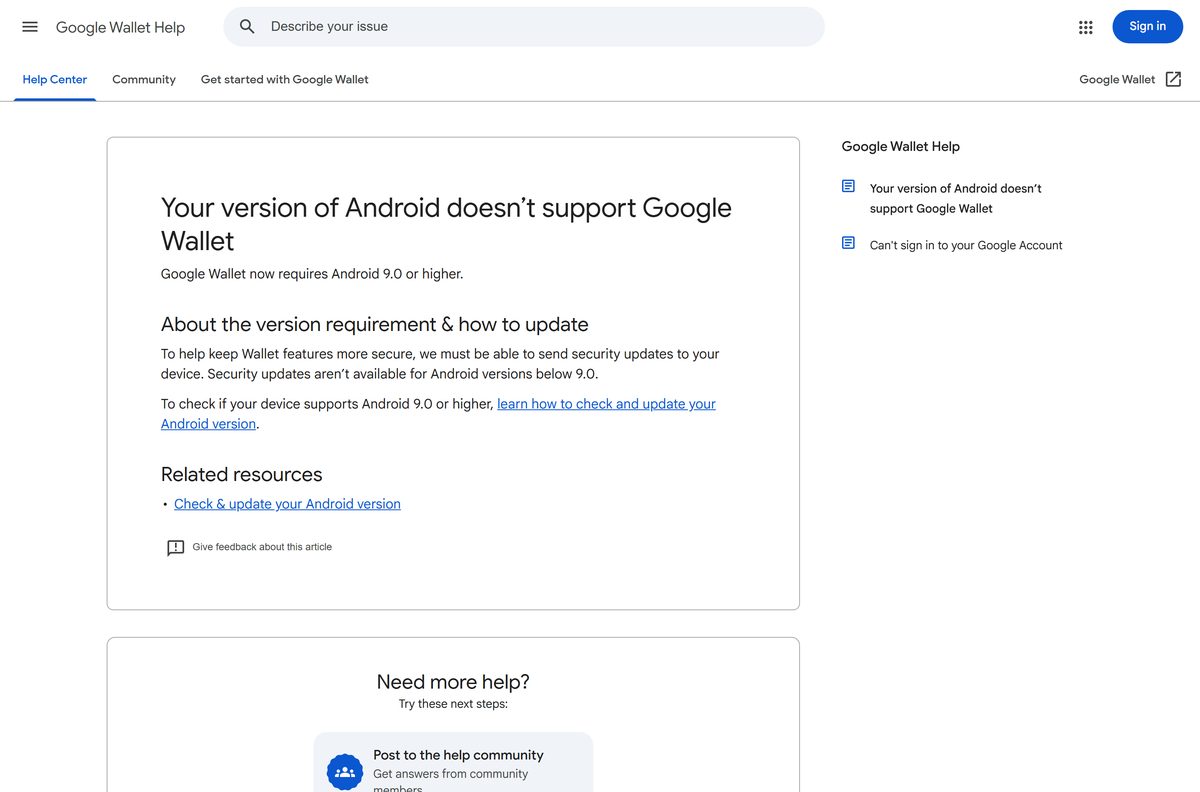
Install the Android app if you want to pay with your phone or carry passes. Use the website on a PC or Mac to manage cards, passes and transactions. The website adds, edits and removes payment methods and passes, lists transactions and turns on a US virtual card number. It cannot pay in a store, some passes such as IDs appear only in the app, and changes made on the website may not reach the app. The website also works in fewer countries than the app.
Is Google Wallet free?
Yes. Google Wallet costs nothing on Android, on Wear OS and on the website. Google Play lists the app as free, and it ranks in the top free finance apps. You need a Google Account, subject to age limits in your country. A site charging for a Google Wallet setup file is not Google.
How to check a Google Wallet download really came from Google
No PC installer exists to check. Verify the listing and the address you sign in on instead.
- On Google Play, confirm the developer reads Google LLC.
- Confirm the package in the address bar is com.google.android.apps.walletnfcrel.
- Start the desktop app at wallet.google.com and confirm the sign-in page is on accounts.google.com.
- Ignore any site offering a Google Wallet .exe, .dmg or sideloaded .apk.
Fix Google Wallet not installing, opening or paying
Your version of Android doesn’t support Google Wallet
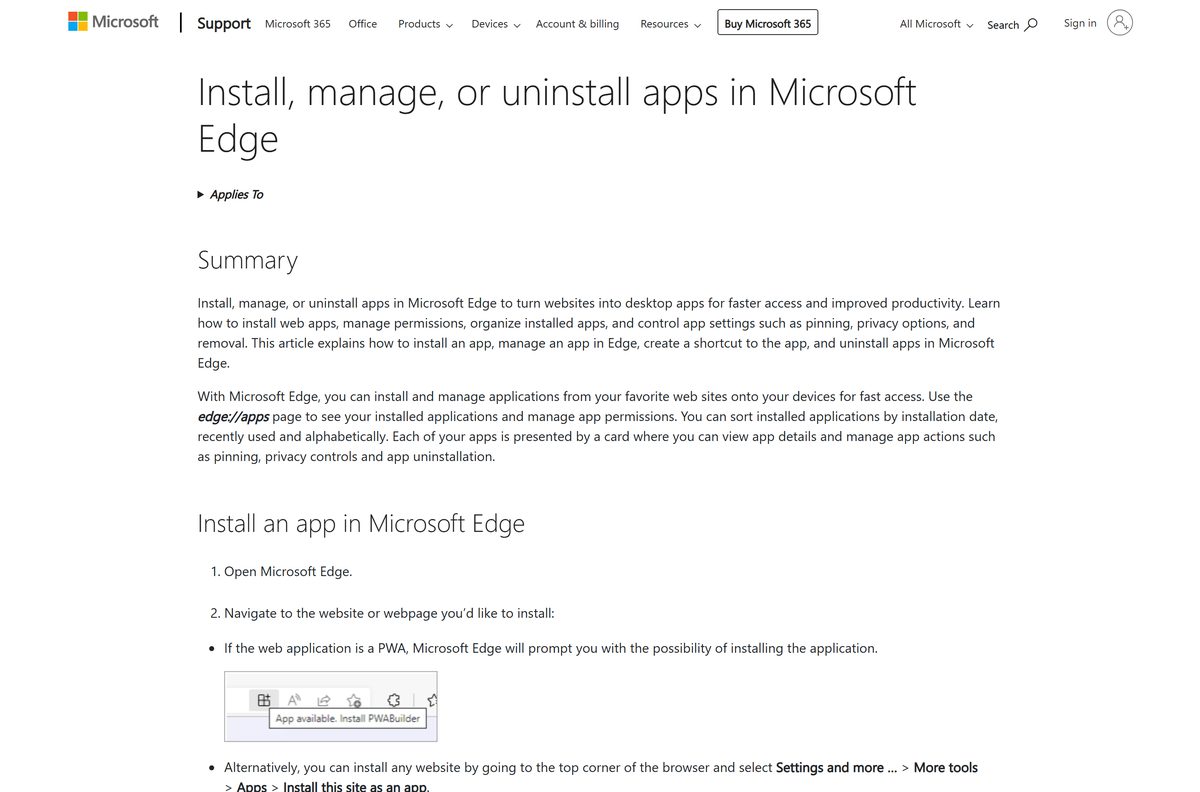
Wallet needs Android 9.0 or higher to receive security updates.
- Open Settings and check the Android version.
- Install any system update the phone offers.
- Retry the install from Google Play once the phone reaches Android 9 or later.
Wallet will not set up or keeps closing
The phone is rooted, you are in a work profile, or Google Play services is out of date.
- Switch to your personal profile; Wallet does not support work profiles.
- Update Google Play services and Google Wallet from Google Play.
- Use an unrooted phone, because Wallet will not run on a rooted device.
The terminal does not respond when you tap
NFC is off or the phone is locked.
- Turn NFC on in the phone’s settings.
- Unlock the phone before you tap.
- Hold it near the terminal until the check mark appears.
The Google Wallet website will not open
Your country is not supported, Wallet needs verification, or the account lacks a payment method or 2-Step Verification.
- Check that your country or region supports the Google Wallet website.
- Add a payment method to your Google Account.
- Turn on 2-Step Verification, then reload wallet.google.com.
How to uninstall Google Wallet
Removing the app does not delete your Google Account or the cards saved to it.
- On Android, open Google Play, tap the Profile icon, then Manage apps & devices.
- Tap Manage, select Google Wallet, then tap Uninstall.
- On Windows, open edge://apps in Edge, select Details on the Google Wallet card, then Uninstall.
- For the Chrome app, open the Google Wallet window, select More at the top right, and choose the uninstall option.
- To remove a card everywhere, open wallet.google.com, click Payment methods, select the card and click Remove.
Which wallet to use instead of Google Wallet
The right wallet depends on the phone in your pocket.
| App | Publisher | Cost | Best for |
|---|---|---|---|
| Google Wallet app | Free | Tap to pay, passes and IDs on Android and Wear OS | |
| Google Wallet website | Free | Managing cards and transactions from a PC or Mac | |
| Apple Wallet | Apple | Built into iPhone | iPhone owners, since Google Wallet has no iPhone app |
Frequently asked questions
Is Google Wallet free?
Yes. The Google Wallet app on Google Play and the Google Wallet website cost nothing. You need a Google Account to use either one.
Can I download Google Wallet on my PC?
Yes, as a web app. Open wallet.google.com in Chrome or Edge, sign in, and install it as an app. It opens in its own window with a Start menu entry and a taskbar icon.
What can the Google Wallet website do on a computer?
It adds, edits and removes payment methods and passes, shows transactions, turns on a virtual card number in the US, and manages privacy settings. Tap to pay and digital IDs stay in the phone app.
What is the Google Wallet download size?
Google Play states no size for the Android app, because the download varies by phone. On a PC or Mac the web app installs from the browser, so no setup file downloads.
Is there a Google Wallet app for Mac?
Install wallet.google.com as an app from Chrome on a Mac and it opens from the Dock. Safari also opens the website. Google ships no Google Wallet DMG.
Is Google Wallet available on iPhone?
No. The US App Store carries no Google Wallet app. iPhone owners use Apple Wallet for tap to pay, and can still open wallet.google.com in Safari to manage saved cards.
What Android version does Google Wallet need?
Android 9 or later, with up-to-date Google Play services. Google dropped older versions because they no longer receive security updates, which Wallet depends on.
Does Google Wallet work on a Wear OS watch?
Yes. Google lists Wear OS watches and Google Fitbit devices alongside Android phones, and the Google Play listing shows Watch among its device types.
Why can’t I use Google Wallet on my phone?
The usual causes are Android below version 9, a rooted phone or a work profile. Update Android, switch to your personal profile, and update Google Play services and Google Wallet.
Is Google Wallet the same as Google Pay?
Not quite. Google Wallet stores cards, passes, tickets and IDs. Google Pay, or GPay, is how you pay at checkout, and in India Google Pay is a separate app for sending money.