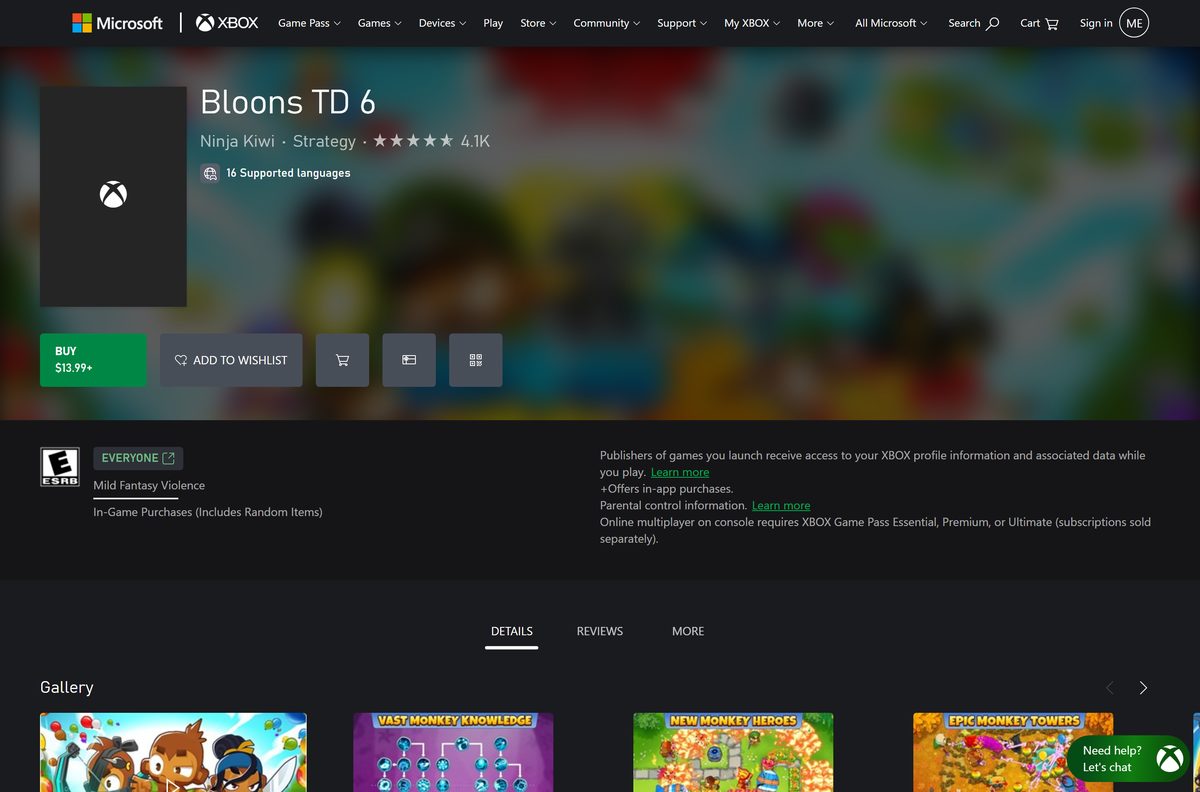
Your Bloons TD 6 download for Windows 11, Windows 10 and Mac comes from Steam, where one $13.99 purchase covers both systems. The Microsoft Store sells the Windows edition at the same price, and Ninja Kiwi updates both several times a year.
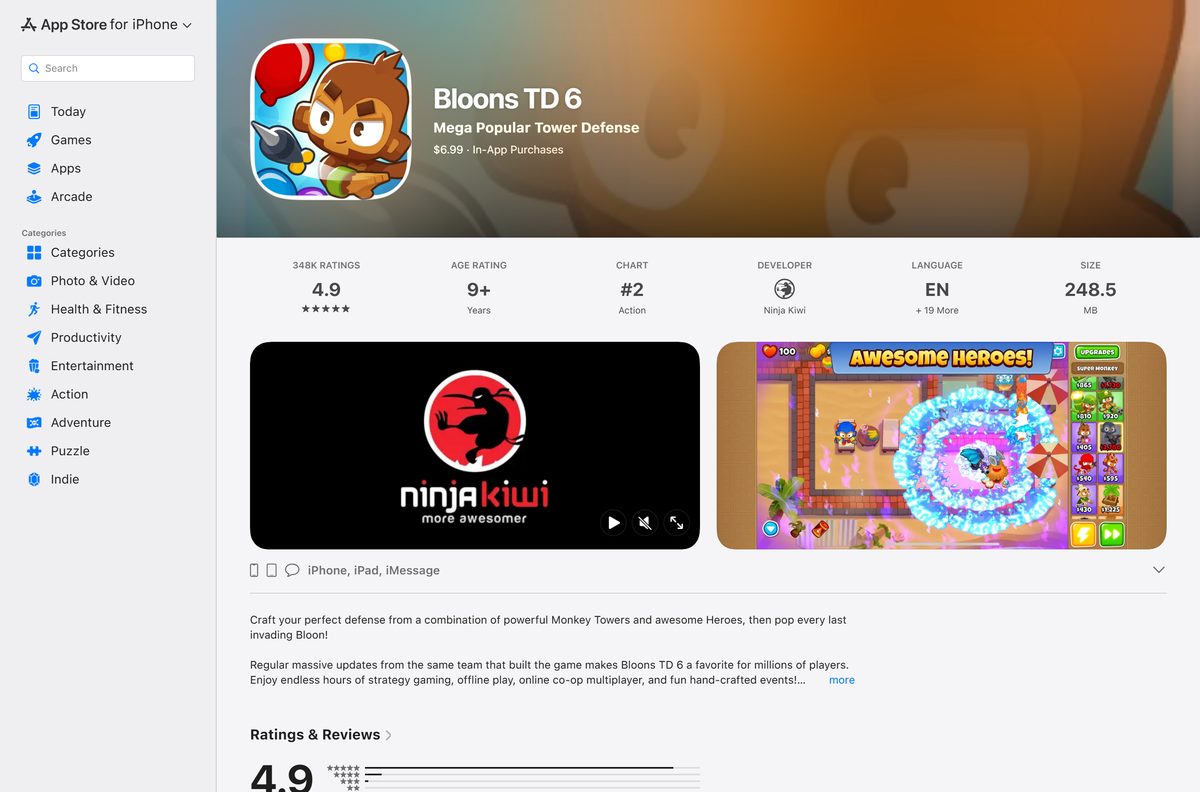
Bloons TD 6 is a paid game on every platform. The iPhone, iPad and Android editions cost $6.99, and Apple Arcade includes a separate Bloons TD 6+ edition.
Below are the official store links, install steps for Steam and the Microsoft Store, the Mac options, system requirements, fixes for launch problems and how to remove the game.
Which Bloons TD 6 download do you need?
Match your device to a row. Every row leads to the same game from Ninja Kiwi.
| Your device | What to get | Where |
|---|---|---|
| Windows 11 or 64-bit Windows 10 PC | The Steam copy, $13.99, which also covers Mac | Bloons TD 6 on Steam |
| Windows PC where you prefer the Microsoft Store | The Microsoft Store PC edition, $13.99, x64 | Bloons TD 6 on Xbox.com |
| Mac on macOS 11 or later | The Steam copy, which includes the macOS build | Bloons TD 6 on Steam |
| iPhone or iPad on iOS 15 or later | The mobile edition, $6.99, 248.5 MB | Bloons TD 6 on the App Store |
| iPhone or iPad with Apple Arcade | Bloons TD 6+, included with the subscription | Bloons TD 6+ on Apple Arcade |
| Android phone or tablet | The mobile edition, $6.99 | Bloons TD 6 on Google Play |
Ninja Kiwi’s own site links to these stores. It does not host an installer of its own.
Download Bloons TD 6 for Windows 11 and Windows 10
Buy from one of these official store pages. The purchase attaches the game to your account, and the store app downloads it.
- Bloons TD 6 on Steam — $13.99; Windows and Mac; needs 2 GB of free space
- Bloons TD 6 in the Microsoft Store — $13.99; Windows 10 version 1809 or later; x64 package about 2.57 GB
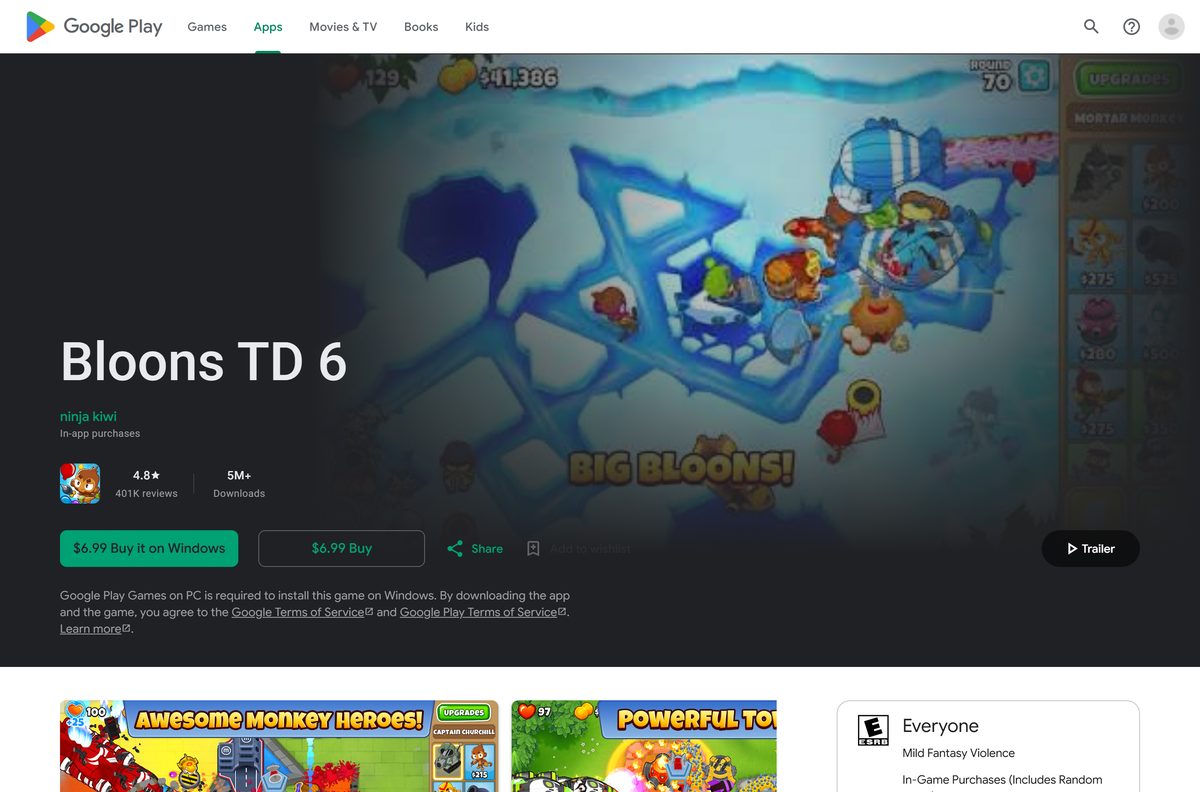
- Bloons TD 6 on Google Play — $6.99 Android edition; installs on Windows through Google Play Games on PC
- Ninja Kiwi — Developer site with links to every official store
The current build is version 56.3. Pages offering a free full version, a crack or a modded APK are unlicensed copies.
How to install Bloons TD 6 on Windows 11 and 10 with Steam
Steam has to be on the PC before the game can download.
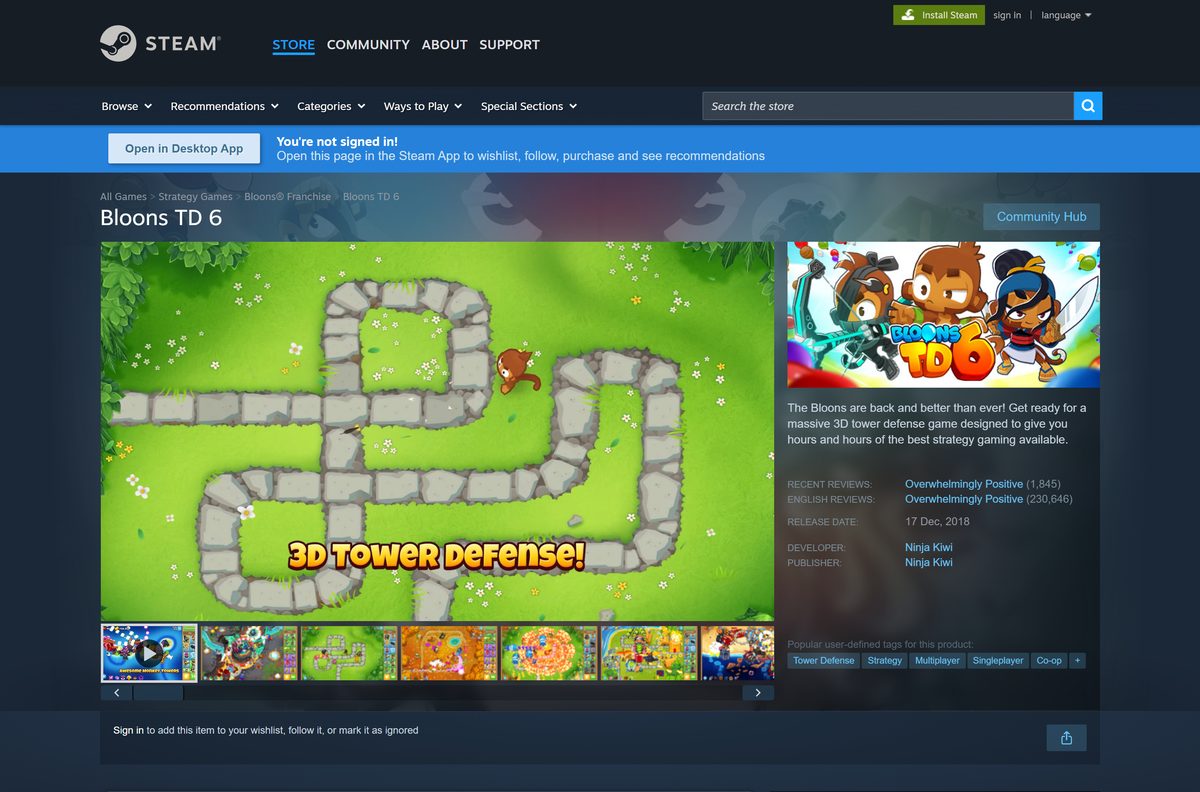
- Open the Bloons TD 6 Steam page and select Add to Cart next to Buy Bloons TD 6.
- Complete the purchase with your Steam account.
- Select Install Steam at the top of the store page if the client is not on the PC already, then run its setup.
- Launch Steam and sign in with the same account.
- Open Library and select Bloons TD 6 in the left column.
- Select Install, choose a drive with at least 2 GB free and confirm.
- Wait for the download to finish, then select Play.
On first launch, accept Ninja Kiwi’s terms in the game to turn on cloud saves for your progress.
Install Bloons TD 6 from the Microsoft Store
The Microsoft Store edition is a separate $13.99 purchase from the Steam copy.
- Open the Bloons TD 6 listing on xbox.com, or search for Bloons TD 6 in the Microsoft Store app.
- Sign in with your Microsoft account.
- Select Buy and complete the $13.99 purchase.
- Select Install in the Microsoft Store or the Xbox app.
- Launch Bloons TD 6 from the Start menu once the download finishes.
The package is x64 only and needs Windows 10 version 1809 (build 17763) or later. The Xbox console edition is a different $29.99 product and does not install on a PC.
Which Bloons TD 6 download do you need for your Mac?
Open the Apple menu and select About This Mac to read your macOS version first.
| Your situation | Get | Why |
|---|---|---|
| Mac on macOS 11 Big Sur or later | Steam macOS build | One $13.99 purchase covers the Mac and Windows builds |
| Mac older than macOS 11 | No supported build | Steam lists macOS 11.0 as the minimum, with Metal graphics |
| You want to play on an iPad | App Store edition | $6.99; the listing covers iPhone and iPad, not Mac |
The Mac build needs 4 GB of RAM and 2 GB of free space, the same floor as Windows.
Is Bloons TD 6 free?
No. Bloons TD 6 costs $13.99 on Steam and in the Microsoft Store, and $6.99 on the App Store and Google Play. Each store sells its own copy, so a Steam purchase does not unlock the phone edition. Updates arrive at no charge. The only way to play without buying it is Bloons TD 6+, which comes with an Apple Arcade subscription.
Every edition also sells optional in-app items. The base game plays in full without them.
Should you buy Bloons TD 6 on Steam or in the Microsoft Store?
Buy on Steam if you might ever play on a Mac. Buy in the Microsoft Store only if you want the game tied to your Microsoft account on Windows. Both cost $13.99 and receive the same updates. The Steam copy includes Windows and macOS builds, while the Microsoft Store package runs on 64-bit Windows only.
How to check your Bloons TD 6 version and update it
Both PC stores patch the game automatically when updates are switched on.
- Open Steam and select Library.
- Right-click Bloons TD 6 and choose Properties.
- Open the Updates tab and set automatic updates to keep the game current.
- Restart Steam if an update shows as queued.
- For the Microsoft Store copy, open the Microsoft Store, select Library and choose Get updates.
Ninja Kiwi posts every update on the Steam news page. Update 56.0 arrived on August 6, 2026 with the Skywarden tower, and the stores now carry 56.3.
Check the Bloons TD 6 system requirements before you buy
Open Settings > System > About and read System type to confirm 64-bit Windows.
| Field | Value |
|---|---|
| Game | Bloons TD 6 |
| Developer | Ninja Kiwi |
| Latest version | 56.3 |
| License / Price | Paid; $13.99 on Steam and the Microsoft Store |
| Windows | Windows 10 64-bit or Windows 11; Microsoft Store needs version 1809 or later |
| Processor | 1.5 GHz x86-64 minimum; 2 GHz recommended |
| Memory | 4 GB minimum; 8 GB recommended |
| Graphics | OpenGL 2.0 compatible ATI, Nvidia or Intel HD on Windows; Metal on Mac |
| Mac | macOS 11.0 or later |
| File size | 2 GB free space minimum, 4 GB recommended; Microsoft Store bundle about 2.57 GB |
| Architecture | 64-bit only; no 32-bit or ARM64 Windows build |
| Offline installer | No; installs through Steam, the Microsoft Store or Google Play Games |
| Official download source | Steam store page |
| Last verified | 2026-09-25 |
A 4 GB RAM PC with integrated Intel HD graphics meets the minimum on Windows.
Fix Bloons TD 6 not installing or launching on Windows
Pick the symptom that matches what you see.
The game crashes or will not start from Steam
A damaged or incomplete file in the install folder.
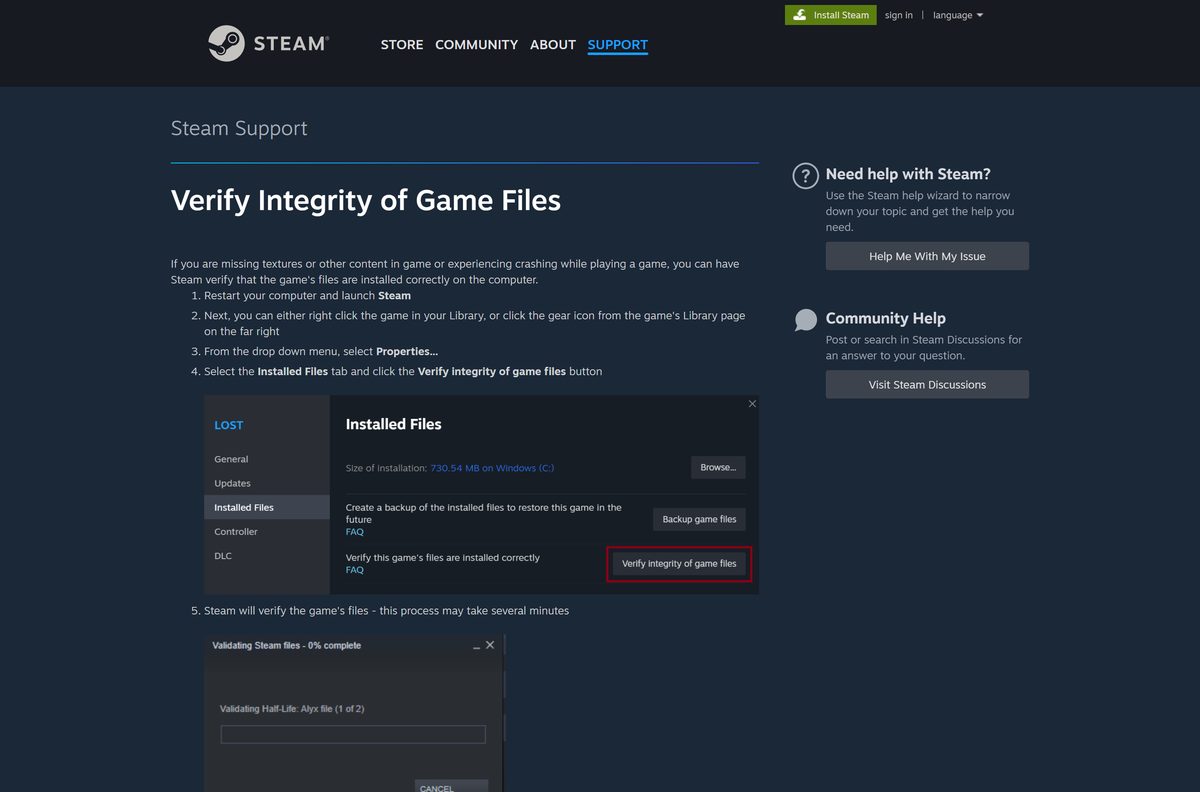
- Restart the PC and launch Steam.
- Right-click Bloons TD 6 in your Library and choose Properties.
- Open the Installed Files tab.
- Select Verify integrity of game files and wait for the check to finish.
- Ignore a note that one or more files failed to verify; that is normal.
The Microsoft Store will not install it
The PC runs 32-bit Windows or a Windows 10 release older than 1809.
- Open Settings > System > About and check that System type says 64-bit.
- Run Windows Update until the PC is on a current release of Windows 10 or 11.
- Select Install in the Microsoft Store again.
The screen stays black or the game closes at launch
An outdated graphics driver without OpenGL 2.0 support.
- Install the latest driver from AMD, Nvidia or Intel for your graphics card.
- Restart the PC.
- Launch the game again.
Your progress is missing on another device
Cloud saves stay off until you accept Ninja Kiwi’s terms in the game.
- Open the game on the device that has your progress.
- Accept the terms prompt to turn on cloud saving.
- Open the game on the second device and accept the same prompt.
How to uninstall Bloons TD 6
Remove it from the store app you installed it with.
- In Steam, open Library and right-click Bloons TD 6.
- Choose Manage > Uninstall and confirm.
- For the Microsoft Store copy, open Start > Settings > Apps > Installed apps.
- Find Bloons TD 6, select More (the three dots) and choose Uninstall.
Uninstalling keeps the purchase on your account, so you can install it again later at no cost.
Which Bloons TD 6 add-ons are worth buying?
Steam sells three optional extras. None is required to play the main game.
| Add-on | Price on Steam | What you get |
|---|---|---|
| Bloons TD 6: Rogue Legends | $9.99 | The first Legends campaign expansion |
| Bloons TD 6: Frontier Legends | $9.99 | The second Legends expansion, a western-themed town and posse campaign added in Update 52.0 |
| Bloons TD 6 Soundtrack | $4.99 | The game’s music as a separate download |
Buy the base game first. Each add-on needs Bloons TD 6 on the same account.
Frequently asked questions
Is Bloons TD 6 free to download?
No. Bloons TD 6 costs $13.99 on Steam and in the Microsoft Store, and $6.99 on the App Store and Google Play. Updates are free once you own it. Apple Arcade subscribers get the separate Bloons TD 6+ edition at no extra charge.
Where is the official Bloons TD 6 download?
Buy it from the Bloons TD 6 page on Steam or the Microsoft Store listing on xbox.com. Ninja Kiwi’s own site links to Steam, the App Store and Google Play. There is no standalone installer on ninjakiwi.com.
Does Bloons TD 6 work on Windows 11?
Yes. Steam lists 64-bit Windows 10 as the minimum, and Windows 11 is 64-bit only, so every Windows 11 PC meets the operating system requirement. The Microsoft Store package needs Windows 10 version 1809 or later.
How big is the Bloons TD 6 download?
Steam asks for 2 GB of free space at minimum and 4 GB recommended. The Microsoft Store package bundle for version 56.3 is about 2.57 GB. The iPhone and iPad build is 248.5 MB.
Can you play Bloons TD 6 on a Mac?
Yes. Steam sells a native macOS build, and one Steam purchase covers both Windows and Mac. It needs macOS 11 Big Sur or later and Metal graphics. The App Store edition lists iPhone and iPad only.
Is Bloons TD 6 32-bit or 64-bit?
64-bit only. Steam states that it requires a 64-bit processor and operating system, and the Microsoft Store packages are x64. There is no 32-bit Windows build.
Is there a Bloons TD 6 offline installer?
No. Steam, the Microsoft Store and Google Play Games each install the game through their own app. Once installed, single-player works without an internet connection.
What is the latest version of Bloons TD 6?
Version 56.3, the current build in the Microsoft Store and on the App Store. Update 56.0 arrived on August 6, 2026 and added the Skywarden tower. Steam installs patches automatically.
Can you play Bloons TD 6 on PC through Google Play?
Yes. The Google Play listing sells the Android edition for $6.99 with a Buy it on Windows option. It installs through Google Play Games on PC, which has to be on the PC first.
Is Bloons TD 6 safe to download?
Yes, from Steam, the Microsoft Store, the App Store or Google Play. Sites offering a free full version, a cracked copy or a modded APK distribute unlicensed files with no support from Ninja Kiwi.
Why won’t Bloons TD 6 launch on my PC?
Check that Windows is 64-bit, then run Verify integrity of game files from the game’s Properties in Steam. Update the graphics driver if the game still closes, since it needs OpenGL 2.0 support.