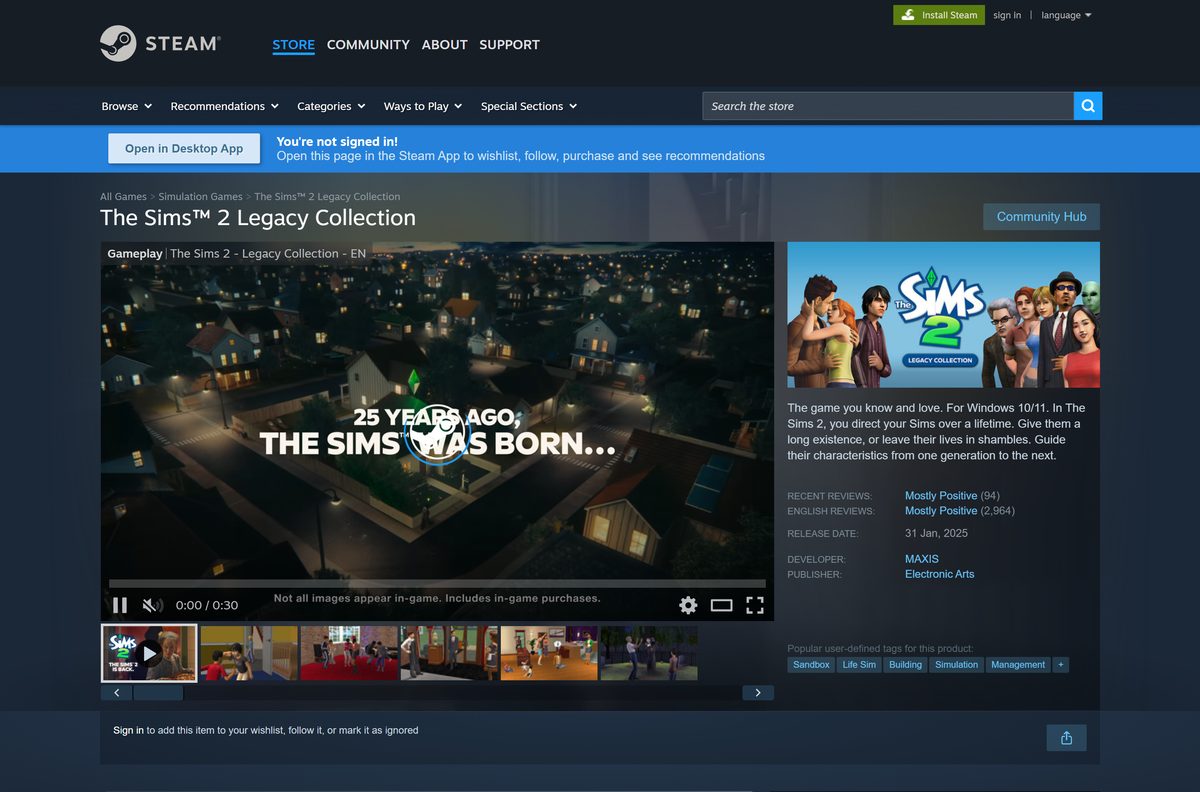
You can buy and download The Sims 2 Legacy Collection on a Windows 11 or Windows 10 PC today, straight from Electronic Arts, Steam or the Epic Games Store. It bundles The Sims 2 with eight expansion packs and nine stuff packs, rebuilt to run on modern Windows.
This guide covers which store to buy from, the official links, install steps for the EA app and Steam, system requirements, the packs you get, fixes for common problems and how to remove it.
Which The Sims 2 Legacy Collection download do you need?
Every store sells the same Windows game. Pick the launcher you already use, because that is where your saves and patches live.
| Your situation | What to get | Where |
|---|---|---|
| You want to buy directly from EA | The EA app for Windows version | The Sims 2 Legacy Collection on ea.com |
| Your games library lives on Steam | The Steam version; you link an EA account to play | Steam store listing |
| You also want the original The Sims | The Sims 25th Birthday Bundle, which holds both Legacy Collections | 25th Birthday Bundle on ea.com |
| You pay for EA Play | Nothing extra; the game is part of the subscription | Steam listing with the EA Play option |
| You are on a Mac | No Mac version exists; see the Mac section below | EA product page |
Download The Sims 2 Legacy Collection for Windows 11 and Windows 10
These are the official places to buy and download it. Each one installs the game through its own free launcher.
- The Sims 2 Legacy Collection on ea.com (EA app, Steam and Epic buttons) — Official EA product page
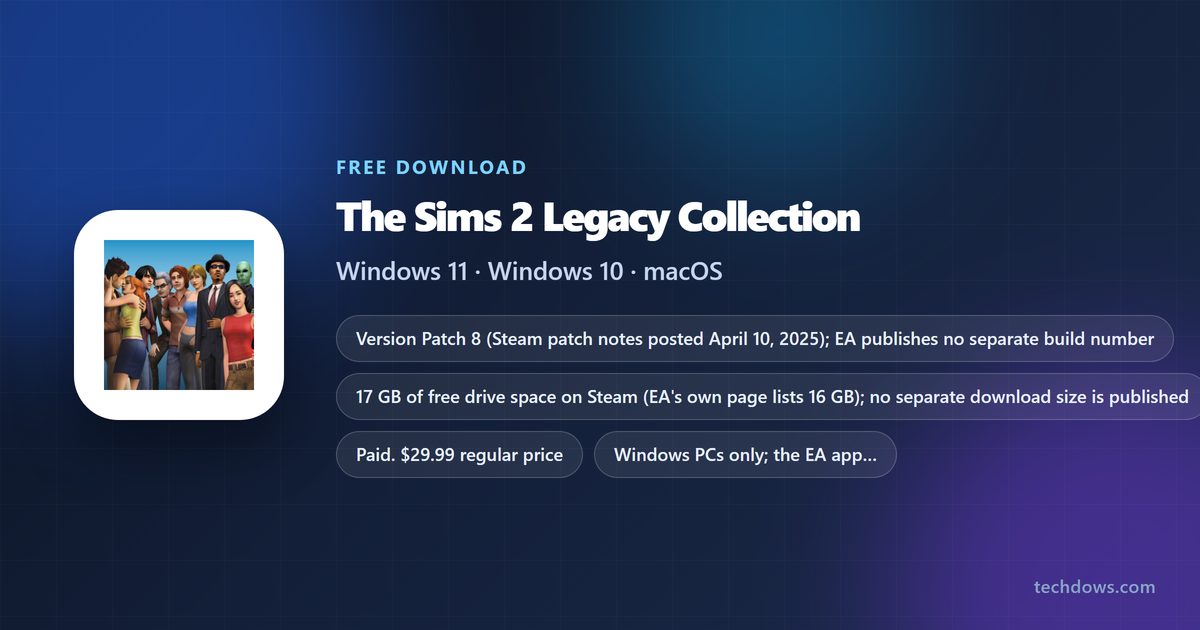
- The Sims 2 Legacy Collection on Steam — 17 GB drive space · $29.99 regular price in the US
- EA app for Windows — Free launcher; 64-bit Windows 10 or 11
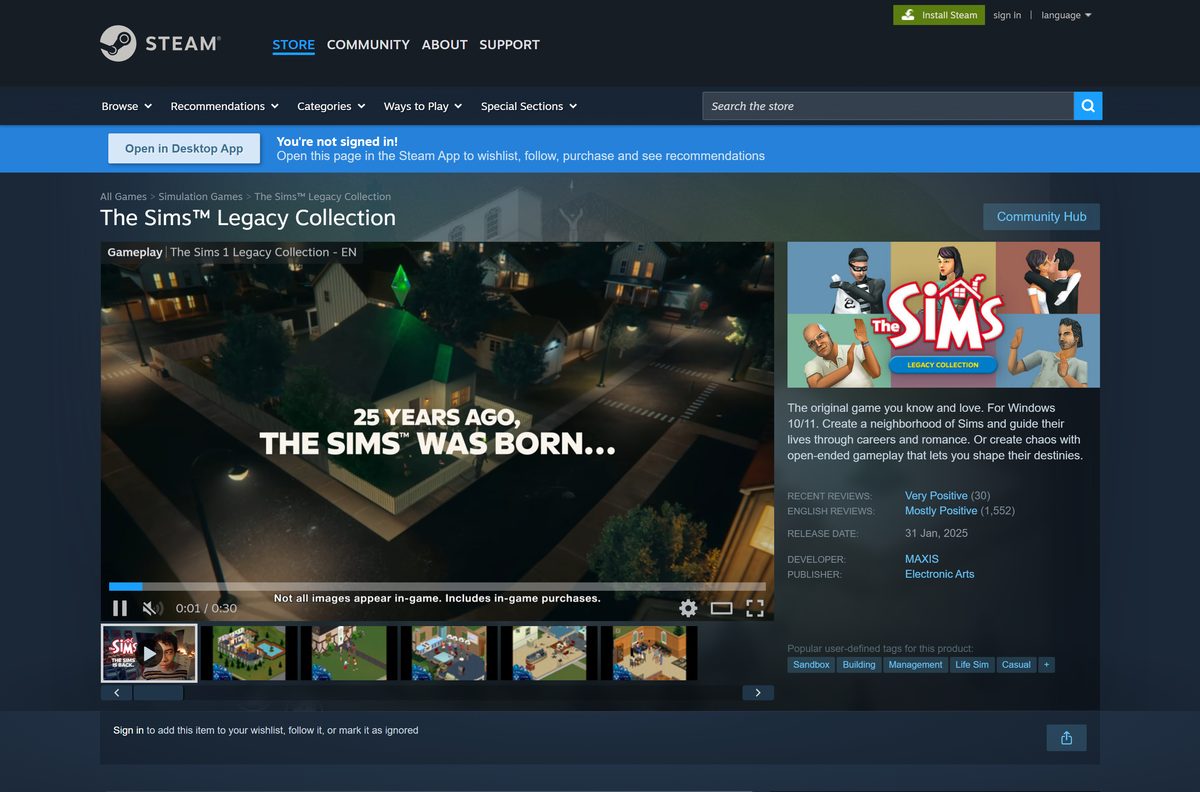
- The Sims 25th Birthday Bundle — Adds The Sims Legacy Collection
The EA product page also carries an Epic Games Store button if you keep your games there.
Check the system requirements before you buy
Press Windows + Pause to see your processor, RAM and Windows edition. Open Task Manager, select Performance, then GPU, to read your graphics card name.
| Field | Value |
|---|---|
| Game | The Sims 2 Legacy Collection |
| Developer | Maxis |
| Publisher | Electronic Arts |
| Release date | January 31, 2025 |
| Latest version | Patch 8 (April 2025); no build number published |
| License / Price | Paid; $29.99 regular price on Steam in the US, or with EA Play |
| Operating system | Windows 10 or Windows 11 |
| Processor | Intel i3 3220, AMD Ryzen 3 1200 or AMD FX6300 |
| Memory | 4 GB RAM |
| Graphics | NVIDIA GTX 600, AMD Radeon HD 7000 or Intel HD Graphics 620 |
| Drive space | 17 GB on Steam; EA lists 16 GB |
| Architecture | Windows PCs; the EA app needs 64-bit Windows. No ARM64 or Mac build |
| Accounts | EA Account required; Steam copies also need a linked Steam account |
| Offline installer | No; internet needed to buy, install and register |
| Official download source | ea.com product page |
| Last verified | 2026-09-25 |
Steam lists the same hardware for minimum and recommended, so a PC that meets it runs the game as intended.
How to install The Sims 2 Legacy Collection with the EA app
Use this route if you buy from EA directly.
- Open the The Sims 2 Legacy Collection page on ea.com.
- Choose the EA app for Windows option and complete the purchase with your EA Account.
- Download the free EA app by selecting Windows, then run the setup.
- Open the EA app and sign in with the same EA Account.
- Go to Library and select The Sims 2 Legacy Collection.
- Select Download and pick a drive with at least 17 GB free.
- Wait for the download and install to finish.
- Select Play to launch the game.
How to install The Sims 2 Legacy Collection from Steam
Steam copies still use your EA Account in the background, so keep both logins handy.
- Open the Steam listing and select Add to Cart.
- Complete the purchase in the Steam client or browser.
- Open your Steam Library and select The Sims 2 Legacy Collection.
- Select Install and choose a drive with at least 17 GB free.
- Wait for the download to finish, then select Play.
- Sign in to your EA Account when prompted, or create one.
- Confirm the link between your EA and Steam accounts to start the game.
The link is permanent: Steam’s terms tie the game to one EA account and one Steam account, and the copy cannot be transferred.
Can you play The Sims 2 Legacy Collection on a Mac?
No. EA sells this edition for Windows 10 and 11 only, and Steam lists no Mac or Linux version.
| Your Mac situation | What to do | Link |
|---|---|---|
| You want The Sims 2 on a Mac | No Mac build of the Legacy Collection exists; do not buy it for macOS | EA product page (Windows only) |
| You want a current Sims game on a Mac | Install The Sims 4 through the EA app for Mac, which needs macOS Catalina or newer | The Sims 4 on ea.com |
| You also own a Windows PC | Buy the Legacy Collection there and play it on that PC | Steam store listing |
Is The Sims 2 Legacy Collection free?
The regular Steam price is $29.99 in the US. The Sims 4 base game is the free Sims title, not this one.
Pay for it once through ea.com, Steam or Epic, or play it with an EA Play subscription. Treat any free download or repack as unofficial. Electronic Arts sells the Legacy Collection as a paid game and requires an EA Account to play it, so a free copy from another site cannot be genuine.
Should you buy the Legacy Collection or the 25th Birthday Bundle?
The 25th Birthday Bundle contains the content of both The Sims Legacy Collection and The Sims 2 Legacy Collection.
Buy the Legacy Collection alone if you only want The Sims 2. Buy the 25th Birthday Bundle if you also want the original The Sims with its seven expansion packs. The Sims 2 content is identical in both, and the bundle costs less on Steam than buying the two collections separately.
Which packs does The Sims 2 Legacy Collection include?
Everything below installs with the base game. Nothing needs a separate download.
| Type | Packs |
|---|---|
| Base game | The Sims 2 |
| Expansion packs (8) | University, Nightlife, Open for Business, Pets, Seasons, Bon Voyage, FreeTime, Apartment Life |
| Stuff packs (9) | Holiday Party Pack, Family Fun, Glamour Life, Happy Holiday, Celebration!, H&M Fashion, Teen Style, Kitchen & Bath Interior Design, Mansion & Garden |
| Removed | One original pack and some songs, dropped for licensing reasons |
The Steam version supports Steam Cloud saves and Family Sharing.
How to keep The Sims 2 Legacy Collection updated
Patch 8 fixed text fields that would not accept typing, so an unpatched copy is the first thing to rule out.
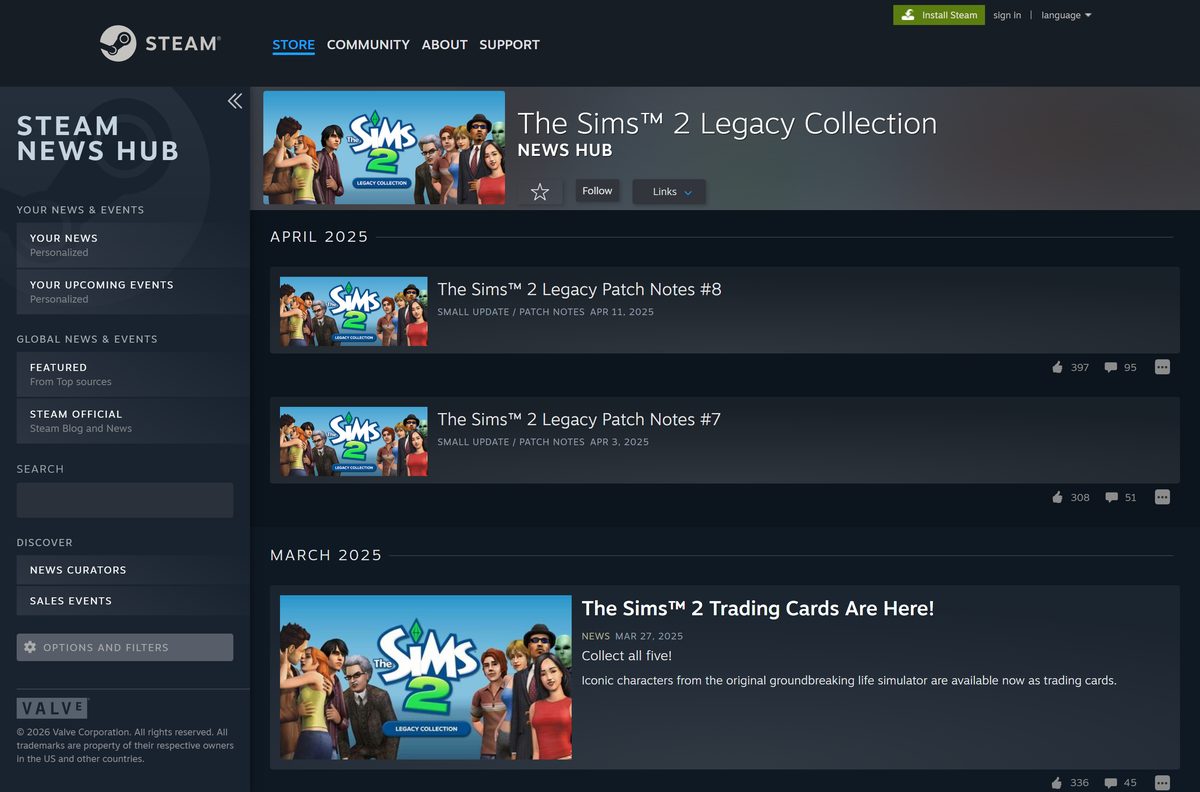
- Open the Steam news page for the game to see the latest patch notes.
- Open your launcher, Steam or the EA app, before you start the game.
- Let the launcher finish any pending update for the game.
- Launch the game from the launcher, not from an old desktop shortcut.
- Restart the game if an update installed while it was open.
Fix The Sims 2 Legacy Collection not installing, launching or displaying properly
Find the symptom that matches, then work through its steps in order.
The Steam version will not start
Steam copies need a linked EA Account before the game opens.
- Launch the game from Steam and wait for the EA sign-in window.
- Sign in with your EA Account, or create one.
- Approve the account link, then launch the game again.
The game crashes or textures are missing
Damaged or incomplete game files.
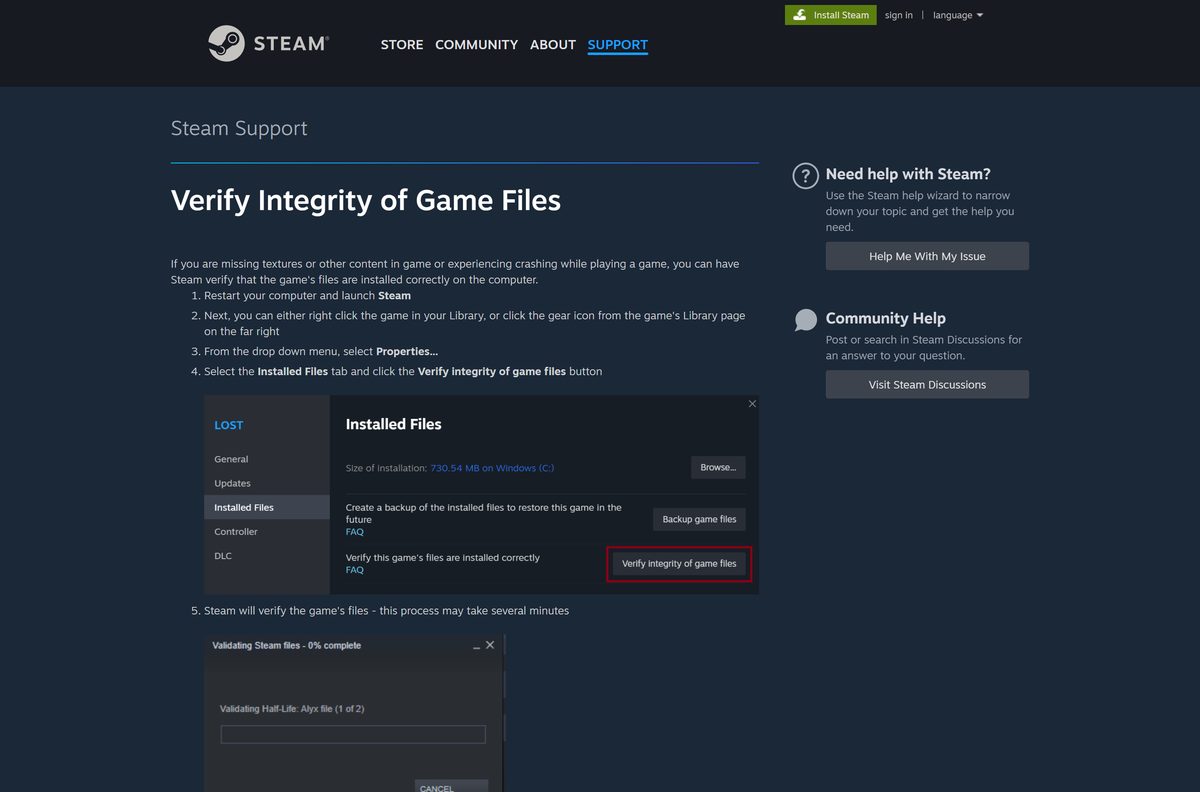
- Restart your PC and open Steam.
- Right-click the game in your Library and select Properties.
- Open the Installed Files tab and select Verify integrity of game files.
- Launch the game again once verification finishes.
The interface is too large or too small
The game scales its UI up by default on screens larger than 1080p.
- Open the in-game cheat console.
- Type uintProp uiScaleFactor 1 , 2 or 3 and press Enter; 2 is the default.
- To keep the setting, add it to Graphics Rules.sgr in the game’s EP9/TSData/Res/Config folder.
The game is slow on an Intel Arc graphics card
Arc cards handle DirectX 9 games poorly, and EA advises caution on them.
- Update the Intel graphics driver to the newest release.
- Play on another graphics card if your PC has one.
The screen freezes after Alt + Enter
Switching between full screen and windowed mode can take many seconds while the scene redraws.
- Wait for the switch to finish instead of pressing the keys again.
- Pick one mode and stay in it for the session.
Steam documents the file check in Verify Integrity of Game Files.
How to uninstall The Sims 2 Legacy Collection
Removing the game does not remove the purchase, so you can reinstall it from your launcher later.
- Close the game and its launcher.
- Select Start, then Settings.
- Open Apps, then Installed apps.
- Find The Sims 2 Legacy Collection in the list.
- Select More, then Uninstall, and confirm.
- Restart the PC before you reinstall.
Microsoft covers the other removal routes in Uninstall or remove apps and programs in Windows.
Which Sims game should you pick instead?
All three come from Electronic Arts and run on Windows 11 and 10.
| Game | Price | Platforms | Pick it if |
|---|---|---|---|
| The Sims Legacy Collection | $19.99 regular on Steam | Windows | You want the original game and its expansion packs |
| The Sims 2 Legacy Collection | $29.99 regular on Steam | Windows | You want generations, aging and the classic neighborhoods |
| The Sims 4 | Free base game | Windows and Mac | You play on a Mac or want a free base game |
Frequently asked questions
Is The Sims 2 Legacy Collection free to download?
No. The Sims 2 Legacy Collection is a paid game with a regular price of $29.99 on Steam in the US. It is also included with an EA Play subscription. Only the EA app and Steam launchers are free.
Where is the official The Sims 2 Legacy Collection download page?
Use the product page on ea.com, which sells it through the EA app for Windows, Steam and the Epic Games Store. The Steam listing is app 3314070, published by Electronic Arts.
Does The Sims 2 Legacy Collection work on Windows 11?
Yes. EA rebuilt this edition for Windows 10 and Windows 11, with widescreen resolutions, better UI scaling and fixes for the pink soup texture bug. Windows 10 is the minimum.
How big is The Sims 2 Legacy Collection download?
Steam asks for 17 GB of free drive space, and the EA product page lists 16 GB. Neither store publishes a separate download size, so keep at least 17 GB free before you start.
Is there a The Sims 2 Legacy Collection offline installer?
No. There is no standalone setup file. Steam, the EA app or the Epic Games Store downloads the game after you sign in, and EA requires an internet connection for purchase, installation and registration.
Can you play The Sims 2 Legacy Collection on a Mac?
No. EA sells the Legacy Collection for Windows only, and Steam lists no Mac or Linux version. Mac players who want a current Sims game can install The Sims 4 through the EA app for Mac.
Is The Sims 2 Legacy Collection 64-bit, and does it run on ARM?
It is sold for Windows 10 and 11 PCs, and the EA app it installs through requires 64-bit Windows. Neither EA nor Steam lists a native ARM64 build of the game.
Is The Sims 2 Legacy Collection safe to download?
Yes, when you buy it from ea.com, Steam or the Epic Games Store. Any site offering the Legacy Collection as a free download or a repack is unofficial and should be avoided.
What is the latest version of The Sims 2 Legacy Collection?
The newest update is Patch 8, posted on Steam in April 2025. It fixes the Create a Sim layout at 1280×800 and text fields that would not accept typing. EA publishes no build number.
Why won’t The Sims 2 Legacy Collection install or launch?
The usual causes are an EA account that is not linked to Steam, damaged game files or an Intel Arc graphics card. Link the accounts, verify the files in Steam and update your graphics driver.
What packs come with The Sims 2 Legacy Collection?
You get the base game with eight expansion packs, from University to Apartment Life, plus nine stuff packs, from Holiday Party to Mansion & Garden. One original pack and some songs were removed for licensing reasons.