The Autodesk Maya download for Windows 11, Windows 10 and Mac comes straight from Autodesk, and you can try the full 3D animation program free before you subscribe. Students and teachers at qualified schools can install it for learning.
This guide covers the right version for your computer, the free trial and education routes, the offline installer, Linux, system requirements, updates, and fixes when Maya will not install.
Maya itself is a paid subscription, and the trial is for evaluation only.
Which Autodesk Maya download do you need?
Autodesk ships Maya for Windows, macOS and Linux through your Autodesk Account. Your operating system and your reason for using it decide the route.
| Your computer or situation | Get this | Why |
|---|---|---|
| Windows 11 PC | Maya 2027 free trial | Maya 2027 supports Windows 11 |
| Windows 10 PC | Maya 2026 from Autodesk Account | Maya 2026 is the newest release that lists Windows 10 |
| Mac on macOS 14 Sonoma or newer | Maya 2027 for Mac | Runs natively on Apple silicon and on Intel Macs |
| Red Hat or Rocky Linux 8.10 or 9.7 | Maya 2027 for Linux | Installer or rpm packages |
| Student or teacher | Autodesk education download | Education use on up to two devices |
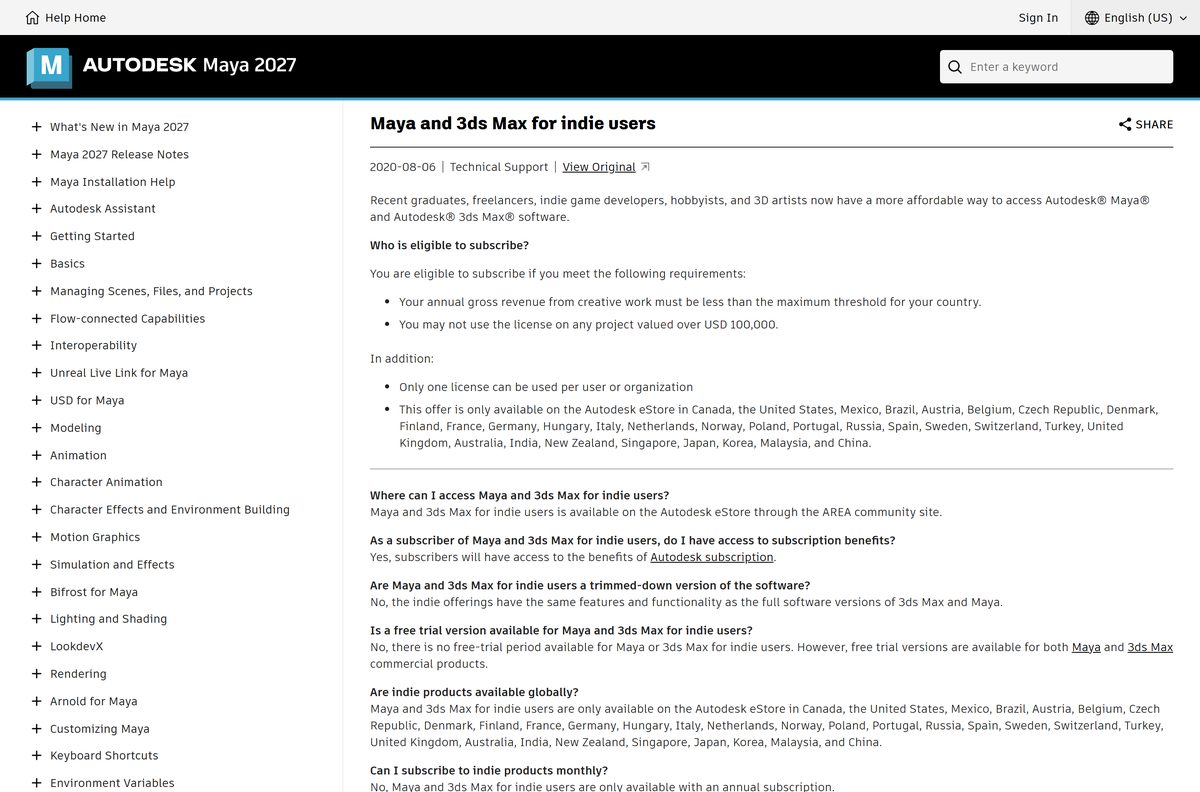
| Freelancer or indie studio | Maya for indie users | Full Maya at a lower annual price, with revenue limits |
Maya installs side by side with earlier versions, so you can keep Maya 2026 while testing 2027.
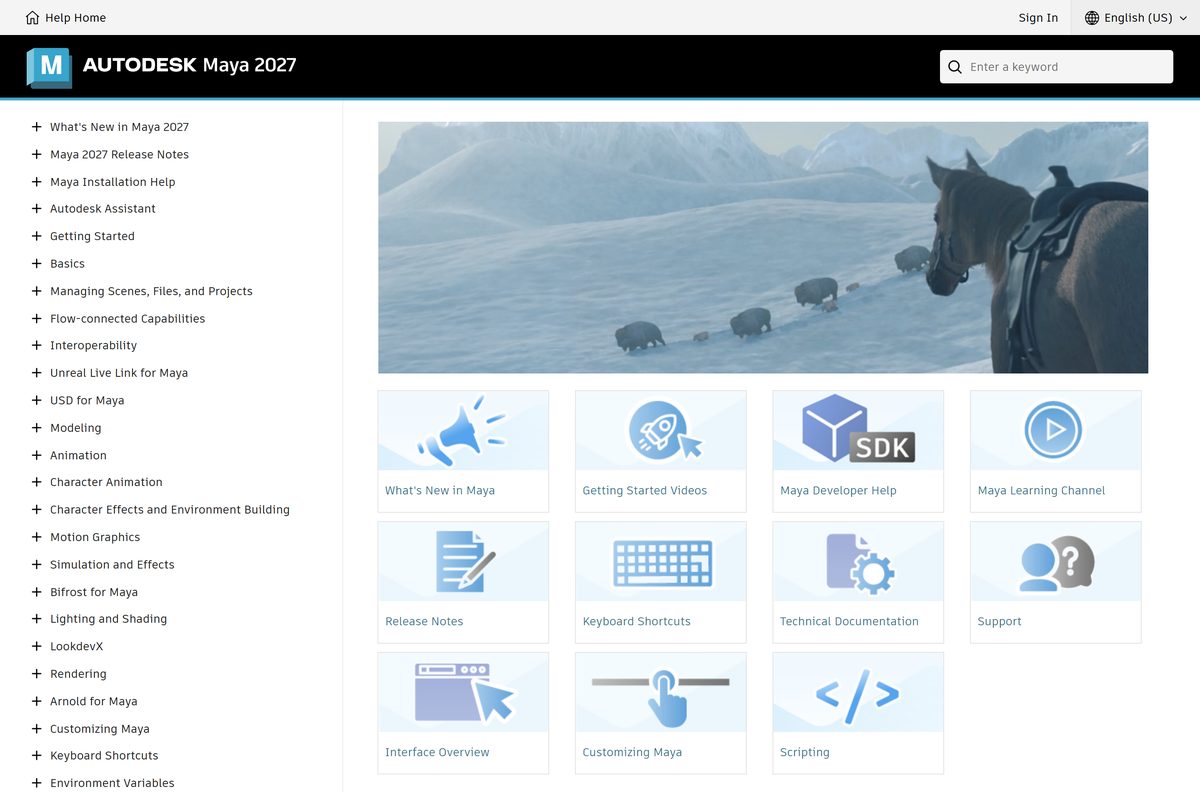
Download Autodesk Maya from the official Autodesk links
Autodesk delivers Maya only through its own site and your Autodesk Account. There is no public installer file to grab without signing in.
- Maya free trial — starts the trial download for Windows, Mac or Linux
- Maya product page — subscription plans and buying options
- Autodesk free trials hub — every Autodesk trial, including 3ds Max
- Autodesk Account — Products and services page for subscribers, trial users and students
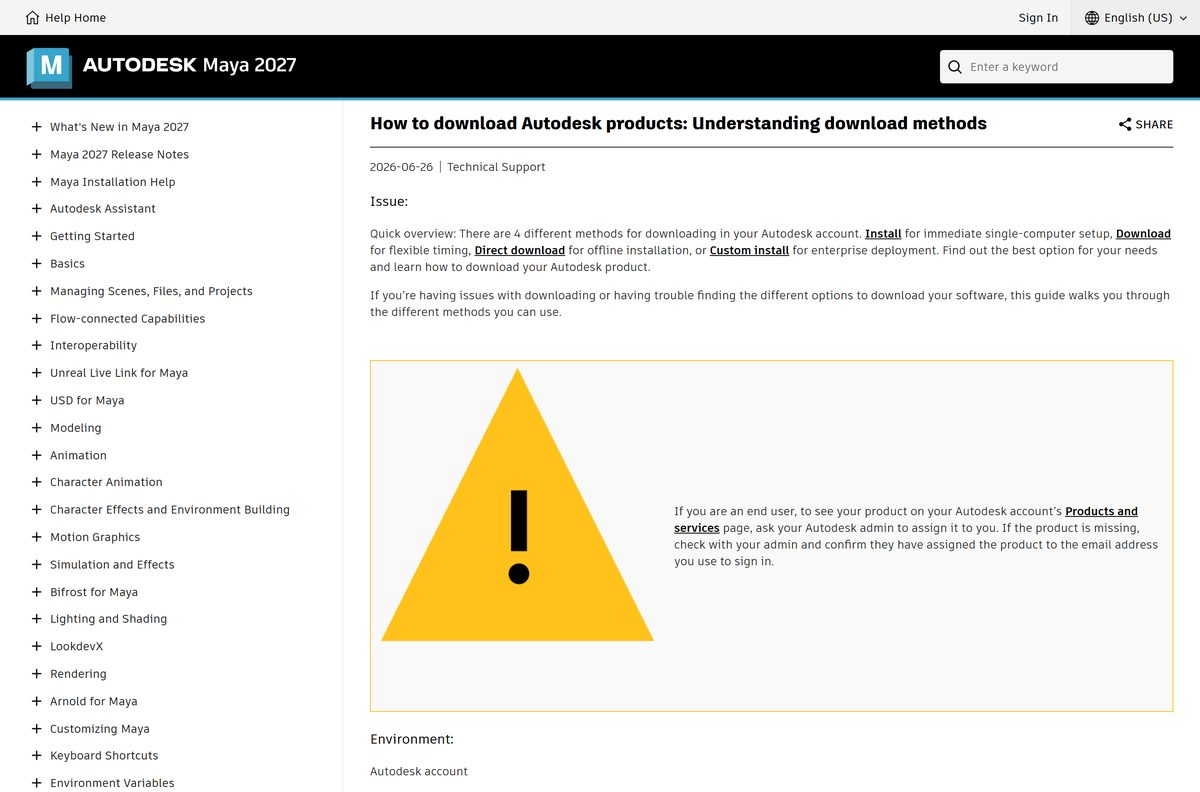
- Autodesk download methods — Install, Download, Direct download and Custom install explained
Autodesk publishes no single installer size for Maya. Plan for at least 7 GB of free disk space for the install.
A copy offered on any other site is repackaged. Skip it.
How to install the Autodesk Maya free trial on Windows 11
The trial installs the full program, tied to the Autodesk Account you sign in with.
- Open the Maya free trial page.
- Select Download free trial.
- Sign in to your Autodesk Account, or create one with your email address.
- Turn off your browser’s pop-up blocker if the download does not start.
- Open Downloads and double-click the Maya installer.
- Accept the license agreement and keep the default folder, C:\Program Files\Autodesk\Maya2027 .
- Follow the prompts while setup installs Maya with Arnold, Bifrost, USD and the other bundled plug-ins.
- Launch Maya from the Start menu and sign in with the same Autodesk Account.
Subscribers skip the trial page. Sign in to Autodesk Account, go to Products and services, find Maya and select Install.
Download a complete Autodesk Maya offline installer
The default Install button streams files during setup. Autodesk Account offers three other methods, including a single installer for offline machines.
| Method | Systems | Best for | Includes updates |
|---|---|---|---|
| Install | Windows | One PC, download and install in one step | Yes |
| Download | Windows, macOS, Linux | Install later or on several computers | Yes |
| Direct download | Windows, macOS, Linux | Offline installation from one installer file | Depends on the product |
| Custom install | Windows | Studios deploying Maya with other Autodesk products | Yes |
Pick the method from the drop-down arrow next to Install on the Maya tile in Autodesk Account.
Labs and render farms can also follow Autodesk’s network deployment guide for Maya.
Which Autodesk Maya download do you need for your Mac?
Maya for Mac installs to /Applications/Autodesk/ . Check your macOS version first under Apple menu > About This Mac.
| Your Mac | Install this | Note |
|---|---|---|
| macOS 26, 15 Sequoia or 14 Sonoma | Maya 2027 for Mac | Newest release, Apple silicon or Intel |
| macOS 13 Ventura | Maya 2026 for Mac | Last release that lists Ventura |
| Student or teacher on a Mac | Education download | Use the Download method; Install is Windows only |
Autodesk lists Apple silicon (arm64) and Intel x86 as supported Mac processors for Maya 2027.
Is Autodesk Maya free?
No. Maya is a paid Autodesk subscription, with a free trial and a free education licence. Autodesk trials are fully licensed for 15 to 30 days and are for evaluation only, not for profit, production or commercial work. Students and educators at qualified schools can install Maya on up to two devices for learning. Maya for indie users costs less but is annual only and has no free trial. A site offering a free full version of Maya is distributing cracked or tampered software.
Indie eligibility needs creative-work revenue under your country’s threshold and no project worth over USD 100,000. Autodesk lists the terms in its indie FAQ.
Should you install Maya 2027 or Maya 2026?
Both releases come with the same subscription. Your operating system usually settles it.
Install Maya 2027 on Windows 11, macOS 14 and newer, or current Red Hat and Rocky Linux. Install Maya 2026 only on Windows 10 or macOS 13 Ventura. Maya 2027 drops Windows 10 and Ventura from its supported list, while Maya 2026 still lists Windows 10 version 1809 or higher and macOS 13. Maya 2026 received updates through 2026.3, and Maya 2027 has reached 2027.2.
How to check your Autodesk Maya version and update it
Maya shows its version and a Cut ID build number in the About window.
- Open Maya and select Help > About Maya.
- Read the Version and Cut values in the upper left of the About Autodesk Maya window.
- Sign in to Autodesk Account and open Products and services.
- Find the Maya tile and install the newest update listed for your release.
- Restart Maya and open Help > About Maya again to confirm the new version.
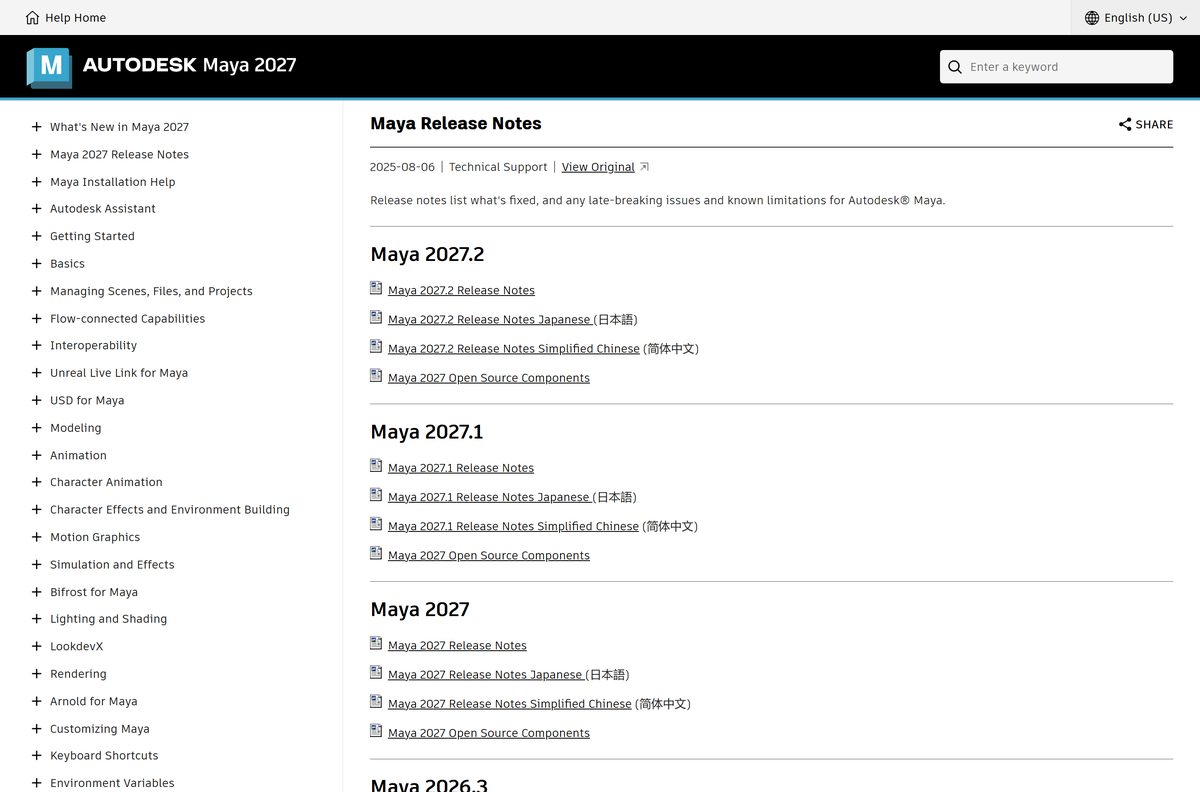
Maya 2027.2 is the newest update. Its release notes list the fixes, including three IGES security patches.
Check the Autodesk Maya system requirements before you download
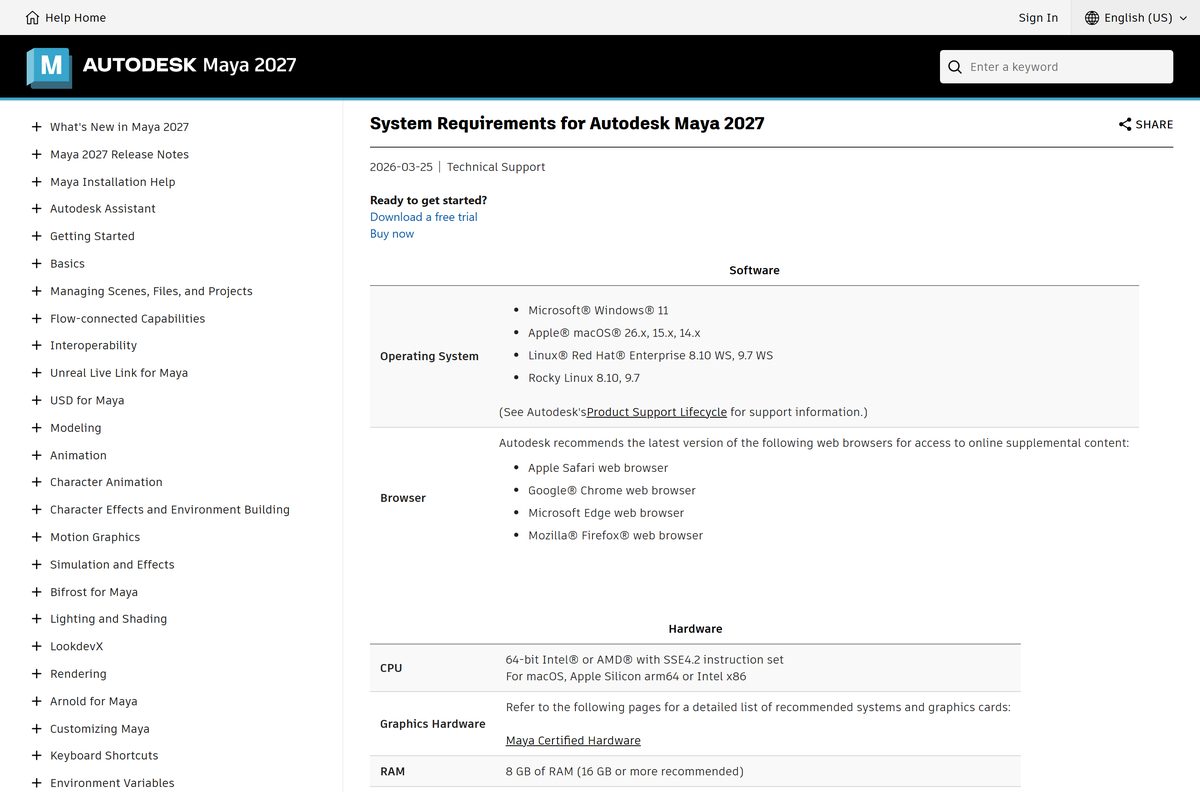
These are Autodesk’s figures for Maya 2027.
| Field | Value |
|---|---|
| Software | Autodesk Maya |
| Developer | Autodesk, Inc. |
| Latest version | Maya 2027.2 |
| Licence | Paid subscription; free trial; education licence; indie subscription |
| Windows | Windows 11 (Maya 2026 also supports Windows 10 version 1809 or higher) |
| macOS | macOS 26, 15 Sequoia or 14 Sonoma |
| Linux | Red Hat Enterprise 8.10 WS, 9.7 WS; Rocky Linux 8.10, 9.7 |
| Processor | 64-bit Intel or AMD with SSE4.2; Apple silicon or Intel on Mac |
| Memory | 8 GB (16 GB or more recommended) |
| Graphics | A card from the Maya Certified Hardware list |
| Disk space | 7 GB free for install |
| Input | Three-button mouse |
| Offline installer | Yes, Direct download method in Autodesk Account |
| Official source | autodesk.com and your Autodesk Account |
| Last verified | 2026-09-24 |
Press Windows + R, type winver and select OK to see your Windows version.
Fix Autodesk Maya not installing on Windows 11 or 10
Unable to install. An error occurred while preparing the installation
Missing admin rights, a stuck Autodesk Access service or a damaged installer.
- Right-click the installer and select Run as administrator.
- Press Windows + R, type services.msc and select OK.
- Right-click Autodesk Access Service Host and select Restart.
- Download again with the Direct download method from Autodesk Account.
Setup stops partway or the installer closes
Security software is blocking the installation.
- Pause your antivirus or anti-malware software for the length of the install.
- Run the installer again.
- Turn your security software back on when setup finishes.
The installer refuses to run on Windows 10
Maya 2027 supports only Windows 11.
- Sign in to Autodesk Account.
- Choose 2026 in the version list on the Maya tile.
- Install Maya 2026, which lists Windows 10 version 1809 or higher.
Autodesk’s installer troubleshooting article covers the remaining causes, such as blocked registry debugger values and slow connections.
How to uninstall Autodesk Maya completely
Close Maya and every other Autodesk program first. Removing Maya does not touch other installed Maya versions.
- Open Settings > Apps > Installed apps on Windows 11, or Apps & features on Windows 10.
- Find Autodesk Maya 2027 in the list.
- Select Uninstall and confirm.
- Restart the PC before you reinstall.
On a Mac, open Finder > Go > Applications, find the Maya folder under Autodesk and select Move to Trash. Autodesk’s uninstall guide covers leftover components.
Which Autodesk Maya alternative should you pick?
Autodesk and others offer cheaper routes for people who do not need a full Maya subscription.
| Option | Cost | Pick it when |
|---|---|---|
| Maya for indie users | Lower-price annual subscription | You earn under the revenue threshold and want every Maya feature |
| 3ds Max | Paid subscription, free trial | You want to compare Autodesk’s other 3D modelling and animation program |
| Blender | Free, open source | You want a free 3D suite for modelling, animation and rendering |
| Autodesk Fusion | Free for personal use | You model mechanical parts for 3D printing or CNC |
For 2D drafting and DWG work, see the AutoCAD download guide. Pick full Maya when a studio pipeline expects Maya scenes, Arnold rendering and Bifrost effects.
Frequently asked questions
Is the Autodesk Maya download free?
The download is free, but Maya is a paid Autodesk subscription. A free trial gives you the full program for evaluation, and students and educators at qualified schools can install it for learning on up to two devices.
Is Autodesk Maya free for students?
Yes. Students and educators at a qualified educational institution can download Maya through Autodesk’s education program and install it on up to two devices. The education licence covers learning and teaching only, never paid or commercial work.
Where is the official Autodesk Maya download page?
New users start at autodesk.com/products/maya/free-trial. Subscribers, trial users and students download Maya from Products and services in their Autodesk Account at manage.autodesk.com, which also offers earlier releases and the Direct download installer.
Does Autodesk Maya work on Windows 11?
Yes. Maya 2027 lists Windows 11 as its only supported Windows version. It needs a 64-bit Intel or AMD processor with SSE4.2, 8 GB of RAM, 7 GB of free disk space and a certified graphics card.
Can I install Autodesk Maya on Windows 10?
Yes, with Maya 2026. Maya 2027 lists only Windows 11, but Maya 2026 supports Windows 10 version 1809 or higher. Pick 2026 in the version list on the Maya tile in your Autodesk Account.
How big is the Autodesk Maya download?
Autodesk publishes no single installer size, because the package depends on the release, platform and download method. Plan for at least 7 GB of free disk space, which is Autodesk’s install requirement for Maya 2027.
Is there an Autodesk Maya offline installer?
Yes. Choose the Direct download method next to Install on the Maya tile in Autodesk Account. It saves a single installer through your browser for Windows, macOS or Linux, which you can run later without the web installer.
Is there an Autodesk Maya download for Mac?
Yes. Maya 2027 runs on macOS 26, macOS 15 Sequoia and macOS 14 Sonoma, on both Apple silicon and Intel Macs. Maya 2026 still supports macOS 13 Ventura.
Does Autodesk Maya run on Linux?
Yes. Maya 2027 supports Red Hat Enterprise Linux 8.10 WS and 9.7 WS, and Rocky Linux 8.10 and 9.7. The standard route is the Linux installer, and admins can also install the rpm packages with superuser rights.
Is Autodesk Maya available in 32-bit or for ARM PCs?
No 32-bit version exists. Maya needs a 64-bit Intel or AMD processor with SSE4.2 on Windows and Linux. The only ARM build is for Macs, where Maya runs natively on Apple silicon.
Is Autodesk Maya safe to download?
Yes, when it comes from autodesk.com or your Autodesk Account. Sites offering a free full version, a crack or a keygen distribute tampered installers that can carry malware and break Autodesk’s licence terms.
What is the latest version of Autodesk Maya?
The latest release is Maya 2027.2, an update to Maya 2027. It adds Bring Your Own Data training for MotionMaker, faster Smart Bevel and MtoA 5.6.2 with Arnold 7.5.2.0, and it installs from your Autodesk Account.
Why is Autodesk Maya not installing on my PC?
The usual causes are missing administrator rights, a stuck Autodesk Access Service Host, security software or a damaged installer. Run setup as administrator, restart that service, pause antivirus, and download again with the Direct download method.