Canon printer drivers download free from Canon’s own support site, one model at a time, and they cover Windows 11, Windows 10 and macOS.
The PIXMA TR4520 runs as the worked example throughout. Swap in your own model number, because Canon lists a separate driver package for every printer it sells.
This guide covers the inkjet and imageCLASS driver packages, the Canon PRINT app on Windows and Mac, and the fixes for an installer that cannot see the printer.
Check the Canon printer driver requirements before you download
Canon ships no single driver file. The values below describe the free Canon PRINT app and the driver packages that sit behind every model support page.
| Field | Detail |
|---|---|
| Software | Canon printer drivers and the Canon PRINT app |
| Developer | Canon Inc. |
| Latest version | Canon PRINT 1.12.6.0 on Windows, 3.7.0 on iPhone and iPad |
| License | Free |
| Download size | 102 MB for the Canon PRINT x86 and x64 bundle; driver packages vary by model |
| Supported OS | Windows 11, Windows 10 version 1803 or later, macOS 10.14.6 or later |
| Architecture | x86 and x64; the UFR II, PCL and PS sets ship 32-bit and x64 folders |
| Official download source | Canon USA Knowledge Base |
| Offline installer | Yes, the driver packages are files you save and run yourself |
| Last verified | 22 September 2026 |
Which Canon printer driver download do you need?
Match the row to the printer on your desk, then take the package in the middle column.
| Your printer | What to download | Canon page |
|---|---|---|
| PIXMA inkjet, such as the TR4520 or G3260 | Print Driver and Scan Utility Installer | Driver download walkthrough |
| PIXMA or MAXIFY being set up for the first time | Full Driver Setup Package | Driver and Scan Utility guide |
| imageCLASS laser printer | UFR II, PCL or PS printer driver | Laser driver procedure |
| Mac plus a listed PIXMA, MAXIFY or CanoScan | Nothing, AirPrint handles printing and scanning | Mac driver list |
| Supported PIXMA TS, TR, G or MAXIFY on Windows | Canon PRINT, 102 MB | Microsoft Store listing |
Download Canon printer drivers from the official Canon support pages
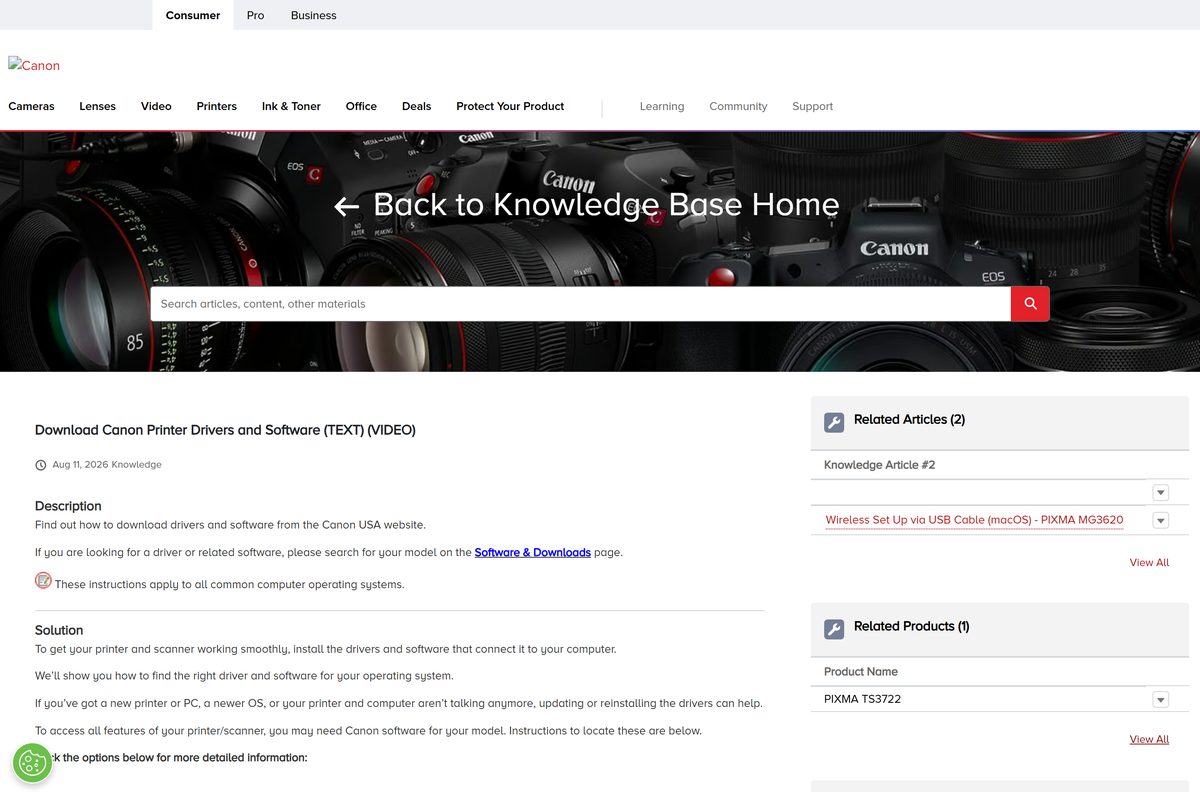
Canon USA keeps the driver behind a model search rather than one master link. Type the model exactly as it is printed on the unit, then select Software & Drivers and set Download Type to Drivers.
- Canon USA driver and software download walkthrough — Text and video route to any model’s Software & Drivers list
- Print Driver and Scan Utility Installer steps for the PIXMA TR4720 — Same flow as the TR4520
- Print Driver and Scan Utility Installer steps for the PIXMA G3260 — MegaTank models including the G3270 family
- Canon PRINT on the Microsoft Store — 102 MB bundle · Published by Canon Inc.
- Canon PRINT for iPhone and iPad — 80.7 MB · Version 3.7.0, iOS 17.0 or later
How to install Canon printer drivers on Windows 11 and 10
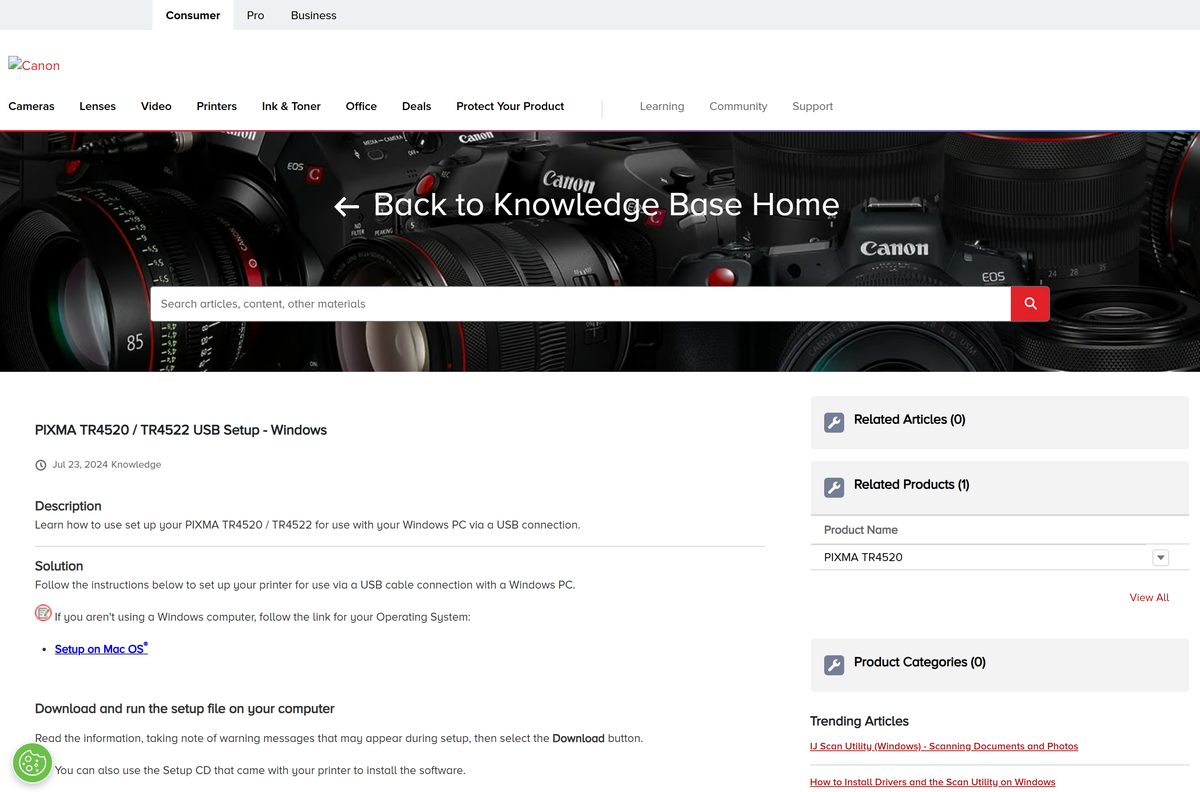
These steps follow Canon’s own PIXMA TR4520 setup over USB. A wireless setup is identical until the connection screen, where you pick the network option instead.
- Open the support page for your model, set Download Type to Drivers, and select Download beside the Print Driver and Scan Utility Installer.
- Save the file rather than running it from the browser, then open it once the download finishes.
- Select Start Setup when the installer window appears.
- Read the network security notice, then select Next.
- Choose your region, select Next, then select Yes on the licence agreement.
- Select Agree or Do Not Agree on the information request screen.
- Select USB Connection (USB Cable), then select Next.
- Connect the USB cable between the printer and the PC when the installer asks, and wait while it detects the printer.
- Tick Set as default printer if this is your main printer, then select Next.
- Select any extra software you want, select Next, then select Exit to finish.
Install Canon PRINT from the Microsoft Store
Canon PRINT replaces Canon Inkjet Smart Connect and shows ink levels, errors and network details in one window. It is distributed only through the Microsoft Store, so there is no standalone setup file for it.
- Open Microsoft Store from the Start menu.
- Search for Canon PRINT and open the listing published by Canon Inc.
- Select Get and wait for the 102 MB bundle to install.
- Select Open, then pick your printer when the app searches the network.
- Confirm the printer reports its ink and network status before you close the app.
The app needs Windows 10 version 1803 or later and supports the MAXIFY, PIXMA G, PIXMA TR and PIXMA TS families.
Which Canon printer driver download do you need for your Mac?
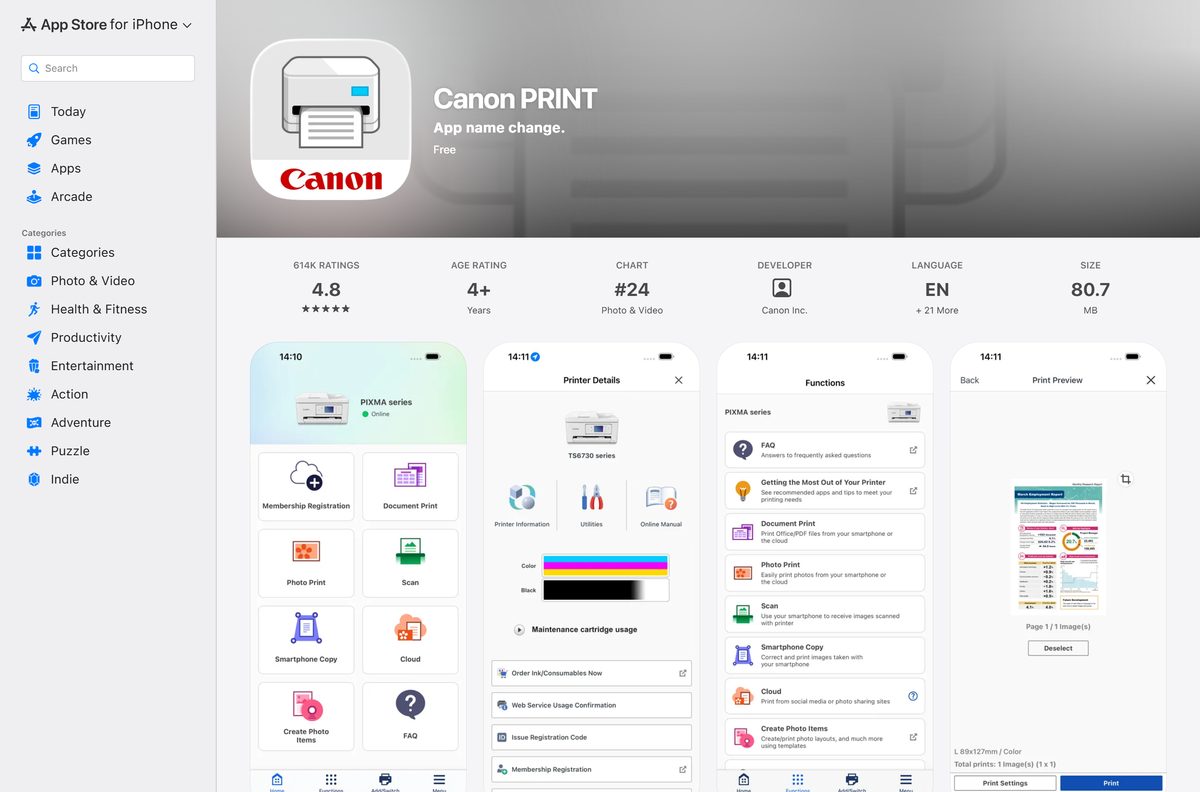
Most current PIXMA and MAXIFY models need no driver at all on macOS, because Canon routes them through AirPrint.
| Your Mac situation | What to install | Canon page |
|---|---|---|
| A PIXMA, MAXIFY or CanoScan on Canon’s AirPrint list | Nothing; add the printer in System Settings | AirPrint model list |
| A TR4520 or similar being set up over USB | The Mac setup file from the model support page | Mac USB setup steps |
| Scanning from an AirPrint model | IJ Scan Utility Lite, included in the full software package | Mac scanning note |
| macOS 10.14.6 or later with a TS, TR, G or MAXIFY | Canon PRINT for macOS | Canon PRINT on macOS |
The Mac installer asks for your user name and password, then requests Install Helper before it can add the printer.
Is Canon printer driver software free?
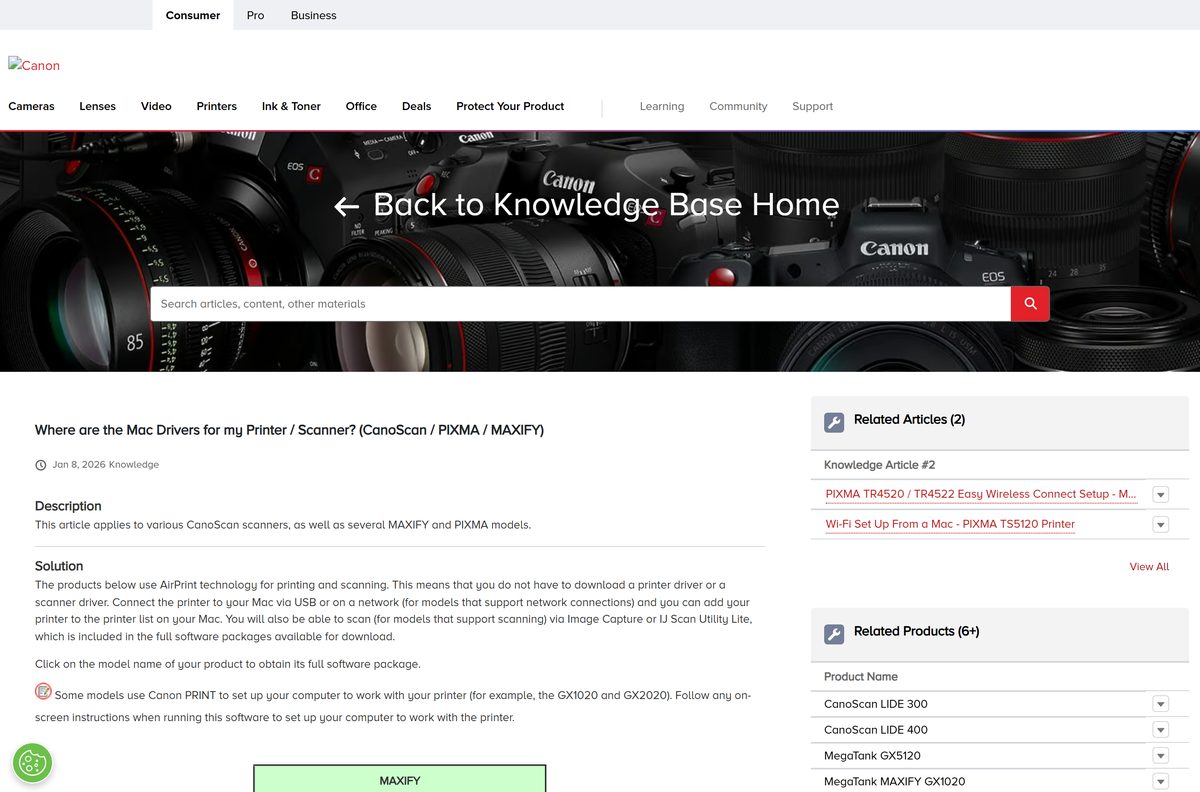
Every Canon print driver, the Print Driver and Scan Utility Installer and the Canon PRINT app cost nothing. Canon distributes them from its own support site, and the Microsoft Store listing prices Canon PRINT at US$0.00. Any site that charges for a Canon driver, asks for a licence key, or wraps the file in its own downloader is not Canon, and the file it hands you is not the one Canon published.
Which Canon package should you install, the small installer or the full setup?
Install the full Driver Setup Package on a new printer, and keep the Print Driver and Scan Utility Installer for repairs. The setup package adds the print driver, the scan utility and the bundled Canon software in one pass. The standalone installer replaces only the print driver and scan utility, which is exactly what a reinstall on a working printer needs.
How to check your Canon driver version and update it
Windows never updates a Canon print driver on its own schedule. Refreshing it means downloading the current package again and running it over the old one.
- Open Settings, then Bluetooth & devices > Printers & scanners, and select your Canon printer.
- Open Printer properties to see which driver Windows is using.
- Open the model’s support page on Canon’s site and set Download Type to Drivers.
- Compare the listed Print Driver and Scan Utility Installer against the driver on the PC.
- Select Download, save the file, and run it if the Canon listing is newer.
- Open Microsoft Store, select Library, then select Get updates to refresh Canon PRINT at the same time.
What each Canon driver download actually installs
| Download | What it installs | Who it is for |
|---|---|---|
| Print Driver and Scan Utility Installer | Print driver plus IJ Scan Utility | PIXMA and MAXIFY reinstalls |
| Full Driver Setup Package | Print driver, scan utility and the bundled Canon software | First-time PIXMA and MAXIFY setup |
| UFR II driver | Canon’s UFR II print driver, in 32-bit and x64 folders | imageCLASS laser printers |
| PCL driver | PCL print driver, in 32-bit and x64 folders | imageCLASS laser printers |
| PS driver | PostScript print driver, in 32-bit and x64 folders | imageCLASS laser printers |
| Canon PRINT | Printing, scanning, ink levels and network status | MAXIFY, PIXMA G, TR and TS owners |
IJ Scan Utility is never a separate download. It arrives inside the driver package, and on Windows 11 it sits under Start > All > Canon Utilities > Scan Utility.
Fix Canon printer drivers not installing on Windows 11 or 10
The installer cannot find your printer
The PC and the printer sit on different networks, or security software is holding Canon’s discovery ports shut.
- Select Search Again in the installer window.
- Select Printer(s) Not Found, then Instructions, and work through the checks Canon lists for USB and network connections.
- Confirm the PC has rejoined the same network as the printer, not a guest network or a 5 GHz-only band the printer cannot use.
- Disconnect from any VPN, then select Search Again.
- Select Search by IP Address and enter the IPv4 address from the printer’s Network Configuration page.
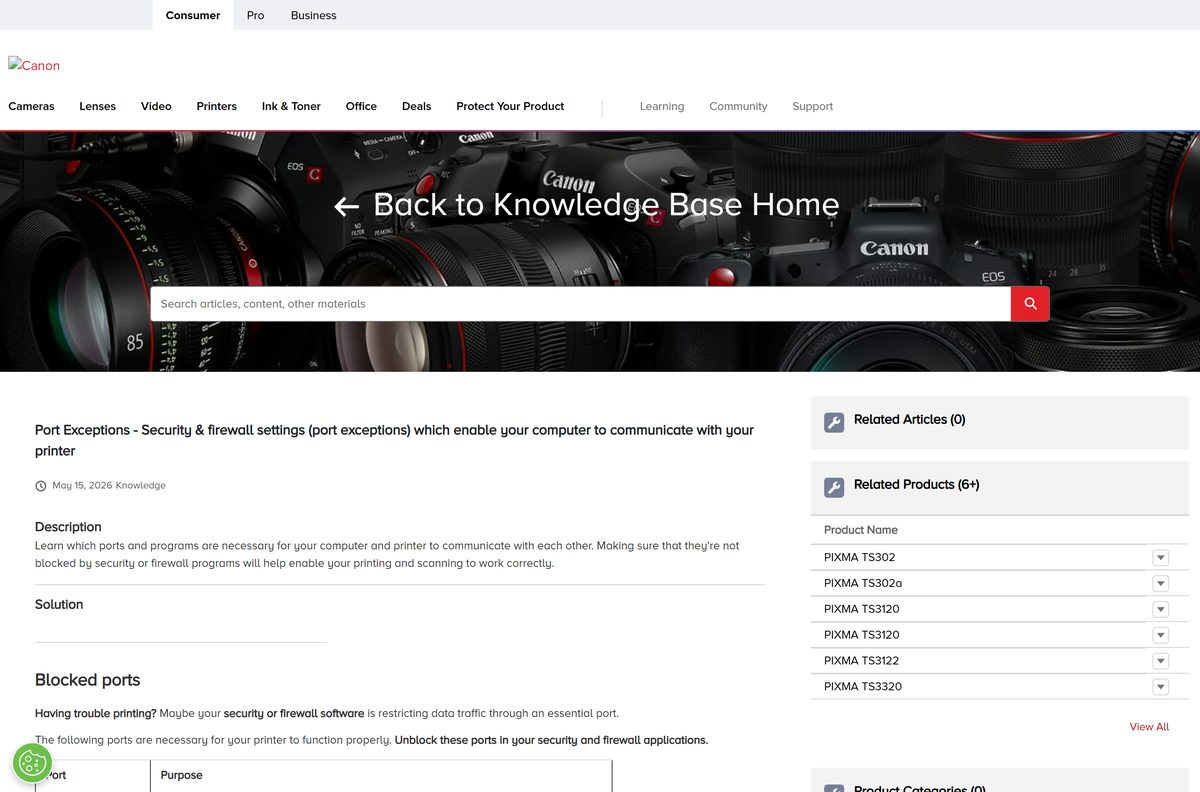
- Add firewall exceptions for TCP and UDP ports 8611 and 8612, which Canon uses for printing and scanning.
Scanning stops working after the driver installs
The scan utility did not install, usually because the standalone print driver was used instead of the full package.
- Open Start > All > Canon Utilities > Scan Utility and check whether it is present.
- Download the Print Driver and Scan Utility Installer for your model again if it is missing.
- Run the saved file and follow the installer to the Exit screen.
- Connect the printer directly by USB and repeat the scan to rule the network out.
The download finished but the file is nowhere to be seen
The browser saved it to the downloads folder without opening it.
- In Microsoft Edge, select the three dots at the top right.
- Select the downward arrow to open the downloads page.
- Select the file name to start the installer.
- In Chrome, select the three vertical dots, choose Downloads, then double-click the file.
The printer prints but reports the wrong ink or status
Status traffic uses different ports from print jobs, and those are often the ones being blocked.
- Allow TCP port 80 for HTTP and TCP port 443 for HTTPS setup traffic.
- Allow TCP and UDP ports 161 and 162 for SNMP status on MAXIFY printers.
- Allow TCP and UDP port 5222 if the printer uses Cloud Link.
- Allow TCP and UDP port 5357 so Windows can read the printer information.
How to uninstall Canon printer drivers
Sign in with an administrator account first. A driver that was added through WSD is removed from the printer list instead of the app list.
- Open Settings > Apps > Installed apps.
- Find the Canon driver entry and select Uninstall.
- Select the device name you want removed, then select Delete.
- Select Cleanup instead of Delete to strip every file and registry entry for all listed Canon drivers.
- Select Yes on the confirmation message.
- Select Exit on the Delete Printer screen.
- For a WSD driver, open Settings > Bluetooth & devices > Printers & scanners and remove the printer there.
imageCLASS packages also ship an UNINSTAL.exe inside the driver folder, under the 32BIT or x64 subfolder for UFR II, PCL or PS.
Which alternative works when the full Canon package will not install?
| Instead of the full package | What you get | Source |
|---|---|---|
| Print Driver and Scan Utility Installer | Print driver and IJ Scan Utility only | Reinstall route |
| Canon PRINT on Windows | Printing, scanning and status without the desktop bundle | Microsoft Store |
| AirPrint on macOS | Printing and scanning with no driver download at all | Mac model list |
| Canon PRINT on iPhone or iPad | Printing, scanning and cloud printing from the phone | App Store |
Frequently asked questions
Are Canon printer drivers free?
Yes. Canon publishes every print driver and the Canon PRINT app at no cost, and the Microsoft Store listing prices the app at US$0.00. No licence key, subscription or third-party downloader is needed to print from a Canon printer.
Where is the official Canon printer drivers download page?
Canon USA hosts drivers on its own support site. Search your exact model number, open the model’s support page, select Software & Drivers, then set Download Type to Drivers. Canon’s Knowledge Base walks through that route in both text and video.
Do Canon printer drivers work on Windows 11?
Yes. Canon’s inkjet and imageCLASS driver packages install on Windows 11 and Windows 10, and the Canon PRINT app needs Windows 10 version 1803 or later. Pick your Windows version on the model page if it is not detected automatically.
How big is the Canon printer driver download?
It depends on the model, because each printer gets its own package and Canon does not publish one master file. The Canon PRINT bundle on the Microsoft Store is 102 MB across its x86 and x64 builds.
Is there an offline Canon printer driver installer?
Yes. The Print Driver and Scan Utility Installer and the full Driver Setup Package are both files you save and run yourself. Save the file rather than opening it from the browser, then run it on the target PC.
Do you need a Canon driver on a Mac?
Often not. Canon lists a large set of PIXMA, MAXIFY and CanoScan models that print and scan through AirPrint, so you add the printer in System Settings and download nothing. Other models still use a setup file from the model page.
Are Canon drivers 32-bit or 64-bit?
Both. The imageCLASS UFR II, PCL and PS driver sets ship 32-bit and x64 folders in the same package, and the Canon PRINT app covers x86 and x64. The installer picks the build that matches your copy of Windows.
Are Canon printer drivers safe to install?
They are when they come from Canon’s own support site or the Microsoft Store listing published by Canon Inc. Driver aggregator sites repackage installers and add their own download managers, which is how the wrong file ends up on a PC.
What is the latest Canon PRINT version?
The Windows build in the Microsoft Store is 1.12.6.0, covering x86 and x64. The iPhone and iPad release is 3.7.0 at 80.7 MB and needs iOS 17.0 or later. Print drivers themselves are versioned per printer model.
Why will the Canon driver not install?
The usual cause is that the installer cannot see the printer. Confirm the PC is on the same network, disconnect from a VPN, select Search Again, then search by IP address. Opening ports 8611 and 8612 clears most of the rest.