You can install Google Photos as a desktop app on Windows 11, Windows 10 and Mac in about a minute, straight from photos.google.com in Chrome or Edge. It opens in its own window, gets a taskbar or Dock icon, and signs in with your Google account.
For the files on your computer, Google Drive for desktop is the free Windows and macOS installer that syncs folders to your Google account. Google Play and the App Store carry the phone apps.
This guide covers which install fits your device, the official links, setup in Chrome, Edge and Safari, automatic folder backup, what storage costs, fixes for common problems and clean removal.
Check Google Photos system requirements before you install
The desktop app needs a current Chrome or Edge browser and a Google account. Google Drive for desktop and the phone apps have their own minimums.
| Field | Value |
|---|---|
| App | Google Photos |
| Developer | Google LLC |
| Latest version | 7.92.0 for iPhone and iPad, released 11 September 2026. The desktop app is web-based and auto-updating |
| License / price | Free, with up to 15 GB of storage per Google Account |
| File size | Google Drive for desktop: 264.7 MB on Windows, 134.7 MB on Mac. The web app has no setup file |
| Windows 11 and Windows 10 | Installed app through Google Chrome or Microsoft Edge |
| macOS | Chrome app, or a Safari web app on macOS Sonoma 14 or later |
| Google Drive for desktop | Windows 10 and up (64-bit), Windows 11 and up on ARM64, macOS Ventura 13.0 or higher |
| iPhone and iPad | iOS and iPadOS 18.0 or later |
| Architecture | Web app: x64, ARM64 or Apple silicon. Drive for desktop: x64 and ARM64 Windows, macOS |
| Offline installer | Google Drive for desktop only |
| Official source | photos.google.com |
| Last verified | 2026-09-13 |
Which Google Photos download do you need?
Find your device and goal in the left column. Every row ends at a Google, Microsoft or Apple page.
| Your device or goal | What to install | Official source |
|---|---|---|
| Windows 11 or 10 PC, browse and edit your library | Google Photos app installed from Chrome or Edge | photos.google.com |
| Windows PC, back up picture folders automatically | Back up folders in the Google Photos app | Google’s backup steps |
| Windows PC, sync files to Google Drive | Google Drive for desktop, 264.7 MB | GoogleDriveSetup.exe |
| Mac, Apple silicon or Intel | Chrome app, Safari web app, or Google Drive for desktop (134.7 MB) | GoogleDrive.dmg |
| Android phone or tablet | Google Photos from Google Play | Google Play |
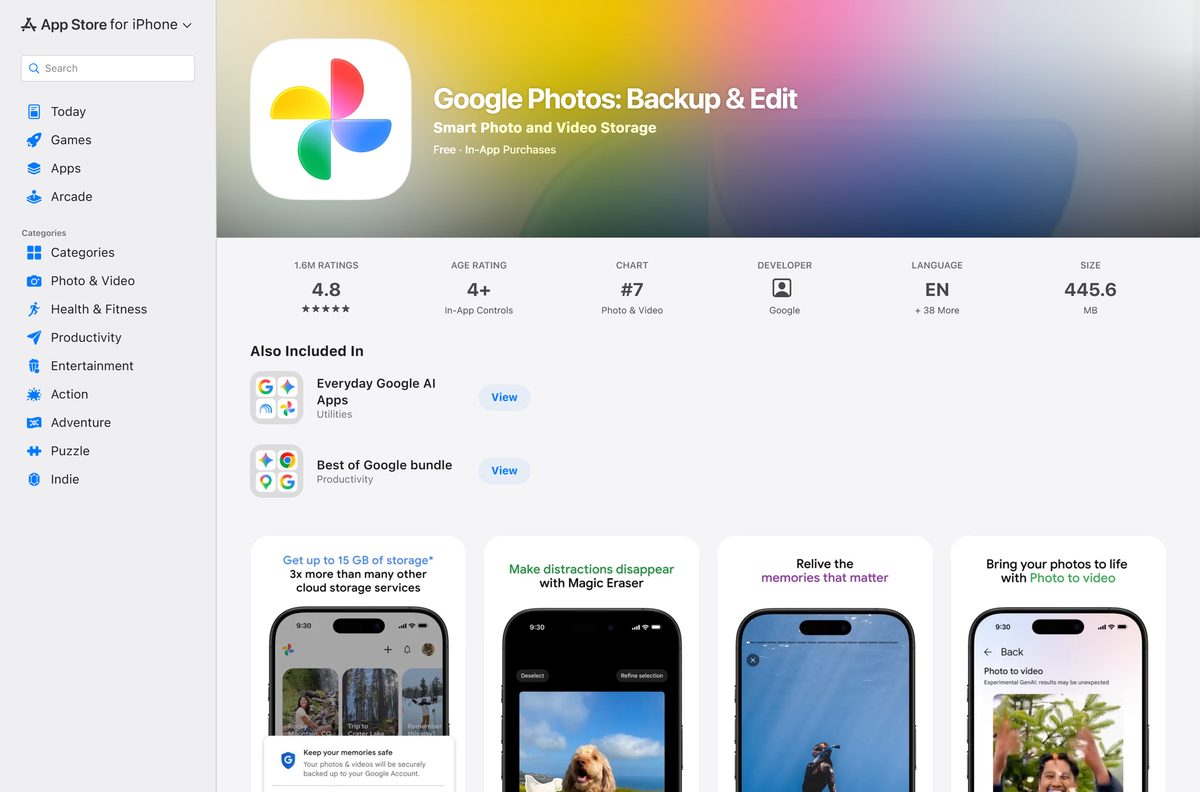
| iPhone or iPad | Google Photos from the App Store, 445.6 MB | App Store |
Download Google Photos from the official links
Start from one of these addresses. The first one is where every desktop install of the app begins.
- photos.google.com — open in Chrome or Edge to install the desktop app
- Google Drive for desktop for Windows (GoogleDriveSetup.exe) — 264.7 MB · version 131.0, 64-bit and ARM64 Windows
- Google Drive for desktop for Mac (GoogleDrive.dmg) — 134.7 MB · macOS Ventura 13.0 or higher
- Google Photos on Google Play — Android, published by Google LLC
- Google Photos on the App Store — 445.6 MB · iPhone and iPad, iOS 18.0 or later
The Drive installers download directly from dl.google.com, Google’s own file server. A Google Photos setup file offered on any other site did not come from Google.
How to install Google Photos as an app on Windows 11 and 10
Pick the browser you already use. Both routes add Google Photos to the Start menu and let you pin it to the taskbar.
Install Google Photos with Google Chrome
These steps work the same way on Windows 11, Windows 10 and macOS.
- Open Google Chrome and go to photos.google.com.
- Sign in with the Google account that holds your photos.
- Select More, the three dots at the top right of Chrome.
- Select Cast, save, and share.
- Select Install page as app, or select the Install icon in the address bar.
- Follow the on-screen prompt to finish the install.
- Right-click the app’s taskbar icon and select Pin to taskbar.
Install Google Photos with Microsoft Edge
Edge ships with Windows 11 and Windows 10, so this route needs no extra browser.
- Open Microsoft Edge and go to photos.google.com.
- Sign in to your Google account.
- Select Settings and more, the three dots at the top right.
- Select More tools, then Apps.
- Select Install this site as an app, then confirm with Install.
- Open edge://apps to find the installed app later.
How to back up PC folders to Google Photos automatically
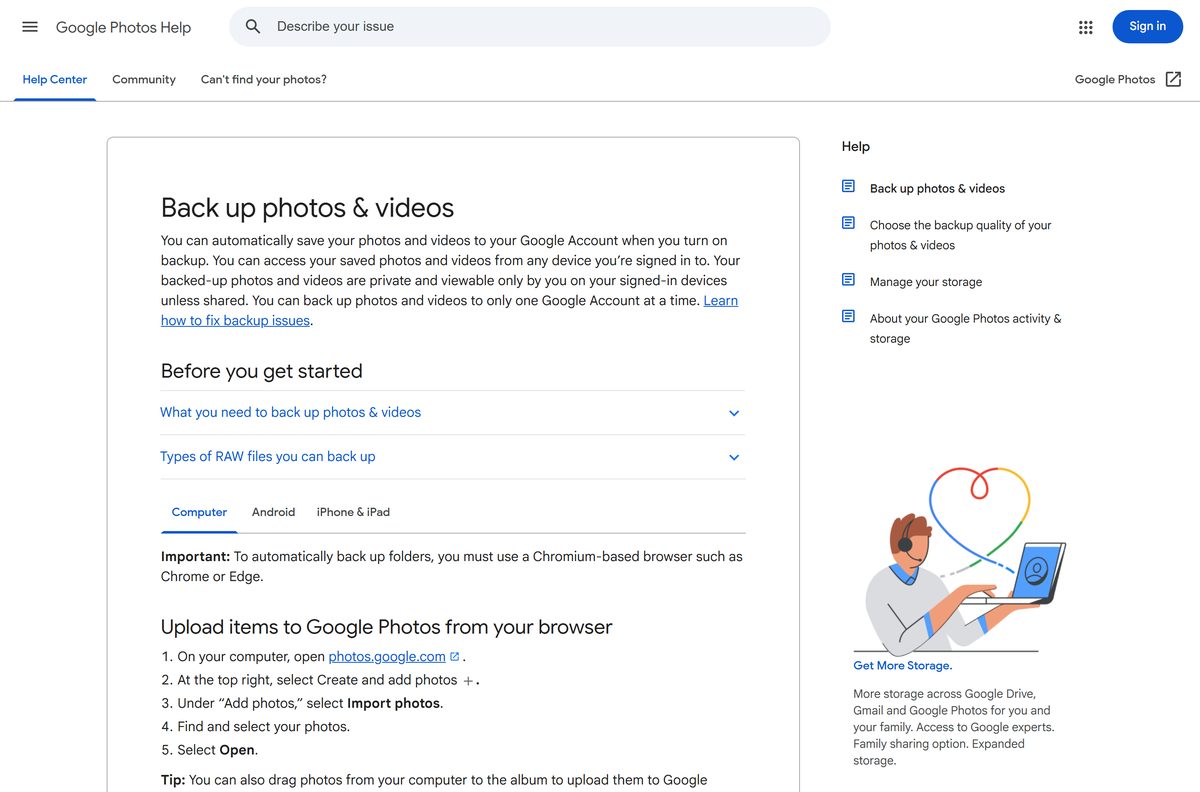
The Google Photos app backs up chosen folders on your computer without any extra software. It needs a Chromium-based browser such as Chrome or Edge.
- On your computer, go to photos.google.com or open the installed app.
- At the top right, click Create and add photos.
- Under Add photos, click Back up folders.
- Select the folders you want to back up, such as your Pictures folder.
- Click Allow or Allow on every visit to grant Google Photos permission to view and back up those folders.
- Keep the Google Photos tab open or the Photos web app running while backup works.
Apple Photos Library is not supported by folder backup. For a one-off upload, click Create and add photos, then Import photos, select the files and click Open.
Install Google Drive for desktop to sync your photo folders
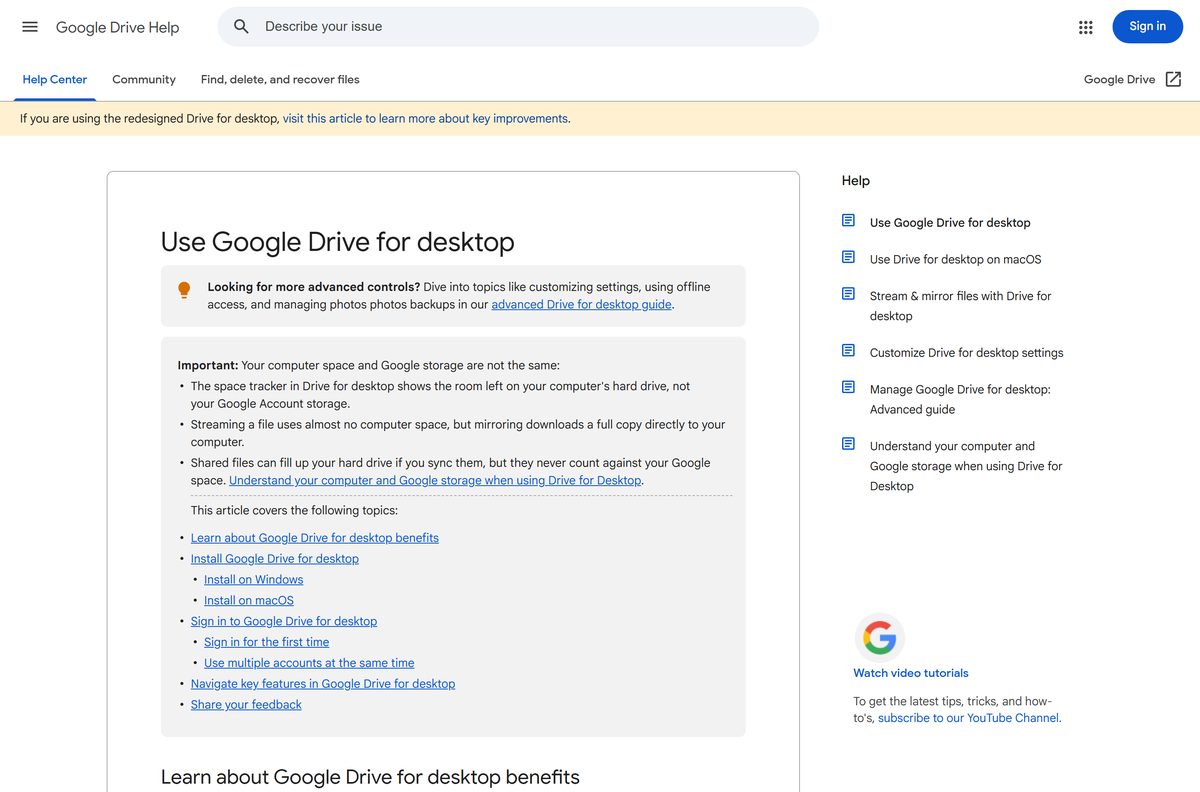
Google Drive for desktop is a full installer for Windows and Mac. It keeps your computer’s files in sync with Google Drive, and you can use up to 4 accounts at once.
- Download GoogleDriveSetup.exe on Windows, or GoogleDrive.dmg on a Mac.
- Open the downloaded file.
- Follow the on-screen instructions to install Drive for desktop.
- Sign in with the same Google account you use for Google Photos.
- Choose the folders to sync to Google Drive.
- To show those pictures in Google Photos, go to photos.google.com and click Add, then Google Drive.
- Find and select your photos, then click Upload.
Drive for desktop needs Microsoft WebView2, which is usually included in Windows 11 and most Windows 10 devices. Edits made in Drive stay in Drive, and edits made in Photos stay in Photos.
Which Google Photos install should you use on a Mac?
A Mac has three official routes. Pick by the browser you use and whether you want folder sync.
| Your Mac | Install this way | Instructions |
|---|---|---|
| Chrome installed | Chrome: More > Cast, save, and share > Install page as app | Google’s web app steps |
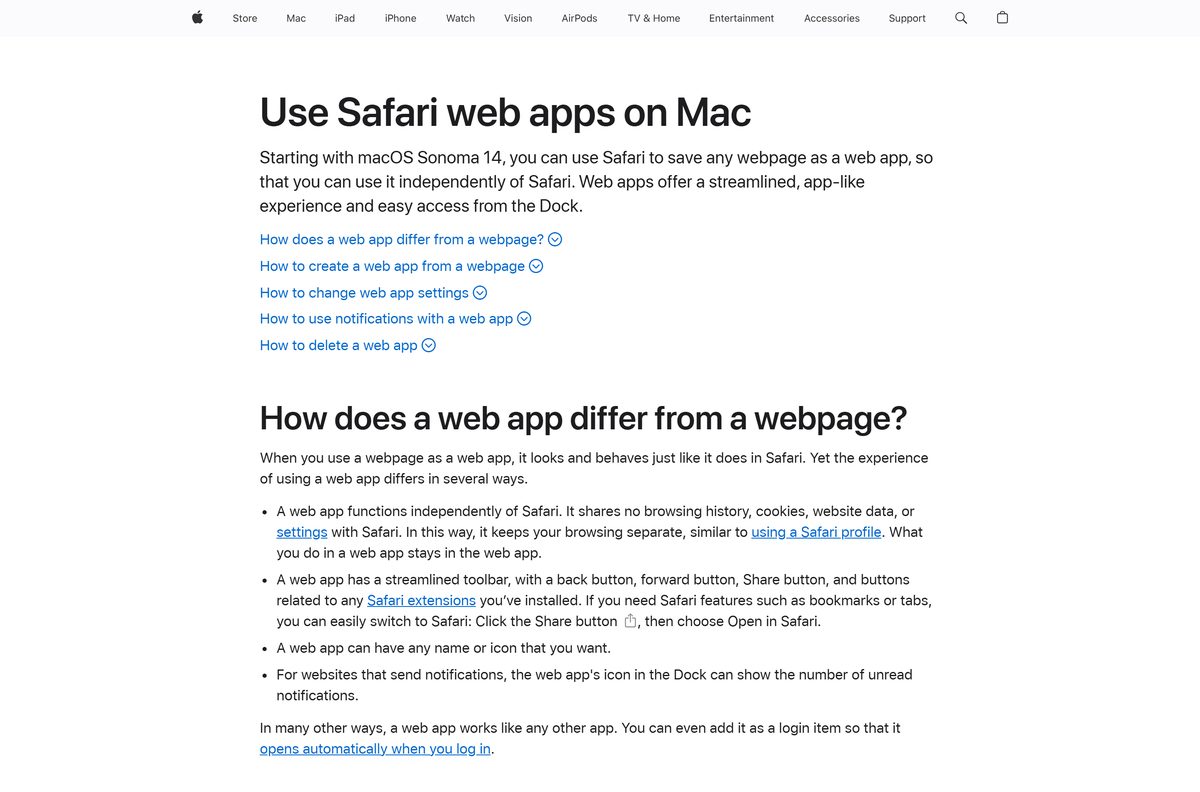
| Safari only, macOS Sonoma 14 or later | Safari: File > Add to Dock, then Add | Apple’s steps |
| You want folders synced to Google Drive, macOS Ventura 13.0 or higher | Google Drive for desktop, 134.7 MB | GoogleDrive.dmg |
| Apple silicon or Intel | Any route; there is no chip-specific Google Photos build | photos.google.com |
Folder backup from photos.google.com does not work in Safari, because it needs Chrome or Edge.
Is Google Photos free to download and use?
Every Google Account includes up to 15 GB of storage, shared across Google Photos, Gmail and Google Drive.
Photos and videos backed up in Original quality or Storage saver both count toward that limit. Storage saver keeps them at a slightly reduced quality to use less space.
Yes, the app, Google Drive for desktop and the first 15 GB cost nothing. Pay only when you need more space, and buy it through Google One from your Google account. A paid “Google Photos Pro” download from any other site is not a Google product.
Should you use the Photos web app or Google Drive for desktop for backup?
Google publishes no standalone Google Photos .exe or .dmg for Windows or macOS. The desktop app is the installed web app, and it runs from photos.google.com.
Google Drive for desktop used to back up straight to Google Photos. Google Drive for desktop ends support for Google Photos backup on August 10, 2026, so it now syncs your folders to Google Drive only.
Folder backup inside the Photos web app replaces it. Drive for desktop still earns its place when you want files mirrored in Drive, and you can copy them into Photos with Add > Google Drive.
Use Back up folders in the Google Photos app for photo backup. It uploads straight to Google Photos with no installer. Add Google Drive for desktop only if you also want the same folders in Google Drive, and note that the copy in Photos also counts against your storage.
What files can you upload to Google Photos from a computer?
Check a file against these limits before an upload fails. Anything smaller than 256 x 256 pixels is skipped.
| Item | Supported | Limit |
|---|---|---|
| Photos | .jpg, .heic, .heif, .png, .webp, .gif, .avif and most RAW files | Up to 200 MB or 200 megapixels |
| Videos | .mpg, .mod, .mmv, .tod, .wmv, .asf, .avi, .divx, .mov, .m4v, .3gp, .3g2, .mp4, .m2t, .m2ts, .mts and .mkv | Up to 10 GB |
| Minimum size | Any supported type | Larger than 256 x 256 pixels |
| Apple Photos Library | Not supported by folder backup | Export the pictures to a normal folder first |
How to download your Google Photos to your computer
Save a single picture from the app, or export your whole library with Google Takeout.
- For one item, go to photos.google.com and select a photo or video.
- Click More, then Download.
- For your whole library, open Google Takeout and sign in.
- Leave Google Photos ticked and untick the products you do not want.
- Choose a delivery method, such as Send download link via email or Add to Drive.
- Pick One-time archive, the Zip files format and a maximum archive size.
- Open the emailed link when the archive is ready, which takes from a few minutes to a few days.
Fix Google Photos not installing or not backing up on Windows 11 or 10
Find the symptom that matches, then work through its fix in order.
No install option appears in Chrome
Chrome offers the install on the page you have open, so you need to be on the Google Photos site.
- Type photos.google.com in the address bar and sign in.
- Open More > Help > About Google Chrome and let Chrome update.
- Select Relaunch, return to the site, and open Cast, save, and share again.
Back up folders is missing or does nothing
Folder backup needs a Chromium-based browser and an open app window.
- Switch to Chrome or Edge if you use Firefox or Safari.
- Click Allow on every visit when the folder permission prompt appears.
- Keep the Google Photos tab or installed app open until the upload finishes.
Drive for desktop no longer sends photos to Google Photos
Google Drive for desktop ended Google Photos backup on August 10, 2026.
- Set up Back up folders in the Google Photos app instead.
- To copy files already in Drive, click Add > Google Drive in Google Photos and click Upload.
- On a work or school account, download the files from Drive and upload them to Google Photos.
Google Drive for desktop will not install
The installer has firm system requirements.
- Confirm the PC runs 64-bit Windows 10 or later, or Windows 11 on ARM64.
- Install or repair Microsoft WebView2 from Microsoft, then run GoogleDriveSetup.exe again.
- On a Mac, update to macOS Ventura 13.0 or higher in System Settings > General > Software Update.
How to uninstall Google Photos from Windows or Mac
Removing the app deletes the window and shortcut, not your pictures. Your library stays in your Google account.
- Chrome: open the Google Photos app window and select More at the top right.
- Chrome: select Uninstall Google Photos, tick Also delete data from Chrome if you want, then select Remove.
- Edge: go to edge://apps and select Details on the Google Photos card.
- Edge: select Uninstall, choose whether to delete app history and data, then select Uninstall again.
- Safari on Mac: open Finder, go to the Applications folder of your home folder, and drag Google Photos to the Trash.
- Google Drive for desktop on Windows: search Start for Add or remove programs, select Google Drive and uninstall it.
Frequently asked questions
Is Google Photos free to download?
Yes. The desktop app, Google Drive for desktop and the phone apps are free. Every Google Account includes up to 15 GB of storage shared with Gmail and Drive, and Google One sells more space.
Where is the official Google Photos download?
On a computer, open photos.google.com in Chrome or Edge and install it from the browser menu. Google Drive for desktop downloads from dl.google.com, and the phone apps come from Google Play and the App Store.
Does Google Photos work on Windows 11?
Yes. Install it from Chrome with More, Cast, save, and share, then Install page as app, or from Edge with More tools, Apps, Install this site as an app. It then gets a Start menu and taskbar entry.
How big is the Google Photos download?
The desktop app installs from the browser, so it has no setup file. Google Drive for desktop is 264.7 MB on Windows and 134.7 MB on Mac, and the App Store lists 445.6 MB for iPhone and iPad.
Is there a Google Photos offline installer for PC?
No. The Google Photos app installs from photos.google.com through Chrome or Edge and needs an internet connection. The only full Windows setup file Google ships in this family is Google Drive for desktop.
Is there a Google Photos app for Mac?
Yes, as a web app. Install it from Chrome, or use File, Add to Dock in Safari on macOS Sonoma 14 or later. Google Drive for desktop is also available for macOS Ventura 13.0 or higher.
Is there a 64-bit or ARM64 Google Photos download?
The Google Photos app has no separate build, so it runs on x64 and ARM64 PCs and on any Mac. Google Drive for desktop supports 64-bit Windows 10 and later and Windows 11 on ARM64.
What is the latest Google Photos version?
The App Store lists version 7.92.0 for iPhone and iPad, released 11 September 2026. The desktop app loads from photos.google.com each time, so it is always current and has no version to update.
Can Google Drive for desktop still back up to Google Photos?
No. Google Drive for desktop ended support for Google Photos backup on August 10, 2026. Use Back up folders in the Google Photos app, or copy Drive files into Photos with Add, then Google Drive.
Is Google Photos safe to download?
Yes, from photos.google.com, dl.google.com, Google Play or the App Store. A Google Photos .exe, .msi or APK for Windows from any other site did not come from Google, so do not run it.
Why can’t I install Google Photos on my PC?
Usually because the install option only appears on the Google Photos site. Open photos.google.com directly, update Chrome or Edge, then look under Cast, save, and share in Chrome or More tools, Apps in Edge.

Download Snapseed for iPhone, iPad and Android (Free) - Techdows
[…] Snapseed on your phone for serious edits, and the Google Photos editor on a PC for quick fixes. Google builds Snapseed for iPhone, iPad and Android only, with no Windows […]