No, Amazon.com does not accept a PayPal account at checkout, but you can spend PayPal money there with a PayPal-issued Mastercard such as the PayPal Debit Card.
This guide shows which PayPal products work on Amazon, how to add the card to your Amazon account, what it costs, and how to fix a declined payment.
How can you use PayPal on Amazon?
Amazon's list of accepted payment methods names Visa, Mastercard, Discover, American Express and several other card networks, plus Amazon Gift Cards. PayPal is not on that list, so there is no PayPal button at Amazon checkout.
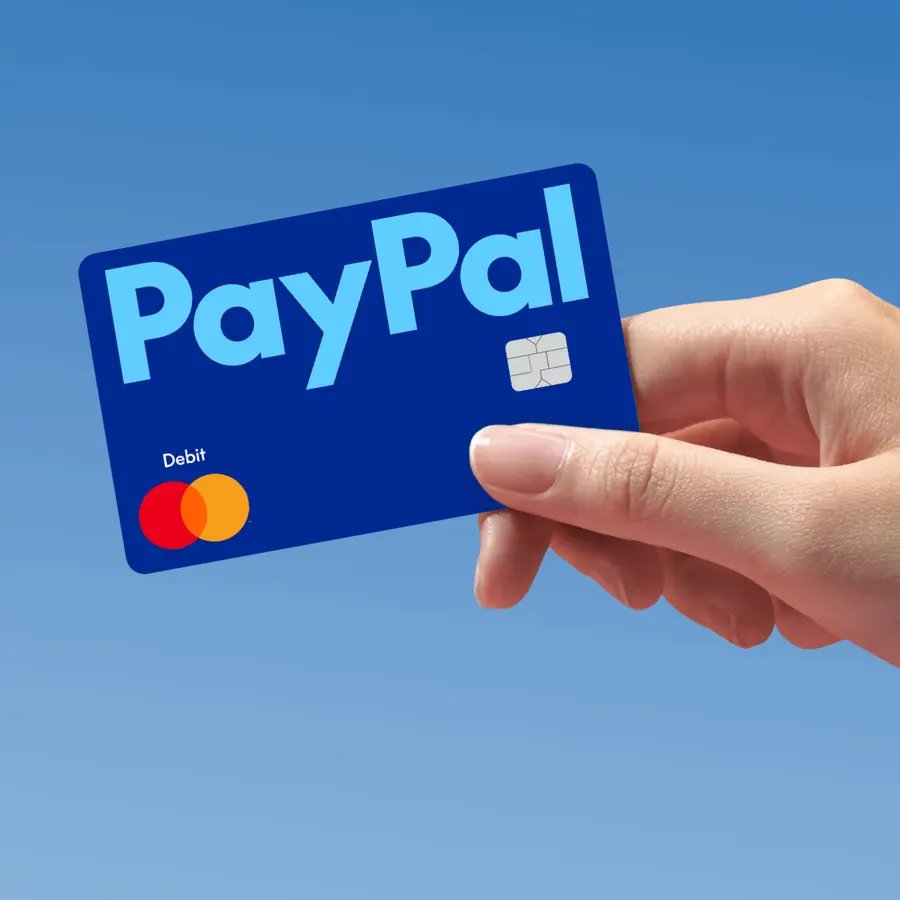
The workaround is a card PayPal issues on the Mastercard network. Amazon treats it like any other Mastercard, and the money comes from your PayPal balance or PayPal credit line.
- Sign in to the PayPal app or PayPal.com and apply for the PayPal Debit Card.
- Use the virtual card PayPal issues as soon as you are approved; you do not need to wait for the physical card.
- Add money to your PayPal balance from your bank or debit card so the card has funds to spend.
- On Amazon.com, open Account & Lists and add the card number to your Amazon Wallet as a new credit or debit card.
- At checkout, select Change under the Payment Method heading, pick the PayPal card, and select Use this payment method.
- Place the order. The charge comes out of your PayPal balance.
What is the difference between direct PayPal checkout and a PayPal card?
Direct PayPal checkout means logging in to PayPal on the merchant's site. Amazon does not offer it. A PayPal card is a Mastercard number that any Mastercard merchant, Amazon included, can charge.
| PayPal option | Works on Amazon.com? | Why |
|---|---|---|
| Pay with a PayPal account (log in at checkout) | No | PayPal is not on Amazon's accepted payment methods list |
| PayPal Balance through the PayPal Debit Card | Yes | The card is a Mastercard linked to your PayPal Balance account |
| PayPal Business Debit Mastercard | Yes | Usable everywhere Mastercard is accepted |
| PayPal Credit Card (Mastercard) | Yes | Works everywhere Mastercard is accepted |
| PayPal Cashback Mastercard | Yes, at 1.5% back | The 3% rate only applies when you check out with PayPal |
| PayPal Credit digital line | No | It is only used when checking out with PayPal |
| Pay in 4 and Pay Monthly online | No | Offered at checkout on sites that accept PayPal |
What do you need before paying with PayPal funds on Amazon?
The PayPal Debit Card has US-only eligibility rules. Check these before you apply, because a second PayPal account on your SSN blocks approval.
| Requirement | Detail |
|---|---|
| PayPal account | An active personal PayPal account in good standing |
| One account per SSN | Close other PayPal accounts linked to your Social Security number before you apply |
| Identity details | A confirmed US street address, your date of birth and your SSN |
| PayPal Balance account | Required to hold a balance; PayPal creates one when you sign up for the card |
| Money in your balance | Add funds from a bank or debit card, set up auto reload, or add cash at a store for up to $3.95 |
| Amazon.com account | A US Amazon.com account where you can add a Mastercard to your Amazon Wallet |
How do you add a PayPal Debit Card to Amazon?
Amazon lets you add a new payment card in your Amazon Wallet without placing an order. You can also add it during checkout.
- Open the PayPal app or PayPal.com and copy your PayPal Debit Card number, expiry date and security code.
- Sign in to Amazon.com and open Account & Lists.
- Go to your Amazon Wallet and choose to add a new credit or debit card.
- Enter the name on the card, the card number and the expiry date exactly as PayPal shows them.
- Enter the billing address that matches the confirmed address on your PayPal account.
- Save the card, then set it as your default payment method if you want Amazon to use it first.
- Request a physical card in the PayPal app or on PayPal.com only if you also want to pay in stores.
Can a business PayPal account pay on Amazon?
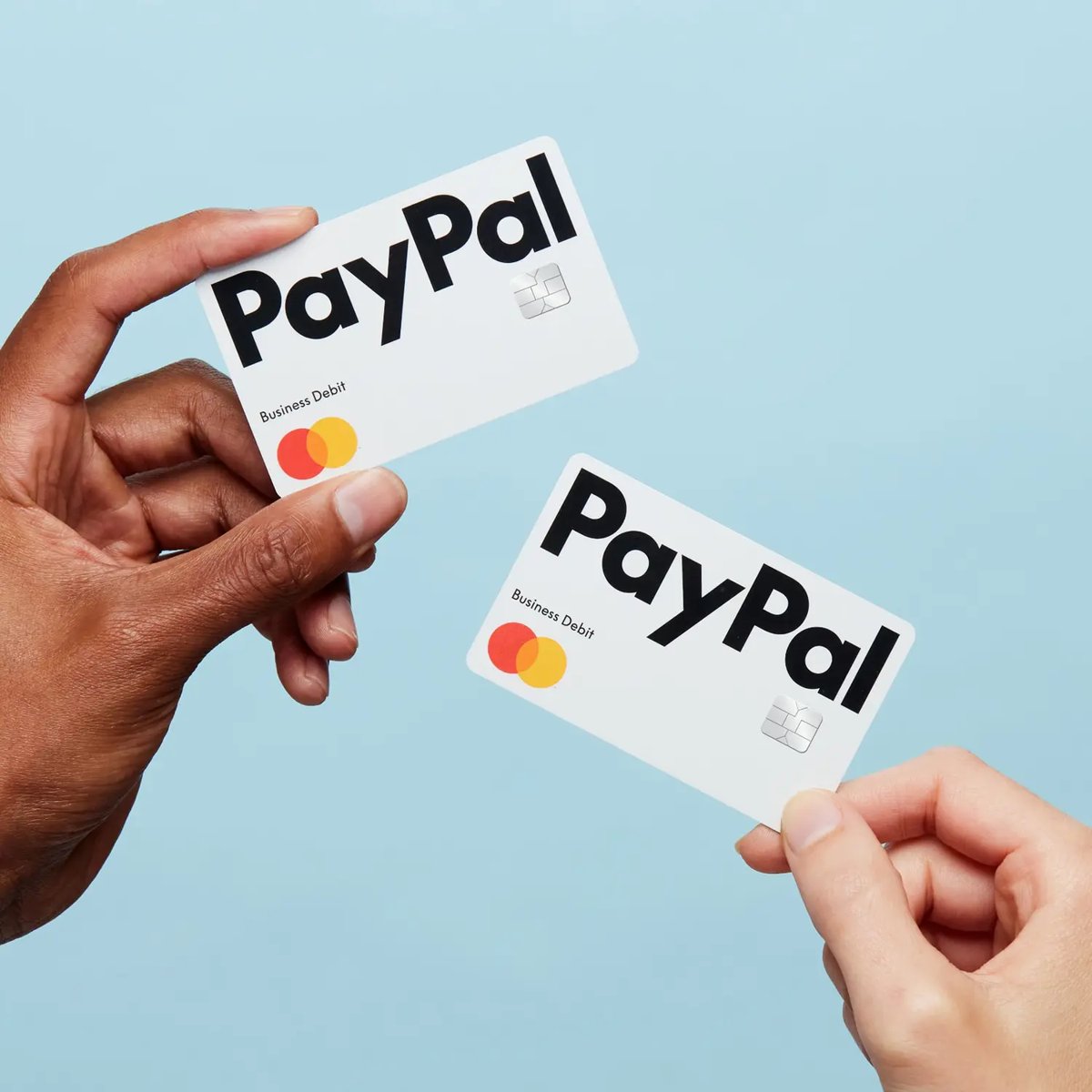
A business PayPal account cannot be used at Amazon checkout either. The PayPal Business Debit Mastercard turns that business balance into a card Amazon accepts.
- Sign in to your PayPal business account and request the PayPal Business Debit Mastercard.
- Use the digital card PayPal issues within minutes of approval.
- Add the card number to the Amazon or Amazon Business account your company buys from.
- Issue up to 4 cards for employees and set spending limits in the PayPal app.
- Run eligible Amazon purchases as credit transactions to earn the card's 1% cash back.
Check that your PayPal card charge went through on Amazon
- Open Returns & Orders on Amazon and confirm the order shows as placed, not as needing a payment update.
- Open the PayPal app and look for the Amazon charge in your activity.
- Confirm the amount came out of your PayPal balance and matches the order total.
- If Amazon split the order into several shipments, expect several matching charges in PayPal.
Why was my PayPal card declined on Amazon?
Most declines come from the PayPal side, because the card can only spend what sits in your PayPal balance.
Card declined at checkout
The PayPal Debit Card draws on your PayPal balance, and the balance is lower than the order total.
- Check your PayPal balance in the PayPal app.
- Add money from your linked bank or debit card.
- Return to Amazon and place the order again.
Card was working, now every payment fails
The card is temporarily locked in PayPal.
- Open the PayPal Debit Card settings in the PayPal app.
- Unlock the card.
- Retry the Amazon payment.
Amazon rejects the card number when you add it
A typo in the number, expiry date or billing address.
- Copy the card details again from the PayPal app.
- Enter the billing address exactly as it appears on your PayPal account.
- Save the card again in your Amazon Wallet.
Can't use PayPal on Amazon at all
You are looking for a PayPal login option, which Amazon.com does not offer.
- Apply for a PayPal Debit Card or PayPal Credit Card.
- Add it to Amazon as a Mastercard.
- Select it at checkout instead of searching for a PayPal button.
Order split across a card and a gift card fails
Amazon lets you split one order between one card and an Amazon Gift Card, but not across several cards.
- Keep only one card on the order.
- Add the Amazon gift card to your account and apply its balance for the rest.
- Place the order.
Does the PayPal Debit Card charge fees on Amazon?
A US Amazon.com purchase with the PayPal Debit Card has no transaction fee. Costs only appear when you add cash or shop outside the US.
| Item | Cost |
|---|---|
| Monthly fee or minimum balance | None |
| US purchase, including Amazon.com | No transaction fee |
| Foreign transaction | 2.5% international transaction fee |
| Adding money from a bank or debit card | Free |
| Adding cash at a store | Up to $3.95 |
| Non-MoneyPass ATM withdrawal | $2.50, with a $400 daily limit |
| Rewards | 5% back as points on up to $1,000 a month in one chosen category |
The 5% categories are groceries, restaurants, fuel, apparel, and rideshare and public transit, so a typical Amazon order does not earn the 5% rate.
Do PayPal Checkout, PayPal Credit, or Pay Later work on Amazon?
Anything that needs the PayPal login screen fails on Amazon. Anything that gives you a Mastercard number works.
| Product | On Amazon.com | What it costs |
|---|---|---|
| PayPal Checkout | Not available | Free for buyers in PayPal's own fee schedule |
| PayPal Credit Card | Works as a Mastercard | Special financing on purchases of $149 or more, subject to credit approval |
| PayPal Credit digital line | Not available | Only usable when checking out with PayPal |
| Pay in 4 | Not available | 4 interest-free payments on $10 to $2,000 |
| Pay Monthly | Not available online | 3 to 24 months, 9.99% to 35.99% APR |
| PayPal Cashback Mastercard | Works as a Mastercard | 1.5% back on Amazon, no annual fee |
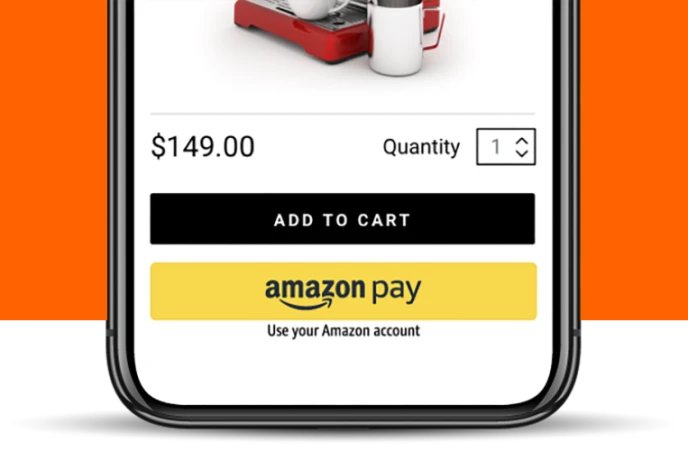
Is Amazon Pay the same as using PayPal on Amazon?
No. Amazon Pay is Amazon's own service, run by Amazon Payments, Inc., and it has no connection to PayPal.
| Amazon Pay | PayPal | |
|---|---|---|
| Who runs it | Amazon Payments, Inc. | PayPal, Inc. |
| Where you use it | Other sites and stores showing the Amazon Pay button | Sites that accept PayPal at checkout |
| What it charges | The payment methods saved in your Amazon account | Your PayPal balance, bank or linked cards |
| Works on Amazon.com itself | Amazon checkout uses your Amazon Wallet directly | Only through a PayPal-issued Mastercard |
Can you buy an Amazon gift card with PayPal and use it on Amazon?
Amazon sells its gift cards on Amazon.com, where you can pay with a PayPal-issued Mastercard like any other card. Buy them only from Amazon or an authorized seller.
| Rule | What it means for you |
|---|---|
| Gift cards must come from Amazon or an authorized third party | Do not buy Amazon codes from resellers or individuals |
| Gift cards cannot be resold or transferred for value | A code bought second-hand can be voided without a refund |
| Amazon Balance cannot buy other gift cards | Pay for a gift card with your PayPal card, not with an existing balance |
| One card plus a gift card is allowed per order | Gift card balance first, PayPal card for the remainder |
| Balance from cards issued after October 1, 2005 does not expire | You can hold the balance for later orders |
How can you avoid PayPal and Amazon payment scams?
Amazon warns that many scams ask for payment by gift card. PayPal says its genuine emails use the full name on your account.
- Never pay a stranger, a caller or a seller outside Amazon with Amazon gift card codes.
- Ignore messages that open with Dear user or push you to act fast to save your account.
- Type paypal.com or amazon.com into the browser yourself instead of clicking links in a message.
- Never share passwords, card numbers or verification codes by email, text or phone.
- Do not trust caller ID showing PayPal; call PayPal back on 1-888-221-1161 from its Help Center.
- Protect your accounts with an authenticator app where the service supports one.
What is the safest answer for shoppers?
| Your situation | Use this | Why |
|---|---|---|
| You keep money in PayPal and want no credit check | PayPal Debit Card | Spends your balance, no monthly fee, Mastercard Zero Liability |
| You want to pay over time | PayPal Credit Card | Works on Amazon as a Mastercard; Pay Later does not |
| You pay for a business | PayPal Business Debit Mastercard | Up to 4 cards with spending limits |
| You live outside the US | Your local Amazon store's accepted methods | The PayPal Debit Card needs a US address and SSN |
| Someone asks you to pay with gift card codes | Stop | Amazon flags this as a common scam |
Frequently asked questions about PayPal on Amazon
Does Amazon use PayPal as payment?
No. Amazon.com does not list PayPal among its accepted payment methods, so you cannot log in to PayPal at checkout. You can still spend PayPal money there with a PayPal-issued Mastercard, such as the PayPal Debit Card or PayPal Credit Card.
Why can't I use PayPal on Amazon?
Amazon accepts card networks such as Visa, Mastercard, Discover and American Express, plus Amazon Gift Cards, and PayPal is not on its list. Amazon has not published a reason. Use a PayPal Debit Card to pay from your PayPal balance instead.
Can you use PayPal Credit on Amazon?
Only the PayPal Credit Card works, because it is a Mastercard accepted everywhere Mastercard is. The PayPal Credit digital line only works when you check out with PayPal, which Amazon.com does not support.
Can you use PayPal Pay Later on Amazon?
No. Pay in 4 and online Pay Monthly are offered at checkout on sites that accept PayPal, and Amazon.com is not one of them. To spread an Amazon purchase out, the PayPal Credit Card is the PayPal option that works.
Can you use PayPal on Amazon Prime?
Not with a PayPal login. Prime is billed to a payment method in your Amazon account, so add a PayPal Debit Card or PayPal Credit Card as a Mastercard and select it for your membership.
Can you use PayPal on Amazon UK or Amazon Australia?
This guide covers Amazon.com. The PayPal Debit Card requires a confirmed US street address and an SSN, so it is not an option for most UK or Australian shoppers. Check your local Amazon store's accepted payment methods page.
Can you use PayPal to pay for Amazon purchases from your balance?
Yes, through the PayPal Debit Card. It is linked to your PayPal Balance account, so every Amazon charge on the card comes straight out of your PayPal balance, with no transaction fee on US purchases.
Can you split an Amazon order between a PayPal card and a gift card?
Yes. Amazon lets you split one order between a single accepted card, such as the PayPal Debit Card, and your Amazon Gift Card balance. It does not let you split one order across several cards.
The bottom line on PayPal and Amazon
Get the free PayPal Debit Card and add it to your Amazon Wallet as a Mastercard. Amazon.com has no PayPal checkout, and the debit card is the only no-fee, no-credit-check way to spend your PayPal balance there; choose the PayPal Credit Card only if you want to pay over time.