You can put Frndly TV on a Windows 11, Windows 10 or Mac desktop in about a minute. Sign in at watch.frndlytv.com in Edge or Chrome, then install the page as an app. Windows adds a Start menu entry, and the player opens in its own window without a browser tab around it.
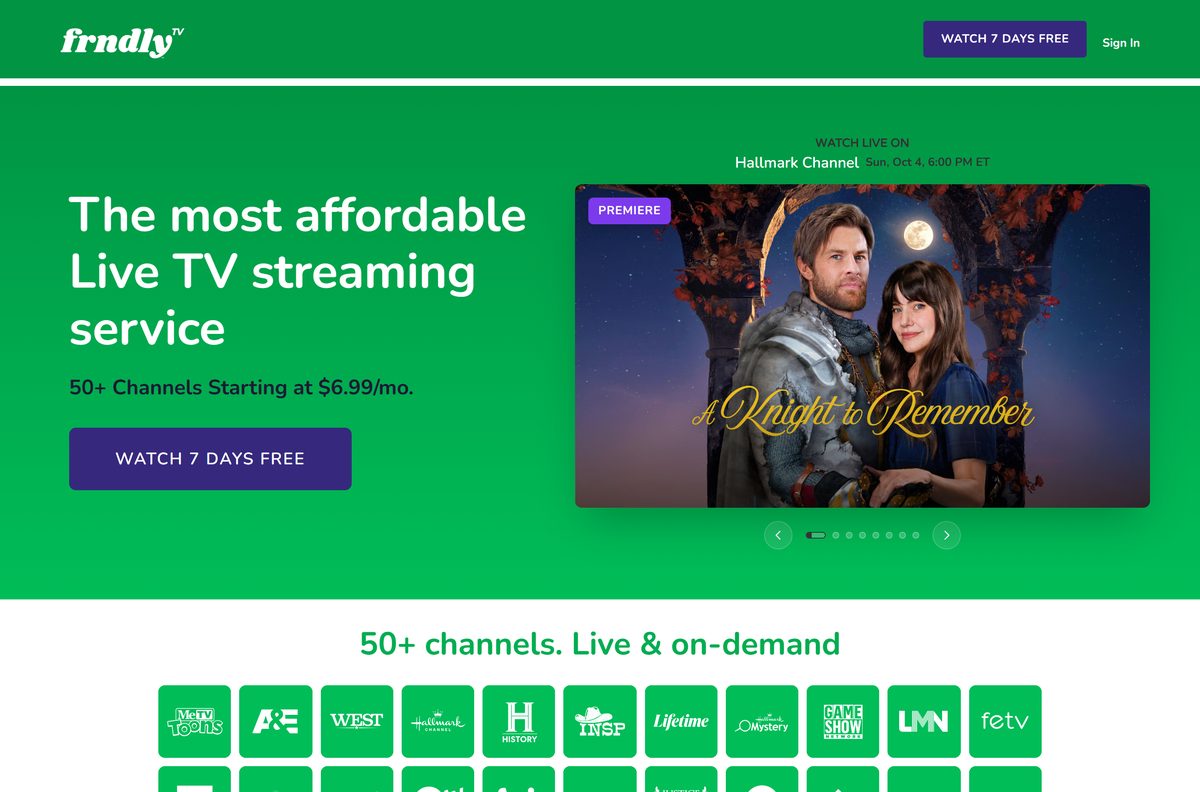
Every plan starts with a 7-day free trial and carries the same 50+ channels, including Hallmark Channel, A&E, The HISTORY Channel and MeTV. After the trial, Basic costs $8.99 a month.
Below are the official links, the Windows and Mac setup, the phone apps, what each plan includes, and fixes for playback that stalls.
Which Frndly TV download do you need?
Match the device in front of you to a row. One account signs in everywhere.
| Your device | What to get | Minimum version |
|---|---|---|
| Windows 11 or Windows 10 PC | Install watch.frndlytv.com as an app in Edge or Chrome | Latest Edge, Chrome or Firefox |
| MacBook, iMac or Mac mini | Sign in at watch.frndlytv.com in Safari, Chrome or Firefox | Latest Safari, Chrome or Firefox |
| iPhone or iPad | Frndly TV on the App Store, 33.9 MB | iPhone 6s, iPad 5th generation |
| Android phone or tablet | Frndly TV on Google Play | Android 4.4 KitKat |
| No account yet | Start the 7-day free trial | Any supported device |
There is no setup file for a computer. The installed shortcut belongs to the browser, not to a separate program.
Download Frndly TV from its official pages
Every link below is published by Frndly TV or by the store that distributes its mobile app.
- watch.frndlytv.com, the sign-in and playback site — Chrome, Edge, Firefox or Safari on Windows and Mac
- Frndly TV plans and the 7-day free trial — sign-up page with the channel list
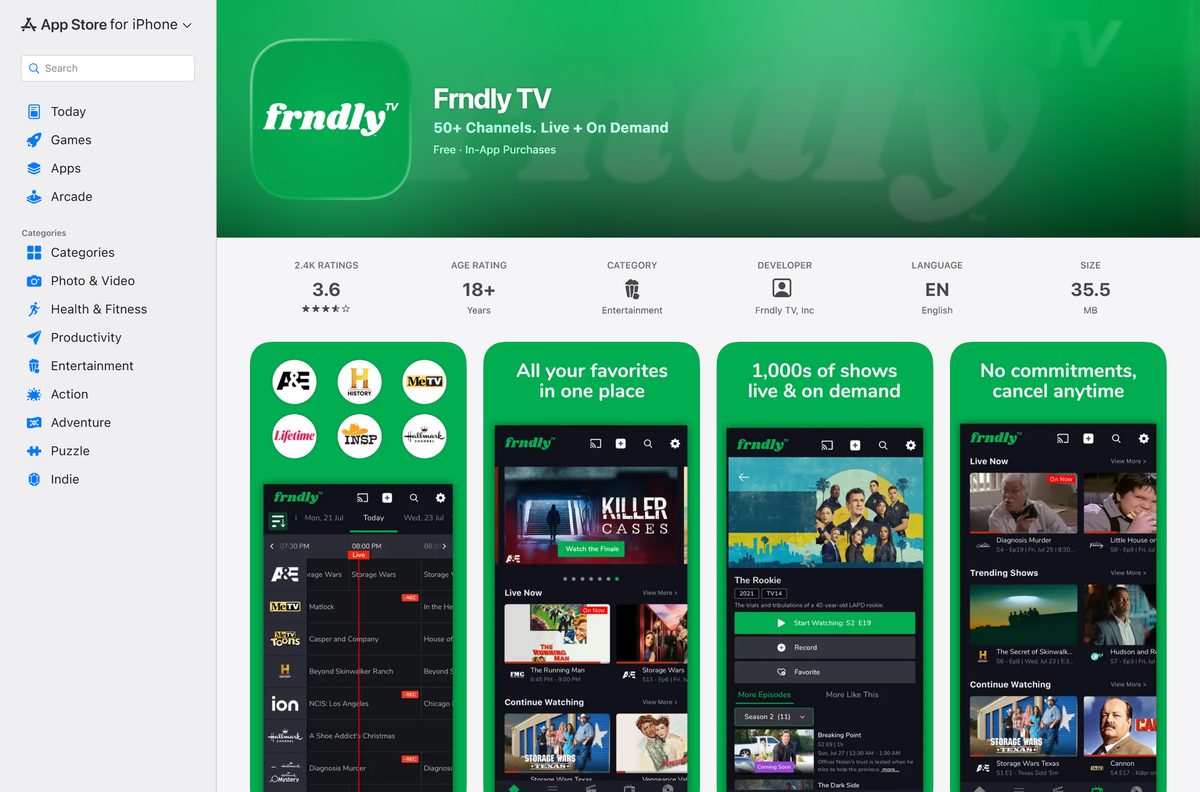
- Frndly TV on the App Store — 33.9 MB · seller Frndly TV, Inc.; iPhone and iPad
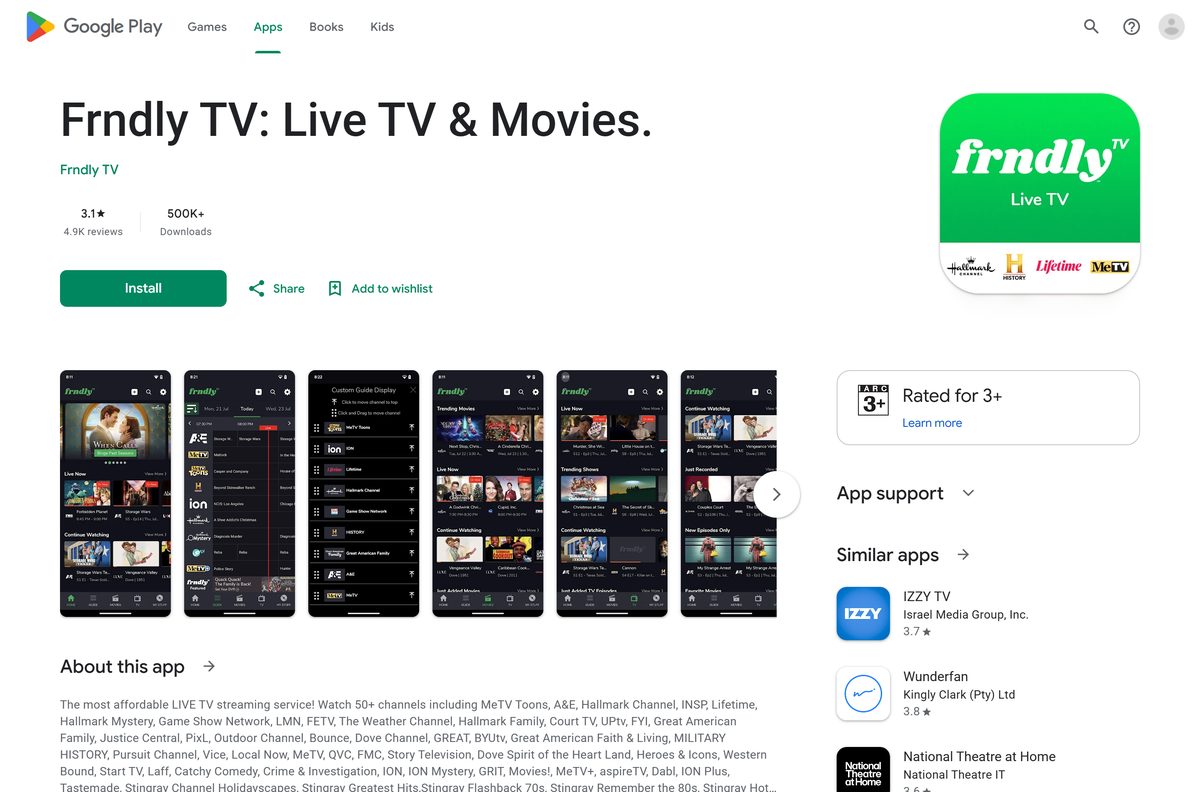
- Frndly TV on Google Play — package com.frndlytv; Android 4.4 or higher
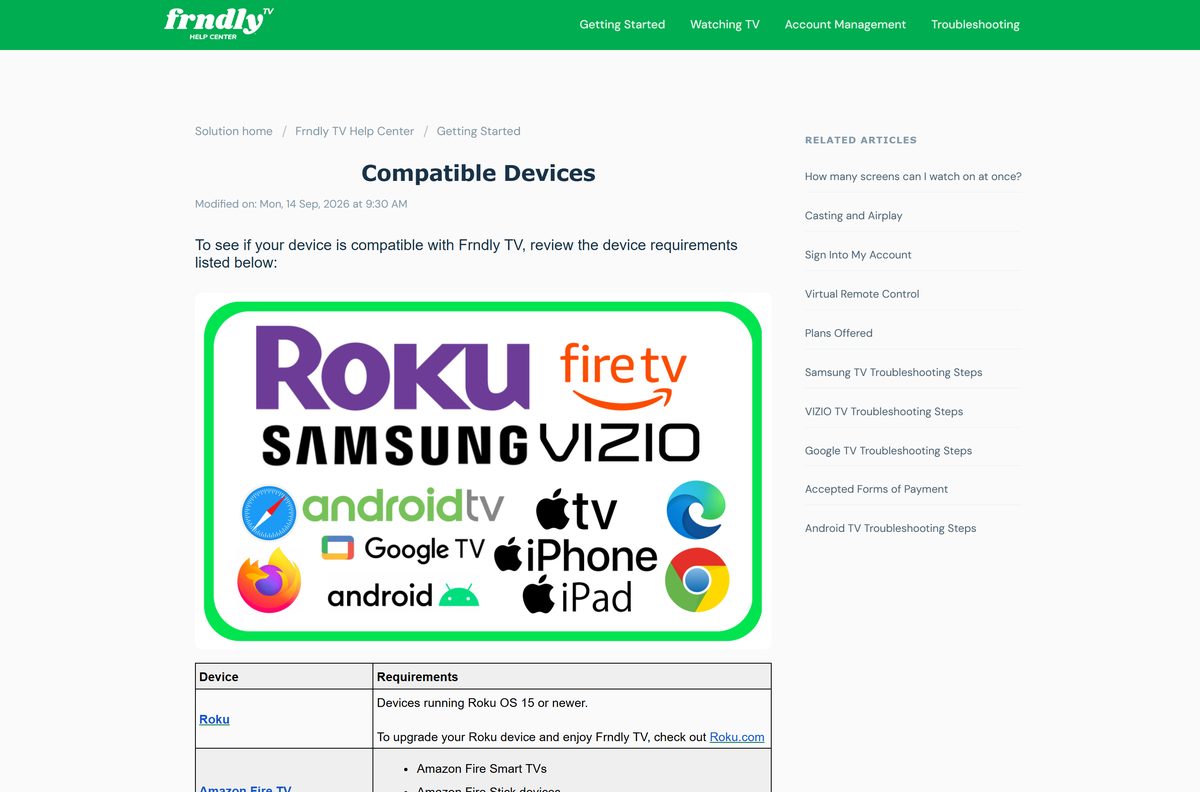
- Compatible devices in the Frndly TV Help Center — browser and device requirements
A site offering a Frndly TV setup file for Windows or macOS is not Frndly TV.
Check the Frndly TV system requirements before you sign in
The floor is a current browser, a United States connection and enough bandwidth for the plan you pick. No processor, memory or disk figure applies on a computer.
| Field | Value |
|---|---|
| Software | Frndly TV |
| Developer | Frndly TV, Inc. |
| Latest version | 3.0.5 (App Store build; the web player is not versioned) |
| License | Paid subscription with a 7-day free trial |
| Windows | Windows 11 and Windows 10 via the latest Edge, Chrome or Firefox |
| macOS | Latest Safari, Chrome or Firefox |
| Mobile | iPhone 6s or newer, iPad 5th generation or newer, Android 4.4+ |
| Architecture | Browser-based on desktop: x64, ARM64 and Apple silicon |
| Internet speed | 5 Mbps for SD, 10 Mbps for HD, 15 Mbps for two or more HD streams |
| Desktop download size | None; nothing installs on a PC or a Mac |
| App Store size | 33.9 MB |
| Offline installer | No |
| Availability | United States and U.S. territories only |
| Last verified | 2026-09-25 |
Outside the United States and its territories, you cannot stream or even manage your account.
How to install Frndly TV on Windows 11 and 10
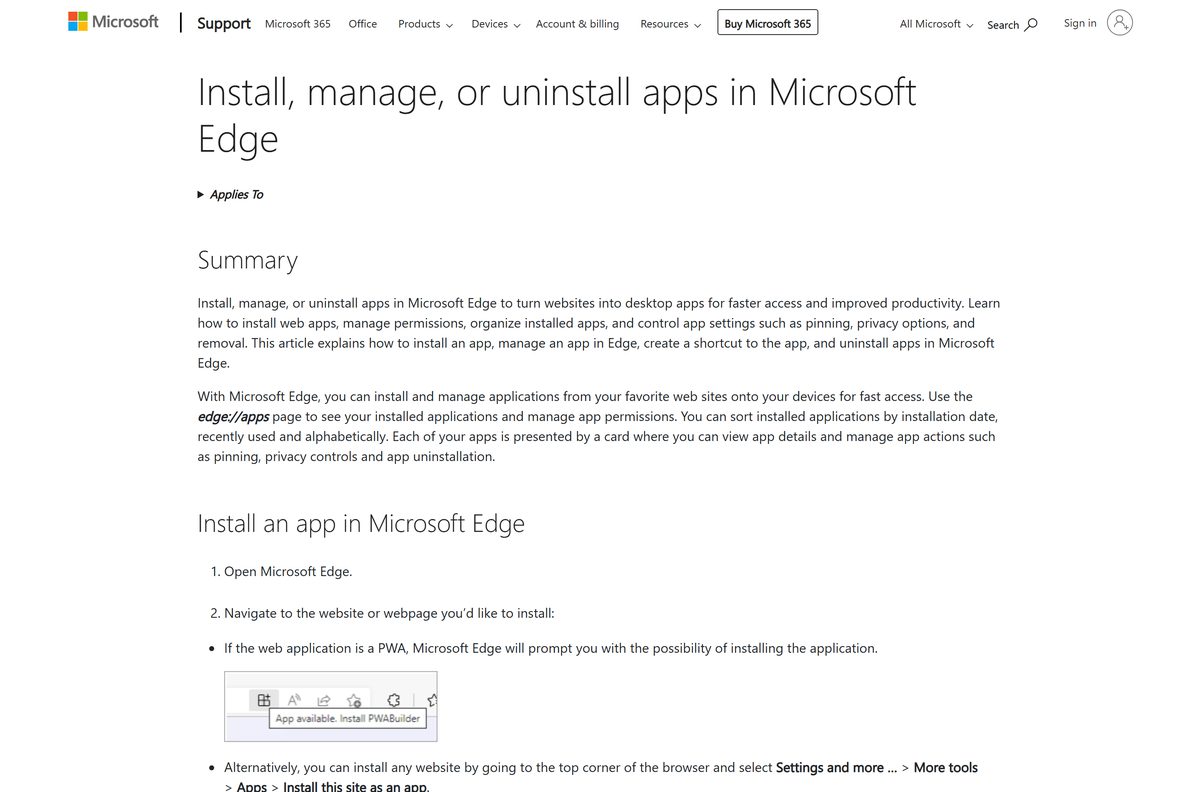
Edge and Chrome both turn the player into a Start menu entry. The window drops the address bar and behaves like any other desktop app.
- Open Microsoft Edge or Google Chrome and go to watch.frndlytv.com.
- Enter the email address and password on your account and select Sign In.
- In Edge, select Settings and more, then More tools, then Apps, then Install this site as an app.
- In Chrome, select the three dots, then Cast, save and share, then Install page as app.
- Name the shortcut and select Install.
- Right-click the new Start menu entry and choose Pin to taskbar.
No account yet? Select Start 7 Day FREE Trial on the sign-in page, pick a plan, then come back and sign in.
Which Frndly TV download do you need for your Mac?
Apple’s Mac catalogue carries no Frndly TV build, so a Mac plays the same web player a PC does.
| Your Apple device | What to do | Minimum version |
|---|---|---|
| MacBook Air, MacBook Pro, iMac or Mac mini | Sign in at watch.frndlytv.com in Safari | Latest Safari |
| A Mac where you want a dock icon | Open watch.frndlytv.com in Chrome and install it as an app | Latest Chrome |
| iPhone or iPad | Frndly TV on the App Store, 33.9 MB | iPhone 6s, iPad 5th generation |
| Apple TV box | Check the Apple TV requirements | Apple TV 4th generation, tvOS 10.0 |
Keep Safari current through System Settings and Software Update, because Frndly TV supports only the latest browser versions.
Install the Frndly TV app on a phone or tablet
The mobile builds are real apps, unlike the desktop route. Both are free to install and sign in with the same account.
- On iPhone or iPad, open the App Store listing and select Get.
- Confirm with Face ID, Touch ID or your Apple Account password.
- On Android, open Google Play and select Install.
- Open the app and sign in with the email address on your account.
The phone apps need an iPhone 6s or newer, an iPad 5th generation or newer, or Android 4.4 KitKat or higher.
Is Frndly TV free?
Installing costs nothing. Watching costs a subscription once the trial ends.
Frndly TV is a paid service with a 7-day free trial, and every plan carries the full 50+ channel line-up. Basic is $8.99 a month or $83.88 a year. Classic is $10.99 a month or $95.88 a year. Premium is $12.99 a month or $119.88 a year. The annual Basic plan works out to $6.99 a month. Cancelling during the trial only turns off auto-renewal, so you keep watching until the 7 days run out. Returning customers get no trial and are charged at once.
Hallmark+ is an optional add-on with its own fee, and it needs an active Frndly TV subscription.
Which Frndly TV plan should you pick, Basic, Classic or Premium?
The channels are identical on every plan. Picture quality, screens and DVR are what change.
Take Classic for most homes, Basic for one viewer on a small screen, and Premium for a family. Basic streams in SD on one screen and has no DVR. Classic adds HD, two screens at once and unlimited DVR, with recordings kept for 3 months. Premium raises that to four screens and keeps recordings for 9 months. All three include 72-hour look back, which replays shows that aired in the last three days.
Budget 5 Mbps for Basic, 10 Mbps for one HD stream and 15 Mbps for two or more.
What Frndly TV runs on, and which version you need
On a computer the requirement is the browser, so keeping it current is the whole maintenance job.
| Platform | Minimum version | Notes |
|---|---|---|
| Chrome, Edge, Firefox, Safari | Latest release | Windows and Mac |
| iPhone and iPad | iPhone 6s, iPad 5th generation | App Store build, 33.9 MB |
| Android phones and tablets | Android 4.4 KitKat | Google Play, package com.frndlytv |
| Apple TV | 4th generation, tvOS 10.0 | App Store on the box |
| Roku | Roku OS 15 | Roku Channel Store |
| Amazon Fire TV | Fire TV Stick, Cube or Fire Smart TV | Amazon Appstore |
| Samsung Smart TV | 2018 and newer | Samsung app store |
| VIZIO, Google TV and Android TV | SmartCast; Chromecast with Google TV | Sony, Hisense, Philips and TCL models |
LG Smart TVs have no Frndly TV app. Cast from a phone or use a streaming stick instead.
How to check your Frndly TV version and update it
On a PC or a Mac the version that matters is the browser’s, because the player reloads from the server on every launch.
- In Edge, open Settings and more, then Help and feedback, then About Microsoft Edge, and select Restart after the update.
- In Chrome, open the menu, then Help, then About Google Chrome, and select Relaunch.
- In Firefox, open the menu, then Help, then About Firefox, and select Restart to Update Firefox.
- On a Mac, open System Settings, then Software Update, to update Safari.
- On iPhone or iPad, open the App Store, select your profile picture and look under available updates.
- On Android, open Google Play, select your profile picture, then Manage apps & device.
The phone apps force updates from time to time, so install them when prompted.
Fix Frndly TV not working on Windows 11 or 10
Most desktop failures are an outdated browser, a slow connection or a location check, not a broken install.
The player freezes, buffers or will not load
A stalled router, a stale browser session or an outdated browser.
- Unplug your modem and router for 30 seconds, then plug them back in.
- Turn your computer off and on again.
- Update Chrome, Edge, Firefox or Safari to the latest release and relaunch it.
- Run a speed test at speed.cloudflare.com and send the result to [email protected].
The picture drops to low quality
Your connection falls below the speed the plan needs.
- Check that you have 10 Mbps for HD or 15 Mbps for two HD streams.
- Stop other large downloads on the network.
- Move the PC closer to the router or use a wired connection.
You cannot stream or sign in while travelling
Frndly TV works only in the United States and U.S. territories.
- Wait until you are back in the United States or a U.S. territory.
- Turn off any VPN or proxy that exits outside the country and reload the page.
Sign-in fails with the right email address
A forgotten or outdated password.
- Select Forgot Password? on the sign-in page.
- Follow the reset email, then sign in again.
- Email [email protected] if the account still will not open.
How to uninstall Frndly TV and cancel the plan
Removing the app and ending the subscription are separate jobs. Uninstalling does not stop billing.
- In Edge, go to edge://apps, select Details on the Frndly TV card, then Uninstall.
- In Chrome, open the installed app window, select the three dots, then Uninstall.
- On a phone, delete the app from the home screen or from Google Play.
- To stop billing, open the Cancel My Subscription page and sign in.
- Select Turn Off Auto-Renew, then Turn Off Auto-Renew again, and follow the prompts to the confirmation.
You keep watching until the end of the period you already paid for.
Which other ways can you watch Frndly TV?
The same account works on a TV, which suits a service built around cable channels.
| Route | Best for | Where to get it |
|---|---|---|
| Roku | Living-room TV with a Roku stick or Roku TV | Roku Channel Store |
| Amazon Fire TV | Fire TV Stick, Cube or Fire Smart TV | Amazon Appstore |
| Apple TV | Homes already on Apple hardware | App Store on the box |
| Chromecast and Google TV | Casting from a phone to the TV | Google TV home screen |
| Samsung and VIZIO TVs | No extra hardware | The TV’s own app store |
Recordings and look back follow your account, so a show you record on the TV plays on the PC too.
Frequently asked questions
Is there a Frndly TV download for Windows 11 or Windows 10?
There is no setup file. Frndly TV supports the latest Chrome, Edge and Firefox on a computer, so you sign in at watch.frndlytv.com and install that page as an app. Windows then adds a Start menu entry that opens in its own window.
Is there a Frndly TV app for Mac?
No. Apple’s Mac catalogue lists no Frndly TV build. On a Mac you sign in at watch.frndlytv.com in the latest Safari, or open the page in Chrome and install it as an app for a dock icon.
Is Frndly TV free?
No. The apps are free to install, and every plan starts with a 7-day free trial. After that, Basic costs $8.99 a month, Classic $10.99 and Premium $12.99. Annual billing lowers Basic to $83.88 a year.
How many screens can watch Frndly TV at once?
Basic allows one screen, Classic two and Premium four. All three plans carry the same 50+ channels. Only Classic and Premium include unlimited DVR.
Does Frndly TV have a DVR?
Yes, on Classic and Premium. Both include unlimited DVR, and recordings stay for 3 months on Classic and 9 months on Premium. Basic has no DVR, but every plan includes 72-hour look back.
How big is the Frndly TV app on a phone?
The App Store build is 33.9 MB, or 35,509,248 bytes. The Google Play build installs under the package name com.frndlytv and needs Android 4.4 KitKat or higher.
Does Frndly TV work outside the United States?
No. Frndly TV streams only in the 50 states, Puerto Rico, Guam, the US Virgin Islands, American Samoa and the Northern Mariana Islands. Abroad you cannot stream or manage your account.
How do I cancel Frndly TV?
Open the Cancel My Subscription page in the Help Center, sign in and select Turn Off Auto-Renew twice. Cancelling only stops the renewal, so you keep access until the paid period or trial ends.