A Quizlet download for a Windows 11 or Windows 10 PC or a Mac is the quizlet.com web app, which installs from Edge, Chrome or Safari into its own window. iPhone, iPad and Android users get the free app from the App Store and Google Play, both published by Quizlet Inc.
Every version signs in to the same account, so your sets, folders and classes follow you from the phone to the computer.
This guide covers the right build for each device, install steps for Windows and Mac, what the free plan includes, and fixes when Quizlet will not load.
Which Quizlet download do you need?
Match your device to a row. Computers use the website; phones and tablets get a native app.
| Your device | What to install | Size |
|---|---|---|
| Windows 11 or Windows 10 PC | quizlet.com, installed as an app in Edge or Chrome | Nothing to download |
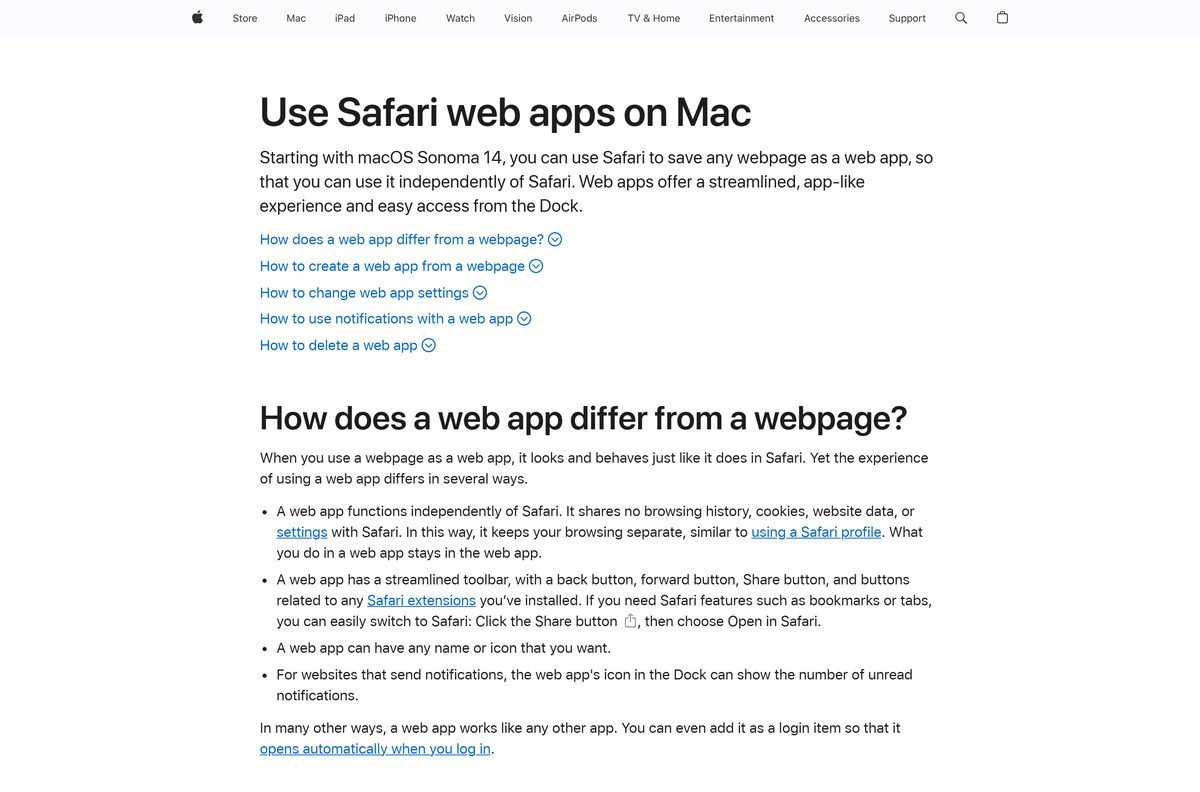
| Mac on macOS Sonoma 14 or later | quizlet.com, added to the Dock from Safari | Nothing to download |
| Chromebook or Linux PC | quizlet.com in Chrome | Nothing to download |
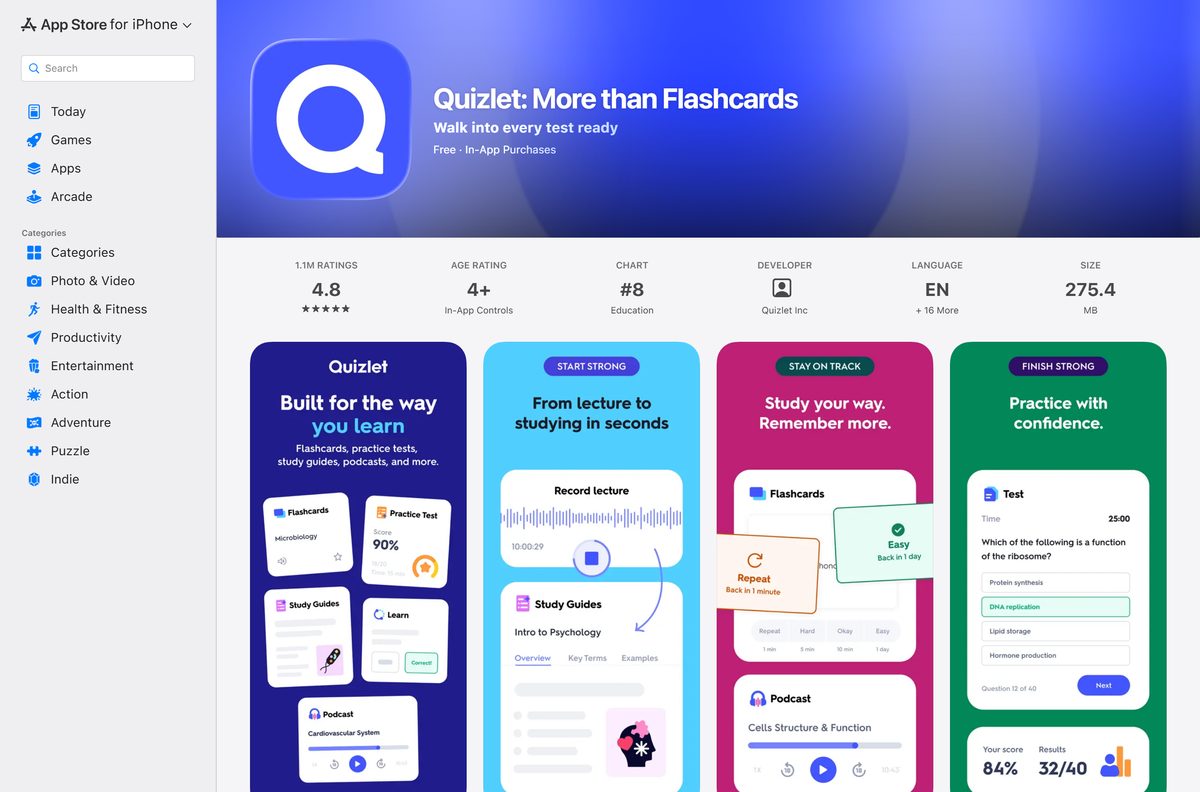
| iPhone or iPad on iOS 17 or later | Quizlet: More than Flashcards on the App Store | 275.4 MB |
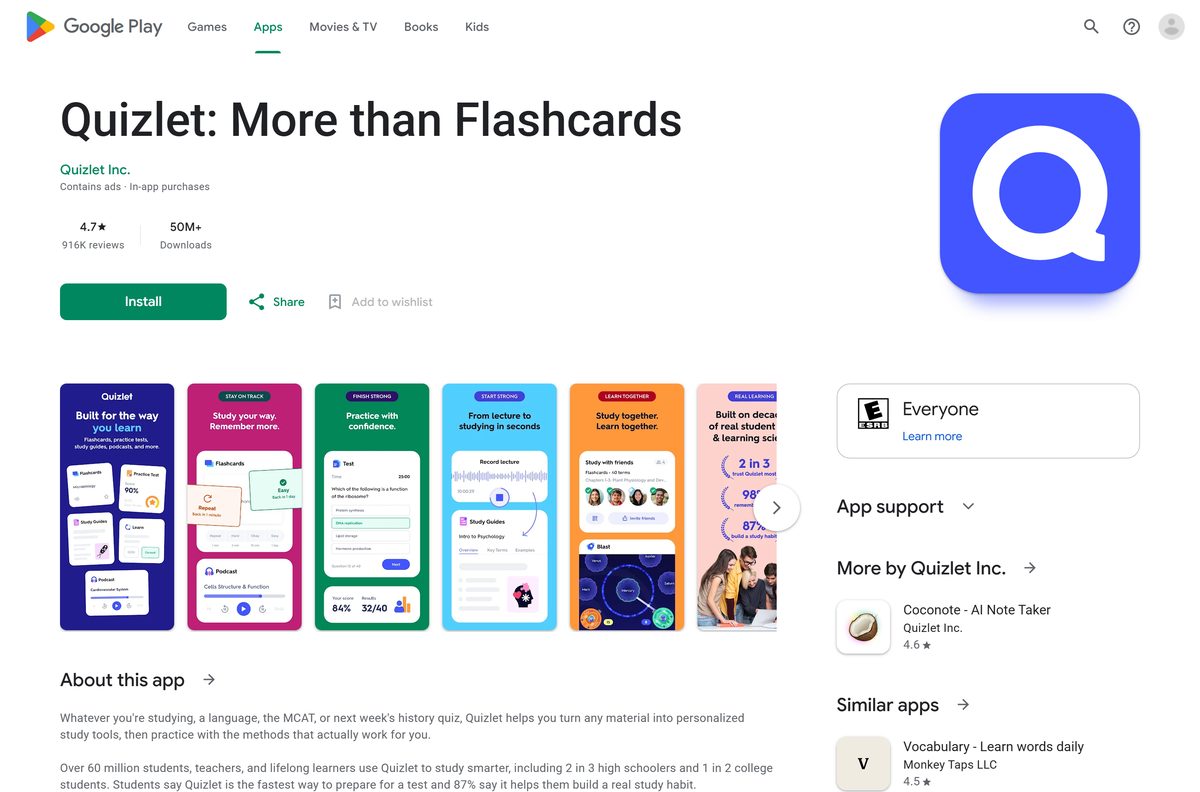
| Android 8 or later | Quizlet: More than Flashcards on Google Play | Play states no size |
Quizlet’s help centre states that Kindle Fire tablets are no longer supported.
Download Quizlet from the official sources
Three addresses cover every device. Quizlet Inc. publishes all of them.
- quizlet.com — the Windows, Mac and Chromebook version; works in Chrome, Safari, Firefox and Edge
- Quizlet: More than Flashcards on the App Store — 275.4 MB · seller Quizlet Inc, version 10.53, Free with in-app purchases, 4.8 from 1.1M ratings
- Quizlet: More than Flashcards on Google Play — 50M+ downloads, 4.7 stars from 916K reviews, contains ads and in-app purchases
Quizlet publishes no .exe, .msi or .dmg. Skip any site that offers one under the Quizlet name.
How to install Quizlet on Windows 11 and 10
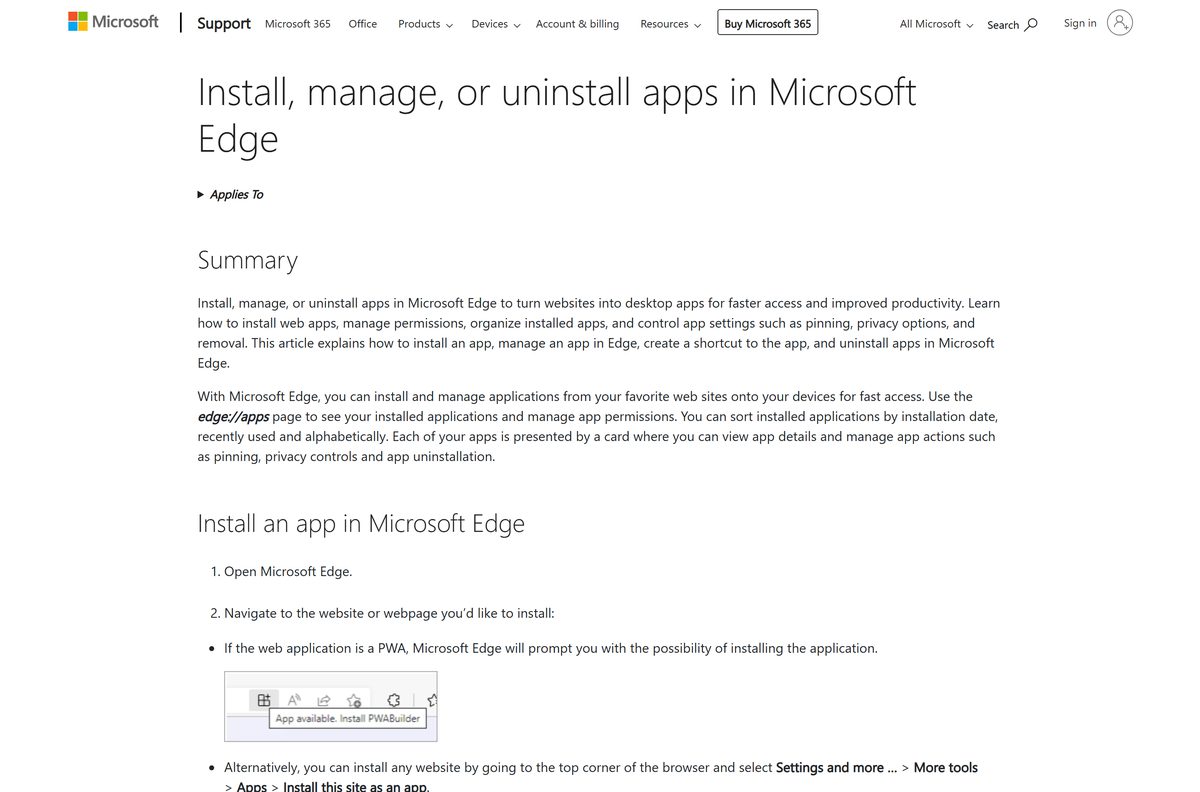
Edge can install any website as an app, which gives Quizlet its own window, Start menu entry and taskbar icon.
- Open Microsoft Edge and go to quizlet.com.
- Select Settings and more, the three-dot button at the top right.
- Select More tools > Apps > Install this site as an app.
- Keep the name Quizlet and select Install.
- In the new window, select Log in, or Sign up to create a free account.
- Open edge://apps , select Details on the Quizlet card, then Pin to taskbar.
In Chrome, the same install is More > Cast, save, and share > Install page as app.
How to install Quizlet on iPhone, iPad and Android
The phone apps are the only version that studies offline, so install one even if you mostly use a PC.
- Open the App Store listing or the Google Play listing and select Get or Install.
- Open Quizlet and select Sign up for free, or log in with the account you use on the computer.
- On iPhone, sign up with email, Sign in with Apple, Google or Facebook.
- To keep sets on the phone, open Profile > Your settings on iPhone, or Account on Android.
- Turn on Save sets for offline studying on iPhone, or Save sets for offline use on Android.
The apps save your eight most recently used sets automatically. Open any other set and select the download icon to add it.
Which Quizlet download do you need for your Mac?
The App Store listing covers iPhone and iPad only. On a Mac, the browser supplies the app.
| Your Mac | What to do | Menu path |
|---|---|---|
| macOS Sonoma 14 or later | Add quizlet.com to the Dock from Safari | File > Add to Dock, then Add |
| Chrome installed | Install quizlet.com as a Chrome app | More > Cast, save, and share > Install page as app |
| Older macOS without Chrome | Open quizlet.com in Safari 15.4 or later | None |
A Safari web app is saved in the Applications folder of your home folder and opens from the Dock or Spotlight.
How to use Quizlet on a school or library computer without installing it
Your sets live on your Quizlet account, so a shared PC needs nothing but a supported browser.
- Open Chrome, Edge, Firefox or Safari.
- Go to quizlet.com and select Log in.
- Open Your library to reach your flashcard sets, folders and classes.
- Study from your teacher’s class page if you want free Learn and Test on class sets.
- Log out from your profile menu before you leave the computer.
Is Quizlet free?
The download and the basic account cost nothing. The study modes most people want are split across plans.
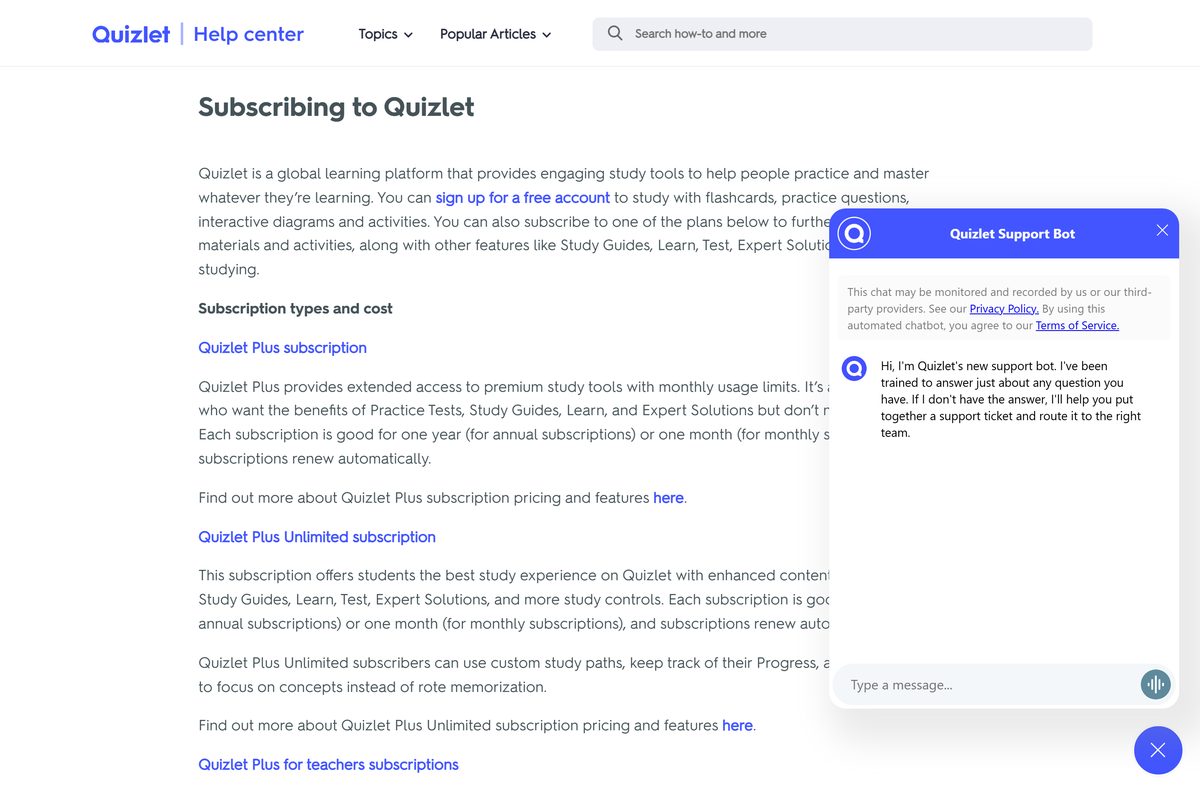
Yes. Quizlet is free to download and use with a free account, and Quizlet Plus is an optional monthly or annual subscription. A free account covers flashcards, practice questions, interactive diagrams and activities. Quizlet Plus, Quizlet Plus Unlimited, the Family Plan and Quizlet Plus for teachers add Study Guides, Learn, Test, Expert Solutions and offline studying. Subscriptions renew automatically; see current prices on Quizlet’s upgrade page.
Students in a teacher’s class get unlimited, ad-free Learn and Test on the sets that teacher adds to the class.
Should you study Quizlet on the computer or the phone?
Both show the same account. The difference is offline access and typing speed.
Create and edit sets on quizlet.com at a desk, and use the phone app to review on the move. Quizlet’s help centre says studying and creating sets offline is available only in the iOS and Android apps, where Flashcards and Match work without a connection. Sets you create offline publish when the phone reconnects.
Check that your browser can run Quizlet
The website is the whole desktop app, so the browser version is the one requirement that matters.
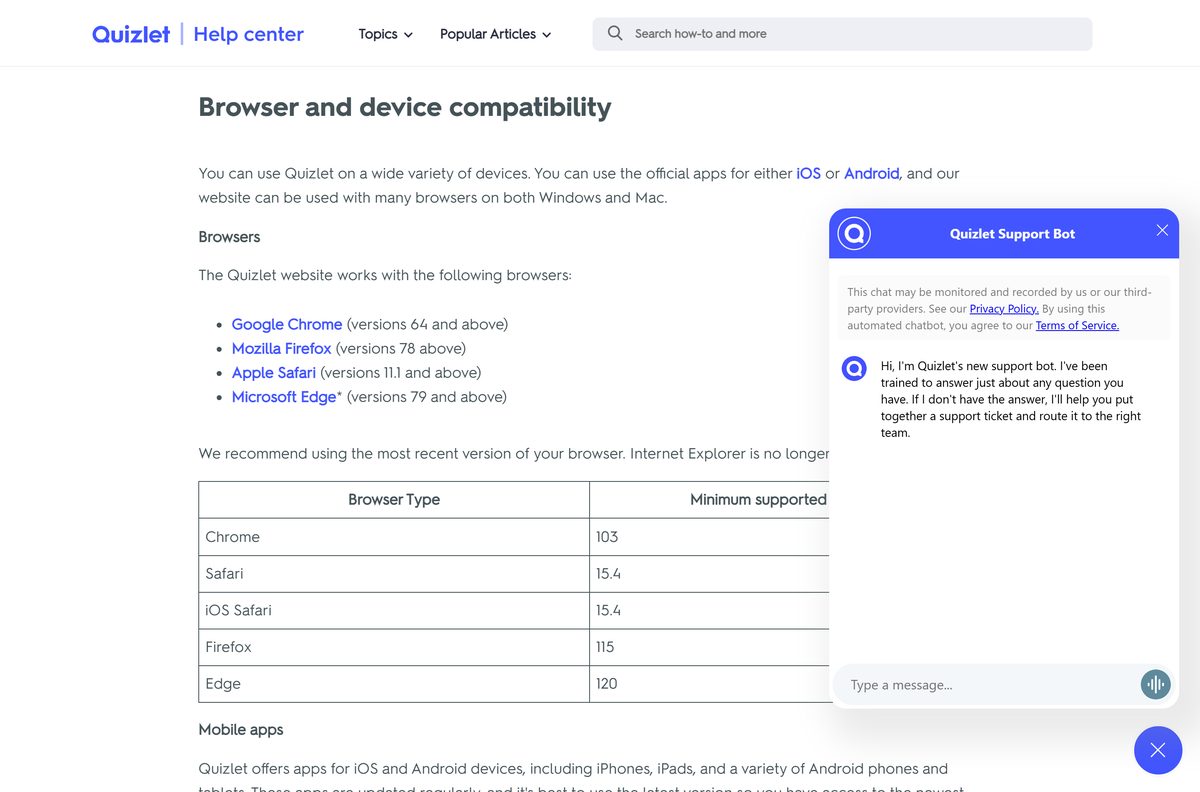
| Browser | Minimum supported version |
|---|---|
| Google Chrome | 103 |
| Microsoft Edge | 120 |
| Mozilla Firefox | 115 |
| Apple Safari | 15.4 |
| iOS Safari | 15.4 |
| Internet Explorer | Not supported |
Quizlet recommends the most recent version of your browser.
How to check your Quizlet version and update it
The web app updates itself; the phone apps update through their stores.
- On a PC or Mac, close the Quizlet window and open it again to load the current build.
- Update the browser itself if it is older than the versions in the table above.
- On iPhone or iPad, open the App Store listing and select Update if it appears.
- Confirm the listing shows version 10.53 or later.
- On Android, open the Google Play listing and select Update if it appears.
Check the Quizlet system requirements before you install
The only computer requirement is a supported browser.
| Field | Value |
|---|---|
| App | Quizlet: More than Flashcards |
| Developer | Quizlet Inc. |
| Latest version | 10.53 on iPhone and iPad; quizlet.com updates itself |
| Price | Free; Quizlet Plus is an optional subscription |
| Windows, Mac and Chromebook | quizlet.com in Chrome 103, Edge 120, Firefox 115 or Safari 15.4 and later |
| iPhone and iPad | iOS 17 or later, 275.4 MB |
| Android | Android 8 or later through Google Play |
| Architecture | No native desktop build; the browser supplies it |
| Offline installer | None |
| Languages | English and 16 more on the App Store |
| Official source | quizlet.com |
| Last verified | 25 September 2026 |
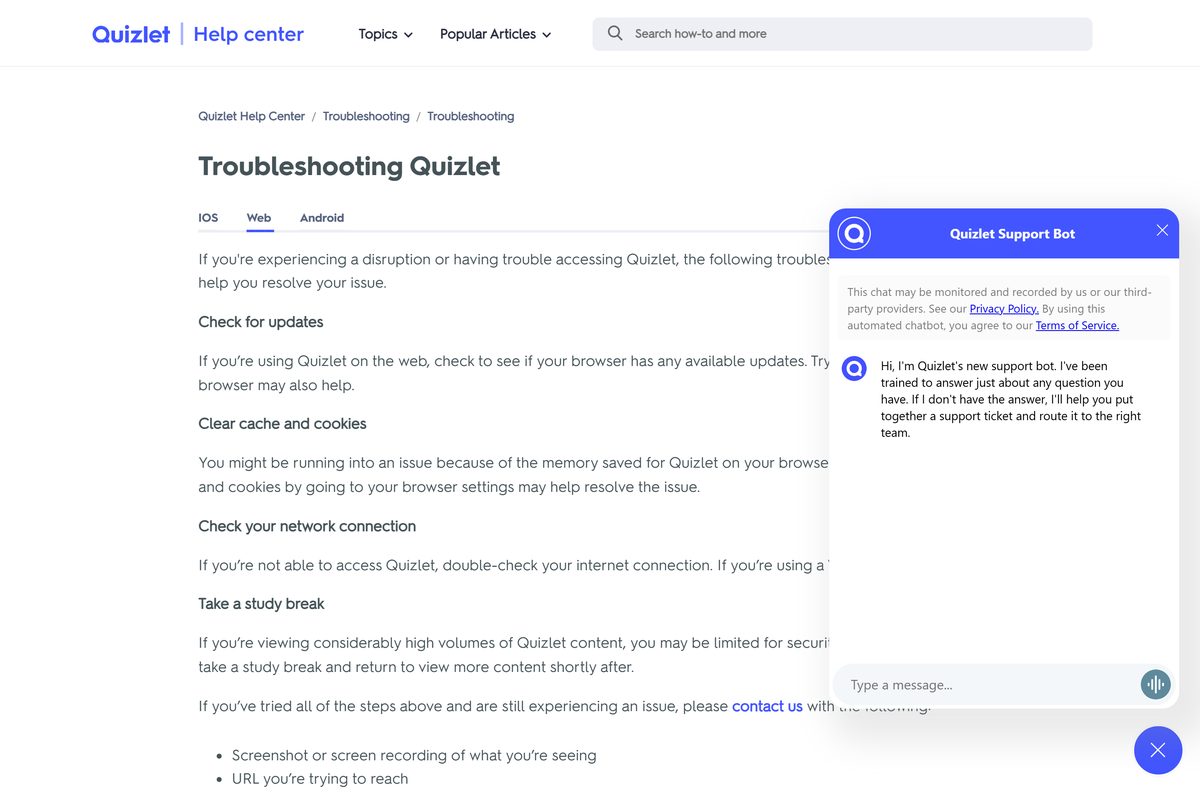
Fix Quizlet not loading or installing on your PC
Match the symptom to the fix.
Edge or Chrome shows no install option
The page has not finished loading, or the browser is out of date.
- Update the browser and restart it.
- Open quizlet.com and wait for the home page to load.
- In Edge, select Settings and more > More tools > Apps > Install this site as an app.
- In Chrome, select More > Cast, save, and share > Install page as app.
Quizlet shows a blank page or keeps failing to load
Stale cached data in the browser, or an outdated browser.
- Clear the browser’s cache and cookies from its settings.
- Update the browser, or try a different supported browser.
- Reopen the Quizlet window.
Quizlet will not connect at all
A network problem or a VPN.
- Check your internet connection.
- Turn off your VPN and reload Quizlet.
Quizlet stops showing content after heavy use
Quizlet limits very high volumes of viewing for security reasons.
- Take a short break and return to Quizlet later.
- If the problem continues, contact Quizlet support with a screenshot, the URL and your IP address.
How to uninstall Quizlet from Windows and Mac
Removing the app leaves your sets, folders and classes on your Quizlet account.
- In Edge, open edge://apps , select Details on the Quizlet card, then Uninstall.
- In Chrome, open the Quizlet window, select More, then uninstall the app and confirm with Remove.
- On a Mac, choose Go > Home in Finder, open Applications, and drag Quizlet to the Trash.
- On a phone, delete the app as you would any other; your account keeps everything.
- If you pay through the App Store or Google Play, cancel the subscription there too, because deleting the app does not stop billing.
Which Quizlet alternatives are worth a look?
All five run on iPhone and iPad; check each publisher’s own site for a desktop version.
| App | Publisher | App Store price |
|---|---|---|
| Kahoot! Play & Create Quizzes | Kahoot ASA | Free |
| Brainscape – Study Flashcards | Bold Learning Solutions, Inc. | Free |
| Knowt: AI Flashcards & Notes | Knowt Inc. | Free |
| Noji – Flashcards study app | DELIGHTHUB PTE. LTD. | Free |
| AnkiMobile Flashcards | Anki Software LLC | $24.99 |
Frequently asked questions
Is the Quizlet download free?
Yes. The App Store lists Quizlet as Free with in-app purchases, and a free account covers flashcards, practice questions, diagrams and activities. Study Guides, Learn, Test, Expert Solutions and offline studying belong to the paid Quizlet Plus plans.
Is there a Quizlet app for Windows 11 or Windows 10?
Not as a setup file. Quizlet Inc. publishes apps for iOS and Android and supports its website on Windows. Install quizlet.com as an app from Edge or Chrome and Quizlet opens in its own window with a taskbar icon.
Is there a Quizlet app for Mac?
The App Store listing covers iPhone and iPad only. On a Mac with macOS Sonoma 14 or later, open quizlet.com in Safari and choose File, then Add to Dock. Chrome can also install it with Install page as app.
How big is the Quizlet download?
The iPhone and iPad app is 275.4 MB. Google Play states no size. On a PC or Mac nothing is downloaded, because the desktop version runs from quizlet.com in your browser.
Can I use Quizlet offline on a computer?
No. Quizlet’s help centre says studying and creating sets offline works only in the iOS and Android apps. The phone apps save your eight most recently used sets automatically, and Flashcards and Match work without a connection.
Which browsers does Quizlet support?
Quizlet lists Chrome 103, Safari 15.4, Firefox 115 and Edge 120 as the minimum supported versions. Internet Explorer is no longer supported. Use the latest version of your browser for the fewest problems.
Do I need Quizlet Plus to use Learn and Test?
Not always. Students added to a teacher’s class get unlimited, ad-free Learn and Test on sets the teacher adds, as long as they are signed in and study from the class page. Otherwise these modes are part of Quizlet Plus.
What happens to my sets if I cancel Quizlet Plus?
Your account returns to the free version when the subscription ends. Sets, folders and classes stay in your account, and uploaded images and recorded audio remain viewable. Premium features disappear from any term you edit afterwards.
What is the latest Quizlet version?
The iPhone and iPad app is version 10.53, released on 22 September 2026. Google Play shows an update on the same date without a version number. The website at quizlet.com updates itself each time it loads.
Is Quizlet safe to install?
Install it only from the App Store and Google Play listings published by Quizlet Inc., or use quizlet.com directly. Quizlet publishes no Windows or Mac installer, so any .exe or .dmg offered as a Quizlet download is not from Quizlet.