You can get the FreeCAD download for Windows 11, Windows 10 and Mac free from freecad.org, and the same page serves Linux too. FreeCAD 1.1.3 is the current stable release, and it costs nothing for personal or commercial work.
Below you will find which file matches your machine, install steps for Windows and macOS, the portable and silent-install options, requirements, fixes for setup problems and clean removal.
Which FreeCAD download do you need?
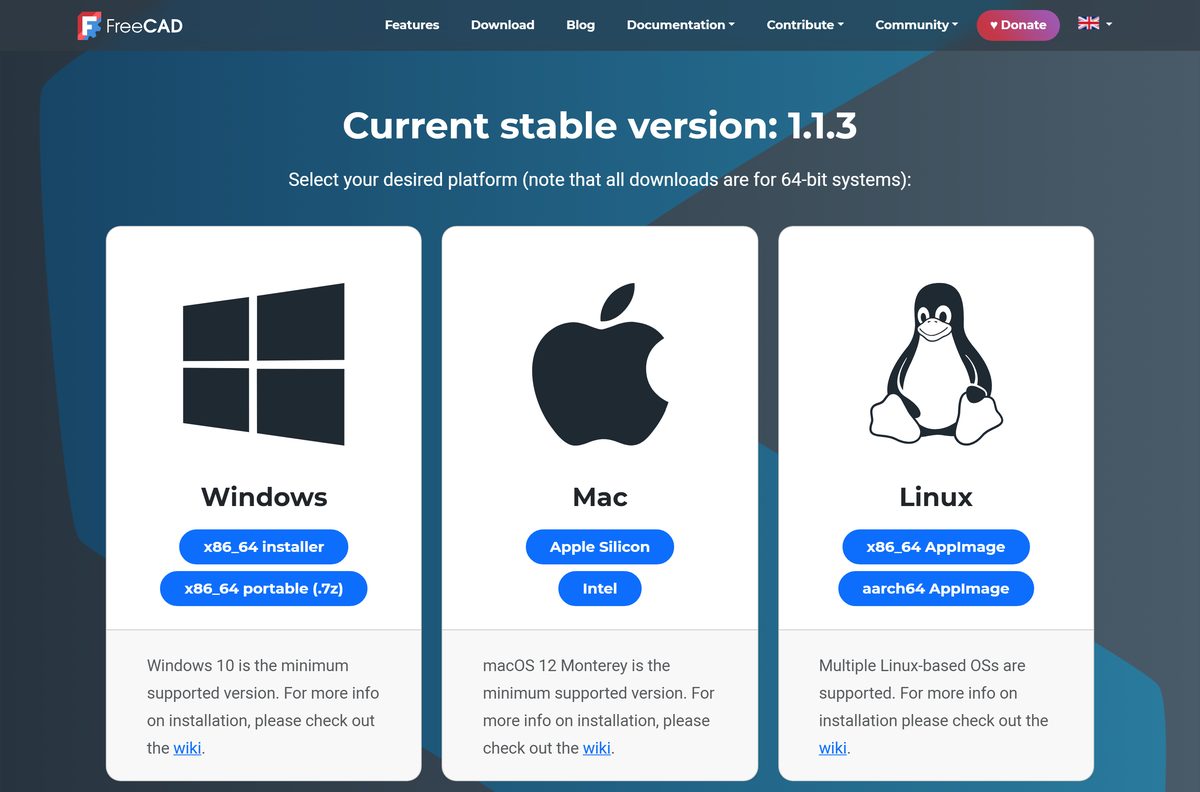
FreeCAD ships a separate file for each system and chip. Find your machine in the left column, then click the matching button on the download page.
| Your computer | Click this button | File you get | Start here |
|---|---|---|---|
| Windows 11 or Windows 10 PC, normal install | x86_64 installer | FreeCAD_1.1.3-Windows-x86_64-py311-installer.exe |
FreeCAD downloads |
| Windows PC without admin rights, or a USB stick | x86_64 portable (.7z) | FreeCAD_1.1.3-Windows-x86_64-py311.7z |
FreeCAD downloads |
| Mac with an M1, M2, M3 or M4 chip | Apple Silicon | FreeCAD_1.1.3-macOS-arm64-py311.dmg |
FreeCAD downloads |
| Mac with an Intel processor | Intel | FreeCAD_1.1.3-macOS-x86_64-py311.dmg |
FreeCAD downloads |
| Linux PC on an Intel or AMD chip | x86_64 AppImage | Linux x86_64 AppImage | FreeCAD downloads |
| Linux on an ARM board or laptop | aarch64 AppImage | Linux aarch64 AppImage | FreeCAD downloads |
Every build is 64-bit. There is no 32-bit Windows version and no Windows ARM64 build.
Download FreeCAD for Windows 11 and 10 from the official site
The official download page is freecad.org/downloads.php. Its buttons hand the file to the FreeCAD project’s own release storage, so the installer starts straight away with no sign-up.
Skip mirror sites that wrap FreeCAD in their own downloader. The project never asks for payment or an account.
- FreeCAD downloads (Windows, Mac, Linux) — Stable 1.1.3 installer, portable 7z, macOS disk images and AppImages
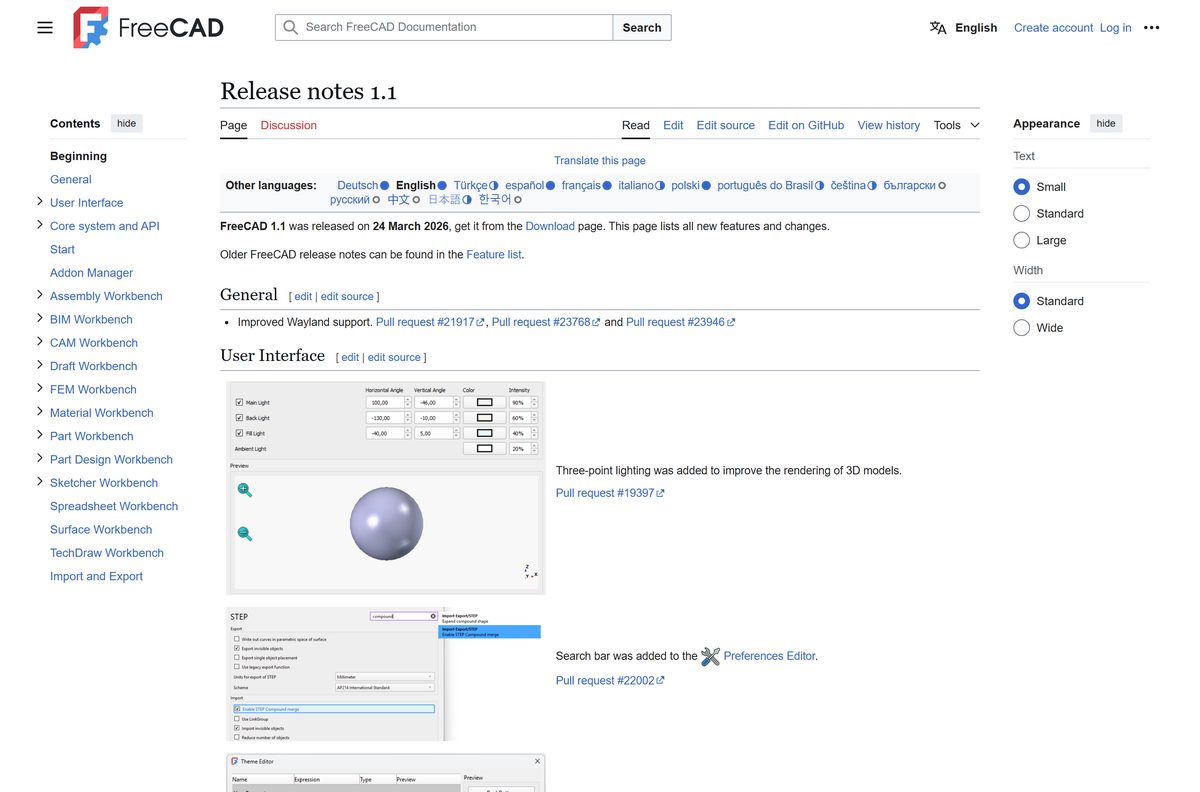
- FreeCAD 1.1 release notes — Every change in the 1.1 line, released 24 March 2026
- Installing on Windows — Official install, silent-install and Chocolatey instructions
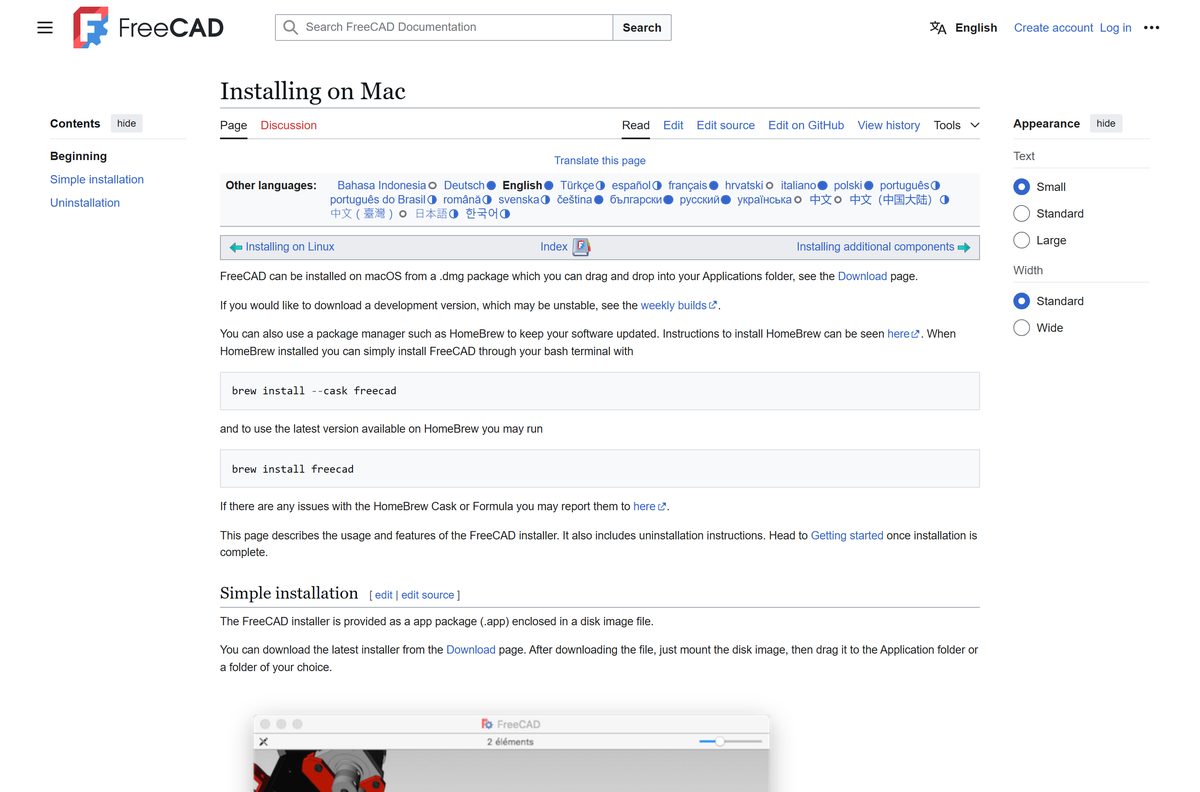
- Installing on Mac — Official macOS install, Homebrew and removal instructions
- FreeCAD home page — Features, documentation and community links
How to install FreeCAD on Windows 11 and 10
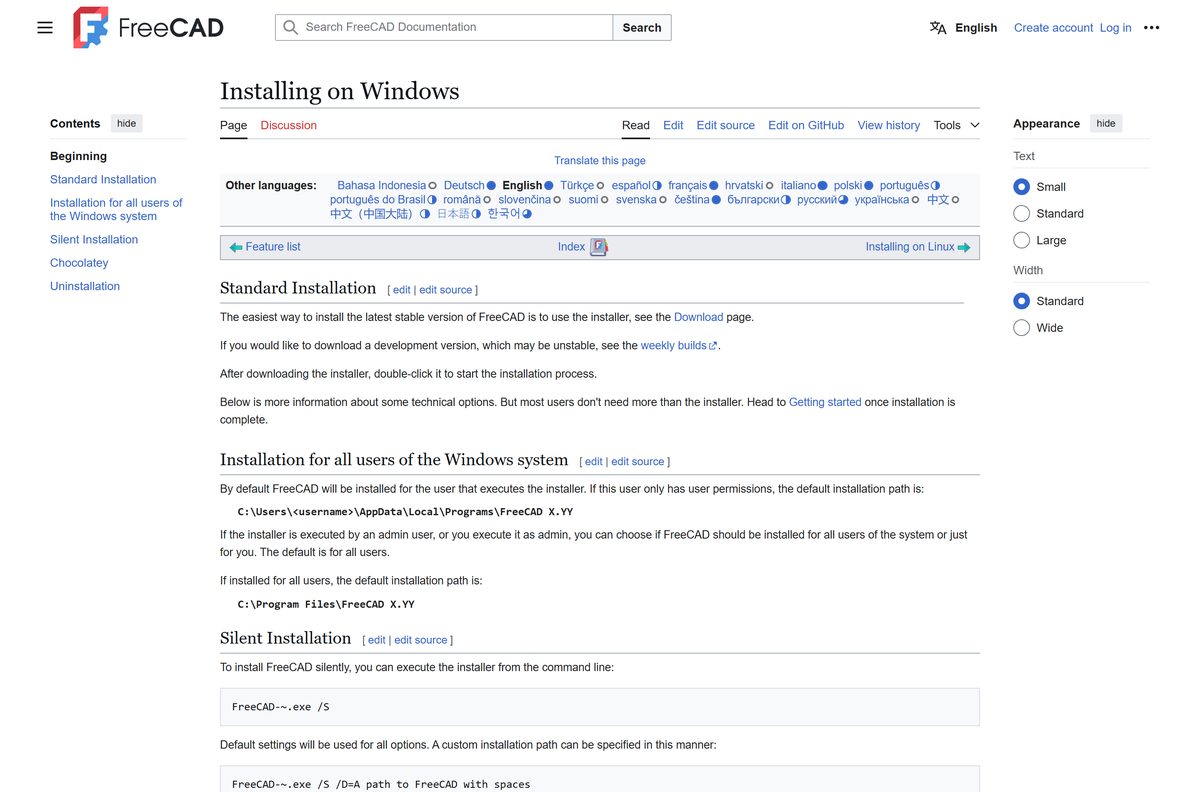
The installer decides where FreeCAD goes based on your account type. Run it as an administrator if other people use the same PC.
- Open freecad.org/downloads.php and click x86_64 installer under Windows.
- Wait for FreeCAD_1.1.3-Windows-x86_64-py311-installer.exe to finish downloading.
- Right-click the file and choose Run as administrator to get the all-users option, or double-click it to install only for yourself.
- Let the installer finish its short integrity check before the wizard opens.
- Choose whether to install for all users of this PC or only for you. All users is the default for administrators.
- Keep the suggested folder: C:\Program Files\FreeCAD X.YY for all users, or C:\Users\
\AppData\Local\Programs\FreeCAD X.YY for one user. - Click Install and wait for the files to copy.
- Click Finish, then open FreeCAD from the Start menu.
X.YY stands for the version number, so each release gets its own folder.
Install FreeCAD with Chocolatey or Homebrew
The FreeCAD documentation covers two package managers: Chocolatey on Windows and Homebrew on Mac. Both install the stable release and update it with one command.
- On Windows, install Chocolatey from its own instructions first.
- Right-click Start and open Terminal (Admin) or Windows PowerShell (Admin).
- Run choco install freecad and confirm the prompts.
- Run choco upgrade freecad whenever you want the newest package.
- On a Mac with Homebrew installed, open Terminal.
- Run brew install –cask freecad to put the app in your Applications folder.
Report a broken package to its Chocolatey or Homebrew maintainers, not to the FreeCAD project, because those packages are maintained separately.
Install FreeCAD silently on several PCs
FreeCAD has no MSI. The regular Windows installer accepts silent switches instead, which is enough for scripts and most deployment tools.
FreeCAD_1.1.3-Windows-x86_64-py311-installer.exe /S /D=C:\Program Files\FreeCAD 1.1 Get the installer from the FreeCAD download page. /S installs silently with default options, and /D= sets a custom install folder. Adding /NCRC skips the integrity-check popup, but leave it out: that check catches incomplete downloads.
Test the command on one machine before pushing it to a group. Silent installs still show a brief integrity-check window unless /NCRC is set.
Run FreeCAD without installing it
The portable build is a 7z archive of the full program. It writes nothing to Program Files and needs no administrator rights.
- Click x86_64 portable (.7z) on the FreeCAD download page.
- Right-click FreeCAD_1.1.3-Windows-x86_64-py311.7z and extract it with 7-Zip or another tool that reads 7z archives.
- Move the extracted folder to a location you control, such as your Documents folder or a USB drive.
- Open the extracted folder and double-click the FreeCAD program to start it.
- Delete the folder when you no longer need that copy.
Grab the portable archive when you want a second version side by side with an installed one.
Which FreeCAD download do you need for your Mac?
FreeCAD builds separate disk images for Apple Silicon and Intel. Open the Apple menu and choose About This Mac, then read the Chip or Processor line.
| About This Mac shows | Click this button | File you get | Start here |
|---|---|---|---|
| Chip: Apple M1, M2, M3 or M4 | Apple Silicon | FreeCAD_1.1.3-macOS-arm64-py311.dmg |
FreeCAD downloads |
| Processor: Intel | Intel | FreeCAD_1.1.3-macOS-x86_64-py311.dmg |
FreeCAD downloads |
| macOS 11 Big Sur or older | Upgrade macOS first | No current build | FreeCAD downloads |
To install, open the disk image and drag FreeCAD into Applications. Then launch it from that folder.
If macOS says FreeCAD is from an unidentified developer, open Applications, right-click FreeCAD, click Open and confirm.
Is FreeCAD free for commercial use?
FreeCAD has no paid edition, no subscription and no trial timer.
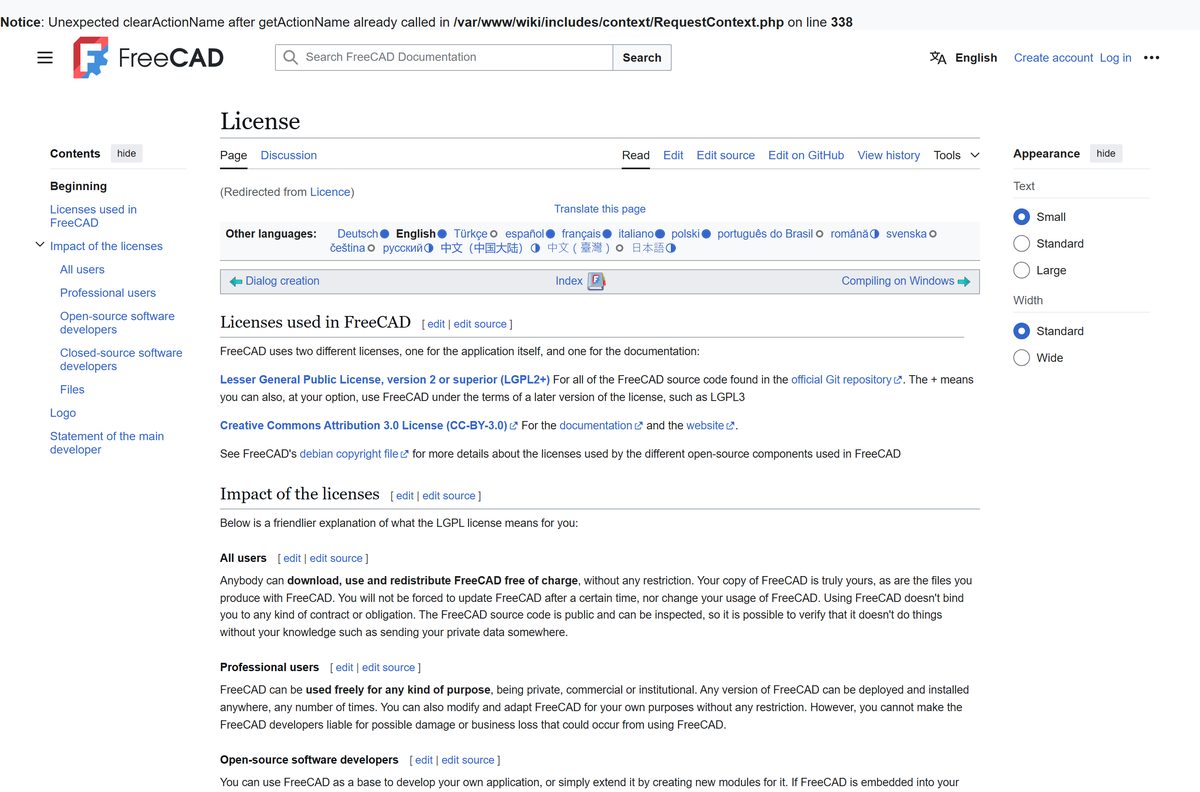
Yes. FreeCAD is completely free for home, school and commercial work, on as many machines as you like. The program is released under the LGPL2+ license. Anybody can download, use and redistribute it free of charge for private, commercial or institutional purposes. The models you create belong to you and carry no license from FreeCAD. The project runs on donations and sponsors. A site that charges for FreeCAD, or sells a renamed closed copy, is not the FreeCAD project.
Choose between the FreeCAD stable release and a weekly build
The download page offers two tracks. The stable release is the one the buttons at the top deliver; weekly builds sit further down under Development versions.
Install the stable release. Use a weekly build only to test a fix you are waiting for. Weekly builds come from the latest development code and are not meant for production. FreeCAD warns they can be slower, use more memory and be less stable. The 1.1 line, released 24 March 2026, added a reworked Transform tool, datum tools and new navigation styles, and patch 1.1.3 fixes repeated version warnings when saving files. Back up your files if you do try a weekly build.
Check the FreeCAD system requirements
FreeCAD sets an operating-system floor and a 64-bit requirement. It lists no minimum processor, memory or disk figure.
| Field | Value |
|---|---|
| Software | FreeCAD |
| Developer | The FreeCAD Team (open-source community) |
| Latest version | 1.1.3 (1.1 line released 24 March 2026) |
| License | Free and open source, LGPL2+ |
| Windows | Windows 10 or Windows 11, 64-bit |
| Mac | macOS 12 Monterey or later |
| Linux | x86_64 and aarch64 AppImages; many distributions supported |
| Architecture | 64-bit only: x86_64 on Windows, arm64 and x86_64 on Mac |
| Offline installer | Yes, full installer plus a portable 7z archive |
| Official download source | freecad.org |
| Last verified | 2026-09-25 |
Press Windows + R, type winver and press Enter to see your Windows version.
On a Mac, About This Mac shows the macOS version on its first line.
Fix FreeCAD not installing or opening
Each problem below has one cause and one fix.
The installer offers no all-users option
Your account only has standard user rights, so FreeCAD installs into your own profile.
- Close the installer.
- Right-click the installer and choose Run as administrator.
- Pick the all-users option when the wizard asks.
The installer reports a corrupt file
The integrity check found an incomplete download.
- Delete the installer you downloaded.
- Download it again from freecad.org/downloads.php.
- Run the fresh copy, and never bypass the check with /NCRC .
Uninstall or a silent uninstall fails on Windows
Removal fails while any FreeCAD window is open, even one from a different version.
- Save your work and close every FreeCAD window.
- Open Task Manager and end any leftover FreeCAD process.
- Run the uninstall again.
macOS says FreeCAD is from an unidentified developer
Gatekeeper blocks a double-click launch of the app the first time.
- Open the Applications folder in Finder.
- Right-click FreeCAD and click Open.
- Click Open again in the warning dialog.
The Mac download will not open on your macOS version
FreeCAD needs macOS 12 Monterey or later, and the disk image must match your chip.
- Check About This Mac for your macOS version and chip.
- Update macOS in System Settings if it is older than Monterey.
- Download the Apple Silicon or Intel file that matches your chip.
How to uninstall FreeCAD
Windows has a proper uninstaller. On a Mac you delete the app and its settings folders by hand.
On Windows 11 or 10
FreeCAD registers with Windows like any other program.
- Close every FreeCAD window.
- Open Settings, then Apps, then Installed apps.
- Click the menu next to FreeCAD and choose Uninstall.
- Alternatively, run Uninstall-FreeCAD.exe from the FreeCAD install folder, or Uninstall-FreeCAD.exe /S for a silent removal.
On a Mac
The disk-image version ships no uninstaller.
- Quit FreeCAD.
- Drag /Applications/FreeCAD.app to the Trash.
- In Finder, press Shift + Command + G and open ~/Library .
- Trash Application Support/FreeCAD , Preferences/FreeCAD , Preferences/com.freecad.FreeCAD.plist , Preferences/freecad.plist and Caches/FreeCAD .
- If you installed with Homebrew, run brew uninstall freecad , then remove the same Library folders.
- Empty the Trash.
Frequently asked questions
Quick answers to the questions people ask before installing FreeCAD.
Is FreeCAD free?
Yes. FreeCAD is free and open source under the LGPL2+ license. You can download, use and share it at no cost, for private, commercial or institutional work, on any number of computers, with no subscription or trial limit.
Is FreeCAD free for commercial use?
Yes. The LGPL2+ license lets companies use FreeCAD for commercial work without paying anything. The models and drawings you produce belong to you and are not bound by the FreeCAD license.
Where is the official FreeCAD download page?
The official page is freecad.org/downloads.php. It lists the Windows installer, the Windows portable archive, the Apple Silicon and Intel disk images for macOS, and x86_64 and aarch64 AppImages for Linux.
Does FreeCAD work on Windows 11?
Yes. FreeCAD runs on Windows 11 and Windows 10, and Windows 10 is the minimum supported version. Every Windows build is 64-bit, so a 32-bit copy of Windows cannot run it.
How big is the FreeCAD download?
freecad.org does not print a file size next to its download buttons. Your browser shows the size once the download starts, and the portable 7z archive holds the same program as the installer.
Is there a FreeCAD offline installer?
Yes. The Windows x86_64 installer is a full setup file that needs no internet connection while it runs. A portable 7z archive is also offered if you prefer not to install anything.
Is FreeCAD available for Mac?
Yes. FreeCAD offers one disk image for Apple Silicon Macs and another for Intel Macs, both needing macOS 12 Monterey or later. Open the image and drag FreeCAD into the Applications folder.
Does FreeCAD support 64-bit and ARM64?
FreeCAD is 64-bit only. Windows gets an x86_64 build, Macs get native arm64 and x86_64 builds, and Linux gets x86_64 and aarch64 AppImages. No Windows ARM64 build is listed.
Is FreeCAD safe to download?
Yes, when you download it from freecad.org. The source code is public, so anyone can inspect what the program does. Avoid mirror sites that wrap FreeCAD in their own installer or ask for payment.
What is the latest version of FreeCAD?
FreeCAD 1.1.3 is the current stable release. It is a patch in the 1.1 line, which launched on 24 March 2026, and it fixes repeated version update warnings when saving files.
Why won’t FreeCAD install on my PC?
The usual causes are a standard user account, which blocks the all-users option, or an incomplete download that fails the integrity check. Run the installer as administrator, or download it again from freecad.org.
How do I uninstall FreeCAD?
On Windows, remove it from Settings, Apps, Installed apps, or run Uninstall-FreeCAD.exe in the install folder. On a Mac, drag FreeCAD.app to the Trash and delete its folders in Library.