The Quicken download sits on quicken.com: one 283.9 MB installer for a Windows 11 or Windows 10 PC, and one disk image for a Mac. Both files carry Quicken Classic, the desktop line, and both ask for a Quicken ID the first time they open.
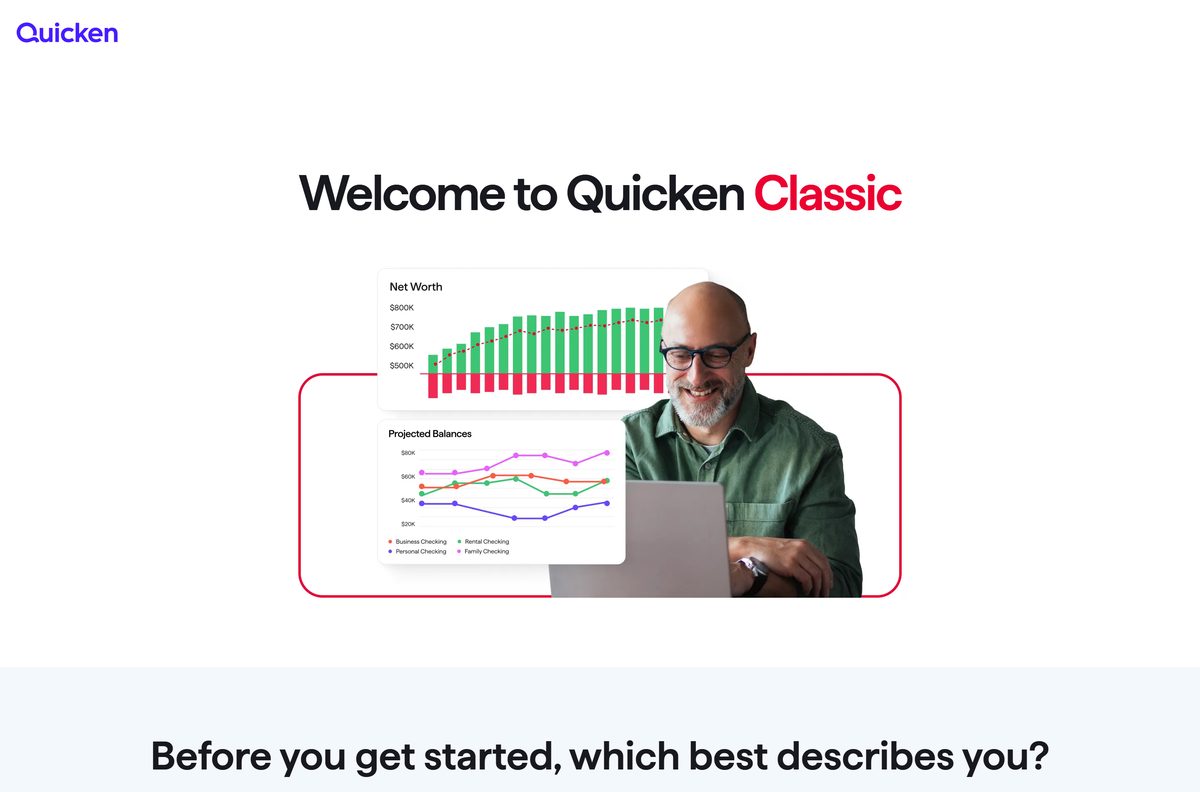
Quicken Classic is a paid annual membership. There is no free edition and no trial build, so pick a plan before the installer runs.
Below: the right file for your machine, install steps for Windows and Mac, what each plan costs, system requirements, update checks, fixes and clean removal.
Which Quicken download do you need?
Quicken ships two desktop files and no third choice. Match the row to the machine in front of you.
| Your machine | What you download | Size | Where it comes from |
|---|---|---|---|
| Windows 11 or Windows 10 PC | Quicken.exe, the Classic installer for both editions of Windows | 283.9 MB | Official download page |
| ARM-based Windows 11 PC | The same Quicken.exe, running through the emulation built into Windows | 283.9 MB | Official download page |
| Mac on the current macOS or one of the two before it | Quicken.dmg, the Classic disk image for macOS | 2.6 MB | Official download page |
| Windows 11 in S mode | Nothing. Quicken states the installer does not run in S mode | — | System requirements |
| A browser and a phone, with no desktop machine | Quicken Simplifi, a web and mobile plan with no installer at all | — | Simplifi plan page |
A membership covers more than one computer. Install on the second machine, then sign in with the same Quicken ID and password.
Download Quicken Classic from the official Quicken page
The download page states the rule plainly: save the file to your desktop and do not change the filename.
- Quicken Classic for Windows (Quicken.exe) — 283.9 MB · the Windows (U.S.) button on the download page points here
- Quicken Classic for Mac (Quicken.dmg) — 2.6 MB · the Mac button points here
- Quicken download and activation page — new install, renewal, or a second computer
- Quicken Simplifi plan page — web and mobile, nothing to install
Quicken publishes no separate offline package and no checksum file for either installer, so these two files are the whole set.
Activation needs the internet on both platforms, so keep the machine online through the first sign-in.
Check the Quicken system requirements before you install
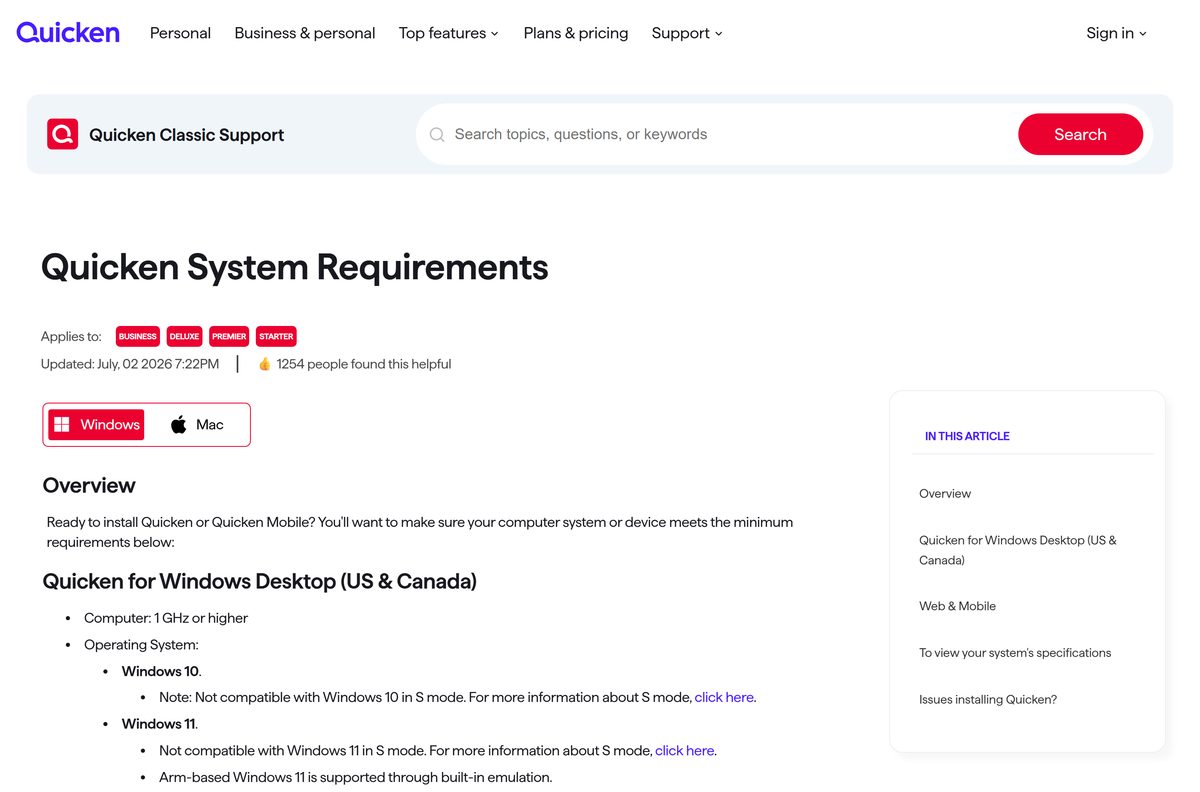
The Windows side has the tighter list, mostly because of the .NET dependency and the S mode exclusion.
| Field | Value |
|---|---|
| Software | Quicken Classic |
| Developer | Quicken Inc. |
| Latest version | R69.29 for Windows (September 2026), 9.2 for Mac (August 2026) |
| Price | Paid annual membership, from $6.99 a month billed annually |
| Windows | Windows 11 and Windows 10, S mode excluded |
| Mac | Current macOS (26 Tahoe) and the previous two versions |
| Processor | 1 GHz or higher |
| Memory | Minimum 1 GB RAM |
| Disk space | Minimum 450 MB free; 1.5 GB if .NET is not installed |
| Framework | Microsoft .NET 4.6 or newer |
| Display | 1024×768 or higher on Windows, 1280×800 or greater on Mac |
| Internet | High-speed connection recommended; online access required for activation |
| Download size | 283.9 MB on Windows, 2.6 MB on Mac |
| Architecture | One Windows file, no separate 32-bit or ARM64 build; one Mac disk image |
| Offline installer | No separate offline package is published |
| Official source | quicken.com |
| Last verified | 2026-09-22 |
An ARM-based Windows 11 laptop runs the same file under the emulation Microsoft builds into the operating system.
How to install Quicken on Windows 11 and Windows 10
The installer signs you in rather than asking for a serial, unless the copy came in a retail box.
- Open the official download page and pick the option that matches you: a new install, a renewal, or a second computer.
- Click Windows (U.S.), then click Run to begin.
- Save the file to your desktop without renaming it if the browser saves instead of running.
- Double-click the file, then click Next to get started.
- Click Install at the ready-to-install prompt.
- Click Done when the installer finishes.
- Sign in with your Quicken ID and password, then type the 6-digit verification code if one arrives.
- Select Help, then Enter Activation Code, and type the 16-digit code if the copy came from a retail store.
- Choose an on-screen option to open an existing data file or start a fresh one.
The in-product tour opens from the View menu under Show Quicken Setup, which is the fastest way to add the first account.
Which Quicken download do you need for your Mac?
There is one Mac file, so the decision is about the macOS underneath it rather than the chip.
| Your Mac | What to do | Reference |
|---|---|---|
| Current macOS, or either of the two releases before it | Download the 2.6 MB disk image, double-click the icon in the install prompt, then authenticate with your Mac administrator account | Download page |
| An older macOS | Update macOS first. Support covers the current release and the two before it, and nothing earlier | System requirements |
| A display under 1280×800 | Use a larger display. That resolution is the stated Mac minimum | System requirements |
| A Mac plus a PC on the same membership | Install on both, sign in with the same Quicken ID, and move the data file by backup rather than a shared drive | Moving a data file |
After the install, double-click the Quicken icon in your Applications folder to launch it and sign in.
Is Quicken free?
No. Quicken Classic is a paid annual membership, with no free edition and no free trial build. The Classic pricing page lists Deluxe at $6.99 a month, Premier at $7.99 and Business & Personal at $10.99, each billed annually under a 40% offer for new memberships dated to 22 October 2026. Membership renews every year at the rate current then. Quicken Simplifi shows $3.99 a month and the cloud Quicken Business & Personal $4.99, and both carry a 30-day cancel-and-refund window. Those figures move with the offer and with your region, so read the cart total before you pay.
What each Quicken plan covers
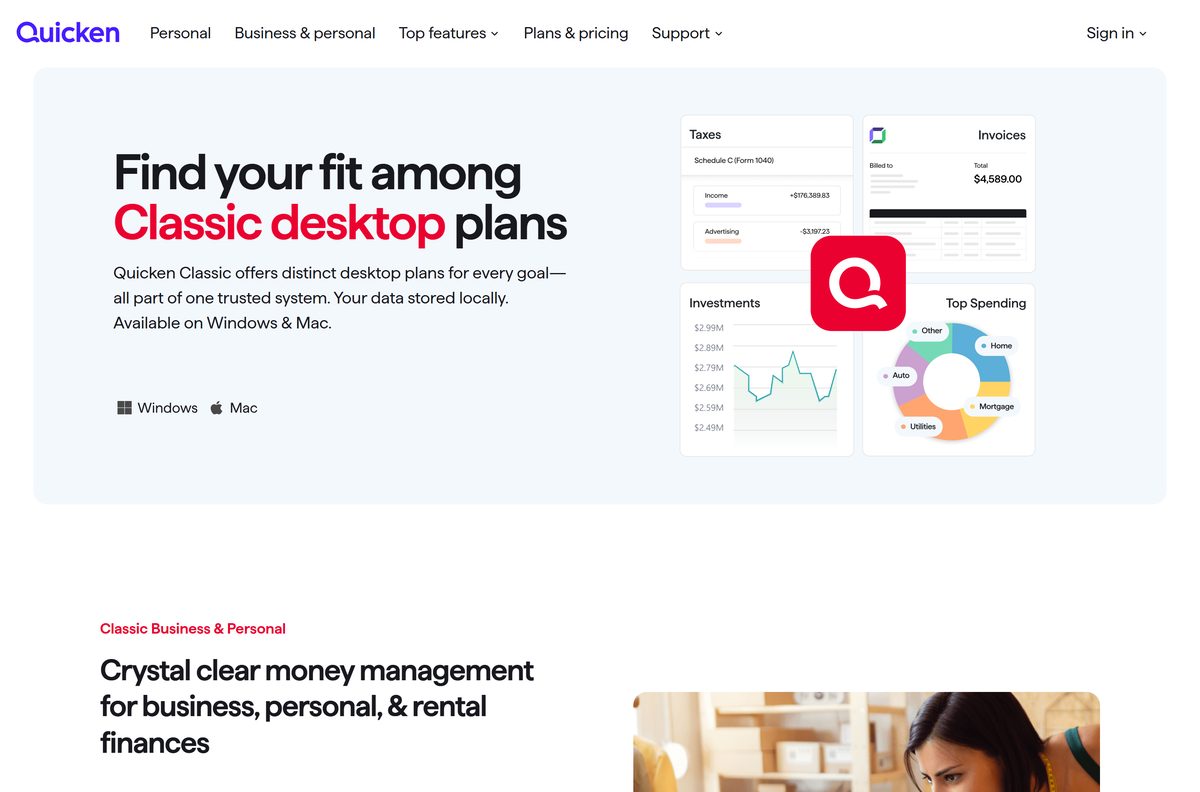
Two product lines share the name. Classic installs on a machine; the rest run in a browser and on a phone.
| Plan | Where it runs | Price on quicken.com | Built for |
|---|---|---|---|
| Classic Starter | Windows and Mac | Not priced on the comparison pages | Entry-level personal finance |
| Classic Deluxe | Windows and Mac | $6.99 a month, billed annually | Budgets, tags, debt payoff and connections to over 14,000 financial institutions |
| Classic Premier | Windows and Mac | $7.99 a month, billed annually | Portfolio analytics, tax planning, the Lifetime Planner and Bill Pay |
| Classic Business & Personal | Windows and Mac | $10.99 a month, billed annually | Business, personal and rental cash flow, invoicing, tax schedules C, E and F |
| Quicken Family Enterprise | Windows and Mac | Not priced on the comparison pages | Managing several entities at once |
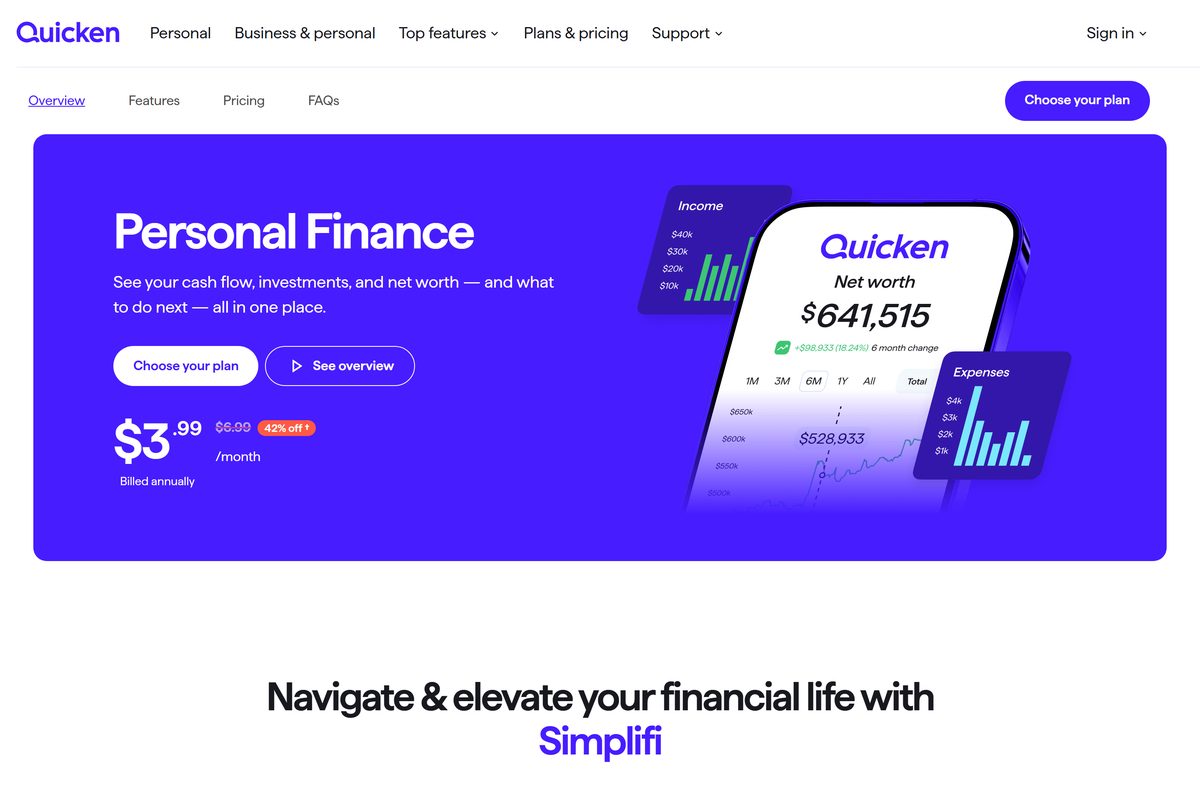
| Quicken Simplifi | Web, iOS and Android | $3.99 a month, billed annually | Budgeting, savings goals and investments without an installer |
| Quicken Business & Personal (cloud) | Web, iOS and Android | $4.99 a month, billed annually | Freelancers, the self-employed and rental owners |
| Quicken LifeHub | Web, iOS and Android | Not priced on the comparison pages | Organising and sharing essential documents |
Moving between Classic tiers, Deluxe to Premier for example, happens without reinstalling anything.
Should you install Quicken Classic or subscribe to Quicken Simplifi?
Install Quicken Classic when you want the program and the data file on your own machine. Take Simplifi when a browser and a phone are the whole setup. Classic is the only line with a desktop build, and the two installers on quicken.com belong to it. Simplifi lists web, iOS and Android only, so no .exe or .dmg exists for it and nothing lands on the hard drive. Classic subscribers also get Quicken on the Web, which Quicken describes as a companion to the desktop applications and says is not designed to be your only Quicken application.
How to check your Quicken version and update it
Releases land roughly every six to eight weeks, and the program raises a notification when one is ready.
- Back up first: select File, then Backup and Restore, then Back up Quicken File.
- On Windows, select Help, then Check for Updates.
- On a Mac, select Quicken in the menu bar, then Check for Updates.
- Install whatever the check offers, then reopen the data file.
- Compare what you have against the current builds: R69.29 on Windows, 9.2 on Mac.
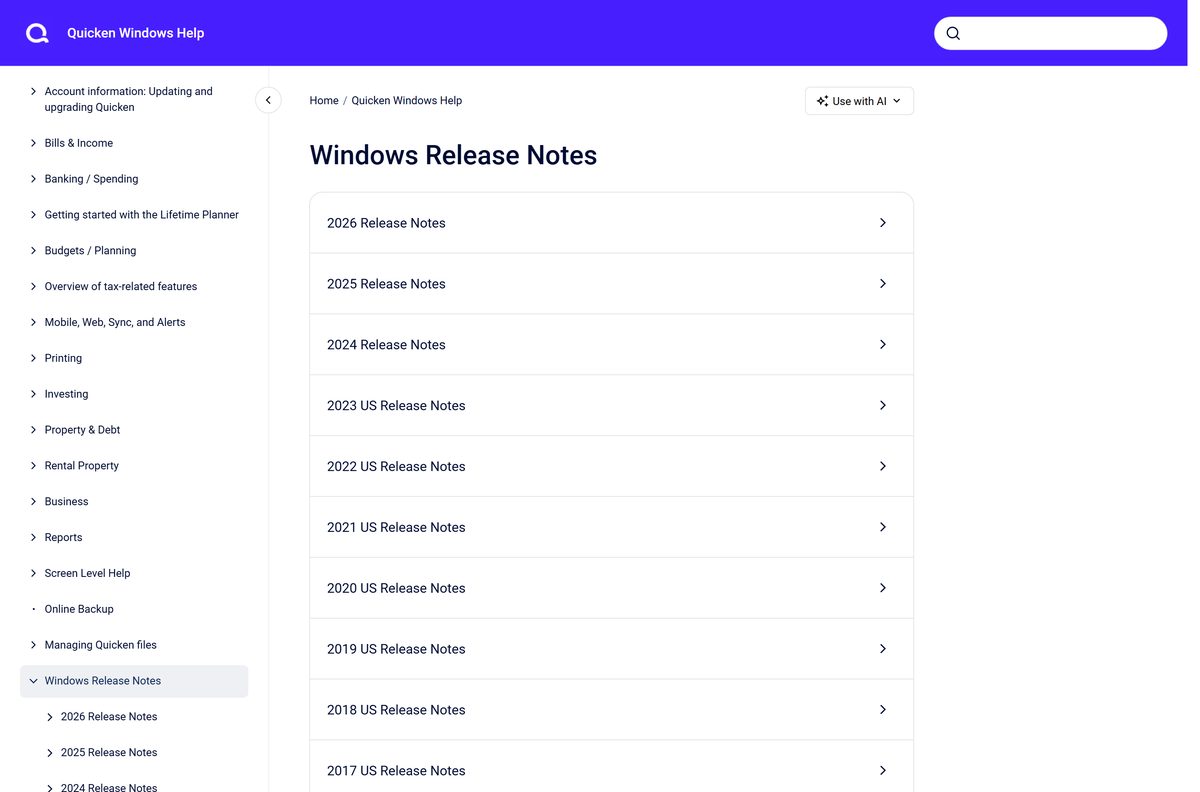
- Read the Windows release notes or the Mac release notes to see what changed.
- Change plan at quicken.com when you want a different tier; the tier switch needs no reinstall.
- Select Help, then Enter Activation Code, to apply a renewal code bought in a store.
The current Windows build fixed crashes that hit in some situations. The Mac release added an Investment Performance report, a Tax Loss Harvesting report and budget rollover, and it retired the Home > Overview tab.
Fix Quicken not installing on Windows 11 or 10
The installer shows an error and refuses to install or uninstall
The Windows account you are signed in with has no administrator rights.
- Open Settings, then Accounts, and read the account type under your name.
- Sign out of Windows.
- Sign back in with an account marked Administrator.
- Run the installer again.
The download never starts, or the saved file looks wrong
A renamed or partly saved file stops the installer before it opens.
- Return to the official download page.
- Click Windows (U.S.) again.
- Save the file to your desktop and leave the filename alone.
- Check the saved file is 283.9 MB before you double-click it.
Setup stops over disk space or a missing framework
The installer needs 450 MB free, or 1.5 GB when .NET is absent.
- Free at least 1.5 GB on the system drive.
- Install Microsoft .NET 4.6 or newer from Microsoft, or let the installer add it.
- Restart the PC.
- Run the installer again.
Setup finishes but the program will not activate
Activation is an online step on both Windows and Mac.
- Confirm the machine is online.
- Sign in with the Quicken ID and password tied to the purchase.
- Type the 6-digit verification code when it arrives.
- Select Help, then Enter Activation Code, and enter the 16-digit code from a retail box or confirmation email.
How to uninstall Quicken without losing your data file
The data file is separate from the program, and a backup is the only copy worth trusting during a removal.
- Select File, then Backup and Restore, then Back up Quicken File, and save the backup outside the program folder.
- Close the program.
- Sign in to Windows with an administrator account, or the uninstaller throws the same error the installer does.
- Open Settings, then Apps, then Installed apps.
- Find the Quicken entry, open its menu, and select Uninstall.
- On a Mac, open the Applications folder and drag the icon to the Trash, then empty the Trash.
- Keep the backup. File > Backup and Restore > Restore from Backup File brings it back after a reinstall.
Copying a data file onto a USB stick and opening it from there risks corrupting it, so restore to the local drive instead.
Which Quicken alternatives fit how you track money?
| Alternative | Where it runs | What it costs | Pick it when |
|---|---|---|---|
| Quicken Simplifi | Web, iOS and Android | $3.99 a month, billed annually | You want budgets and savings goals with nothing installed |
| QuickBooks | Web and mobile | Priced on Intuit’s own site | The books are for a business with payroll and invoices |
| Microsoft Excel | Windows, Mac, web and mobile | Part of a Microsoft 365 plan | You would rather build the register yourself |
| Quicken on the Web | Any modern browser | Included with a Classic membership | You are away from the machine that holds the data file |
Quicken on the Web is the companion view, not a replacement, so the desktop copy stays the master.
Frequently asked questions
Is Quicken free to download?
No. Quicken Classic is a paid annual membership with no free edition and no trial build. The installer downloads at no charge, but it asks for a Quicken ID tied to a paid plan before it opens a data file.
What is the official Quicken download page?
quicken.com/download, which also serves as the activation page. It links Quicken.exe for Windows and Quicken.dmg for Mac, and it covers a new install, a renewal and a second computer.
Does Quicken work on Windows 11?
Yes. Quicken Classic supports Windows 11 and Windows 10, but not Windows 11 in S mode. An ARM-based Windows 11 PC runs the same installer through the emulation built into Windows.
What is the Quicken download size?
The Windows installer is 283.9 MB. The Mac disk image on the same page is 2.6 MB. Set aside at least 450 MB of free disk space, or 1.5 GB when .NET is not already installed.
Is there an offline installer for Quicken?
No separate offline package is published. Quicken links one Windows file and one Mac file, and activation needs an internet connection on both platforms, so the machine has to be online at first sign-in.
How do you download Quicken for Mac?
Open quicken.com/download, click the Mac button, then double-click the icon in the install prompt and authenticate with your Mac administrator account. Launch it from the Applications folder and sign in with your Quicken ID.
Is the Quicken download safe?
It is safe when it comes from quicken.com, where the company serves both installers itself. Download portals repackage setup files with their own wrappers, and no portal can issue the Quicken ID the program needs anyway.
What is the latest Quicken version?
R69.29 for Windows, released in September 2026, and 9.2 for Mac, released in August 2026. Check your own build with Help then Check for Updates on Windows, or Quicken then Check for Updates on a Mac.
Why will Quicken not install on Windows 11?
The usual cause is a Windows account without administrator rights, which makes the installer show an error. S mode blocks it outright, and a drive with under 450 MB free stops setup before it finishes.