The official Perplexity download for Windows 11 and Windows 10 is a free app from Perplexity AI on the Microsoft Store. On a Mac, you install Perplexity as a Safari web app that opens from the Dock.
The app answers questions with cited sources, takes voice questions and keeps your threads in a Library. It works with a free account, and Perplexity Pro is an optional paid upgrade.
Below are the official links, Store and winget install steps, the Mac setup, the difference between Perplexity and Comet, and fixes for an install that fails.
Which Perplexity download do you need?
Match your device to a row. Every route signs in to the same Perplexity account, so your threads follow you.
| Your device | What to get | Download size |
|---|---|---|
| Windows 10 version 1809 or later, or Windows 11, Intel or AMD | Perplexity on the Microsoft Store | 244.9 MB (x64 package) |
| Windows 11 on an ARM64 laptop (Snapdragon) | Perplexity on the Microsoft Store | 237.2 MB (ARM64 package) |
| Mac on macOS Sonoma 14 or later | perplexity.ai in Safari, then Add to Dock | Nothing to download |
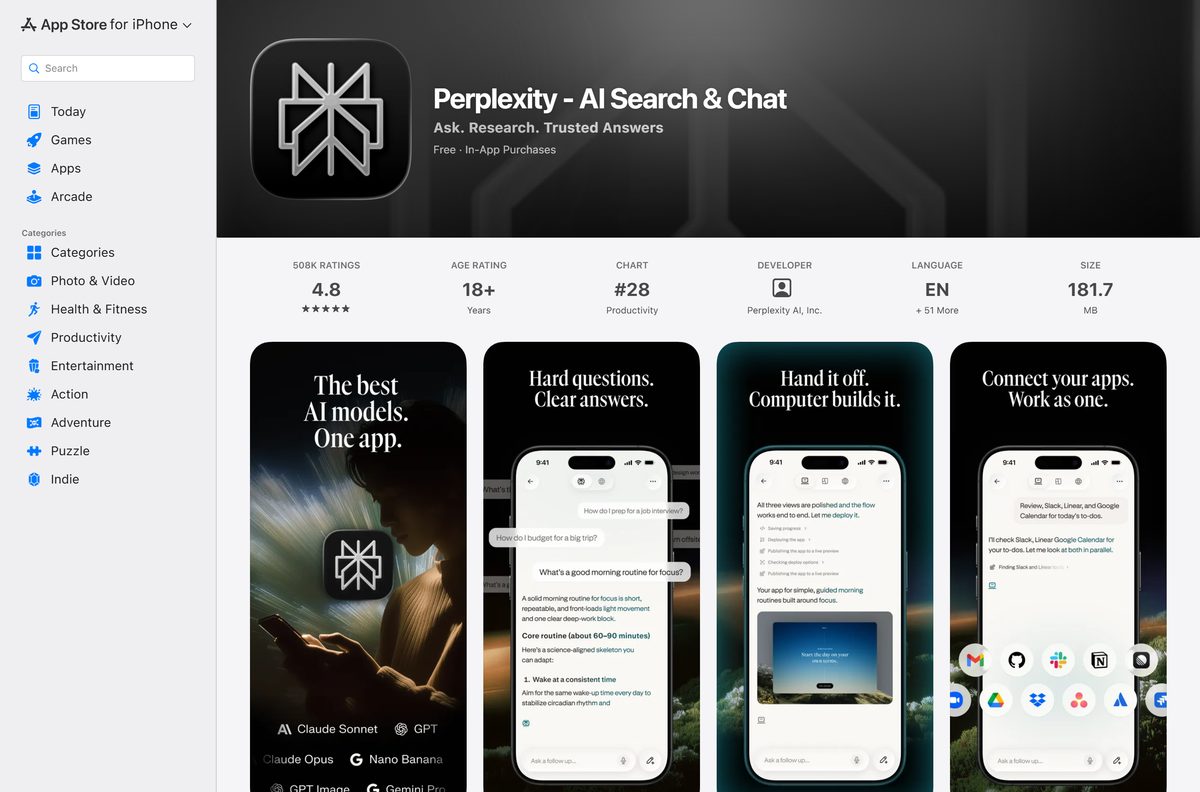
| iPhone or iPad on iOS 18 or later | Perplexity on the App Store | 181.7 MB |
| Android phone or tablet | Perplexity on Google Play | Sized by Google Play for your device |
| A shared or locked-down computer | Perplexity in the browser | Nothing to download |
The Store picks the x64 or ARM64 package on its own. You never choose the architecture by hand.
Download Perplexity from the official Microsoft, Apple and Google links
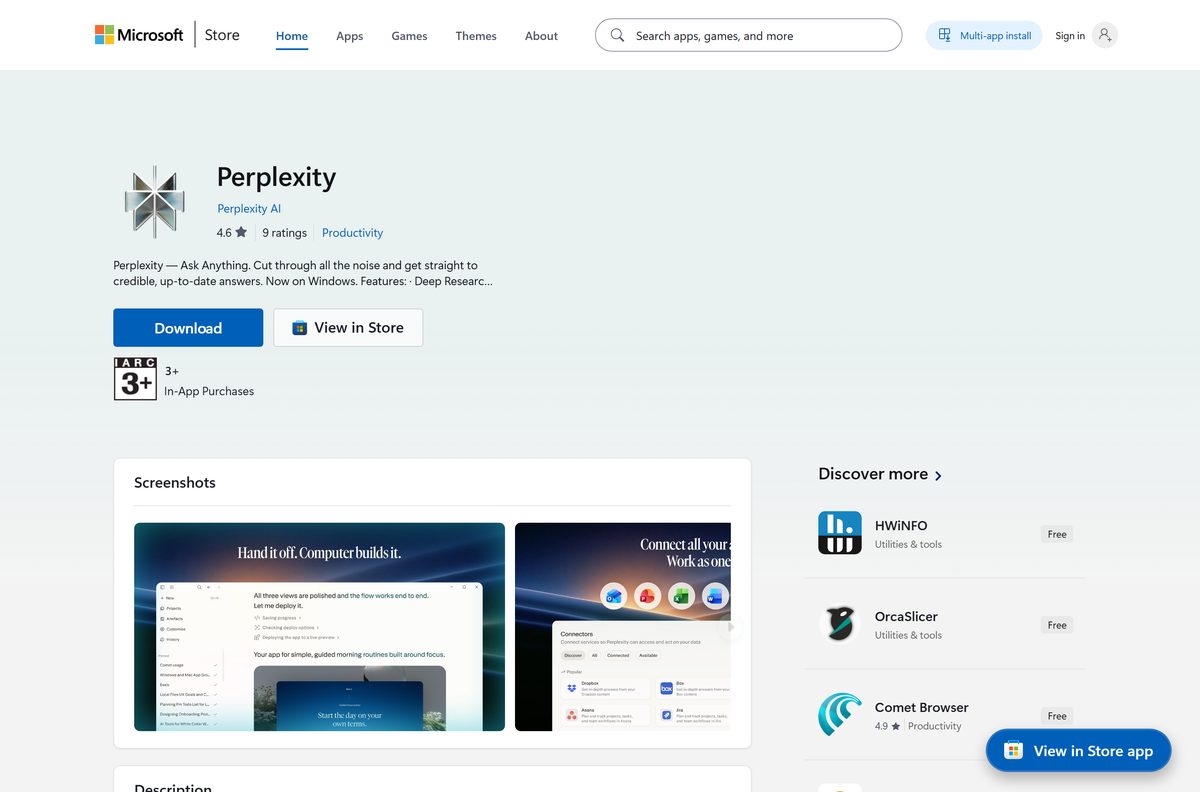
Perplexity AI publishes the Windows app on the Microsoft Store under product ID 9P9XG917PWCJ. The phone apps come from the App Store and Google Play.
- Perplexity on the Microsoft Store, product 9P9XG917PWCJ — 244.9 MB · publisher Perplexity AI, free, updates through the Store
- Perplexity for iPhone and iPad on the App Store — 181.7 MB · needs iOS 18.0 or later
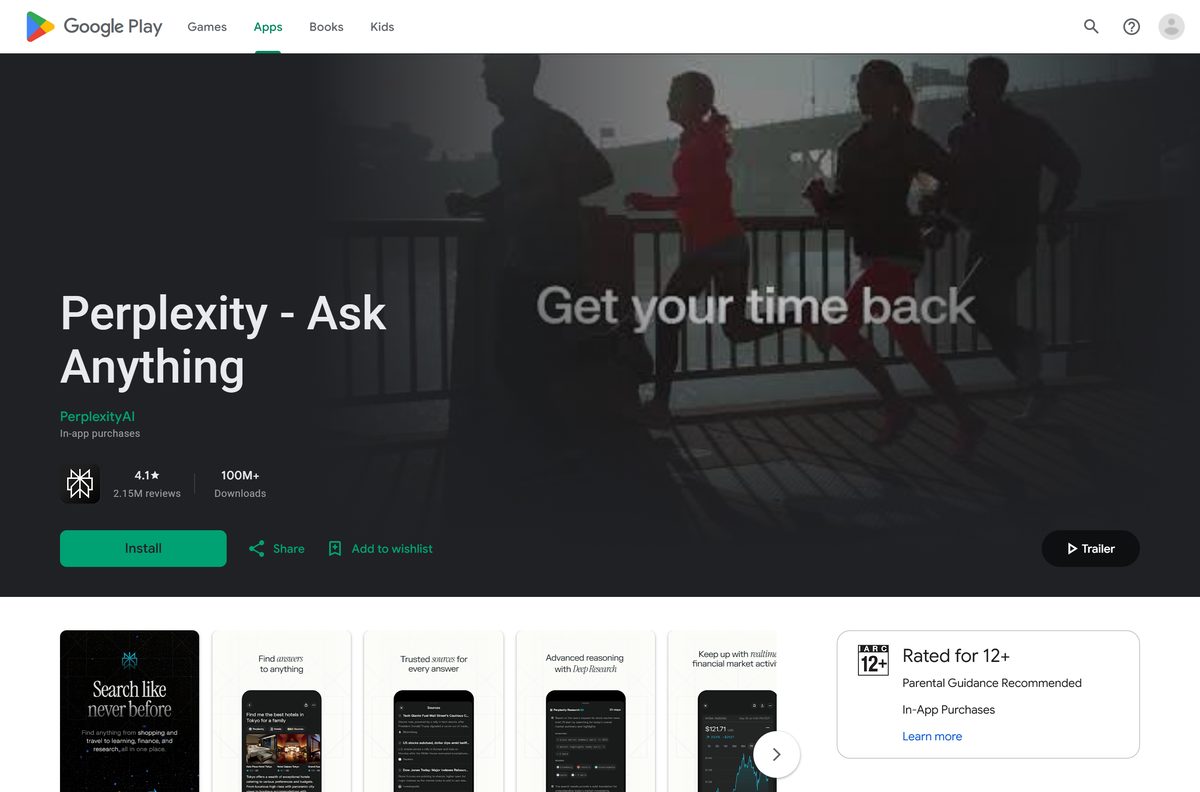
- Perplexity for Android on Google Play — 100M+ downloads, in-app purchases
- Perplexity on the web — the address a Mac adds to the Dock
A Perplexity setup file on any other site is not from Perplexity AI. Check that the Store listing names Perplexity AI as publisher before you select Get.
Check the Perplexity system requirements before you install
Any 64-bit PC on Windows 10 version 1809 clears the floor. Press Windows + R, type winver and select OK to see your build.
| Field | Value |
|---|---|
| Software | Perplexity desktop app |
| Developer | Perplexity AI |
| Latest version | 2026.9.19398.0 (Windows, Microsoft Store) |
| Store package updated | 22 September 2026 |
| License | Free app; optional paid Perplexity Pro subscription |
| Supported OS | Windows 10 build 17763 or later, Windows 11; Mac via Safari web app on macOS 14 or later; iOS 18 or later |
| Architecture | x64 and ARM64 on Windows; no 32-bit build |
| Download size | 244.9 MB (x64), 237.2 MB (ARM64) |
| Installed size | About 609 MB (x64), 576 MB (ARM64) |
| Microsoft Store product | 9P9XG917PWCJ, package PerplexityAI.PerplexityApp |
| Offline installer | No |
| Last verified | 2026-09-24 |
The app asks for microphone access only when you ask a question by voice.
Install Perplexity from the Microsoft Store or with winget
Both routes install the same package from Perplexity AI and keep it updated through the Store.
- Open Microsoft Store from the Start menu.
- Search for Perplexity and open the result published by Perplexity AI. Comet Browser is a separate listing.
- Select Get. The Store downloads the package for your processor.
- Select Open when the install finishes.
- To use the command line instead, open Terminal and run winget install –id 9P9XG917PWCJ -s msstore .
- Type Y to accept the Store terms when winget asks.
winget needs the msstore source enabled. On a work PC where the Store is blocked, ask IT to deploy product 9P9XG917PWCJ.
How to sign in and pin Perplexity on Windows 11 and 10
A free account keeps your threads in the Library and syncs them to the phone apps.
- Open Start, type Perplexity and select the app.
- Sign in with the same account you use on perplexity.ai, or create a free one.
- Type a question in the box, or use the microphone to ask it by voice.
- Select Allow if Windows asks for microphone access.
- Right-click Perplexity in the Start menu and select Pin to taskbar to keep it one click away.
Follow-up questions stay in the same thread, and each answer lists the sources it drew from.
Which Perplexity download do you need for your Mac?
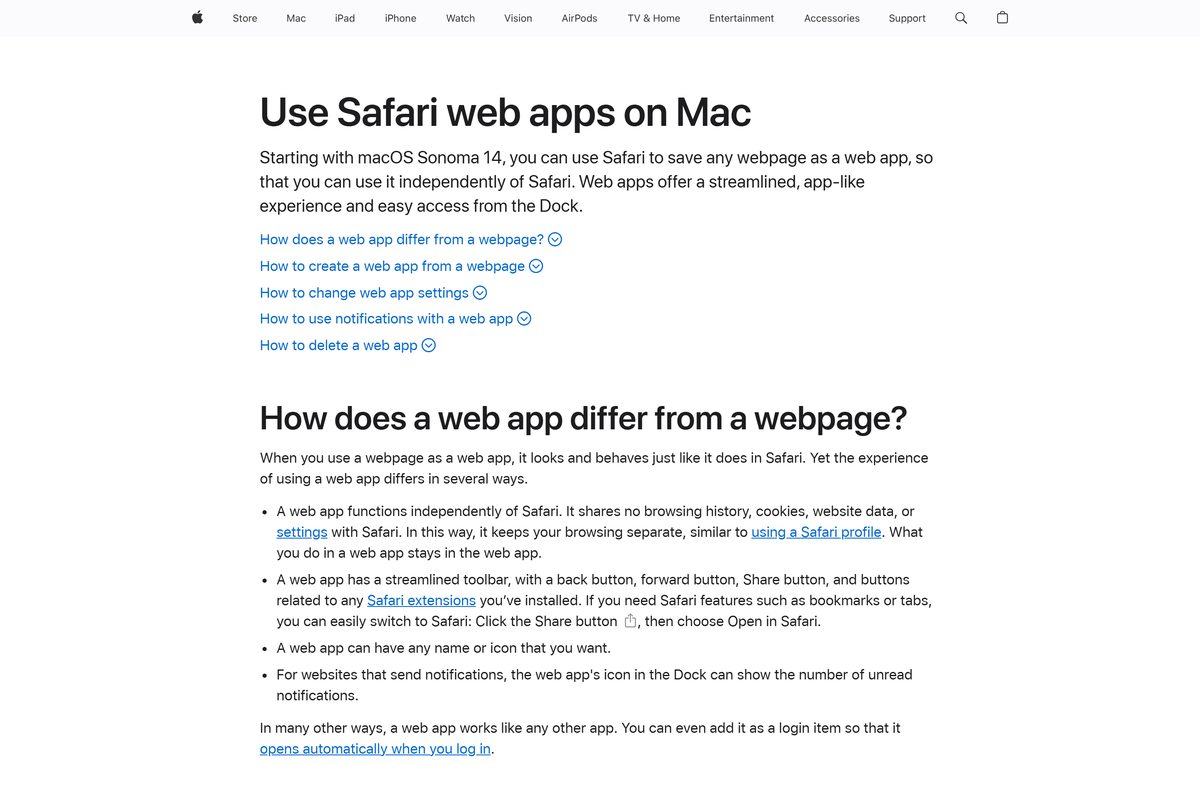
Safari on macOS Sonoma turns any site into a Dock app. Perplexity then opens in its own window, without browser tabs or toolbars.
| Your Mac | What to do | Where |
|---|---|---|
| macOS Sonoma 14 or later, Apple Silicon or Intel | Open perplexity.ai in Safari, choose File > Add to Dock, then select Add | Apple guide to Safari web apps |
| macOS Ventura 13 or older | Use Perplexity in Safari, Chrome or Firefox and bookmark it | perplexity.ai |
| You also carry an iPhone or iPad on iOS 18 | Install the phone app and sign in with the same account | App Store listing |
Safari saves the web app to the Applications folder in your home folder. It also opens from Spotlight.
Is Perplexity free on PC and Mac?
The download costs nothing on every platform. The Microsoft Store lists the Windows app at $0.00, and the App Store and Google Play list the phone apps as free.
Install the free app and start on a free account. Cited answers, voice questions, follow-ups and the Library all work on a free account. Perplexity Pro is an optional subscription, and on iPhone it bills through your Apple account.
A site that charges for a Perplexity setup file is not Perplexity AI. The app itself is always free.
Cancel a Pro subscription bought on iPhone from the Manage Subscription section of your Apple account.
Should you install the Perplexity app or the Comet browser?
Perplexity AI publishes two Windows apps on the Microsoft Store, and both are free. They sign in with the same account.
Install the Perplexity app if you want answers in their own window. Install Comet only if you want to replace your web browser. The Perplexity app is a 244.9 MB answer engine that sits next to the browser you already use. Comet Browser is a full web browser with the assistant built into every page, so it changes how you browse.
Comet is listed as Comet Browser on the Microsoft Store and as Comet on the App Store for iPhone and iPad.
How to check your Perplexity version and update it on Windows
The Store updates Perplexity in the background. These steps confirm the build and force an update when one is waiting.
- Open Settings > Apps > Installed apps.
- Select the three-dot menu next to Perplexity and choose Advanced options.
- Read the build under Specifications > Version.
- Open Microsoft Store, select Library and then Get updates.
- To update from Terminal, run winget upgrade –id 9P9XG917PWCJ .
The current Store build is 2026.9.19398.0. An older number means an update is still waiting.
Fix Perplexity not installing or not opening on Windows 11 and 10
The Store says the app will not run on this device
- Press Windows + R, type winver and select OK.
- Confirm the build is 17763 or higher. Older builds cannot install Perplexity.
- Open Settings > Windows Update, install every pending update, then select Get again.
The download stalls or fails in the Microsoft Store
- Free about 1 GB of disk space. The download is 244.9 MB and the app takes about 609 MB installed.
- Press Windows + R, type wsreset.exe and select OK to clear the Store cache.
- Reopen the Store, sign in again and select Get.
winget cannot find 9P9XG917PWCJ
- Open Terminal as administrator.
- Run winget source update to refresh the msstore source.
- Run winget install –id 9P9XG917PWCJ -s msstore again.
Voice questions do nothing
- Open Settings > Privacy & security > Microphone.
- Turn on Microphone access and Let apps access your microphone.
- Turn on the switch next to Perplexity and reopen the app.
Perplexity opens but freezes or will not sign in
- Open Settings > Apps > Installed apps.
- Select the three-dot menu next to Perplexity and choose Advanced options.
- Select Repair. If that fails, select Reset, then open the app and sign in again.
How to uninstall Perplexity from Windows 11, Windows 10 and Mac
Removing the app leaves your account and your Library intact. Sign in again on any device to get your threads back.
- On Windows 11, open Settings > Apps > Installed apps.
- Select the three-dot menu next to Perplexity and choose Uninstall, then confirm.
- On Windows 10, open Settings > Apps > Apps & features, select Perplexity and choose Uninstall.
- From Terminal on either version, run winget uninstall –id 9P9XG917PWCJ .
- On a Mac, open the Applications folder in your home folder and drag the Perplexity web app to the Trash.
Uninstalling the app does not cancel a Pro subscription. Cancel it separately wherever you bought it.
Which way to use Perplexity if the desktop app is not an option?
Every option below uses the same Perplexity account, except the ChatGPT row, which is a different assistant.
| Option | Best for | Get it |
|---|---|---|
| Perplexity in the browser | Shared PCs, Linux, 32-bit Windows and older macOS | perplexity.ai |
| Comet Browser | A browser with the assistant built into every page | Microsoft Store listing |
| Perplexity for iPhone and iPad | Voice questions and the Library on the go | App Store |
| Perplexity for Android | Phones and tablets running Android | Google Play |
| ChatGPT desktop app | A chat assistant from OpenAI with its own Windows and Mac apps | ChatGPT download guide |
Pick the browser if you cannot install software. Pick the Windows app if you want Perplexity in its own taskbar window.
Frequently asked questions
Is Perplexity free to download for PC?
Yes. The Microsoft Store lists the Perplexity app at $0.00, and the iPhone and Android apps are free too. Perplexity Pro is an optional paid subscription that you can add later from inside the app.
Where is the official Perplexity download for Windows?
The Microsoft Store listing for product 9P9XG917PWCJ, published by Perplexity AI. You can also install it from Terminal with winget install –id 9P9XG917PWCJ -s msstore.
Does Perplexity work on Windows 11 and Windows 10?
Yes. The app runs on Windows 11 and on Windows 10 version 1809 (build 17763) or later. The Store serves separate packages for x64 and ARM64 PCs.
How big is the Perplexity download?
The x64 package is 244.9 MB and the ARM64 package is 237.2 MB. Once installed, the x64 app takes about 609 MB of disk space.
Is there a Perplexity offline installer?
No. Perplexity AI ships the Windows app through the Microsoft Store, which downloads and updates it for you. On a PC without the Store, use Perplexity in the browser instead.
Can I download Perplexity on a Mac?
Yes. On macOS Sonoma 14 or later, open perplexity.ai in Safari and choose File > Add to Dock. Perplexity then opens in its own window from the Dock and Spotlight.
Is Perplexity available for 32-bit Windows?
No. Perplexity AI publishes x64 and ARM64 packages only. A PC running 32-bit Windows can still use Perplexity at perplexity.ai in any current browser.
Is the Perplexity desktop app safe?
Yes, when it comes from the Microsoft Store listing published by Perplexity AI. Setup files from download portals are not from Perplexity AI, so skip them and use the Store.
What is the difference between Perplexity and Comet?
Perplexity is the answer app with cited sources, voice questions and your Library. Comet is a separate web browser from Perplexity AI with the assistant built in. Both are free on the Microsoft Store.
Why won’t Perplexity install on my PC?
The usual causes are a Windows 10 build older than 17763, a stuck Microsoft Store download or too little disk space. Update Windows, run wsreset.exe, free about 1 GB and select Get again.