You can get Audible on a Windows 11 or Windows 10 PC in about a minute through the free Audible Cloud Player, and install it as a desktop app with its own taskbar icon. On a Mac, Audible’s help center sends you to the App Store for the Audible app.
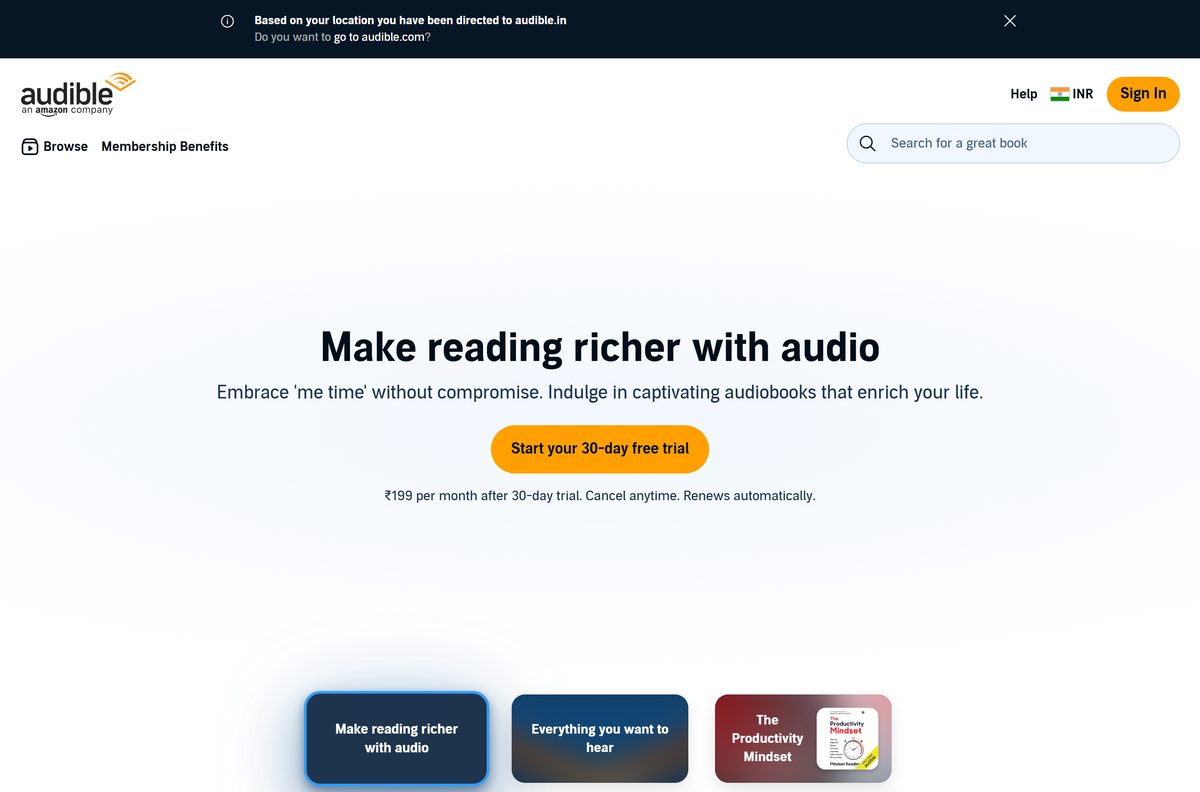
Sign in with your Amazon account and every audiobook, podcast and Original in your library is ready to play. The app costs nothing. A membership adds monthly titles and starts with a 30-day free trial.
Below you will find the official links for each device, install steps for Windows and Mac, plan prices, offline options, fixes and removal.
Which Audible download do you need?
Match your device in the first column and open the link beside it. Every route opens the same library and keeps your place in sync.
| Your device | What to get | Download size |
|---|---|---|
| Windows 11 or Windows 10 PC | Audible Cloud Player on audible.com | None; runs in Edge, Chrome or Firefox |
| Mac | Audible app on the App Store | 341.9 MB |
| iPhone or iPad on iOS 18.1 or later | Audible on the App Store | 341.9 MB |
| Android phone or tablet | Audible on Google Play | Shown on the listing |
| Windows PC plus an MP3 player or accessibility device | AudibleSync help page | Linked from the help page |
Audible lists every supported device, from Fire TV to Wear OS watches, on its How to Listen page.
Get Audible from the official download links
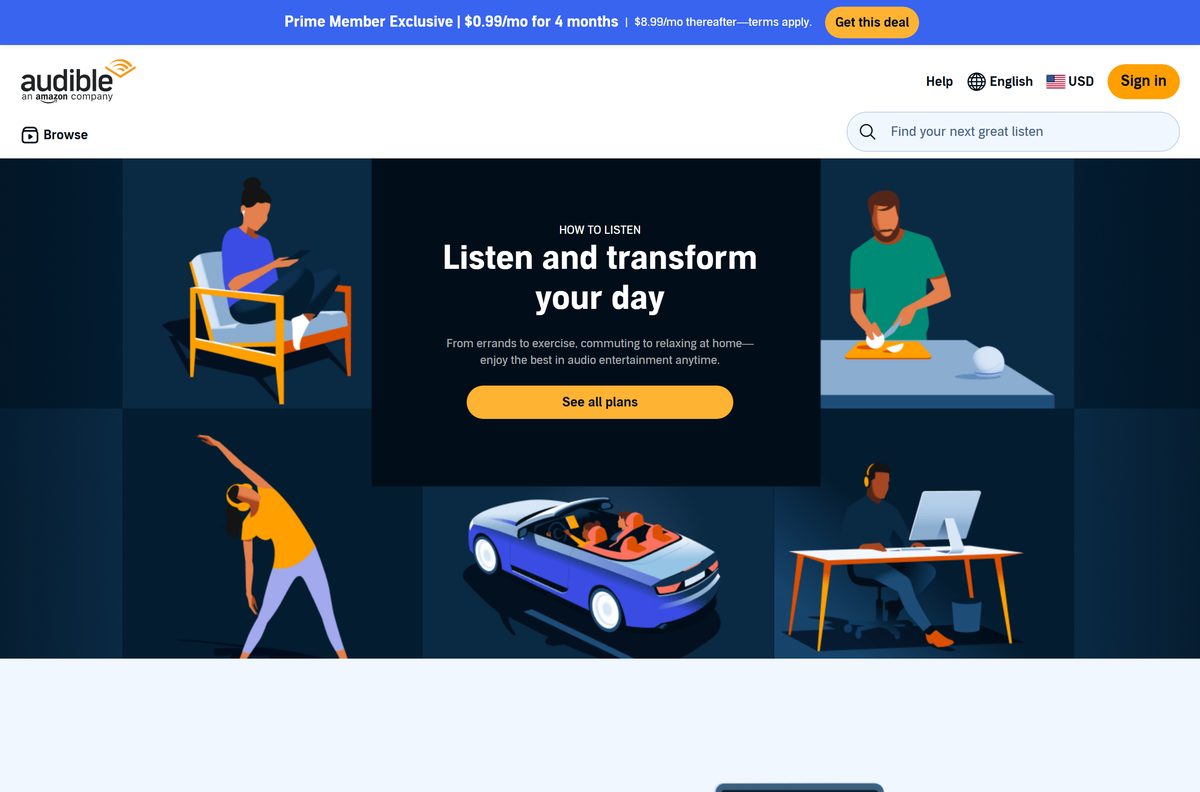
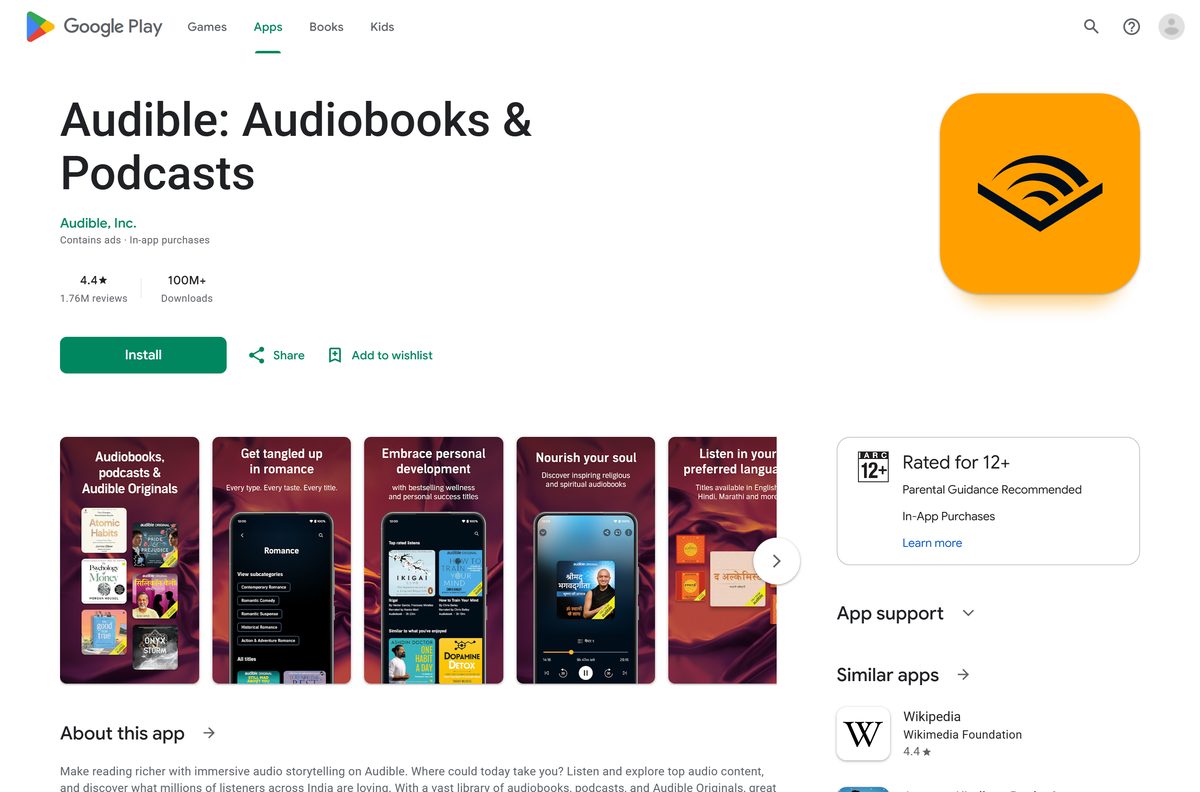
Audible, Inc. publishes the app on the App Store and Google Play. On Windows, audible.com itself is the player.
- Audible Cloud Player (sign in, then open Library) — Windows 11, Windows 10 and any computer with a current browser
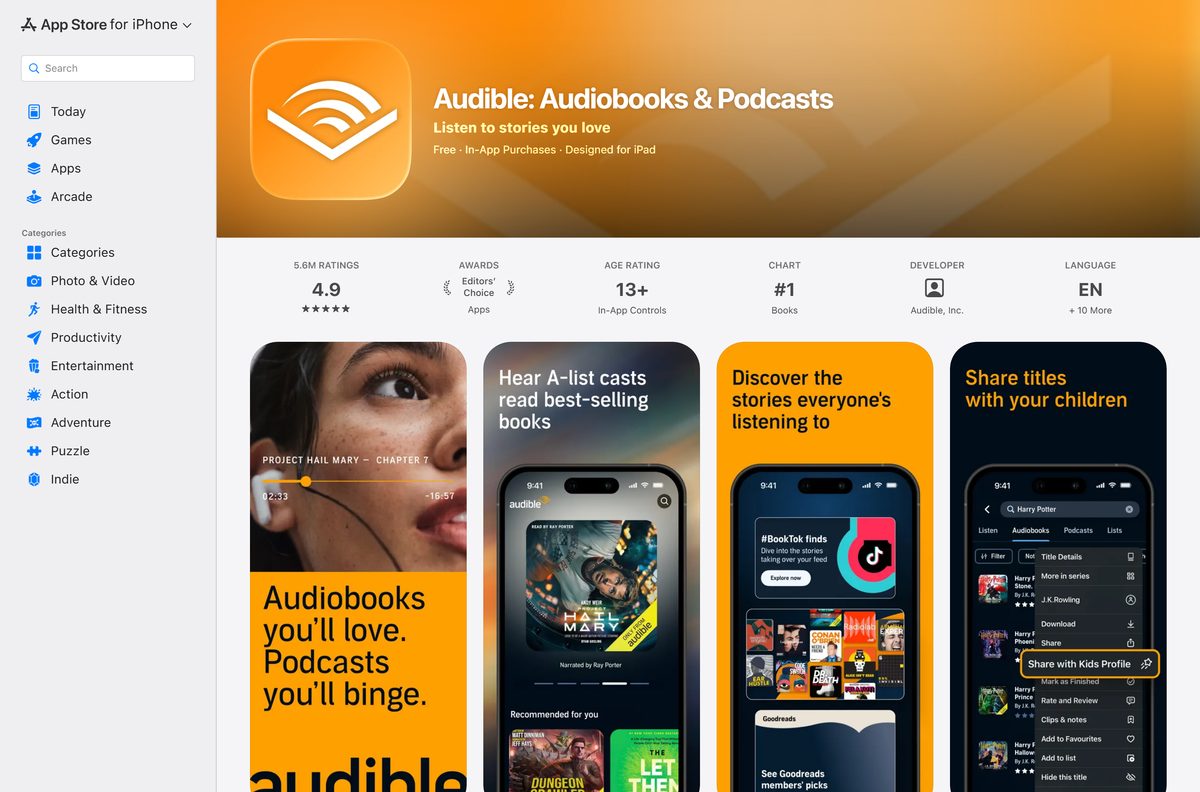
- Audible: Audiobooks & Podcasts on the App Store — 341.9 MB · seller Audible, Inc., free; Mac, iPhone and iPad
- Audible: Audiobooks & Podcasts on Google Play — Audible, Inc., free with in-app purchases
- Listen on a browser (Audible help) — supported browsers and Cloud Player steps
- Listen with AudibleSync (Audible help) — Windows 10 and 11 app for MP3 and accessibility devices
Check the seller line before you select Get. It reads Audible, Inc. on both stores. Sites that offer an Audible setup file or a tool to convert your books are not Audible sources.
How to install Audible on Windows 11 and 10 as a desktop app
Microsoft Edge can install any website as an app with its own window, Start menu entry and taskbar icon. Use it to turn the Cloud Player into an Audible app.
- Open Microsoft Edge and go to audible.com.
- Select Sign in and enter the email and password of your Amazon account.
- Select Settings and more (the three dots) in the top-right corner.
- Choose More tools > Apps > Install this site as an app.
- Confirm the name Audible and select Install.
- Tick Pin to taskbar or Pin to Start if Edge offers them.
- Select Library in the new Audible window, then Listen now next to a title.
In Chrome, open More > Cast, save, and share > Install page as app instead. Both browsers list the installed app under edge://apps or chrome://apps.
Which Audible download do you need for your Mac?
Audible’s help center names the App Store as the Mac install route. The listing is marked Designed for iPad, so the Mac runs the same app as your iPad.
| Your situation | What to do | Size |
|---|---|---|
| Audible appears when you search the App Store on your Mac | Install the Audible app | 341.9 MB |
| No Audible result in the Mac App Store | Use the Cloud Player in Safari | None |
| You want titles on an iPhone without Wi-Fi downloads | Sync from Finder (Audible help) | Title size |
To install, open the App Store, search for Audible, select Get, then Install. Sign in with your Apple ID if asked. The Mac app includes Audible Originals, Car Mode, Stats and Badges and your Listen history.
Is Audible free?
The Audible app and the Cloud Player are free. The audiobooks come with a paid membership that starts with a 30-day free trial. Audible Standard costs $8.99 a month and lets you pick one audiobook a month, which you can listen to while subscribed. Audible Premium costs $14.95 a month, gives one credit a month and lets you keep those audiobooks after you cancel. Both plans auto-renew after the trial. Cancel before the trial ends and you are not charged. The App Store marks the app Free with In-App Purchases.
Should you use the Cloud Player or AudibleSync on Windows?
Use the Cloud Player to listen on your PC. Install AudibleSync only to copy titles to an MP3 player or accessibility device. The Cloud Player streams your whole library in a browser and needs no software. AudibleSync is a Windows 10 and 11 app that downloads titles one at a time, but those files play only after you transfer them to a compatible device. Only titles bought with a credit or a credit card download to a computer.
Check what each Audible option can do
Pick the option that matches how you listen. The main split is streaming versus offline.
| Option | Where it runs | Offline listening | Best for |
|---|---|---|---|
| Cloud Player | Chrome, Firefox, Safari or Edge on any computer | No, needs internet | Listening at a desk |
| Audible app for Mac | Mac through the App Store | Yes, download titles in the app | Mac users who want Car Mode and stats |
| Audible app for phones | iPhone, iPad and Android | Yes, one title at a time | Commutes, flights, workouts |
| AudibleSync | Windows 10 and 11 | Only on a connected MP3 or accessibility device | Dedicated audiobook players |
For offline listening on the go, download titles to the phone app. There is no bulk download option; each title downloads separately.
How to check your Audible version and update it
The Cloud Player updates itself every time you load audible.com, including inside an installed Edge or Chrome app window. Only the Mac and mobile apps need updating.
- On a Mac, open the App Store and select Updates in the sidebar.
- Find Audible in the list and select Update if the button appears.
- On an iPhone or iPad, open the App Store, tap your profile picture and scroll to Audible.
- Compare the version with the App Store listing, which shows version 4.78.1.
Check the Audible system requirements for your PC or Mac
Windows needs only a current browser. The App Store build sets the floor for Apple devices.
| Field | Value |
|---|---|
| Software | Audible (Audible: Audiobooks & Podcasts) |
| Developer | Audible, Inc. |
| Latest version | 4.78.1 on the App Store; the Cloud Player has no version number |
| Price | Free app; Standard $8.99 a month, Premium $14.95 a month after a 30-day free trial |
| Windows 11 and 10 | Latest Chrome, Firefox or Edge for the Cloud Player |
| Mac | Audible app from the App Store, or the Cloud Player in Safari |
| iPhone and iPad | iOS 18.1 or later |
| App Store download size | 341.9 MB |
| Offline installer | None; stores and the browser need an internet connection |
| Official source | audible.com, the App Store and Google Play |
| Last verified | 2026-09-24 |
Fix Audible not working on Windows 11, Windows 10 or Mac
The Cloud Player will not load
Old browsing data or an outdated browser stops the player from starting.
- Update the browser to its latest version.
- In Chrome, open Clear Browsing Data and choose the Advanced tab.
- Set Time range to All time.
- Tick Browsing history, Download history, Cookies and other site data and Cached images and files.
- Select Clear data, sign in to audible.com again and select Listen now.
Install this site as an app is missing in Edge
The option sits three levels deep in the Edge menu, under Apps.
- Open audible.com in the current tab.
- Select Settings and more > More tools > Apps.
- Choose Install this site as an app.
- Or use Chrome’s Cast, save, and share > Install page as app.
Audible does not show up in the Mac App Store
The App Store listing is built for iPhone and iPad, and names no Mac requirement.
- Search the App Store on your Mac for Audible and check the seller reads Audible, Inc.
- If nothing appears, open audible.com in Safari and sign in.
- Select Library, then Listen now to play in the Cloud Player.
Titles downloaded with AudibleSync will not play on the PC
AudibleSync saves titles for transfer only; they play on a compatible MP3 or accessibility device.
- Connect the device and select its icon in AudibleSync.
- Select Activate Device and sign in with your Amazon account.
- Select the title, then Copy to Device.
- To listen on the PC itself, use the Cloud Player.
How to uninstall Audible
Your library stays in your Audible account. Sign in again and every title returns.
- In Edge, go to edge://apps , select Details on the Audible card, then Uninstall.
- Choose whether to clear app data, then select Uninstall again.
- In Chrome, open the Audible app window, select More > Uninstall Audible, then Remove.
- On a Mac, quit Audible and open Finder > Applications.
- Drag Audible to the Trash, or choose File > Move to Trash.
- Choose Finder > Empty Trash to finish.
Choose the right Amazon app for books, audiobooks and music
Audible, Kindle and Amazon Music share one Amazon sign-in but cover different content.
| You want to | Use this | Note |
|---|---|---|
| Listen to audiobooks and Audible Originals | Audible Cloud Player or app | Free app; membership for monthly titles |
| Read Kindle ebooks on a PC or Mac | Download Kindle for PC and Mac | Separate free app |
| Stream music and podcasts | Download Amazon Music for PC and Mac | Unlimited plan includes one Audible audiobook a month |
| Hear a book through a smart speaker | Audible How to Listen page | Say “Alexa, read my audiobook.” |
Frequently asked questions
Is there an Audible app for Windows 11 or Windows 10?
Audible has no Windows app of its own. Its Cloud Player runs in Edge, Chrome or Firefox, and Edge’s Install this site as an app option gives it a desktop window, a Start entry and a taskbar icon.
Where is the official Audible download for PC?
Go to audible.com, sign in and open Library. The Cloud Player plays every title from there. Audible also offers AudibleSync for Windows 10 and 11, but only for copying titles to MP3 and accessibility devices.
Is the Audible app free?
Yes. The app and the Cloud Player cost nothing. Audible Standard is $8.99 a month and Audible Premium is $14.95 a month, each after a 30-day free trial that you can cancel before it ends.
How do I get Audible on my Mac?
Open the App Store, search for Audible, select Get and then Install. The listing is published by Audible, Inc. and is 341.9 MB. You can also use the Cloud Player in Safari.
Can I listen to Audible offline on a computer?
Not in the Cloud Player, which needs an internet connection. Download titles in the Mac or phone app instead. AudibleSync downloads to a Windows PC, but those files play only on a compatible MP3 or accessibility device.
Which browsers work with the Audible Cloud Player?
The latest version of Google Chrome, Mozilla Firefox, Apple Safari or Microsoft Edge. If the player will not load, update the browser and clear its history, cookies and cached files.
How big is the Audible download?
On Windows there is nothing to download, because the Cloud Player runs in the browser. The App Store build for Mac, iPhone and iPad is 341.9 MB and needs iOS 18.1 or later on mobile devices.
Do I lose my audiobooks if I cancel Audible?
It depends on the plan. Premium titles bought with credits stay in your library after you cancel. Standard titles play only while you stay subscribed, so they leave your library when the membership ends.
Is there an Audible offline installer for Windows?
No. There is no Windows installer at all. The Cloud Player loads from audible.com, and the Mac and mobile apps install over the internet from their stores.
How do I uninstall the Audible app from Windows?
In Edge, go to edge://apps, select Details on the Audible card and then Uninstall. In Chrome, open the Audible window and choose More, then Uninstall Audible. Your library stays in your account.