The MongoDB Compass download is free from mongodb.com and installs on Windows 11, Windows 10, Mac and Linux. Compass is the official graphical client for MongoDB: you browse collections, edit documents, build queries and read explain plans without typing shell commands.
This guide covers the right file for your machine, the exe, msi, zip, winget and dmg routes, signature checks, the three Compass editions, updates, fixes for common problems and a clean uninstall.
Which MongoDB Compass download do you need?
MongoDB builds Compass for 64-bit systems only. Match your machine to a row and click the file name to start the download from downloads.mongodb.com.
| Your machine | File | Size |
|---|---|---|
| Windows 11 or 10, normal install | mongodb-compass-1.50.0-win32-x64.exe | 179.5 MB |
| Windows, managed or scripted install | mongodb-compass-1.50.0-win32-x64.msi | 185.4 MB |
| Windows, no installer | mongodb-compass-1.50.0-win32-x64.zip | 207.5 MB |
| Mac with Apple M1, M2, M3 or M4 | mongodb-compass-1.50.0-darwin-arm64.dmg | 167.2 MB |
| Mac with an Intel processor | mongodb-compass-1.50.0-darwin-x64.dmg | 172.6 MB |
| Ubuntu or Debian | mongodb-compass_1.50.0_amd64.deb | 123.5 MB |
| RHEL or SLES | mongodb-compass-1.50.0.x86_64.rpm | 138.0 MB |
Every file is a full offline package, so you can copy it to a PC without internet access. Pick the exe unless you manage many machines.
Download MongoDB Compass from the official page
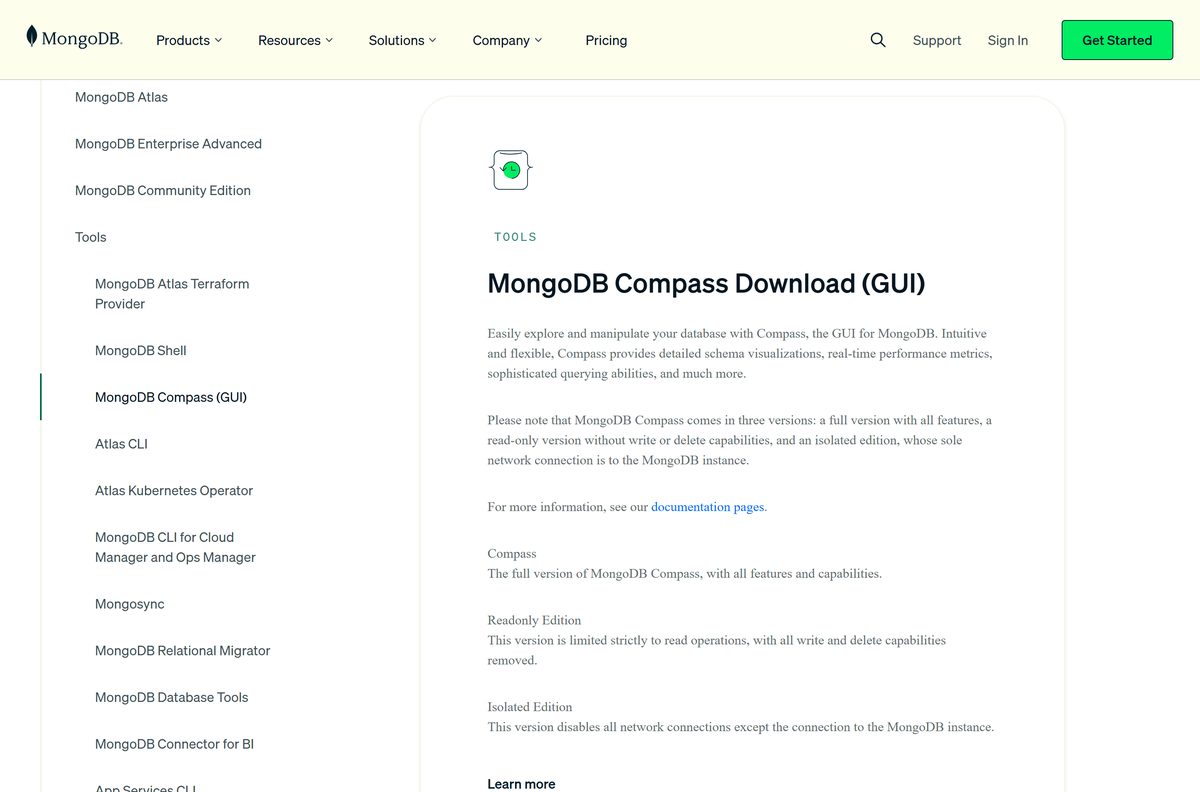
The official download page lets you choose the version, platform and package from menus. Select Windows 64-bit (10+), macOS arm64 (Apple silicon), macOS x64 (Intel) or a Linux platform, then click Download.
- MongoDB Compass download page — Stable, Isolated and Readonly editions, plus beta builds
- Download and install Compass (MongoDB docs) — requirements and steps for Windows, macOS and Linux
- MongoDB Compass release notes — new features and fixes in each release
- MongoDB Community Server download guide — the database server itself, if you need a local one
Compass is only the client. It connects to a MongoDB 7.0 or later server, which can be a local install or a hosted Atlas cluster.
How to install MongoDB Compass on Windows 11 and 10
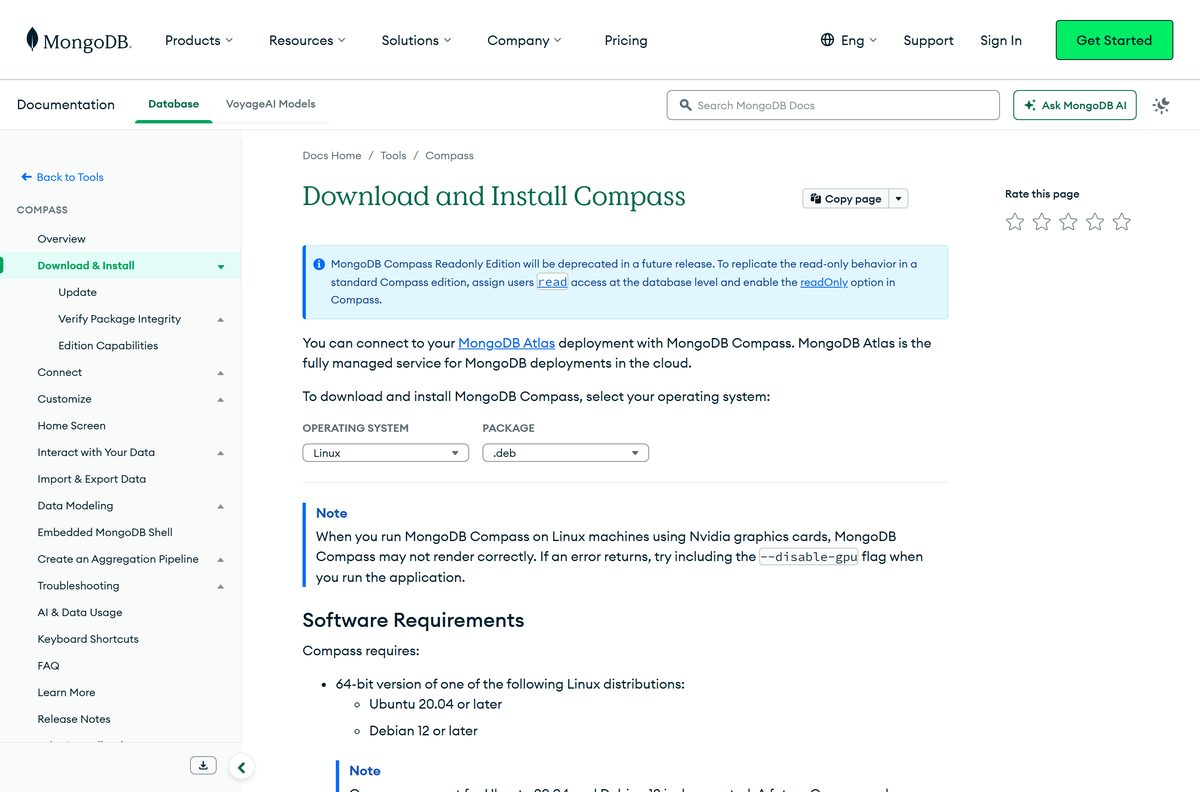
- Open the Compass download page.
- Select Windows 64-bit (10+) in the Platform menu and click Download.
- Double-click the downloaded .exe file in your Downloads folder.
- Install .NET Framework 4.5 or later if setup asks for it.
- Follow the prompts and choose the destination folder for Compass.
- Wait for Compass to launch when setup finishes.
- Set your privacy and update preferences on the first-run screen.
- Paste a connection string, such as mongodb://localhost:27017 , and click Connect.
Run setup as an administrator when you install silently from PowerShell or on Azure Virtual Desktop.
Install MongoDB Compass with winget
Compass is not in the Microsoft Store, but the Windows Package Manager carries it under the ID MongoDB.Compass.Full . The command fetches the official package from MongoDB.
- Right-click Start and select Terminal.
- Run winget install MongoDB.Compass.Full .
- Type Y if winget asks you to accept the source agreements.
- Open MongoDB Compass from the Start menu when the install completes.
Run winget upgrade MongoDB.Compass.Full later to move to a newer release.
Run MongoDB Compass from the zip file without installing it
- Download the Windows zip archive (207.5 MB) from mongodb.com.
- Right-click the zip file and select Extract All.
- Pick a folder you can write to, such as one on a USB drive.
- Open the extracted folder and double-click the MongoDB Compass application.
- Connect to your server as usual.
The zip version does not add a Start menu entry. Delete the folder to remove it.
How to verify the MongoDB Compass installer on Windows
MongoDB signs the Windows .exe and .msi packages. Check the signature before you run a copy that did not come straight from mongodb.com.
- Open PowerShell in the folder that holds the installer.
- Run Get-AuthenticodeSignature -FilePath .\mongodb-compass-1.50.0-win32-x64.exe .
- Confirm the Status column reads Valid.
- Or right-click the file, select Properties and open the Digital Signatures tab.
- Confirm the signer is MONGODB, INC. with the sha256 digest algorithm.
Any status other than Valid, such as NotSigned or HashMismatch, means the file is not a genuine signed package. Delete it and download again from the official page.
Which MongoDB Compass download do you need for your Mac?
Open the Apple menu and select About This Mac. The Chip or Processor line tells you which file to take.
| Your Mac says | Download | Size |
|---|---|---|
| Apple M1, M2, M3 or M4 | Compass for Apple silicon (arm64 dmg) | 167.2 MB |
| Intel Core i5, i7 or i9 | Compass for Intel Macs (x64 dmg) | 172.6 MB |
Double-click the .dmg, drag MongoDB Compass into Applications, eject the disk image and start Compass from Applications. Click Open when macOS warns that the app came from the internet.
Compass needs macOS 14 or later. On an older Mac, update macOS first.
Is MongoDB Compass free?
Yes. MongoDB Compass is a free download from mongodb.com, with no trial period, no licence key and no account needed. Every edition on the download page, including Isolated and Readonly, costs nothing. The intelligent assistant that debugs connection errors needs a MongoDB Atlas account linked through Atlas App Connections.
Any site asking you to pay for a Compass download or a Compass licence key is reselling a free file. Get it from mongodb.com or winget instead.
Which Compass edition should you install?
The download page offers three editions of the same release. They differ in network access and write support.
Install the standard Compass edition. Pick Compass Isolated only when your network allows no outbound traffic except to the database. Isolated Edition connects only to the server you choose, so it skips automatic updates, error reporting, AI features and map lookups. Readonly Edition hides write actions and is due to be deprecated; MongoDB recommends a user with the read role instead.
Beta builds sit in the same version menu. Stay on the Stable entry for daily work.
How to check your MongoDB Compass version and update it
- Open Compass and click the top-level MongoDB Compass menu.
- Select About MongoDB Compass to see the version and edition.
- Click Check for updates in the same menu to fetch the newest release.
- Restart Compass when the notification asks, so the update applies.
- To update automatically, open Settings, select Privacy and turn on automatic updates.
You do not need to uninstall an old version before installing a newer one over it. Isolated Edition has no automatic updates, so download each new release by hand.
Check the MongoDB Compass system requirements before you download
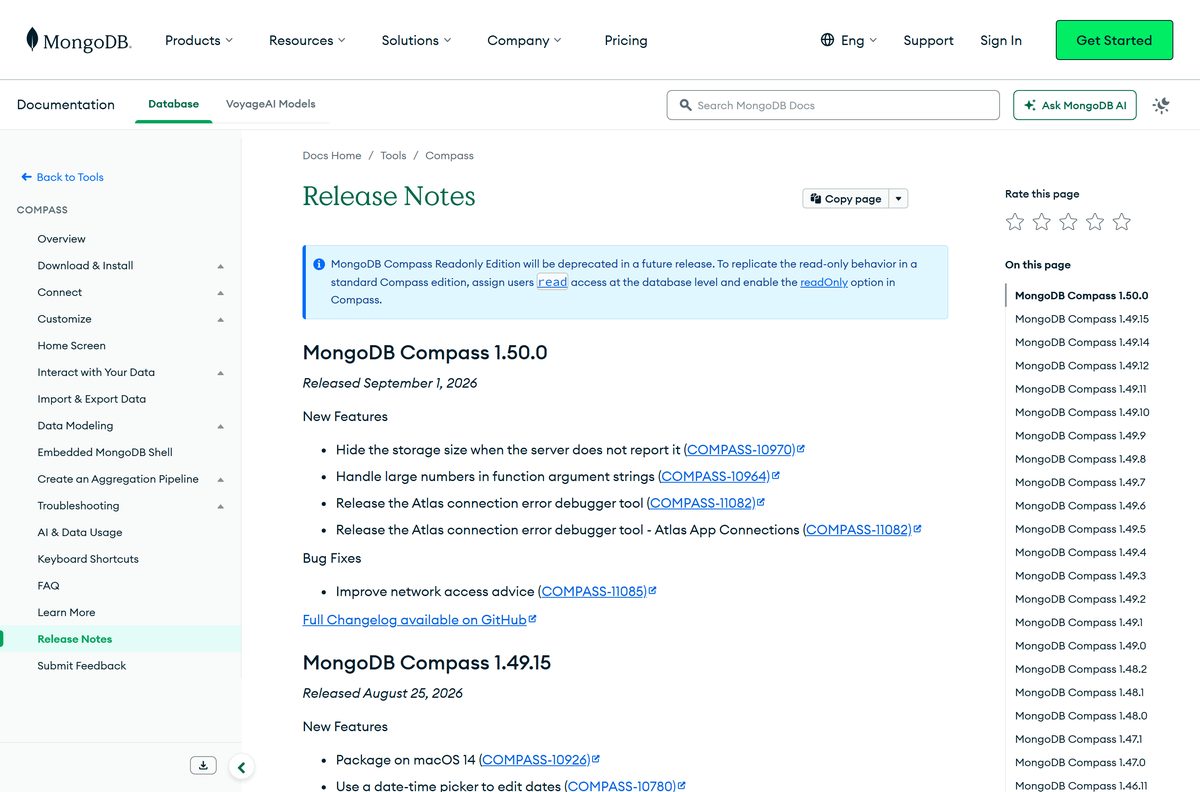
These requirements cover the current Compass release.
| Field | Value |
|---|---|
| Software | MongoDB Compass |
| Developer | MongoDB, Inc. |
| Latest version | 1.50.0 (Stable), released September 1, 2026 |
| Price | Free |
| Windows | 64-bit Windows 10 or later; Windows Server 2019, 2022 and 2025 |
| Windows extra | .NET Framework 4.5 or later |
| macOS | macOS 14 or later, Intel and Apple silicon |
| Linux | Ubuntu 20.04+, Debian 12+, RHEL 8+, SLES 15+ (64-bit) |
| Architecture | 64-bit only: x64 on Windows and Linux; x64 and ARM64 on Mac |
| Server it connects to | MongoDB 7.0 or later, local or Atlas |
| Download size | 179.5 MB (Windows exe); 167.2 to 172.6 MB (Mac dmg) |
| Offline installer | Yes: exe, msi, zip, dmg, deb and rpm |
| Official source | mongodb.com Download Center |
| Last verified | 2026-09-24 |
Support for Windows 10, Windows Server 2019, RHEL 8, Ubuntu 20.04 and Debian 12 is deprecated. A future release will drop them, so plan a move to Windows 11 or a newer distribution.
Fix MongoDB Compass not installing or not connecting
Setup stops and asks for .NET Framework
Compass on Windows needs .NET Framework 4.5 or later.
- Let the installer download .NET when it prompts you.
- Restart the PC if Windows asks.
- Run the Compass installer again.
A silent or VDI install fails
Silent installs from PowerShell and installs on Azure Virtual Desktop need administrator rights.
- Right-click Terminal and select Run as administrator.
- Run the installer again from that window.
macOS will not open Compass
Gatekeeper blocks apps downloaded from the internet until you confirm them.
- Click Open on the warning the first time you start Compass.
- If macOS still blocks it, open System Settings, select Privacy & Security and allow Compass.
- Enter your Mac password if prompted.
Compass cannot connect to a local server
The mongod process is not running, the port is wrong, or a firewall blocks it.
- Start your local MongoDB server and confirm it listens on port 27017.
- Check the net.bindIp setting in the server configuration file.
- Match the host and port in the connection string to the server.
- Allow the port through your firewall.
Connection to an Atlas cluster closes straight away
Your public IP address is missing from the Atlas IP access list.
- Open your Atlas project and click the Security tab.
- Click IP Access List, then Add IP Address.
- Click Add Current IP Address, then Confirm.
Insert Document and Create Collection are greyed out
You are on a secondary replica set member or using Readonly Edition.
- Set Read Preference to Primary in the connection dialog.
- Open About MongoDB Compass to check your edition.
- Install the standard edition if it says Readonly.
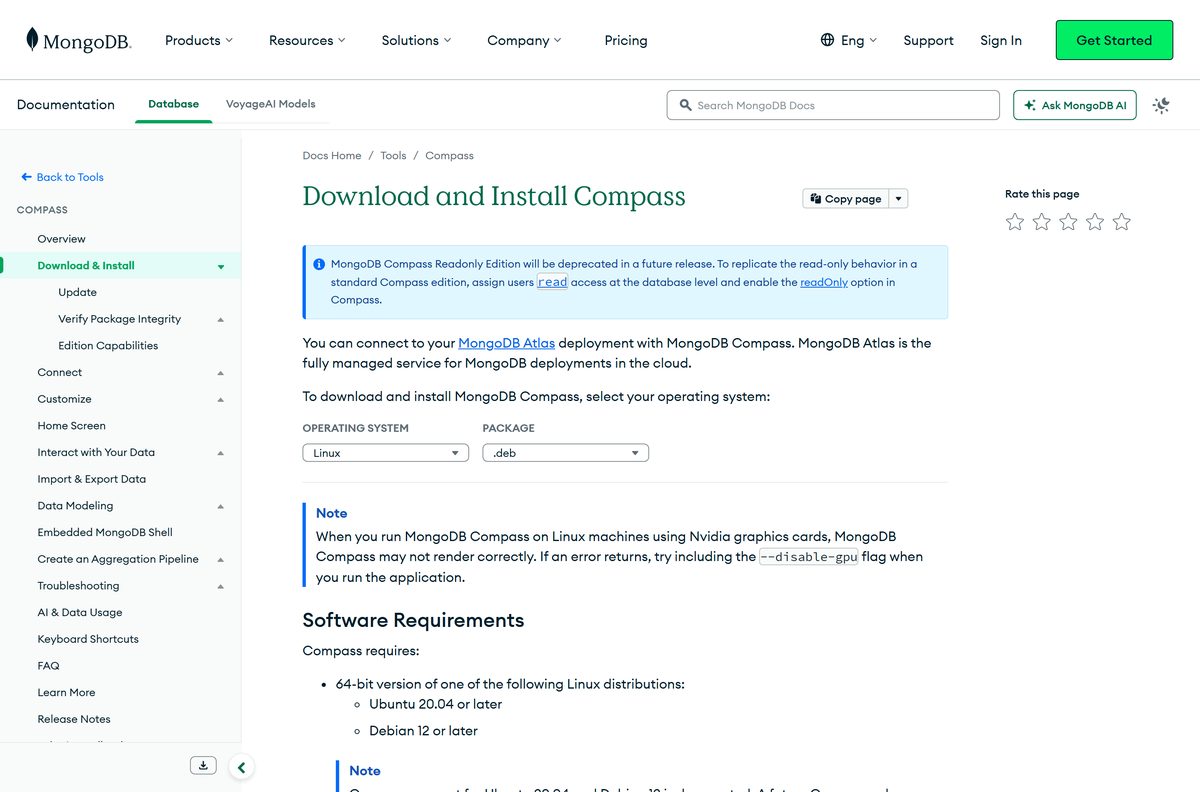
Compass draws a blank or broken window on Linux
Some Nvidia graphics drivers do not render Compass correctly.
- Start Compass from a terminal with mongodb-compass –disable-gpu .
How to uninstall MongoDB Compass
- On Windows, open Settings, select Apps, then Installed apps.
- Find MongoDB Compass, click the three-dot menu and select Uninstall.
- Confirm, then delete the log folder at %UserProfile%\AppData\Local\mongodb\compass if you want no traces.
- On a Mac, quit Compass and drag it from Applications to the Trash.
- Delete ~/.mongodb/compass on a Mac to remove its logs.
- On Ubuntu or Debian, run sudo apt remove mongodb-compass .
Uninstalling Compass does not touch your databases. They live on the MongoDB server, not in the client.
Which MongoDB tool should you use instead of Compass?
Compass is the graphical option. MongoDB ships other tools for other jobs.
| Tool | Best for | Where to get it |
|---|---|---|
| MongoDB Shell (mongosh) | Scripts and quick commands in a terminal | mongosh download page |
| MongoDB Community Server | Running the database on your own PC | Community Server download guide |
| MongoDB Atlas | A hosted database with a free tier, no server to install | MongoDB Atlas |
Use Compass with a local server or Atlas. The embedded shell inside Compass covers quick commands, so most people need mongosh only for scripting.
Frequently asked questions
Is MongoDB Compass free?
Yes. MongoDB Compass is a free download from mongodb.com for Windows, Mac and Linux. There is no trial, licence key or account needed to install it, and the Isolated and Readonly editions are free as well.
Where is the official MongoDB Compass download page?
The official page is mongodb.com/try/download/compass. It lists the Stable, Isolated and Readonly editions plus beta builds, and serves the files from downloads.mongodb.com. On Windows you can also install it with winget install MongoDB.Compass.Full.
Does MongoDB Compass work on Windows 11?
Yes. The download page lists Compass for Windows 64-bit 10 and later, which covers Windows 11. Use the exe for a normal install, the msi for managed deployment or the zip to run it without installing.
Does MongoDB Compass still support Windows 10?
Yes, for now. Compass runs on 64-bit Windows 10, but MongoDB marks Windows 10 and Windows Server 2019 support as deprecated. A future Compass release will remove it, so plan a move to Windows 11.
How big is the MongoDB Compass download?
The Windows exe is 179.5 MB, the msi is 185.4 MB and the zip is 207.5 MB. The Mac disk images are 167.2 MB for Apple silicon and 172.6 MB for Intel, and the Linux deb is 123.5 MB.
Is there an offline installer for MongoDB Compass?
Yes. Every package on the download page is a full offline installer: exe, msi and zip for Windows, dmg for Mac, and deb or rpm for Linux. Copy the file to a machine without internet access and install it there.
Is MongoDB Compass available for Mac?
Yes. MongoDB ships separate dmg files for Apple silicon Macs and Intel Macs, and Compass needs macOS 14 or later. Open the dmg, drag MongoDB Compass into Applications, then start it from there.
Does MongoDB Compass support 64-bit, 32-bit or ARM64?
Compass is 64-bit only. Windows and Linux builds are x64, and the Mac comes in x64 and ARM64 versions for Intel and Apple silicon. There is no 32-bit build and no Windows on ARM build.
Is MongoDB Compass safe to download?
Yes, when it comes from mongodb.com or winget. MongoDB signs the Windows exe and msi, so a Digital Signatures tab showing MONGODB, INC. confirms the file is genuine. Avoid copies on download portals.
What is the latest version of MongoDB Compass?
The latest stable release is MongoDB Compass 1.50.0, released on September 1, 2026. Compass checks for updates on its own, or you can click Check for updates in the MongoDB Compass menu.
Why won’t MongoDB Compass install?
On Windows, the usual causes are a missing .NET Framework 4.5 or a silent install run without administrator rights. On a Mac, Gatekeeper blocks the first launch until you click Open or allow Compass in Privacy and Security.
Do I need MongoDB server installed to use Compass?
No. Compass is only the client, so it can connect to a hosted Atlas cluster instead. It needs a server running MongoDB 7.0 or later, either on your own machine or elsewhere on the network.