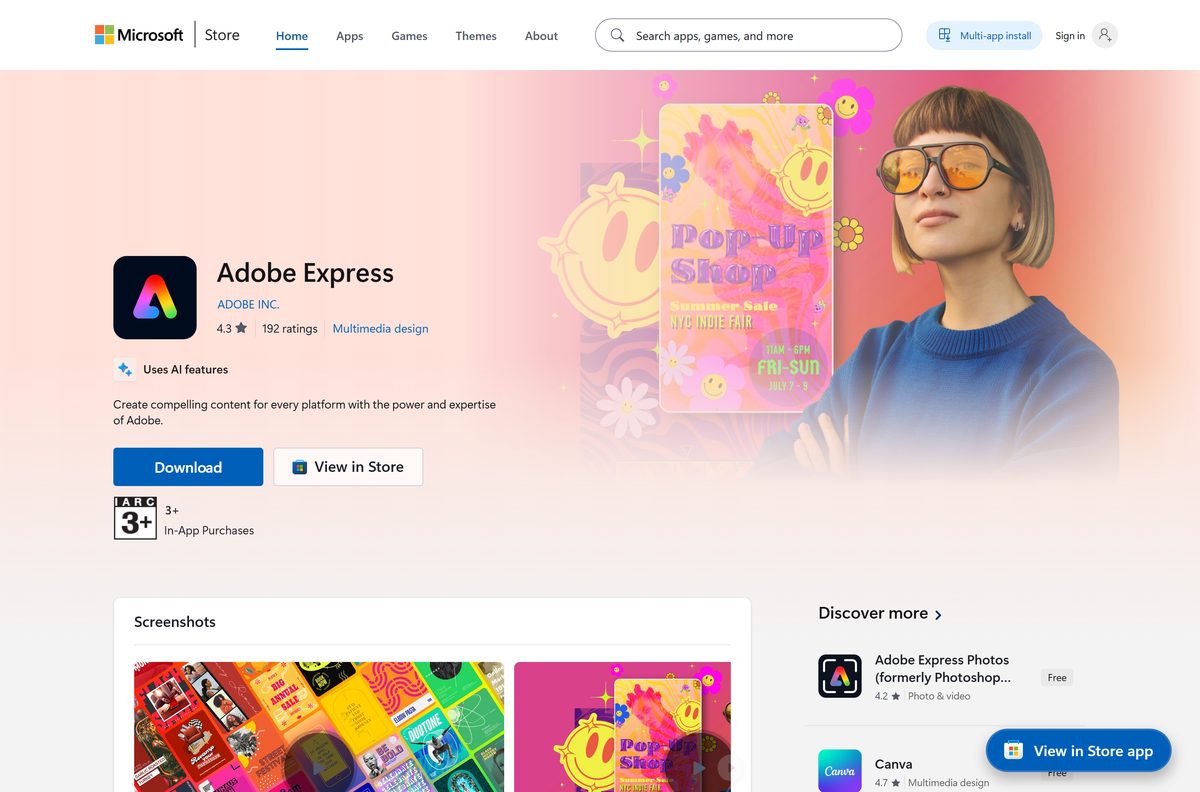
The Adobe Express download for Windows 11 and Windows 10 is a free Microsoft Store app, and it installs in under a minute. On a Mac, you install the same editor as a desktop app straight from Chrome or Edge.
Your designs, templates and brand kits sync to your Adobe account, so the PC, the Mac and the phone apps all open the same projects.
Below: which route fits your device, the official links, install steps for Windows and Mac, the winget command, what the Free plan and Premium include, and fixes when the install stalls.
Which Adobe Express download do you need?
Match your device to a row. Every link goes to adobe.com or to an official app store.
| Your device | What to open | Note |
|---|---|---|
| Windows 11 or Windows 10 PC | Adobe Express on the Microsoft Store | Free, one package for every processor |
| Windows PC you set up from a script | Same listing, installed by winget | Use the msstore source and product ID 9P94LH3Q1CP5 |
| Mac, Intel or Apple silicon | Adobe Express web app, installed from Chrome or Edge | Needs macOS 11 or later |
| Chromebook or a PC without Store access | Adobe Express web app | Runs in the browser, install optional |
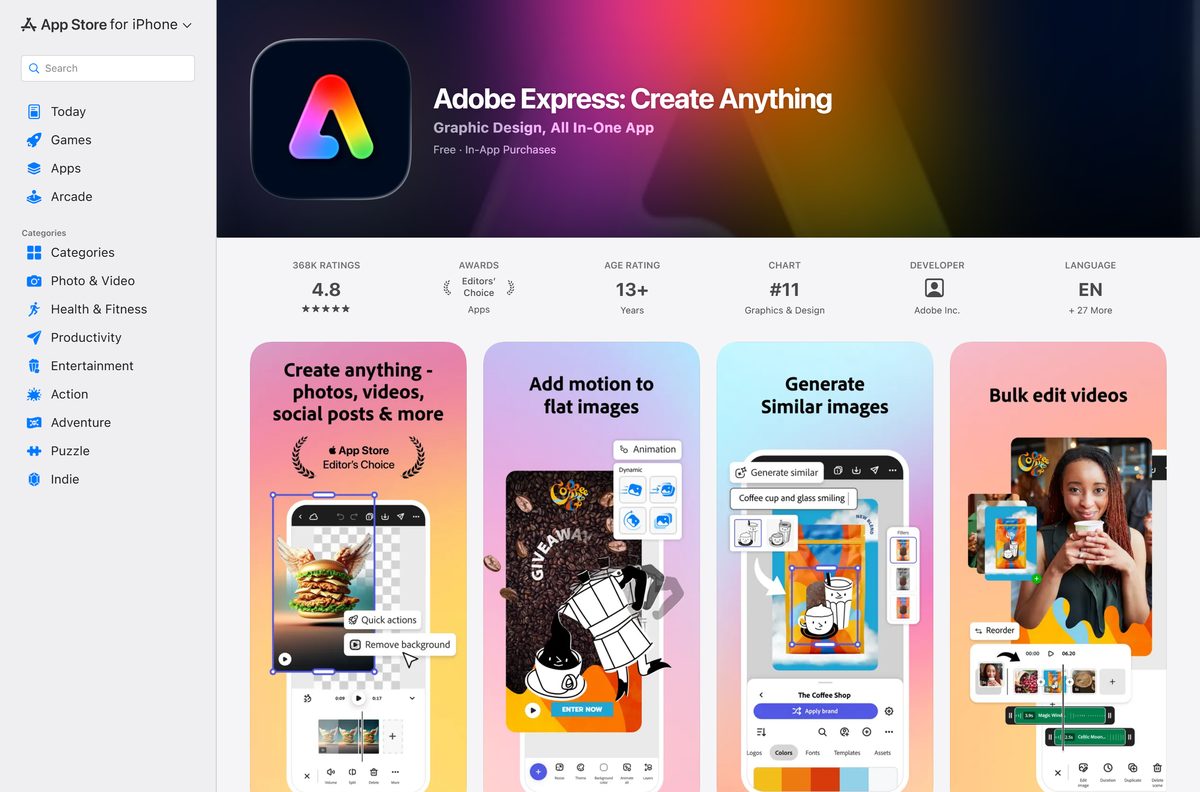
| iPhone or iPad | Adobe Express on the App Store | Needs iOS 18.0 or iPadOS 18.0 or later |
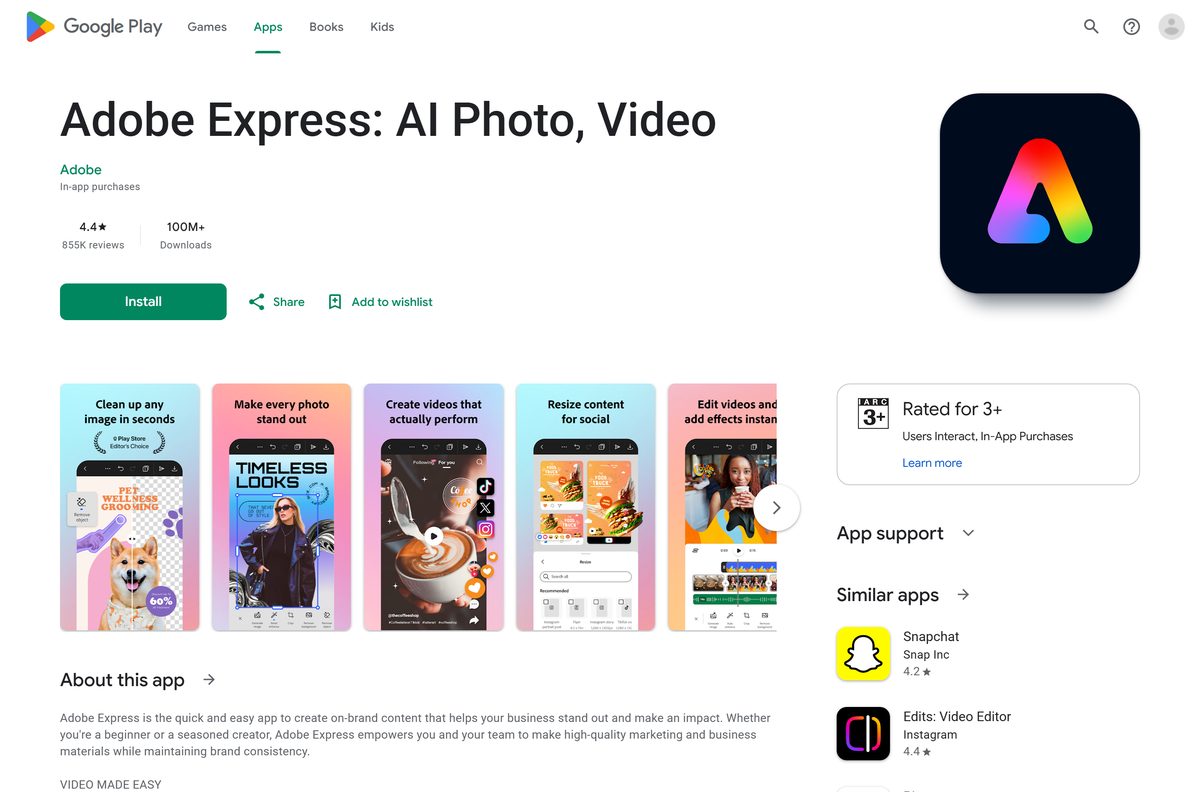
| Android phone or tablet | Adobe Express on Google Play | Package com.adobe.spark.post |
Press Windows + R, type winver and select OK to read your build number. The Store package needs build 19041 or later.
Download Adobe Express for Windows 11 and Windows 10
Adobe ships the Windows app through the Microsoft Store only. The package is a thin shell around the web editor, which is why it is under 1 MB and never needs a large update.
- Adobe Express on the Microsoft Store — 461 KB download, 640 KB installed · publisher ADOBE INC., product ID 9P94LH3Q1CP5
- Adobe Express home page — Adobe’s official product page
- Adobe Express web app — the editor itself, for Mac and Chromebook installs
- Adobe Express on the App Store — 196.7 MB · iPhone and iPad
- Adobe Express on Google Play — Android phones and tablets
A file sold as an Adobe Express setup .exe did not come from Adobe. Microsoft’s own guidance is to get apps from official publisher websites or stores.
Check the Adobe Express system requirements before you install
The browser matters more than the processor. Adobe’s minimum is 4GB of memory with hardware acceleration and WebGL2 turned on.
| Field | Value |
|---|---|
| Software | Adobe Express |
| Developer | Adobe Inc. |
| Latest version | 2.1.1.0 (Microsoft Store package); 30.8.0 on iPhone and iPad (28 August 2026); the editor updates online |
| Licence | Free plan, with Premium at US$9.99 a month or $99.99 a year |
| Supported OS | Windows 10 version 2004 (build 19041) or later and Windows 11; macOS 11 or later and ChromeOS in a browser; iOS 18.0 and iPadOS 18.0 or later |
| Browsers | Chrome 100+, Edge 107+, Safari 17+, Firefox 117+ |
| Memory | 4GB minimum, hardware acceleration and WebGL2 on |
| Architecture | Architecture-neutral Store package; the web app runs on Intel and Apple silicon Macs |
| Download size | 461 KB (Windows), 196.7 MB (iPhone and iPad) |
| Offline installer | No, and the editor needs an internet connection |
| Store rating | 3.9 out of 5 from 3,527 ratings |
| Official download source | Microsoft Store, adobe.com/express, App Store, Google Play |
| Last verified | 2026-09-24 |
How to install Adobe Express on Windows 11 and 10
- Open the Adobe Express listing on the Microsoft Store.
- Confirm the listing reads Adobe Express from ADOBE INC.
- Select Get in Store app, then Open Microsoft Store when the browser asks.
- Select Get, or Install if the account already owns the app.
- Wait a few seconds for the install to finish, then select Open.
- Sign in with your Adobe account, or create a free one on the first screen.
- Pick a template or start a blank design.
- Right-click the taskbar icon and select Pin to taskbar to keep it there.
The Store copy opens in its own window with no address bar. It still loads the editor from Adobe’s servers, so it needs a connection.
Install Adobe Express with winget instead of clicking through the Store
winget reaches the same Store package, which suits a setup script or a fresh PC. The msstore source matches the app by product ID.
- Right-click Start and select Terminal.
- Run winget show –id 9P94LH3Q1CP5 –source msstore and check it reads Adobe Express from ADOBE INC.
- Run winget install –id 9P94LH3Q1CP5 –source msstore to install it.
- Type Y to accept the Microsoft Store source agreement if the terminal asks.
- Wait for Successfully installed to appear.
- Open Adobe Express from the Start menu and sign in.
The package installs per user, so run the command in each Windows account that needs the app.
Install Adobe Express from Edge or Chrome without the Store
This is the route on a Mac, and on any PC where the Microsoft Store is blocked. The browser saves the editor as an app with its own window, Dock or taskbar icon and Start menu entry.
- Open new.express.adobe.com in Google Chrome or Microsoft Edge.
- Sign in with your Adobe account.
- Select the install icon at the right end of the address bar.
- Select Install in the prompt that appears.
- If no icon shows, open your Account menu inside Adobe Express and select Install Adobe Express.
- Launch it from the Dock or Launchpad on a Mac, or from the Start menu on Windows.
- On a Mac, Control-click the Dock icon and select Options, then Keep in Dock. On Windows, right-click the taskbar icon and select Pin to taskbar.
Safari and Firefox open the editor fine but are not where you install it. Use Chrome or Edge for the app install, and keep the browser current.
Which Adobe Express download do you need for your Mac?
Adobe publishes no native macOS build, and the App Store listing covers iPhone and iPad only. Every Mac installs the web app instead, and the chip makes no difference.
| Your Mac | What to use | Why |
|---|---|---|
| macOS 11 or later with Chrome or Edge | Install the web app | Gives you a Dock icon and its own window |
| macOS 11 or later with Safari 17 or later only | Open Adobe Express in Safari | Safari 17 is supported for editing |
| macOS 10.15 or older | Adobe Express on the App Store, on an iPhone or iPad | The browser app needs macOS 11 |
| You also need Photoshop or Illustrator | Adobe Creative Cloud download guide | Those apps install through Creative Cloud, not Express |
Open the Apple menu and select About This Mac to read your macOS version.
Is Adobe Express free?
Yes. The Free plan costs $0, needs no credit card, and includes 5GB of storage, 100,000+ static and video templates and free daily AI generations.
Premium adds 100GB of storage, 250 generative credits a month, every premium template and 200M+ Adobe Stock assets. Teams and Enterprise plans cover businesses.
Start on the Free plan, then take the 30-day Premium trial only when you hit a premium template or run out of generations. Adobe Express Premium is US$9.99 a month, or $99.99 a year when billed through the App Store. The trial renews automatically, so cancel before day 30 if you do not want to pay. The same subscription unlocks Premium in the web, Windows, iPhone and Android apps.
Cancel through whoever billed you. A subscription bought in the iPhone app is managed in Apple’s settings, not on adobe.com.
How to check your Adobe Express version and update it
New tools arrive on Adobe’s servers, so the editor updates itself each time it loads. The Windows package only changes when Adobe revises the shell.
- Open the Microsoft Store and select Library in the lower left.
- Select Get updates and let the queue run.
- To read the installed build, run Get-AppxPackage CreativeCloudExpress | Select Version in Terminal.
- Close and reopen Adobe Express to load the newest editor.
- On a Mac, update Chrome or Edge from its About page, then reopen the app.
- On iPhone or iPad, open the App Store, select your profile picture and select Update beside Adobe Express.
Fix Adobe Express not installing or loading on Windows 11 or 10
Install failures are Microsoft Store problems. Blank or broken editors are browser engine problems, even inside the Store app.
The Store listing will not open or shows an error code
The Store cache is stale or the account is signed out.
- Press Windows + R, type wsreset.exe and select OK.
- Wait for the blank window to close and the Store to reopen.
- Select your profile picture and confirm you are signed in.
- Open the listing again and select Get.
The Store says the app does not work on your device
Windows is older than build 19041.
- Press Windows + R, type winver and select OK.
- If the build is below 19041, open Settings, select Windows Update and install everything offered.
- Restart, then try the install again.
- If the PC cannot update, install the web app from Edge instead.
The editor opens blank or says the browser is unsupported
Hardware acceleration is off or the browser is out of date.
- In Edge, open Settings, select System and performance and turn on Use graphics acceleration when available.
- In Chrome, open Settings, select System and turn on Use graphics acceleration when available.
- Update the browser from its About page and restart it.
- Reopen Adobe Express.
The install icon never appears in the address bar
You are in a private window or a browser that does not offer app installs.
- Close any InPrivate or Incognito window. Adobe Express does not work in one.
- Open new.express.adobe.com in a normal Chrome or Edge window.
- Sign in, then use Account and Install Adobe Express.
How to uninstall Adobe Express from Windows and Mac
Removing the app does not delete your designs or cancel Premium. Both live in your Adobe account.
- On Windows, open Settings, select Apps, then Installed apps.
- Type Adobe Express in the search box, select the three dots beside it and select Uninstall.
- To remove it from a script, run Get-AppxPackage CreativeCloudExpress | Remove-AppxPackage in Terminal.
- On a Mac, open Adobe Express, select the three-dot menu in its title bar and select Uninstall Adobe Express.
- On iPhone or iPad, press and hold the icon and select Remove App.
- Cancel Premium with whoever billed you, or it keeps renewing.
Which Adobe app should you install instead of Adobe Express?
Pick by the job. Adobe Express is for quick designs, social posts and short videos, not full photo retouching.
| If you need | Install | Why |
|---|---|---|
| Photo edits and screen capture in a native Windows app | Adobe Express Photos | A separate native x64 app, formerly Photoshop Express |
| Photoshop, Illustrator or Premiere Pro | Adobe Creative Cloud download guide | The full apps need Creative Cloud, not Express |
| Designs on the go | Adobe Express on Google Play | Same account and projects as the desktop app |
| Nothing installed at all | Adobe Express web app | Works on any supported browser |
Adobe Express Photos is a 250 MB download for x64 PCs, against 461 KB for Adobe Express, because it is a full native app rather than a shell around the web editor.
Frequently asked questions
Is Adobe Express free to download?
Yes. The Windows app is free on the Microsoft Store, the mobile apps are free on the App Store and Google Play, and the Free plan needs no credit card. Premium is an optional US$9.99 monthly subscription with a 30-day free trial.
Where is the official Adobe Express download for PC?
The Microsoft Store listing at apps.microsoft.com/detail/9p94lh3q1cp5, published by ADOBE INC. Adobe does not publish a standalone .exe, so the Store listing and the web app at new.express.adobe.com are the only official PC routes.
Does Adobe Express work on Windows 11?
Yes. The Store package supports Windows 10 version 2004 (build 19041) and later, which covers every Windows 11 release. It also installs from Edge or Chrome on any supported Windows version.
What is the Adobe Express download size?
The Windows package is 461 KB and takes 640 KB once installed, because it is a thin shell that loads the editor from Adobe’s servers. The iPhone and iPad app is 196.7 MB.
Is there an Adobe Express offline installer?
No. Windows delivery is the Microsoft Store package only, and the editor itself runs online. Any file sold as an Adobe Express offline installer or setup .exe did not come from Adobe.
Can I download Adobe Express on a Mac?
Yes, as a web app. Open new.express.adobe.com in Chrome or Edge on macOS 11 or later, sign in, and select the install icon in the address bar. The App Store version is for iPhone and iPad only.
Does Adobe Express support 64-bit and ARM64 PCs?
Yes. The Microsoft Store package is architecture-neutral, so the same listing installs on x64 PCs and Arm-based Windows laptops. On a Mac, the web app runs on both Intel and Apple silicon.
Is Adobe Express safe to install?
Yes, from the official sources. The Store package is signed and published by ADOBE INC., and the web app runs from adobe.com. Avoid download portals that offer a repackaged Adobe Express installer.
What is the latest version of Adobe Express?
The Windows Store package is version 2.1.1.0, and the iPhone and iPad app is 30.8.0 from 28 August 2026. Editor features update online, so every copy loads the current tools when it opens.
Why won’t Adobe Express install on my PC?
Usually the Microsoft Store cache is stale or Windows is older than build 19041. Run wsreset.exe, install pending Windows updates, and retry. If the Store is blocked, install the web app from Edge instead.
Is Adobe Express the same as Adobe Express Photos?
No. Adobe Express Photos, formerly Photoshop Express, is a separate native Windows photo editor and screenshot app on the Microsoft Store. Adobe Express is the design, video and social post editor.