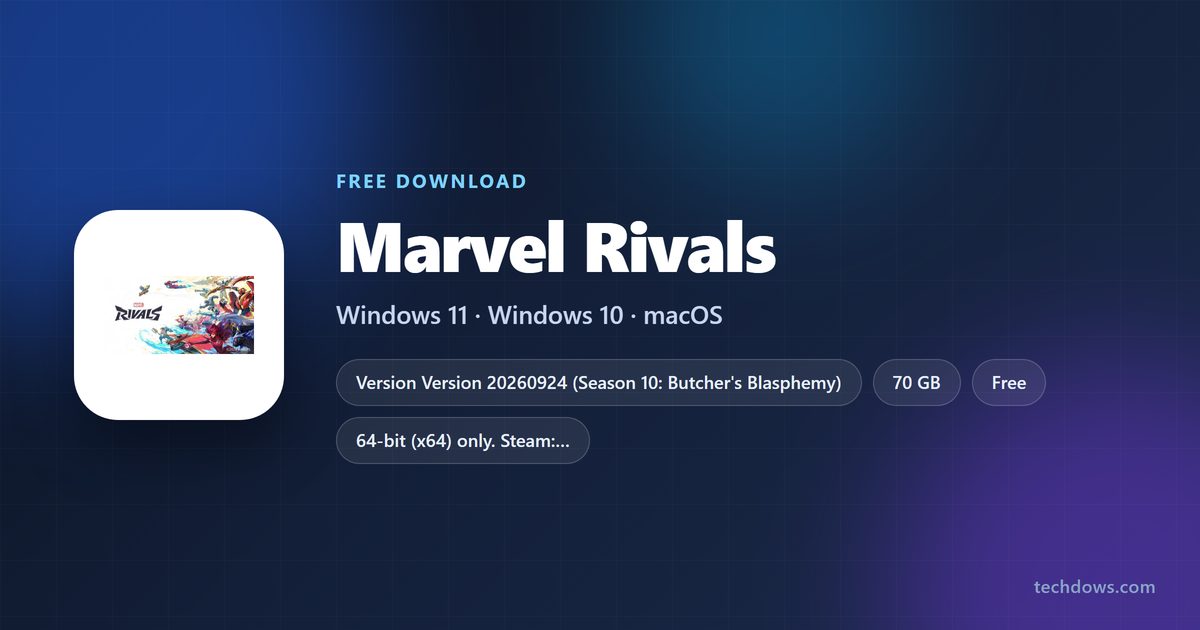
The Marvel Rivals download for PC is free on Windows 11 and Windows 10 through Steam or the Epic Games Store. Add the game to your library, let the launcher pull about 70 GB, and the full 6v6 hero shooter is ready to play at no cost.
NetEase Games develops and publishes Marvel Rivals. The same free game runs on PlayStation 5, PlayStation 4 and Xbox Series X|S, with cross-platform multiplayer.
This guide covers which store to use, the official links, install steps, PC requirements, Mac options and fixes for failed installs.
Which Marvel Rivals download do you need?
Every platform gets the game from its own store. Match your device to a row and use that link.
| Your device | Where to get it | Space it needs | |
|---|---|---|---|
| Windows 11 or Windows 10 PC, 64-bit, with Steam or no launcher yet | Marvel Rivals on Steam | 70 GB, SSD recommended | |
| Windows PC that already runs the Epic Games Launcher | Marvel Rivals on the Epic Games Store | 70 GB, SSD recommended | |
| PlayStation 5 or PlayStation 4 | Marvel Rivals on PlayStation Store | Shown on the console | |
| Xbox Series X | S | Marvel Rivals on Xbox | Shown on the console |
| Mac | Steam platform list (Windows only) | No macOS build |
The 70 GB figure is the storage Steam lists for Windows. The launcher downloads the game itself, so there is no standalone installer to save.

Download Marvel Rivals from the official stores
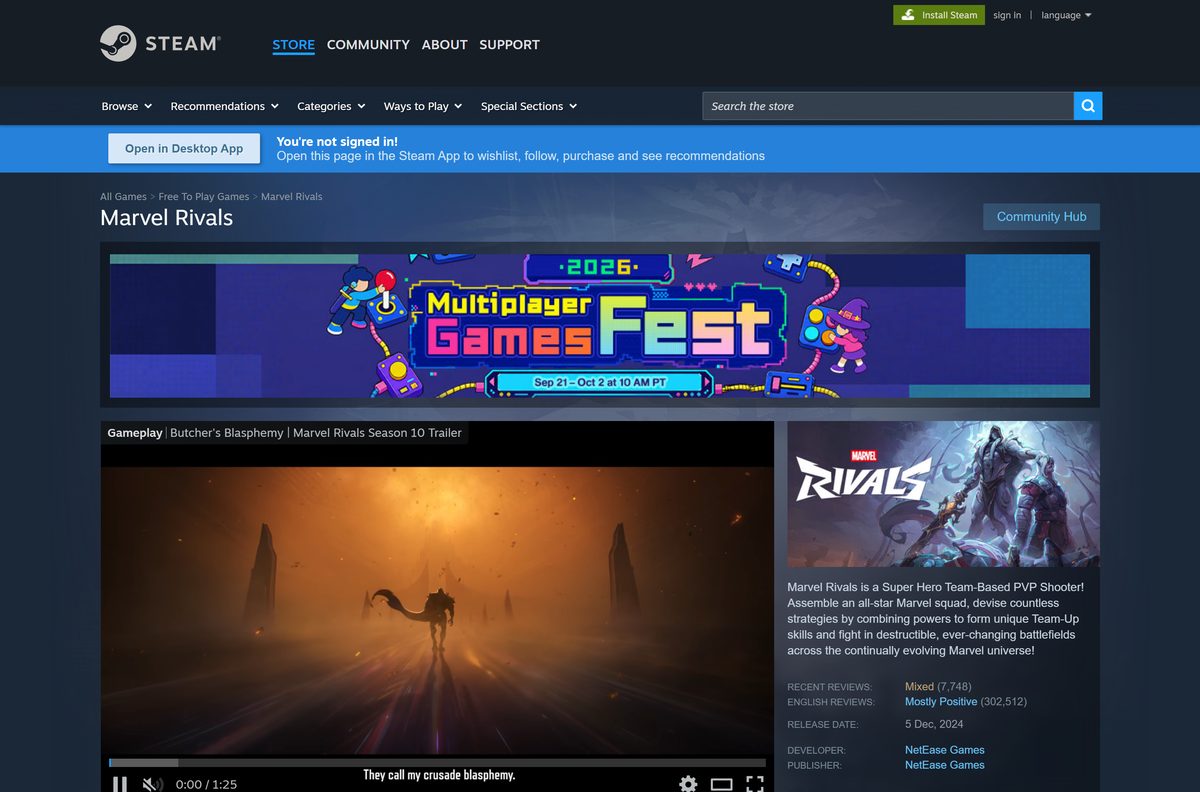
The DOWNLOAD menu on marvelrivals.com links to each store below. NetEase Games appears as developer and publisher on the Steam listing.
- Marvel Rivals official site — Download menu, patch notes and season news
- Marvel Rivals on Steam — Windows only, free-to-play with in-app purchases
- Marvel Rivals on the Epic Games Store — Linked from marvelrivals.com, free
- Marvel Rivals on PlayStation Store — PlayStation 5 and PlayStation 4
- Marvel Rivals on Xbox — Xbox Series X|S
Steam notes that the game uses anti-cheat software and requires agreement to a third-party EULA from NetEase. Accept it on first launch to reach the main menu.
How to install Marvel Rivals on Windows 11 and 10 with Steam
Steam is the simplest route if you have no game launcher yet. Install the Steam client first, then follow these steps.
- Install the Steam client if it is not already on your PC.
- Open Steam and sign in to your Steam account.
- Open the Marvel Rivals Steam page or search for Marvel Rivals in the Store.
- Select Play Game next to the Free To Play label.
- Pick a drive with at least 70 GB free, ideally an SSD, and select Install.
- Wait for the download to finish in your Library.
- Select Play and accept the Marvel Rivals EULA on first launch.
Steam recommends installing the game on an SSD for a better experience. Pick your fastest drive in the install dialog.
Install Marvel Rivals from the Epic Games Store
Epic installs the same free game. Use it if the Epic Games Launcher is already on your PC.
- Open the Epic Games Launcher and sign in.
- Open the Marvel Rivals Epic listing or search for Marvel Rivals.
- Select Get to add the free game to your library.
- Open your Library, select Marvel Rivals and choose an install location with 70 GB free.
- Launch the game when the download completes and accept the EULA.
Should you get Marvel Rivals on Steam or Epic?
Both PC stores carry the same free game, the same Windows 10 64-bit requirement and the same 70 GB footprint.
Install through the launcher you already use; pick Steam if you have neither. The official site links both stores for Windows, so neither gets a different build. A second launcher only adds another background program and another update queue.
Which way can you play Marvel Rivals on a Mac?
Marvel Rivals has no macOS version. Steam lists Windows as its only platform, and the official download menu offers PlayStation, Windows and Xbox only.
| Your situation | What to do | Link | |
|---|---|---|---|
| Mac, plus a Windows 10 or 11 PC in the house | Install the free game on the PC through Steam or Epic | Marvel Rivals on Steam | |
| Mac, plus a PlayStation 5 or PlayStation 4 | Download the free console version from PlayStation Store | PlayStation Store listing | |
| Mac, plus an Xbox Series X | S | Download the free console version from the Xbox store | Xbox store listing |
| Mac only | There is no native way to play; check the platform list before buying hardware | Official site download menu |
Is Marvel Rivals free to download and play?
The base game costs nothing on PC. Money only changes hands for optional in-game items such as costume bundles.
Yes. Marvel Rivals is free-to-play, and nobody legitimate charges for the base game. Steam lists the game as Free To Play with in-app purchases, and the store pages for Epic, PlayStation and Xbox are linked from the official site. Console online play can require a platform subscription sold by the console maker.
Treat any site selling a Marvel Rivals setup file, a paid full version or a hero unlock tool as a scam.
How to check the Marvel Rivals version and install the latest update
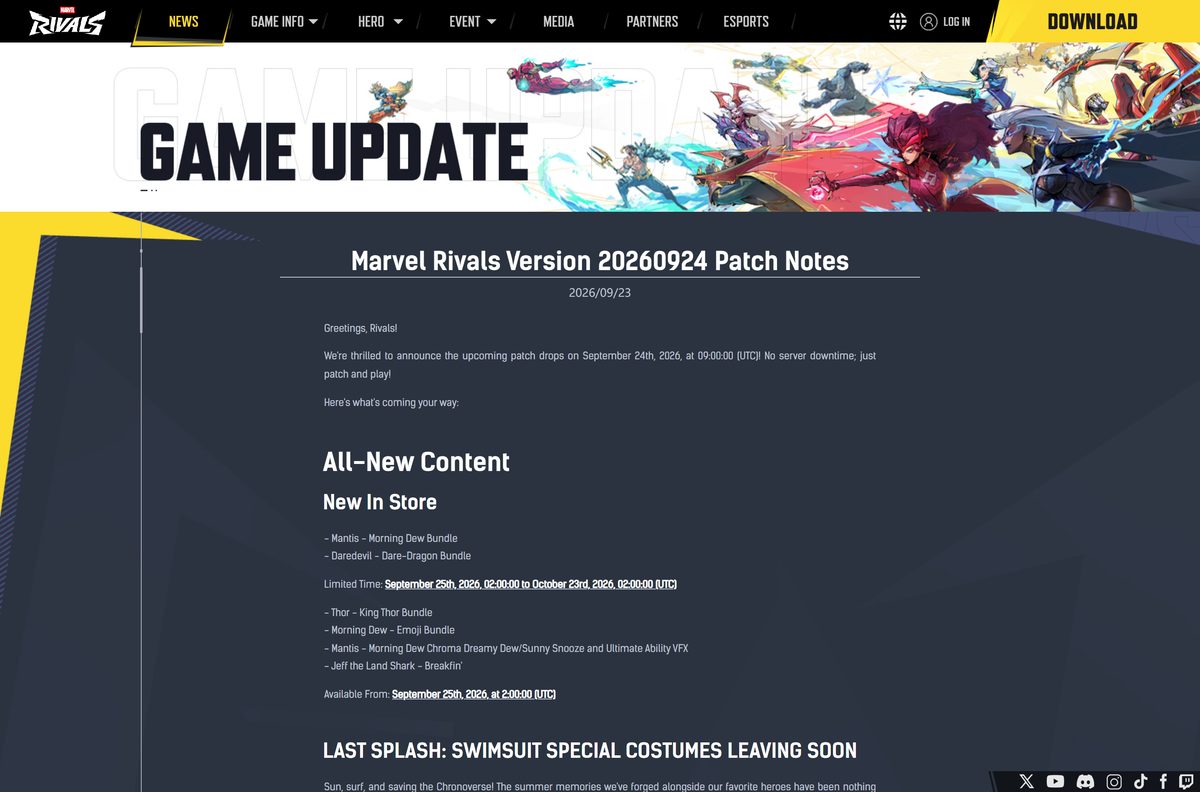
Marvel Rivals is a live-service game in Season 10: Butcher’s Blasphemy. Patches are named by date, and Version 20260924 rolled out on September 24, 2026 without server downtime.
- Open the Marvel Rivals site and read the newest patch notes under NEWS.
- Close Marvel Rivals completely.
- Restart Steam or the Epic Games Launcher so it checks for the new build.
- Open your Library and select Marvel Rivals.
- Let the pending update finish before you select Play.
- Run Verify integrity of game files in Steam if the game still reports it is out of date.
Check the Marvel Rivals PC system requirements before you download
Minimum and recommended specs share the same 16 GB of RAM and 70 GB of storage. The graphics card and processor are what separate them.
| Field | Value |
|---|---|
| Game | Marvel Rivals |
| Developer | NetEase Games |
| Publisher | NetEase Games |
| Latest version | Version 20260924 (Season 10: Butcher’s Blasphemy) |
| Released on Steam | December 5, 2024 |
| Price | Free-to-play, optional in-game purchases |
| Supported OS | Windows 10 64-bit (1909 or newer) or Windows 11; no macOS or Linux version |
| Architecture | 64-bit (x64) only |
| Processor | Intel Core i5-6600K or AMD Ryzen 5 1600X minimum; Intel Core i5-10400 or AMD Ryzen 5 5600X recommended |
| Memory | 16 GB RAM |
| Graphics | NVIDIA GeForce GTX 1060, AMD RX 580 or Intel Arc A380 minimum; NVIDIA GeForce RTX 2060 (Super), AMD RX 5700-XT or Intel Arc A750 recommended |
| DirectX | Version 12 |
| Network | Broadband internet connection |
| Storage | 70 GB available space, SSD recommended |
| Offline installer | No, Steam or Epic downloads the game |
| Official sources | Steam, Epic Games Store |
| Last verified | 2026-09-24 |
To check your own PC, open Settings, select System, then About. The Installed RAM and System type lines show your memory and whether Windows is 64-bit.
How to verify and repair the Marvel Rivals game files
There is no setup file to checksum, because the launcher downloads the game itself. Steam can instead check every installed file and replace damaged ones.
- Restart your computer and launch Steam.
- Right-click Marvel Rivals in your Library, or select the gear icon on its Library page.
- Select Properties from the menu.
- Open the Installed Files tab and select Verify integrity of game files.
- Wait several minutes for the check to finish, then launch the game.
A message that one or more files failed to verify is normal. Those are local configuration files, and Steam leaves them in place on purpose.
Fix Marvel Rivals not downloading, installing or launching on Windows 11 or 10
Find the symptom that matches your screen and follow the fix under it.
The download will not start or stops for lack of space
The game needs 70 GB of available space on the target drive.
- Open File Explorer and select This PC to see the free space on each drive.
- Delete or move files until the target drive has well over 70 GB free.
- In Steam, pick a different drive in the install dialog if another one has more room.
- Restart the download from your Library.
The game refuses to launch on an older Windows 10 build
Steam lists Windows 10 64-bit version 1909 or newer as the minimum.
- Press Windows + R, type winver and press Enter.
- Read the version number in the window that opens.
- If it is older than 1909, open Settings, select Windows Update and install every pending update.
- Restart the PC and launch the game again.
A DirectX or graphics error appears at start-up
The game requires DirectX 12 and at least a GeForce GTX 1060, Radeon RX 580 or Arc A380.
- Press Windows + R, type dxdiag and press Enter.
- Check the DirectX Version line on the System tab.
- Open the Display tab and compare the card name with the minimum requirements.
- Install the latest driver from NVIDIA, AMD or Intel, then restart the PC.
The game crashes or shows missing textures
One or more installed files are damaged or incomplete.
- Close the game and restart your computer.
- Run Verify integrity of game files from the game’s Properties in Steam.
- Avoid running a virus scan or disk defragmentation while the check runs.
- Launch the game again once Steam finishes.
How to uninstall Marvel Rivals on PC
Uninstalling frees the 70 GB of game files. Use the launcher you installed from.
- Open Steam and go to your Library.
- Right-click Marvel Rivals.
- Select Manage, then Uninstall.
- Confirm with Uninstall in the dialog.
- For the Epic version, open your Library in the Epic Games Launcher, select the three dots on the game tile and choose Uninstall.
- Reinstall from the same store at any time; the game stays in your library for free.
Frequently asked questions
Is Marvel Rivals free to download on PC?
Yes. Marvel Rivals is free-to-play on Windows through Steam and the Epic Games Store. Optional purchases such as costume bundles are extras, not a price for the game itself.
Where is the official Marvel Rivals download for PC?
Start at marvelrivals.com, whose DOWNLOAD menu links to Steam and the Epic Games Store for Windows. NetEase Games develops and publishes the game on the official Steam listing.
Does Marvel Rivals work on Windows 11?
Yes. Steam lists Windows 10 64-bit version 1909 or newer as the minimum, and Windows 11 is a newer 64-bit release. Your graphics card still needs DirectX 12 and at least a GeForce GTX 1060 or Radeon RX 580.
How big is the Marvel Rivals download on PC?
Plan for 70 GB. Steam lists 70 GB of available space for both minimum and recommended specs, and it recommends installing the game on an SSD for shorter load times.
Is there a Marvel Rivals offline installer?
No. Steam or the Epic Games Launcher downloads the game over the internet, and NetEase offers no standalone setup file. A site offering a full offline setup is not an official source.
Can you download Marvel Rivals on a Mac?
No. Steam lists Windows as the only supported computer platform, and the official download menu offers no macOS build. Mac owners can play the free console version on PlayStation or Xbox instead.
Is Marvel Rivals 64-bit only?
Yes. Steam lists Windows 10 64-bit as the minimum operating system. Check System type under Settings, System, About to confirm your PC runs a 64-bit version of Windows.
Is it safe to download Marvel Rivals?
Yes, from the official stores. Steam lists NetEase Games as developer and publisher, and the official site links Steam and Epic directly. Avoid download sites offering a setup file or a paid full version.
What is the latest version of Marvel Rivals?
Marvel Rivals is in Season 10: Butcher’s Blasphemy, and Version 20260924 rolled out on September 24, 2026. Restart your launcher to pull the newest build before you play.
How much RAM does Marvel Rivals need?
Marvel Rivals needs 16 GB of RAM for both the minimum and recommended specs on Steam. Check Installed RAM under Settings, System, About before you download the 70 GB game.
Why won’t Marvel Rivals install on my PC?
The usual causes are less than 70 GB of free space, a Windows 10 build older than 1909, or a graphics card without DirectX 12. Free up space, update Windows and install the latest graphics driver.