The PayPal download is free, and you can have PayPal running as an app on your phone, your Windows 11 or Windows 10 PC and your Mac in a few minutes. Phones get the PayPal app from the App Store or Google Play, and computers install paypal.com as a desktop app straight from Edge, Chrome or Safari.
Both routes use the same account, balance, cards and activity, so you can send money on your phone and review statements on your laptop.
This guide covers the official links, installing PayPal on each device, what the app costs, system requirements, and fixes for sign-in and install problems.
Which PayPal download do you need?
Match your device to the row below. Phones run the native app, and computers run paypal.com in its own app window.
| Your device | Get this | Size and notes |
|---|---|---|
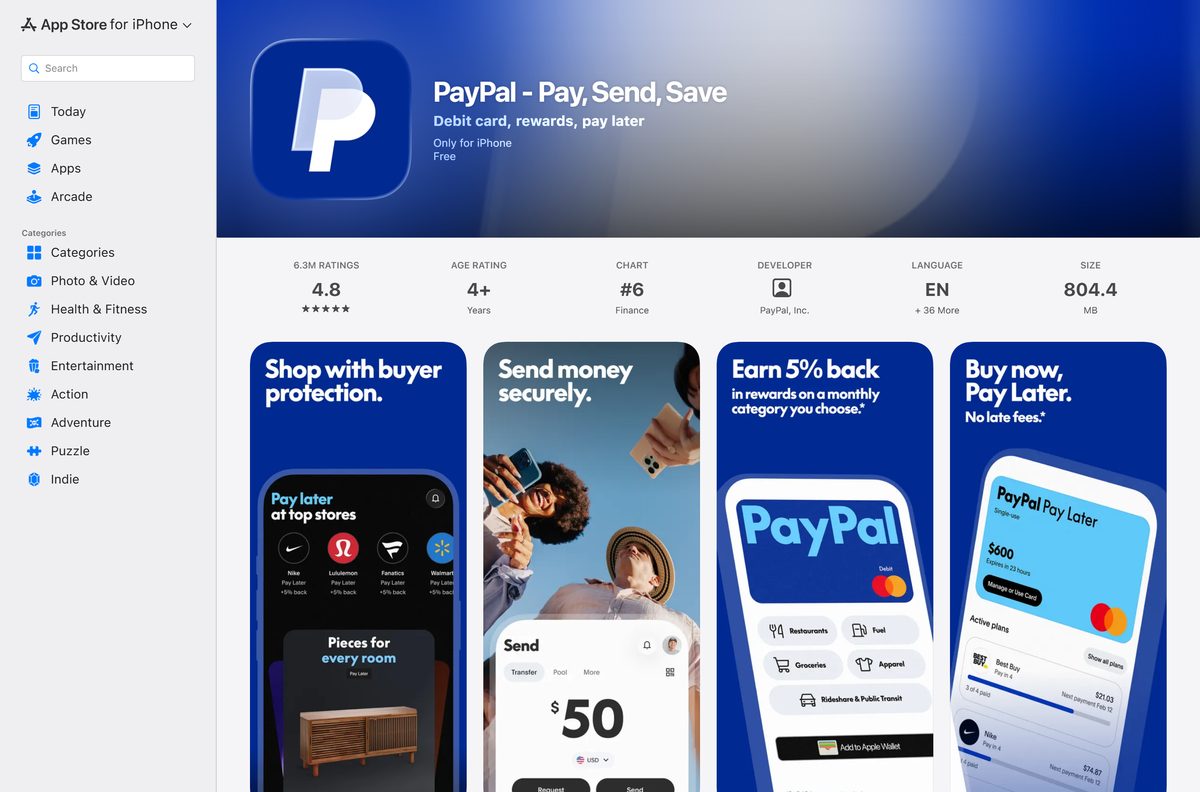
| iPhone with iOS 17.4 or later | PayPal on the App Store | 804.4 MB, version 10.4.0 |
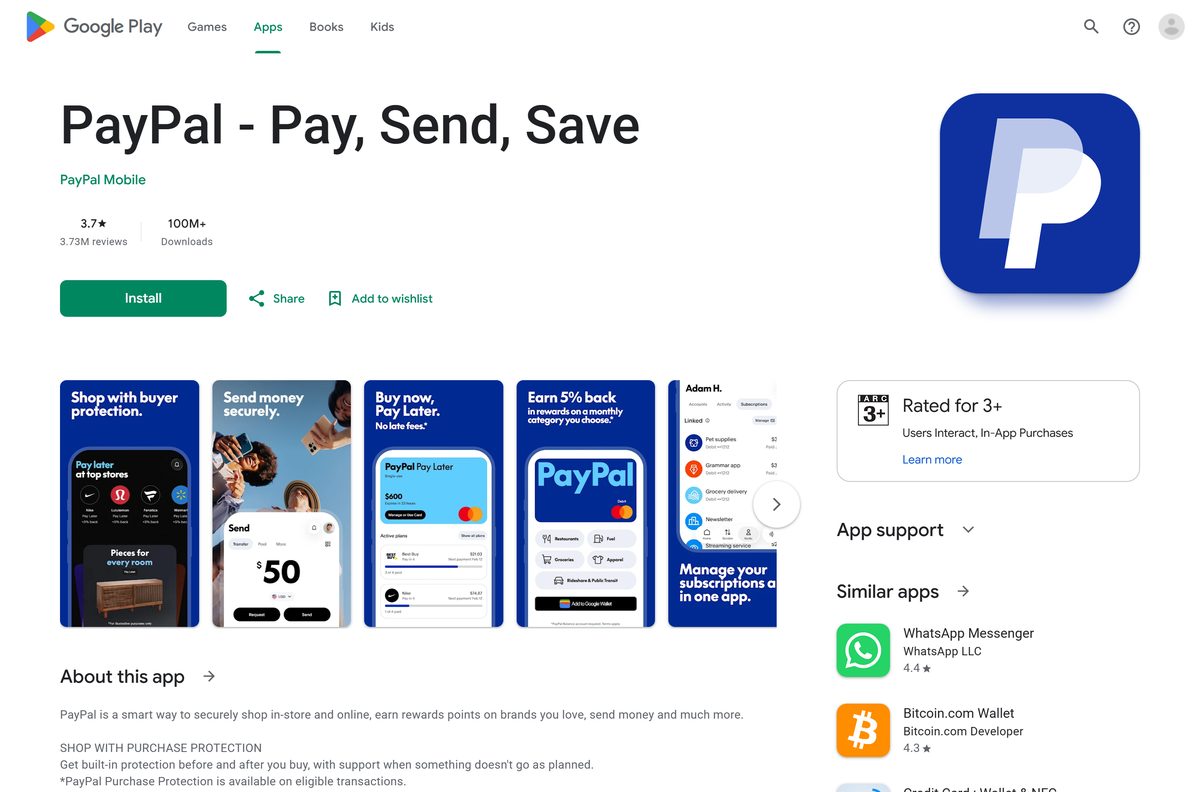
| Android phone | PayPal on Google Play | Listed by PayPal Mobile, 100M+ downloads |
| Windows 11 or Windows 10 PC or laptop | paypal.com sign-in page | Install it as an app from Edge or Chrome; nothing to download |
| Mac, Intel or Apple silicon | paypal.com sign-in page | Add it to the Dock from Safari on macOS Sonoma 14 or later |
| Chromebook or Linux laptop | paypal.com sign-in page | Install it as an app from Chrome |
| iPad | paypal.com sign-in page | The App Store lists the app for iPhone, not iPad |
Download PayPal from the official links
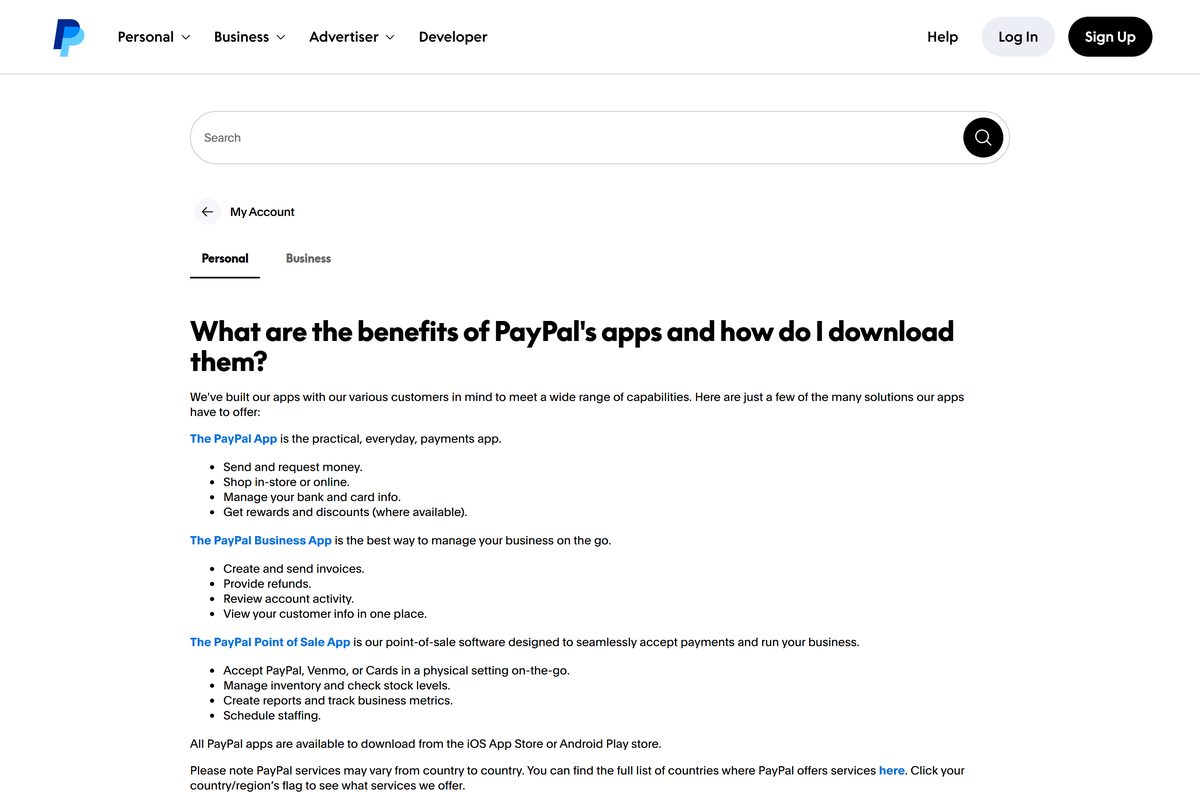
PayPal’s own help center names two download sources for its apps: the App Store and Google Play. On a computer, the official address is paypal.com.
- PayPal – Pay, Send, Save on the App Store — 804.4 MB · iPhone and Apple Vision, sold by PayPal, Inc.
- PayPal – Pay, Send, Save on Google Play — Android, developer listed as PayPal Mobile
- Sign in at paypal.com — the desktop route for Windows, Mac and Chromebook
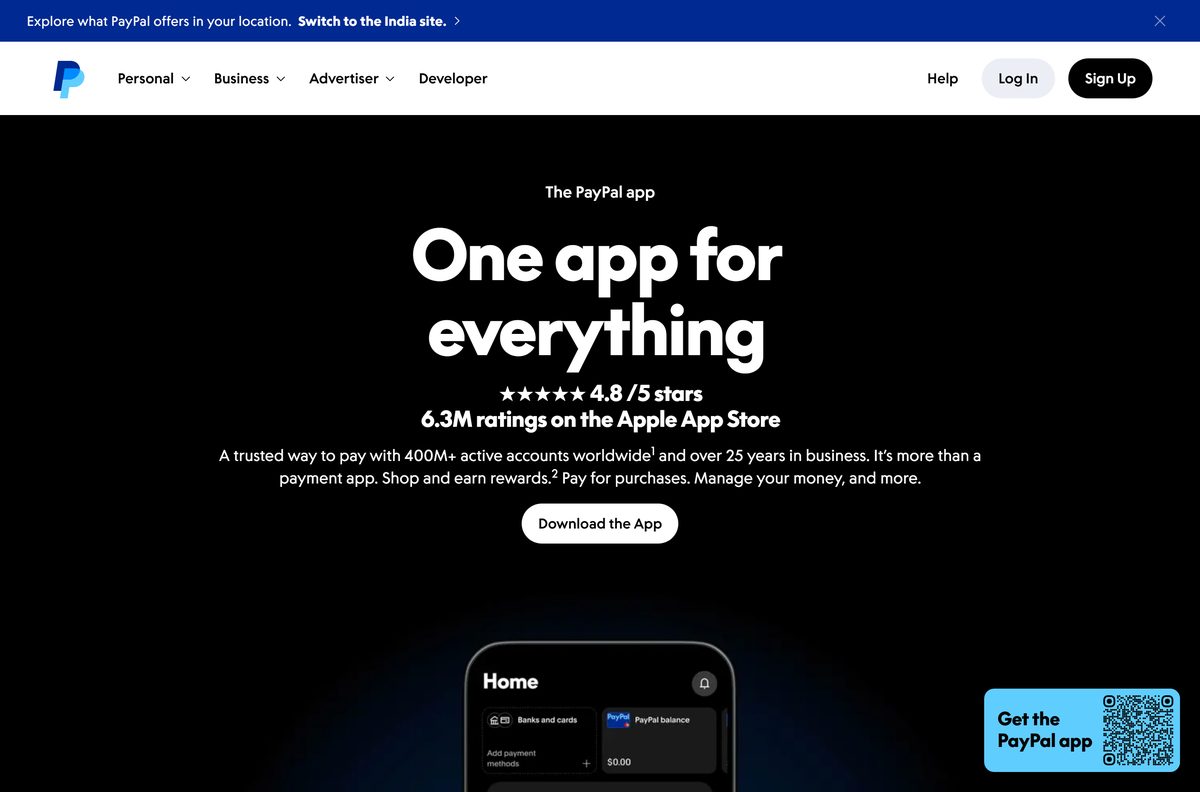
- The PayPal app page on paypal.com — PayPal’s own links to both stores
- How do I download PayPal’s apps? (PayPal Help) — PayPal’s list of official sources
A site that offers a PayPal setup.exe, a PayPal .dmg or a PayPal APK file is not PayPal. Close it and use the links above.
How to install PayPal as an app on Windows 11 and 10
Microsoft Edge ships with Windows 11 and Windows 10, and it can turn paypal.com into an app with its own window, Start menu entry and taskbar icon.
- Open Microsoft Edge and go to paypal.com/us/signin.
- Select Settings and more (the three dots) at the top right.
- Select More tools, then Apps, then Install this site as an app.
- Keep the name PayPal or type a shorter one, then select Install.
- Tick Pin to Start if the dialog offers it, then right-click the new taskbar icon and select Pin to taskbar.
- Enter your email or mobile number, select Next, and finish signing in.
- Approve the sign-in with your passkey or one-time code when PayPal asks.
In Chrome, open the same page, select the three-dot More menu, then Cast, save, and share, then Install page as app.
Install the PayPal app on your iPhone or Android phone
The phone app is built for payments on the move, such as paying in stores and splitting expenses with friends. Install it from the store your phone already uses.
- Open the App Store on an iPhone or Google Play on an Android phone.
- Search for PayPal and pick PayPal – Pay, Send, Save.
- Check the seller reads PayPal, Inc. on the App Store, or the developer reads PayPal Mobile on Google Play.
- Tap Get on iPhone or Install on Android.
- Open the app and sign in with your email or mobile number, or create a free account.
- Turn on Face ID, fingerprint or a passkey when the app offers it, so future sign-ins skip the password.
The iPhone app needs iOS 17.4 or later. The App Store does not list it for iPad, so iPad owners use paypal.com in Safari.
Run PayPal on a PC without installing anything
On a shared, borrowed or work computer, skip the app install and sign in to the website for one session.
- Open a private window with Ctrl + Shift + N in Edge or Chrome, or Command + Shift + N in Safari.
- Type paypal.com in the address bar yourself, or use paypal.com/us/signin, rather than following a link from an email.
- Confirm the address bar shows paypal.com before you enter anything.
- Select Log In, enter your email or mobile number, and finish signing in.
- Send money, pay an invoice or check your activity.
- Select Log Out, then close the private window so no session stays behind.
Which PayPal download do you need for your Mac?
PayPal publishes no macOS app, and the App Store listing names iPhone and Apple Vision only. Safari can still give paypal.com its own Dock icon and window.
| Your Mac | What to use | How to set it up |
|---|---|---|
| macOS Sonoma 14 or later, Safari | paypal.com | Choose File, then Add to Dock, then Add |
| Older macOS, or Chrome as your browser | paypal.com | Chrome menu, Cast, save, and share, Install page as app |
| Mac with Apple silicon | paypal.com | The iPhone app is not offered on the Mac App Store |
| You also carry an iPhone | App Store listing | Keep the phone app for in-store payments and alerts |
Is PayPal free?
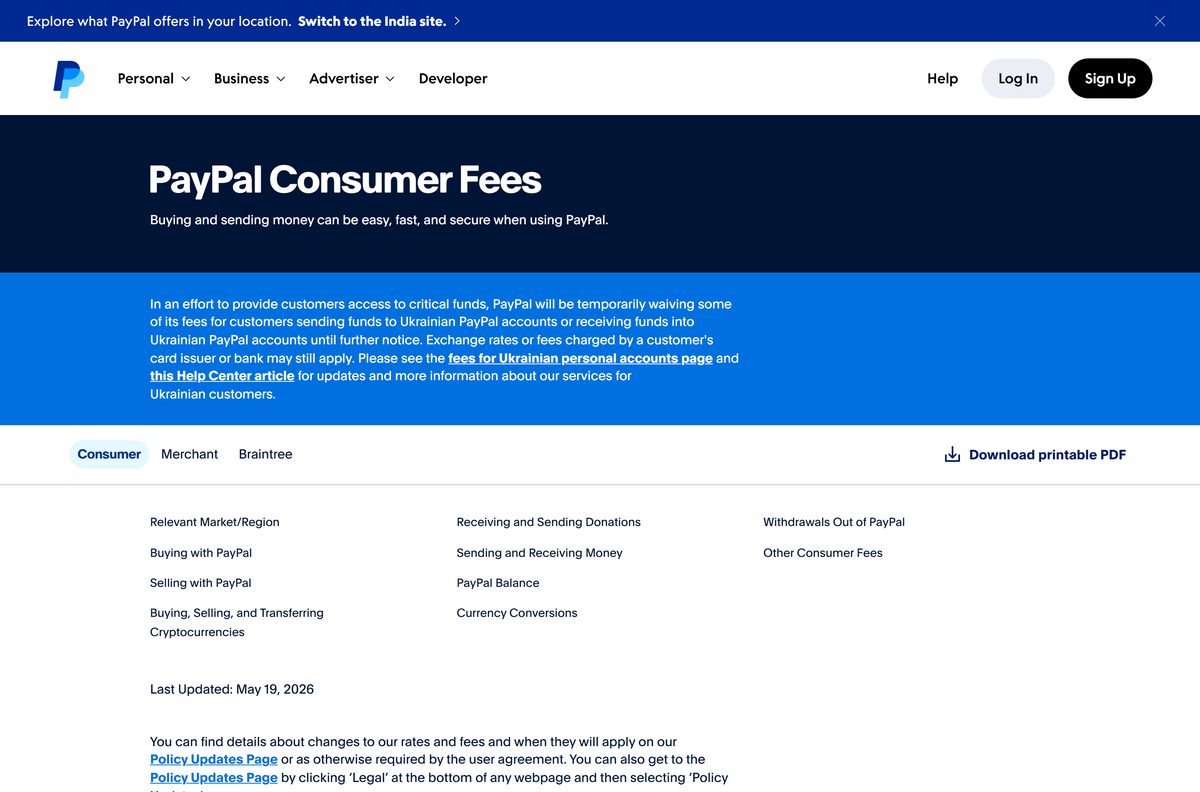
Paying for a purchase with PayPal is free unless it involves a currency conversion. Sending money to friends and family inside the United States costs nothing from your PayPal balance or a bank account.
Funding a personal payment with a card costs 2.90% plus a fixed fee. Sending a personal payment abroad adds 5.00%, with a minimum of 0.99 USD and a maximum of 4.99 USD.
Sellers pay fees when they receive money for a purchase, and when payments arrive from outside their country or region.
Yes. PayPal states that opening an account and downloading the app are both free, on every platform. The App Store and Google Play list the app at no cost, and the desktop route is a free website. Charges attach to specific transactions, which PayPal lists on its consumer fees page, never to the app itself. Anyone selling a paid PayPal app or a PayPal licence key is running a scam.
Read current rates on the PayPal consumer fees page before a large or international transfer.
How to check your PayPal app version and update it
The desktop route never needs updating, because paypal.com loads the current version every time. Only the phone app has a version number.
- On iPhone, open the App Store and tap your profile picture at the top right.
- Scroll to the list of pending updates and tap Update next to PayPal.
- On Android, open Google Play, tap your profile picture, then Manage apps & device.
- Tap Updates available and select Update next to PayPal.
- Open the PayPal listing in either store to see the version under What’s New or About this app.
- Turn on automatic app updates in the store settings so security fixes arrive without a prompt.
Version 10.4.0 is the current iPhone release. Google Play shows the Android app was last updated on September 19, 2026.
Check whether your device meets the PayPal requirements
The phone app has a hard iOS minimum. The desktop route asks only for a current browser.
| Field | Value |
|---|---|
| Software | PayPal – Pay, Send, Save |
| Developer | PayPal, Inc. (Google Play lists PayPal Mobile) |
| Latest version | 10.4.0 on iPhone; paypal.com is web-based and auto-updating |
| License | Free app; transaction fees apply to some payments |
| Download size | 804.4 MB on iPhone; nothing to download on a PC or Mac |
| Supported OS | iOS 17.4 or later, visionOS 1.1 or later, Android; Windows 11, Windows 10 and macOS through a browser |
| Architecture | No desktop binary; runs on x64, Arm and Apple silicon through the browser |
| Browser | Chrome, Edge, Firefox or Safari, kept up to date |
| Official download source | App Store, Google Play and paypal.com |
| Offline installer | No |
| Category | Finance, rated 4+ on the App Store and Everyone on Google Play |
| Last verified | 2026-09-24 |
Fix PayPal not installing or not signing in on Windows 11
Most problems come from the browser or the phone’s system version rather than from PayPal.
Edge shows no Install this site as an app option
Edge is out of date, or the menu opened on a different tab.
- Open Settings and more, then Help and feedback, then About Microsoft Edge, and let it update.
- Restart Edge and open the PayPal sign-in page in the active tab.
- Select Settings and more, More tools, Apps, then Install this site as an app.
- Use Chrome’s Cast, save, and share menu if your organisation has disabled app installs in Edge.
The App Store says the PayPal app is not compatible
The iPhone runs a release older than iOS 17.4, or the device is an iPad.
- Open Settings, General, Software Update and install the latest iOS.
- Return to the App Store and tap Get again.
- Sign in at paypal.com in Safari on an iPad or an iPhone that cannot update.
The sign-in page keeps reloading or rejects a correct password
Old cookies or cached data from an earlier session block the new one.
- Press Ctrl + Shift + Delete in Edge or Chrome.
- Select Cookies and other site data and Cached images and files, then clear them.
- Close every browser window and reopen paypal.com.
- Select Forgot email? or reset your password from the sign-in page if it still fails.
How to uninstall PayPal from your computer or phone
Removing the app leaves your account, balance and history untouched. Closing the account is a separate step.
- In Edge, go to edge://apps , select Details on the PayPal card, then Uninstall.
- In Chrome, open the PayPal app window, select More, then Uninstall PayPal, then Remove.
- On a Mac, open your home folder, open Applications, and drag the PayPal web app to the Trash.
- On iPhone, press and hold the PayPal icon, tap Remove App, then Delete App.
- On Android, press and hold the icon, tap App info, then Uninstall.
- To close the account itself, empty your balance, sign in at paypal.com, open Settings, and select Close your account under Account options.
A closed PayPal account cannot be reopened, and PayPal refuses to close one with a remaining balance or an unresolved issue. See PayPal’s account closure article.
Frequently asked questions
Is PayPal free to download?
Yes. PayPal states that downloading the app and opening an account are free. The App Store and Google Play list the app at no cost, and the desktop route is the free paypal.com website. Fees apply only to certain transactions, such as card-funded or international personal payments.
What is the official PayPal download page?
The official sources are the App Store listing for PayPal – Pay, Send, Save, sold by PayPal, Inc., and the Google Play listing from PayPal Mobile. On Windows and Mac, the official address is paypal.com, which PayPal links from its own app page.
Does PayPal work on Windows 11?
Yes. Open paypal.com in Microsoft Edge on Windows 11 or Windows 10, then choose Settings and more, More tools, Apps, and Install this site as an app. PayPal then runs in its own window with a Start menu entry.
How big is the PayPal download?
The iPhone app is 804.4 MB on the App Store. Google Play does not display a size for the Android app. On a PC or Mac there is nothing to download, because the installed app is paypal.com running in its own browser window.
Is there a PayPal offline installer or EXE for PC?
No. PayPal publishes no EXE, MSI or offline installer for Windows, and no DMG for Mac. Any site offering a PayPal setup file is not PayPal. Install paypal.com as an app from Edge or Chrome instead.
Is there a PayPal app for Mac?
There is no native macOS app, and the App Store listing names iPhone and Apple Vision only. On macOS Sonoma 14 or later, open paypal.com in Safari and choose File, then Add to Dock, to get a standalone PayPal window.
Does PayPal run on ARM64 or 32-bit Windows?
Yes. The desktop route is the paypal.com website, so it runs on any Windows 11 or Windows 10 PC with a current browser, including Arm-based Snapdragon laptops and older 32-bit systems. There is no separate x64 or ARM64 file to choose.
Is the PayPal download safe?
Yes, when it comes from the App Store, Google Play or paypal.com. Check that the seller reads PayPal, Inc. on the App Store and PayPal Mobile on Google Play. Never install a PayPal APK, EXE or DMG from a download site.
What is the latest PayPal version?
The iPhone app is at version 10.4.0 on the App Store, and Google Play shows the Android app was updated on September 19, 2026. The paypal.com website has no version number, because it loads the current release on every visit.
Why won’t PayPal install on my device?
An iPhone needs iOS 17.4 or later, and the App Store does not offer the app for iPad. On a PC, a missing install option usually means Edge or Chrome needs an update. Update the system or browser, then try again.
How do I uninstall PayPal from my computer?
In Edge, go to edge://apps, select Details on the PayPal card, then Uninstall. In Chrome, open the PayPal window and select More, then Uninstall PayPal. Uninstalling leaves your PayPal account and balance untouched.