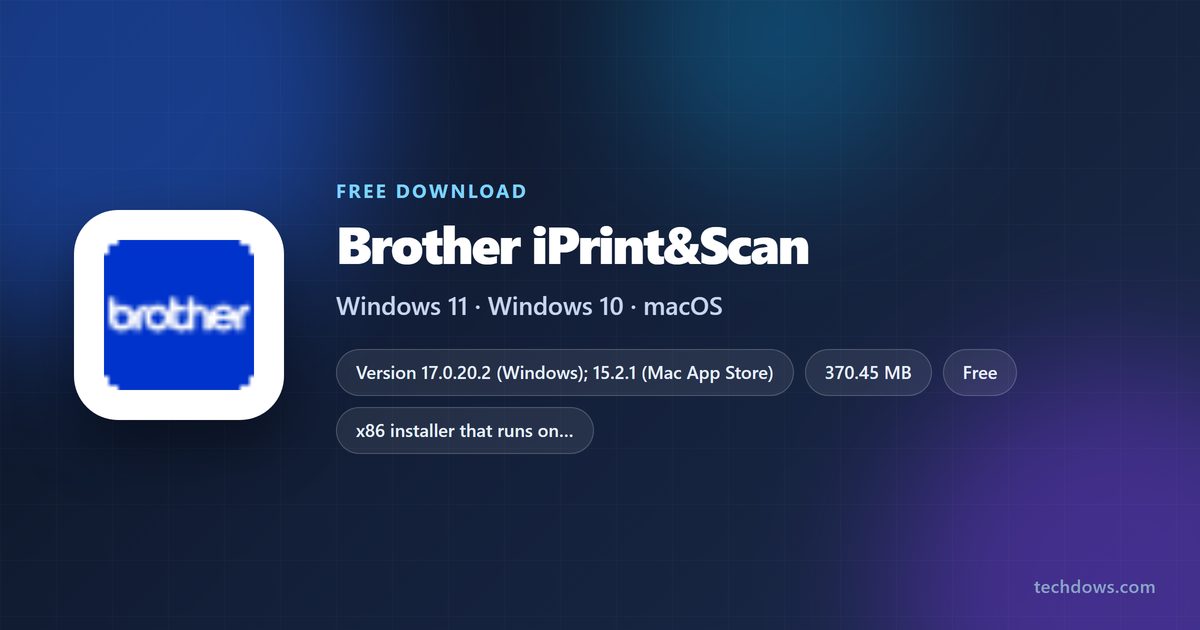
Brother iPrint&Scan is free, and you can install it on Windows 11, Windows 10 and macOS today. Windows gets a 370.45 MB setup file from your model’s page on support.brother.com, and the Mac gets version 15.2.1 from the Mac App Store.
The app puts printing and scanning for your Brother machine behind one window, so you scan to a file, print a photo or open the machine settings without touching the driver dialogs.
This guide covers which file to take, installing on Windows and Mac, the winget route, what the app works with, and fixes for a setup that stops or a printer the app cannot see.
Which Brother iPrint&Scan download do you need?
Brother ships one Windows build for every supported machine, and a separate Mac build through Apple. Match your device to the row below and take that file.
| Your device | Take this | Size |
|---|---|---|
| Windows 11 or Windows 10 PC, 64-bit or 32-bit | iPrintScan-Setup-17_0_20_2.exe | 370.45 MB |
| Mac running macOS 12 or later, Apple silicon or Intel | Mac App Store listing | 258.7 MB |
| Windows PC you set up from a script | winget package Brother.iPrintScan | Same 370.45 MB build |
| iPhone or iPad next to the printer | App Store listing | 37.5 MB |
There is no separate 64-bit file to hunt for. The single Windows setup installs on both 32-bit and 64-bit systems.
Check the Brother iPrint&Scan system requirements and specifications
The app is a companion to hardware, so the real requirement is a supported Brother machine. The operating system floor is low.
| Specification | Detail |
|---|---|
| Software | Brother iPrint&Scan |
| Developer | Brother Industries, Ltd. |
| Latest version | 17.0.20.2 on Windows, 15.2.1 on the Mac |
| Licence / price | Free, under the Brother End User License Agreement |
| Windows | Windows 11 and Windows 10, 32-bit and 64-bit |
| Windows architecture | One x86 installer covering both bit depths |
| macOS | macOS 12 or later, Apple silicon and Intel |
| Windows download size | 370.45 MB |
| Mac download size | 258.7 MB |
| Hardware | A Brother printer, all-in-one or scanner on USB, Wi-Fi or Ethernet |
| Install location | %ProgramFiles(x86)%\Brother\iPrint&Scan |
| Offline installer | Yes, the setup file carries everything it installs |
| Official download source | support.brother.com |
| Last verified | 2026-09-22 |
Download Brother iPrint&Scan for Windows 11 and 10 from the official page
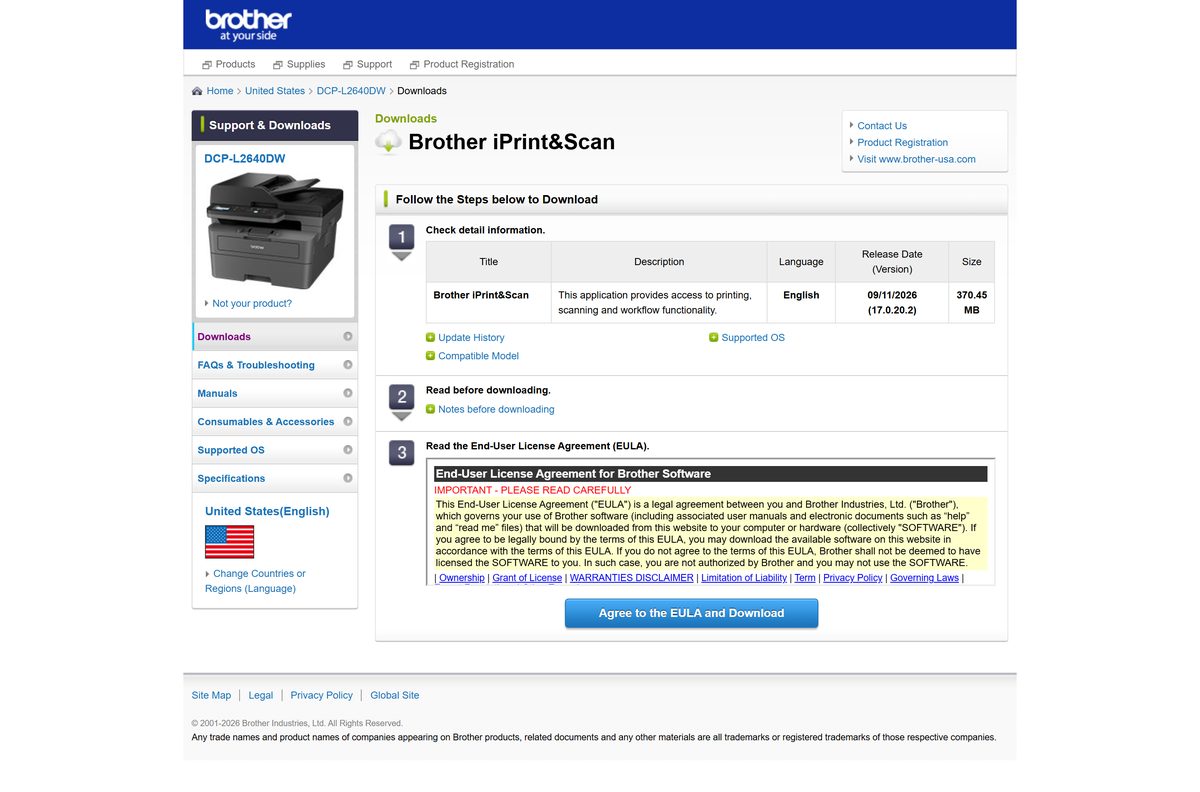
Brother files the app under each machine’s own Downloads page rather than one product page. Pick your model, pick your Windows version, and the same 17.0.20.2 build appears.
The entry is listed under Utilities with the description “This application provides access to printing, scanning and workflow functionality”.
- Brother iPrint&Scan download entry (17.0.20.2) — 370.45 MB · released 11 September 2026
- Software list for Windows 11 — swap the model in the address bar for your own
- Mac App Store listing (15.2.1) — 258.7 MB · needs macOS 12 or later
- Brother support site — search your model number here first
Brother asks you to accept its licence agreement on the download page before the file starts.
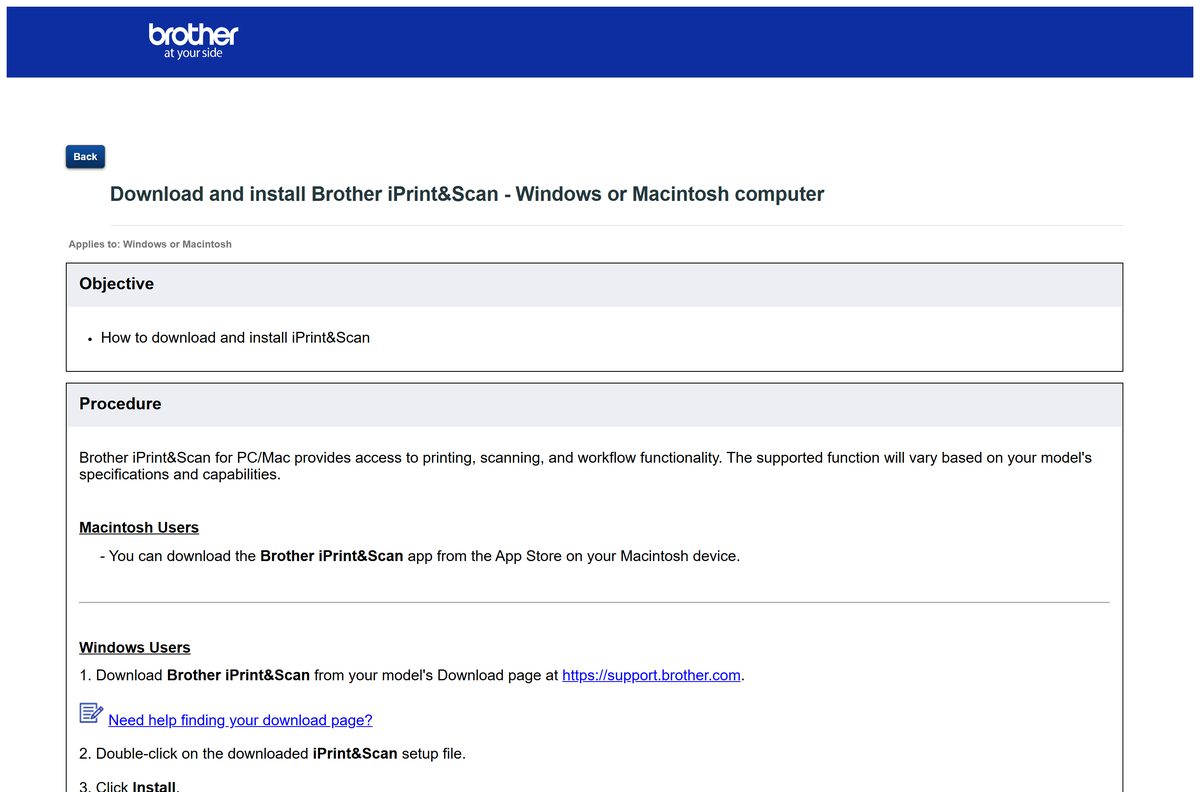
How to install Brother iPrint&Scan on Windows 11 and 10
Setup has no component picker and no destination prompt. It installs to Program Files (x86) and finishes in a few minutes.
- Open support.brother.com and search for your printer or scanner model.
- Select Downloads, then choose your Windows version from the list.
- Select Brother iPrint&Scan under the utilities group.
- Select Agree to the EULA and Download and save iPrintScan-Setup-17_0_20_2.exe .
- Double-click the saved file and approve the User Account Control prompt.
- Select Install and wait for the progress bar to finish.
- Select Launch when setup reports that it is complete.
- Tick I agree above End-User License Agreement and select OK.
- Select Select your Machine, pick your Brother device from the list, and select OK.
Turn the printer on and connect it to the same network before step 9, or the list comes up empty.
Install Brother iPrint&Scan with winget instead of the setup file
Brother does not publish iPrint&Scan on the Microsoft Store, but Microsoft’s own package repository carries it. The winget package installs the identical 17.0.20.2 build machine-wide.
- Open Terminal (Admin) from the Start button right-click menu.
- Run winget install Brother.iPrintScan and accept the source agreement if prompted.
- Wait while winget fetches the installer and runs it silently.
- Run winget list Brother.iPrintScan to confirm the installed version.
- Start Brother iPrint&Scan from the Start menu and select your machine.
- Run winget upgrade Brother.iPrintScan later to move to the next release.
The package is a machine-scope install, so an ordinary user account cannot run it without elevation.
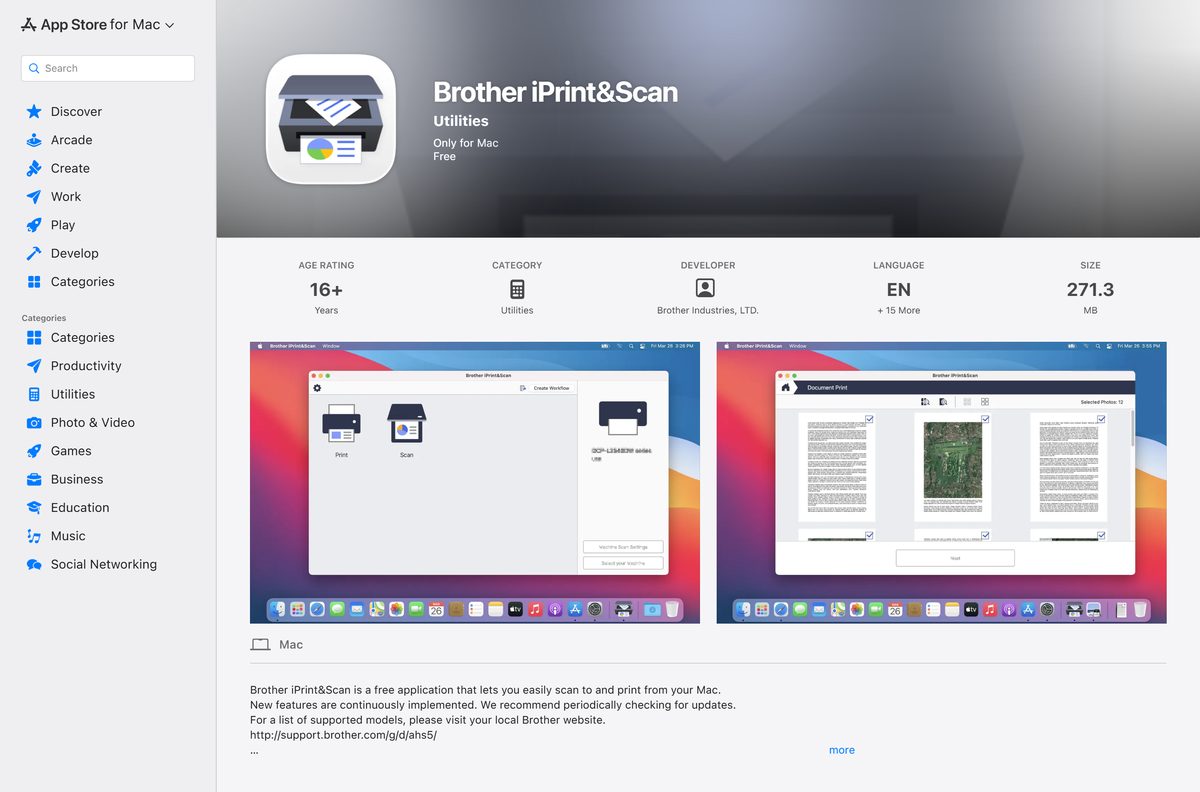
Which Brother iPrint&Scan download do you need for your Mac?
Apple distributes the Mac build, so there is no disk image on the Brother site to chase. Click the Apple menu and select About This Mac if you are unsure which macOS you run.
| Your Mac | Take this | Detail |
|---|---|---|
| macOS 12 or later, Apple M-series chip | Brother iPrint&Scan on the Mac App Store | 258.7 MB, version 15.2.1 |
| macOS 12 or later, Intel processor | Brother iPrint&Scan on the Mac App Store | Same listing, same build |
| macOS 11 or older | Brother model Downloads page | The App Store build needs macOS 12 |
The Mac app adds auto deskew, colour drop-out and OCR that turns a scan into a searchable PDF.
Is Brother iPrint&Scan free?
Brother charges nothing for the app on any platform, and there is no trial period, subscription or paid upgrade inside it.
Brother iPrint&Scan is free on Windows, macOS, iPhone and iPad. The Mac App Store lists it at $0.00 from Brother Industries, LTD., and the Windows download costs nothing beyond accepting the Brother End User License Agreement. Any site charging for the installer, or wrapping it in a download manager, is not Brother.
Should you install Brother iPrint&Scan or the Full Driver & Software Package?
Both appear on the same Downloads page and people install the wrong one. They do different jobs.
The Full Driver & Software Package is model-specific: on a DCP-L2640DW it is version G1 at 285.28 MB. Brother iPrint&Scan is one 370.45 MB build shared across supported machines.
Install the Full Driver & Software Package first, then add Brother iPrint&Scan. The driver package is what Windows needs to print and scan at all. Brother iPrint&Scan is the front end on top of it, so installing it alone on a machine with no driver leaves you with a window and nothing to send to.
What Brother iPrint&Scan works with
Support runs across the Brother range rather than a handful of flagship models, and the feature set narrows on scanner-only hardware.
| Item | Support |
|---|---|
| Machine families | HL and HL-L printers, DCP and DCP-L all-in-ones, MFC, MFC-J and MFC-L units, ADS and DS scanners |
| Connection | USB, Wi-Fi and wired Ethernet |
| Windows releases | Windows 11 and Windows 10, with Windows 7, 8 and 8.1 on the older supported list |
| macOS releases | macOS 12 or later for the current Mac build |
| Apple silicon | Supported, including the M1 chip |
| Printing | Not available on some ADS scanner models, which are scan-only |
| Scan to searchable PDF | Yes on the Mac build, through built-in OCR |
| Push scanning from the machine panel | Needs the separate iPrint&Scan Push Scan Tool |
Check your exact model against Brother’s supported models list before you assume a feature is there.
How to check your Brother iPrint&Scan version and update it
The app has no in-product updater on Windows. You replace it by running the newer setup over the top.
- Start Brother iPrint&Scan and select the gear icon in the top-right corner.
- Select About and read the version string shown there.
- Compare it with 17.0.20.2, the release Brother published on 11 September 2026.
- Open your model’s Downloads page if yours is older.
- Download the current setup file and run it without uninstalling the old copy.
- Select Install, then Launch when it finishes.
- On a Mac, open the App Store, select your account name, and select Update next to the app.
Windows Update never delivers this app, so an old copy stays old until you run a newer setup.
Fix Brother iPrint&Scan not installing or not finding your printer
Two failures account for most of the trouble: a setup file that stops early, and an app that installs cleanly then shows no machine.
The 370 MB download stops or the setup file will not open
A partial download leaves an executable that Windows refuses to run.
- Check the saved file size against 370.45 MB in File Explorer.
- Delete the file and download it again from your model’s Downloads page if it is short.
- Right-click the file, select Properties, and select Unblock if that checkbox appears.
- Right-click the file again and select Run as administrator.
Your Brother machine does not appear in the device list
The app only lists machines it can reach on the network or on USB right now.
- Confirm the printer is powered on and out of sleep.
- Put the PC and the printer on the same network, not on a guest Wi-Fi.
- Reconnect the USB cable directly to the PC rather than through a hub.
- Select Select your Machine, then select Rescan in the app.
- Install the Full Driver & Software Package for your model and rescan.
Printing works but scanning does nothing
Scan support comes from the scanner driver, which the iPrint&Scan installer does not carry.
- Open your model’s Downloads page and install Printer Driver & Scanner Driver for USB or the full package.
- Restart the PC after the driver install.
- Open Brother iPrint&Scan and select Scan.
- Select the Push Scan Tool entry on the Downloads page if you start scans from the machine’s own panel.
No iPrint&Scan entry shows on your model’s Downloads page
Older and scanner-only models are outside the supported list.
- Open Brother’s supported models list and search for your model number.
- Select a different Windows version at the top of the Downloads page and look again.
- Use the Full Driver & Software Package for that model instead.
- Scan with the Windows Scan app if your machine is supported but the utility is not offered.
How to uninstall Brother iPrint&Scan from Windows 11 and 10
Removing the app leaves your printer drivers alone, so printing keeps working afterwards.
- Open Settings with Windows key + I.
- Select Apps, then Installed apps.
- Search for Brother iPrint&Scan in the list.
- Select the three-dot button next to it and select Uninstall.
- Confirm Uninstall and approve the User Account Control prompt.
- Run winget uninstall Brother.iPrintScan instead if you installed it with winget.
- Check that %ProgramFiles(x86)%\Brother\iPrint&Scan is gone, and delete the folder if it remains.
- On a Mac, drag the app from Applications to the Bin and empty it.
What to use instead of Brother iPrint&Scan
Three official options cover the gaps: a newer Brother app for Windows 11 24H2, Microsoft’s own scan app, and the tools Apple ships.
| Option | Platform | Where to get it | Why pick it |
|---|---|---|---|
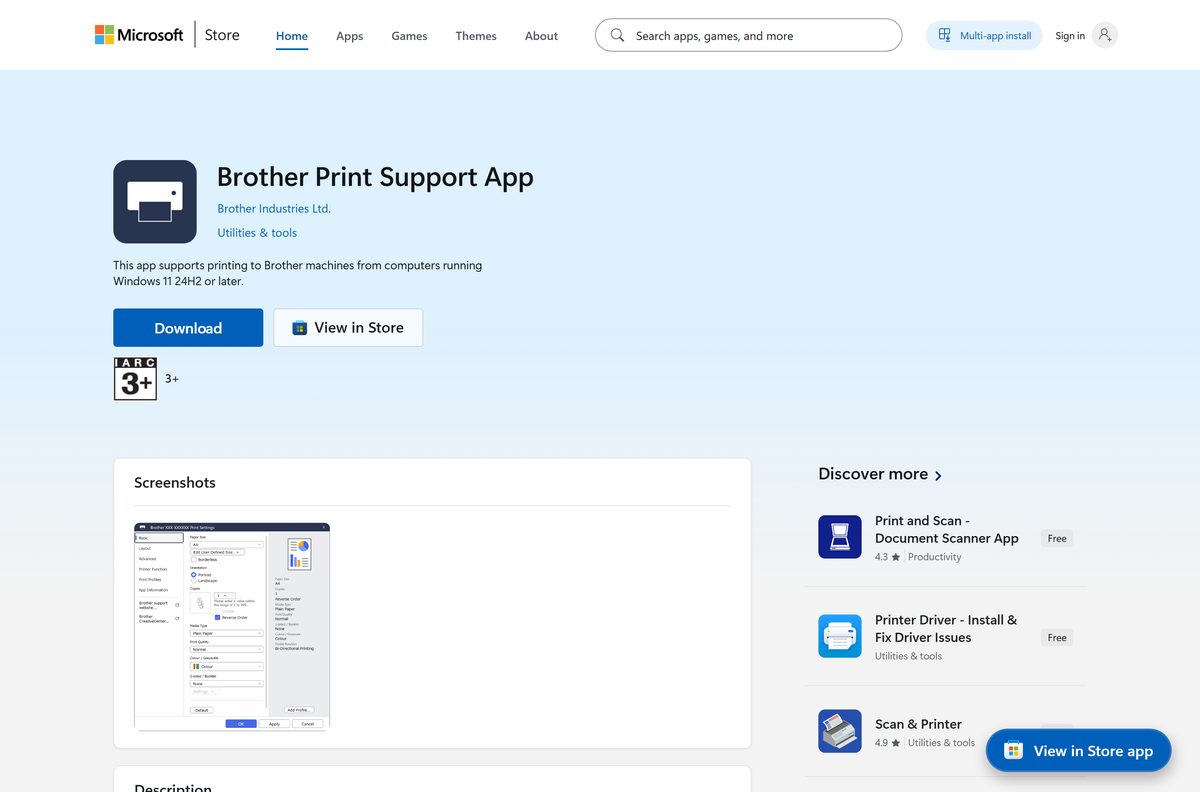
| Brother Print Support App | Windows 11, version 24H2 or later | Microsoft Store | Brother’s Store app for modern Windows printing, x64 and ARM64, 2.20.15.0 |
| Windows Scan | Windows 10 and 11 | Microsoft Store | Microsoft’s plain scanning app when you only need a file |
| Image Capture and Preview | macOS 12 or later | Built into macOS | Scans over USB or network without installing anything |
| Brother iPrint&Scan for iPhone and iPad | iOS 15 or later | App Store | Prints and scans from the phone at 37.5 MB, version 6.15.5 |
The Brother Print Support App needs Windows 11 build 26100 or newer, so it is not a drop-in on Windows 10.
Frequently asked questions
Short answers to the questions that come up around the download.
Is Brother iPrint&Scan free?
Yes. The app costs nothing on Windows, macOS, iPhone and iPad, and it carries no trial timer or paid tier. You accept the Brother End User License Agreement during setup, and the Mac App Store lists it at $0.00 from Brother Industries, LTD.
Where is the official Brother iPrint&Scan download page?
On support.brother.com, under your own machine’s Downloads page. Search your model number, choose your Windows version, and the app appears in the utilities group. The Mac build comes from the Mac App Store instead.
Does Brother iPrint&Scan work on Windows 11?
Yes. The 17.0.20.2 download entry lists Windows 11 alongside Windows 10 in both 32-bit and 64-bit form. The same setup file covers every listed Windows release, so there is no separate Windows 11 build to find.
How big is the Brother iPrint&Scan download?
The Windows setup file, iPrintScan-Setup-17_0_20_2.exe, is 370.45 MB. The Mac App Store build is 258.7 MB. The iPhone and iPad version is much smaller at 37.5 MB because it carries no desktop scanning components.
Is there an offline installer for Brother iPrint&Scan?
Yes. The Windows setup file is a full package rather than a small web bootstrapper, which is why it runs to 370.45 MB. Copy it to a USB stick and it installs on a PC with no internet connection.
Is Brother iPrint&Scan available for Mac?
Yes, as a free Mac App Store app at version 15.2.1. It needs macOS 12 or later and runs on both Apple silicon and Intel Macs. It adds OCR, auto deskew and colour drop-out for scans.
Is there a 64-bit or ARM64 version of Brother iPrint&Scan?
Brother ships one x86 installer that runs on 32-bit and 64-bit Windows, so there is no separate 64-bit file. For Windows on ARM, the Brother Print Support App in the Microsoft Store carries an ARM64 package.
Is Brother iPrint&Scan safe to download?
It is safe when you take it from support.brother.com or the Mac App Store. Both serve Brother’s own signed build. Third-party download portals repackage installers with bundled offers, and Brother does not publish files through them.
What is the latest Brother iPrint&Scan version?
17.0.20.2 on Windows, published on 11 September 2026, and 15.2.1 on the Mac App Store from 3 August 2026. The two version lines are numbered separately, so a lower Mac number is not an out-of-date app.
Why will Brother iPrint&Scan not install or find my printer?
Usually the download was cut short, or the printer sits on a different network. Check the saved file against 370.45 MB, then put the PC and printer on the same network. Install the Full Driver & Software Package if the device still does not list.