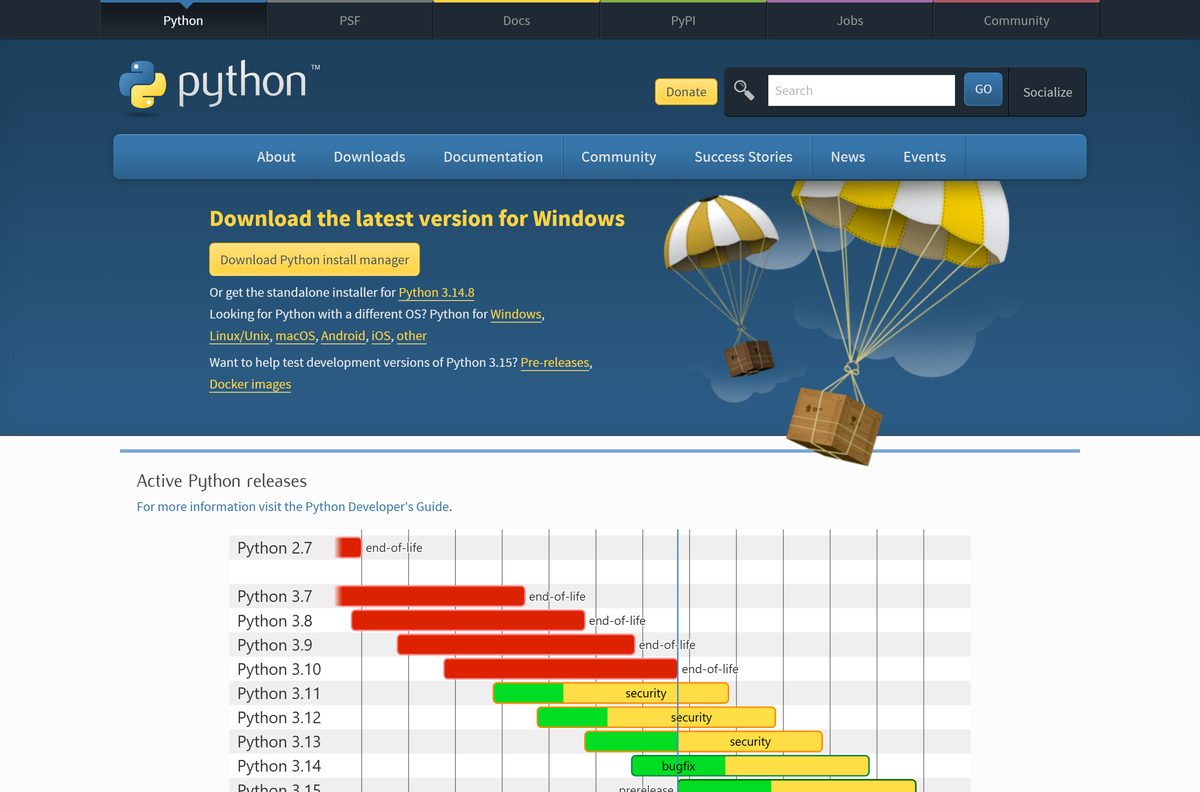
The official Python download for Windows 11, Windows 10 and Mac is free from python.org. Python 3.14.7 is the current release, and the 64-bit Windows installer is 31.7 MB.
Windows users can pick the classic installer or the newer Python install manager, which also comes from the Microsoft Store. Mac users get one universal installer for Apple silicon and Intel.
This guide covers the right file for your machine, installing on Windows and Mac, winget, the embeddable zip, checksums, updates and fixes for Python not installing.
Which Python download do you need?
Python.org publishes a separate file for each Windows chip, plus one installer for every Mac. Match your machine to a row and download that file.
| Your machine | File to download | Size |
|---|---|---|
| Windows 11 or 10, Intel or AMD 64-bit (most PCs) | python-3.14.7-amd64.exe | 31.7 MB |
| Windows 11 on Arm, such as Snapdragon laptops | python-3.14.7-arm64.exe | 31.1 MB |
| 32-bit Windows 10 | python-3.14.7.exe | 30.2 MB |
| Windows, managing several Python versions | Python install manager MSIX | 44.9 MB |
| Mac with Apple silicon or Intel, macOS 10.15 or later | python-3.14.7-macos11.pkg | 74.9 MB |
| Windows 8.1 or Windows 7 | Older Python releases for Windows | Python 3.12 for 8.1, Python 3.8 for 7 |
To check your chip on Windows, open Settings > System > About and read System type. Python.org labels the ARM64 build experimental, so pick the 64-bit file on any Intel or AMD PC.
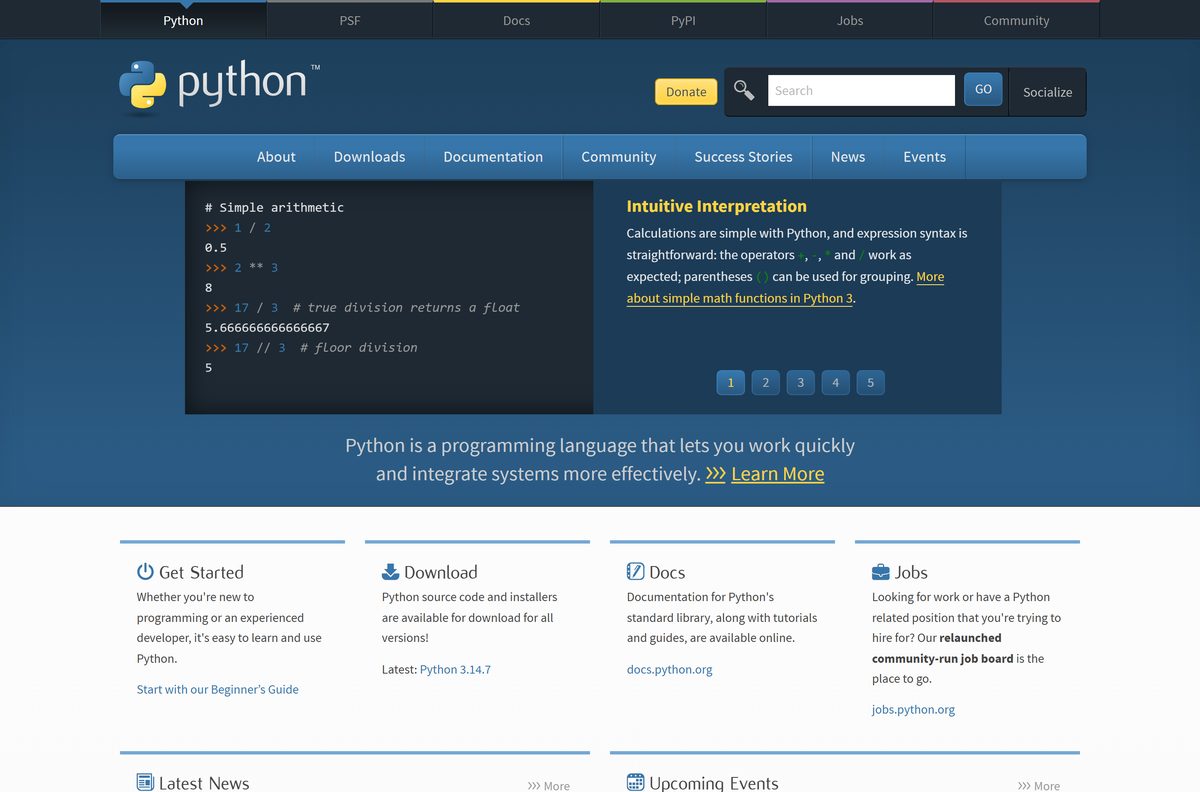
Download Python from the official python.org pages
The Python Software Foundation publishes every release on python.org. These pages always list the newest build first.
- Python downloads page — Detects your system and offers the right file
- Python releases for Windows — Installers, embeddable zips and the install manager
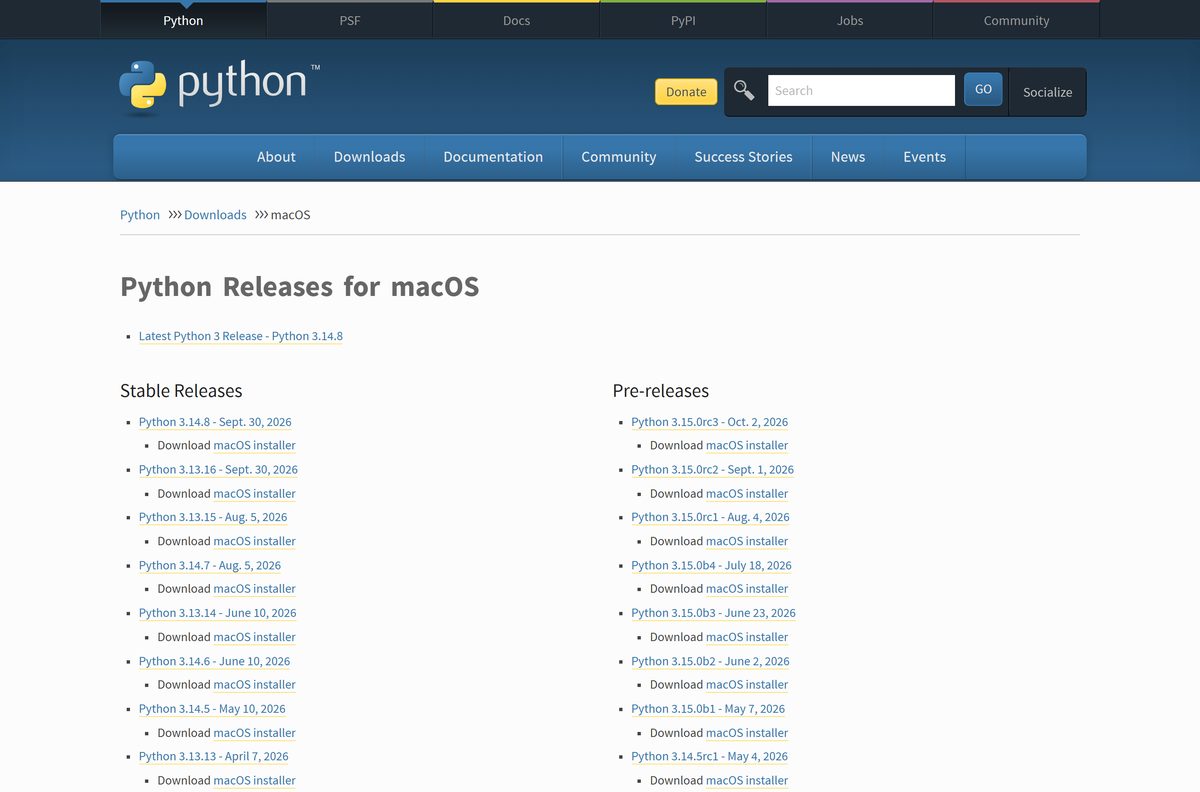
- Python releases for macOS — Universal2 .pkg installers
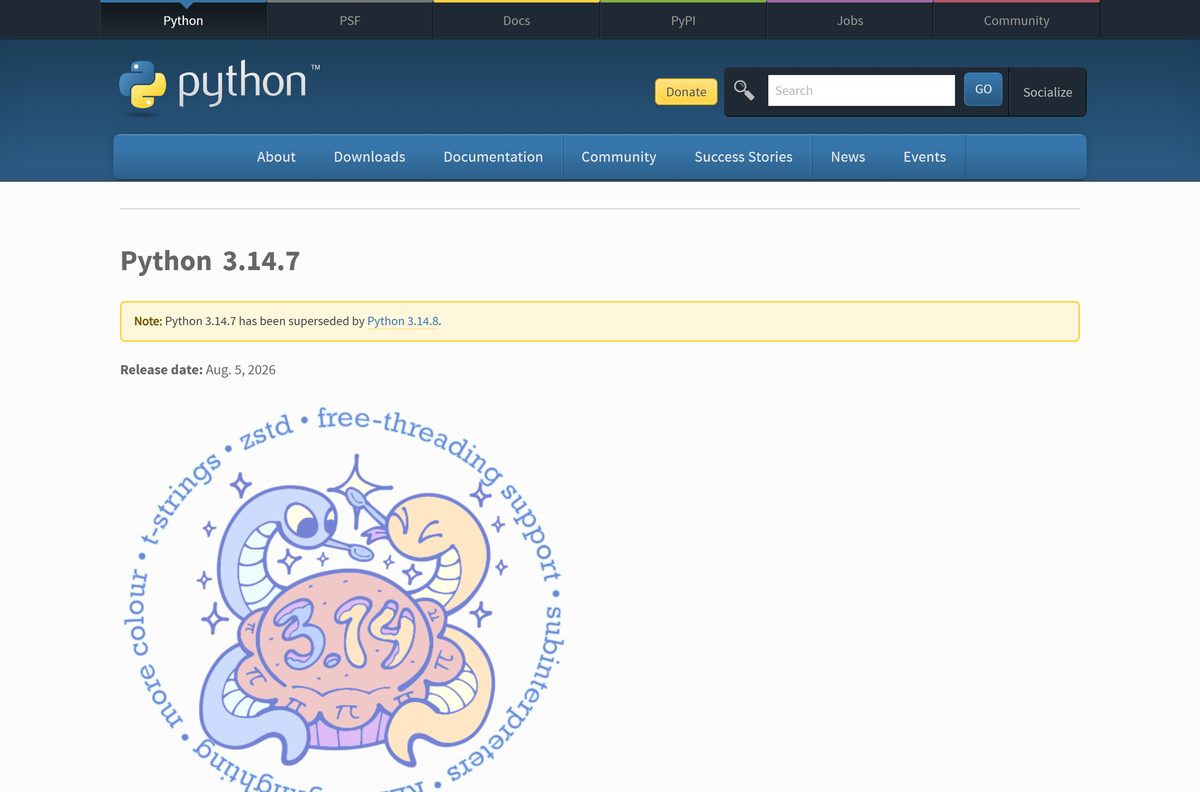
- Python 3.14.7 release page — Release notes, SHA-256 checksums and Sigstore signatures
- Python install manager MSI — 9.4 MB · For Windows Server 2019 and offline machines
How to install Python on Windows 11 and 10
These steps use the classic 64-bit installer. Install Now puts Python in your user folder and does not need administrator rights.
- Open the Python releases for Windows page.
- Select the 64-bit Windows installer under the latest Python 3 release.
- Double-click python-3.14.7-amd64.exe in your Downloads folder.
- Tick the option that adds Python to your PATH.
- Select Install Now, or Customize installation to install for all users in Program Files.
- Wait for the setup to finish, then close the installer window.
- Open Terminal or Command Prompt.
- Type python –version and press Enter to confirm the installed version.
A per-user install lands in %LocalAppData%\Programs\Python . An all-users install goes to %ProgramFiles%\Python 3.14 and asks for administrator approval.
Install Python with the install manager, Microsoft Store or winget
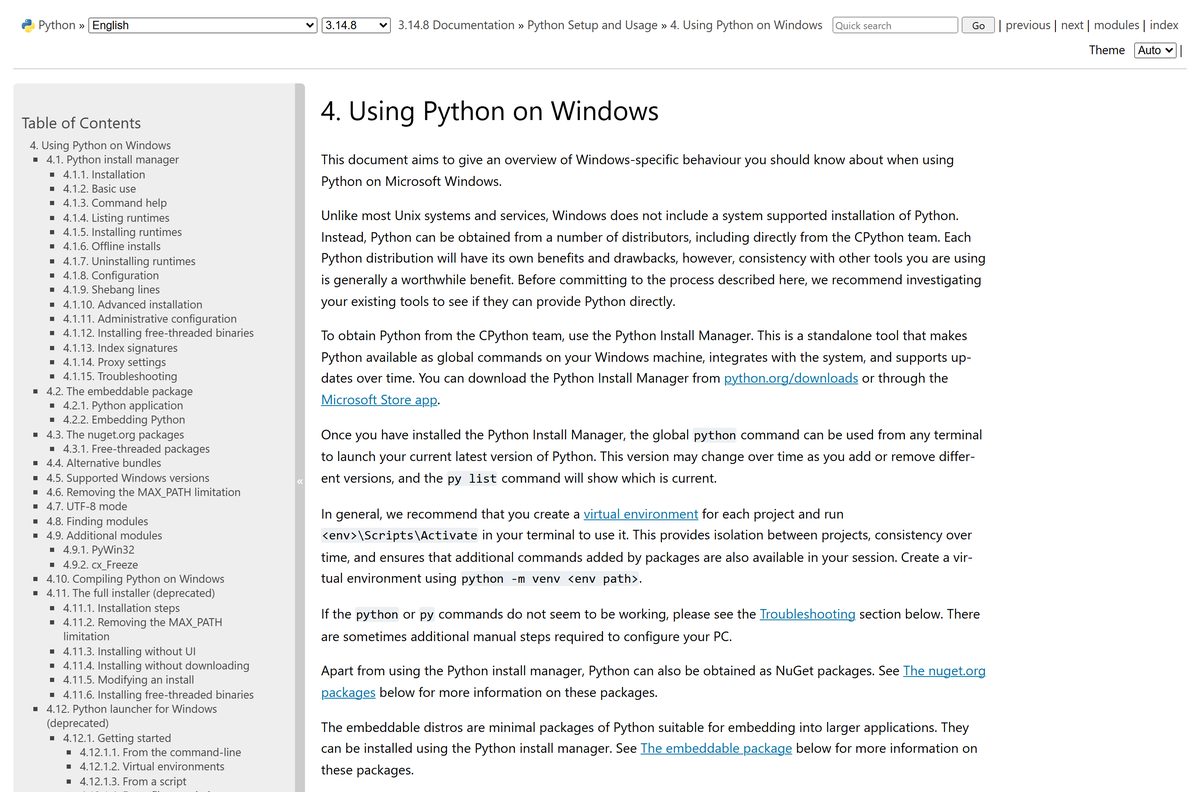
The Python install manager is the modern way to get Python on Windows. It adds the python , py and pymanager commands and installs any version on request.
- Open the Python Install Manager listing in the Microsoft Store and select Install.
- Or open Terminal and run winget install 9NQ7512CXL7T -e –accept-package-agreements –disable-interactivity .
- Or download the MSIX from python.org and run Add-AppxPackage
in PowerShell. - Run py install default to install the current stable Python release.
- Run py install 3.13 to add an older branch alongside it, if a project needs one.
- Run py list to see every installed runtime.
- Type python to start the default interpreter.
Install Python silently across many PCs
IT teams can push the classic installer with command-line switches. Test the command on one machine before rolling it out.
| Goal | Command or file |
|---|---|
| Silent all-users install with PATH | python-3.14.7-amd64.exe /quiet InstallAllUsers=1 PrependPath=1 Include_test=0 |
| Download every component for offline installs | python-3.14.7-amd64.exe /layout C:\PythonLayout |
| Write a setup log | python-3.14.7-amd64.exe /quiet /log C:\python-setup.log |
| Install manager on Windows Server 2019 or offline machines | python-manager-26.3.msi (9.4 MB) |
| Pre-download a runtime with the install manager | py install –download= |
How to verify the Python installer before you run it
The release page lists a SHA-256 checksum and a Sigstore signature for every file. Python stopped publishing PGP signatures with 3.14.
- Open the release page and find your file in the Files table.
- Copy the SHA-256 value shown for that file.
- On Windows, open PowerShell in your Downloads folder and run Get-FileHash .\python-3.14.7-amd64.exe -Algorithm SHA256 .
- On a Mac, open Terminal and run shasum -a 256 ~/Downloads/python-3.14.7-macos11.pkg .
- Compare the two strings. Any difference means the file is damaged or not from python.org, so delete it.
Run Python without installing it
The embeddable package is a zip with a minimal, isolated Python. It leaves the registry and environment variables untouched, which suits bundling Python inside another app.
It ships without pip, IDLE, Tcl/tk or documentation, so it is not a replacement for a normal install.
- Download the 64-bit embeddable zip (12.1 MB) from python.org.
- Right-click the zip and select Extract All.
- Pick a folder, such as one on a USB stick, and select Extract.
- Open the folder and double-click python.exe to start the interpreter.
- Or run py install –target=
3.14-embed if the install manager is already on the PC.
Which Python download do you need for your Mac?
Python.org ships one universal2 installer that runs natively on Apple silicon and Intel Macs. The version of macOS decides which release you can use.
| Your Mac | Download | Size |
|---|---|---|
| M1 or later, or Intel, on macOS 10.15 Catalina or newer | python-3.14.7-macos11.pkg | 74.9 MB |
| Older macOS, or a specific older Python branch | Python releases for macOS | Per release |
Open the .pkg and click through Introduction, Read Me and License, then select Agree and Install. Enter your Mac password when asked.
When setup ends, open Applications > Python 3.14 and double-click Install Certificates.command to finish the install. Type python3 –version in Terminal to confirm it worked.
Is Python free?
Yes. Python is free and open source, including for commercial use. The PSF License Agreement grants a royalty-free, world-wide licence to use, modify and distribute Python. The licence is GPL-compatible. Python.org never charges for an installer, and neither does the Python Install Manager in the Microsoft Store. A site asking for payment or a licence key to download Python is not the Python Software Foundation.
Which Python version should you install: 3.14, 3.13 or 3.12?
Install Python 3.14 unless a project or your operating system needs an older branch. Python 3.14 gets bugfix releases and support until October 2030. Python 3.13 is also in bugfix status until October 2029, so pick it only if a library you need does not support 3.14 yet. Python 3.12 receives security fixes only, until October 2028, and it is the newest branch that runs on Windows 8.1. Python 3.15 is a pre-release planned for October 2026, so keep it off production machines.
How to check your Python version and update it
- Open Terminal on Windows or Mac.
- Run python –version on Windows or python3 –version on a Mac.
- Run py list to see every runtime the install manager knows about.
- Run py list –online 3.14 to see the newest 3.14 release available.
- Run py install –update 3.14 to upgrade to that release.
- Without the install manager, download the newest installer from python.org and run it.
Check the Python system requirements before you install
Python 3.14 supports Windows 10 and newer. Press Windows + R, type winver and select OK to see your Windows version.
| Field | Value |
|---|---|
| Software | Python |
| Developer | Python Software Foundation |
| Latest version | 3.14.7, released 5 August 2026 |
| Licence | Free and open source (PSF License) |
| File size | 31.7 MB (Windows 64-bit), 31.1 MB (ARM64), 30.2 MB (32-bit), 74.9 MB (Mac) |
| Windows | Windows 10 and Windows 11 |
| Older Windows | Python 3.12 for Windows 8.1, Python 3.8 for Windows 7 |
| macOS | macOS 10.15 Catalina or later |
| Architecture | x64, ARM64 (experimental) and 32-bit on Windows; universal2 on Mac |
| Official source | python.org/downloads |
| Offline installer | Yes. The .exe and .pkg installers are complete |
| Last verified | 2026-09-19 |
Fix Python not installing or not found on Windows 11 and 10
Typing python says it was not found, or opens the Microsoft Store
The Windows app execution alias for Python is off, or its folder is missing from PATH.
- Select Start and open Manage app execution aliases.
- Turn on the Python (default) alias, or turn it off and on again to refresh it.
- Confirm your PATH contains %UserProfile%\AppData\Local\Microsoft\WindowsApps .
- Try py or pymanager instead of python .
- If you used the classic installer, run it again, select Modify and turn on the PATH option.
python starts a different version than py
An older Python install puts its own folder on PATH ahead of the install manager.
- Open Settings > Apps > Installed apps.
- Remove older Python runtimes you no longer need.
- Search the list for Python launcher and uninstall it, because it conflicts with the install manager.
- Open Manage app execution aliases and check that python.exe points to Python (default).
The installer refuses to run on Windows 8.1 or Windows 7
Python 3.14 supports Windows 10 and newer only.
- Open the Python releases for Windows page.
- Download the newest Python 3.12 installer for Windows 8.1, or Python 3.8 for Windows 7.
- Run that installer and select Install Now.
A broken or half-finished install
Files were removed or changed after setup.
- Open Control Panel > Programs and Features.
- Select the Python entry and choose Uninstall/Change.
- Select Repair to replace missing or modified files.
How to uninstall Python from Windows or Mac
Classic installer on Windows
- Open Control Panel > Programs and Features.
- Select the Python entry and choose Uninstall/Change.
- Select Uninstall. The install manager keeps its own entry and stays installed.
Python install manager on Windows
- Run py uninstall 3.14 to remove one runtime, or py uninstall -y –purge to remove all of them.
- Open Settings > Apps > Installed apps, find Python Install Manager and select Uninstall.
Mac
- Drag the Python 3.14 folder from Applications to the Trash.
- Delete /Library/Frameworks/Python.framework with an administrator account.
- Remove the Python symlinks from /usr/local/bin .
Frequently asked questions
Is Python free to download?
Yes. Python is free and open source from python.org under the PSF License Agreement. The licence is royalty-free and world-wide, so you can use Python at no cost for personal projects, school work and commercial software.
What is the official Python download page?
The official page is python.org/downloads, run by the Python Software Foundation. It offers the Windows installers, the Python install manager, the macOS installer and the source code, with separate pages listing every release for Windows and macOS.
Does Python work on Windows 11?
Yes. Python 3.14 supports Windows 10 and Windows 11, with installers for 64-bit Intel and AMD PCs, 32-bit systems and Windows on Arm. Windows 8.1 needs Python 3.12 and Windows 7 needs Python 3.8.
How big is the Python download?
The 64-bit Windows installer is 31.7 MB, the ARM64 installer is 31.1 MB and the 32-bit installer is 30.2 MB. The Mac installer is 74.9 MB, and the 64-bit embeddable zip for Windows is 12.1 MB.
Is there a Python offline installer?
Yes. The .exe installers for Windows and the .pkg installer for Mac contain everything needed. Run the Windows installer with the /layout option to save every optional component, or use the install manager MSI on offline machines.
Should I download Python 64-bit or 32-bit?
Download the 64-bit installer for any Intel or AMD PC running 64-bit Windows 10 or 11, which is almost every modern PC. Use the 32-bit build only on 32-bit Windows, and the ARM64 build on Windows on Arm laptops.
Can I download Python from the Microsoft Store?
Yes. The Python Install Manager is free in the Microsoft Store from the Python Software Foundation, and Python’s documentation recommends it. After installing it, run py install default to get the latest stable Python release.
Is Python available for Mac?
Yes. Python.org offers a universal2 .pkg installer that runs natively on Apple silicon and Intel Macs with macOS 10.15 Catalina or later. After setup, run Install Certificates.command from the Python folder in Applications.
Is the Python download safe?
Yes, when it comes from python.org or the Microsoft Store listing published by the Python Software Foundation. Each release page lists a SHA-256 checksum and a Sigstore signature, so you can confirm the file is genuine before running it.
What is the latest version of Python?
Python 3.14.7, released on 5 August 2026, is the latest stable release. Python 3.13 still receives bugfix releases, Python 3.12 gets security fixes only, and Python 3.15 is in pre-release testing.
Why is Python not found after installing?
Windows cannot find the python command when its app execution alias is off or its folder is missing from PATH. Open Manage app execution aliases, turn on Python (default), and try the py command instead of python.