While Google is still working on adding support for AV1 Image File Format (AVIF) to Chromium or its Chrome browser, Mozilla has brought initial support for the new image format based on AV1 to Firefox 77.
Netflix is developing AVIF along with Google, Microsoft, Mozilla, and Facebook under Alliance for Open Media (AOM) believes AVIF has the potential to be an alternative to widely popular JPEG and has shared some examples on its blog to back its claim.
The AV1 Image File format is still in development and not supported by major browsers at this time of writing, Microsoft has added AVIF support to Windows 10 May 2019 Update and also released AV1 Video Extension. If you’re using the latest Windows 10 version 1909, File Explorer shows a thumbnail for the AVIF image and you can open these image files in the Microsoft Paint application.
AVIF is currently competing with Google’s WebP image format, which has been supported on Google Chrome, Firefox, Microsoft Edge, and Android.
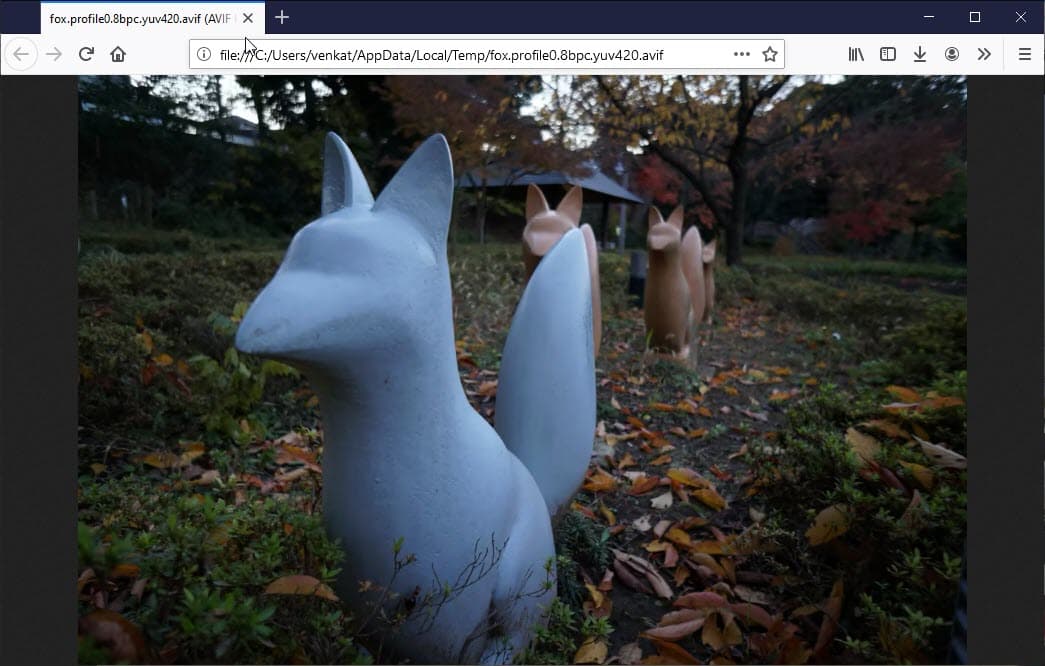
To enable AVIF support in Firefox
1. Ensure you’re using Firefox Nightly, launch Firefox
2. Visit about:config
3. Click on “Accept the risk and Continue”
4. Type AVIF, in the results displayed below, click on the toggle button for image.

Netflix offers some AVIF sample files, after enabling the above-said pref in about:config, check if Firefox can open them or not. You need to download an AVIF file to your computer and need to open it with Firefox.
Related articles:
Vivaldi 2.1 released with AV1 Support and Quick Commands Improvements
Firefox 67 to use dav1d AV1 video Decoder on Windows
Firefox 66 Nightly: AV1 Video codec enabled by default
How to Play AV1 Videos on YouTube in Chrome 70, Firefox, Vivaldi, Opera





