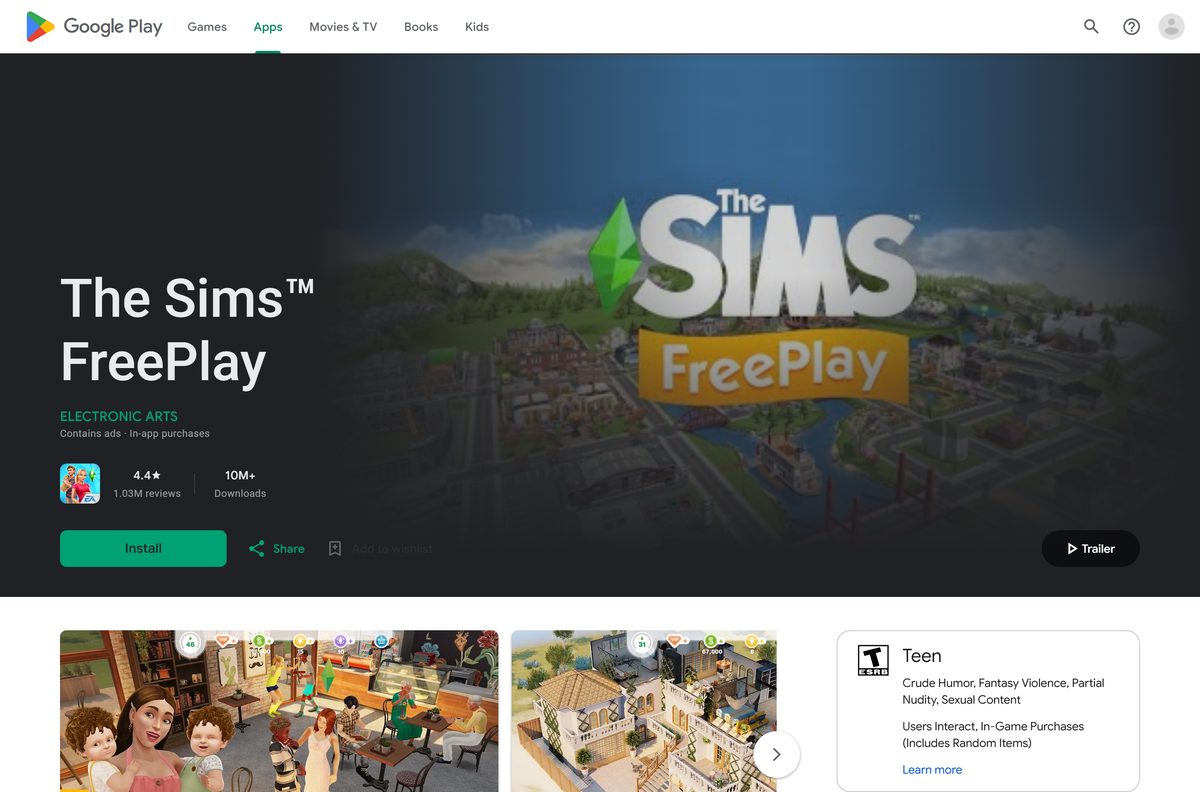
The Sims FreePlay download is free on iPhone, iPad and Android, straight from the App Store or Google Play. Install the listing from Electronic Arts, open it, and start building your SimTown in a few minutes.
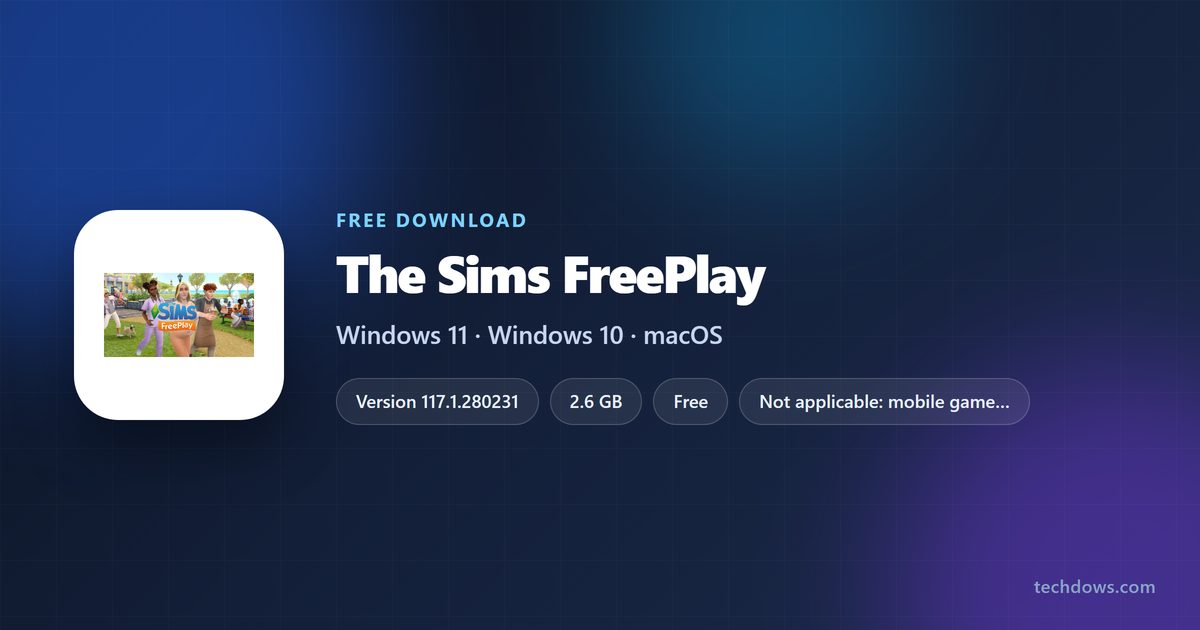
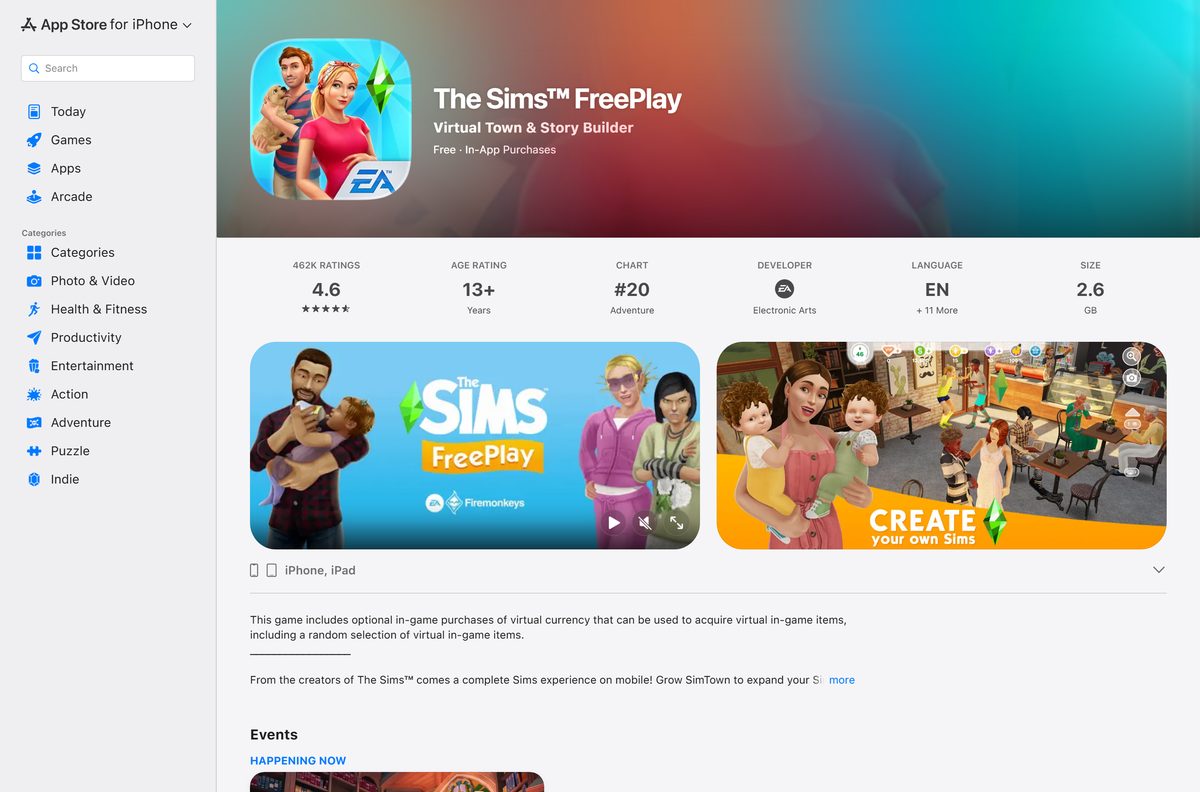
The iPhone and iPad build is 2.6 GB and needs iOS 15.0 or later. On Android, EA asks for 1.8GB of free storage and a network connection to play.
This guide covers which store to use, install steps for both platforms, what to do on a Windows PC or Mac, in-app purchase controls and fixes for install problems.
Which The Sims FreePlay download do you need?
Match your device to a row and use the link in it. The phone and tablet rows end at the same EA game.
| Your device | What to install | Size |
|---|---|---|
| Android phone or tablet | The Sims FreePlay on Google Play | 1.8GB total storage |
| iPhone on iOS 15.0 or later | The Sims FreePlay on the App Store | 2.6 GB |
| iPad on iPadOS 15.0 or later | The Sims FreePlay on the App Store | 2.6 GB |
| Windows 11 or Windows 10 PC, or a Mac | The Sims 4, free on the EA app | Separate game |
Download The Sims FreePlay from EA and the official stores
EA’s page for the game lists one platform: Mobile. Its Download Now button leads to the store listings below.
- The Sims FreePlay on the App Store (iPhone and iPad) — 2.6 GB · Version 117.1.280231, seller Electronic Arts Inc.
- The Sims FreePlay on Google Play (Android) — 1.8GB total storage · Published by ELECTRONIC ARTS, 10M+ downloads
- EA’s The Sims FreePlay download page — Lists the platform as Mobile
- The Sims FreePlay game page and news on ea.com — Event and update announcements
How to install The Sims FreePlay on an Android phone or tablet
- Open the Google Play Store app on your phone or tablet.
- Search for The Sims FreePlay and open the listing from ELECTRONIC ARTS.
- Check that the device has at least 1.8GB of free storage.
- Tap Install and wait for the download to finish.
- Tap Open to launch the game.
- Stay connected to Wi-Fi or mobile data while the game loads its content.
How to install The Sims FreePlay on an iPhone or iPad
- Open Settings, then General, then Software Update, and confirm the device runs iOS or iPadOS 15.0 or later.
- Open the App Store and search for The Sims FreePlay.
- Open the listing that shows Electronic Arts as the developer.
- Tap Get, then confirm with Face ID, Touch ID or your Apple Account password.
- Wait for the 2.6 GB download to finish, preferably on Wi-Fi.
- Tap Open and sign in to Game Center if you want its achievements.
What to play on a Windows PC or Mac instead
EA publishes The Sims FreePlay for mobile only. Its buy page lists no Windows or Mac edition, and the App Store listing covers iPhone and iPad without a Mac entry.
EA’s free Sims game for computers is The Sims 4, which runs through the EA app on Windows and Mac. It is a different game, so FreePlay towns and purchases do not carry over.
| What you want on the computer | What to do |
|---|---|
| A free Sims game on Windows 11 or Windows 10 | Get The Sims 4 through the EA app for Windows |
| A free Sims game on a Mac | Get The Sims 4 through the EA app for Mac |
| The Sims FreePlay itself | Install it on an iPhone or iPad from the App Store |
| Follow FreePlay events from a desktop browser | Read the news on EA’s game page |
Skip any site offering a The Sims FreePlay EXE, DMG or “PC edition”. EA does not publish one.
Is The Sims FreePlay free?
Yes. The game is free to download and free to play on both stores. EA sells optional virtual currency that buys in-game items, including a random selection of items. The Google Play listing also states that advertising appears in the game.
Purchases charge the Apple Account or Google account on the device. Set up the purchase controls in the troubleshooting section before handing the game to a child.
How to check that your copy of The Sims FreePlay is genuine
- Open the store listing and confirm the developer reads Electronic Arts on the App Store or ELECTRONIC ARTS on Google Play.
- On the App Store, scroll down and check that the Seller is Electronic Arts Inc.
- On Google Play, check that the listing shows 10M+ downloads and more than 1 million reviews.
- Install only from the store, and never from an APK file or a modded build that promises free currency.
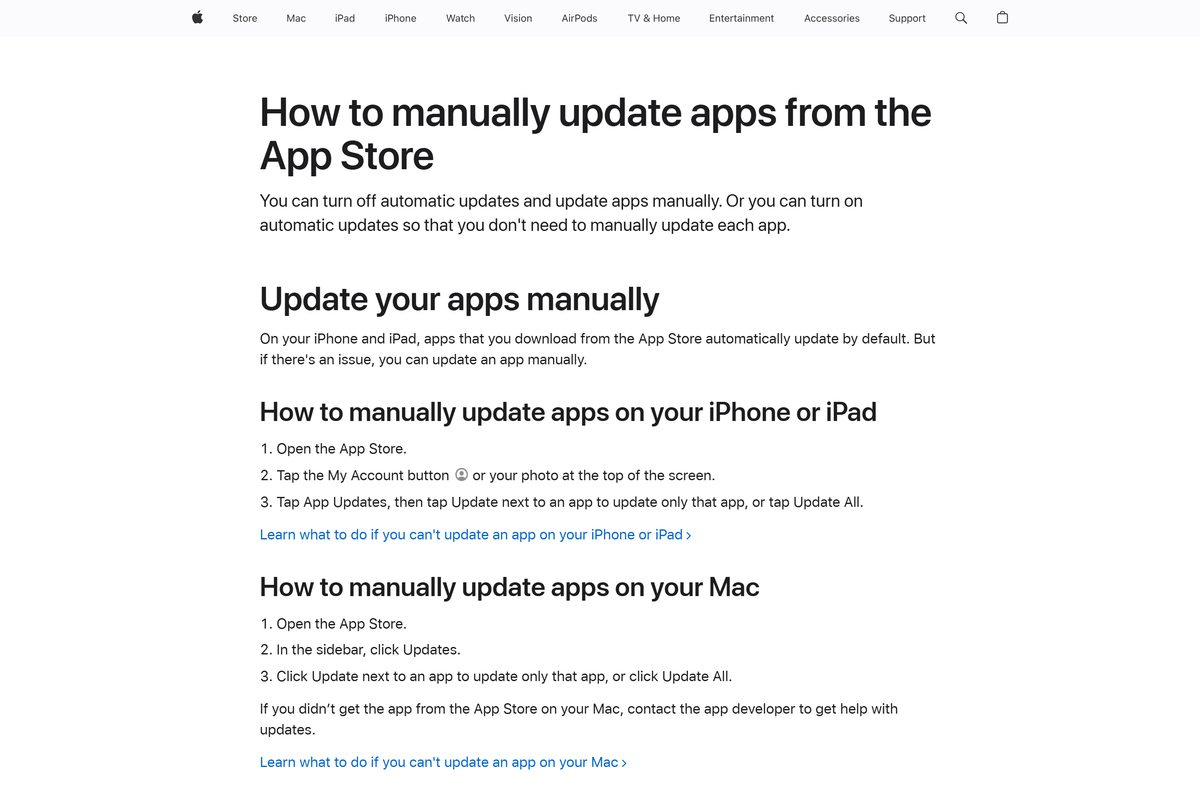
How to check your The Sims FreePlay version and update it
iPhone or iPad
App Store apps update automatically by default.
- Open the App Store.
- Tap the My Account button or your photo at the top of the screen.
- Tap App Updates, then tap Update next to The Sims FreePlay.
- Open the game’s App Store listing to see the current version under Version.
Android phone or tablet
Google Play updates apps based on your auto-update setting.
- Open the Google Play Store app.
- Tap your profile icon at the top right.
- Tap Manage apps & device, then See details under Updates available.
- Tap Update next to The Sims FreePlay.
Check The Sims FreePlay system requirements
The game has no desktop requirements because it ships for phones and tablets only.
| Field | Value |
|---|---|
| Game | The Sims FreePlay |
| Developer | Electronic Arts |
| Latest version | 117.1.280231 on the App Store (31 August 2026); Android updated 27 August 2026 |
| Price | Free, with optional in-app purchases and ads |
| iPhone and iPad | iOS or iPadOS 15.0 or later |
| Android | Google Play device; 1.8GB total storage |
| Download size | 2.6 GB on the App Store |
| Internet | Network connection required to play |
| Age rating | 13+ on the App Store; Teen on Google Play |
| Windows and Mac | No build; mobile only |
| Official source | ea.com, the App Store and Google Play |
| Last verified | 2026-09-25 |
Fix The Sims FreePlay not installing or not loading
The App Store says the game is not compatible
The iPhone or iPad runs a version older than iOS 15.0.
- Open Settings, then General, then Software Update.
- Install the newest update the device offers.
- Return to the App Store listing and tap Get again.
The download stops or fails for lack of space
The game needs 2.6 GB on iPhone and 1.8GB on Android.
- Delete videos or apps you no longer use.
- Connect to Wi-Fi so the download does not stall on mobile data.
- Retry the install from the store listing.
The game hangs on the loading screen
The Sims FreePlay needs a network connection to play.
- Turn Airplane Mode off and check that Wi-Fi or mobile data works.
- Close the game fully and open it again.
- Install any pending update from the store, then relaunch.
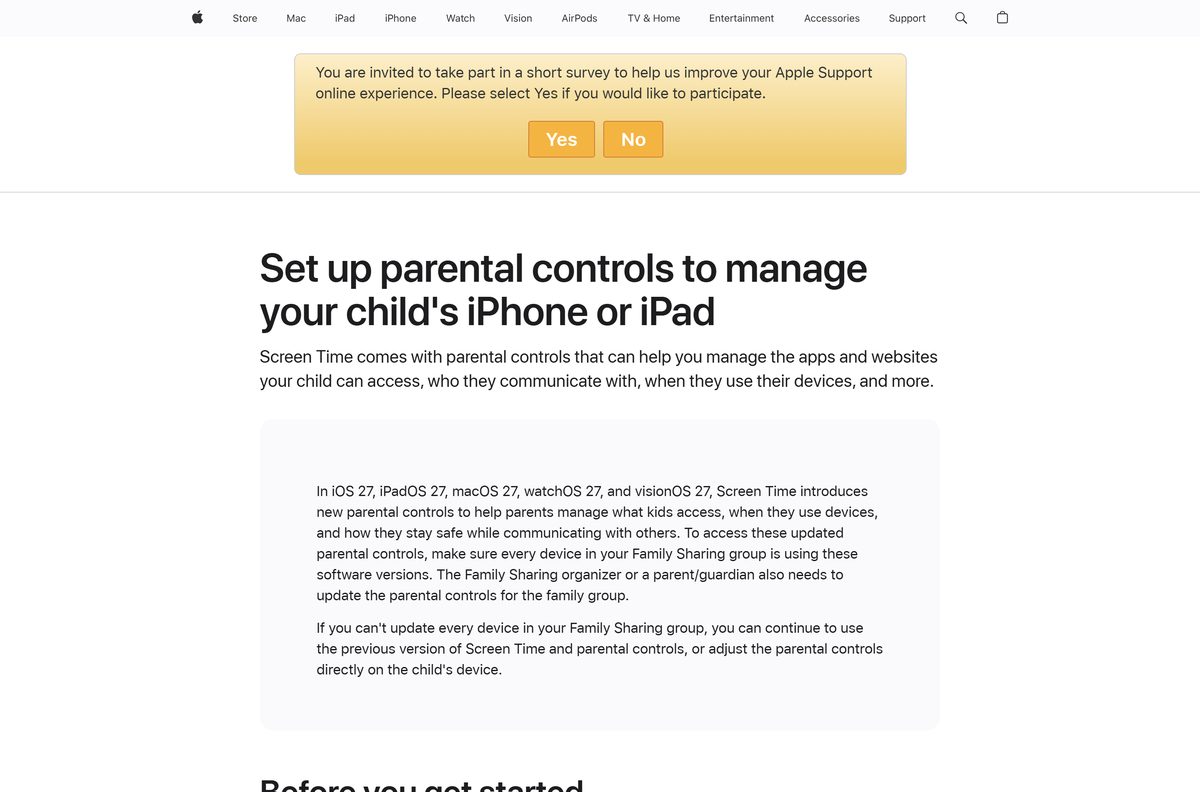
A child made purchases without asking
Store purchase approval is off on the device.
- On iPhone or iPad, open Settings, tap Family, then your child’s name.
- Tap Apps & Websites, then Restrictions, then Ask to Buy, and turn on Require Purchase Approval.
- On Android, open Google Play settings and set purchase verification to Always.
The Microsoft Store or Mac App Store shows no The Sims FreePlay
EA publishes the game for mobile devices only.
- Install it on an iPhone, iPad or Android device instead.
- Use The Sims 4 through the EA app for a Sims game on the computer.
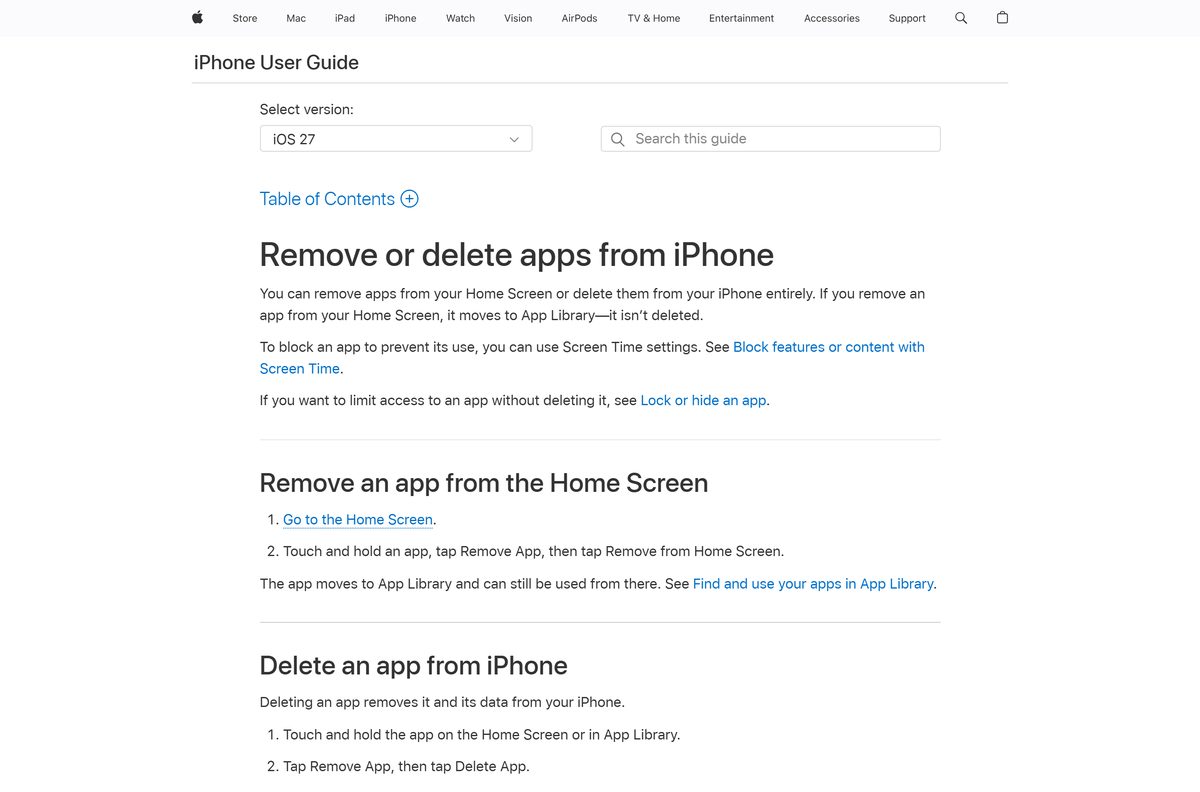
How to uninstall and reinstall The Sims FreePlay
iPhone or iPad
Deleting the app removes it and its data from the device.
- Touch and hold The Sims FreePlay on the Home Screen or in App Library.
- Tap Remove App, then Delete App.
- Tap Delete to confirm.
- Reinstall it later from the App Store listing.
Android phone or tablet
Google Play lets you reinstall the game at any time.
- Open the Google Play Store app and tap your profile icon.
- Tap Manage apps & device, then Manage.
- Select The Sims FreePlay and tap Uninstall.
- Reinstall it later from the Google Play listing.
Choose another EA simulation game
| Game | Platforms | Price | Pick it when |
|---|---|---|---|
| The Sims FreePlay | iPhone, iPad, Android | Free with in-app purchases | You want The Sims on a phone or tablet |
| The Sims 4 | EA app for Windows and Mac, Steam, Epic, PlayStation, Xbox | Free to play | You want The Sims on a PC or Mac |
| SimCity BuildIt | iPhone, iPad, Android | Free with in-app purchases | You prefer building a city to running households |
Frequently asked questions
Is The Sims FreePlay free to download?
Yes. The Sims FreePlay is free on the App Store and Google Play. It sells optional virtual currency, including random items, and the Android listing notes that advertising appears in the game.
Where is the official The Sims FreePlay download?
EA’s own page for the game lists it under the Mobile platform. The official installs are the App Store listing from Electronic Arts Inc. and the Google Play listing from ELECTRONIC ARTS.
Can I download The Sims FreePlay on a Windows 11 PC?
EA publishes The Sims FreePlay for mobile only, with no Windows build on its page. For a Sims game on a Windows PC, The Sims 4 is free to play through the EA app for Windows.
Is there a Mac version of The Sims FreePlay?
No. The App Store compatibility section lists iPhone and iPad only, and a Mac App Store search returns no The Sims FreePlay app. The Sims 4 runs on Mac through the EA app for Mac.
How big is The Sims FreePlay download?
The iPhone and iPad game is 2.6 GB on the App Store. Google Play states that the Android game requires 1.8GB of total storage. Download it over Wi-Fi and keep extra space free for updates.
Does The Sims FreePlay work offline?
No. The Google Play listing states that a network connection is required to play. Keep the phone or tablet on Wi-Fi or mobile data while the game runs.
What iOS version does The Sims FreePlay need?
The App Store listing requires iOS 15.0 or later on iPhone, and iPadOS 15.0 or later on iPad. Update the device in Settings before you install if it runs an older version.
How do I stop in-app purchases in The Sims FreePlay?
On iPhone or iPad, turn on Ask to Buy for a child account in Screen Time. On Android, set Google Play purchase verification to Always, so every purchase needs your password or biometrics.