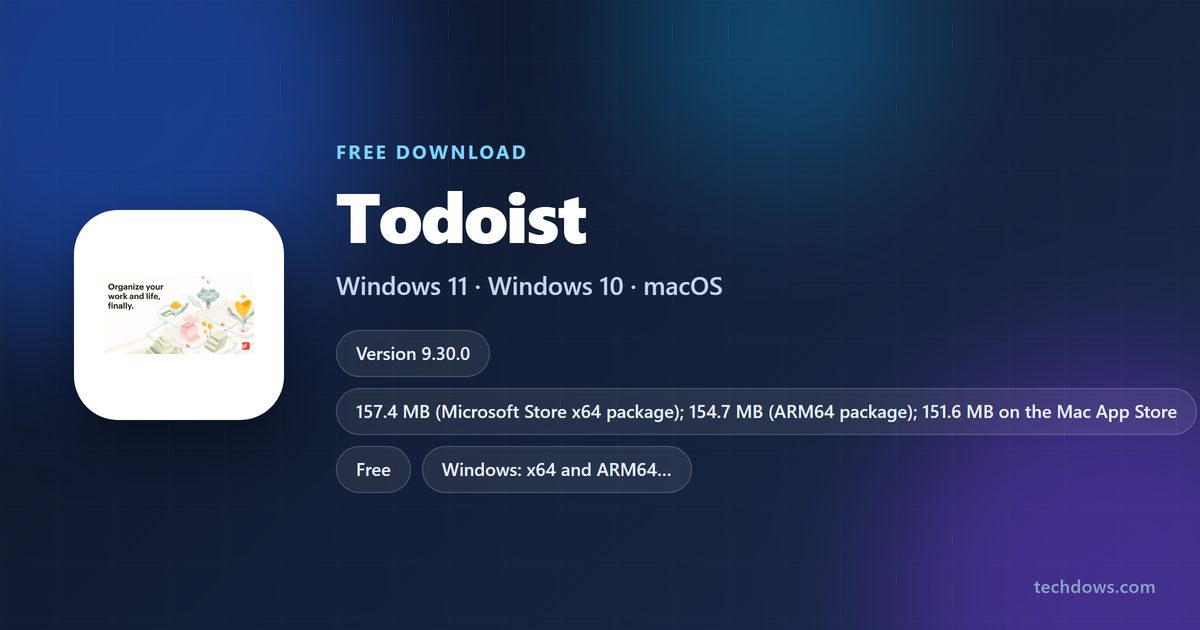
The Todoist download for Windows 11 and Windows 10 is free from todoist.com and the Microsoft Store, and the same account syncs to Mac, Linux, iPhone and Android. Install it, sign in, and your tasks appear on every device.
Below: which file to pick, the Windows and Mac installs, free versus Pro, requirements, fixes and a clean uninstall.
Which Todoist download do you need?
Todoist ships a separate app for each platform. Match your device to a row and use that link.
| Your device | Get it here | Notes |
|---|---|---|
| Windows 11 or 10 PC | Download for Windows | Website installer, updates itself |
| Windows PC, Store route | Microsoft Store | x64 157.4 MB, ARM64 154.7 MB |
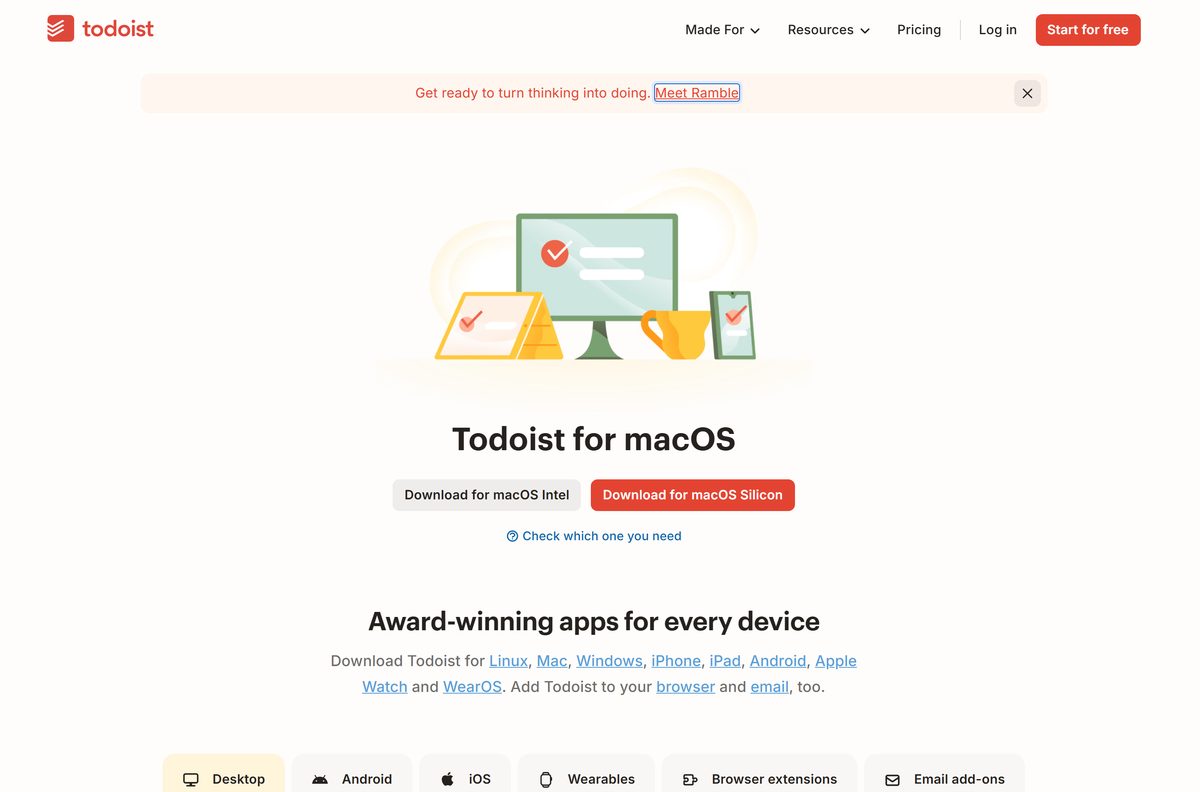
| Mac with Apple silicon | Silicon Mac | macOS 12 or later |
| Mac with an Intel chip | Intel Mac | macOS 12 or later |
| Ubuntu or another Linux | Snap or AppImage | Ubuntu 20.04 listed |
| iPhone, iPad or Apple Watch | App Store | iOS 17, watchOS 10 or later |
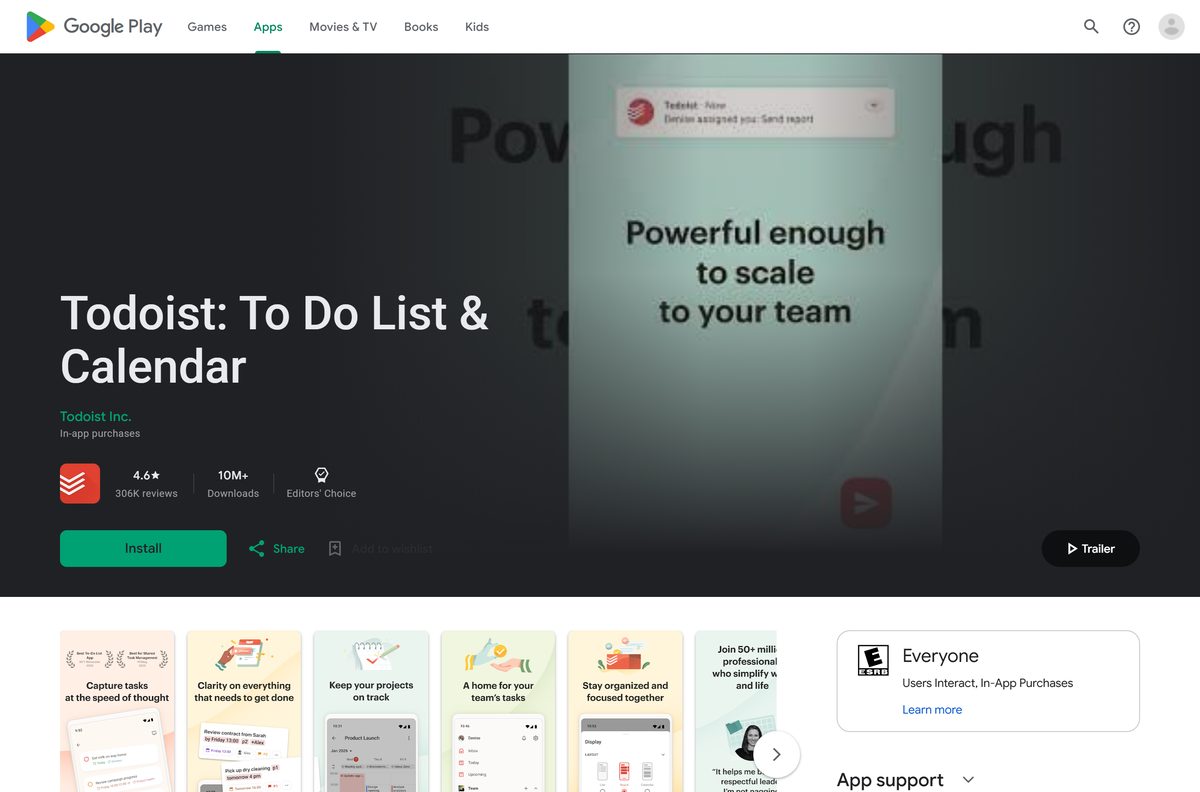
| Android phone or Wear OS | Google Play | Android 8.0 or later |
Not sure which Mac you have? Open the Apple menu, choose About This Mac and read the Chip or Processor line.
Get Todoist from the official download links
Get Todoist only from todoist.com or an official app store. Each link below is the vendor’s own page or listing.
- Todoist for Windows — the Download for Windows button
- Todoist for macOS — Silicon Mac and Intel Mac buttons
- Todoist for Linux — Snap Store and AppImage
- Todoist on the Microsoft Store — published by Doist Inc.
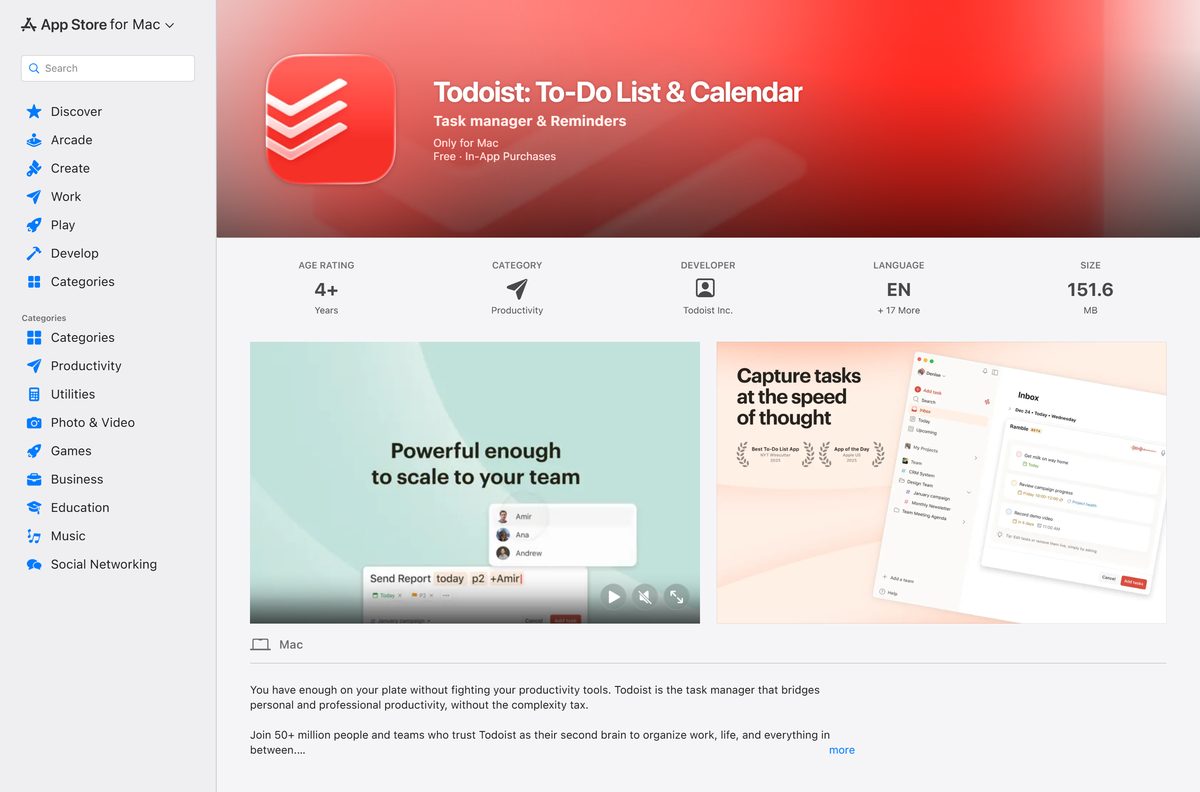
- Todoist on the Mac App Store — 151.6 MB, macOS 12.0 or later
- Todoist for iPhone and iPad — iOS 17 or later
- Todoist on Google Play — Android 8.0 or later
How to install Todoist on Windows 11 and 10
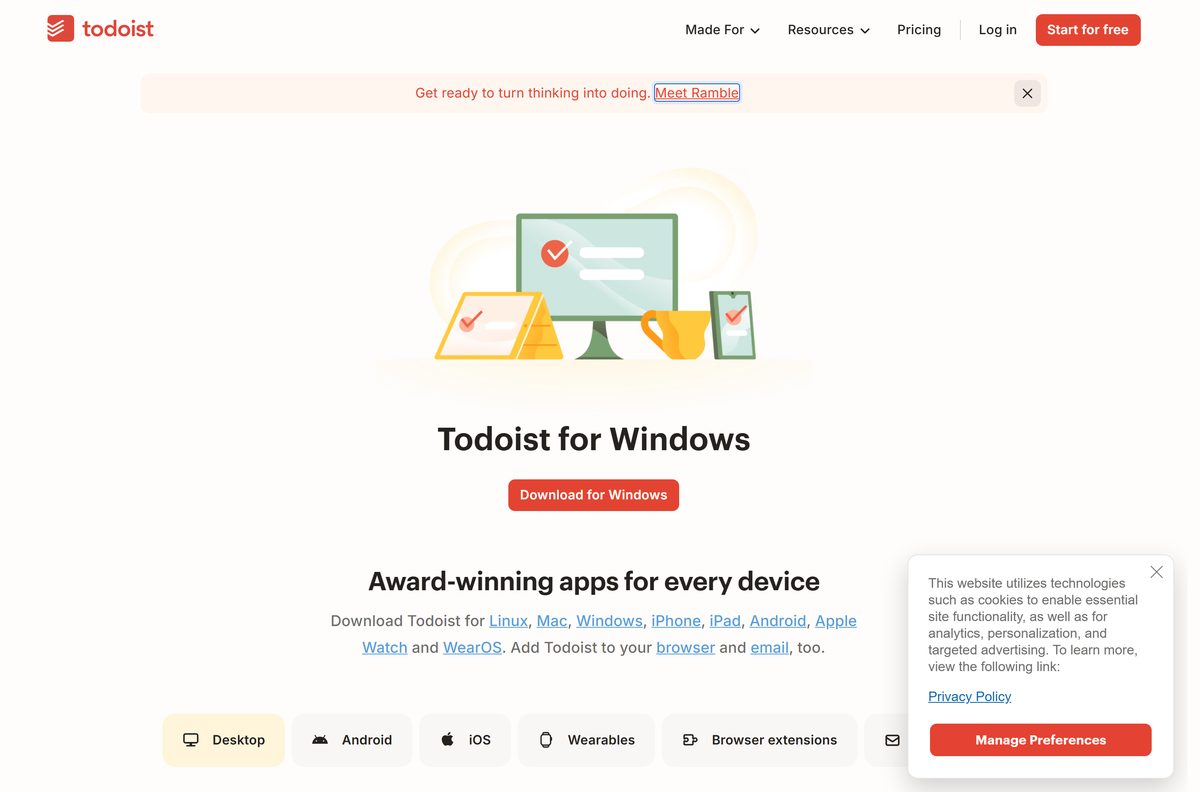
- Open todoist.com/downloads/windows in your browser.
- Click Download for Windows and save the setup file.
- Open your Downloads folder and double-click the Todoist setup file.
- Wait while Windows installs the app; Todoist opens when it finishes.
- Click Log in if you have an account, or sign up for a free one.
- Right-click the Todoist icon on the taskbar and choose Pin to taskbar for quick access.
Todoist also adds an icon to the system tray. Right-click that tray icon to see the installed version.
Install Todoist from the Microsoft Store
Pick the Store route on a work PC where you cannot run setup files, or on a Windows on ARM laptop.
- Open the Microsoft Store app from the Start menu.
- Search for Todoist and open Todoist: To Do List & Calendar by Doist Inc.
- Click Get or Install.
- Wait for the download to finish, then click Open.
- Log in to your Todoist account, or sign up by email.
Store installs update through the Microsoft Store, not through the app itself. The listing needs Windows 10 build 19041 or later.
Which Todoist download do you need for your Mac?
Todoist gives you two ways to install on a Mac. Both deliver the same app at the same version.
| If you want | Get it here | What happens |
|---|---|---|
| Updates handled by the App Store | Mac App Store | Click Get, then Install; 151.6 MB |
| The direct download on an M-series Mac | Silicon Mac | Open the .dmg and drag Todoist to Applications |
| The direct download on an Intel Mac | Intel Mac | Open the .dmg and drag Todoist to Applications |
Both builds need macOS 12 or later. The website build updates itself when you quit the app.
Install Todoist on Linux with Snap
Todoist supports Ubuntu 20.04 and offers a Snap package and an AppImage. Snap is the shorter route.
- Open Todoist for Linux and note the Snap Store and AppImage options.
- Install Snap first if your distribution does not include it.
- Open a terminal.
- Run sudo snap install todoist .
- Run sudo snap set core experimental.refresh-app-awareness=true so updates wait until you close the app.
- Open Todoist from your application menu and sign in.
For the AppImage route, Todoist’s Linux help page walks through AppImageLauncher. Remove the Snap later with sudo snap remove todoist .
Is Todoist free?
The free plan covers 5 personal projects, Smart Quick Add, task reminders, list and board layouts, 3 filter views and a week of activity history.
Start on the free Beginner plan, and pay for Pro only when you need more than 5 projects, calendar layout or custom reminders. Every Todoist app is free to download, and the Beginner plan has no time limit. Pro and Business are optional upgrades.
Pro is $6.99 a month or $59.99 a year through the App Store, with a 7-day trial. Business adds a shared team workspace and team roles, with a 14-day trial. Prices on the website depend on your region.
Pro unlocks inside the app you already installed. No separate Pro download exists, so a site offering one is not Todoist.
How to check your Todoist version and update it
- Click your avatar at the top-left of the Todoist window.
- Read the Todoist version and app version at the bottom of the menu.
- On a website install, quit Todoist fully; the update installs when the app closes.
- On a Store install, open the Microsoft Store or App Store and install pending updates.
- If an update keeps failing, uninstall Todoist, delete its application folder and install a fresh copy.
On Windows you can also right-click the Todoist tray icon to see the installed version.
Check the Todoist system requirements before you install
| Field | Value |
|---|---|
| Software | Todoist |
| Developer | Todoist Inc. (Doist Inc. on the Microsoft Store) |
| Latest version | 9.30.0 (desktop) |
| License | Free Beginner plan; paid Pro and Business |
| Windows | Windows 10 or 11; Store build needs build 19041 or later |
| Architecture | x64 and ARM64 on Windows; Apple silicon and Intel on Mac |
| macOS | macOS 12 or later |
| Linux | Ubuntu 20.04, Snap or AppImage |
| iPhone and iPad | iOS 17 or iPadOS 17 or later |
| Android | Android 8.0 or later |
| Watches | watchOS 10 or later; any Wear OS version |
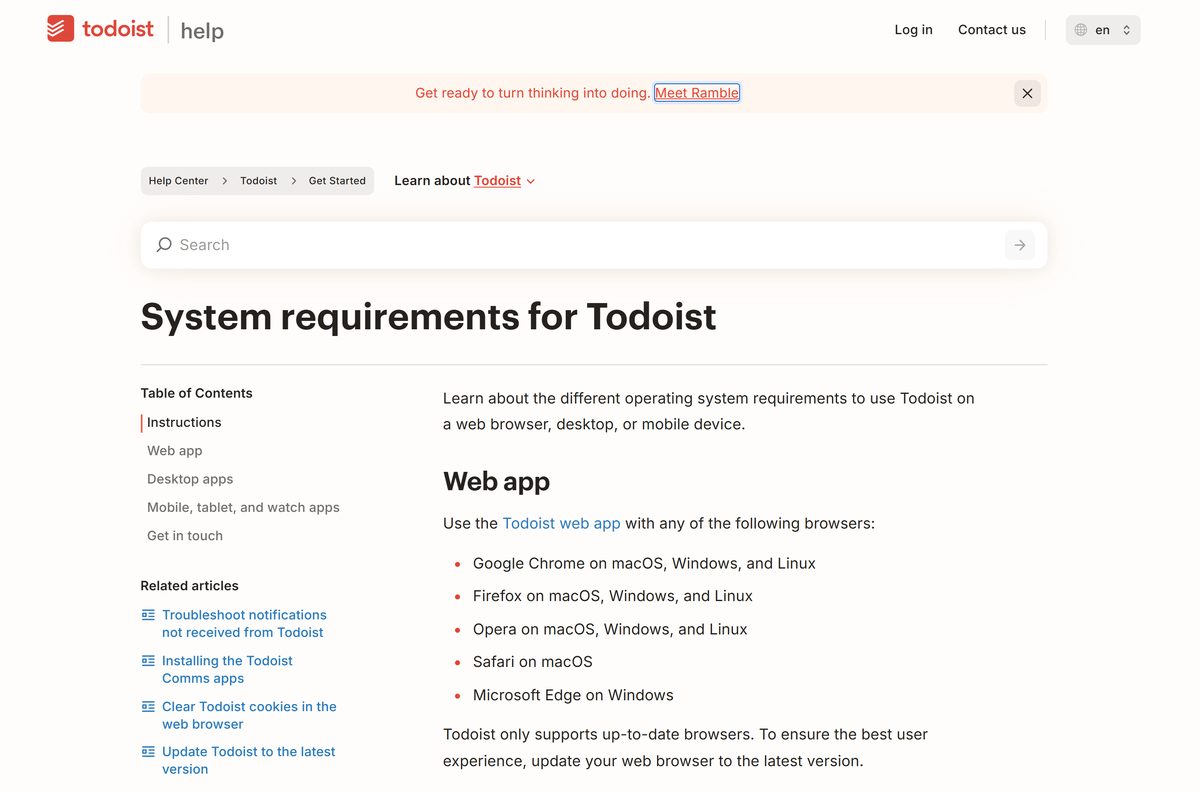
| Web | Chrome, Firefox, Opera, Safari, Edge; no mobile browsers |
| File size | 157.4 MB (Store x64), 151.6 MB (Mac App Store) |
| Offline installer | Yes, the website Windows setup is a full installer |
| Official download source | todoist.com/downloads |
| Last verified | 2026-09-25 |
To check your Windows build, press Windows + R, type winver and press Enter. The build number must be 19041 or higher for the Store version.
Fix Todoist not installing or not opening
The Microsoft Store says Todoist will not work on this PC
The Store package needs Windows 10 build 19041 or later.
- Open Settings > Windows Update and click Check for updates.
- Restart, then retry the Store install, or use the website installer instead.
The Mac app will not open after install
The wrong chip build, or macOS older than 12.
- Check About This Mac for the chip and macOS version.
- Delete the app and download the matching Silicon Mac or Intel Mac build.
An update fails or the app keeps crashing
A damaged application folder.
- Uninstall Todoist.
- Delete the leftover Todoist application folder.
- Download a fresh copy from todoist.com and install it.
Todoist does not work in a phone browser
Todoist does not support mobile browsers.
- Install the iPhone app from the App Store or the Android app from Google Play.
How to uninstall Todoist
- On Windows, open Settings > Apps > Installed apps.
- Find Todoist, click the three-dot menu and choose Uninstall.
- On a Mac, quit Todoist and drag it from Applications to the Trash.
- On Linux, run sudo snap remove todoist for the Snap build.
- Log in to Todoist on another device to confirm your tasks are still in your account.
Uninstalling the app does not delete your Todoist account or tasks. They stay synced to your account until you delete it.
Choose another task app if Todoist is not the right fit
| App | Best for | Platforms |
|---|---|---|
| Todoist | One task list across every platform | Windows, Mac, Linux, iPhone, Android, web |
| Microsoft To Do | Microsoft 365 users who want Outlook tasks | Windows, iPhone, Android, web |
| Google Tasks | Gmail and Google Calendar users | Android, iPhone, inside Gmail |
| Apple Reminders | People who only use Apple devices | Mac, iPhone, iPad |
Pick Todoist when you need one task list on Windows, Mac, Linux and Android at once. The others each stay inside a single company’s ecosystem.
Frequently asked questions
Is Todoist free?
Yes. The Beginner plan is free and includes 5 personal projects, task reminders, list and board layouts and 3 filter views. Pro costs $6.99 a month or $59.99 a year through the App Store and adds 300 projects, calendar layout and custom reminders.
What is the official Todoist download page?
The official page is todoist.com/downloads. It links to the Windows, Mac and Linux desktop apps, the iPhone, iPad and Android apps, Apple Watch and Wear OS, plus browser extensions and email add-ons.
Does Todoist work on Windows 11?
Yes. Todoist lists Windows 10 or 11 as the requirement for its desktop app. The Microsoft Store build ships x64 and ARM64 packages, so it runs on Intel, AMD and Snapdragon Windows 11 laptops.
How big is the Todoist download?
The Microsoft Store package is 157.4 MB for x64 PCs and 154.7 MB for ARM64 PCs. On the Mac App Store, Todoist is 151.6 MB. Sizes change slightly with each release.
Is there a Todoist offline installer?
Yes. The Download for Windows button on todoist.com delivers a full setup file, not a small web stub, so you can copy it to another PC. The app still needs an internet connection to sign in and sync tasks.
Is there a Todoist app for Mac?
Yes. Todoist offers separate downloads for Apple silicon and Intel Macs on todoist.com, and the same app is on the Mac App Store. Both need macOS 12 or later.
Does Todoist support ARM64 and 64-bit Windows?
Yes. The Microsoft Store listing carries both an x64 package and an ARM64 package, and Windows picks the right one for your processor automatically. No 32-bit Windows package is listed.
Is Todoist safe to download?
Todoist is safe when you get it from todoist.com, the Microsoft Store, the Mac App Store or Google Play. The publisher on those listings is Todoist Inc. or Doist Inc. Avoid copies from download portals and anything sold as a cracked Pro version.
What is the latest version of Todoist?
The desktop app is at version 9.30.0 on the Microsoft Store and the Mac App Store. Website installs update themselves when you quit the app, so you rarely need to download a new copy.
Why won’t Todoist install on my PC?
The most common cause is an old Windows 10 build: the Store package needs build 19041 or later. Run Windows Update, restart, and try again. Todoist lists only Windows 10 and 11 as supported.
Can I use Todoist in a web browser instead?
Yes. Todoist runs in current versions of Chrome, Firefox, Opera, Safari and Edge on a computer. Mobile browsers are not supported, so use the iPhone or Android app on a phone.
Does Todoist work on Linux?
Yes. Todoist supports Ubuntu 20.04 and ships as a Snap package and an AppImage. The quickest route is running sudo snap install todoist in a terminal, then opening Todoist from your app menu.