Yes, you can still install and run Windows 11 25H2 now that 26H2 is out: Microsoft supports 25H2 Home and Pro until 12 October 2027, but its public download pages now serve only 26H2, so a fresh 25H2 install needs media you already have.
This guide covers where 25H2 media still comes from, how to keep a PC on 25H2 once 26H2 starts rolling out, how long that choice stays supported, and when moving to 26H2 is the better call.
Can you still install 25H2? The answer by situation
| Your situation | Can you get or keep 25H2? | What to do |
|---|---|---|
| PC already on 25H2 | Yes | Do nothing yet; 26H2 installs only when you choose it, or automatically if Get the latest updates as soon as they're available is on |
| Clean install from a 25H2 ISO or USB you saved earlier | Yes | Install from that media, then pause updates or set a target version before 26H2 is offered |
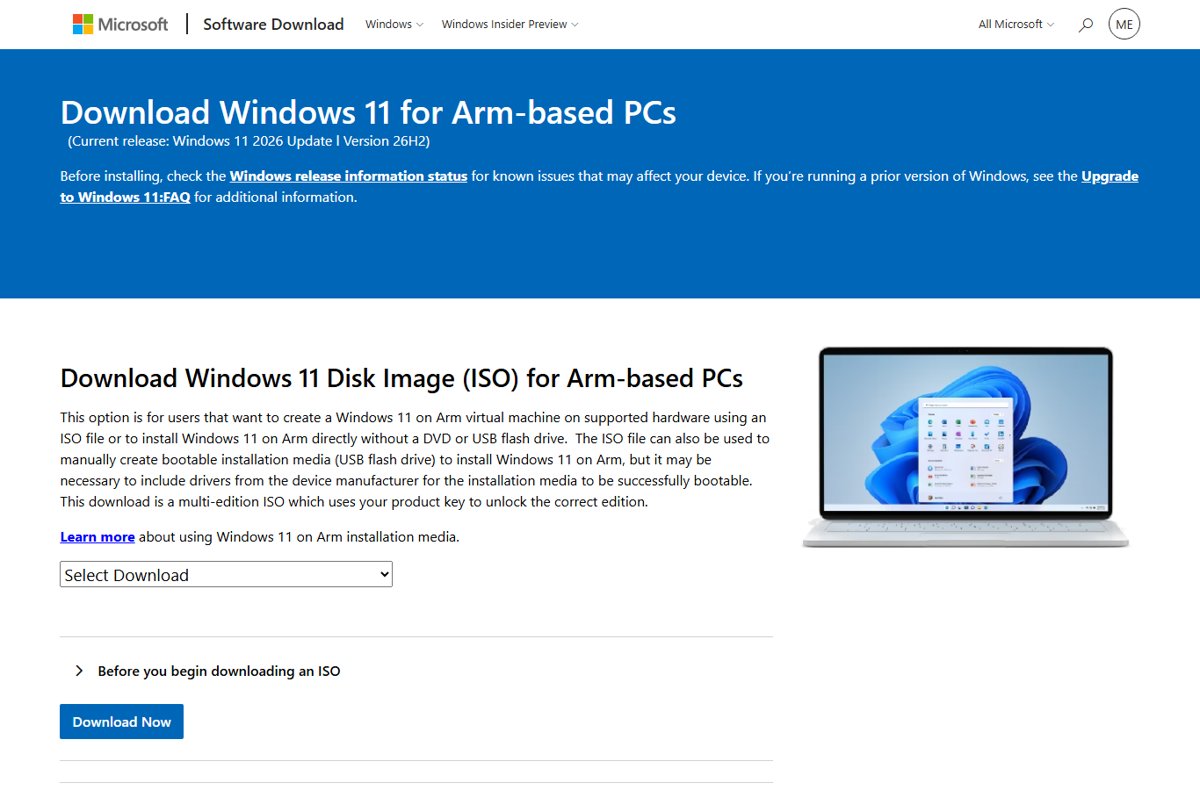
| Clean install with a fresh download from Microsoft | No | The x64 and Arm64 download pages, Media Creation Tool and Installation Assistant now all deliver 26H2 |
| PC on 24H2 Pro, Enterprise or Education | Yes, with a policy | Set Select the target Feature Update version to 25H2 in Group Policy |
| PC on 24H2 Home | Not reliably | Home cannot defer feature updates, and 24H2 Home ends updates on 13 October 2026 |
| PC already moved to 26H2 | Only by going back | Removing an update is possible from Update history, but Microsoft has not said whether the 26H2 package can be removed |
25H2 and 26H2 are the same Windows underneath, so staying on 25H2 costs you features, not security. The differences are laid out in the 26H2 vs 25H2 comparison.
How long Windows 11 25H2 stays supported
Microsoft's release information page lists end-of-updates dates per edition. After that date a version gets no more security fixes.
| Version | Available since | End of updates: Home, Pro, Pro Education, Pro for Workstations | End of updates: Enterprise, Education, IoT Enterprise |
|---|---|---|---|
| 26H2 (build 26300) | 2026-09-29 | 2028-10-10 | 2029-10-09 |
| 25H2 (build 26200) | 2025-09-30 | 2027-10-12 | 2028-10-10 |
| 24H2 (build 26100) | 2024-10-01 | 2026-10-13 | 2027-10-12 |
That gives 25H2 Home and Pro just over a year of security updates from today, and Enterprise two. Installing 26H2 resets the support clock to 24 months for Home and Pro and 36 months for Enterprise and Education.
Why 25H2 and 26H2 are almost the same install
| Fact from Microsoft | What it means for you |
|---|---|
| 24H2, 25H2 and 26H2 share a common core with an identical set of system files | A patched 25H2 PC already has the 26H2 code on disk, switched off |
| 26H2 reaches 24H2 and 25H2 PCs as the enablement package KB5121794 | Moving up is a small download and a single restart, not a reinstall |
| The package needs KB5124010 (22 September 2026) or a later cumulative update first | A fully patched 25H2 PC is one step from 26H2 |
| The latest 25H2 and 26H2 builds are 26200.9550 and 26300.9550 | Both receive the same monthly fixes on the same day |
| 26H2 turns on some features that were off by default in 25H2, mainly for commercial PCs | Staying on 25H2 mostly means doing without those switched-on features |
Where 25H2 install media still comes from
| Source | Still gives 25H2? | Notes |
|---|---|---|
| Download Windows 11 page (x64 ISO) | No | Current release reads Windows 11 2026 Update, Version 26H2 |
| Download Windows 11 for Arm-based PCs page | No | Also lists Version 26H2 as the current release |
| Media Creation Tool | No | Downloads the current release from the same page |
| Installation Assistant | No | Upgrades the running PC to the current release |
| A 25H2 ISO or USB drive you created before 29 September 2026 | Yes | Still installs 25H2; Windows Update then brings it up to date with monthly fixes |
| A 24H2 ISO you kept | Indirectly | Installs 24H2; on Pro or higher, a 25H2 target version policy then keeps it off 26H2 |
Never download a 25H2 ISO from a file-sharing or mirror site. Modified images are a common way to spread malware, and Microsoft does not publish checksums for them. For current media, use the official 26H2 ISO links instead.
Install 25H2 from media you already have
- Confirm the ISO or USB really is 25H2: after installation, Settings > System > About shows the version, and the build starts with 26200.
- Double-click the ISO to mount it and run setup.exe for an in-place install, or boot from the USB drive for a clean install.
- Follow Setup and choose the edition the PC is licensed for.
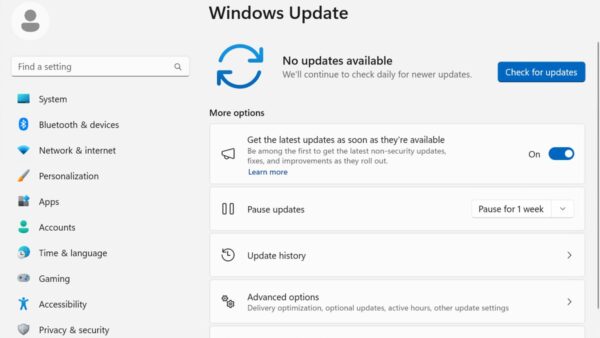
- Before the first Windows Update check, go to Settings > Windows Update and make sure Get the latest updates as soon as they're available is turned off.
- Install the monthly updates Windows Update offers; they keep 25H2 on the current build without changing the version.
- If you see Windows 11, version 26H2 is available, leave it and do not select Download & install.
On a brand-new PC, Setup may ask for more than an older ISO expects. The 26H2 system requirements are the same list 25H2 uses.
Stay on 25H2 on Pro, Enterprise or Education
The Select the target Feature Update version policy tells Windows Update which version to move to and stay on until that version reaches end of service. It applies to Pro, Enterprise, Education and IoT Enterprise, not Home.
- Press Win + R, type
gpedit.mscand press Enter. - Go to Computer Configuration > Administrative Templates > Windows Components > Windows Update > Manage updates offered from Windows Update.
- Double-click Select the target Feature Update version and select Enabled.
- In the product version box, type
Windows 11. - In the target version box, type
25H2, then select OK. - Restart the PC, or run
gpupdate /forcefrom an administrator Command Prompt, then check for updates.
Both boxes must be filled; Microsoft notes the product version setting is required for the target version to work. This is the same policy managed PCs receive through Intune. Other ways to hold the update are in the guide to block the 26H2 update.
Delay 26H2 on Windows 11 Home
Home has no target version policy and does not support deferring feature updates. Pausing is the only control, and it lasts at most 35 days at a time.
- Select Start > Settings > Windows Update.
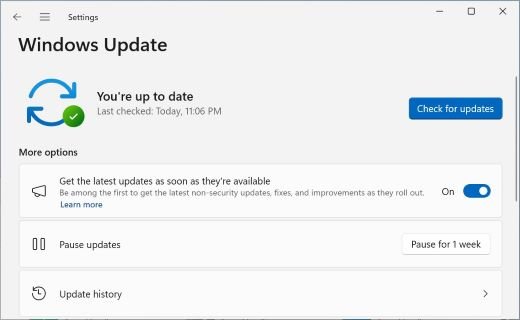
- Turn off Get the latest updates as soon as they're available, so the PC is not first in line.
- Select Pick a date on the Pause updates control.
- Choose a date up to 35 days ahead.
- When the pause ends, Windows checks for and installs the latest updates, so extend the pause or let the updates in.
Pausing also stops security updates, so it is a short delay, not a way to stay on 25H2 for a year. More options are in the guide to pause or stop updates.
How to check which version you are on
- Right-click Start and select Settings.
- Go to System > About.
- Under Windows specifications, read Version: it says 25H2 or 26H2.
- Read OS build: 25H2 builds start with 26200 and 26H2 builds with 26300.
- On Pro, open Settings > Windows Update after the policy is set; Windows 11, version 26H2 is available should no longer appear.
Already on 26H2 and want 25H2 back
Microsoft has not published whether the KB5121794 package can be removed or for how long. The general route for removing an update is below; some updates cannot be uninstalled.
- Select Start > Settings > Windows Update.
- Under More options, select Update history.
- Under Related settings, select Uninstall updates.
- Look for the feature update entry for version 26H2; if it is listed, select Uninstall and restart.
- If it is not listed, reinstalling from 25H2 media you kept is the only other route.
Back up first, and run a few checks before you safely uninstall 26H2.
What you give up by staying on 25H2
| Area | 25H2 | 26H2 |
|---|---|---|
| Security updates | Monthly, until 2027-10-12 (Home, Pro) | Monthly, until 2028-10-10 (Home, Pro) |
| Features added since 25H2 | Not turned on | Includes taskbar position, Start menu changes, administrator protection and quick machine recovery |
| Known launch issues | Unaffected by 26H2-only problems | Microsoft lists three mitigated issues at launch |
| Next move | Must update before October 2027 | Two years before the next deadline |
The current 26H2 problems and workarounds are tracked in the 26H2 known issues article.
Frequently asked questions
Can I still install Windows 11 25H2?
Yes, if you have 25H2 installation media from before 29 September 2026. Microsoft still supports 25H2, with security updates for Home and Pro until 12 October 2027, but its download pages, Media Creation Tool and Installation Assistant now deliver 26H2.
Can I still download a Windows 11 25H2 ISO from Microsoft?
No. As of 30 September 2026, both the x64 and the Arm64 Windows 11 download pages list Version 26H2 as the current release. Microsoft does not offer an older-version picker on those pages, and third-party ISO mirrors are not a safe substitute.
Will Windows Update force 26H2 on my 25H2 PC?
Not right away. The rollout is phased over the next few months, and the update installs automatically only on PCs with Get the latest updates as soon as they're available turned on. Home PCs cannot defer feature updates, so they typically move before 25H2 ends.
How long is Windows 11 25H2 supported?
Windows 11 25H2 Home, Pro, Pro Education and Pro for Workstations get updates until 12 October 2027. Enterprise, Education, IoT Enterprise and Enterprise multi-session get updates until 10 October 2028, according to Microsoft's release information page.
Is it safe to stay on 25H2?
Yes, until its end-of-updates date. 25H2 and 26H2 share the same system files and receive the same monthly security fixes, so a patched 25H2 PC is not less secure. It simply lacks the features that 26H2 switches on.
Can I upgrade from 24H2 to 25H2 instead of 26H2?
On Pro, Enterprise and Education, set the Select the target Feature Update version policy to Windows 11 and 25H2, and Windows Update targets 25H2. Home has no such control, and 24H2 Home and Pro stop receiving updates on 13 October 2026.
Is 26H2 a full reinstall compared to 25H2?
No. On a PC running 24H2 or 25H2, 26H2 arrives as the small enablement package KB5121794 and needs a single restart. It requires the 22 September 2026 update KB5124010 or a later cumulative update first.
Can I dual boot 25H2 and 26H2?
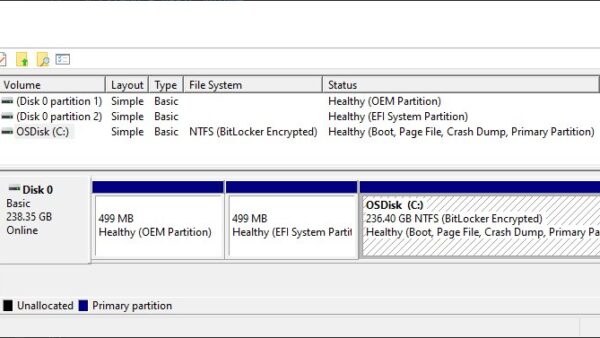
Yes, as two separate Windows installations on separate partitions, each needing its own installation media. Because Microsoft now only serves 26H2 media, the 25H2 side needs an ISO or USB you saved earlier.
Bottom line
Stay on 25H2 if it works for you and you want to wait out the first 26H2 fixes, but plan to move before 12 October 2027. 25H2 gets the same monthly security fixes as 26H2 until then, and the jump to 26H2 is a single restart whenever you are ready. A fresh 25H2 install is only possible from media you already have, so for a new install, 26H2 is the practical choice. If you are unsure, the answer on whether to install 26H2 weighs it up.

Can you dual boot Windows 11 26H2 and 25H2? - Techdows
[…] download page, which lists Version 26H2 as the current release. An existing 25H2 installation, or 25H2 media you saved earlier, is the practical […]