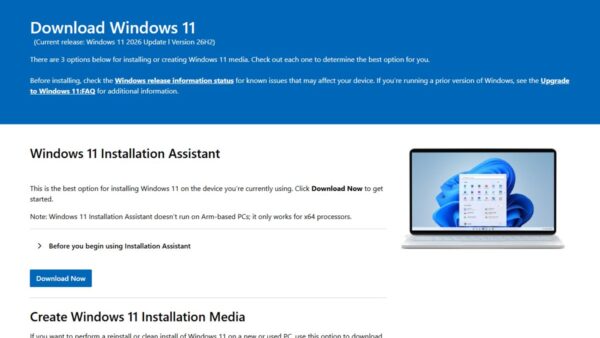
After Windows 11 26H2 come monthly updates, then the next annual Windows 11 feature update in the second half of 2027, though Microsoft has not yet named it or given a date.
This guide lays out what is confirmed, what is still unannounced, how long 26H2 stays supported, and where Microsoft will publish the next release first.
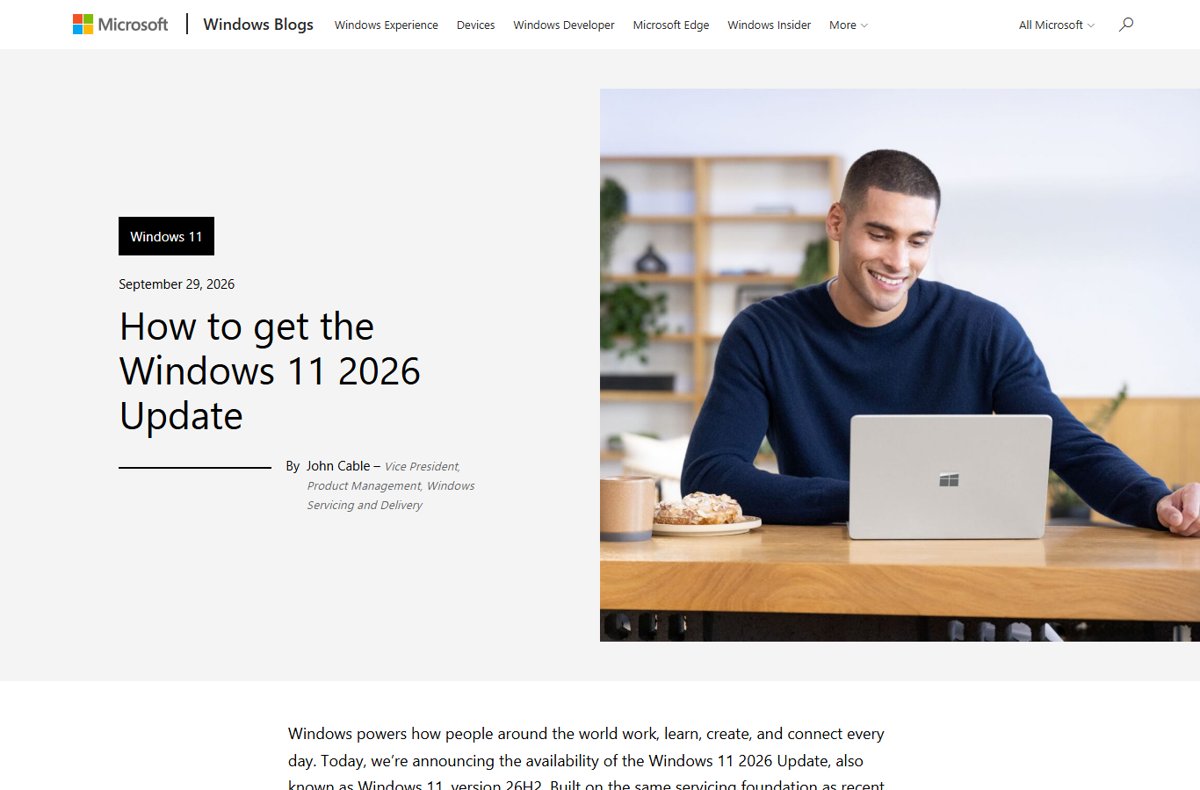
What comes next after Windows 11 26H2
Everything below comes from Microsoft's release documents as of September 30, 2026. Anything Microsoft has not published is marked as such.
| When | What comes next | Status |
|---|---|---|
| October 13, 2026 | First monthly security update after 26H2 launch (second Tuesday) | Scheduled pattern |
| October to December 2026 | Hotpatch calendar for 26H2: October baseline with restart, November and December hotpatches | Published by Microsoft |
| Throughout 2027 | New features through continuous innovation in monthly updates | Confirmed pattern |
| Second half of 2027 | The next annual Windows 11 feature update | Window confirmed; name and date not announced |
| October 10, 2028 | End of updates for 26H2 Home and Pro | Published by Microsoft |
The Windows 11 26H2 overview covers the current release itself.
Release date
Microsoft's update release cycle page says the annual feature update ships once a year in the second half of the calendar year. The launch post for 26H2 repeats that the cadence continues.
| Release | Availability date | Source |
|---|---|---|
| Windows 11 24H2 | October 1, 2024 | Windows 11 release information |
| Windows 11 25H2 | September 30, 2025 | Windows 11 release information |
| Windows 11 26H2 | September 29, 2026 | Windows 11 release information |
| Next annual feature update | Second half of 2027; exact date not published | Update release cycle for Windows clients |
The last three releases all landed between late September and early October, but that is a pattern, not a promise. Microsoft has not confirmed a 2027 date or a version name such as 27H2.
Support extends to October 2028, no new hardware requirements, few new features
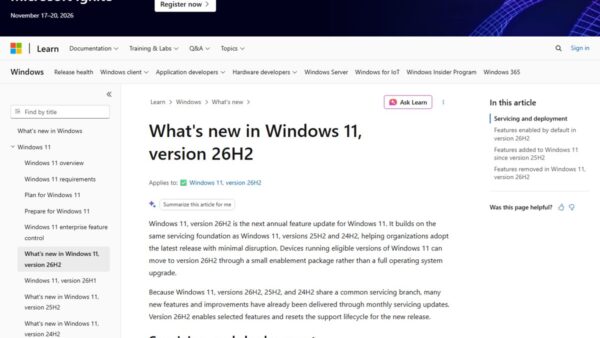
Installing 26H2 resets the support lifecycle to 24 months for Home and Pro and 36 months for Enterprise and Education. The release did not add hardware requirements, and most of its features had already reached 25H2 through monthly updates.
| Edition group | 26H2 end of updates | 25H2 end of updates |
|---|---|---|
| Home, Pro, Pro Education, Pro for Workstations | October 10, 2028 | October 12, 2027 |
| Enterprise, Education, IoT Enterprise, Enterprise multi-session | October 9, 2029 | October 10, 2028 |
Home edition cannot defer feature updates, so Microsoft's lifecycle FAQ says it will typically receive the next version before the end-of-servicing date. Snapdragon 850 PCs are the exception: 26H2 is the last version they support. The 26H2 end of support guide covers every date.
Platform changes
Windows 11 currently runs on two cores. 24H2, 25H2 and 26H2 share one servicing branch, while 26H1 sits on a different, higher development core built for new silicon.
| Branch | Builds | What Microsoft has said about what comes next |
|---|---|---|
| 24H2 / 25H2 / 26H2 | 26100, 26200, 26300 | Annual feature updates continue in the second half of each year |
| 26H1 | 28000 | Cannot update to 26H2; will get a path to update in a future Windows release |
| Insider Experimental channel | 26340 builds since August 17, 2026 | Preview features in testing; Microsoft has not tied them to a named release |
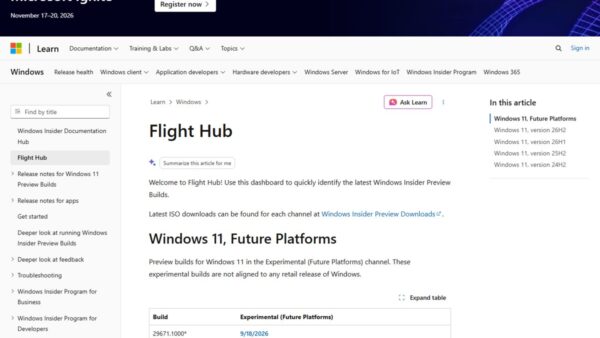
| Experimental (Future Platforms) | 29xxx builds, latest 29671.1000 on September 18, 2026 | Not aligned to any retail release of Windows; aimed at kernel and API changes |
Microsoft has not said whether the next feature update will unite the 26H1 and 26H2 cores. The Insider channels guide explains which preview build lands on which PC.
Monthly and hotpatch updates after 26H2
Between annual releases, 26H2 keeps changing through the normal servicing channels. New features first appear in an optional preview update, roll out gradually, and then ship in the next monthly security update.
| Update type | When it ships | What it brings |
|---|---|---|
| Monthly security update | Second Tuesday of each month | Cumulative security and quality fixes, plus the previous month's preview content |
| Optional non-security preview | Fourth week of each month | Early fixes and new features, gradually rolled out |
| Hotpatch (Enterprise) | Baseline in the first month of each quarter, hotpatches in the other two | Security fixes that install without a restart after the baseline |
| Out-of-band | Only when needed | Urgent fixes that cannot wait for the monthly update |
The 26H2 hotpatch calendar lists October 2026 as a baseline with restart and November and December 2026 as hotpatch months. The 26H2 update history tracks each build as it ships.
Get new features early while you wait for the next version
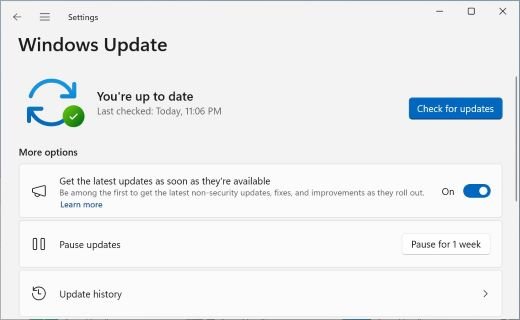
Continuous innovation features reach PCs faster when this setting is on. It also puts your PC near the front of the queue for the next feature update.
- Open Settings and select Windows Update.
- Turn on Get the latest updates as soon as they’re available.
- Select Check for updates.
- Install any optional preview update listed on the page if you want new features before the next monthly security update.
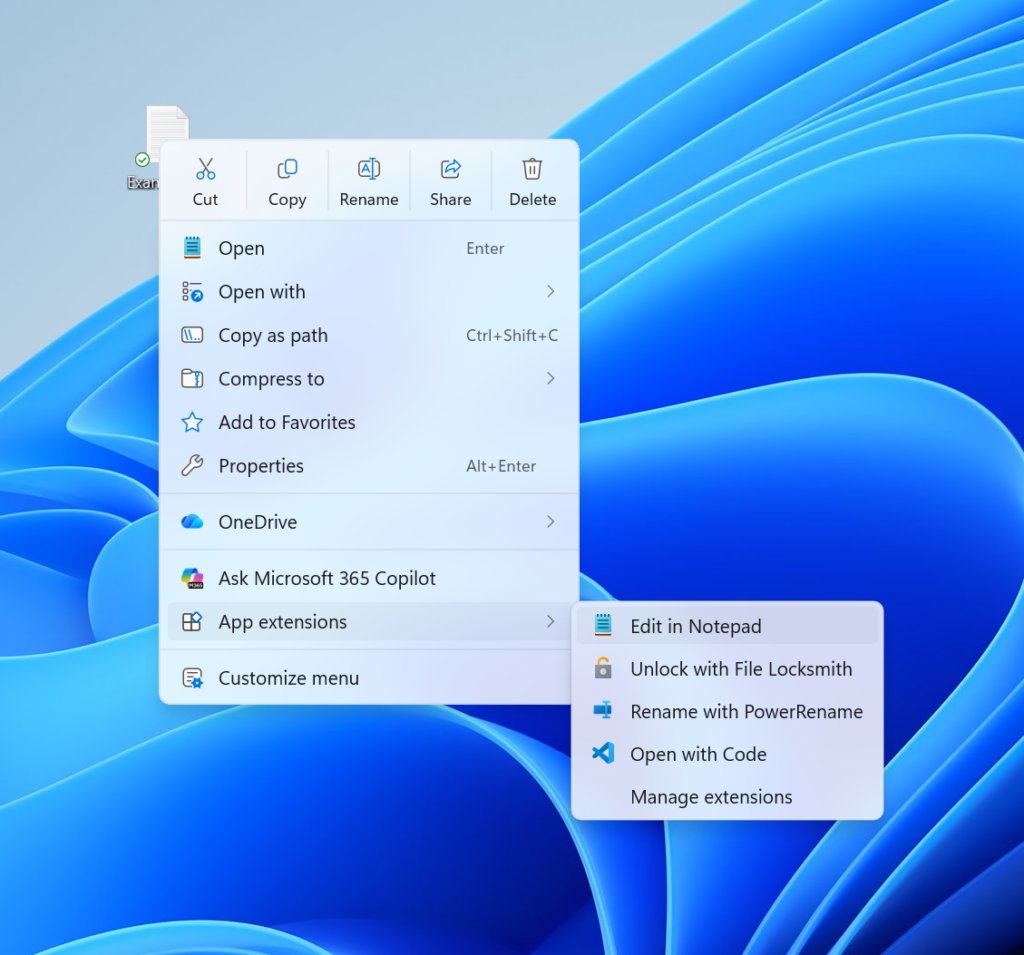
Check that you are on 26H2 and up to date
- Press Windows + R, type
winverand press Enter. - Confirm the Version line reads 26H2 and the OS build starts with 26300.
- Open Settings > Windows Update and select Check for updates.
- Make sure the page reports no pending updates.
If your PC still shows 25H2 or 24H2, the phased rollout has not reached it yet; the 26H2 vs 25H2 comparison helps decide whether to wait.
Where Microsoft announces the next Windows 11 release
Microsoft announced 26H2 in the Windows message center in June 2026 and shipped it to Release Preview in August, a month before general availability. Watch these pages for the next one.
- Windows message center — Where Microsoft posted Get ready for Windows 11, version 26H2
- Windows 11 release information — Every version with its availability and end-of-updates dates
- Flight Hub — Latest Insider builds per channel
- Update release cycle for Windows clients — The annual and monthly cadence
- Windows Insider Blog — Build announcements and Release Preview posts
Frequently Asked Questions
What is after Windows 11 26H2?
Monthly security and preview updates come first, then the next annual Windows 11 feature update in the second half of 2027. Microsoft has not announced that release's name, date or features yet.
What is after the Windows 11 26H2 update on my PC?
Your PC keeps receiving the monthly security update on the second Tuesday of each month, starting October 13, 2026. New features keep arriving through optional preview updates and continuous innovation, without another version change until the next annual release.
Will there be a Windows 11 27H2?
Microsoft has not announced a version called 27H2. Its release cycle page says annual feature updates ship in the second half of each calendar year, and the version names so far have followed the year and half, such as 25H2 and 26H2.
When does Windows 11 26H2 support end?
Windows 11 26H2 Home, Pro, Pro Education and Pro for Workstations get updates until October 10, 2028. Enterprise, Education, IoT Enterprise and Enterprise multi-session editions are supported until October 9, 2029.
Will 26H1 PCs get the next Windows 11 update?
Microsoft says 26H1 devices will have a path to update in a future Windows release. It has not said which release or when. 26H1 cannot move to 26H2 because it uses a different Windows core.
Will the next version need new hardware?
Microsoft has not published requirements for the release after 26H2. 26H2 itself kept the standard Windows 11 minimums, except that it is the last version supporting Snapdragon 850 PCs.
What are Future Platforms builds?
Future Platforms builds are the earliest Windows Insider previews, in the 29xxx range. Microsoft says they are not aligned to any retail release of Windows and focus on platform changes such as kernel updates and new APIs.
Is Windows 12 coming after 26H2?
Microsoft's release documents describe only Windows 11 feature updates and name no successor to Windows 11. The next planned change is the annual Windows 11 feature update in the second half of 2027.
Bottom Line
Install 26H2, keep monthly updates flowing, and expect the next Windows 11 feature update in the second half of 2027. Microsoft has fixed the cadence but not the details: no name, date or feature list exists yet for the next release. Until then, 26H2 is supported to October 10, 2028 on Home and Pro, and new features keep arriving through monthly updates.