The My Verizon download for a Windows 11, Windows 10 or Mac computer takes about a minute. Sign in to My Verizon in Microsoft Edge or Safari, then install the page as an app. It opens in its own window, where you pay bills, check usage, change plans and manage devices.
The My Verizon app is free on the App Store and Google Play. It works with Verizon mobile, wireless home internet and Fios accounts, and one Verizon ID covers the computer and the phone.
Below are the official links, the Windows and Mac setup, the phone install, the requirements, and fixes for sign-in problems.
Which My Verizon download do you need?
Match the device in front of you to a row. The same Verizon ID signs in everywhere.
| Your device | What to get | Minimum version |
|---|---|---|
| Windows 11 or Windows 10 PC | Sign in at secure.verizon.com and install the page as an app in Edge | Current Microsoft Edge |
| MacBook, iMac, Mac mini or Mac Studio | Sign in in Safari and choose Add to Dock | macOS Sonoma 14 for Add to Dock |
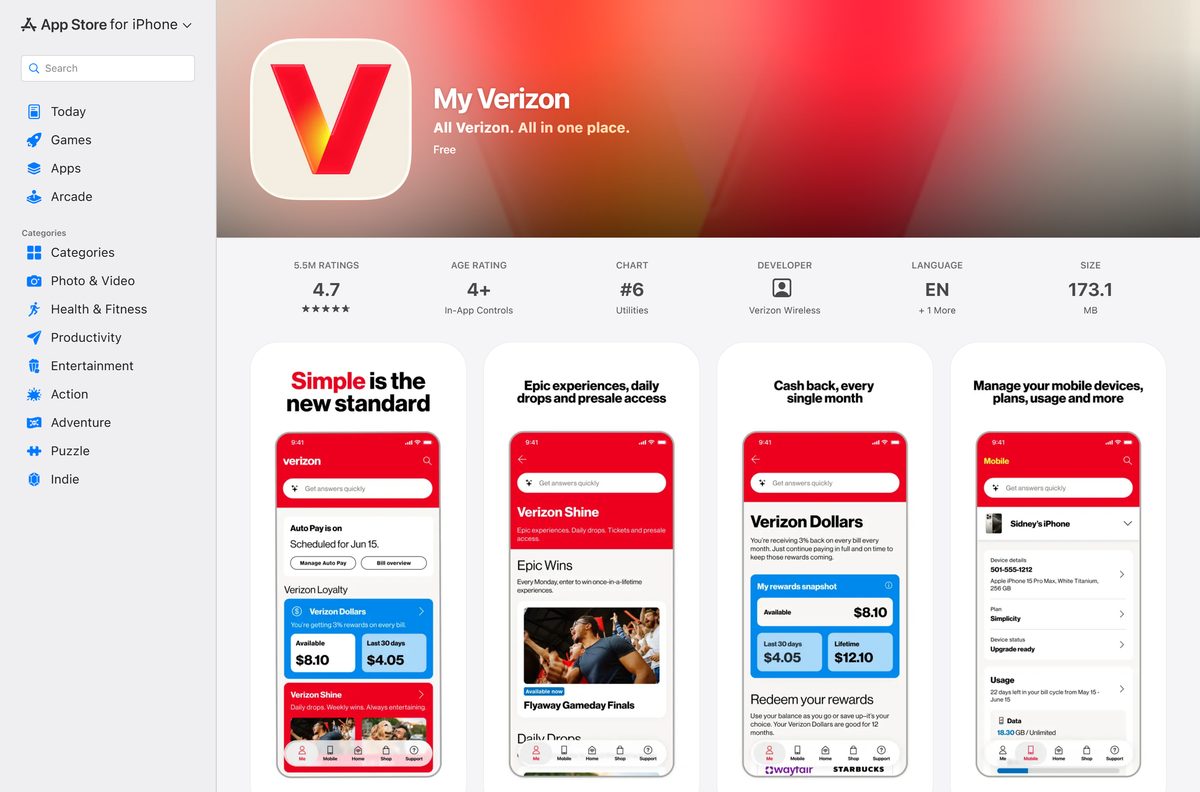
| iPhone or iPad | My Verizon on the App Store, 173.1 MB | iOS 16.0 |
| Android phone | My Verizon on Google Play | Listed on Google Play |
| Verizon business account | My Verizon For Business on the App Store | iOS 17.6 |
No setup file exists for a computer. The installed window belongs to the browser, not to a separate program.
Download My Verizon from its official pages
Every link below is published by Verizon or by the store that distributes its phone app.
- My Verizon sign-in page — Windows and Mac, in any current browser
- My Verizon registration — create a login for a mobile or Fios account
- My Verizon on the App Store — 173.1 MB · seller Verizon Wireless; needs iOS 16.0 or later
- My Verizon on Google Play — developer Verizon Consumer Group; package com.vzw.hss.myverizon
- My Verizon App and Website FAQs — account roles, eligible plans and sign-in help
A site offering a My Verizon exe, msi or dmg is not Verizon.
How to install My Verizon on Windows 11 and 10
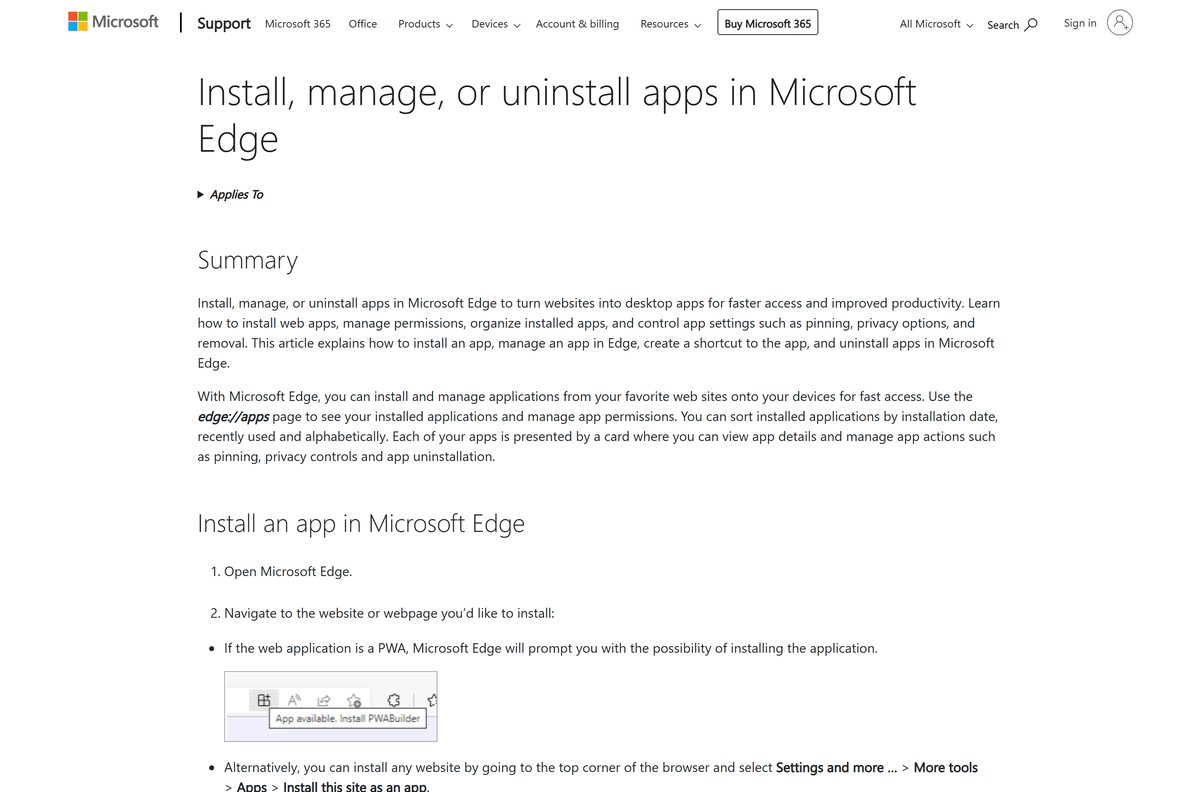
Microsoft Edge turns the My Verizon website into a Start menu app. The window drops the address bar and behaves like any other desktop program.
- Open Microsoft Edge and go to secure.verizon.com/signin.
- Enter your mobile number, account number or email, then your password, and select Sign in.
- Wait for your account overview to load.
- Select Settings and more (the three dots) in the top corner of Edge.
- Choose More tools, then Apps, then Install this site as an app.
- Name the app My Verizon and select Install.
- Right-click the new Start menu entry and choose Pin to taskbar.
No login yet? Register first at the My Verizon registration page with your 10-digit mobile number.
Which My Verizon download do you need for your Mac?
Apple’s Mac App Store carries no My Verizon build, and the iPhone app is not offered for Macs. Your macOS version decides the route.
| Your Mac runs | What to do | Result |
|---|---|---|
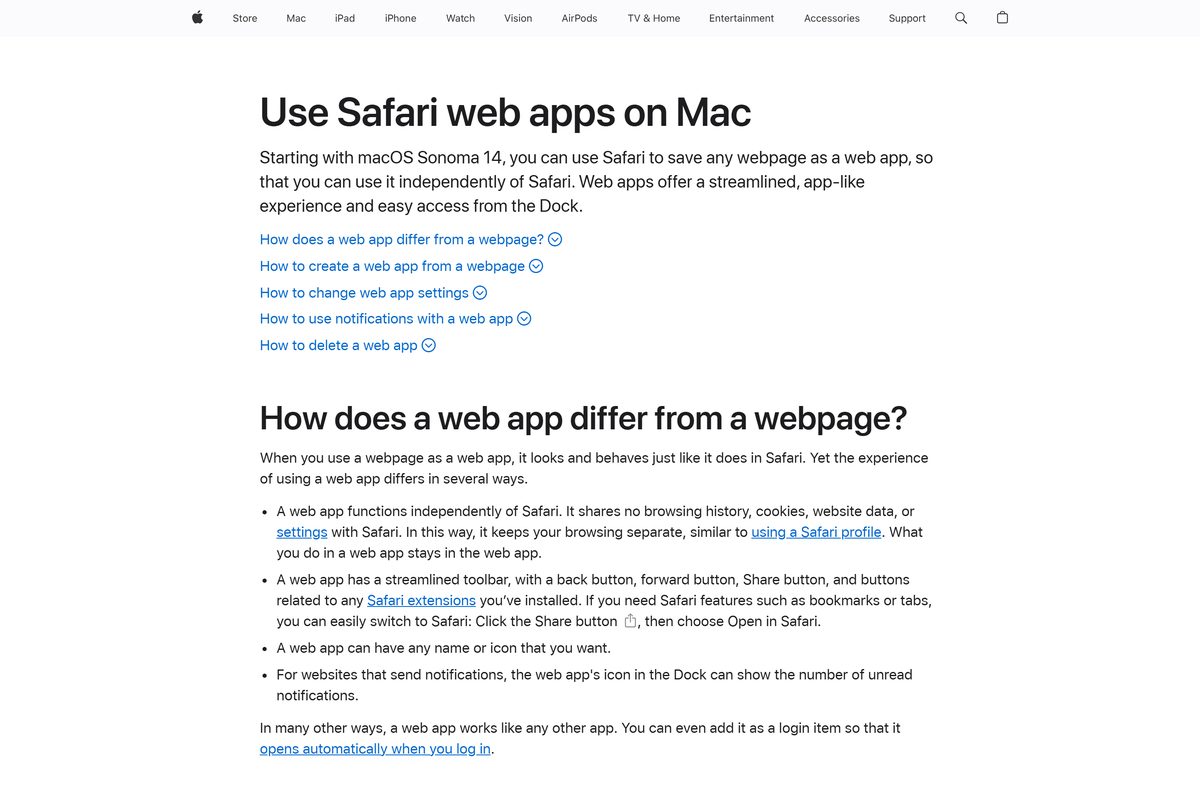
| macOS Sonoma 14 or later | Sign in, then choose File > Add to Dock in Safari | A My Verizon web app in the Dock and in Applications |
| macOS Ventura 13 or earlier | Sign in at secure.verizon.com and bookmark it | The full website in a Safari tab |
| Any macOS with Microsoft Edge | Install this site as an app from the Edge Apps menu | A separate app window, as on Windows |
Passkey sign-in on a Mac needs macOS Ventura 13 or later.
Install the My Verizon app on an iPhone or Android phone
The phone app adds push notifications for bills, data alerts and sign-ins. Verizon restricts it to users 18 and older.
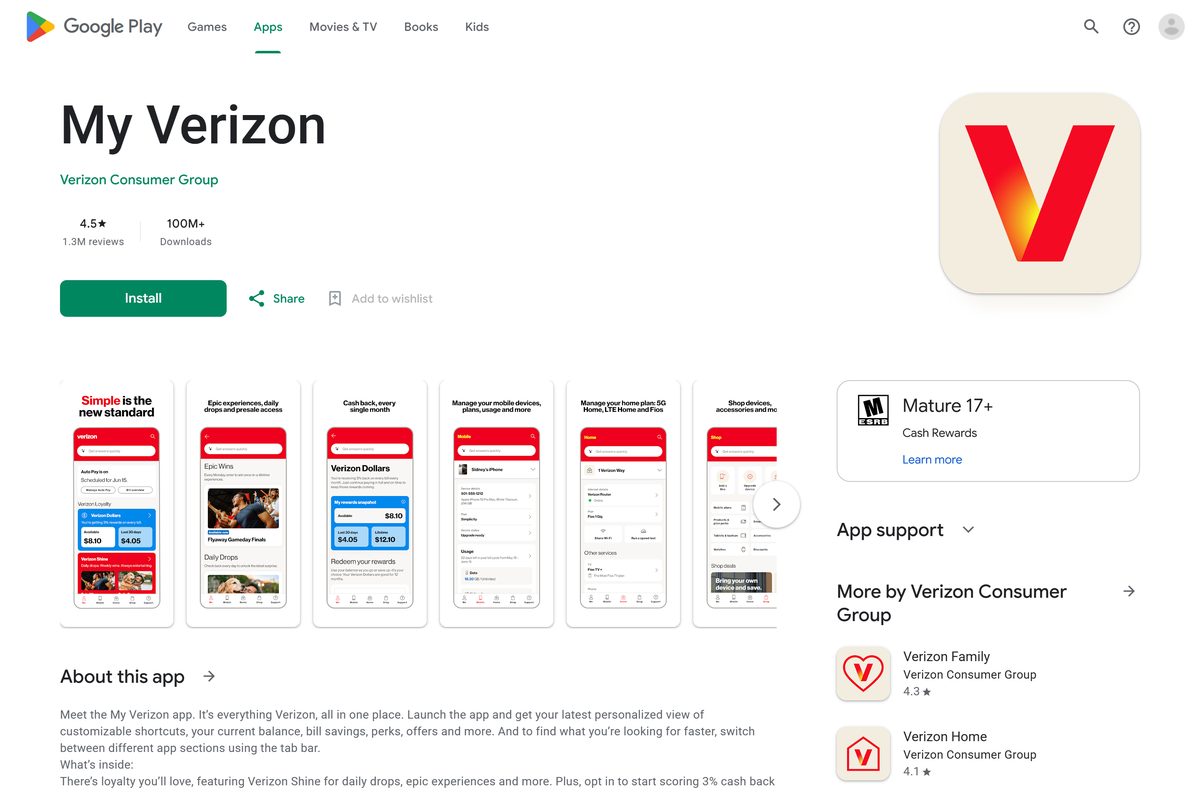
- Open My Verizon on the App Store on an iPhone, or My Verizon on Google Play on Android.
- Check that the seller reads Verizon Wireless on iPhone or Verizon Consumer Group on Android.
- Tap Get on iPhone or Install on Android.
- Open the app and sign in with your user ID or mobile number and your password.
- Register from the app first if you have no My Verizon login yet.
- Allow notifications if you want bill notices and data alerts.
- Switch between the Mobile and Home tabs if one Verizon ID covers both accounts.
The app is in English and Spanish. Change the language in the app’s settings.
Is My Verizon free?
Installing costs nothing. Signing in needs an active Verizon account.
My Verizon is free to download and use, and it does nothing without a Verizon account. The App Store lists the app at no charge and Google Play installs it free. It manages standard monthly mobile plans, 5G Home, LTE Home, Verizon Home Internet Lite, Wi-Fi Backup and Fios services. Bill payments, upgrades and plan changes made inside it are charged to your Verizon account, not to the app.
Anyone selling a My Verizon licence or activation key is not Verizon.
Should you install My Verizon, My Verizon For Business or Verizon Home?
Verizon ships three account apps with similar names. They do different jobs.
Install My Verizon for a personal mobile, home internet or Fios account. Install My Verizon For Business only for a Verizon business account. My Verizon covers bills, plans, devices and upgrades for consumer accounts and needs iOS 16.0 or later. My Verizon For Business is a separate App Store app at version 6.8.0 that needs iOS 17.6 or later. Verizon Home is a third app that manages a home network rather than the bill.
How to check your My Verizon version and update it
The website updates itself each time it loads. Only the phone apps carry a version number.
- On a PC or Mac, close the My Verizon window and open it again to load the current website.
- On iPhone, open My Verizon on the App Store.
- Tap Update if it shows; Open means you already run the current build, version 22.1.1.
- On Android, open My Verizon on Google Play.
- Tap Update if it shows; the current Google Play build dates from 13 September 2026.
Check the My Verizon system requirements before you sign in
A computer needs only a current browser. The phone app sets the only real version floor.
| Field | Value |
|---|---|
| Software | My Verizon |
| Developer | Verizon (Verizon Wireless on the App Store, Verizon Consumer Group on Google Play) |
| Latest version | 22.1.1 (App Store build; the website is not versioned) |
| License | Free app; needs a Verizon account |
| Windows | Windows 11 or Windows 10 in a current browser |
| macOS | Any current browser; Safari Add to Dock needs macOS Sonoma 14 |
| iPhone and iPad | iOS 16.0 or later |
| Android | Google Play, package com.vzw.hss.myverizon |
| Passkey sign-in | Windows 10 or 11, macOS 13, ChromeOS 109, iOS 16, Android 9 |
| Architecture | Browser-based on desktop: x64, ARM64 and Apple silicon |
| Desktop download size | None; nothing installs from Verizon on a PC or a Mac |
| App Store size | 173.1 MB |
| Offline installer | No |
| Minimum age | 18 |
| Last verified | 2026-09-25 |
What each My Verizon account role can manage
Anyone over 18 on the account can create a login. The role decides what that login can change.
| Account role | What you can do |
|---|---|
| Account Owner | Everything: bills, plans, upgrades, new lines, Account Managers and the Account PIN |
| Account Manager | All account information, but not assigning Account Managers or changing the Account PIN |
| Account Member | Information about their own line of service only |
Device nicknames and plan changes need the Account Owner or an Account Manager.
Fix My Verizon sign-in problems on Windows 11 or 10
Most desktop failures are account problems, not a broken install.
Your account is locked after several wrong passwords
Too many failed sign-in attempts.
- Open the Forgot your password page.
- Follow the prompts to create a new password.
- Sign in again with the new password.
You cannot remember your user ID
The login was set up with a different ID than your mobile number.
- Open the Forgot your User ID page.
- Enter the details it asks for.
- Sign in with the recovered user ID.
The passkey option does not appear in the phone app
Verizon offers passkeys on the My Verizon website only.
- Sign in on the website in Edge or Safari.
- Add the passkey from your My Verizon website settings.
- Keep using your password in the phone app.
An old login no longer works
My Verizon locks mobile logins unused for 2 years, unless Auto Pay is on.
- Contact Verizon at 800 VERIZON to unlock the account.
- Turn on Auto Pay after you sign in to keep the login active.
Your mobile account was disconnected
The line is closed, but the login survives for a time.
- Sign in with the Account Owner user ID.
- Without that ID, use Verizon’s Sign in to a disconnected account page within 6 months.
How to uninstall My Verizon from a PC or Mac
Removing the app window does not delete your Verizon login.
- In Edge, go to edge://apps.
- Select Details on the My Verizon card.
- Select Uninstall, choose whether to delete app history and data, then select Uninstall again.
- On a Mac, open your home folder, then its Applications folder.
- Drag the My Verizon web app to the Trash.
To delete the login itself, contact Verizon; after that the website and app no longer manage the account.
Frequently asked questions
Is the My Verizon app free to download?
Yes. My Verizon is free on the App Store and Google Play, and the website costs nothing to use. You need a Verizon mobile, wireless home internet or Fios account and a registered login. Payments you make inside it are charged to your Verizon account.
Where is the official My Verizon download page?
On a computer, the official route is the My Verizon sign-in page at secure.verizon.com/signin. Phones use My Verizon on the App Store, sold by Verizon Wireless, or on Google Play from Verizon Consumer Group under the package com.vzw.hss.myverizon.
Does My Verizon work on Windows 11?
Yes. Sign in to the My Verizon website in Microsoft Edge on Windows 11 or Windows 10, then install the site as an app from the Edge Apps menu. It gets a Start menu entry and opens in its own window.
How big is the My Verizon download?
Nothing downloads from Verizon on a PC or a Mac, because My Verizon runs in the browser. The App Store build for iPhone and iPad is 173.1 MB and needs iOS 16.0 or later.
Is there a My Verizon offline installer for PC?
No. Verizon publishes no exe, msi or dmg for My Verizon. The website loads from verizon.com each time, so a computer needs a live internet connection to show bills, usage or plan details.
Is there a My Verizon app for Mac?
No native one. The Mac App Store lists no My Verizon build. On macOS Sonoma 14 or later, sign in to the website in Safari and choose File, then Add to Dock to get a separate My Verizon window.
Does My Verizon run on ARM64 and Apple silicon?
Yes. The desktop route runs inside the browser, so it works on x64 and ARM64 Windows PCs and on Apple silicon Macs. The browser handles the architecture, so no separate build is needed.
Is My Verizon safe to install?
Yes, from secure.verizon.com, the App Store or Google Play. The desktop window is created by Edge or Safari, not by a downloaded file. Any site offering a My Verizon setup file for Windows is not Verizon.
What is the latest version of My Verizon?
The App Store build is version 22.1.1, released on 14 September 2026. The Google Play build was updated on 13 September 2026. The website has no version number and updates itself each time you load it.
Why won’t My Verizon let me sign in on my PC?
Usually a locked or dormant login. Reset the password on Verizon’s Forgot your password page after too many failed attempts. Logins unused for 2 years are locked unless Auto Pay is on, and those need a call to Verizon.
How old do you have to be to use My Verizon?
Verizon restricts the My Verizon app to users 18 and older. Anyone over 18 on the account can create a login, and the Account Owner, Account Manager or Account Member role decides what that login can view and change.
Can I manage Verizon mobile and Fios with one login?
Yes. Set up one Verizon ID, then choose Mobile or Home in the Account menu on the website, or switch between the Mobile and Home tabs in the app. You must be the Account Owner of the home account.
Can I use a passkey with My Verizon?
Yes, on the website. Add the passkey in your My Verizon website settings; Verizon says passkeys are not yet available in the app. Passkeys work on Windows 10 or 11, macOS Ventura 13 or later, iOS 16 or later and Android 9 or later.