The Bitmoji download is free on iPhone and Android, and your stickers also work on a Windows 11, Windows 10 or Mac computer through bitmoji.com. Install the app from the App Store or Google Play, build your avatar, and turn on the Bitmoji keyboard to send stickers in any chat.
This guide covers the right route for each device, install steps for both phones, the browser route for PC and Mac, keyboard setup, and fixes for common problems.
Which Bitmoji download do you need?
Match your device to a row and use the link in it. Every row signs in to the same Bitmoji account.
| Your device | What to use | Size |
|---|---|---|
| iPhone on iOS 14.0 or later | Bitmoji on the App Store | 87.8 MB |
| Android phone | Bitmoji on Google Play | Play states no size |
| Windows 11 or Windows 10 PC | Bitmoji stickers on bitmoji.com | Nothing to install |
| Mac | Bitmoji stickers on bitmoji.com | Nothing to install |
Build and edit the avatar on the phone. Use the website on the computer to copy stickers into email, chat and documents.
Download Bitmoji from the official stores
Bitmoji.com links to these two store listings. The App Store names the seller as Bitstrips Inc., the Snap-owned company that makes Bitmoji.
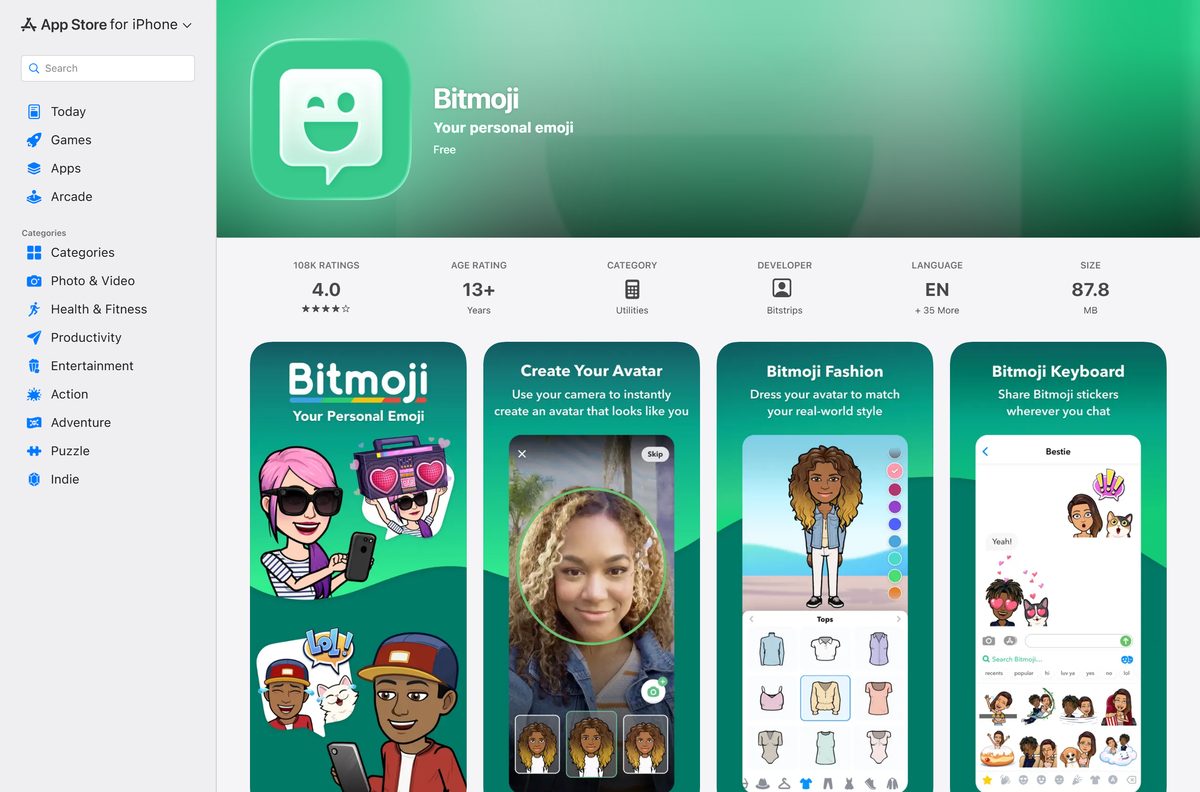
- Bitmoji on the App Store — 87.8 MB · iPhone and iMessage, iOS 14.0 or later, free
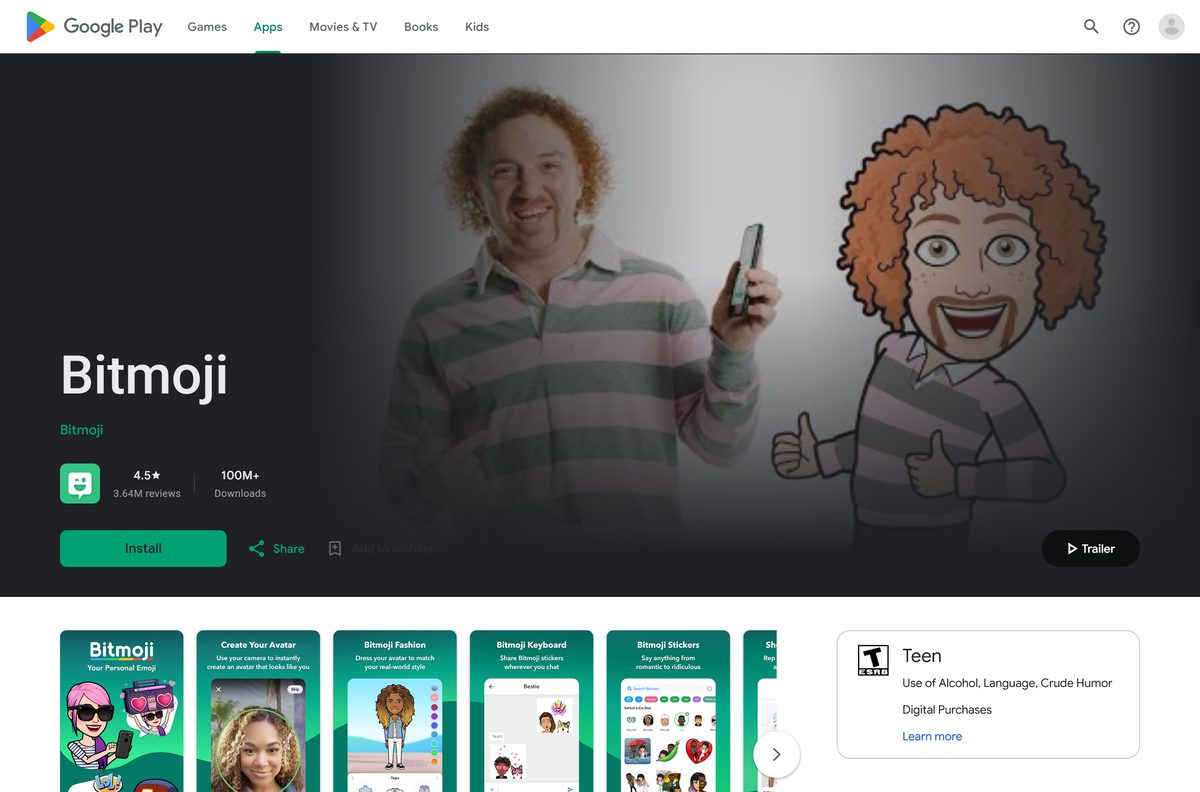
- Bitmoji on Google Play — Free, 100M+ downloads
- Bitmoji web sticker library — Click Go to my account, then sign in
Ignore any site that offers a Bitmoji EXE, DMG or APK. None of those come from Snap.
How to install Bitmoji on an Android phone
- Open the Google Play Store app on your phone.
- Search for Bitmoji and open the listing named Bitmoji.
- Tap Install and wait for the download to finish.
- Tap Open.
- Choose Continue with Snapchat, or sign up with an email address.
- Follow the prompts to build your avatar.
- Tap the Globe icon at the bottom of the app to open the Keyboard tab, then follow the setup prompts.
If Gboard is your keyboard, the Keyboard tab hides its setup button. Add Bitmoji from the phone’s keyboard settings instead, as shown further down.
How to install Bitmoji on an iPhone
- Open the App Store on your iPhone.
- Search for Bitmoji and open the listing from Bitstrips.
- Tap Get, then confirm with Face ID, Touch ID or your password.
- Tap Open when the download finishes.
- Choose Continue with Snapchat, or sign up with your email address.
- Build your avatar with the on-screen prompts.
- Tap the Globe icon at the bottom of the app and follow the Keyboard setup steps.
How to use Bitmoji on a Windows PC or Mac without installing anything
The desktop route runs in any browser. It works the same in Chrome, Edge and Safari.
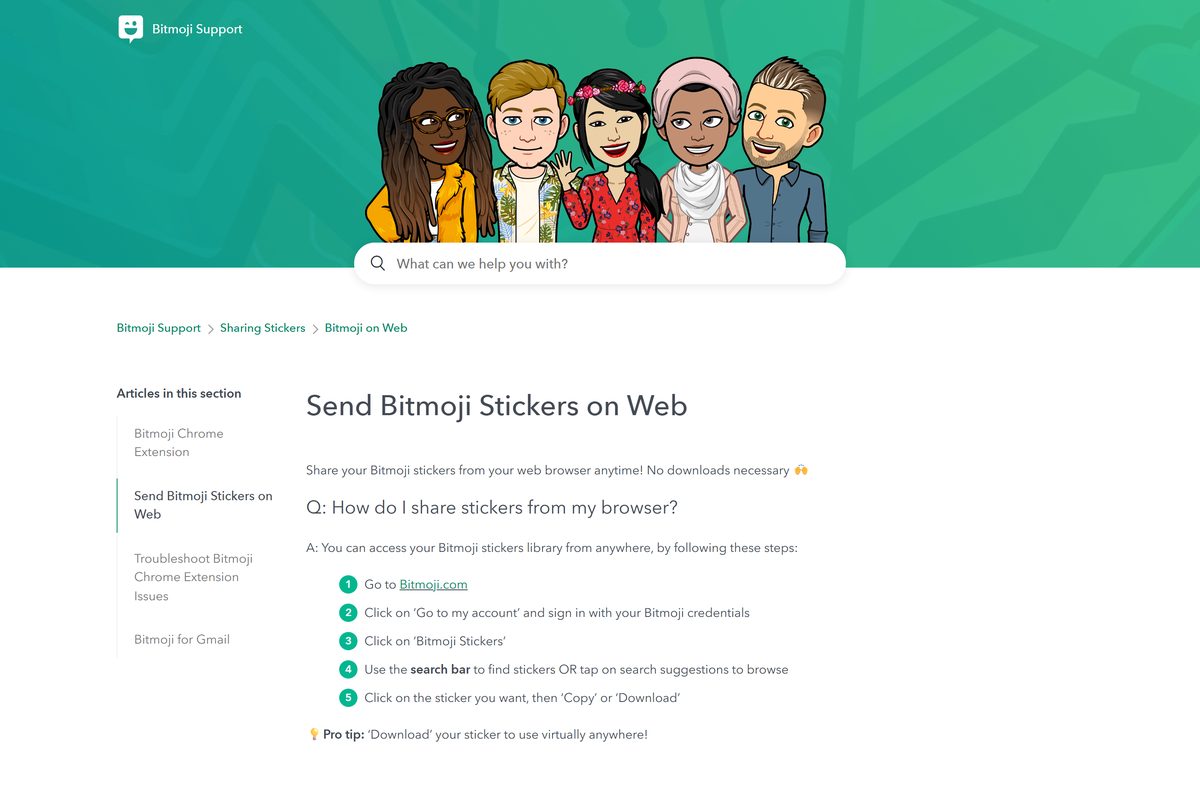
- Go to bitmoji.com in your browser.
- Click Go to my account.
- Sign in with the same method you used on your phone, either Snapchat or email.
- Click Bitmoji Stickers.
- Type a word in the search bar, or click a search suggestion.
- Click the sticker you want.
- Click Copy to paste it into a message, or Download to save it as a file.
No phone? Click Sign Up on the same page to create an account from the computer.
Which Bitmoji route works on your Windows PC or Mac?
Pick the task, then the route. The computer handles stickers, and the phone handles the avatar.
| You want to | Use | Note |
|---|---|---|
| Paste stickers into email or chat on a PC or Mac | bitmoji.com sticker library | Copy or Download each sticker |
| Create an account without a phone | Create a Bitmoji account | Click Go to my account, then Sign Up |
| Change hair, face or outfit | Bitmoji phone app | Avatar editing works only in the mobile app |
| Add the Bitmoji Chrome extension | Chrome Web Store listing | Shows Item currently unavailable |
Bitmoji.com still links to the Chrome extension, but the Chrome Web Store no longer lets you add it. The web sticker library covers the same copy-and-paste job.
Is Bitmoji free?
Yes. Bitmoji is free on iPhone, Android and the web. Both store listings show the app as free, and the web sticker library on bitmoji.com needs only a free account. Pages that sell Bitmoji premium unlocks or ask for payment to download stickers are not from Snap.
Some outfits appear only after you link Bitmoji to Snapchat. Linking is free and optional.
Should you sign up for Bitmoji with Snapchat or email?
Use Snapchat if you already use it. Use email if you do not, or if your school or office blocks Snapchat. Bitmoji ties your avatar to the sign-in method you picked first, and the two methods are not interchangeable. A Snapchat-created account must sign in with Log In with Snapchat on every device, including bitmoji.com on a PC. Signing in the other way shows a different avatar.
Forgot which one you used? Request your Bitmoji data from the app’s settings, and the export shows how you signed up.
Where can you send Bitmoji stickers?
The Bitmoji keyboard sends stickers straight into most chat apps. Older apps ask you to pick a recipient each time.
| Place | How Bitmoji gets there |
|---|---|
| Snapchat | Built in once you link your Bitmoji; adds Friendmoji stickers |
| iMessage on iPhone | Bitmoji for iMessage or the Bitmoji keyboard |
| WhatsApp, Messenger, Discord, Telegram, Instagram | Bitmoji keyboard on Android |
| Google Messages and Samsung Messages | Bitmoji keyboard on Android |
| Gboard on Android | Bitmoji stickers inside Gboard |
| Email and web chat on a PC or Mac | Copy or download from bitmoji.com |
How to add the Bitmoji keyboard manually
Use these steps when the app’s Keyboard tab shows no setup button.
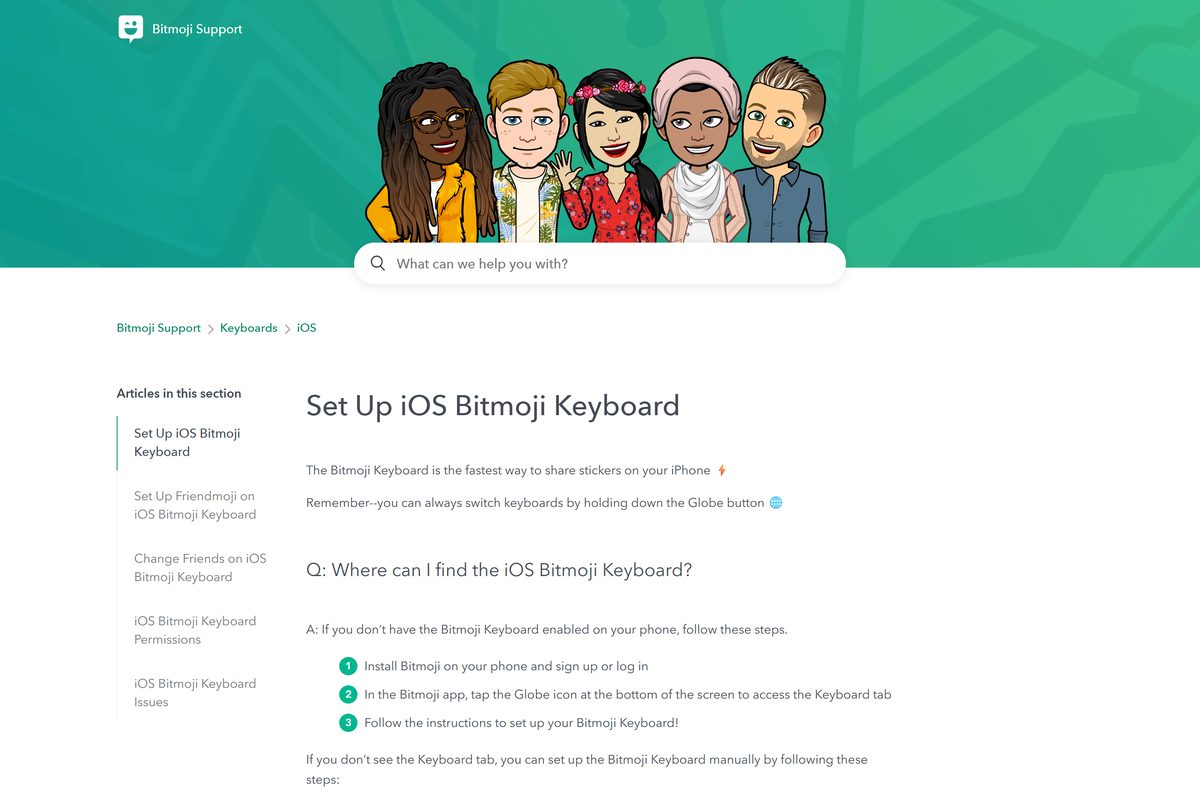
- On iPhone, open Settings, then General, then Keyboard.
- Tap Keyboards, then Add New Keyboard, and select Bitmoji.
- Tap Bitmoji in the keyboard list and turn Full Access on.
- On Android, open Settings and tap Languages and input.
- Tap Virtual keyboard or On-screen keyboard, then Manage keyboards.
- Turn on Bitmoji Keyboard.
- Open any chat, then hold the Globe key to switch to Bitmoji.
Full Access lets the iPhone keyboard load your stickers from your account.
How to check your Bitmoji version and update it
- Open the official Bitmoji listing on the App Store or Google Play from your phone.
- Check the version and update date shown on the listing.
- Tap Update if the button appears.
- Wait for the update to finish, then tap Open.
- Open the Bitmoji keyboard in a chat to confirm your stickers load.
Bitmoji support tells iPhone users to update the app to fix keyboard problems, so update before you troubleshoot.
Check the Bitmoji system requirements
A phone is needed to edit the avatar. A browser is enough for stickers on a computer.
| Field | Value |
|---|---|
| Software | Bitmoji |
| Developer | Bitstrips Inc., owned by Snap Inc. |
| Latest version | 11.81 on iPhone (12 January 2026); Android updated 21 August 2026 |
| Price | Free |
| iPhone | iOS 14.0 or later |
| Android | Google Play; no minimum version listed |
| Windows and Mac | No desktop app; use bitmoji.com in a browser |
| Download size | 87.8 MB on the App Store; Google Play states no size |
| Account | Snapchat login or email address |
| Offline installer | None |
| Official source | bitmoji.com |
| Last verified | 2026-09-25 |
How to check you have the genuine Bitmoji app
- Start from the store links on bitmoji.com, not from a search result.
- On the App Store, check that the developer reads Bitstrips.
- On Google Play, check that the listing shows 100M+ downloads and millions of reviews.
- Refuse any page asking you to install an APK, EXE or DMG for Bitmoji.
- After install, sign in and confirm your saved avatar appears.
Fix Bitmoji not installing or not showing stickers
The App Store says Bitmoji needs a newer iOS
The iPhone runs a version older than iOS 14.0.
- Open Settings, then General, then Software Update.
- Install the update, then retry the Bitmoji listing.
The iPhone Bitmoji keyboard is blank or stuck
Full Access is off or the keyboard lost its session.
- Open Settings, General, Keyboard, Keyboards, then Bitmoji.
- Turn Full Access off, then on again.
- Open the main Bitmoji app and confirm you are signed in.
- Close the chat app, reopen it, and restart the phone if needed.
You see a different avatar on the PC than on the phone
You signed in with a different method than the one you signed up with.
- Sign out on bitmoji.com.
- If you use Snapchat, sign out of accounts.snapchat.com too.
- Close and reopen the browser.
- Sign in again with the exact method you used on the phone.
You cannot add the Bitmoji Chrome extension
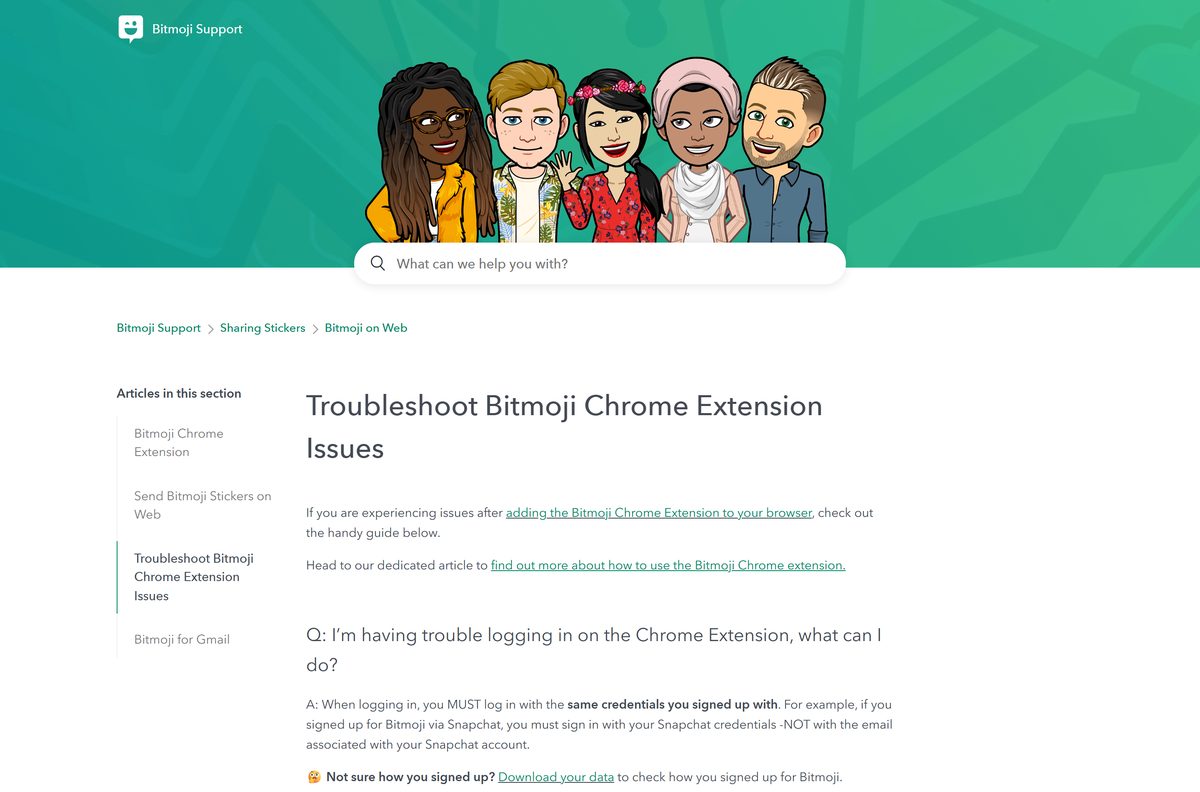
The Chrome Web Store lists the extension as currently unavailable.
- Go to bitmoji.com instead.
- Click Go to my account and sign in.
- Open Bitmoji Stickers and copy the sticker you need.
How to uninstall Bitmoji and delete your account
Removing the app keeps your account. Deleting the account wipes the avatar for good.
- On iPhone, touch and hold the Bitmoji icon, tap Remove App, then Delete App.
- On Android, open the Google Play Store, tap your profile icon, then Manage apps & devices.
- Tap Manage, select Bitmoji, and tap Uninstall.
- To delete the account instead, open Bitmoji and tap the round Gear icon.
- Tap My Data, then Delete Account at the bottom.
- Confirm the deletion.
Account deletion also unlinks Bitmoji from Snapchat. Coming back later means building the avatar again from scratch.
Frequently asked questions
Is Bitmoji free?
Yes. Bitmoji is free on the App Store and Google Play, and the sticker library on bitmoji.com is free to use in a browser. Signing up with an email address or a Snapchat login costs nothing.
What is the official Bitmoji download page?
Bitmoji.com links to the App Store listing for iPhone and the Google Play listing for Android. On the App Store the seller is Bitstrips Inc., the Snap-owned company behind Bitmoji. Any other site offering a Bitmoji setup file is not official.
Is there a Bitmoji app for Windows 11 or Windows 10?
No Windows app is listed. On a Windows 11 or Windows 10 PC, sign in at bitmoji.com, open Bitmoji Stickers, and copy or download any sticker from the browser. Avatar editing still needs the phone app.
How big is the Bitmoji download?
The iPhone app is 87.8 MB on the App Store. Google Play does not state a size for the Android app, because it varies by phone. The web sticker library on bitmoji.com needs no download at all.
Is there an offline installer or EXE for Bitmoji?
No. Snap publishes no EXE, MSI, DMG or offline installer for Bitmoji. The app installs only from the App Store or Google Play, and the desktop route runs in a browser at bitmoji.com.
Can I use Bitmoji on a Mac?
Yes, through a browser. Go to bitmoji.com, click Go to my account, sign in, and open Bitmoji Stickers to copy or download stickers. The App Store lists the app for iPhone and iMessage only, not for Mac.
Does Bitmoji have a 64-bit or ARM64 build?
The question does not apply to Bitmoji, because there is no Windows or Mac build to pick. The iPhone app needs iOS 14.0 or later, and each store delivers the right build for your phone automatically.
Is Bitmoji safe to install?
Yes, from the official stores. The App Store seller is Bitstrips Inc., and the Google Play listing states that data is encrypted in transit and not shared with third parties. Avoid APK sites and any page offering a Bitmoji EXE.
What is the latest Bitmoji version?
Version 11.81 on iPhone, released on 12 January 2026. Google Play shows the Android app updated on 21 August 2026 without a version number. Open your store’s Bitmoji listing to see whether an update is waiting.
Why won’t Bitmoji install on my phone?
On iPhone, the usual cause is a system older than iOS 14.0, so update iOS first. On Android, free up storage and update the Google Play Store app, then retry the Bitmoji listing from the official link.
Can I edit my Bitmoji avatar on a PC?
No. Bitmoji support states that avatar features and outfits can only be changed in the Bitmoji mobile app. On a PC you can sign up, sign in, and copy or download stickers at bitmoji.com.
Do I need Snapchat to use Bitmoji?
No. You can sign up in the Bitmoji app with an email address, or sign up at bitmoji.com without a phone. Linking Bitmoji to Snapchat is optional and adds Friendmoji stickers featuring you and a friend.
What happened to the Bitmoji Chrome extension?
The Chrome Web Store page for the Bitmoji extension shows Item currently unavailable, so it cannot be added now. Use the sticker library at bitmoji.com in Chrome, Edge or Safari instead.