Microsoft Family Safety is a free download for Windows 11 and Windows 10 from the Microsoft Store, and the same account gets you the free iPhone and Android apps. The Windows package is 1.3 MB and runs on x64 and ARM64 machines.
Microsoft ships no macOS build. On a Mac you sign in to family.microsoft.com in Safari, Edge or Chrome and get the same family dashboard in a browser tab.
This guide covers the official links for every platform, the Store and winget installs, the setup flow, what the app can and cannot limit, and fixes for limits that stop applying.
Check your PC against the Microsoft Family Safety requirements
The Windows app is unusually small, because the limits and reports live in your Microsoft account rather than on the PC.
| Field | Detail |
|---|---|
| Software | Microsoft Family Safety |
| Developer | Microsoft Corporation |
| Latest version | 0.2.40.0 (Microsoft Store package) |
| License / Price | Free with a Microsoft account |
| Download size | 1.3 MB on Windows, 113.7 MB on iPhone and iPad |
| Installed size | 1.4 MB on Windows |
| Supported OS | Windows 10 build 17763 or later, Windows 11, iOS and iPadOS 16.0 or later, Android |
| Architecture | x64 and ARM64, no 32-bit build |
| Official download source | Microsoft Store |
| Offline installer | No |
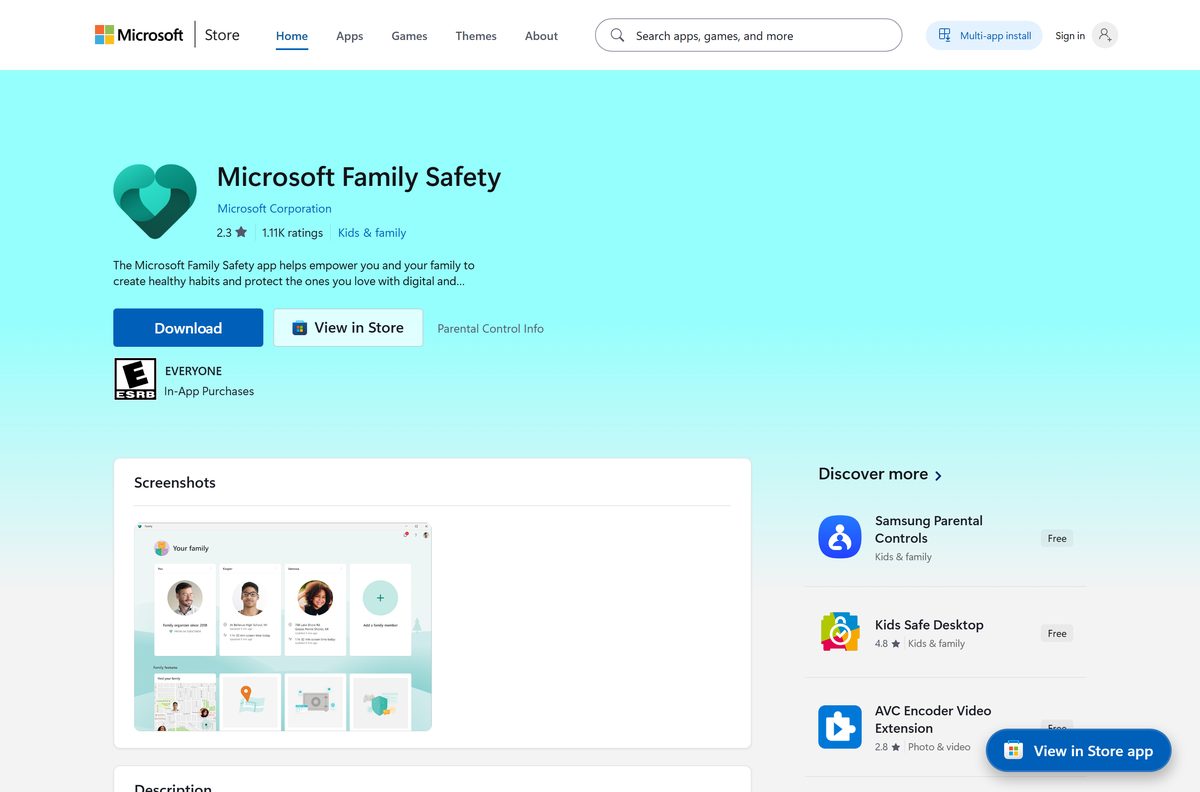
| Store rating | 2.3 stars from 1,114 ratings |
| Last verified | 2026-09-22 |
Which Microsoft Family Safety download do you need?
Match the device in front of you. The parent normally installs the phone app first.
| Your device | Where to get it | Size |
|---|---|---|
| Windows 11 or Windows 10 PC | Microsoft Store listing | 1.3 MB |
| iPhone or iPad on iOS 16 or later | App Store listing | 113.7 MB |
| Android phone or tablet | Google Play listing | Varies by device |
| Mac, Chromebook or any browser | family.microsoft.com | No download |
| Xbox console | Xbox privacy and safety settings | No download |
Download Microsoft Family Safety from its official sources
These four links are the whole distribution. Microsoft publishes no standalone installer, so any site offering a Family Safety setup file is not the vendor.
- Microsoft Family Safety on the Microsoft Store — 1.3 MB · Windows 10 build 17763 or later, x64 and ARM64
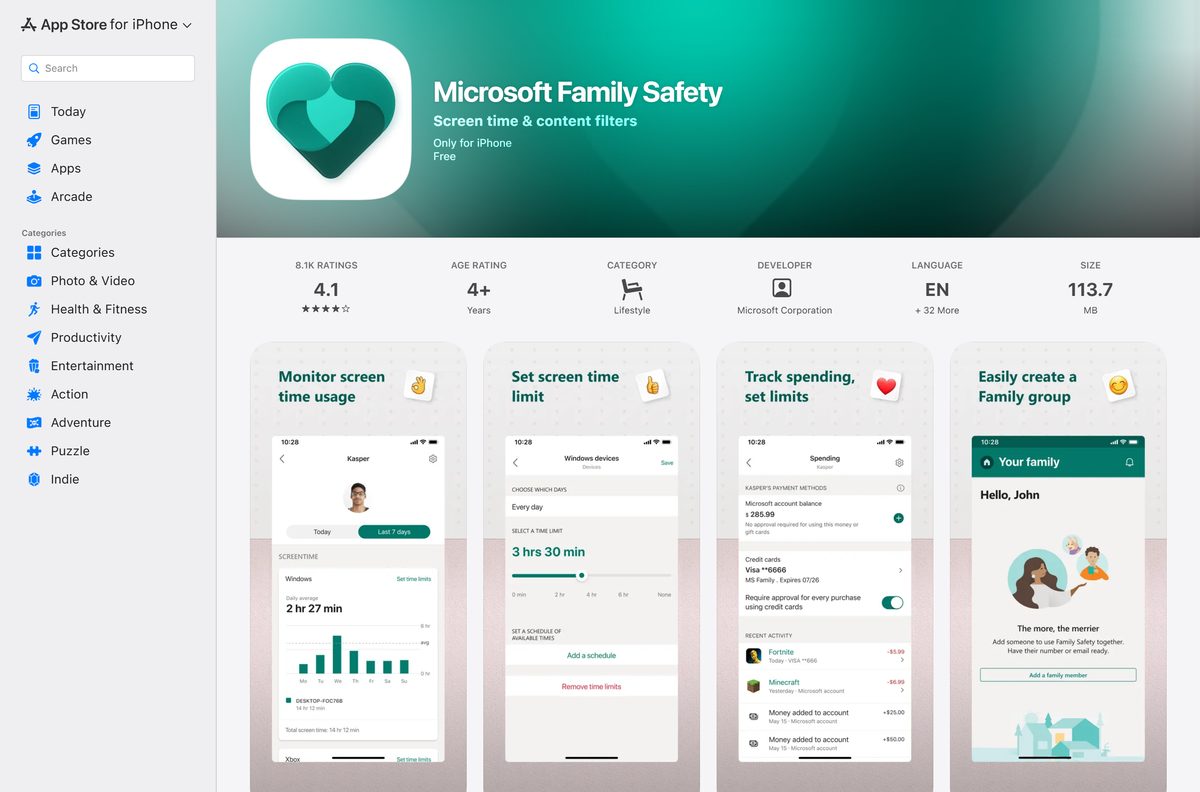
- Microsoft Family Safety on the App Store — 113.7 MB · version 2.0.7, iOS and iPadOS 16.0 or later
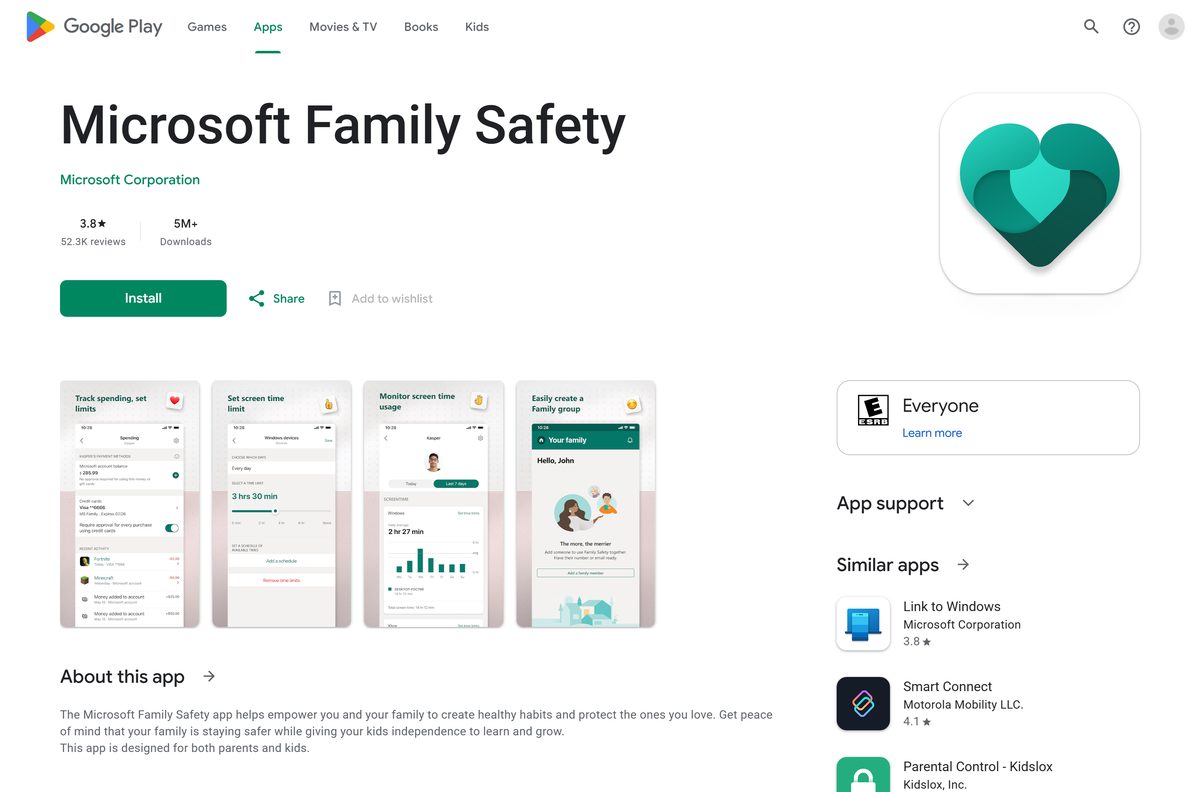
- Microsoft Family Safety on Google Play — updated 18 September 2026, 5M+ downloads
- family.microsoft.com dashboard — no download, works on Mac and Chromebook
Microsoft’s own help page confirms the Windows build: Get the Microsoft Family Safety app.
Install Microsoft Family Safety from the Microsoft Store or with winget
The Store route takes under a minute. Sign in with the account that organises your family group, not the child’s account.
- Open the Microsoft Store listing in your browser.
- Select Get in Store app and allow the browser to hand off to the Microsoft Store.
- Select Get, then sign in with your Microsoft account if the Store asks.
- Wait for the 1.3 MB package to install, then select Open.
- To install it from a terminal instead, open Windows Terminal and run winget install –id 9PDJDJS743XF –source msstore .
- Accept the Store agreement prompt that winget shows before the install starts.
- Confirm the result with winget list –source msstore , which lists the installed Store packages.
The msstore source ships with winget; see winget source.
How to set up Microsoft Family Safety on Windows 11 and 10
Installing the app is the short part. The group and the connected devices make the limits real.
- Open the app and sign in, or go to family.microsoft.com in a browser.
- Select Add family member and enter the email address of the child’s Microsoft account.
- Choose the role. Family organizers add and remove members, set limits and read activity reports.
- Have the child accept the invitation from their own inbox before you set anything.
- Sign the child in to their Windows PC with that Microsoft account so the device joins the group.
- Select the child’s card, open the Apps, features, and games tab, and set the limits you want.
- Turn on Activity reporting so screen time and app use start recording.
- Set each account as a Standard user on the PC, so the limits cannot be switched off locally.
The full flow, including spending and Xbox settings, is on Microsoft’s Set up Microsoft Family Safety page.
How do you use Microsoft Family Safety on a Mac?
There is no Mac app, and the App Store listing is iPhone and iPad only. The browser dashboard covers the daily work.
| What you want to do | What to use on a Mac |
|---|---|
| Set limits and read activity reports | family.microsoft.com in Safari, Edge or Chrome |
| Keep an icon in the Dock | Install the dashboard as a web app from the Edge or Chrome menu |
| Limit the Mac itself | Apple Screen Time |
| Approve requests on the move | The iPhone app |
Screen time limits reach Windows, Xbox and Android. A Mac is managed with Apple’s own controls.
Is Microsoft Family Safety free?
The confusion comes from the name. Family Safety and Microsoft 365 Family are two different things that share one family group.
Yes. Microsoft Family Safety is free on Windows, iPhone and Android, and the screen time limits, content filters and activity reports all work with an ordinary Microsoft account. The Microsoft Store lists the Windows app at $0.00 and both phone stores list it as free. Microsoft 365 Family is a separate subscription at $129.99 per year covering 1 to 6 people, and the family group is how it gets shared.
What Microsoft Family Safety can control
Coverage is not the same on every platform. Check this before promising a child that the limits apply everywhere.
| Control | Where Microsoft lists it working |
|---|---|
| App and game screen time limits | Windows, Xbox and Android |
| Device screen time limits | Windows and Xbox |
| Apps and game content filters | Windows, Xbox and Android |
| Web and search content filters | Microsoft Edge on Windows, Xbox and Android |
| Screen time requests and content filter requests | The parent app and the browser dashboard |
| Activity summaries | The parent app and the browser dashboard |
Web filtering runs through Microsoft Edge. A child who installs a second browser walks around it, so block that browser as well: Block or unblock apps.
How to check your Microsoft Family Safety version and update it
Store apps update themselves, but a paused download or a metered connection stops that quietly.
- Open Settings, then Apps, then Installed apps.
- Find the entry in the list and read the version number beside it.
- Select the three dots, then Advanced options, to see the install date and the app’s permissions.
- Open the Microsoft Store, select Library, then select Get updates.
- Let the update queue finish, then reopen the app and confirm the version changed.
- If nothing downloads, turn off Metered connection for your network in Settings, then retry.
The Store package currently shows 0.2.40.0; the iPhone app runs on its own track at 2.0.7.
Fix Microsoft Family Safety limits not working on Windows 11 and 10
Almost every report of ignored limits comes down to the account, not the app. Work through the symptom that matches.
Limits and blocks are not applied at all
A stuck limit or an account that never joined the group.
- Remove the screen time limit, save, then add it again.
- Open the family group and confirm the child’s account is listed as a member.
- Change the passwords on both accounts if anyone else knows the child’s sign-in.
Your child signs in past the limits on the PC
The child’s Windows account has administrator rights, or a second local account exists.
- Open Settings, then Accounts, then Other users.
- Select the child’s account, choose Change account type, and set it to Standard user.
- Give every person on the PC a PIN, so nobody signs in under someone else’s account.
Activity reporting shows nothing
Reporting was switched off, or the Microsoft account on the device expired.
- Open the child’s settings in the app or on family.microsoft.com and turn Activity reporting back on.
- On the child’s PC, open Settings, then Accounts.
- Select Verify and follow the prompts, or open Microsoft Edge and sign in again.
The reported screen time looks wrong
A mismatched time zone, or idle time counting against the limit.
- Check the time zone on the account profile at account.microsoft.com and correct it.
- Tell the child to sign out when they finish, because the timer keeps running while the session is idle.
Android device screen time is missing
Microsoft supports app and game limits on Android, not whole-device limits.
- Open the child’s card and select the Apps, features, and games section.
- Set a limit on each app that matters rather than on the device.
- Read Set app and game limits for the per-app flow.
You cannot remove a family member
A child account still has parental consent attached to it.
- Sign in to family.microsoft.com with the organizer account.
- Select the member, then select Remove consent next to their name.
- Go back to the family group and select Remove from family group.
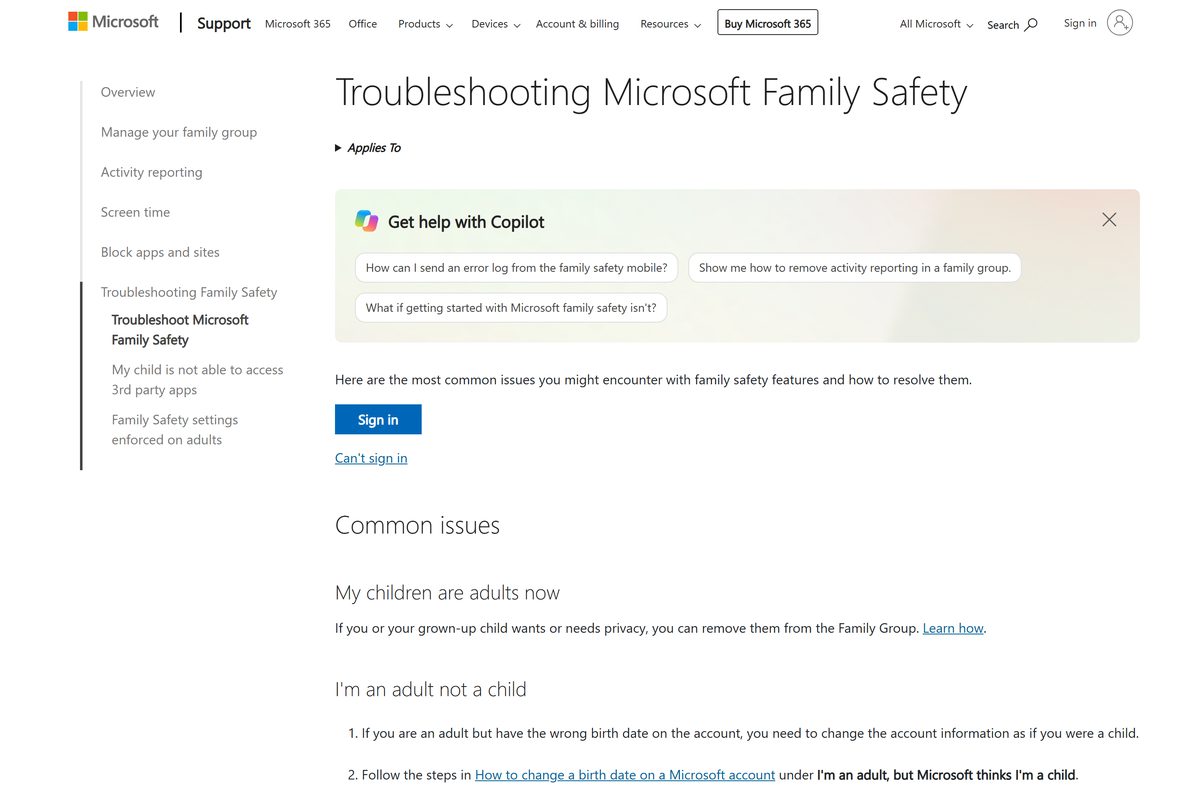
Microsoft keeps the full list, including the Xbox cases, on its Troubleshooting Microsoft Family Safety page.
How to uninstall Microsoft Family Safety
Removing the app does not remove the limits. The group controls the account, so leave the group as well if that is what you want.
- Open Settings, then Apps, then Installed apps.
- Find the entry, select the three dots, then select Uninstall.
- Confirm the prompt and wait for the entry to disappear from the list.
- Sign in to family.microsoft.com to remove a member or to leave the group yourself.
- Remove parental consent first if the account you are removing belongs to a child.
- Set the child’s Windows account back to an administrator only if you no longer manage that PC.
The account-side steps are on How to leave a Microsoft family group.
Choose between Microsoft Family Safety and other parental controls
Pick by the hardware your child actually uses. Mixed households often end up running two of these side by side.
| Tool | Best for | Price |
|---|---|---|
| Microsoft Family Safety | Windows PCs, Xbox consoles and Android phones in one group | Free |
| Apple Screen Time | Limiting an iPhone, iPad or Mac itself | Built into the OS |
| Google Family Link | Managing a child’s Google account on Android | Free |
Use Family Safety when the PC or the Xbox is the problem device. Use Apple’s controls for a Mac.
Frequently asked questions
Is the Microsoft Family Safety download free?
Yes. The Microsoft Store lists the Windows app at $0.00, and the App Store and Google Play listings are free. Screen time limits, content filters and activity reports all work with a standard Microsoft account.
What is the official Microsoft Family Safety download page?
The Windows app comes from its Microsoft Store listing at apps.microsoft.com. The phone apps come from the App Store and Google Play. The browser dashboard sits at family.microsoft.com and needs no download at all.
Does Microsoft Family Safety work on Windows 11?
Yes. The Store package supports Windows 11 and Windows 10 from build 17763, which is version 1809. Older builds cannot install it. The limits apply once the child’s account joins the family group.
How big is the Microsoft Family Safety download?
The Windows package is 1.3 MB to download and 1.4 MB installed. The iPhone and iPad app is much larger at 113.7 MB. The Android size varies by device, and the browser dashboard downloads nothing.
Is there an offline installer for Microsoft Family Safety?
No. Microsoft publishes no EXE, MSI or DMG for Family Safety. Distribution is the Microsoft Store, the App Store and Google Play only. Any site offering a standalone setup file is not the vendor.
Is there a Microsoft Family Safety app for Mac?
No. Microsoft ships no macOS build, and the App Store listing covers iPhone and iPad only. On a Mac you sign in to family.microsoft.com in a browser for the same limits and reports.
Does Microsoft Family Safety run on ARM64 PCs?
Yes. The Microsoft Store package ships x64 and ARM64 builds, so Snapdragon and other Arm laptops install the native version. There is no 32-bit x86 package, which only matters on very old hardware.
Is Microsoft Family Safety safe to install?
Yes. It is published by Microsoft Corporation, distributed through the Microsoft Store, the App Store and Google Play, and rated Everyone by the ESRB. The package is signed and updated by the platform.
What is the latest Microsoft Family Safety version?
The Microsoft Store package is 0.2.40.0, last updated on 12 August 2026. The iPhone and iPad app is version 2.0.7 from 21 July 2026. The Android app was refreshed on 18 September 2026.
Why will Microsoft Family Safety not install on my PC?
Check the Windows build first, because anything below 17763 is blocked outright. Then sign in to the Microsoft Store, clear any paused downloads in Library, and retry. A metered connection also stops Store installs silently.
Do I need Microsoft 365 Family to use Family Safety?
No. Every limit, filter and report is free with a Microsoft account. Microsoft 365 Family is a separate $129.99 per year subscription for 1 to 6 people, and the family group is simply how that subscription gets shared.