The official DisplayLink download is free, and Synaptics publishes it for Windows 11, Windows 10 and macOS. The Windows package is a 58.8 MB standalone setup that installs without an internet connection.
One driver turns a USB-C dock, adapter or USB monitor into extra screens, even on a laptop whose GPU has run out of outputs. The chip inside the hardware decides how many screens and at what resolution.
This guide covers which package to pick, the Microsoft Store app, MSI deployment, the Mac installer, system requirements, and fixes for installs that fail.

Which DisplayLink download do you need?
Open Settings > System > About and read the System type line before you pick a row.
| Your machine | Package | Size | Download page |
|---|---|---|---|
| Windows 11 or Windows 10, 64-bit Intel or AMD | USB Graphics Software 12.3 (EXE) | 58.8 MB | synaptics.com Windows downloads |
| Windows 11 or Windows 10 on Arm | USB Graphics Software 12.3 (EXE or INF) | 58.8 MB | synaptics.com Windows downloads |
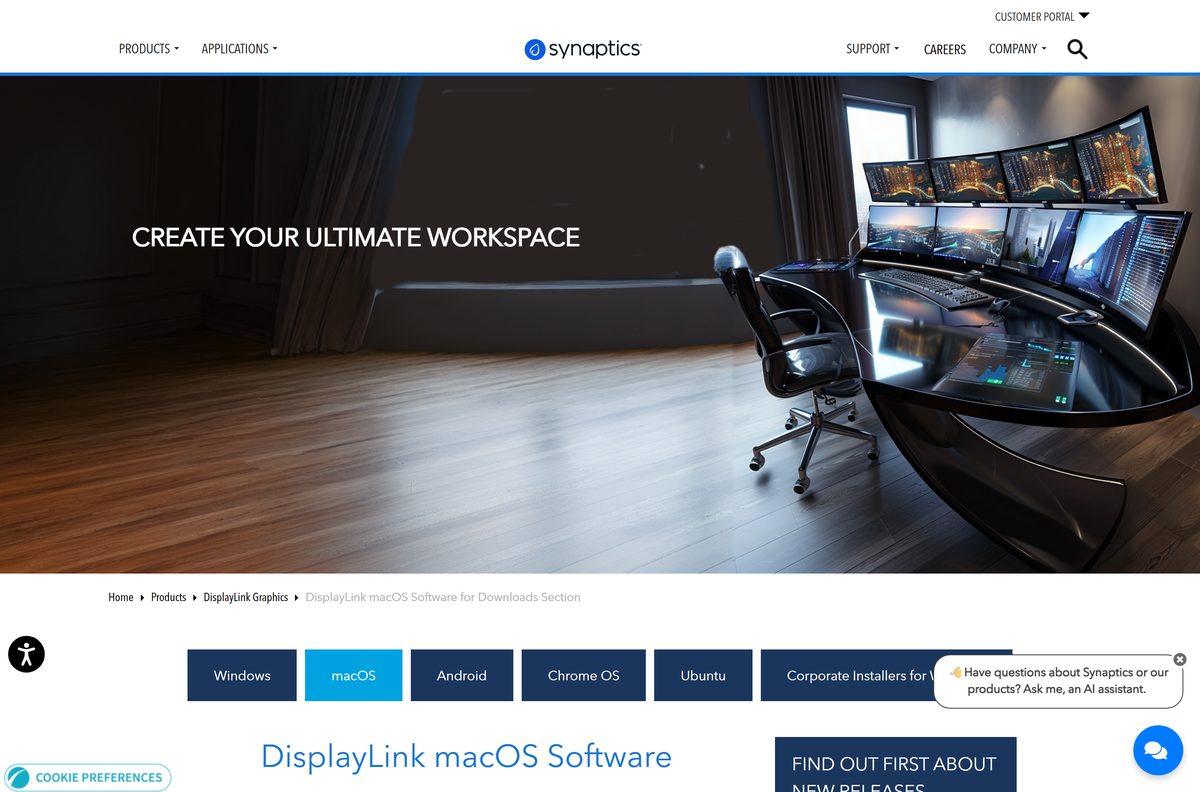
| Mac on Apple silicon or Intel, macOS 14 or later | Manager Graphics Connectivity 17.0 (PKG) | 10.4 MB | synaptics.com macOS downloads |
| A managed Windows fleet | Corporate MSI or INF package | Listed per file | synaptics.com corporate installers |
| Ubuntu 20.04 through 26.04 | USB Graphics Software for Ubuntu 6.3 | Listed per file | synaptics.com Ubuntu downloads |
Arm64 machines need the EXE or INF package. Synaptics states that Arm64 support ships on every package except the MSI.
Download DisplayLink for Windows 11 and 10 from the official page
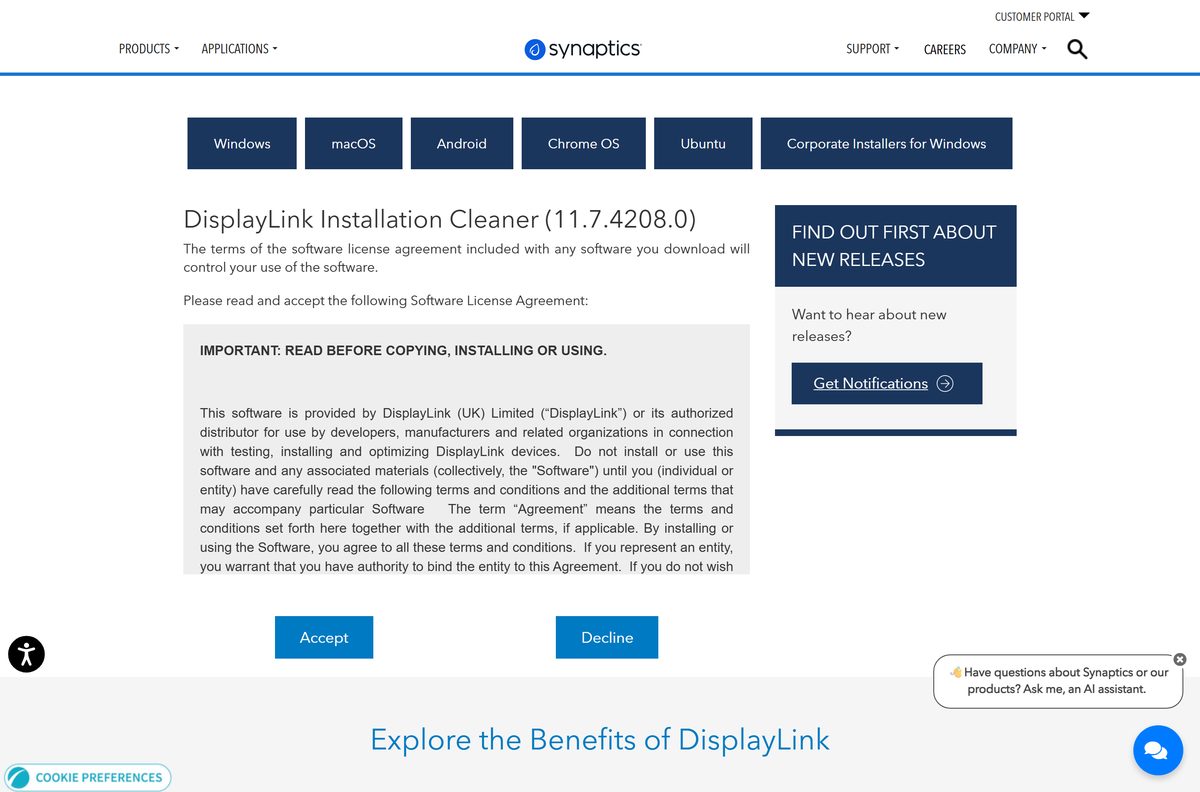
The Windows package installs the graphics driver, the audio driver and the background service in one pass. Synaptics shows a licence agreement first, and the file link appears once you select Accept.
- DisplayLink USB Graphics Software for Windows 12.3 (EXE) — 58.8 MB · Package 12.3.5143.0, released 4 September 2026
- DisplayLink Manager Graphics Connectivity 17.0 for macOS (PKG) — 10.4 MB · Covers macOS Sonoma 14 through macOS 27
- Corporate installers for Windows (MSI and INF) — For Intune, Configuration Manager and image builds
- DisplayLink Manager on the Microsoft Store — Listed at $0.00, published by DisplayLink
- Installation Cleaner 11.7.4208.0 for Windows — Clears a broken install before you retry
How to install DisplayLink on Windows 11 and 10
Disconnect the dock first. The installer replaces a display driver, and doing that under a live video session invites trouble.
- Open the Windows downloads page on synaptics.com.
- Select Download beside DisplayLink USB Graphics Software for Windows.
- Read the licence agreement, then select Accept to start the transfer.
- Unplug the dock, adapter or USB monitor from the PC.
- Run the downloaded setup and approve the User Account Control prompt.
- Wait while the installer stages the graphics and audio drivers. The screen flickers once or twice during this step.
- Select Restart if the installer asks for a reboot.
- Reconnect the hardware and open Settings > System > Display to arrange the new screens.

Install DisplayLink Manager from the Microsoft Store or winget
Synaptics describes DisplayLink Manager as a native Windows app for display and audio setting controls, and points Windows users to the Microsoft Store for it.
- Open the Microsoft Store from the taskbar or the Start menu.
- Search for DisplayLink Manager, or open the Store listing directly.
- Check that the publisher reads DisplayLink and the price reads Free.
- Select Get, then wait for Install to finish.
- Launch the app from the Start menu and open it again later from its system tray icon.
- Run winget install –id DisplayLink.GraphicsDriver in Windows Terminal to pull the driver package from the command line instead.
The community winget repository carries the identifier DisplayLink.GraphicsDriver , and its newest manifest can sit a release behind synaptics.com.
Download the DisplayLink MSI package for deployment
Synaptics keeps the deployment packages on a separate corporate page, behind the same licence prompt as the consumer build.
| Package | Formats | Arm64 build | Download page |
|---|---|---|---|
| USB Graphics Software 12.3 | MSI and INF | INF only | Corporate installers |
| USB Graphics Software 12.3 with Hot Desking | MSI and EXE | EXE only | Corporate installers |
| End-user package 12.3 | EXE | Yes | Windows downloads |
Which DisplayLink download do you need for your Mac?
Click the Apple menu and select About This Mac to read the macOS version, then match it below.
| Your Mac runs | Package | Size | Download page |
|---|---|---|---|
| macOS 27 Golden Gate, Tahoe 26, Sequoia 15 or Sonoma 14 | Manager Graphics Connectivity 17.0 (PKG) | 10.4 MB | synaptics.com macOS downloads |
| macOS Ventura 13 or Monterey 12 | Manager Graphics Connectivity 1.11 (October 2024) | Listed per file | macOS archive |
| macOS Catalina 10.15 or Mojave 10.14 | USB Graphics Software for macOS 5.2.6 | Listed per file | macOS archive |
Is DisplayLink free?
The driver has never carried a price, and the Store listing makes that explicit.
Yes, DisplayLink is free. Synaptics charges nothing for the Windows, macOS, Ubuntu, Android and Chrome OS packages, and the Microsoft Store lists DisplayLink Manager at $0.00. There is no trial timer, no licence key and no paid tier. The cost sits in the hardware instead: you pay for the dock, adapter or monitor that carries the chip.
A page that demands a card number, a phone number or a download manager before it hands over the driver is not Synaptics. Close it and start at the vendor download page.
Should you install DisplayLink Manager or the USB Graphics driver?
Install the USB Graphics Software package on Windows. It carries the graphics driver, the audio driver and the service that actually lights the extra screens, so a fresh Windows machine needs it. DisplayLink Manager from the Microsoft Store is the settings app Synaptics points Windows users to for display and audio controls. On a Mac the question does not arise, because DisplayLink Manager Graphics Connectivity is the entire product.
How to check your DisplayLink version and update it
An old driver is the usual reason a dock works at boot and drops a screen after sleep.
- Open Settings > Apps > Installed apps on Windows 11, or Apps & features on Windows 10.
- Find the DisplayLink entry and read the version number beside it.
- Compare it with the version listed on the Synaptics Windows downloads page.
- Download the newer package if the numbers differ.
- Unplug the dock, run the setup, and let it install over the existing copy.
- Restart when prompted, then reconnect the hardware.
- On a Mac, open DisplayLink Manager and check its version in the app window.
Windows Update does not ship this driver, so the check is manual. Dock makers often host an older build than synaptics.com.
Check the DisplayLink system requirements before you install
The driver needs a DisplayLink chip at the far end of the cable. A dock or adapter without one will never use it, whatever the box says about extra monitors.
| Specification | Detail |
|---|---|
| Software | DisplayLink USB Graphics Software for Windows |
| Developer | Synaptics Incorporated |
| Latest version | 12.3.5143.0 for Windows, 17.0 for macOS |
| Release date | 4 September 2026 |
| License | Free |
| File size | 58.8 MB Windows EXE, 10.4 MB macOS PKG |
| Supported OS | Windows 10 x64 v1709 or later, Windows 10 ARM64 v2004 or later, Windows 11 x64 and ARM64, macOS Sonoma 14 and later |
| Architecture | x64 and ARM64 on Windows; Arm64 on every package except MSI |
| Hardware | A free USB port and a DL-1×5, DL-3xxx, DL-41xx, DL-5xxx, DL-6xxx or DL-7xxx device |
| Offline installer | Yes |
| Official download source | synaptics.com |
| Last verified | 22 September 2026 |
Windows 10 editions below version 1709 fall outside the supported list, and so does any 32-bit install.
What DisplayLink docks and adapters can drive
The screen count comes from the chip inside the dock, not from the driver. Two docks running the same 12.3 package can support very different layouts.
| Chipset | Displays it can drive | Typical hardware |
|---|---|---|
| DL-7400 | 2 x 8K60, 4 x 4K120, or 3 x 4K120 plus 1 x 4K144 | Current high-end docks |
| DL-6950 | 1 x 5K60 or 2 x 4K60 | Dual-4K docks and adapters |
| DL-1×5, DL-3xxx, DL-41xx, DL-5xxx, DL-6xxx, DL-7xxx | All supported by the Windows 12.3 driver | Docks, USB adapters and USB monitors |
Find the DL number on the dock’s spec sheet before you buy a second 4K panel.
Fix DisplayLink not installing on Windows 11 or 10
Setup fails or rolls back part-way
An earlier install is still registered and the new package will not write over it.
- Unplug every dock, adapter and USB monitor.
- Open Settings > Apps > Installed apps and uninstall the existing DisplayLink entry.
- Download the Installation Cleaner from synaptics.com and run it.
- Restart the PC.
- Run the 12.3 setup again with the hardware still disconnected.
The dock connects but no extra screen appears
Windows is duplicating the desktop or has the output switched off.
- Press Windows + P and choose Extend.
- Open Settings > System > Display and select Detect.
- Swap the video cable for one rated for the resolution you want.
- Move the dock to a port on the PC rather than a passive hub.
Screens flicker or drop after sleep
The installed driver predates your Windows build, or the dock firmware is behind.
- Open Settings > Windows Update and install everything pending.
- Install the 12.3 package over your current version.
- Update the dock firmware from the dock maker’s own support page.
- Restart, then reconnect the dock.
The MSI refuses to install on Windows on Arm
Synaptics ships no Arm64 MSI.
- Open Settings > System > About and confirm System type reads ARM-based processor.
- Take the EXE package from the Windows downloads page for a single machine.
- Use the INF package when you are deploying to Arm64 machines.
Keep the hardware unplugged until the setup finishes. Half the failed installs in this list start with a dock left connected.
How to uninstall DisplayLink cleanly
A plain uninstall leaves the virtual display adapters behind on some machines. The cleaner removes them.
- Unplug every dock, adapter and USB monitor.
- Open Settings > Apps > Installed apps.
- Select the three dots beside the DisplayLink entry, then choose Uninstall.
- Restart when Windows asks.
- Download the Installation Cleaner if the entry refuses to go or a reinstall keeps failing.
- Run the cleaner, then restart once more.
- On a Mac, move DisplayLink Manager from Applications to the Bin and restart.
What to use instead of DisplayLink
These routes only help when the hardware has no DisplayLink chip. When it does, nothing else will light those ports.
| If you want | Use | Trade-off |
|---|---|---|
| More screens from a dock without the chip | The GPU’s own DisplayPort and HDMI outputs | Limited to the ports and stream count the GPU exposes |
| Two monitors daisy-chained on one cable | DisplayPort Multi-Stream Transport | Both monitors and the GPU have to support MST |
| A second screen with no cable at all | Windows Connect to a wireless display | Lower frame rate and visible latency |
| An iPad or Mac as the second screen | Apple Sidecar or Universal Control | Apple hardware on both ends only |
Frequently asked questions
Is DisplayLink free to download?
Yes. Synaptics publishes the Windows, macOS, Ubuntu, Android and Chrome OS packages at no cost, and the Microsoft Store lists DisplayLink Manager at $0.00. There is no licence key, no trial timer and no paid edition. You pay only for the dock or adapter.
Where is the official DisplayLink download page?
Synaptics hosts it at synaptics.com, with separate pages for macOS, Ubuntu, Android and corporate installers. Synaptics publishes the software, so synaptics.com is the vendor domain. Dock makers mirror older builds on their own support pages.
Does DisplayLink work on Windows 11?
Yes. The 12.3 package supports Windows 11 in both x64 and ARM64 editions, covering Home, Pro, Pro for Workstations, Education, Enterprise and IoT Enterprise. Windows 10 needs x64 version 1709 or later, or ARM64 version 2004 or later.
How big is the DisplayLink download?
The Windows EXE is 58.8 MB. The macOS PKG is 10.4 MB. Both are complete installers rather than small stubs that fetch the rest during setup, so either one can be copied to a machine that has no internet connection.
Is there an offline installer?
Yes. The Windows setup is a full 58.8 MB standalone package and needs no connection once downloaded. Administrators can take the MSI or INF corporate build instead, which installs silently across a fleet from a share or a management tool.
Does DisplayLink work on a Mac?
Yes. DisplayLink Manager Graphics Connectivity 17.0 supports macOS Sonoma 14, Sequoia 15, Tahoe 26 and macOS 27. One package covers Apple silicon and Intel Macs. Older macOS releases back to Mojave have archived builds on the same download page.
Is there a 64-bit and ARM64 build?
Yes. Windows builds ship for x64 and ARM64, so a Snapdragon laptop is supported. Synaptics states that Arm64 support is present on every package except the MSI, which means Arm64 deployments use the INF or EXE package.
Is the DisplayLink driver safe to install?
Take it from synaptics.com, the vendor domain, rather than from a portal result. Portals repackage drivers with installers of their own. The Windows page lists the version and release date at the top, so check both before you start the transfer.
What is the latest DisplayLink version?
The Windows package is 12.3.5143.0, released on 4 September 2026, carrying graphics driver 12.3.5011.0. The macOS app is version 17.0. Ubuntu sits on 6.3 from April 2026. Each platform tracks its own version line.
Why will the DisplayLink driver not install?
Usually a previous install is still registered, or the dock is connected during setup. Unplug the hardware, uninstall the old entry, run the Installation Cleaner from synaptics.com, restart, then install again. A pending Windows Update reboot also blocks it.