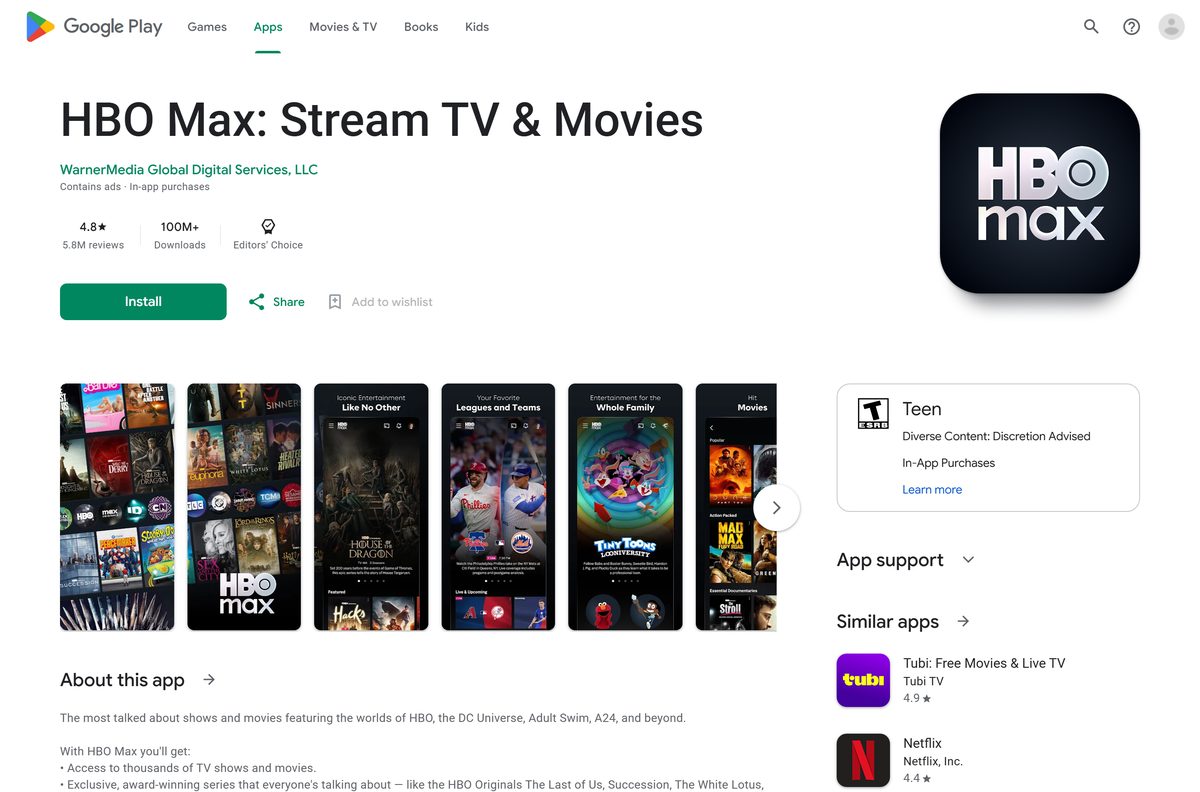
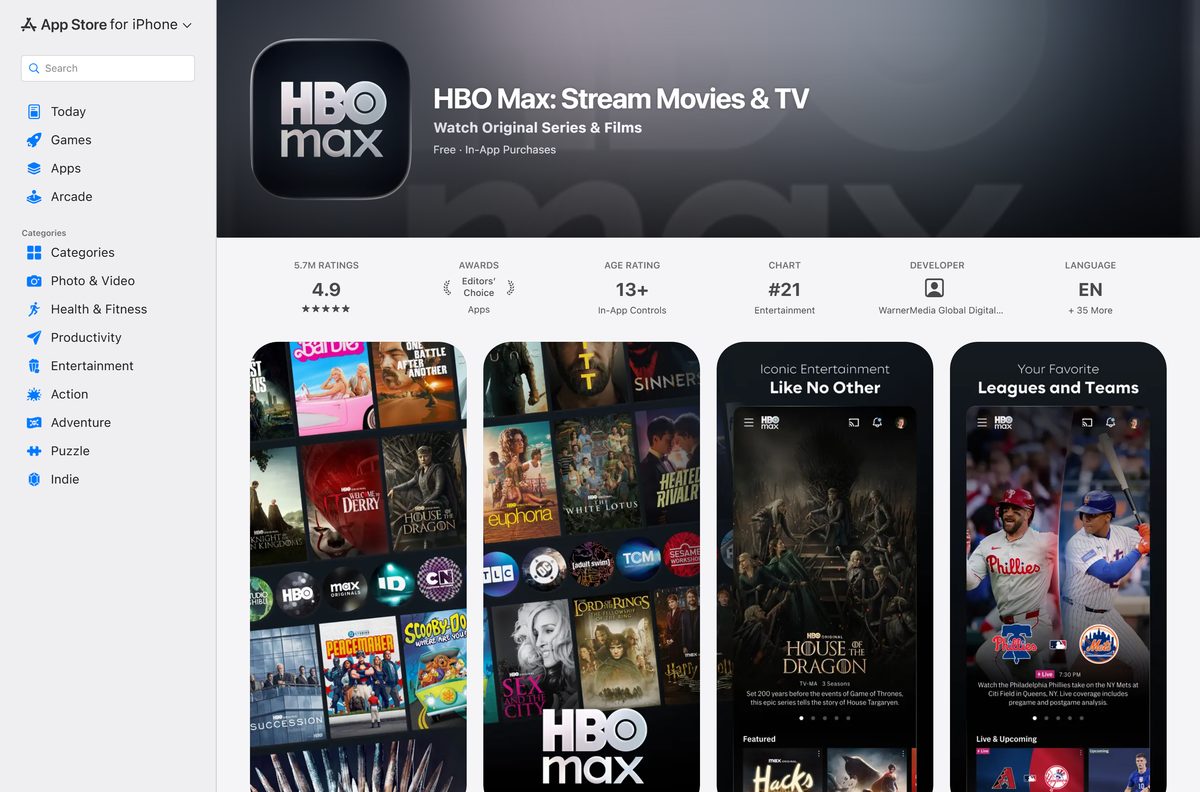
You can install HBO Max as a desktop app on Windows 11, Windows 10 and Mac in about a minute, with its own window and taskbar icon. The phone and tablet apps are free from the App Store and Google Play.
Microsoft Edge and Google Chrome turn HBOMax.com into a standalone app window, without a tab strip and without an address bar. Windows then gives it a Start menu entry and a taskbar icon like any other program.
This guide covers the official link for every platform, the install steps on Windows and Mac, what each plan costs, offline downloads on a phone, and fixes for playback that stalls.
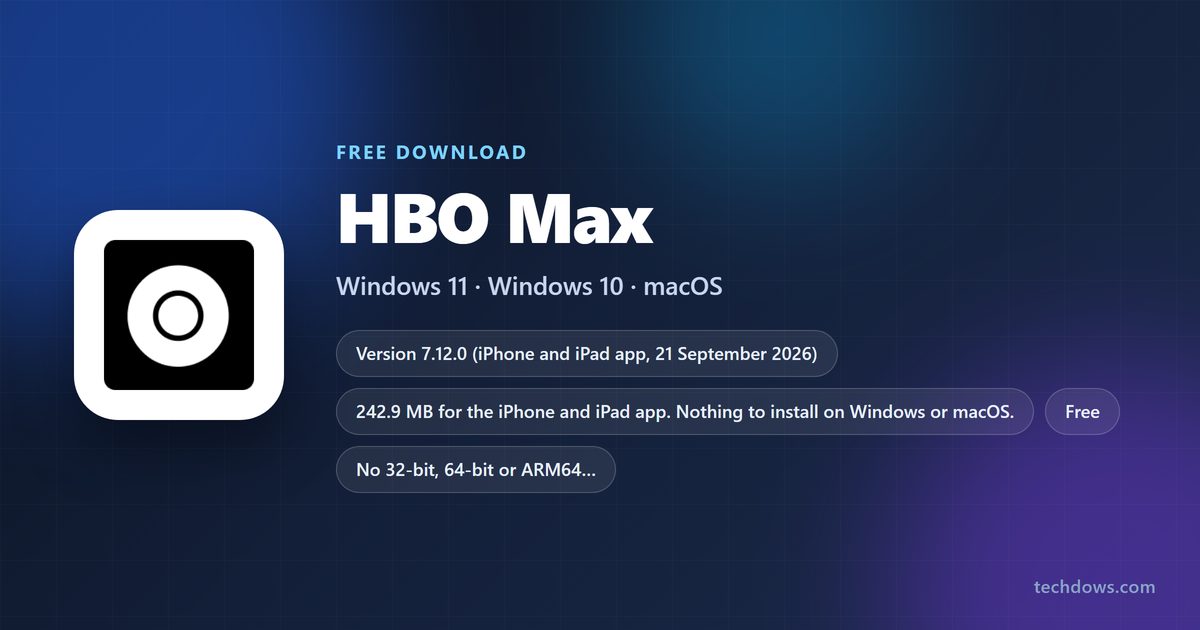
Which HBO Max download do you need?
Find your device below and take the source next to it.
| Your device | What you install | Official source | Size | |
|---|---|---|---|---|
| Windows 11 or Windows 10 PC | HBOMax.com as an app window from Edge or Chrome | hbomax.com | Nothing to download | |
| Mac, Intel or Apple silicon | HBOMax.com in Safari, Chrome or Firefox | hbomax.com | Nothing to download | |
| iPhone, iPad or iPod touch | HBO Max for iOS 16.4 or later | App Store | 242.9 MB | |
| Android phone or tablet | HBO Max for Android 7.1 or later | Google Play | Varies by device | |
| Xbox One or Xbox Series X | S | The console package, version 54.25.10.70 | Microsoft Store | 92.8 MB |

Download HBO Max from its official sources
Each link below is the publisher’s own listing. Warner Bros. Discovery ships no setup file for Windows or macOS, so nothing here is an .exe or a .dmg. Old max.com bookmarks still work: that address redirects to hbomax.com.
- HBOMax.com web player — No download · Chrome, Firefox, Edge or Safari on Windows, Mac or ChromeOS
- HBO Max on the App Store — 242.9 MB · iPhone and iPad, version 7.12.0
- HBO Max on Google Play — Android phones and tablets, updated 17 September 2026
- HBO Max in the Microsoft Store — 92.8 MB · Xbox consoles only
Check the HBO Max system requirements for your computer
The browser version matters more than the hardware.
| Item | Detail |
|---|---|
| Service | HBO Max |
| Developer | WarnerMedia Global Digital Services, LLC (Warner Bros. Discovery) |
| Latest version | 7.12.0 for iPhone and iPad; the web player updates itself |
| License | Free to install, subscription required |
| Download size | 242.9 MB on iPhone and iPad; nothing on Windows or macOS |
| Computers | Windows PC, Mac or Chromebook with the latest Chrome, Firefox, Edge or Safari |
| Phones and tablets | iOS 16.4 or later, Android 7.1 or later, Fire OS 6 or later |
| Architecture | Browser-based, so no 32-bit, 64-bit or ARM64 choice |
| Offline installer | None |
| Official source | hbomax.com, the App Store and Google Play |
| Last verified | 2026-09-22 |
How to install HBO Max as an app on Windows 11 and 10
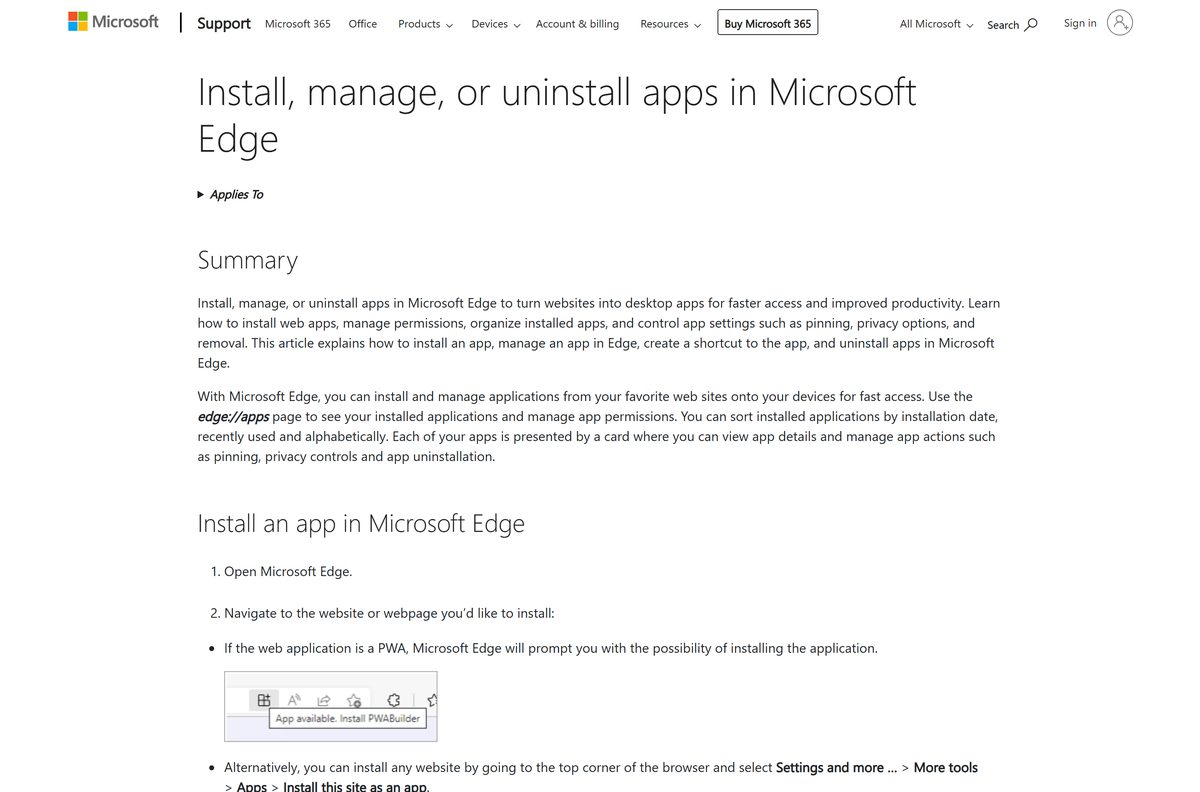
Microsoft Edge ships with every Windows 11 and Windows 10 machine, so this route needs no extra software.
- Open Microsoft Edge and go to hbomax.com.
- Select Sign In at the top right and enter your account email or mobile number.
- Choose your profile so the player loads a signed-in home screen.
- Select Settings and more (the three dots at the top right).
- Choose More tools, then Apps, then Install this site as an app.
- Name the app in the dialog and select Install.
- Tick Pin to taskbar and Pin to Start when Edge offers them.
- Launch the new window from the Start menu and start a show to confirm playback.
Manage the result later at edge://apps , where each installed site has a Details card.
Install HBO Max from the Microsoft Store on an Xbox
The Microsoft Store listing is genuine, but its package declares one platform, Windows.Xbox, so a Windows 11 or Windows 10 PC gets no install button.
- Press the Xbox button on your controller to open the guide.
- Go to Store and select Search.
- Type HBO Max and open the listing published by WarnerMedia Global Digital Services.
- Select Get, then Install to pull down the 92.8 MB package.
- Open the app and select Sign In.
- Enter the 6-digit code shown on the console at the activation page on a phone or computer.
On a PC, open the listing and the page offers a console install instead of a desktop one.
Which HBO Max download do you need for your Mac?
Apple lists the app for iPhone and iPad only, so the Mac App Store has nothing to install. Every Mac takes the browser route.
| What you want | What to do | Where |
|---|---|---|
| Just watch on a MacBook or iMac | Open the site in Safari and sign in | hbomax.com |
| A Dock icon and a separate window | Install the page as an app from Chrome | Chrome install steps |
| Watch on an iPad instead | Install the iPadOS app, version 7.12.0 | App Store |
| Download episodes for a flight | Use an iPhone or iPad; macOS cannot store downloads | Download rules |
Apple silicon and Intel Macs behave identically here, because the player is the website.
Is HBO Max free to download?
The apps cost nothing and the website opens without payment. Watching takes a plan.
Install it free, then pay for a plan: Basic with Ads is $10.99 a month, Standard is $18.49 and Premium is $22.99. Annual billing drops those to $109.99, $184.99 and $229.99. Basic with Ads and Standard stream Full HD on two devices; Premium adds 4K Ultra HD, Dolby Atmos and four streams. Any site charging for the installer itself is a scam.
Should you install the site as an app or keep a browser tab?
Both play the same 1080p or 4K stream from the same servers.
Install it as an app window if you watch several times a week, and keep a tab if you watch occasionally. The installed window keeps its own taskbar icon and its own Alt+Tab entry, so a long episode survives a browser restart. A tab wins on memory when the service is an occasional visit. Neither option unlocks downloads, which stay exclusive to phones and tablets.
How to check your HBO Max version and update it
The installed site window follows the browser, so it is current the moment the page reloads. Phone apps carry a version string worth checking when playback misbehaves.
- Open the app on your phone and select your profile at the top right.
- Choose Settings, then scroll to the bottom of the list.
- Open the App Store listing and select Update when a newer build is offered.
- On Android, open the Google Play listing and select Update.
What the phone app does that a computer cannot
The split matters before a flight or a commute, because storage for offline viewing is a mobile-only feature.
| Feature | Windows or Mac | iPhone, iPad or Android |
|---|---|---|
| Stream in Full HD | Yes | Yes |
| 4K Ultra HD on the Premium plan | Where available | Where available |
| Save shows for offline viewing | No | Yes, on Standard and Premium |
| Download limit per account | Not applicable | 30 on Standard, 100 on Premium |
| Install without a browser | No | Yes |
Unwatched downloads expire after 30 days, and a download you start watching expires 48 hours later.
Can you watch HBO Max offline on a laptop?
Not on the laptop itself. A phone or tablet holds the downloads, so plan around that before a flight.
- Check your plan first: Basic with Ads includes no downloads at all.
- Open the app on an iPhone, iPad, Android device or Fire tablet.
- Open a show or film and select the Download arrow next to an episode.
- Select Downloads from the bottom bar to watch what is stored.
- Read the download limits before you queue a full series, because some run to 25 episodes at a time.
A laptop on a hotspot is the practical fallback, since the web player streams and never stores.
How to tell a real HBO Max download from a fake one
Search results for this service are crowded with sites offering an installer. No such file exists, so every one of them is serving something else.
- Check the address bar reads hbomax.com or max.com before you sign in.
- Treat any .exe , .msi or .dmg named after the service as hostile and delete it.
- Install phone apps only from the App Store or Google Play.
- Skip APK mirrors: installing from outside Google Play is unsupported by the publisher.
- Confirm the publisher line reads WarnerMedia Global Digital Services, LLC on any store listing.
Fix HBO Max not installing or not playing on Windows 11 and 10
Each symptom below has one cause and one fix.
Edge shows no Install this site as an app option
The menu path changed position, or the page has not finished loading.
- Wait for the player to render fully, then reopen Settings and more.
- Choose More tools, then Apps.
- Select Install this site as an app from the submenu.
- Update Edge from Settings, then About Microsoft Edge, if the entry is still absent.
Video stays black or stalls on a buffering circle
A stale browser cache or a hardware acceleration conflict.
- Press Ctrl+Shift+R to reload the player from scratch.
- Clear cookies and cached files for the site from Settings, then Privacy, search, and services.
- Turn off Use graphics acceleration when available in System and performance.
- Restart the browser and start the episode again.
Sign-in loops back to the email screen
A blocked third-party cookie or an out-of-sync system clock.
- Allow cookies for the site in your browser’s site permissions.
- Open Settings, then Time & language, and select Sync now.
- Try the mobile number sign-in option, which sends a 6-digit code by text.
The Microsoft Store listing offers no Get button on a PC
The package targets Xbox consoles, not desktop Windows.
- Close the Store and open hbomax.com in Edge instead.
- Install the site as an app to get the taskbar icon the Store cannot give you.
How to uninstall HBO Max from a PC, Mac or phone
An installed site window is a browser app, so it leaves through the browser rather than through Programs and Features.
- In Edge, open edge://apps , select Details on the card, then choose Uninstall.
- In Chrome, open the app window, select More, then Uninstall, then Remove.
- Tick Also delete data from Chrome to clear the stored sign-in with it.
- On an iPhone or iPad, touch and hold the icon, then select Remove App, then Delete App.
- On Android, open Settings, then Apps, pick the app and select Uninstall.
- Cancel the subscription separately in your account settings, because removing an app never stops billing.
Which other devices can you install HBO Max on?
A TV app avoids the laptop entirely, and the minimum platform version decides whether an older set qualifies.
| Device | Minimum platform | How you install it |
|---|---|---|
| Amazon Fire TV | Fire OS 6 or Vega OS 1 | Amazon Appstore on the device |
| Apple TV 4K and HD | tvOS 16.4 | App Store on the device |
| Android TV | Android TV 7.1 | Google Play on the device |
| Samsung smart TV | 2016 model or newer | Samsung Apps on the TV |
| LG smart TV | webOS 3.5 | LG Content Store |
| PlayStation 4 and 5 | Current system software | PlayStation Store |
Streaming still needs a plan on every one of these, and one account covers the lot. Techdows also covers Twitch on the desktop.
Frequently asked questions
Is HBO Max free to download?
Yes. The iPhone, Android and Xbox apps are free, and the website opens at no cost. Watching needs a plan, starting at $10.99 a month for Basic with Ads or $109.99 for a year.
What is the official HBO Max download page?
hbomax.com is the official source on a computer, and max.com redirects to it. Phone apps come from the App Store and Google Play, both published by WarnerMedia Global Digital Services, LLC.
Does HBO Max have a Windows 11 app?
There is no separate Windows program. Microsoft Edge and Google Chrome install hbomax.com as its own app window with a Start menu entry and a taskbar icon, which is how a PC gets a dedicated app.
How big is the HBO Max download?
The iPhone and iPad app is 242.9 MB at version 7.12.0. The Xbox package is 92.8 MB. On Windows and macOS nothing downloads at all, because the player is the website.
Is there an offline installer for HBO Max?
No. Warner Bros. Discovery publishes no setup file for Windows or macOS, so there is no standalone installer, no MSI and no offline package to keep on a USB stick.
Is there an HBO Max app for Mac?
The Mac App Store carries no listing. Apple lists the app for iPhone, iPad and iPod touch only, so a Mac streams from hbomax.com in Safari, Chrome or Firefox, or installs the page as an app from Chrome.
Do you need the 64-bit or ARM64 version?
Neither. The computer player runs inside the browser, so there is no 32-bit, 64-bit or ARM64 file to pick. A Snapdragon PC and an Apple silicon Mac use exactly the same page.
Is the HBO Max download safe?
The App Store, Google Play and Microsoft Store listings are safe, and so is the website. Any third-party site offering an installer for a PC is serving something else, because no such file exists.
What is the latest HBO Max version?
Version 7.12.0 for iPhone and iPad, released 21 September 2026. Google Play lists the Android app as updated 17 September 2026 without a version string, and the web player updates itself on every reload.
Why will HBO Max not install on my PC?
The Microsoft Store package targets Xbox consoles, so a PC shows no install button. Open hbomax.com in Edge and choose Install this site as an app to get a desktop window instead.