The official Process Explorer download for Windows 11 and Windows 10 is a free 3.5 MB ZIP from Microsoft Sysinternals. Extract it, run the file that matches your processor, and you see every running process with the handles and DLLs it has open.
Process Explorer needs no setup. The same ZIP holds separate builds for 64-bit Intel and AMD PCs, Windows on Arm laptops and 32-bit systems, and the tool also ships free in the Sysinternals Suite on the Microsoft Store.
This guide covers the right file for your PC, the Store and winget routes, running it straight from Sysinternals Live, checking the download, the options for Mac users and fixes for common problems.
Check the Process Explorer system requirements before you download
Microsoft lists Windows 11 and Windows Server 2019 or later as the supported systems. Use this table to confirm the build, the source and the size before you download.
| Field | Details |
|---|---|
| Software | Process Explorer |
| Developer | Microsoft Sysinternals (Mark Russinovich) |
| Latest version | 17.14, published 10 September 2026 |
| License / Price | Free (Sysinternals licence terms) |
| File size | 3.5 MB ZIP, as listed by Microsoft |
| Supported OS | Windows 11 and later; Windows Server 2019 and later |
| Architecture | x64, ARM64 and x86 in one ZIP |
| Installation | None. Extract the ZIP and run the program |
| Offline installer | Yes. The ZIP is the complete program |
| Official download source | Microsoft Learn (Sysinternals) |
| Also available from | Sysinternals Suite in the Microsoft Store |
| Last verified | 2026-09-19 |
Windows 10 is not on Microsoft’s supported list for Process Explorer. The Sysinternals Suite Store package still installs on Windows 10 version 1903 or later, so older PCs can run it without official support.
Which Process Explorer download do you need?
Every route gives you the same program. Match your situation to a row and follow that link.
| Your situation | Get this | Size |
|---|---|---|
| Windows 11 or 10 on an Intel or AMD 64-bit PC (most PCs) | ProcessExplorer.zip, then run procexp64.exe | 3.5 MB ZIP |
| Windows 11 on Arm, such as Snapdragon X laptops | ProcessExplorer.zip, then run procexp64a.exe | 3.5 MB ZIP |
| 32-bit Windows | ProcessExplorer.zip, then run procexp.exe | 3.5 MB ZIP |
| You want automatic updates for all Sysinternals tools | Sysinternals Suite in the Microsoft Store | Free |
| You want every Sysinternals tool in one offline ZIP | Sysinternals Suite ZIP | 192.2 MB (21.3 MB for ARM64) |
To check your processor, open Settings > System > About and read System type. An ARM-based processor needs procexp64a.exe ; a 64-bit x64-based processor needs procexp64.exe .
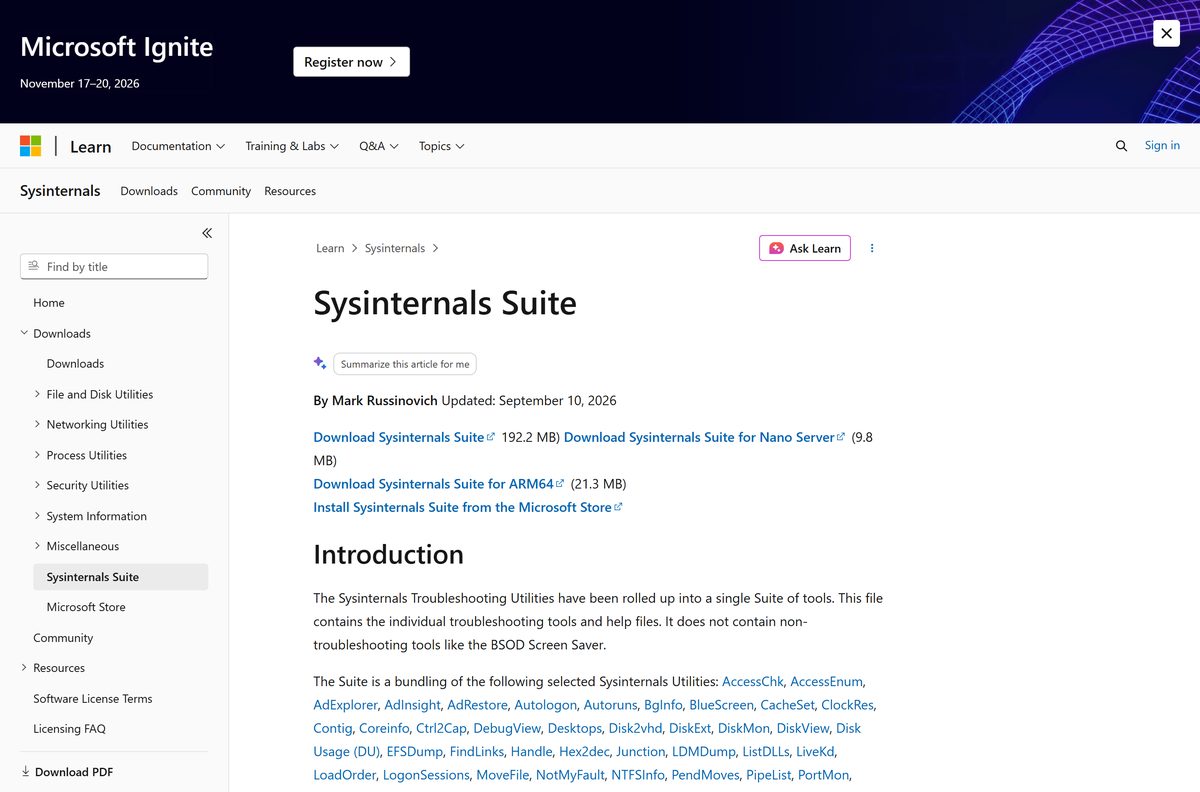
Get Process Explorer from the official download links
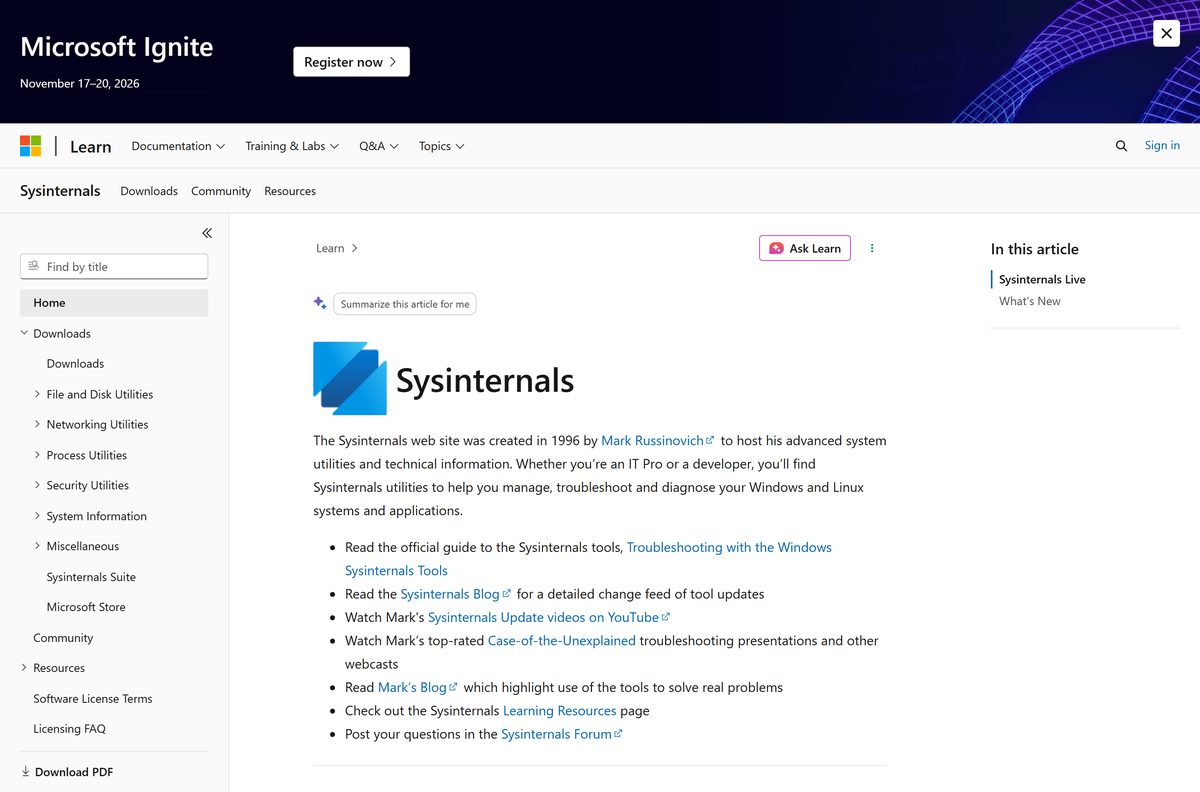
Microsoft hosts Process Explorer on its Sysinternals pages at learn.microsoft.com. The Store listing is published by Microsoft Corporation.
- Process Explorer on Microsoft Learn — 3.5 MB · The Download Process Explorer link, plus the Run now link to Sysinternals Live
- Sysinternals Suite in the Microsoft Store — Free, published by Microsoft Corporation, covers x86, x64 and ARM64
- Sysinternals Suite download page — 192.2 MB · All troubleshooting tools, with separate ARM64 and Nano Server ZIPs
- Sysinternals home page — What’s New list for every tool update
Download sites that repackage Process Explorer add nothing. The Microsoft ZIP is already small and portable, so a third-party copy only adds a chance of tampering.
How to download and run Process Explorer on Windows 11 and 10
Process Explorer does not install. You extract the ZIP once and run the program from that folder.
- Open the Process Explorer page on Microsoft Learn.
- Select Download Process Explorer and save ProcessExplorer.zip .
- Open your Downloads folder, right-click the ZIP and select Extract All.
- Choose a permanent folder, such as C:\Tools\ProcessExplorer , and select Extract.
- Double-click procexp64.exe on an Intel or AMD PC, or procexp64a.exe on an Arm PC.
- Select Agree on the Sysinternals licence window the first time the program starts.
- Select Yes if User Account Control asks for permission.
- Pin the program to the taskbar so you can open it again without the folder.
Install Process Explorer from the Microsoft Store or with winget
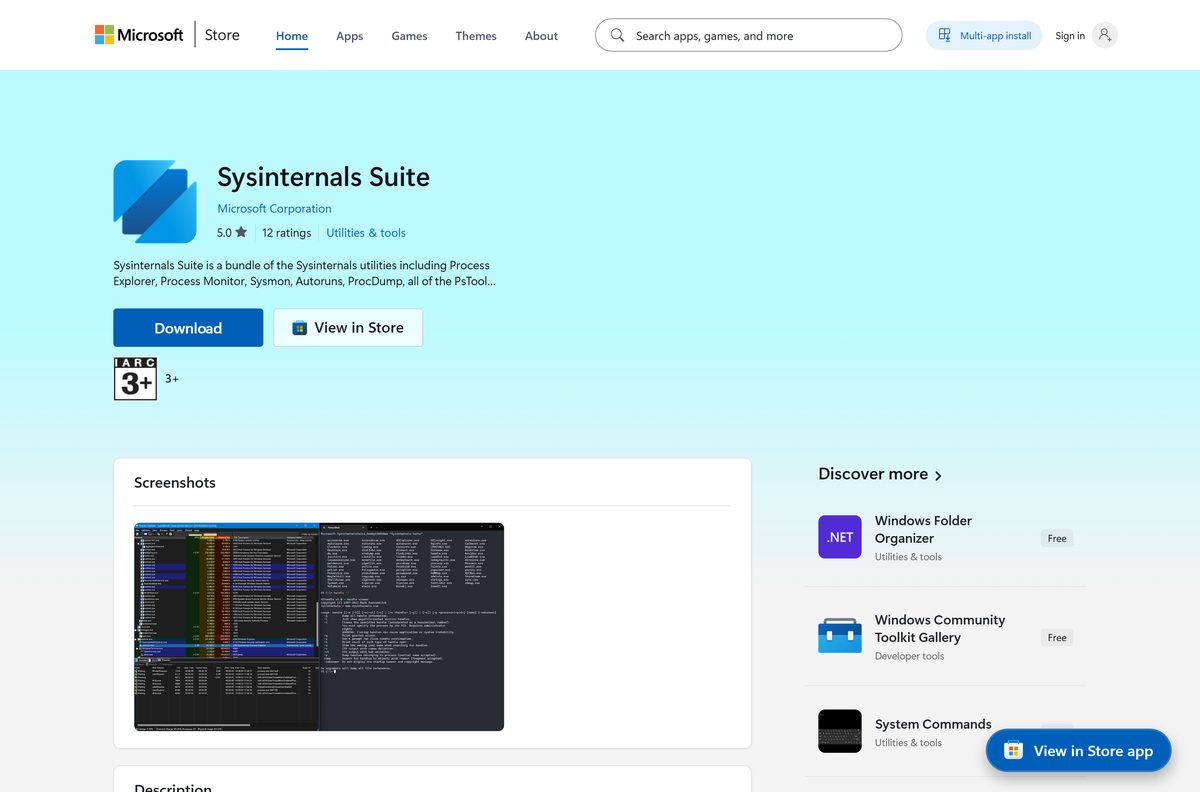
The Microsoft Store carries Process Explorer inside the free Sysinternals Suite app. Winget installs Process Explorer on its own and adds a procexp command.
- Open Sysinternals Suite in the Microsoft Store and select Get.
- Wait for the download to finish, then open Start and search for Process Explorer.
- For winget, right-click Start and select Terminal.
- Run winget install Microsoft.Sysinternals.ProcessExplorer and accept the source agreement if asked.
- Close and reopen Terminal, then type procexp and press Enter to launch it.
The Store package needs Windows 10 version 1903 or later and updates itself. The winget package picks the x86, x64 or ARM64 program for your PC automatically.
Run Process Explorer without downloading it from Sysinternals Live
Sysinternals Live serves every tool over the web, so you can start Process Explorer on a machine where you do not want to save files.
- Press Windows + R to open Run.
- Type \\live.sysinternals.com\tools\procexp.exe and press Enter.
- Select Run if Windows shows a security warning for the file.
- Or paste live.sysinternals.com/procexp.exe into the File Explorer address bar.
- Browse every tool Sysinternals Live serves from the Sysinternals home page, or use the ZIP on PCs without internet access.
How to check that your Process Explorer download is genuine
The winget manifest in Microsoft’s winget-pkgs repository records the SHA256 hash of the 17.14 ZIP. Compare it with your file before you extract it.
- Open Terminal in your Downloads folder.
- Run Get-FileHash .\ProcessExplorer.zip -Algorithm SHA256 .
- Compare the result with 746770D3F54326DD7DA16C2B2815803AB131F348CBA24A91CB6A38CFD2F7073F .
- Delete the file and download it again from Microsoft Learn if the two strings differ.
The hash matches version 17.14 only. A newer release has a new hash, listed in the winget manifest folder.
Is there a Process Explorer download for Mac?
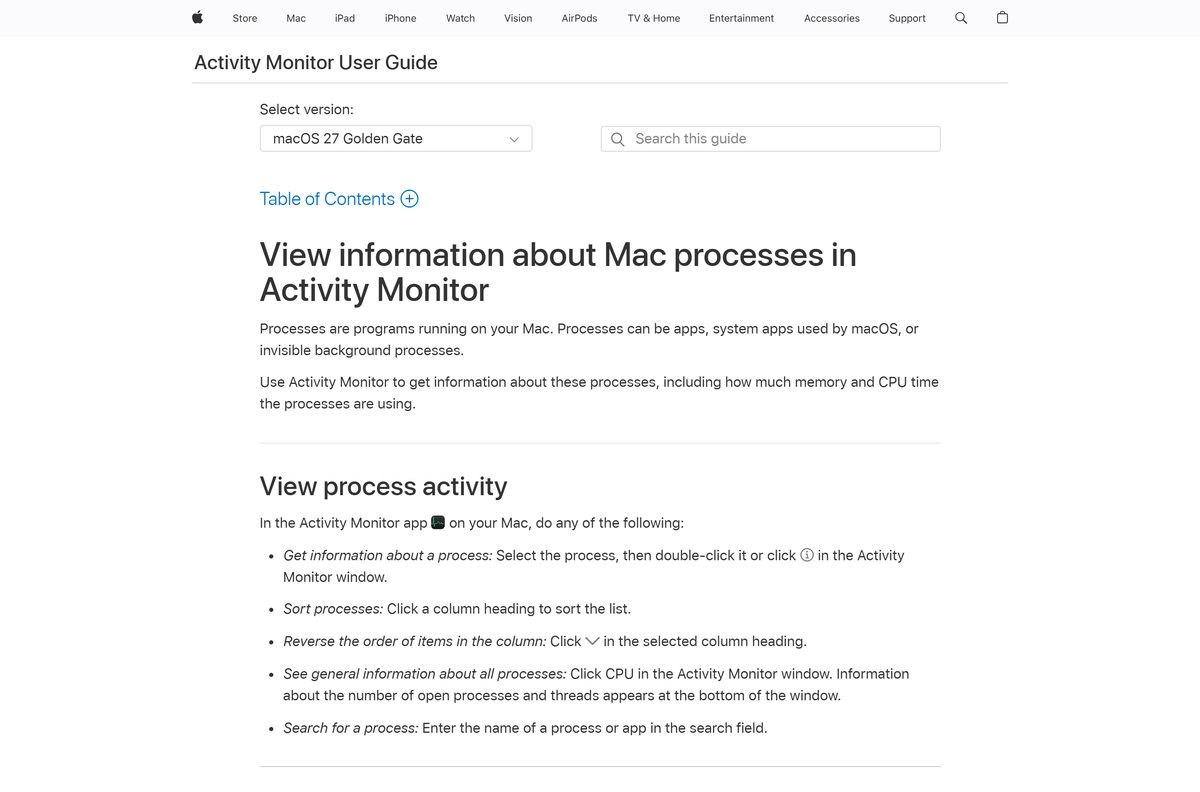
Process Explorer runs on Windows only. Sysinternals publishes ZoomIt and listent for macOS, not Process Explorer, so Mac users pick one of these instead.
| You want to | Use this | Where |
|---|---|---|
| See which apps use CPU and memory on your Mac | Activity Monitor | Built into macOS |
| Inspect a Windows PC from your Mac | Process Explorer on the Windows PC | Run it on the Windows machine |
Activity Monitor lists processes under All Processes, My Processes and System Processes, with CPU and memory use for each.
Is Process Explorer free?
Yes. Process Explorer is free from Microsoft, with no paid edition, trial or licence key. The Sysinternals licence lets you install and use any number of copies on your devices, and the Sysinternals Suite Store app is also free. The licence does forbid republishing the software for others to copy, so any site selling a “Process Explorer Pro” is not Microsoft.
How to check your Process Explorer version and update it
The ZIP version never updates itself. Check your file version, then replace it with the current release.
- Right-click procexp64.exe in its folder and select Properties.
- Open the Details tab and read File version.
- Compare it with the version shown at the top of the Microsoft Learn page.
- Close Process Explorer, download the new ZIP and extract it over the old folder.
- For a winget copy, run winget upgrade Microsoft.Sysinternals.ProcessExplorer .
- For the Store copy, open Microsoft Store > Library and select Get updates.
Fix Process Explorer not opening or not showing all processes
Windows says this app cannot run on your PC
The program you opened does not match your processor.
- Open Settings > System > About and read System type.
- Run procexp64.exe on x64 PCs, procexp64a.exe on Arm PCs or procexp.exe on 32-bit Windows.
Process Explorer is not showing all processes or their details
Without administrator rights, Windows hides details of system and other users’ processes.
- Close Process Explorer.
- Right-click the program file and select Run as administrator.
- Select Yes in User Account Control.
Windows blocks the file or warns it came from the internet
Windows marks files downloaded in a ZIP as coming from another computer.
- Right-click ProcessExplorer.zip and select Properties.
- Tick Unblock on the General tab and select OK.
- Extract the ZIP again and run the program from the new folder.
The Store app will not install on an older PC
The Sysinternals Suite Store package needs Windows 10 version 1903 or later.
- Open Settings > Windows Update and install pending feature updates.
- Or download the ZIP from Microsoft Learn, which needs no Store at all.
How to uninstall Process Explorer
The ZIP copy has no uninstaller because it never installs. Removing it takes one delete.
- Close Process Explorer, including any copy running in the notification area.
- Open File Explorer, go to the folder you extracted it to and delete the folder.
- For the winget copy, run winget uninstall Microsoft.Sysinternals.ProcessExplorer .
- For the Store copy, open Settings > Apps > Installed apps.
- Find Sysinternals Suite, select the three dots and choose Uninstall.
Choose a Process Explorer alternative for your task
Pick another tool only when you need a narrower job done or a command-line result.
| Tool | Best for | Limits |
|---|---|---|
| Task Manager | Ending a frozen app and checking CPU or memory use | No handle or DLL view |
| Process Monitor | Watching file, registry and process activity in real time | Records events, not a live process tree |
| Handle | Finding which process holds a file open, from the command line | Text output only |
| ListDLLs | Listing loaded DLLs in scripts | Text output only |
| PsList | Listing processes on a remote PC | Text output only |
For everyday use, Task Manager is enough. Keep Process Explorer for locked files, DLL-version problems and handle leaks, which Task Manager cannot show.
Frequently asked questions
Is Process Explorer free?
Yes. Process Explorer is free from Microsoft Sysinternals. The licence lets you install and use any number of copies on your devices, and the Sysinternals Suite in the Microsoft Store is also free.
Where do I download Process Explorer?
Download it from the Process Explorer page on Microsoft Learn, under learn.microsoft.com/sysinternals. The page links the official ZIP and a Run now option. It is also part of the free Sysinternals Suite in the Microsoft Store.
Does Process Explorer work on Windows 11?
Yes. Microsoft lists Windows 11 and later, plus Windows Server 2019 and later, as supported systems. The ZIP includes separate programs for x64, ARM64 and 32-bit Windows.
Does Process Explorer work on Windows 10?
Windows 10 is not on Microsoft’s supported list. The Sysinternals Suite Store package, which includes Process Explorer, still installs on Windows 10 version 1903 or later.
How big is the Process Explorer download?
Microsoft lists the Process Explorer ZIP at 3.5 MB. The full Sysinternals Suite ZIP is 192.2 MB, and the ARM64 edition of the suite is 21.3 MB.
Is there an offline installer for Process Explorer?
Yes. The ZIP from Microsoft Learn is the complete program, so it runs on a PC with no internet connection. Extract it and run the file for your processor. There is no separate setup program.
What is the difference between procexp64 and procexp64a?
procexp64.exe is the build for 64-bit Intel and AMD processors. procexp64a.exe is the build for ARM64 processors, such as Windows on Arm laptops. procexp.exe is the 32-bit build.
Is Process Explorer safe?
Yes, when it comes from Microsoft. Download it only from learn.microsoft.com or the Microsoft Store, and compare the ZIP’s SHA256 hash with the one in Microsoft’s winget manifest. The Sysinternals licence states the tools collect no data.
Is there a Process Explorer for Mac?
No. Process Explorer runs on Windows only. On a Mac, use Activity Monitor, which is built into macOS and lists every process with its CPU and memory use.
What is the latest version of Process Explorer?
The latest version is Process Explorer 17.14, published on 10 September 2026. Winget installs the same release with the package ID Microsoft.Sysinternals.ProcessExplorer.
How do I install Process Explorer with winget?
Open Terminal and run winget install Microsoft.Sysinternals.ProcessExplorer. Winget downloads the ZIP, picks the right program for your processor and adds a procexp command you can type to launch it.
Why won’t Process Explorer open?
The usual cause is running the wrong build for your processor, such as procexp64.exe on an Arm laptop. Check System type in Settings > System > About, then run the matching file or install it with winget.