The official KakaoTalk download for Windows 11 and Windows 10 is a free app in the Microsoft Store, published by Kakao Corp. The Mac version is free in the Mac App Store, and both install the full desktop messenger in a few minutes.
Kakao publishes the same app for iPhone and Android, so you can use one Kakao Account on every device you own.
This guide covers which download your device needs, the official links, installing with the Store or winget, the Mac route, updates, fixes for failed installs and a clean uninstall.
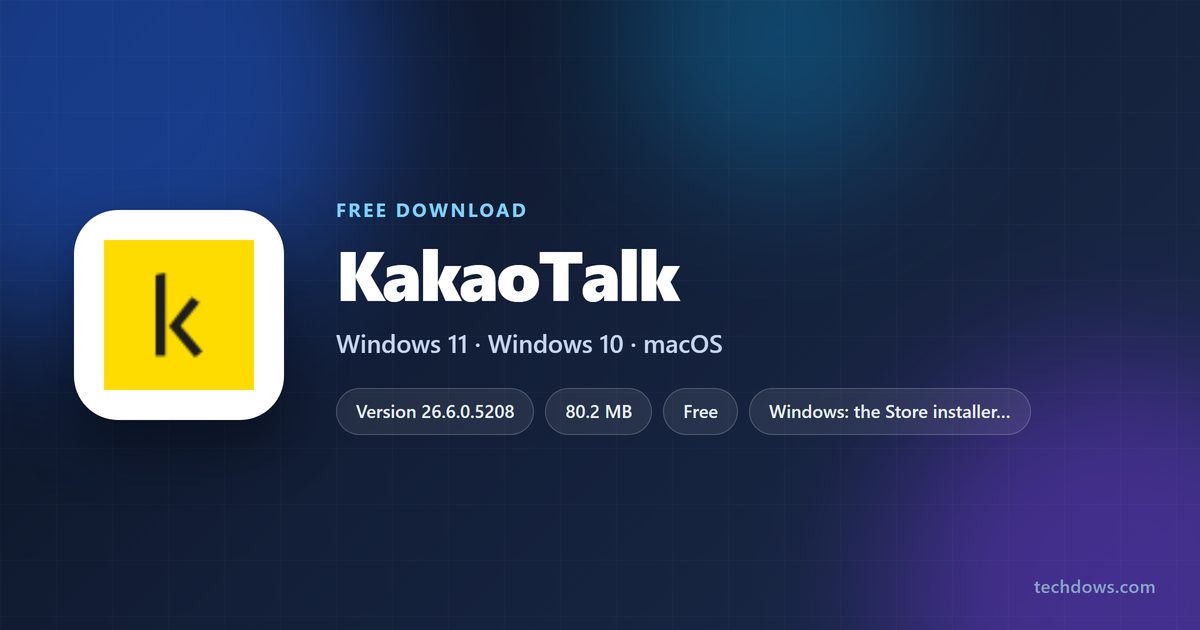
Which KakaoTalk download do you need?
Match your device to a row. Every link goes to Kakao’s own listing on an official store.
| Your device | Where to get KakaoTalk | What installs |
|---|---|---|
| Windows 11 or Windows 10 PC | KakaoTalk on the Microsoft Store | KakaoTalk_Setup.exe, 80.2 MB |
| Windows PC, from the command line | Store product XP9K178L5G0JQ0 via winget | The same Store installer |
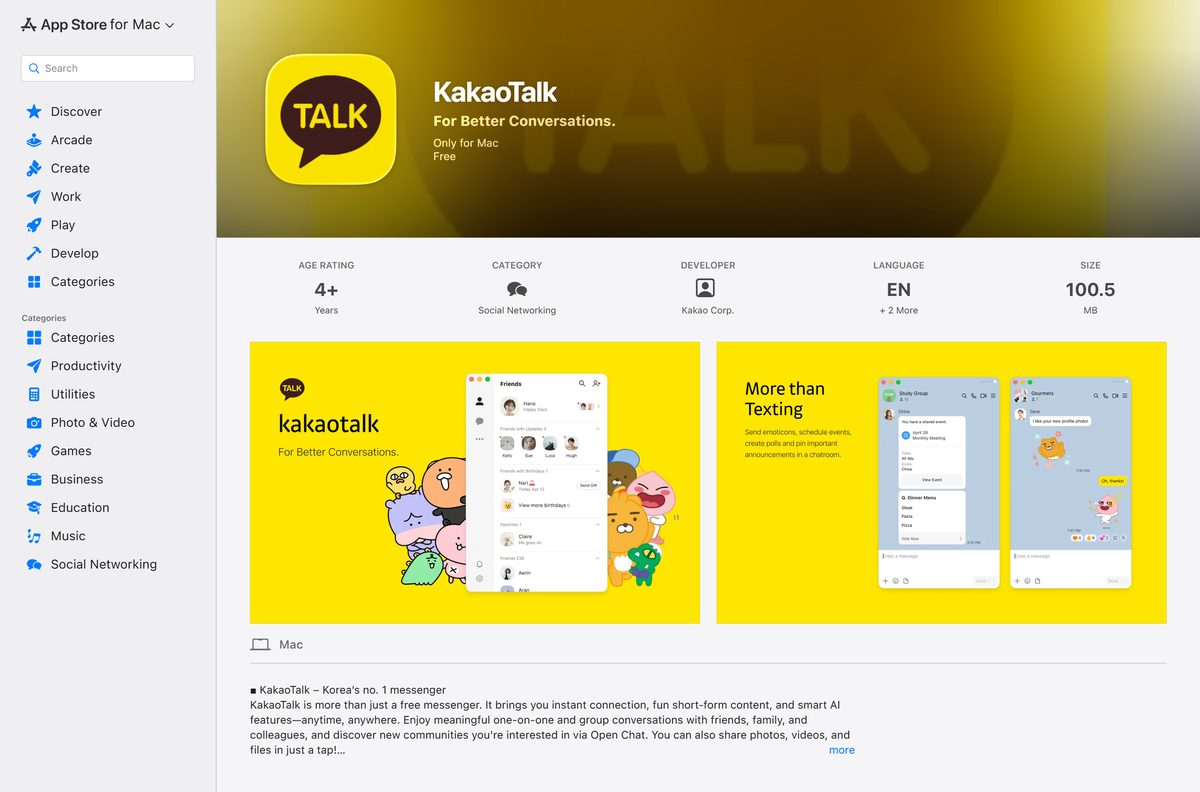
| Mac on macOS 12.0 or later | KakaoTalk on the Mac App Store | Version 26.8.0, 100.5 MB |
| iPhone or iPad on iOS 17.0 or later | KakaoTalk on the App Store | Version 26.8.1 |
| Android phone or tablet | KakaoTalk on Google Play | Package com.kakao.talk |
The Windows and Mac apps sign in with the same Kakao Account you use on your phone.

Download KakaoTalk from the official sources
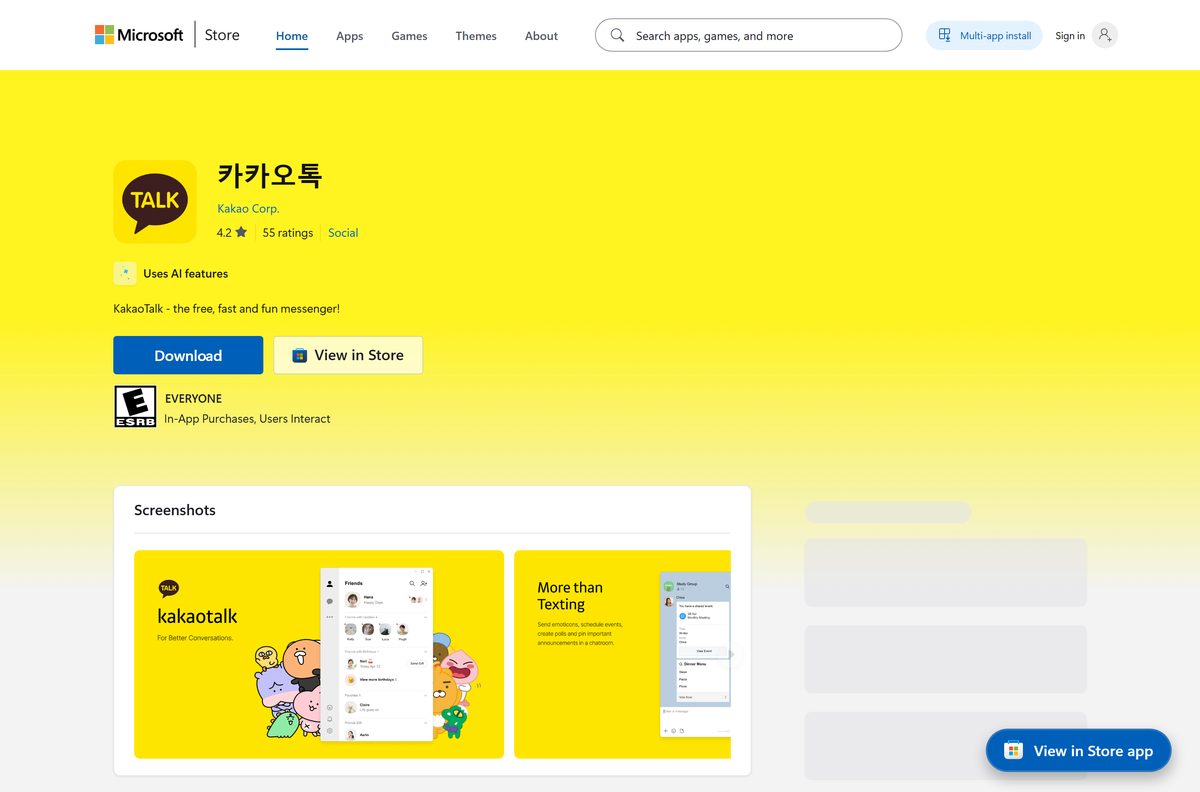
Kakao points to these links from its own Official KakaoTalk Download page. The Microsoft Store listing appears under Kakao’s Korean name, 카카오톡, with Kakao Corp. as the publisher.
- KakaoTalk for Windows on the Microsoft Store — 80.2 MB · Free, Windows 10 or later
- KakaoTalk for Mac on the Mac App Store — 100.5 MB · Free, macOS 12.0 or later
- Kakao’s Official KakaoTalk Download page — Android, iOS, Windows and macOS links
- KakaoTalk service page at Kakao Corp. — Features and news
The Store copy is Kakao’s own setup file. The listing records Kakao’s download server as its source, and Microsoft serves the identical file from its CDN.
Check the KakaoTalk system requirements
To see what your PC has, open Settings, then System, then About. Read Installed RAM and System type.
| Item | Detail |
|---|---|
| Software | KakaoTalk |
| Developer | Kakao Corp. |
| Latest version | 26.6.0.5208 on the Microsoft Store; 26.8.0 on the Mac App Store |
| Price | Free, with optional paid items |
| Windows | Windows 10 or later, including Windows 11 |
| Memory | 4 GB minimum, 8 GB recommended |
| Architecture | x86 installer for x86 and x64 PCs; no ARM64 build listed |
| Mac | macOS 12.0 or later |
| iPhone and iPad | iOS 17.0 or later |
| Installer size | 80.2 MB for Windows, 100.5 MB for Mac |
| Offline installer | Yes, the Store fetches the full setup file |
| Languages | English, Japanese and Korean |
| Official source | Microsoft Store, Mac App Store, kakaocorp.com |
| Last verified | 2026-09-19 |
The Store also lists a camera, keyboard and mouse. You need the camera only for Face Talk video calls.
How to install KakaoTalk on Windows 11 and 10
The Store runs Kakao’s full setup file for you, so there is no separate installer to keep.
- Open Microsoft Store from the Start menu.
- Open the KakaoTalk Store listing directly, or search for KakaoTalk.
- Check that the publisher line reads Kakao Corp. and the price reads Free.
- Select Get, or Install if you owned the app before.
- Wait while the Store fetches the 80.2 MB installer.
- Select Yes at the User Account Control prompt, because KakaoTalk installs for all users.
- Launch KakaoTalk from the Start menu when the Store finishes.
- Sign in with your Kakao Account.
The Store listing notes that KakaoTalk needs elevated permission to launch properly. Approve the prompt when it appears.
Install KakaoTalk with winget
winget pulls the same Microsoft Store package from the command line. It suits a fresh PC or a script that sets up several machines.
- Right-click Start and select Terminal (Admin), or Windows PowerShell (Admin) on Windows 10.
- Run winget install –id XP9K178L5G0JQ0 –source msstore to install KakaoTalk.
- Type Y to accept the Store agreements when winget asks.
- Wait for Successfully installed.
- Open KakaoTalk from the Start menu and sign in.
The Store package installs silently with the /S switch, so no setup wizard appears during a winget install.
How to check that your KakaoTalk copy is genuine
Fake messenger installers spread through ads and chat links. These checks take a minute.
- On the Store listing, confirm the address ends in xp9k178l5g0jq0 and the publisher reads Kakao Corp.
- On a Mac, confirm the App Store page shows Kakao Corp. as the developer.
- After installing on Windows, open Settings, then Apps, then Installed apps, and find KakaoTalk.
- Confirm the publisher under the app name reads Kakao Corp.
- Delete any KakaoTalk setup file that came from a download portal, and install from the Store or Kakao’s own page instead.
Should you install the KakaoTalk Beta or the existing version?
Kakao’s own download page gives Windows users two buttons. 최신 버전 (Beta) is a new version that Kakao describes as rebuilt for the Windows environment. 기존 버전 is the existing version.
Install the existing version, through the Microsoft Store, on a PC you rely on for work or family chats. Kakao labels the newer Windows build as a beta, which means it is still being tested. The Store installs the existing version and needs no manual download. Try the beta from Kakao’s page only if you want the redesigned app early.
Both Windows buttons sit under Windows on Kakao’s download page. The labels stay in Korean even on the English page.

Which KakaoTalk download do you need for your Mac?
Open the Apple menu and select About This Mac to read your macOS version.
| Your Mac runs | Download | Note |
|---|---|---|
| macOS 12.0 or later | KakaoTalk on the Mac App Store | Free, 100.5 MB, English, Japanese and Korean |
| macOS 11 or earlier | KakaoTalk on the Mac App Store | Update macOS through Software Update first; the app needs 12.0 |
Select Get, then Install, and sign in with your Apple Account if the App Store asks. Open KakaoTalk from Applications and sign in with your Kakao Account.
Is KakaoTalk free?
Yes. KakaoTalk costs nothing to download and use on Windows, Mac, iPhone and Android. The Microsoft Store lists it as Free with no trial, and Apple lists both the Mac and iPhone apps as Free. The Store tags it Freemium because Kakao sells optional paid items inside the app. No paid desktop edition exists, so any site charging for a KakaoTalk installer is selling a free app.
How to check your KakaoTalk version and update it
The Windows Store build can trail the Mac and phone builds by a version or two.
- On Windows, open Settings, then Apps, then Installed apps, and read the version under KakaoTalk.
- Open an admin terminal and run winget upgrade –id XP9K178L5G0JQ0 to install a newer Store build when one exists.
- On a Mac, open App Store and select Updates in the sidebar.
- Select Update next to KakaoTalk.
- Quit and reopen KakaoTalk so the new version loads.
Fix KakaoTalk not installing on Windows 11 or 10
Find the symptom that matches yours and work through its fix.
The Store download stalls or Get does nothing
A stuck Store cache is the usual cause.
- Press Windows + R, type wsreset.exe and select OK.
- Wait for the Store to reopen by itself.
- Open the KakaoTalk listing again and select Get.
The install stops at an administrator prompt
KakaoTalk installs for every user on the PC, which needs admin rights.
- Select Yes at the User Account Control prompt.
- On a standard account, ask the PC’s administrator to enter their password.
- On a managed work PC, ask IT to deploy Store product XP9K178L5G0JQ0.
KakaoTalk installs but will not open
The app needs elevated permission to launch properly.
- Right-click KakaoTalk in the Start menu and select More, then Run as administrator.
- Select Yes at the prompt.
- If it still fails, uninstall KakaoTalk, restart the PC and install it again from the Store.
The Store says the app is unavailable
Your PC runs a Windows version older than Windows 10.
- Open Settings, then System, then About, and read Windows specifications.
- Upgrade to Windows 10 or Windows 11 before installing.
How to uninstall KakaoTalk
Removing the desktop app does not delete your Kakao Account.
- On Windows, quit KakaoTalk first.
- Open Settings, then Apps, then Installed apps.
- Select the three dots next to KakaoTalk, then Uninstall, and confirm.
- Select Yes at the User Account Control prompt and let the uninstaller finish.
- Or run winget uninstall –id XP9K178L5G0JQ0 in an admin terminal.
- On a Mac, quit KakaoTalk and open Applications in Finder.
- Drag KakaoTalk to the Trash, then choose Finder > Empty Trash.
Lost the PC without uninstalling first? Use the remote logout option in KakaoTalk on your phone to sign that computer out.
Which KakaoTalk alternative should you pick?
Pick the app your contacts already use. A messenger only works when the other person has it too.
| App | Best for | Desktop price | Official download |
|---|---|---|---|
| Contacts in China | Free | Microsoft Store | |
| Discord | Communities, gaming and voice channels | Free, optional Nitro | discord.com |
| Microsoft Teams | Work chat and meetings | Free, paid business plans | microsoft.com |
| Zoom | Video meetings | Free Basic, paid plans | zoom.us |
Stay with KakaoTalk for contacts in Korea. Kakao calls it the country’s number one messenger.
Frequently asked questions
Is KakaoTalk free to download?
Yes. KakaoTalk is free on the Microsoft Store, the Mac App Store, the App Store and Google Play. The Store tags it Freemium because Kakao sells optional paid items inside the app, but the messenger, calls and chats cost nothing.
Where is the official KakaoTalk download for PC?
The Microsoft Store listing, product XP9K178L5G0JQ0, published by Kakao Corp. under the name 카카오톡. Kakao’s own Official KakaoTalk Download page at kakaocorp.com also links Windows, macOS, iOS and Android builds.
Does KakaoTalk work on Windows 11?
Yes. The Microsoft Store lists Windows 10 or later as the minimum, which includes Windows 11. The Store recommends 8 GB of memory and accepts 4 GB as the minimum.
How big is the KakaoTalk download?
The Windows installer from the Microsoft Store is 80.2 MB. Apple lists KakaoTalk for Mac at 100.5 MB. Allow extra disk space for chat history, photos and files once you start using the app.
Is there a KakaoTalk offline installer?
Yes, in effect. The Microsoft Store and winget both download Kakao’s complete KakaoTalk_Setup.exe before running it, rather than a small stub that fetches the app later. Once the file arrives, the install needs no further download.
Is KakaoTalk available for Mac?
Yes. KakaoTalk for Mac is free on the Mac App Store, sold by Kakao Corp. It needs macOS 12.0 or later, is 100.5 MB, and offers English, Japanese and Korean.
Is KakaoTalk 64-bit or ARM64 on Windows?
The Microsoft Store serves one x86 installer, and the listing names both x86 and x64 PCs as supported. No separate ARM64 build is listed, so check the Store listing on a Windows on Arm PC before relying on it.
Is KakaoTalk safe to download?
The copies on the Microsoft Store, the Mac App Store and Google Play come from Kakao Corp. Check that the Store publisher reads Kakao Corp., and delete any KakaoTalk setup file taken from a download portal or a chat link.
What is the latest version of KakaoTalk?
The Microsoft Store serves KakaoTalk 26.6.0.5208 for Windows. The Mac App Store is at 26.8.0 and the iPhone app at 26.8.1. Kakao also offers a Beta Windows build on its own download page.
Why won’t KakaoTalk install on my PC?
The usual causes are a stuck Store cache, a declined administrator prompt, or Windows older than Windows 10. Run wsreset.exe, approve the User Account Control prompt, and check your Windows version under Settings, System, About.
Can I install KakaoTalk with winget?
Yes. Open an administrator terminal and run winget install –id XP9K178L5G0JQ0 –source msstore. It installs the same Microsoft Store package silently, and winget upgrade with the same ID updates it later.
How do I uninstall KakaoTalk from my computer?
On Windows, open Settings, Apps, Installed apps, select the three dots next to KakaoTalk and choose Uninstall. On a Mac, drag KakaoTalk from the Applications folder to the Trash, then empty the Trash.