The Square Point of Sale download is free on iPhone, iPad and Android, and it turns a phone or tablet into a register and card terminal for your business. On a Windows PC or Mac, you run Square Dashboard and Virtual Terminal in a browser and take payments from there.
The iPhone and iPad build is 969 MB and needs iOS 17.1 or later. Block, Inc. publishes both store listings, and the app itself costs nothing; Square charges a fee per card payment.
Below you will find the right route for each device, install steps, the processing fees by plan, and fixes for install and payment problems.
Which Square Point of Sale download do you need?
Match your device to a row, then use the link in that row. Every route signs in to the same Square account, items and sales history.
| Your device | What to install | Size |
|---|---|---|
| iPhone or iPad on iOS 17.1 or later | Square Point of Sale (POS) on the App Store | 969 MB |
| Android phone or tablet | Square Point of Sale on Google Play | Play states no size |
| Windows 11 or Windows 10 PC | Square Dashboard in a browser | Runs in the browser |
| Mac, Apple silicon or Intel | Square Dashboard in Safari or Chrome | Runs in the browser |
| Any computer, for phone orders | Square Virtual Terminal | Runs in the browser |
Download Square Point of Sale from the official page and stores
The Square app page on squareup.com links both official store listings, with a QR code for your phone.
- Square Point of Sale app page — Official App Store and Google Play links
- Square Point of Sale (POS) on the App Store — 969 MB · Block, Inc., iPhone and iPad, iOS 17.1 or later
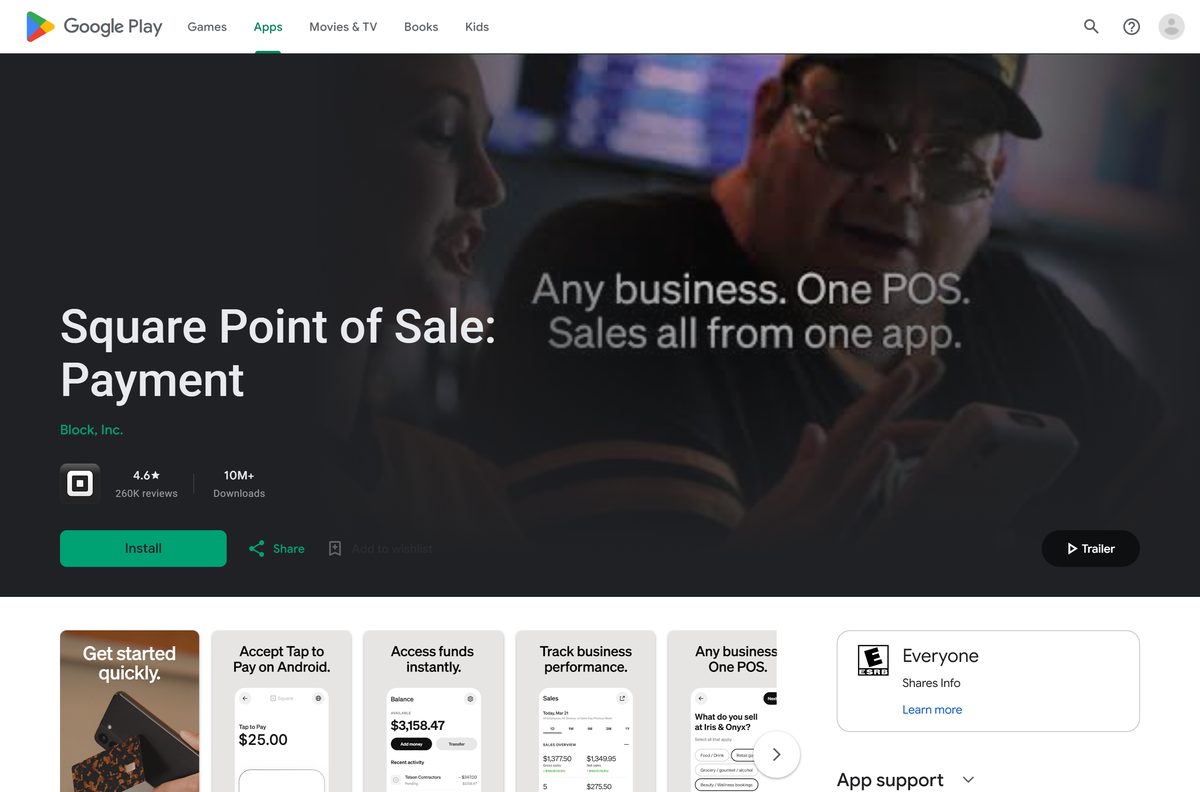
- Square Point of Sale on Google Play — Block, Inc., free, 10M+ downloads
- Square Dashboard — Browser sign-in for reports, items and Virtual Terminal
In either store, search for Square Point of Sale and open the listing whose developer is Block, Inc. The Android package name is com.squareup.
How to install Square Point of Sale on an iPhone, iPad or Android device
The phone or tablet app is where you ring up sales, connect a Square reader and accept Tap to Pay.
- Open the App Store on iPhone or iPad, or the Google Play Store on Android.
- Search for Square Point of Sale and open the listing from Block, Inc.
- Tap Get on iPhone and confirm with Face ID, Touch ID or your password, or tap Install on Android.
- Tap Open once the install finishes.
- Sign in to your Square account, or tap to create one and enter your business details.
- Pick the mode that fits your business, such as retail, restaurants or appointments.
- Allow Location and Bluetooth access when asked, so the app can take payments and find a reader.
The iPhone build is a 969 MB download, so start it on Wi-Fi. Course and seat management and preauthorized bar tabs work only on iPad.
How to install Square Dashboard as an app on Windows 11 and 10
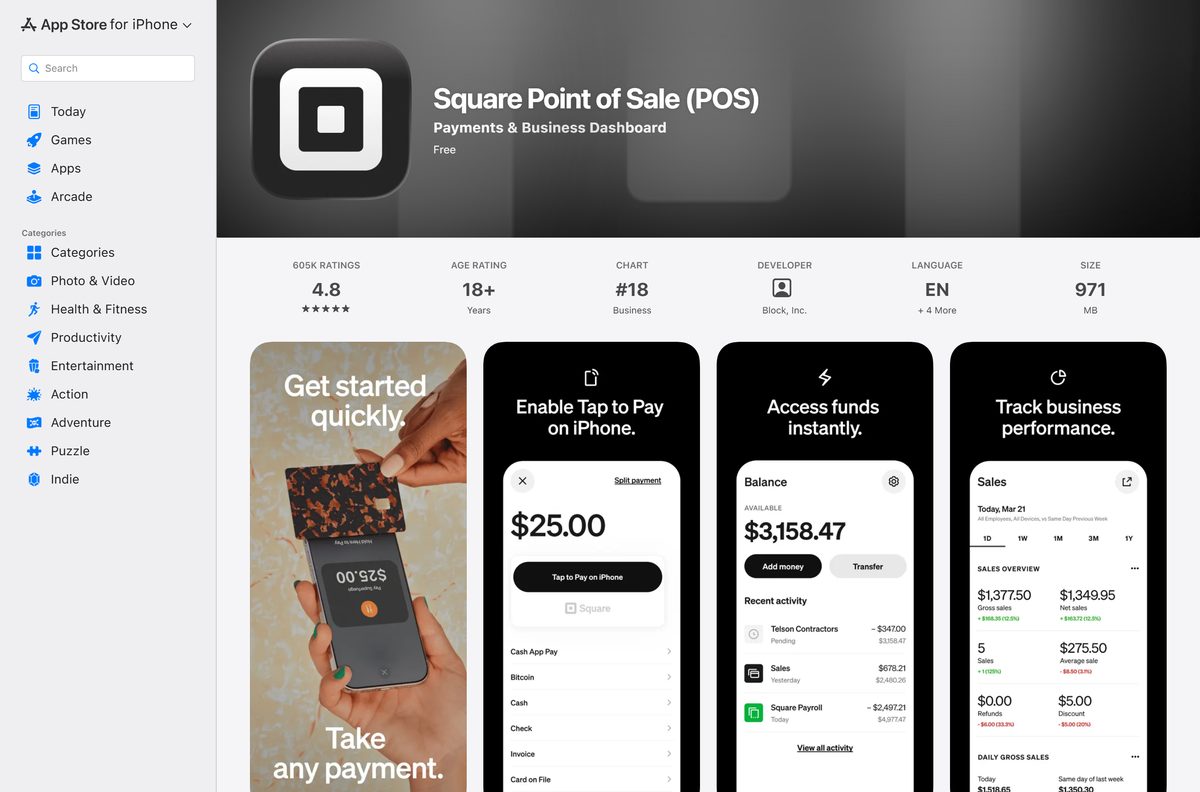
Square Dashboard is the browser side of Square Point of Sale, with sales reports, items, customers and Virtual Terminal. Microsoft Edge can install it as an app with its own window and taskbar icon.
- Open Microsoft Edge and go to squareup.com/dashboard.
- Sign in with the same email and password you use in the Square Point of Sale app.
- Select Settings and more (the three dots) at the top corner of the browser.
- Select More tools, then Apps, then Install this site as an app.
- Confirm the install. Square Dashboard now opens in its own window.
- Go to edge://apps, select Details on the Square card, and choose Pin to taskbar.
On a Mac, open the Dashboard in Safari and choose File, then Add to Dock, for the same one-click launch.
Which Square route should you use on your Mac?
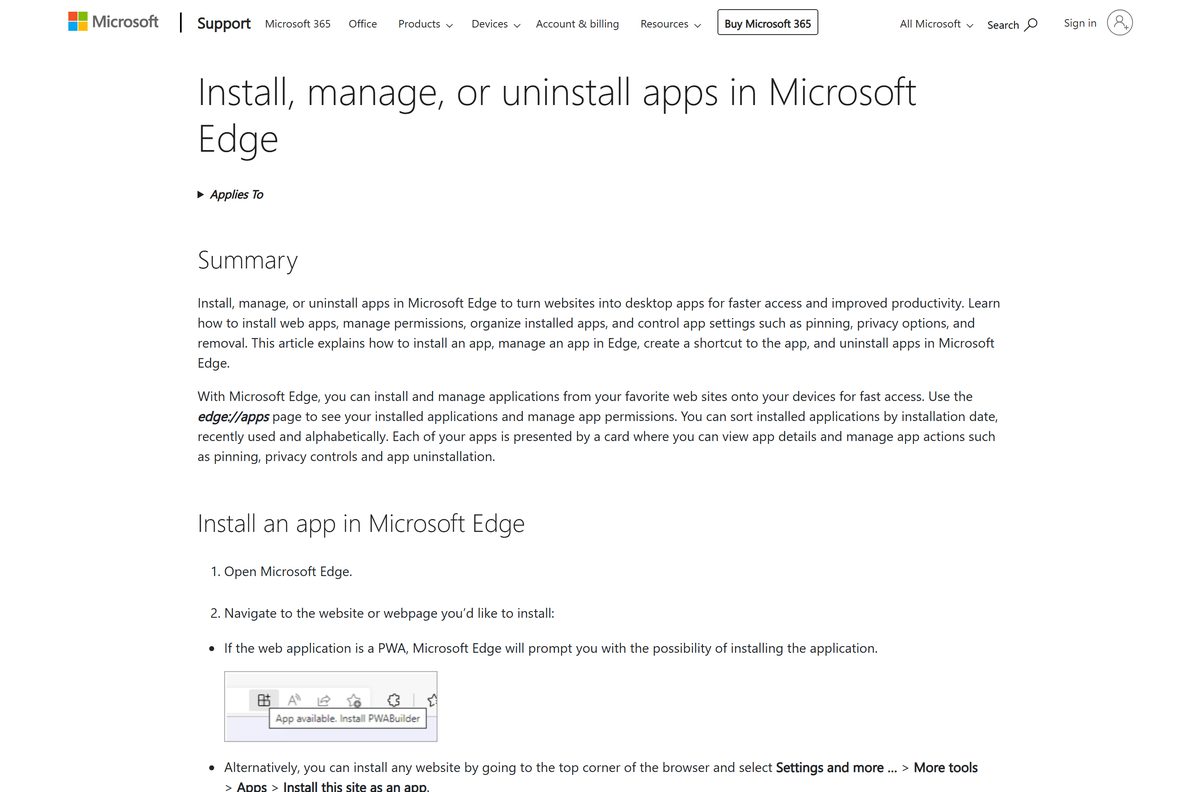
Square ships no DMG. Square states that Virtual Terminal turns your computer into a credit card terminal and works regardless of operating system, so every Mac uses the browser.
| What you need on the Mac | What to use | Note |
|---|---|---|
| Sales reports, items and customers | Square Dashboard in Safari or Chrome | Same sign-in as the app |
| Take a card payment by phone or keyed in | Square Virtual Terminal | 3.5% + 15 cents per keyed payment |
| Tap, dip or swipe at a counter | Square Point of Sale on an iPad | iPad on iOS 17.1 or later |
In Virtual Terminal, open the left-side panel in Dashboard, select Virtual Terminal, then Take a Payment. Enter the amount or pick catalog items, type the card details, and select Charge. Virtual Terminal has no monthly fee.
Is Square Point of Sale free?
Yes. The app is free on the App Store and Google Play, and the Square Free plan has no monthly subscription. Square earns a processing fee on each card payment instead. On Square Free, a tap, dip or swipe costs 2.6% + 15 cents, and online and invoice payments cost 3.3% + 30 cents. Square charges nothing for activation, support or early termination.
Tap to Pay on iPhone and Tap to Pay on Android both cost 2.6% + 15 cents, with no card reader to buy. Cards issued outside the US add a 1.5% fee.
Which Square plan should you pick: Free, Plus or Premium?
Pick the plan by volume. The paid plans lower the in-person rate, and Premium also lowers the online rate. Check current plan prices in the Square fee article before you upgrade.
| Payment type | Square Free | Square Plus | Square Premium |
|---|---|---|---|
| Monthly subscription | None | Paid | Paid |
| Tap, dip or swipe | 2.6% + 15¢ | 2.5% + 15¢ | 2.4% + 15¢ |
| Online and invoices | 3.3% + 30¢ | 3.3% + 30¢ | 2.9% + 30¢ |
| Manually entered or card on file | 3.5% + 15¢ | 3.5% + 15¢ | 3.5% + 15¢ |
| ACH bank transfer by invoice | 1%, $1 minimum | 1%, $1 minimum, $10 cap | 1%, $1 minimum, $10 cap |
Square deducts fees before it transfers funds to your linked bank account.
How to verify the Square Point of Sale app is genuine
Square has no installer file to checksum. The store listing and the web address are the proof.
- Open the store listings from the Square app page, not from a search ad.
- On the App Store, check that the developer reads Block, Inc. and the app is named Square Point of Sale (POS).
- On Google Play, check that the developer reads Block, Inc. and the listing shows 10M+ downloads.
- In the browser, check that the address bar reads squareup.com before you enter your password.
- Delete any Square EXE, DMG or APK you got from a download site, then change your Square password.
How to check your Square Point of Sale version and update it
Square ships app updates through the stores and suggests turning on automatic updates on devices that run the app. The Dashboard updates itself on the server.
- On iPhone or iPad, open the App Store, tap your profile picture, and pull down to refresh the update list.
- Tap Update next to Square Point of Sale (POS) if it appears.
- On Android, open the Square listing on Google Play and tap Update if the button shows.
- Update outside business hours, so a reader reconnect does not hold up a customer.
Check the Square Point of Sale system requirements
The store listing sets the iPhone and iPad minimum. A device below it cannot install the current release.
| Field | Value |
|---|---|
| Software | Square Point of Sale (POS) |
| Developer | Block, Inc. |
| Latest version | 7.26 on iPhone and iPad (23 September 2026); Android updated 23 September 2026 |
| Price | Free app; processing fees per payment; optional Plus and Premium plans |
| iPhone and iPad | iOS 17.1 or later |
| Android | Android phones and tablets; Square readers list Android 7.0 or later |
| Windows and Mac | Square Dashboard and Virtual Terminal in a web browser |
| Download size | 969 MB on the App Store; Google Play states no size |
| Offline installer | None |
| Official source | squareup.com, the App Store and Google Play |
| Last verified | 2026-09-25 |
Check a specific phone, tablet or reader on the Square device compatibility page.
Fix Square Point of Sale not installing or not taking payments
The App Store says Square Point of Sale is not compatible
The iPhone or iPad runs a version below iOS 17.1.
- Open Settings, then General, then Software Update.
- Install any available update.
- Retry the App Store listing.
The app cannot find a connected reader after an update
The reader lost its pairing during the app update.
- Update the app and the device’s operating system.
- Restart the phone or tablet.
- Check the network signal, then reconnect the reader from the app.
Tap to Pay cuts in and out
An outdated app or operating system, or a weak network.
- Update the Square app and the device’s operating system.
- Restart the device.
- Move to a stronger Wi-Fi or cellular signal.
The Microsoft Store shows no Square Point of Sale app
Square publishes no Windows app; the PC route is the Dashboard.
- Open squareup.com/dashboard in Microsoft Edge.
- Install it as an app with Install this site as an app.
- Skip third-party sites offering a Square EXE.
If a problem continues, call Square Support at 1-855-700-6000 with your device model and app version.
How to uninstall Square Point of Sale
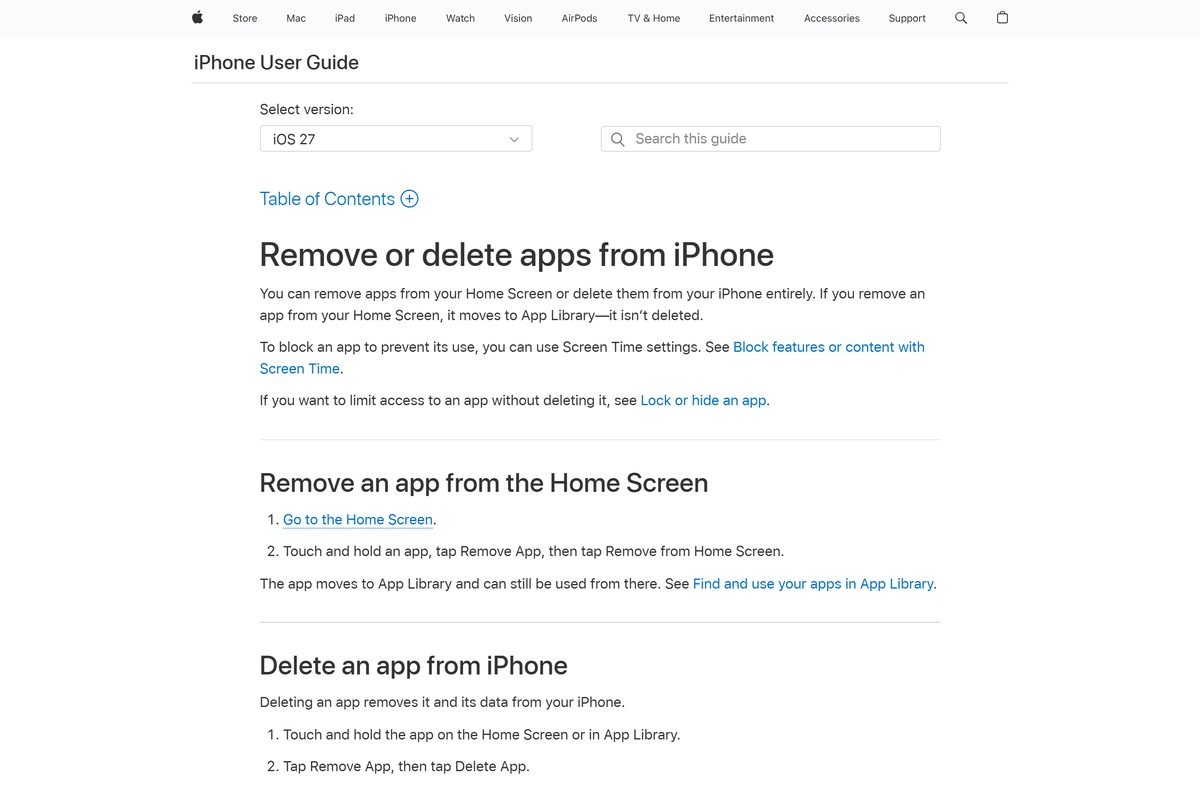
Removing the app does not close your Square account or delete your sales history.
- On iPhone or iPad, touch and hold the Square icon, tap Remove App, tap Delete App, then tap Delete.
- On Android, open the Square listing in the Play Store and tap Uninstall.
- On Windows, open Edge, go to edge://apps, select Details on the Square card, then select Uninstall.
Settle open tickets and close the cash drawer before you remove the app from a shared register device.
Frequently asked questions
Is there a Square Point of Sale app for Windows 11 or Windows 10?
Square publishes no Windows installer. On a PC you sign in to Square Dashboard in a browser and take card payments with Virtual Terminal. Microsoft Edge can install the Dashboard as an app with its own window.
Is there a Square Point of Sale app for Mac?
There is no Mac download. Square Dashboard and Virtual Terminal run in Safari, Chrome or Edge on any Mac, and Square describes Virtual Terminal as working regardless of operating system.
Is Square Point of Sale free?
Yes. The app is free on the App Store and Google Play, and Square Free has no monthly subscription. Square takes a processing fee on each card payment, starting at 2.6% + 15 cents in person.
How big is the Square Point of Sale download?
The iPhone and iPad app is 969 MB on the App Store. Google Play does not state a size for the Android app. Start the download on Wi-Fi.
Is there a Square Point of Sale APK or offline installer?
No. The Square app page links only the App Store and Google Play. Install the Android app from Google Play so it receives updates.
Which iPhone or Android version does Square Point of Sale need?
The App Store listing requires iOS 17.1 or later on iPhone and iPad. The Square compatibility page lists Android 7.0 or later for its card readers.
Can I take card payments on a computer without a reader?
Yes. Virtual Terminal in Square Dashboard takes keyed-in card payments in a browser, with no extra hardware. Manually entered payments cost 3.5% + 15 cents.
Who makes Square Point of Sale?
Block, Inc., based in Oakland, California, publishes the app on both stores. Square Support is reachable at 1-855-700-6000.