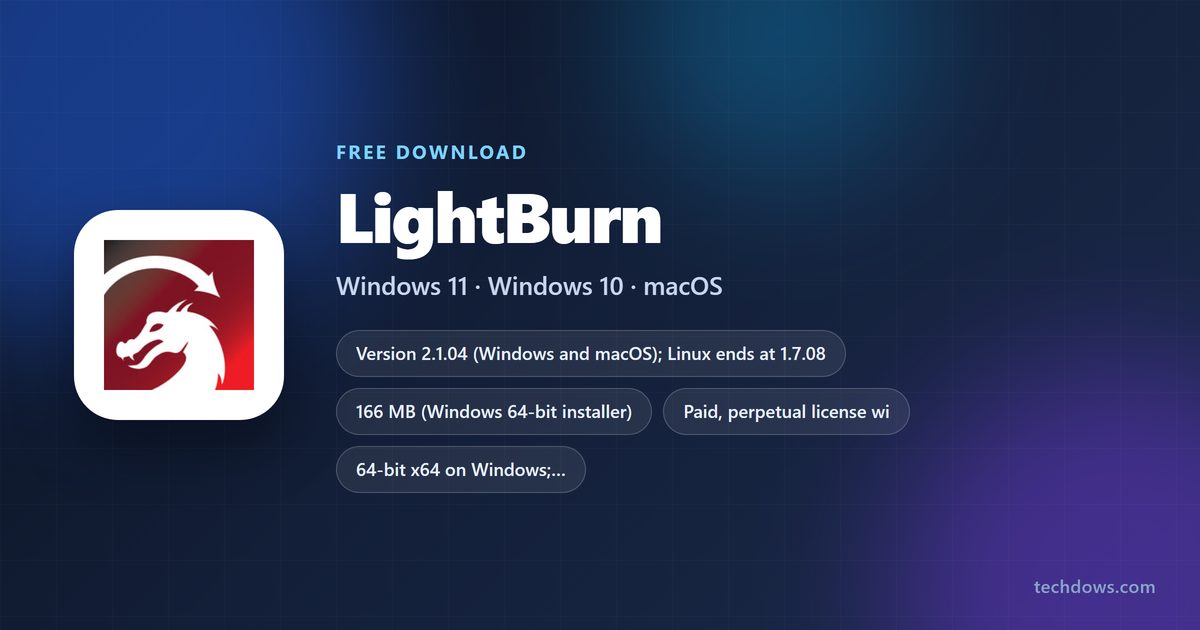
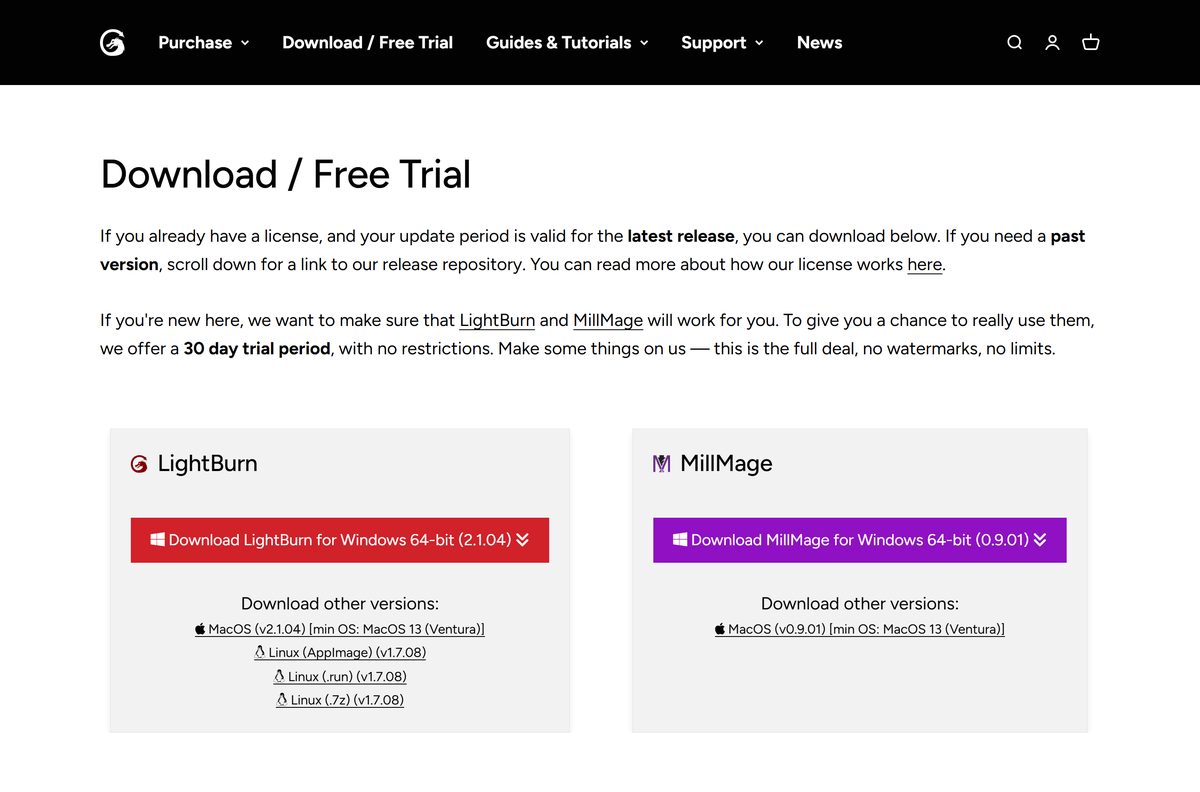
You can get the LightBurn download for Windows 11, Windows 10 and Mac from lightburnsoftware.com, and the 30-day trial is free with no watermarks and no limits. LightBurn 2.1.04 is the current release.
LightBurn is laser engraving and cutting software that designs, edits and sends jobs straight to your laser. After the trial, you buy a perpetual license: Core for GCode lasers, or Pro for DSP and Galvo machines too.
Below are the official downloads, install steps for Windows and Mac, the drivers your laser needs, the Core and Pro differences, and fixes for common setup problems.
Which LightBurn download do you need?
LightBurn Software publishes one installer per operating system. Match your computer to a row, then pick that link on the download page.
| Your computer | Download | Size |
|---|---|---|
| Windows 11 or Windows 10, 64-bit | Download LightBurn for Windows 64-bit (2.1.04) | 166 MB |
| Mac on macOS 13 Ventura or later | MacOS (v2.1.04) | 264 MB |
| Mac on macOS 11 Big Sur | LightBurn 2.0.05 in Past Releases | Last version for macOS 11 |
| Windows 7 or 8, 64-bit | Legacy 2.0.05 in Past Releases | Unsupported since 1.7.08 |
| Linux PC | Linux AppImage, .run or .7z (v1.7.08) | Final Linux release |
The trial and the licensed program are the same installer. Your license key turns the trial into the full version.
Download LightBurn for Windows 11 and Windows 10
Every current build comes from lightburnsoftware.com. The Past Releases archive on the same domain holds every older version.
- LightBurn download and free trial — 166 MB for Windows 64-bit, 264 MB for macOS · LightBurn 2.1.04, 30-day trial with no restrictions
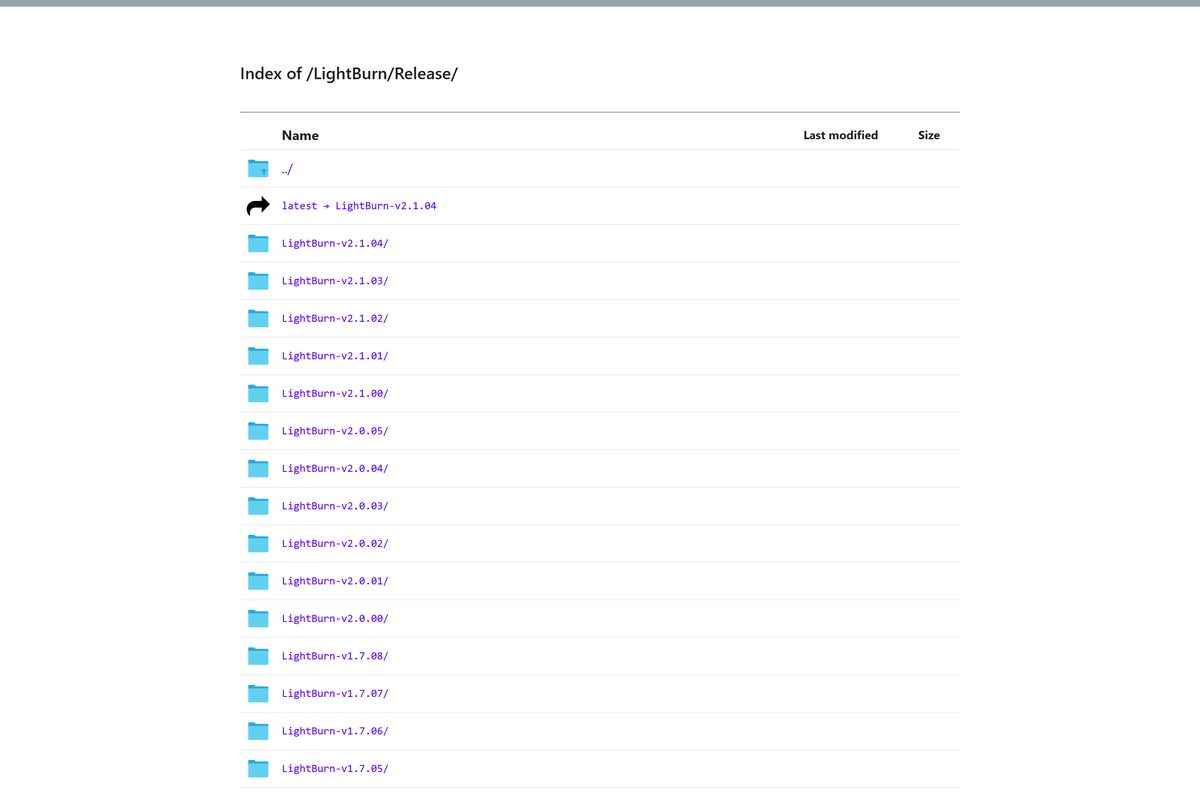
- LightBurn 2.1.04 release folder — Windows .exe, macOS .dmg and the CHANGELOG, dated 11 August 2026
- LightBurn Past Releases — Every version back to 0.6, for older systems or a downgrade
- Buy LightBurn Core or Pro — Perpetual licenses from $99, with one year of updates
A license only unlocks versions released inside its update period. Check your period before you install a newer build.
How to install LightBurn on Windows 11 and 10
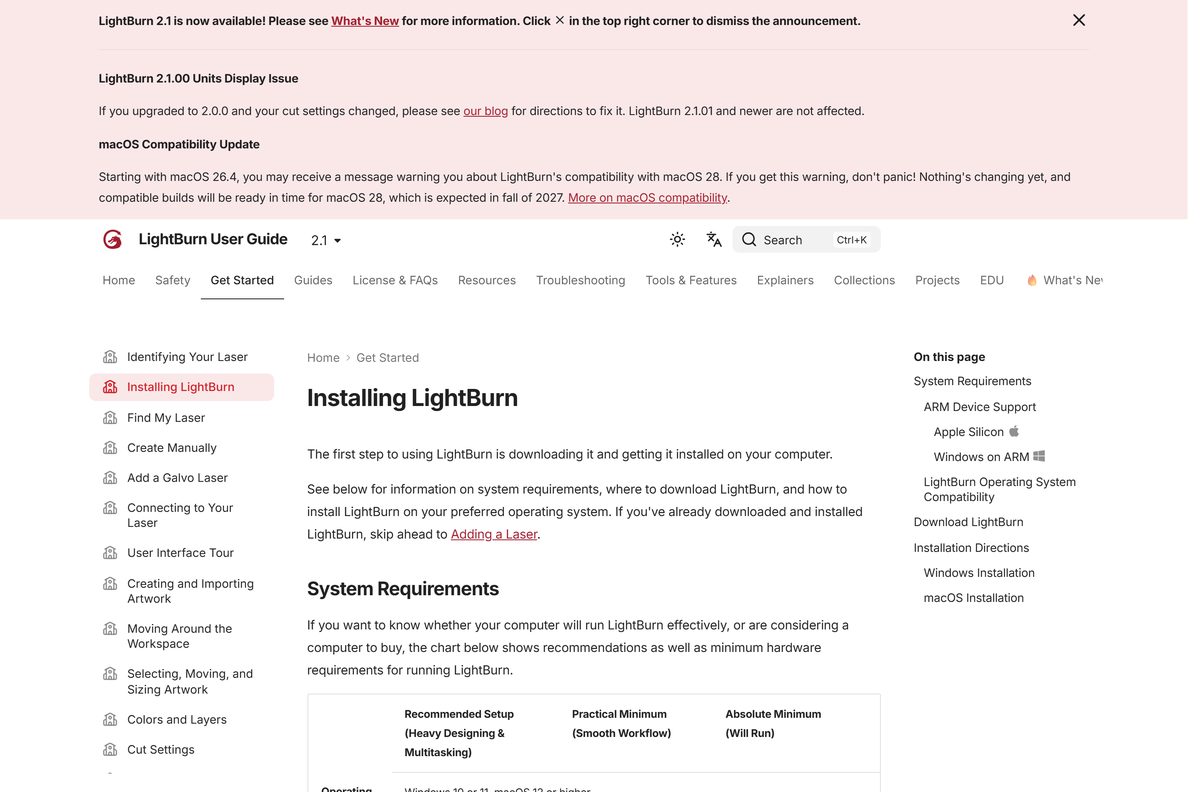
The Windows installer is a standard setup wizard. Its last screen offers the laser drivers, so read it before you click past.
- Open the LightBurn download page and select Download LightBurn for Windows 64-bit.
- Double-click LightBurn-v2.1.04.exe once the download finishes.
- Select Yes if Windows asks whether to trust the installer.
- Click Next, then click Install.
- Tick Install FTDI Driver on the final screen if your laser uses a Ruida or TopWisdom DSP controller.
- Tick the EZCAD2 or EZCAD3 driver option if you run a supported Galvo laser.
- Launch LightBurn and start your 30-day trial, or enter your key under Help → License Management.
Diode lasers usually need the CH340 driver instead, which the installer does not include.
Which LightBurn download do you need for your Mac?
Open the .dmg, drag LightBurn into Applications, then launch it from Applications.
| Your Mac | Download | What to know |
|---|---|---|
| Apple silicon, M1 or later, macOS 13 or later | MacOS (v2.1.04) | Install Rosetta first |
| Intel Mac on macOS 13 Ventura or later | MacOS (v2.1.04) | Same .dmg as Apple silicon |
| Any Mac on macOS 11 Big Sur | LightBurn 2.0.05 | 2.0.05 is the last build for macOS 11 |
LightBurn 1.1 and earlier are not notarized. Right-click the app, select Open, then confirm the prompt.
Is LightBurn free?
The trial is free and complete. Keeping LightBurn after 30 days means buying a license.
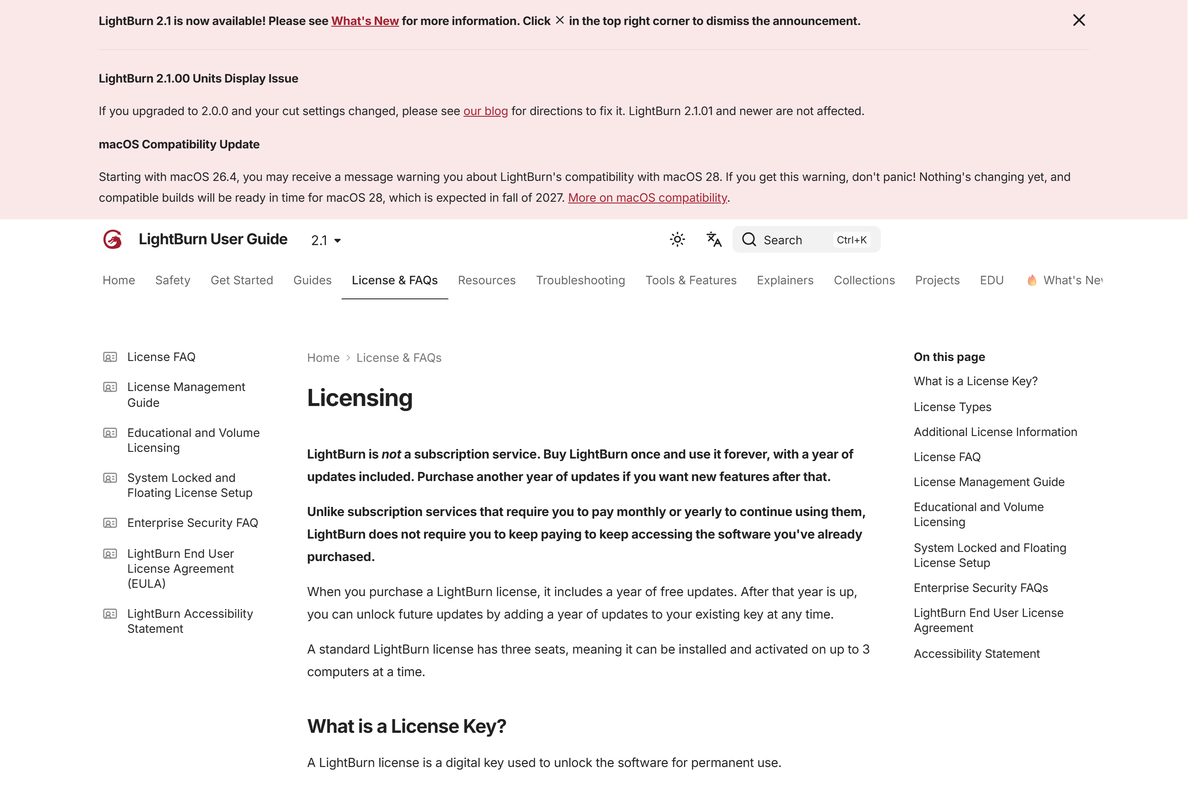
LightBurn is paid software with a free 30-day trial, and the license is a one-time purchase rather than a subscription. The trial has no restrictions, no watermarks and no limits. LightBurn Core costs $99 and LightBurn Pro costs $199. Both are perpetual, include one year of updates and cover 3 computers at once. Another year of updates costs $40, and renewing early adds two bonus months. If you let updates lapse, the last version released in your period keeps working. Any site offering a free full version or key generator is not a LightBurn license.
Should you buy LightBurn Core or Pro for your laser?
The trial covers every feature, so test your laser before you pick an edition.
Buy Core for a GCode-based laser. Buy Pro for a DSP or Galvo laser. LightBurn Core supports GCode-based devices only. LightBurn Pro supports GCode, DSP and Galvo devices and adds advanced design tools. Ruida and TopWisdom controllers are DSP controllers. A Core license upgrades to Pro later for $100, so starting with Core costs nothing extra if you change machines.
How to check your LightBurn version and update it
An update installs over the current version and keeps your settings. Back them up anyway.
- Open the Help menu and select Check for Updates.
- Compare your version with the current release on the download page.
- Select File → Bundles → Export Bundle to back up your devices and settings.
- Back up your project files.
- Download the new installer from lightburnsoftware.com and close LightBurn.
- Run the installer over the existing copy.
Read How to Update LightBurn before a major jump, such as 1.7 to 2.1.
Check the LightBurn system requirements
These are LightBurn Software’s figures for the current 2.1 release.
| Field | Value |
|---|---|
| Software | LightBurn laser engraving software |
| Developer | LightBurn Software |
| Latest version | 2.1.04 for Windows and macOS; Linux ends at 1.7.08 |
| License | Paid, perpetual: Core $99, Pro $199; free 30-day trial |
| Windows | Windows 11 or Windows 10, 64-bit |
| Mac | macOS 13 Ventura or later for 2.1.04 |
| Processor | Intel Core i5 or Ryzen 5 recommended; 64-bit dual-core minimum |
| Memory | 16 GB recommended, 8 GB practical, 4 GB absolute minimum |
| Display | 1920×1080 recommended, 1280×1024 minimum |
| Disk space | At least 450 MB free, plus space for files |
| Download size | 166 MB (Windows), 264 MB (macOS) |
| Architecture | 64-bit; Windows on ARM and Apple silicon supported |
| Offline installer | Yes, full installer; offline license activation available |
| Official download source | lightburnsoftware.com |
| Last verified | 2026-09-25 |
On Windows on ARM, LightBurn runs but cannot install USB laser drivers for you. Install them manually through Device Manager.
Which LightBurn version works on an older system?
Older systems stop at a fixed version. Take that build from Past Releases, and only if your license period covers it.
| Operating system | Newest LightBurn it runs | Where to get it |
|---|---|---|
| Windows 11 or 10, 64-bit | 2.1.04 | Download page |
| macOS 13 Ventura or later | 2.1.04 | Download page |
| macOS 11 Big Sur | 2.0.05 | Past Releases |
| Windows 7 or 8, 64-bit | Legacy 2.0.05; support ended at 1.7.08 | Past Releases |
| Windows 7, 32-bit | 1.5.06 | Past Releases |
| Linux | 1.7.08, the final Linux release | Download page |
One license key activates LightBurn on Windows, macOS or Linux.
Fix LightBurn not installing or not finding your laser
Each symptom below has one cause and one fix.
LightBurn does not find the laser
The USB driver for the laser’s controller is missing.
- Install the CH340 driver for most diode lasers, as the driver guide links.
- Run FTDI_Driver.exe from C:\Program Files\LightBurn\ for Ruida or TopWisdom controllers.
- Reconnect the USB cable and restart LightBurn.
LightBurn crashes on a Windows N edition
Windows N leaves out media components LightBurn needs.
- Install the Media Feature Pack from Microsoft.
- Restart the PC and open LightBurn again.
The laser disconnects after the PC sits idle
Windows puts USB ports into power-save mode.
- Open Control Panel → Hardware and Sound → Power Options.
- Select Change plan settings, then Change advanced power settings.
- Expand USB settings → USB selective suspend settings and pick Disabled.
- Click Apply and OK. On a laptop, set both On battery and Plugged in.
A newer version will not activate
The build was released after your update period ended.
- Install the last version released inside your period from Past Releases.
- Or buy another year of updates, then install the current build.
LightBurn’s Windows troubleshooting page covers further Windows-only problems.
How to uninstall LightBurn
Deactivate the license first, so the seat is free for another computer.
- Open LightBurn and select Help → License Management.
- Click Deactivate License.
- Export a bundle with File → Bundles → Export Bundle if you plan to reinstall.
- On Windows, open Settings → Apps → Installed apps, find LightBurn and select Uninstall.
- On a Mac, drag LightBurn from Applications to the Trash.
Lost the old computer? Delete its activation in the License Portal under Activations, as License Management explains.
Which LightBurn route fits your situation?
Every row below is an official LightBurn Software option. Pick by your laser and how long you need the program.
| Route | What you get | Start here |
|---|---|---|
| 30-day trial | Every feature, no watermarks, no limits | Download / Free Trial |
| LightBurn Core, $99 | GCode lasers, 3 seats, one year of updates | LightBurn shop |
| LightBurn Pro, $199 | GCode, DSP and Galvo lasers, 3 seats | LightBurn shop |
| Older version | Any past build for an older system or a lapsed period | Past Releases |
| Offline computer | Activation through an .ofr and .dat file exchange | License Management |
Educational and volume licenses are also sold for schools and shared workshops.
Frequently asked questions
Short answers to the questions that come up around installing LightBurn.
Is LightBurn free?
No. LightBurn is paid software, but the 30-day trial is free and has no restrictions, no watermarks and no limits. LightBurn Core costs $99 and LightBurn Pro costs $199, both as perpetual licenses with one year of updates.
Where is the official LightBurn download page?
LightBurn Software hosts it at lightburnsoftware.com/pages/download-trial. The same page serves the trial and the licensed copy, and links to the Past Releases archive for older versions.
Does LightBurn work on Windows 11 and Windows 10?
Yes. LightBurn 2.1.04 supports Windows 11 and Windows 10 on 64-bit hardware. Windows N editions need Microsoft’s Media Feature Pack installed first, or LightBurn crashes.
How big is the LightBurn download?
The LightBurn 2.1.04 Windows installer is 166 MB and the macOS .dmg is 264 MB. The installed program needs at least 450 MB of free disk space, plus room for your files.
Is LightBurn available for Mac?
Yes. LightBurn 2.1.04 runs on macOS 13 Ventura or later. Apple silicon Macs with an M1 chip or newer are supported, but Rosetta must be installed first.
Does LightBurn run on Linux?
Only up to version 1.7.08, which is the final Linux release. It comes as an AppImage, a .run installer or a .7z archive from the download page.
What is the difference between LightBurn Core and Pro?
LightBurn Core supports GCode-based lasers, which covers most diode machines. LightBurn Pro supports GCode, DSP and Galvo lasers. A Core license upgrades to Pro for $100.
How many computers can one LightBurn license use?
Three at a time. Every license includes 3 seats, and one key activates LightBurn on Windows, macOS or Linux. Deactivate an old computer under Help, then License Management, to free its seat.
What happens when the LightBurn update period ends?
LightBurn keeps working. You can use the last version released within your update period forever. Another year of updates costs $40.
Why doesn’t LightBurn find my laser?
The USB driver is usually missing. Diode lasers typically need the CH340 driver, while Ruida and TopWisdom controllers need the FTDI driver that the LightBurn installer offers on its final screen.