The Cakewalk Sonar download for Windows 11 comes from BandLab’s Cakewalk site, and the free tier needs nothing more than a free BandLab account. Sonar installs through Cakewalk Product Center, a small setup file that fetches the DAW for you.
Sonar is the successor to Cakewalk by BandLab. BandLab Membership unlocks premium tools on top of the free tier.
This guide covers the right file to take, installing Sonar on Windows 11, what the free tier includes, the suggested specs, and fixes for activation problems.
Which Cakewalk Sonar download do you need?
BandLab ships Sonar through one installer manager per platform. Pick the row that matches your computer and the tools you already use.
| Your setup | Take this | Note |
|---|---|---|
| Windows 11 PC, new to Cakewalk | Cakewalk Product Center for Windows | 28.3 MB setup that downloads Sonar |
| Windows PC still on Cakewalk by BandLab | Cakewalk Sonar page | Installs alongside your old copy |
| Mac of any kind | Cakewalk Next on the Cakewalk site | Sonar has no Mac build |
| Want every premium plugin and tool | BandLab Membership | Premium tools on the same installation |
The free tier and Membership use the same program. Upgrading later changes the licence, not the installation.

Download Cakewalk Sonar from the official site
BandLab hosts Sonar and Cakewalk Product Center on its own domains. The Windows file below is the same one the Download Windows link on the Sonar page delivers.
- Cakewalk Sonar page — Download button, free and Membership comparison, suggested specs
- Cakewalk Product Center for Windows — 28.3 MB · Version 1.1.0.004 setup file
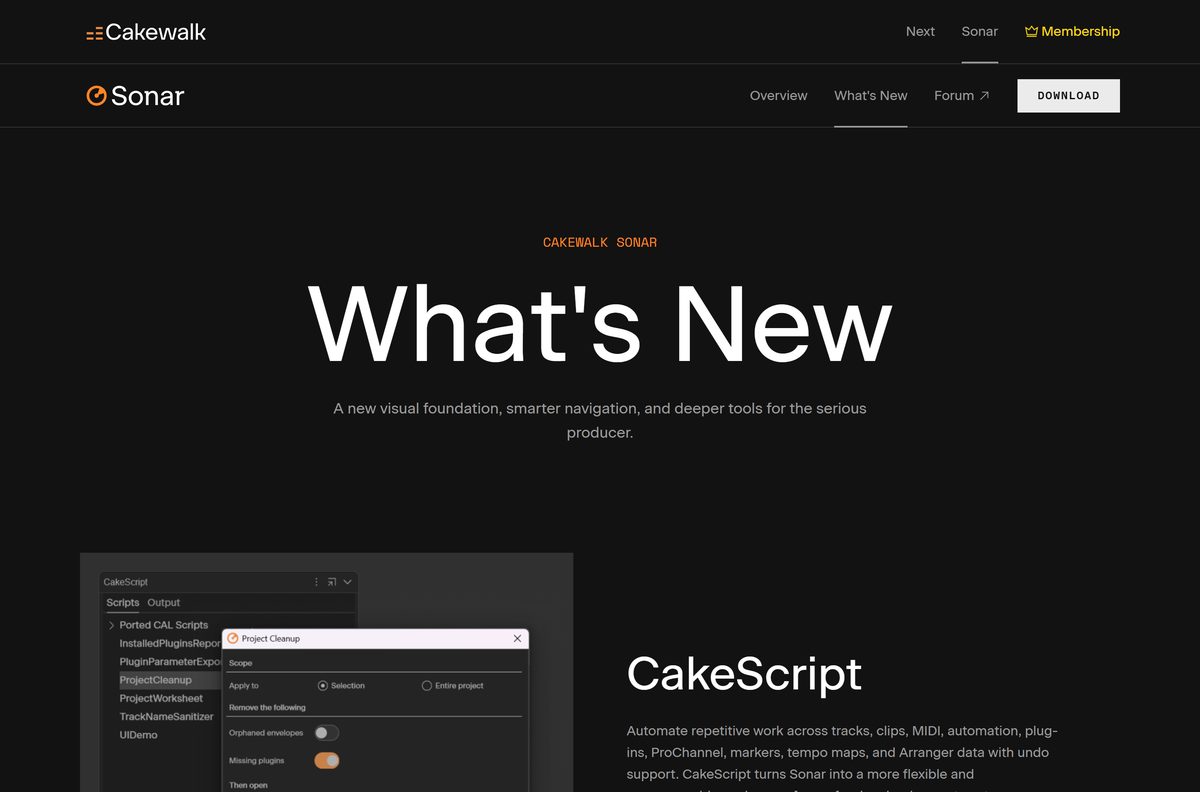
- What’s new in Cakewalk Sonar — CakeScript, Cakewalk Assist, BandLab FX and Chains
- BandLab Membership — current plans and benefits
The Product Center setup is not the full DAW. It downloads Sonar during installation, so stay online until it finishes.
How to install Cakewalk Sonar on Windows 11
You need a free BandLab account before Sonar will activate. Create one at bandlab.com first if you do not have one.
- Open the Cakewalk Sonar page and select DOWNLOAD.
- Save the Cakewalk Product Center setup file to your Downloads folder.
- Double-click the setup file and select Yes at the User Account Control prompt.
- Follow the setup wizard to install Cakewalk Product Center.
- Open Cakewalk Product Center and sign in with your BandLab account.
- Choose Cakewalk Sonar in Product Center and start its installation.
- Wait for the download and installation to finish, with the PC online.
- Launch Cakewalk Sonar from the Start menu and complete activation with the same BandLab account.
Connect your audio interface before the first launch, so Sonar can find its ASIO driver.
Which Cakewalk download do you need for your Mac?
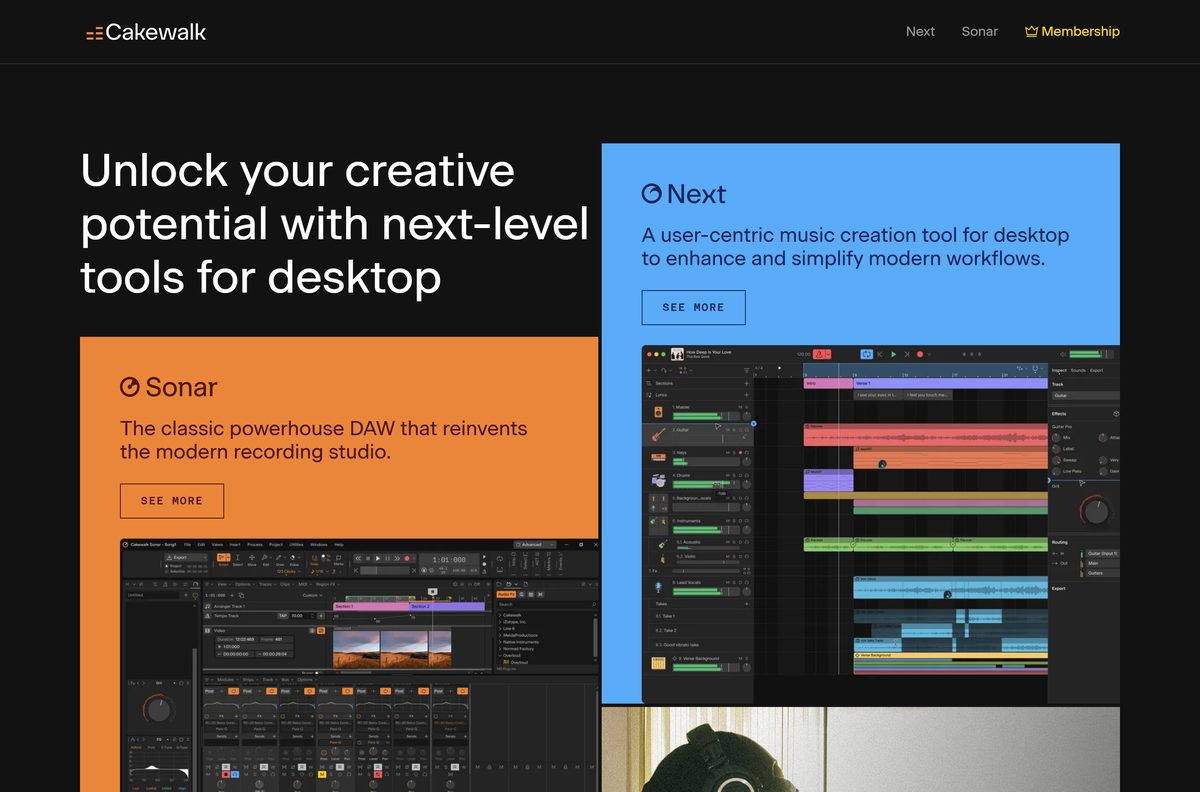
Sonar runs on Windows only. BandLab’s Mac option is Cakewalk Next, a separate desktop DAW that can open Sonar projects.
| Your situation | Take this | Note |
|---|---|---|
| Mac with Apple M-series or Intel Core, macOS 10.15 or later | Cakewalk Next | Mac and Windows DAW from BandLab |
| Mac user sharing projects with a Sonar user on Windows | Cakewalk Next | CXF project exchange opens Sonar projects |
| You need Sonar itself | Cakewalk Sonar for Windows | Requires a Windows 11 PC |
Cakewalk Next suggests 16 GB of RAM and an Intel Core or Apple M-series processor on a Mac.
Is Cakewalk Sonar free?
BandLab states that Sonar is fully functional for free in evaluation mode. The free tier includes the core tools of Cakewalk by BandLab plus new features such as the scalable interface, multi-level track folders, XSampler and the per-channel spectrum analyzer.
Membership adds Track Manager, Custom Workspaces, Cakewalk Assist, Signal Probe, the Core Plugin Suite, the Theme Editor, plugin oversampling and Elastique Pro. It also lifts the free tier’s single Arranger track and limited ProChannel modules, and turns the Overloud TH-U amp simulator from demo mode into the full edition.
The free licence is currently indefinite, but it needs periodic renewal through online or offline activation.
Start on the free tier. Subscribe to BandLab Membership only when you need a specific premium tool such as Track Manager, Elastique Pro or the full TH-U amp suite. The free tier is a full-featured DAW for recording, mixing and editing, and upgrading later changes only the licence on the same installation.
BandLab Membership also covers perks outside Sonar, such as BandLab Sounds, Splitter and Mastering. Check the Membership page for current prices before you subscribe.

Should you install Cakewalk Sonar or keep Cakewalk by BandLab?
Sonar is the next evolution of Cakewalk by BandLab, with a redesigned high-DPI interface, an integrated sampler and more than 1,000 bug fixes. Activation renewals for Cakewalk by BandLab ended on December 31, 2025, which marked the end of its development and support.
Install Cakewalk Sonar. Keep Cakewalk by BandLab only until your projects are open and saved in Sonar. Cakewalk by BandLab can no longer save or modify projects once its activation expires, while Sonar opens those projects and keeps a free tier.
Sonar installs alongside Cakewalk by BandLab, so you can move projects over at your own pace.
Check the Cakewalk Sonar system requirements
BandLab publishes suggested specs rather than a strict minimum. Recording also needs an audio interface with an ASIO driver.
| Field | Value |
|---|---|
| Software | Cakewalk Sonar |
| Developer | BandLab Technologies |
| Latest version | Current release through Cakewalk Product Center 1.1.0.004 |
| Licence | Free tier with a BandLab account; BandLab Membership for premium features |
| Operating system | Windows 11 and higher |
| Processor | 8-core CPU |
| Memory | 16 GB RAM |
| Audio hardware | ASIO-compatible interface |
| File size | 28.3 MB Product Center setup; Sonar downloads during install |
| Mac version | None; Cakewalk Next covers macOS |
| Offline installer | No |
| Official download source | cakewalk.bandlab.com |
| Last verified | 2026-09-25 |
Press Ctrl + Shift + Esc, open Performance > CPU and read the Cores value to check your processor.
What Cakewalk Sonar can open
Sonar reads projects from the older Cakewalk app and exchanges projects with Cakewalk Next.
| Project from | Opens in Sonar | Note |
|---|---|---|
| Cakewalk by BandLab | Yes | Existing projects open directly |
| Cakewalk Next | Yes | Through CXF project exchange |
| BandLab Project Library | Yes | Cloud publish and download built in |
Open old Cakewalk by BandLab projects in Sonar and save them there before that app’s activation lapses.
Fix Cakewalk Sonar not installing or activating
Most Sonar problems trace back to the account, the activation or the audio driver.
Membership features are missing after you upgrade
Sonar is still using the licence it loaded before the upgrade.
- Sign out of your BandLab account in Cakewalk Sonar.
- Sign in again with the account that holds the Membership.
- Restart Sonar and check the premium tools again.
Sonar asks for activation after weeks offline
Both tiers need periodic online access to keep the activation valid.
- Connect the PC to the internet.
- Open Cakewalk Sonar and sign in with your BandLab account.
- Let the activation renew, then work offline again.
Cakewalk by BandLab will not save a project
Its activation renewals ended on December 31, 2025.
- Install Cakewalk Sonar with Cakewalk Product Center.
- Open the project in Sonar.
- Save it from Sonar to keep editing.
Crackles or high latency while recording
Sonar expects ASIO-compatible audio hardware.
- Install the latest ASIO driver from your audio interface maker’s site.
- Connect the interface before you launch Sonar.
- Select the interface’s ASIO driver in Sonar’s audio settings.
How to uninstall Cakewalk Sonar
Sonar and Cakewalk Product Center appear as separate entries in Windows.
- Press Windows + I to open Settings.
- Select Apps > Installed apps.
- Type Cakewalk in the search box.
- Select the three-dot menu next to Cakewalk Sonar and choose Uninstall.
- Confirm with Uninstall and follow the uninstaller.
- Repeat for Cakewalk Product Center if you no longer need it.
Uninstalling the program leaves your project folders in place. Delete them by hand only after you have backed up the songs you want.
Choose a Cakewalk Sonar alternative for Mac or the browser
BandLab offers other routes to the same projects when Sonar does not fit your computer.
| Option | Runs on | Best for |
|---|---|---|
| Cakewalk Next | Windows 10 and later, macOS 10.15 and later | Songwriting and beat making, and Mac users |
| BandLab Studio | Web browser | Quick sketches and collaboration without an install |
| Cakewalk by BandLab | Windows | Nothing new; support ended in 2025 |
Pick Sonar for detailed mixing and editing on Windows, and Cakewalk Next when you need a Mac.
Frequently asked questions
Is the Cakewalk Sonar download free?
Yes. Cakewalk Sonar has a free tier that anyone with a free BandLab account can use, and BandLab calls it fully functional. BandLab Membership adds premium features such as Track Manager, Elastique Pro, plugin oversampling and the full Overloud TH-U amp suite.
Where is the official Cakewalk Sonar download page?
cakewalk.bandlab.com/sonar. Its Download button delivers Cakewalk Product Center for Windows, the installer manager that downloads and installs Sonar. The same page carries the free and Membership feature comparison and the suggested specs.
What is the latest version of Cakewalk Sonar?
BandLab publishes no Sonar build number on its site. Cakewalk Product Center installs the current release, and the Windows Product Center setup is version 1.1.0.004. Recent additions include CakeScript, Cakewalk Assist and BandLab FX and Chains.
Does Cakewalk Sonar work on Windows 11?
Yes. Windows 11 and higher is the Windows version listed in the Sonar suggested specs, alongside 16 GB of RAM, an 8-core CPU and ASIO-compatible audio hardware for recording.
Does Cakewalk Sonar run on Windows 10?
Windows 10 does not appear in the Sonar suggested specs, which list Windows 11 and higher. Cakewalk Next, the other Cakewalk desktop app, does list Windows 10. Move to Windows 11 before relying on Sonar for production work.
How big is the Cakewalk Sonar download?
The Windows download is Cakewalk Product Center, a 28.3 MB setup file. Product Center then downloads Sonar itself, so the full install is larger and needs an internet connection during setup.
Is there a Cakewalk Sonar offline installer?
No. BandLab distributes Sonar only through Cakewalk Product Center, which downloads the program during setup. After activation, both the free tier and Membership run offline, with periodic online check-ins to keep the activation valid.
Is there a Cakewalk Sonar download for Mac?
No. Sonar is a Windows DAW, and its suggested specs list Windows only. Mac users can install Cakewalk Next, which runs on macOS 10.15 or later and opens Sonar projects through CXF project exchange.
Is Cakewalk Sonar 64-bit, and does it run on ARM?
BandLab offers one Windows download and lists no separate 32-bit or ARM64 build. The suggested specs call for Windows 11 and an 8-core CPU, and Windows 11 itself ships only as a 64-bit system.
Is Cakewalk Sonar safe to download?
Yes, when it comes from cakewalk.bandlab.com, which BandLab lists among its own websites. Sonar is free there, so a site selling a cracked or unlocked copy offers nothing legitimate and carries malware risk.
Can I keep Cakewalk by BandLab and install Cakewalk Sonar?
Yes. Sonar installs alongside Cakewalk by BandLab, and existing Cakewalk by BandLab projects open in Sonar. Activation renewals for Cakewalk by BandLab stopped on December 31, 2025, so projects cannot be saved there after activation expires.
Why won’t Cakewalk Sonar install or activate?
Product Center needs an internet connection to download Sonar, and activation needs a signed-in BandLab account. If Membership features are missing after upgrading, sign out of your BandLab account and sign in again to refresh the licence.