The Mozilla Thunderbird download for Windows 11, Windows 10 and Mac is free and open source. Version 156.0 was published on 15 September 2026, and the 64-bit Windows installer is 80.0 MB.
Mozilla ships the same release for Linux, plus a separate extended support build for machines that need one feature change a year.
This guide covers which file fits your machine, the official links, the install steps, the checksum check and fixes for a setup that fails.
Which Thunderbird download do you need?
Press Windows + Pause and read System type to see whether your PC is 64-bit or 32-bit.
| Your machine | File to get | Size | Why |
|---|---|---|---|
| 64-bit Windows 11 or Windows 10 | Thunderbird Setup 156.0.exe | 80.0 MB | The standard installer for almost every PC |
| A PC your IT team manages | Thunderbird Setup 156.0.msi | 80.1 MB | Deploys through Group Policy or Intune |
| 32-bit Windows | Thunderbird Setup 156.0.exe (win32) | 75.9 MB | The x86 build, for older hardware only |
| A Windows on Arm laptop | Thunderbird Setup 156.0.exe | 80.0 MB | No native ARM64 build exists; run the x64 one |
| Any Mac | Thunderbird 156.0.dmg | 151.7 MB | One package covers the whole Mac range |
| 64-bit Linux | thunderbird-156.0.tar.xz | 82.3 MB | A .deb package sits in the same folder |
| A fleet pinned to one yearly version | Thunderbird Setup 140.16.0esr.exe | 71.3 MB | The extended support release |
Download Mozilla Thunderbird from the official Mozilla sources
Three addresses carry the app: Mozilla’s release archive, Mozilla’s redirector and the Microsoft Store. They all serve the same build.
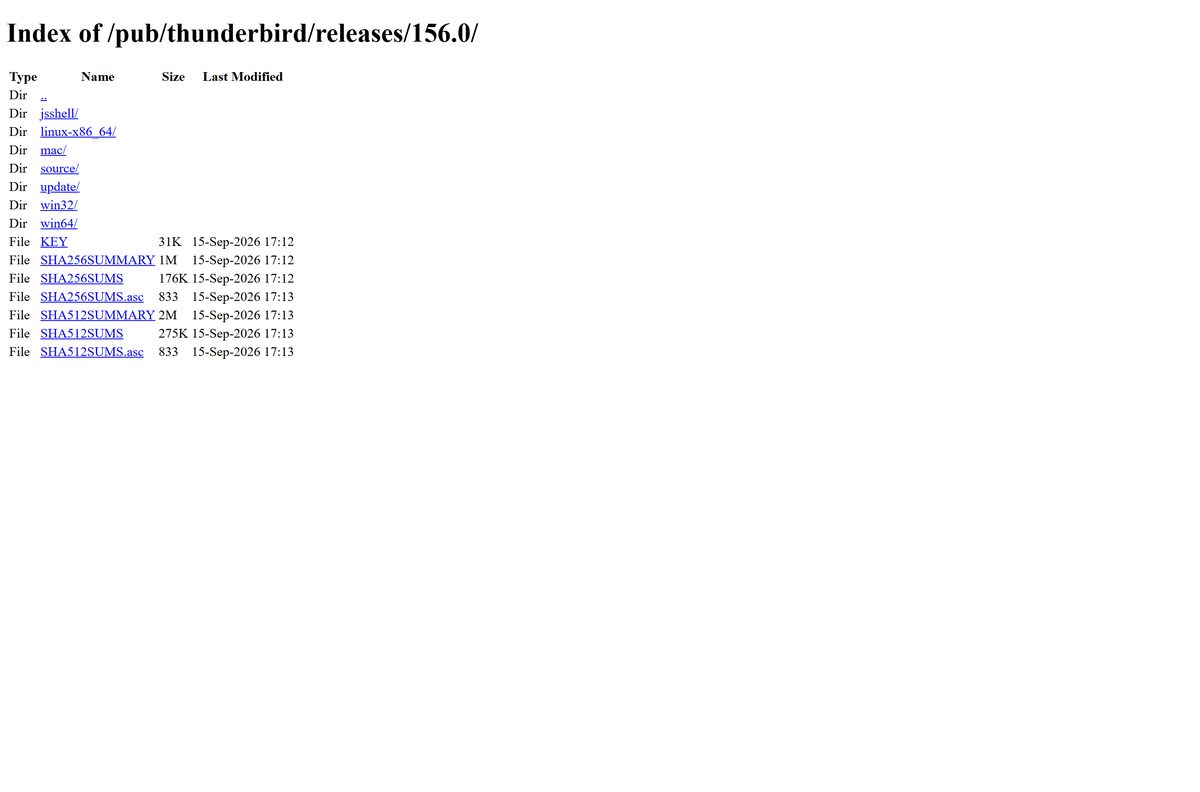
- Thunderbird 156.0 release directory — every platform and language, plus the checksum files
- Windows 64-bit installer — 80.0 MB · pinned to this exact version
- Mac disk image — 151.7 MB · drag the app into Applications
- Always-current Windows 64-bit installer — redirects to whatever the newest release is on Mozilla’s CDN
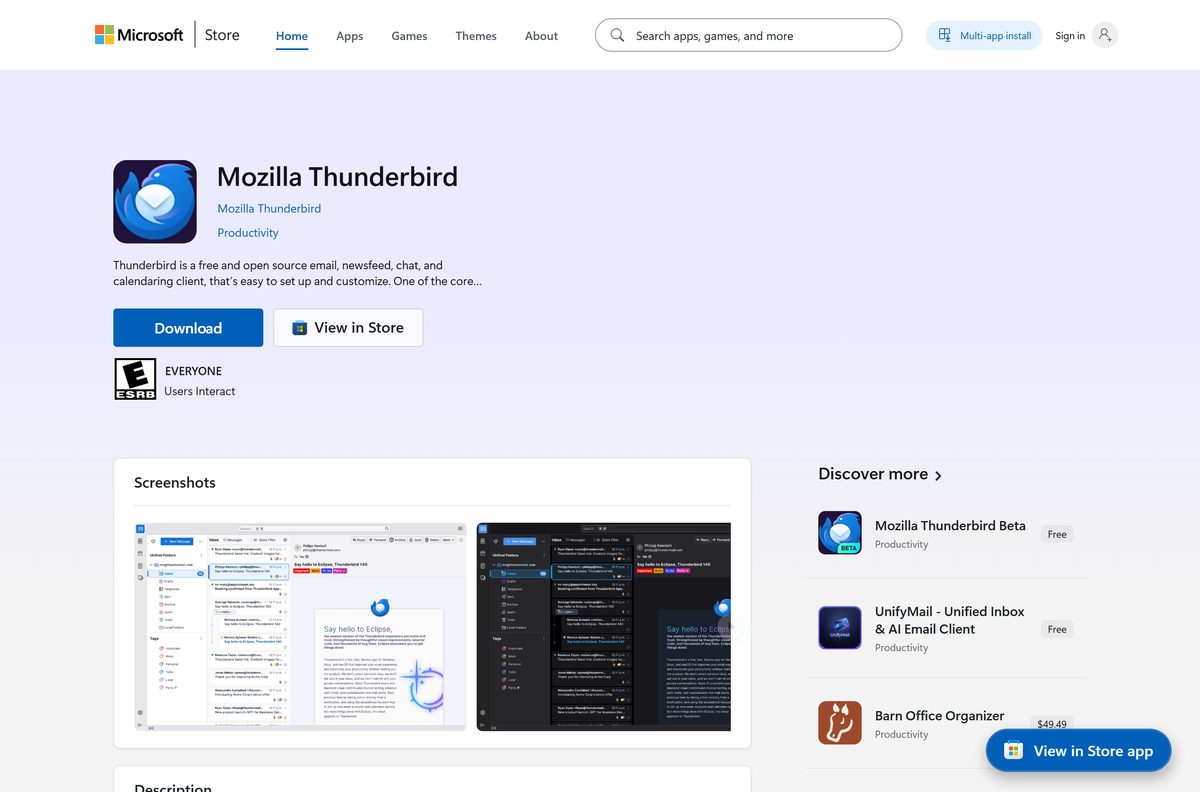
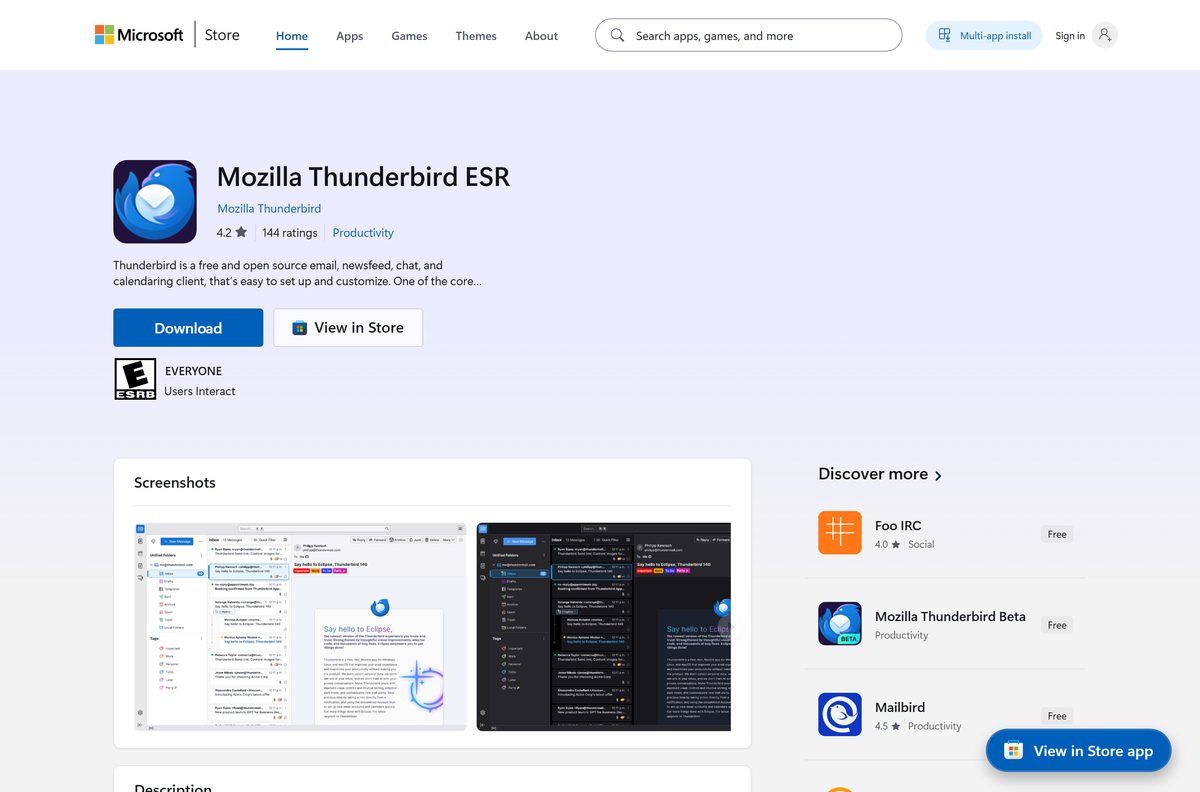
- Mozilla Thunderbird on the Microsoft Store — product ID 9MX7TGVGQFCL, priced at $0.00
- Complete source code for the release — the tarball every build is compiled from
Nothing else is official. A download button on a software portal points at somebody else’s copy of the same file.
How to install Thunderbird on Windows 11 and Windows 10
The Windows setup file is a complete installer, so it needs no further download once you have it.
- Open the Windows 64-bit folder and select the setup file.
- Run the file you downloaded and approve the User Account Control prompt.
- Select Next on the first setup screen.
- Choose the standard setup type, or the custom one if you want to change the install folder.
- Select Install and wait for the files to copy.
- Select Finish to close setup and start the app.
- Type your name, email address and password when the account window opens.
- Pick IMAP so your mail stays on the server and matches your phone.
- Select Done, then wait for the first sync to finish.
A second install over the top upgrades in place and leaves your mail, folders and filters alone.
Install Thunderbird from the Microsoft Store or with winget
The Store route suits a PC where you cannot run an installer, because it needs no administrator approval.
- Open the Microsoft Store listing in your browser.
- Select Get in Store app, then allow the browser to open the Store.
- Select Get and sign in if the Store asks.
- Wait for the install to finish, then select Open.
- For a command line install instead, open Terminal and run winget install –id Mozilla.Thunderbird -e .
- Check what you got with winget list Mozilla.Thunderbird .
- Set up your mail account the same way as the desktop installer.
The Store package carries the same build in x64 and x86 flavours, and the Store keeps it updated for you.
A second listing, product ID 9PM5VM1S3VMQ, carries the extended support release for people who want the slower channel.
Download the Thunderbird MSI package for deployment
Mozilla builds an MSI alongside every Windows setup file, so you do not have to repackage the EXE.
| Package | Architecture | Size | Link |
|---|---|---|---|
| Thunderbird Setup 156.0.msi | 64-bit | 80.1 MB | win64 folder |
| Thunderbird Setup 156.0.msi | 32-bit | 76.0 MB | win32 folder |
| Thunderbird Setup 140.16.0esr.msi | 64-bit | ESR channel | ESR folder |
| Thunderbird 156.0.pkg | Mac | 199.2 MB | mac folder |
Start a silent install with msiexec /i “Thunderbird Setup 156.0.msi” /qn .
Push it to one test machine before the fleet. An MSI upgrade replaces the installed build, and a rollback means reinstalling the older package by hand.
How to verify the Thunderbird installer before you run it
Mozilla publishes SHA256SUMS, SHA512SUMS and matching GPG signatures next to the installers in every release folder.
- Open the release directory and select SHA256SUMS.
- Find the line whose path ends in the Windows 64-bit setup file and copy the hash.
- Open Terminal in the folder that holds your copy.
- Run Get-FileHash ‘.\Thunderbird Setup 156.0.exe’ -Algorithm SHA256 .
- Compare the two strings character by character; they have to be identical.
- Right-click the file, select Properties, then open the Digital Signatures tab.
- Delete the file and fetch it again from Mozilla if either check disagrees.
The SHA256SUMS.asc file in the same folder lets you check the hash list itself against Mozilla’s signing key.
Which Thunderbird download do you need for your Mac?
Mozilla publishes one Mac build per release. There is no separate Intel file and no separate Apple silicon file to choose between.
| Your Mac | File to get | Size | What to do with it |
|---|---|---|---|
| Apple silicon, M1 through M4 | Thunderbird 156.0.dmg | 151.7 MB | Open the disk image and drag the app into Applications |
| Intel Mac | Thunderbird 156.0.dmg | 151.7 MB | The same file; nothing else is published |
| A Mac your employer manages | Thunderbird 156.0.pkg | 199.2 MB | Hand the package to your MDM tool |
| A Mac held on the yearly channel | Thunderbird 140.16.0esr.dmg | 132.2 MB | The extended support disk image |
Eject the disk image after the copy finishes, then empty it from the sidebar in Finder.
Is Mozilla Thunderbird free?
Yes. Thunderbird is free and open source, with no paid tier, no trial period and no licence key. Mozilla’s own Microsoft Store listing prices it at $0.00, and the complete source for the release sits in the release directory beside the installers. The project asks for donations and nothing more. Any page selling you an installer, a serial or a “pro” edition is charging for a file Mozilla gives away.
The account you sign in with stays yours. Thunderbird talks to your existing mailbox at Gmail, Outlook.com or a company server rather than creating one.
Should you install the monthly release or Thunderbird ESR?
Install the monthly release unless someone else decides what runs on your machine. The monthly channel ships new features and bug fixes every month, and version 156.0 is the current one. The extended support release, 140.16.0esr, takes new features once a year and security fixes in between, which is what large deployments want. Mozilla has already published 153.3.1esr as the next extended support line.
A beta channel runs ahead of both. Treat it as a test build rather than the copy that holds your mail.
How to check your Thunderbird version and update it
Updates install themselves by default, so most of this is a two-minute confirmation.
- Select the menu button with three bars at the top right of the window.
- Select Help, then About Thunderbird.
- Read the version number under the logo.
- Leave the window open while it checks for a newer build.
- Select the restart button if one appears, and let the app relaunch.
- Reopen About Thunderbird and confirm the number changed.
- To change the update behaviour, open Settings and scroll to the update options under General.
A version far behind the current one usually means an install folder the app cannot write to. Reinstall over the top from Mozilla’s directory to fix it.
Check the Thunderbird system requirements and download size
Nothing here is demanding. The one hard floor is the Windows build the Store package will accept.
| Field | Value |
|---|---|
| Software | Mozilla Thunderbird |
| Developer | MZLA Technologies Corporation, a subsidiary of Mozilla Foundation |
| Latest version | 156.0 |
| Published | 15 September 2026 |
| License | Free and open source |
| Windows | Windows 11 and Windows 10; the Store package needs build 17763 or newer |
| Mac | One package per release, covering the whole Mac range |
| Linux | 64-bit x86, as a .tar.xz archive or a .deb package |
| Architecture | x64 and x86 on Windows; no ARM64 build |
| Download size | 80.0 MB on 64-bit Windows, 151.7 MB on Mac, 82.3 MB on Linux |
| Offline installer | Yes, every published file is a complete setup |
| Extended support release | 140.16.0esr |
| Store rating | 4.7 stars from 37 ratings |
| Official source | archive.mozilla.org and the Microsoft Store |
| Last verified | 2026-09-22 |
Press Windows + R, type winver and press Enter to read your own build number.
How to make Thunderbird your default mail app on Windows 11
Windows 11 assigns defaults per app rather than per file type, so this runs from one page.
- Press Windows + I to open Settings.
- Select Apps, then Default apps.
- Type Thunderbird in the search box and select the app.
- Select Set default at the top of the page.
- Scroll to MAILTO and point it at the app as well.
- Repeat for .eml and .ics if you want mail files and invitations to open there.
- Select an email link on any web page to confirm it works.
On a Mac, set the default inside the app’s own settings rather than in System Settings.
Fix Thunderbird not installing on Windows 11 or Windows 10
Four failures cover almost every report. Work through the one that matches your screen.
Windows blocks the setup file
SmartScreen holds a file your PC has not seen before.
- Confirm the address bar said archive.mozilla.org or download.mozilla.org when the file arrived.
- Right-click the file and select Properties.
- Tick Unblock at the bottom of the General tab, then select OK.
- Run the file again and approve the User Account Control prompt.
Setup stops with a file in use error
An older copy is still running in the background.
- Press Ctrl + Shift + Esc to open Task Manager.
- Find every thunderbird.exe entry and select End task.
- Sign out of Windows and back in to clear anything stuck.
- Start the installer again.
The Store install sits at pending forever
The Store queue is stalled behind another update.
- Open the Microsoft Store, select Library, then Get updates.
- Press Windows + R, type wsreset.exe and press Enter.
- Wait for the Store to reopen by itself.
- Install with winget install –id Mozilla.Thunderbird -e if the queue stays stuck.
The app installed but opens with no mail in it
A new empty profile was created instead of your old one.
- Type about:profiles into the search bar at the top of the window.
- Look for a second profile in the list.
- Select Set as default profile on the one holding your mail.
- Restart the app and check your folders.
How to uninstall Thunderbird and clear what it leaves behind
Removing the app does not remove your mail. The profile folder survives on purpose, so a reinstall picks up where you left off.
- Close the app and end any thunderbird.exe task still listed in Task Manager.
- Press Windows + I, select Apps, then Installed apps.
- Select the three dots next to the entry and choose Uninstall.
- Work through the removal wizard and approve the prompt.
- Press Windows + R, type %APPDATA%\Thunderbird and press Enter to find the profile folder.
- Copy that folder somewhere safe if you want your mail back later, then delete it.
- Delete %LOCALAPPDATA%\Thunderbird as well to clear the cache.
- On a Mac, drag the app to the Bin and remove the matching folder in ~/Library/Thunderbird .
Which mail app should you use if Thunderbird does not fit?
Each of these is a first-party app from the platform owner, so each carries its own official download page.
| App | Platforms | Price | Official listing |
|---|---|---|---|
| Outlook for Windows | Windows 11 and Windows 10 | Free, with extra features on a Microsoft 365 plan | Microsoft Store |
| Apple Mail | Mac, iPhone and iPad | Built into the operating system | Apple Support |
| Gmail on the web | Any browser | Free with a Google account | |
| Thunderbird ESR | Windows, Mac and Linux | Free and open source | Microsoft Store |
Switch only if you need something the current app cannot do. Every one of these stores mail in its own format, and moving back means exporting again.
Frequently asked questions
Is the Mozilla Thunderbird download free?
Yes. It is free and open source, and Mozilla’s Microsoft Store listing prices it at $0.00. There is no trial period, no licence key and no paid edition, so any site charging for the installer is reselling a free file.
What is the official Mozilla Thunderbird download page?
Mozilla’s release archive at archive.mozilla.org holds every platform and language, and download.mozilla.org redirects to the current build. The Microsoft Store listing, product ID 9MX7TGVGQFCL, is the third official route. Nothing else is.
Does Thunderbird work on Windows 11?
Yes. Windows 11 and Windows 10 are both supported, and the same 64-bit installer serves them. The Microsoft Store package sets a floor of Windows 10 build 17763, so a PC below that needs Windows Update first.
How big is the Thunderbird download?
The 64-bit Windows setup file is 80.0 MB and the MSI is 80.1 MB. The Mac disk image is 151.7 MB, the Mac package is 199.2 MB, and the Linux archive is 82.3 MB.
Is there an offline installer?
Yes. Every file Mozilla publishes is a complete setup rather than a small downloader. Copy the Windows setup file to a USB stick and it will install on a PC with no network connection at all.
Is there a Thunderbird download for Mac?
Yes. Mozilla publishes one Mac disk image per release, plus a .pkg for managed fleets. There is no separate Intel or Apple silicon file to choose between, so the same download serves every supported Mac.
Does Thunderbird run on ARM64 and 32-bit PCs?
32-bit yes, ARM64 no. Mozilla publishes x64 and x86 Windows builds but no native ARM64 one, so a Snapdragon or Copilot+ laptop runs the 64-bit build under emulation instead.
Is Thunderbird safe to install?
Take the file from Mozilla’s own archive and check it. Every release folder carries SHA256SUMS, SHA512SUMS and GPG signatures, so you can compare the hash with Get-FileHash before running the setup file.
What is the latest Thunderbird version?
Version 156.0, published on 15 September 2026. The extended support line sits at 140.16.0esr, and Mozilla has already published 153.3.1esr as the next extended support release for managed deployments.
Why will Thunderbird not install on my PC?
The usual causes are a SmartScreen block on a newly downloaded file, an older copy still running in the background, or a stalled Microsoft Store queue. Unblock the file in its properties, end the task, then run setup again.
Will installing it again delete my email?
No. Mail, folders, filters and accounts live in a profile folder under %APPDATA%\Thunderbird, which installs and uninstalls leave alone. Deleting that folder by hand is the only thing that removes your mail.
What is the difference between Thunderbird and Thunderbird ESR?
The monthly release gets new features every month. The extended support release takes new features once a year with security fixes in between, which suits managed machines that cannot change often.