Safari download options come straight from Apple, and the browser is free on every Mac, iPhone and iPad. It ships with macOS and iOS, and the App Store keeps an official Safari listing for iPhone and iPad.
To get the newest Safari on a Mac, install the latest macOS update from Software Update. Developers can add Safari Technology Preview, a separate app that runs next to the regular browser.
Below: the right route for each device, update steps, Safari 27 support by macOS version, the Technology Preview builds, Windows options, fixes and quick answers.
Which Safari download do you need?
Match your device to a row. Safari itself always arrives with the operating system; only the Technology Preview is a separate file.
| Your device | Where Safari comes from | Size | What you get |
|---|---|---|---|
| iPhone or iPad | Safari on the App Store | 6.6 MB | The built-in browser, updated with iOS and iPadOS |
| Mac on macOS 27, macOS 26 or macOS Sequoia | Update macOS on Mac | Part of macOS | Safari 27 through Software Update |
| Mac on macOS 27, for web developers | Safari Technology Preview Release 253 | 136.8 MB | Early WebKit features, side by side with Safari |
| Mac on macOS 26.4 or later, for web developers | Safari Technology Preview for macOS 26 | 228.2 MB | Early WebKit features, side by side with Safari |
| Windows 11 or Windows 10 PC | iCloud Bookmarks on Windows | iCloud for Windows | Your Safari bookmarks inside the browser you already use |
Most people need no download at all. Open Safari from the Dock on a Mac or the Home Screen on an iPhone.
Download Safari from Apple’s official pages
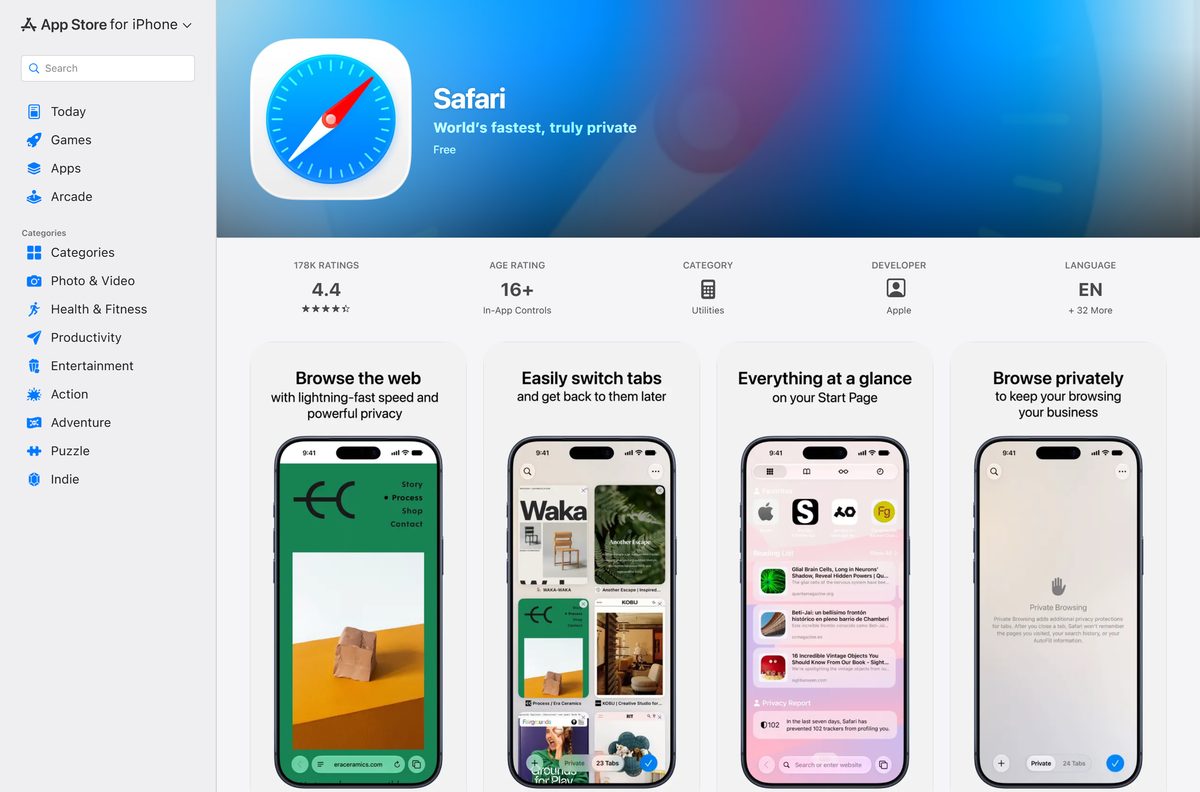
- Safari on the App Store — 6.6 MB · iPhone and iPad, seller Apple Inc., price Free
- Update to the latest version of Safari — Apple’s update route for Mac, iPhone, iPad and Apple Vision Pro
- Safari Technology Preview downloads — 136.8 MB or 228.2 MB · Release 253 for macOS 27 and macOS 26.4 or later
- Safari on apple.com — Apple’s feature page for the browser
Check the Safari system requirements for your device
| Field | Detail |
|---|---|
| Software | Safari |
| Developer | Apple Inc. |
| Latest version | Safari 27 (20625.1.29), released 14 September 2026 |
| License / price | Free, included with the operating system |
| Download size | 6.6 MB App Store listing on iPhone and iPad; part of macOS on a Mac |
| Mac | Safari 27 on macOS 27, macOS 26 and macOS Sequoia |
| iPhone and iPad | Safari 27 with iOS 27 and iPadOS 27; listing requires iOS 10.0 or later |
| Apple Vision Pro | Safari 27 with visionOS 27 |
| Architecture | Apple devices only; no x64 or ARM64 Windows build |
| Official download source | App Store |
| Offline installer | No |
| Last verified | 24 September 2026 |
How to update Safari on your Mac
Safari updates arrive inside macOS updates. Back up your Mac first, then run Software Update.
- Choose System Settings from the Apple menu in the corner of your screen.
- Click General in the sidebar.
- Click Software Update on the right.
- Wait while Software Update checks for new Apple software for your Mac model.
- Click the button to update, upgrade or restart now if software is available.
- Enter your administrator password, the one you use to log in to your Mac.
- Keep the Mac awake and the lid open until installation completes.
- Open Safari from the Dock when the Mac restarts.
If it says your Mac is up to date, click Check for Updates or press Command-R to check again. On an iPhone or iPad, update iOS or iPadOS the same way through Settings.
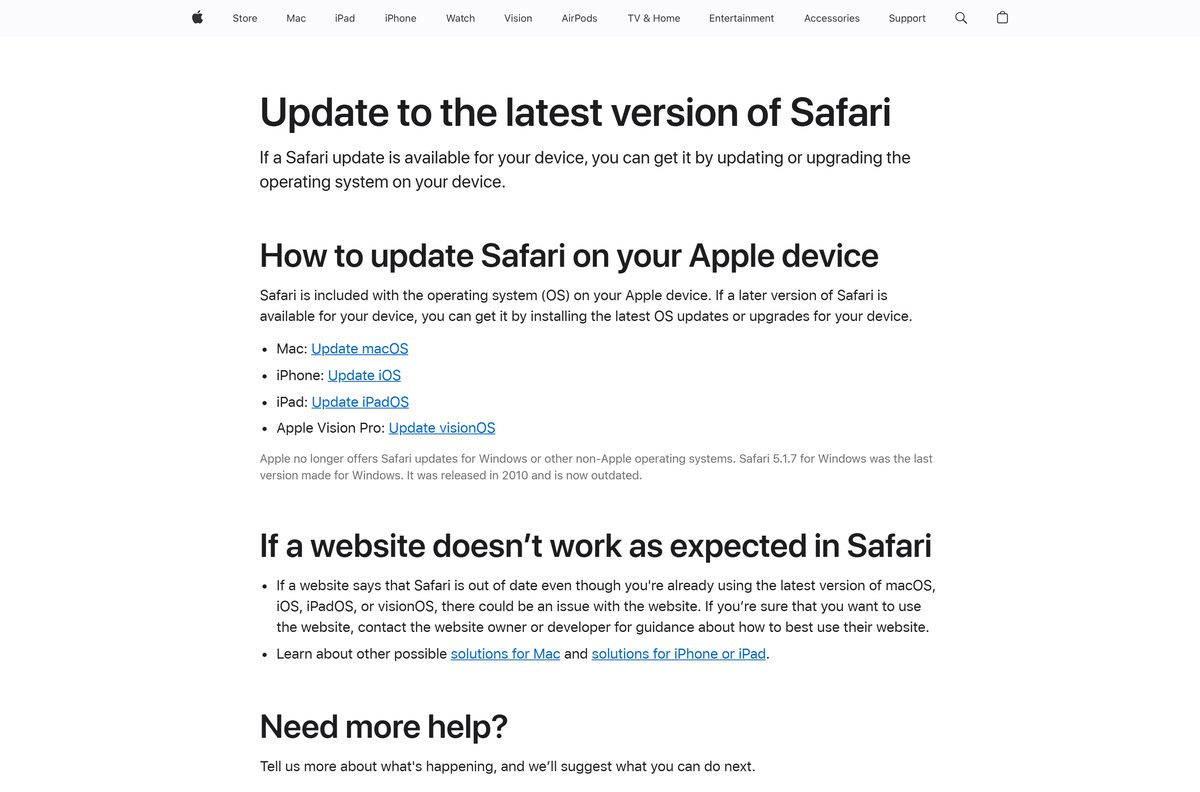
Which Safari version can your Mac run?
The newest Safari depends on the macOS version your Mac runs. Find your row.
| Your Mac runs | Newest Safari | Apple release notes |
|---|---|---|
| macOS 27 | Safari 27, built in | Safari 27 Release Notes |
| macOS 26 | Safari 27 through Software Update | Safari 27 Release Notes |
| macOS Sequoia | Safari 27 through Software Update | Safari 27 Release Notes |
| macOS Sonoma | Safari 26.6, released 27 July 2026 | Safari 26.6 Release Notes |
Software Update offers only what your Mac model supports. A Mac that cannot move past Sonoma stays on Safari 26.6.
Should you install Safari Technology Preview or keep Safari?
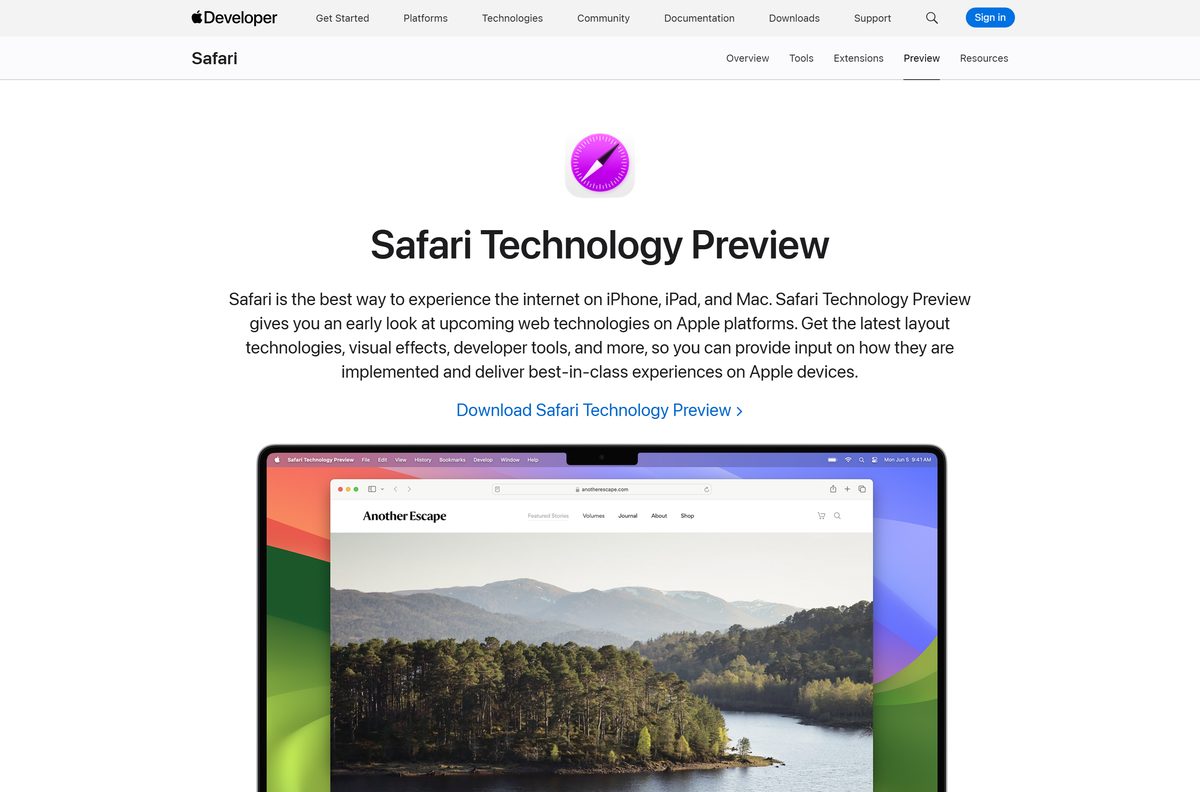
Use regular Safari for everyday browsing. Install Safari Technology Preview only if you build or test websites. The Technology Preview is a standalone app that runs side by side with Safari and brings the latest WebKit every few weeks. It needs macOS Sequoia or later, and after the first install its updates come from the Mac App Store. It syncs Favorites, bookmarks and Reading List through iCloud and includes the latest Web Inspector.
Is Safari free?
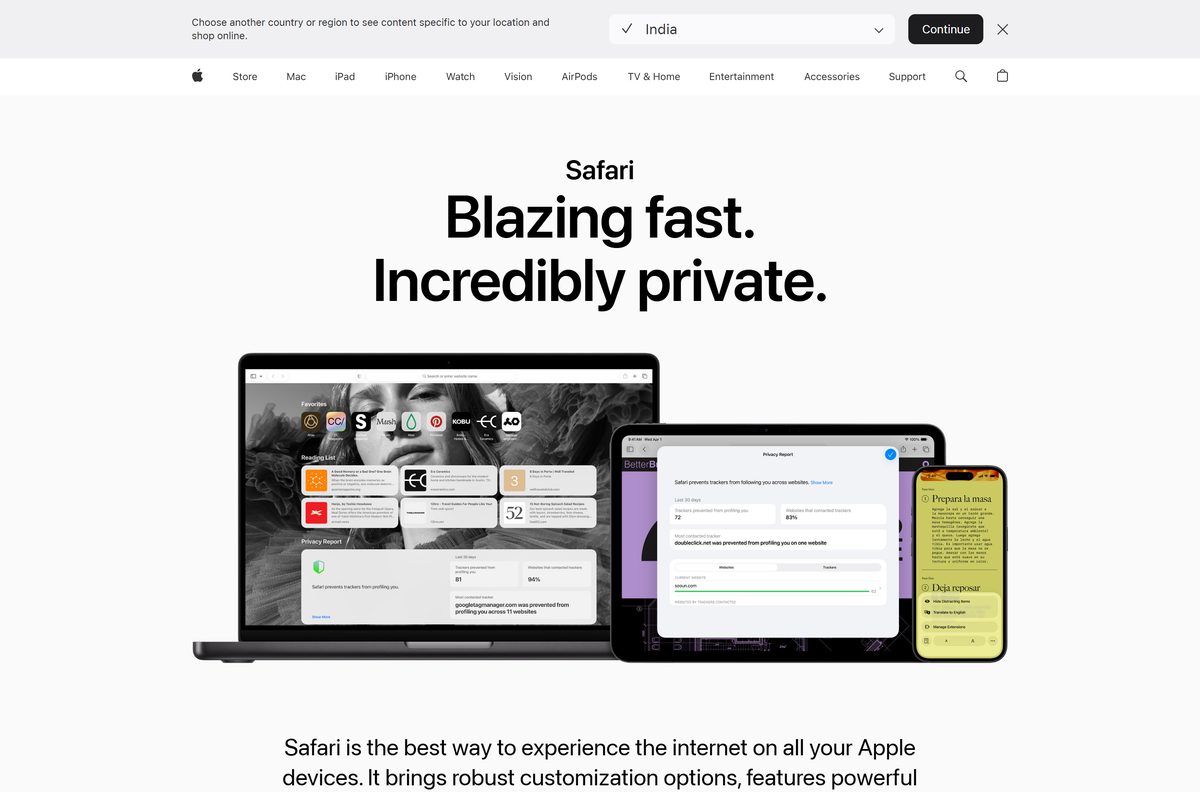
Yes. Safari costs nothing and comes with every Mac, iPhone, iPad and Apple Vision Pro. The App Store listing for iPhone and iPad reads Free, and Mac users get Safari with macOS. Safari Technology Preview downloads directly from Apple’s developer site. Any site charging for Safari, or selling a Safari licence, is not Apple.
How to make Safari the default browser on your Mac
Safari is the default when you first set up a Mac. Use these steps if another browser took over.
- Choose Apple menu > System Settings.
- Click Desktop & Dock in the sidebar; scroll down if you need to.
- Click the pop-up menu next to Default web browser.
- Choose Safari.
Some apps still open web pages in a browser other than your default.
What Safari can import from Chrome, Firefox and Edge
Moving to Safari on a Mac keeps your bookmarks and passwords. What moves depends on the source.
| Coming from | What Safari imports | How |
|---|---|---|
| Google Chrome | Bookmarks, history and passwords | File > Import From Browser > Google Chrome |
| Mozilla Firefox | Bookmarks, history and passwords | File > Import From Browser > Firefox |
| Microsoft Edge and other browsers | Bookmarks exported as an HTML file | Import the HTML bookmarks file |
| A password app or another browser | Passwords exported to a CSV file | Import through the Passwords app |
Chrome or Firefox must be installed on the Mac for a direct import. Imported passwords go into iCloud Keychain, so Safari can autofill them.
How to get your Safari bookmarks on a Windows 11 or 10 PC
Apple no longer offers Safari for Windows. Safari 5.1.7, released in 2010, was the last Windows version and is now outdated.
To use your Safari bookmarks on a PC, sync them through iCloud for Windows from the Microsoft Store.
- Install iCloud for Windows from the Microsoft Store and sign in with your Apple Account.
- Open iCloud for Windows.
- Click the button to the right of Bookmarks, then turn on Bookmarks.
- Click Install Extension next to each browser you want to use.
- Follow the onscreen instructions to add the browser extension.
- Click Done.
- Click Merge to share your current PC bookmarks with iCloud.
Bookmarks you add on the PC then stay in step with Safari on your iPhone, iPad and Mac.
How to spot a fake Safari download
Apple publishes no current Safari installer for Windows. Any Safari exe or msi offered today is not from Apple.
- On an iPhone or iPad, check that the App Store listing’s seller reads Apple Inc. and the price reads Free.
- On a Mac, get Safari updates only through Software Update in System Settings.
- Download Safari Technology Preview only from Apple’s developer site at developer.apple.com.
- Close any page that offers a Safari setup file for Windows.
- Delete any downloaded file named like a Safari installer for Windows without opening it.
Fix Safari update and setup problems on Mac
A website says Safari is out of date
The website, not Safari, when your macOS is already current.
- Run Software Update and install any macOS update it offers.
- Open the website again in Safari.
- If the warning stays, contact the website owner or developer for guidance.
Software Update shows no newer Safari
Your Mac model does not support a newer macOS.
- Click Check for Updates or press Command-R to check again.
- Compare your macOS version with the Safari version table above.
- Stay on the newest Safari your Mac supports; Sonoma tops out at Safari 26.6.
Import From Browser does not list Chrome or Firefox
That browser is not installed on the Mac.
- Install Google Chrome or Mozilla Firefox on the Mac.
- Choose File > Import From Browser in Safari again.
- Select the items you want, then click Import.
An extension does not appear in Safari
The extension is installed but not turned on.
- Choose Safari > Settings, then click Extensions.
- Select the checkbox next to the extension.
- To add more, choose Safari > Safari Extensions, then click Get.
Which Safari alternative should a Windows user install?
A Windows PC needs another browser. Each of these syncs bookmarks through its own account.
| Browser | Where to get it | Best for |
|---|---|---|
| Microsoft Edge | Microsoft Edge download | Already on Windows 11 and Windows 10 |
| Google Chrome | Google Chrome download | People who sync with a Google account |
| Mozilla Firefox | Firefox download | An open-source browser on Windows and Mac |
Pair any of them with iCloud for Windows to keep your Safari bookmarks on the PC.
Frequently asked questions
Is Safari free?
Yes. Safari is free and comes with every Mac, iPhone, iPad and Apple Vision Pro. The App Store listing for iPhone and iPad reads Free, and Mac users get it with macOS.
What is the official Safari download page?
On iPhone and iPad, it is the Safari listing on Apple’s App Store, sold by Apple Inc. On a Mac, Safari comes with macOS, and new versions arrive through Software Update in System Settings.
Can I download Safari on Windows 11 or Windows 10?
No. Apple no longer offers Safari for Windows, and Safari 5.1.7 from 2010 was the last Windows version. Use iCloud for Windows to sync your Safari bookmarks into Edge or another browser.
How big is the Safari download?
The App Store listing for iPhone and iPad is 6.6 MB. On a Mac, Safari is part of macOS. Safari Technology Preview Release 253 is 136.8 MB for macOS 27 and 228.2 MB for macOS 26.
Is there a Safari offline installer?
No. Safari comes with macOS, iOS, iPadOS and visionOS and updates with the operating system. The only separate Safari file Apple offers is Safari Technology Preview for developers on a Mac.
Is there a 64-bit or ARM64 Safari build for a PC?
No. Apple ships no current Safari build for Windows in any architecture. Safari runs on Apple devices, including every Mac that supports macOS Sequoia or later for Safari 27.
Is it safe to download Safari?
Yes, through Apple’s App Store, macOS Software Update or developer.apple.com. Any Safari setup file offered for Windows today did not come from Apple and should not be opened.
What is the latest Safari version?
Safari 27, build 20625.1.29, released on 14 September 2026. It is available for macOS 27, macOS 26, macOS Sequoia, iOS 27, iPadOS 27 and visionOS 27.
Can I get Safari 27 on macOS Sonoma?
No. Safari 27 supports macOS 27, macOS 26 and macOS Sequoia. The newest Safari for macOS Sonoma is Safari 26.6, released on 27 July 2026.
How do I update Safari on a Mac?
Update macOS. Choose System Settings from the Apple menu, click General, then click Software Update, and install any update it offers. Safari updates come inside macOS updates.
What is Safari Technology Preview?
A standalone browser from Apple for web developers. It runs side by side with Safari, brings the latest WebKit every few weeks, and needs macOS Sequoia or later.
Why won’t Safari update on my Mac?
Usually because your Mac model does not support a newer macOS. Software Update shows only compatible software, so a Mac limited to macOS Sonoma stays on Safari 26.6.