You can download Plants vs. Zombies on a Windows 11 or Windows 10 PC from Steam or the EA app, and on a Mac from Steam. The PC game costs $4.99 as the GOTY Edition, and the HD remaster Plants vs. Zombies: Replanted is also on sale for Windows.
On iPhone and Android the game is a free download from the App Store and Google Play. This guide covers each store link, the install steps, the free PC demo, and fixes for a game that will not install or start.
Which Plants vs. Zombies download do you need?
EA sells the same lawn-defence game in three forms. Match your device to a row.
| Your device | What you get | Where to get it |
|---|---|---|
| Windows 11 or Windows 10 PC | Plants vs. Zombies: Replanted, the HD remaster, $19.99 | Replanted on Steam |
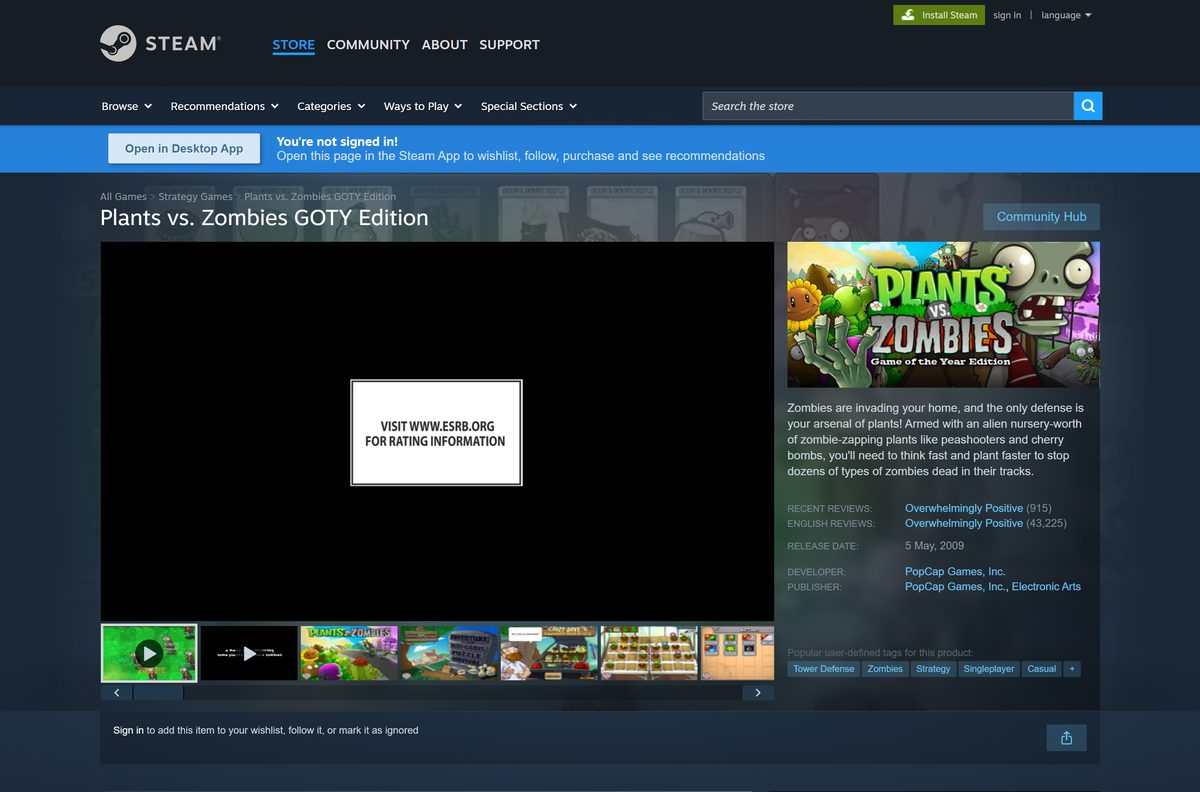
| Any Windows PC, lowest price | Plants vs. Zombies GOTY Edition, $4.99 | GOTY Edition on Steam |
| PC with the EA app | The original or Replanted, tied to your EA account | EA product page |
| Mac | GOTY Edition Mac build, $4.99 | GOTY Edition on Steam |
| iPhone or iPad | Free mobile game with in-app purchases | App Store listing |
| Android phone or tablet | Free mobile game with ads and in-app purchases | Google Play listing |
Each purchase stays with the store that sold it. A Steam copy does not appear in the EA app, and the reverse holds too.
Download Plants vs. Zombies from the official stores
There is no standalone setup file. Every official route hands the download to a store client after you buy or tap Get.
- Plants vs. Zombies GOTY Edition on Steam — 65 MB on disk · $4.99, Windows and Mac, free PC demo
- Plants vs. Zombies: Replanted on Steam — 4 GB on disk · $19.99 list price, Windows 10 64-bit or later
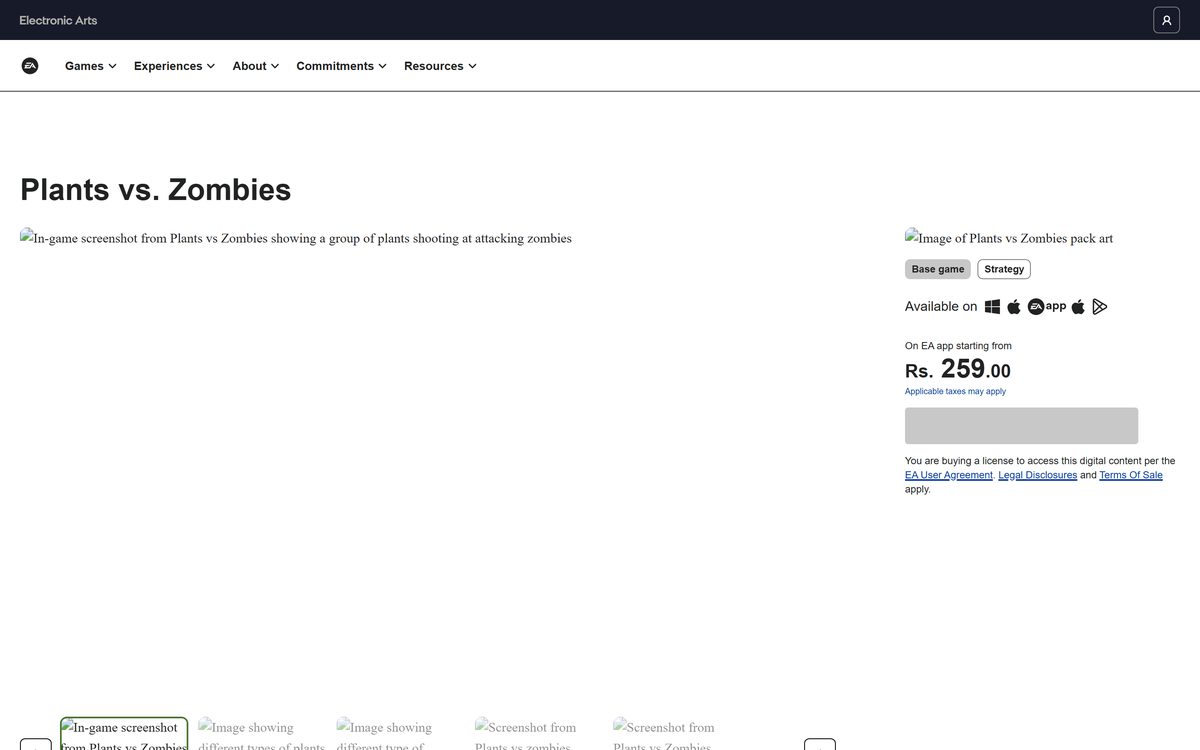
- Plants vs. Zombies on EA — Original game for the EA app
- Plants vs. Zombies: Replanted on EA — Buy on EA app for Windows, or continue to Steam or Epic
- Plants vs. Zombies on the App Store — 180.8 MB · Free, iOS 15.0 or later
- Plants vs. Zombies on Google Play — Free, contains ads and in-app purchases
An EA app purchase needs the EA app installed first. The EA app download guide covers that setup on Windows and Mac.
How to install Plants vs. Zombies on Windows 11 and 10 with Steam
Steam sells both PC versions for Windows. Install the Steam client first if the PC does not have it.
- Open the Replanted Steam page or the GOTY Edition Steam page.
- Select Add to Cart, then Purchase for myself, and pay with your Steam account.
- Open the Steam client and select Library.
- Select the game in the list, then select Install.
- Pick the install drive and confirm with Next.
- Wait for the progress bar at the bottom of Steam to finish.
- Select Play to start the game.
To try the original first, select Download PC Demo on the GOTY Edition page. The demo installs the same way.
Install Plants vs. Zombies through the EA app
EA sells the original and Replanted in its own PC launcher. The copy then sits in your EA account rather than Steam.
- Install the EA app and sign in with your EA account.
- Open the Plants vs. Zombies page on EA or the Replanted page.
- Select Download Now for the original, or Buy on EA app for Windows for Replanted.
- Finish the checkout in the EA app.
- Open Library in the EA app and select the game.
- Select Download and choose the install folder.
- Select Play when the download completes.
EA’s terms for the original list an internet connection and an EA account as requirements for this route.
Which Plants vs. Zombies download do you need for your Mac?
Steam and EA both list a Mac version of the original game. Steam’s Mac requirements name Mac OS X 10.5.8 to 10.6.x, and Replanted has no Mac build.
| Your setup | What to do | Where |
|---|---|---|
| Mac with a Steam account | Buy the $4.99 GOTY Edition and install it from the Steam library | GOTY Edition on Steam |
| Mac with the EA app | Open the original game page and download it in the EA app | EA product page |
| You want Replanted on a Mac | No Mac build exists; play it on a Windows PC or console | Replanted on EA |
| You mainly play on an iPhone | Install the free mobile game instead | App Store listing |
Steam flags the GOTY Edition for Mac and Replanted for Windows only, so check the platform icons before you pay.
Is Plants vs. Zombies free?
Free on phones, paid on PC and Mac. The App Store and Google Play offer the mobile game free, with optional in-app purchases, and Google Play marks it as containing ads. Steam sells the PC and Mac GOTY Edition for $4.99 and lists Replanted at $19.99. The only free PC option is the Steam demo. A site that offers the full PC game free is not EA.
In-app purchases can be switched off in your phone’s settings before a child plays.
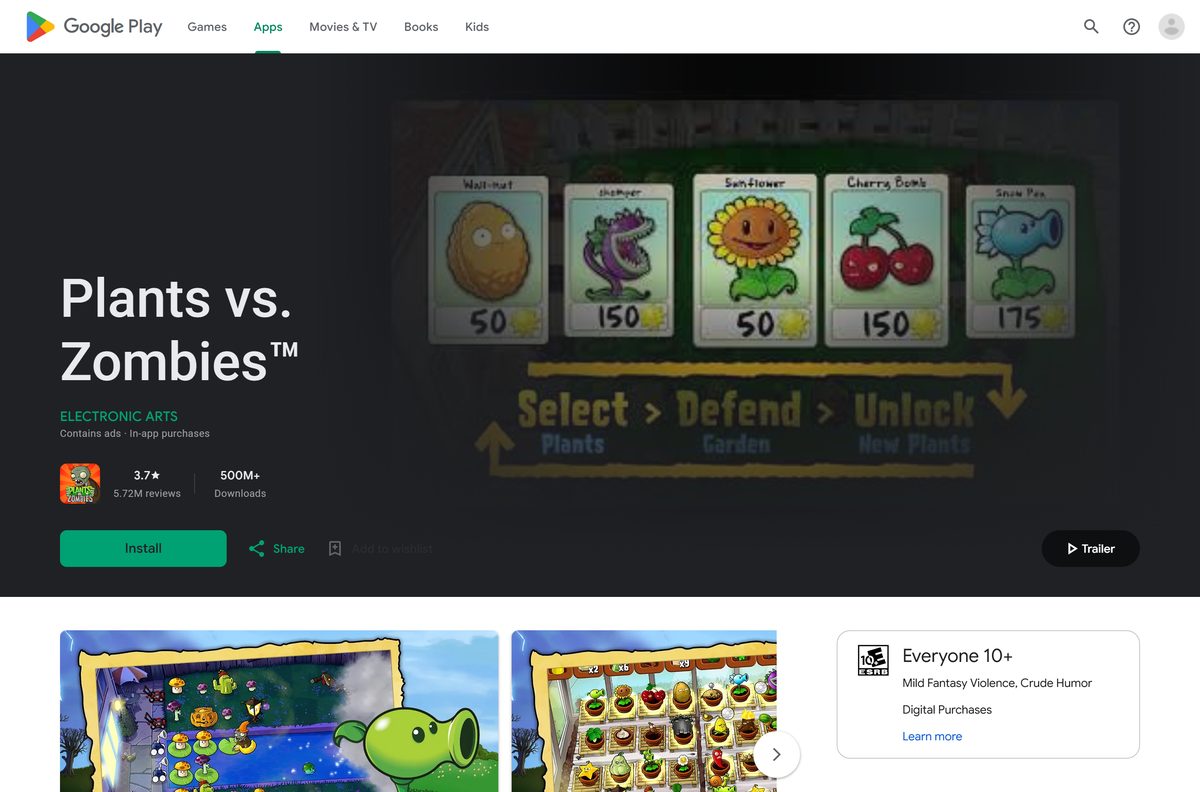
Should you buy the GOTY Edition or Plants vs. Zombies: Replanted?
Buy Replanted on a Windows 11 or Windows 10 PC. Buy the GOTY Edition for a Mac or the lowest price. Replanted is the 2025 HD remaster with new levels, split-screen co-op and versus, full controller support and Steam Cloud saves, and it lists Windows 10 64-bit or later. The GOTY Edition is the 2009 original at $4.99, with Steam requirements that name Windows XP, Vista and 7 plus a Mac build.
Replanted costs $15 more at list price, and Steam sales cut that gap often.
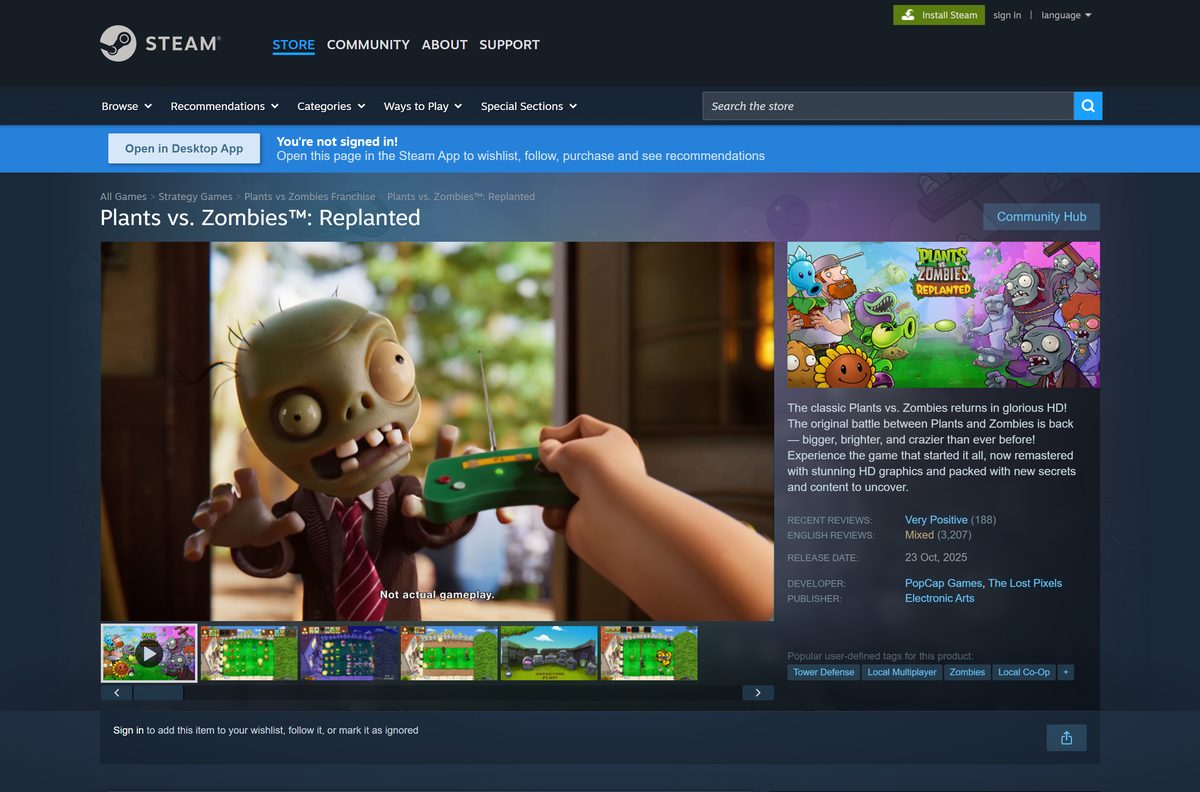
Check where each Plants vs. Zombies game runs before you buy
The name covers several games. The table shows which one each platform actually gets.
| Game | Windows | Mac | iPhone and iPad | Android |
|---|---|---|---|---|
| Plants vs. Zombies GOTY Edition | Yes, Steam and EA app | Yes, Steam | No | No |
| Plants vs. Zombies: Replanted | Yes, Steam, EA app and Epic | No | No | No |
| Plants vs. Zombies (mobile) | No | No | Yes, free | Yes, free |
| Plants vs. Zombies 2 | No | No | Yes, free | Yes, free |
Replanted also runs on PlayStation, Xbox, Nintendo Switch and Nintendo Switch 2, per EA’s product page.
Check the Plants vs. Zombies system requirements for your PC
The original runs on almost any PC. Replanted needs a 64-bit Windows 10 or Windows 11 machine.
| Field | Value |
|---|---|
| Game | Plants vs. Zombies |
| Developer | PopCap Games |
| Publisher | Electronic Arts |
| Latest version | Replanted, released October 23, 2025; mobile app 3.18.0 |
| License / Price | GOTY Edition $4.99, Replanted $19.99 list; mobile free with ads and in-app purchases |
| Original: OS | Windows XP/Vista/7; Mac OS X 10.5.8-10.6.x |
| Original: processor and memory | 1.2 GHz processor, 1 GB RAM (Mac: Intel Core Duo 1.66 GHz) |
| Original: disk space | 65 MB on Windows, 50 MB on Mac |
| Replanted: OS | Windows 10 64-bit or later |
| Replanted: architecture | 64-bit processor and operating system required |
| Replanted: minimum | AMD FX-6300 or 3rd gen Intel i3, 4 GB RAM, integrated graphics, DirectX 11 |
| Replanted: recommended | Intel i5 6600 or AMD Ryzen 3 1200, 8 GB RAM, Radeon HD 7730 or GeForce GT 640 |
| Replanted: disk space | 4 GB |
| Mobile | iOS 15.0 or later, 180.8 MB; Android via Google Play |
| Last verified | September 24, 2026 |
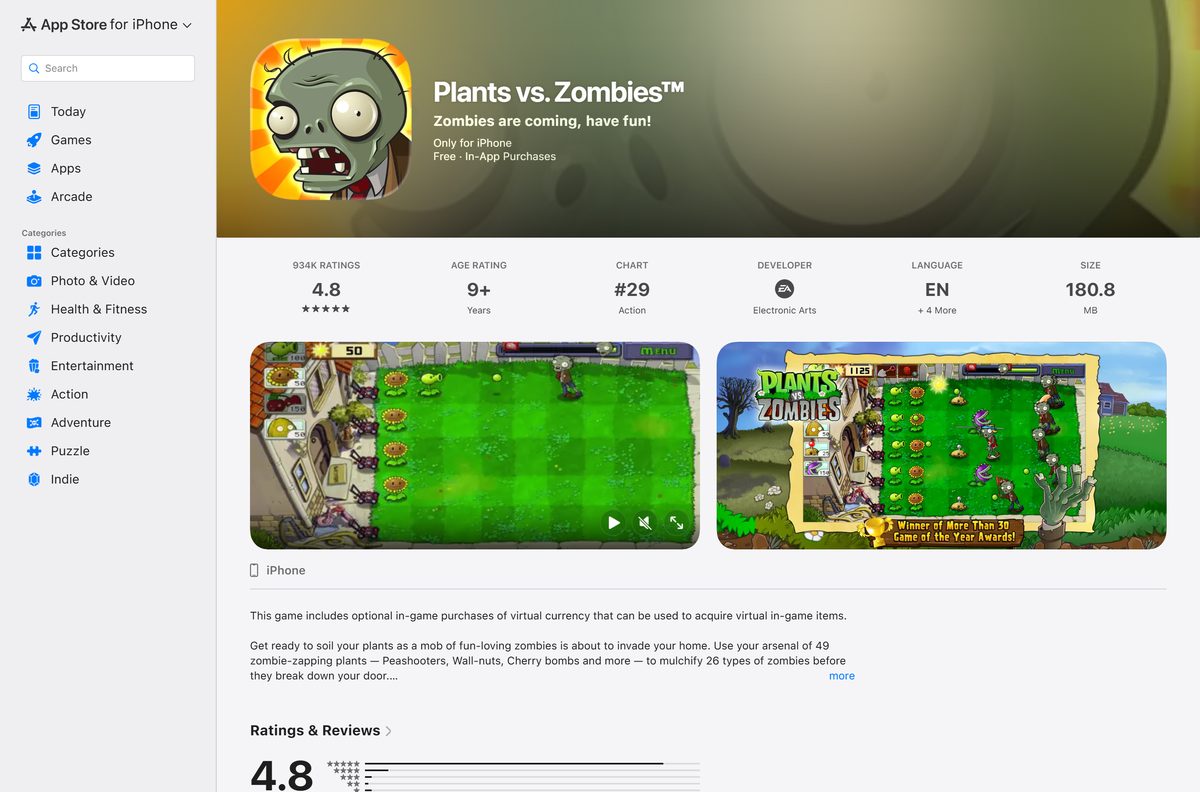
How to update Plants vs. Zombies on PC and phone
Each store patches its own copy. You never download an update file by hand.
- On Steam, open Library, right-click the game, select Properties, then Updates, and set Always keep this game updated.
- In the EA app, open Library, select the game, and install any update it offers.
- On iPhone, open the App Store, tap your profile picture, and tap Update next to the game.
- On Android, open Google Play, tap your profile icon, select Manage apps & device, then Update all.
Fix Plants vs. Zombies not installing or starting on Windows 11 and 10
Most failures come from the store client or from running a 2009 game on a current PC. Work through the symptom that matches.
The download does not start in Steam or the EA app
The client is offline, signed out, or its download queue is paused.
- Confirm you are signed in to the account that bought the game.
- Open the Downloads page in Steam or the EA app and resume the queue.
- Restart the client, then select Install again.
- Pick a different install drive if the first one is nearly full.
The GOTY Edition opens to a black screen or closes at once
The 2009 game was built for Windows XP, Vista and 7.
- Right-click the game in the Steam library and select Properties.
- Select Installed Files, then Verify integrity of game files.
- Update your graphics driver from the PC maker or GPU vendor.
- Try Replanted instead if the original still fails on Windows 11.
Replanted will not launch
The PC runs 32-bit Windows or misses the DirectX 11 requirement.
- Open Settings, select System, then About, and confirm 64-bit operating system.
- Run Windows Update to pick up current DirectX components.
- Verify the game files in Steam or select Repair in the EA app.
The phone app will not install
The device runs an older OS or lacks free storage.
- On iPhone, confirm iOS 15.0 or later under Settings, General, About.
- Free at least 200 MB of storage for the 180.8 MB app.
- Delete the app and install it again from the official store.
How to uninstall Plants vs. Zombies
Remove the game through the store that installed it. The purchase stays on your account for a later reinstall.
- In Steam, open Library, right-click the game, select Manage, then Uninstall.
- In the EA app, open Library, select the game’s three-dot menu, then Uninstall.
- On Windows, open Settings, Apps, Installed apps to catch any leftover entry.
- On a Mac, remove the game from the Steam library the same way, then empty the Trash.
- On iPhone, press and hold the app icon and tap Remove App.
- On Android, press and hold the app icon and tap Uninstall.
Which other Plants vs. Zombies game should you get?
EA sells several spin-offs. Pick by device and by how you like to play.
| If you want | Get this | Where |
|---|---|---|
| A free sequel on your phone | Plants vs. Zombies 2 | App Store listing |
| The classic game in HD on PC | Plants vs. Zombies: Replanted | Steam page |
| Every PvZ title EA publishes | Plants vs. Zombies games hub | EA franchise page |
| EA’s PC launcher for these games | EA app | EA app guide |
Garden Warfare 2 and Battle for Neighborville are shooters, not tower defence, so they play nothing like the original.
Frequently asked questions
Is Plants vs. Zombies free to download?
On phones, yes. The iPhone and Android versions are free, with optional in-app purchases, and Google Play lists the Android game as containing ads. On PC and Mac the game is paid: $4.99 for the GOTY Edition on Steam.
Is there a free Plants vs. Zombies demo for PC?
Yes. The Steam store page for the GOTY Edition carries a Download PC Demo button. The demo is Windows only and installs through the Steam client, so you can test the game before you pay $4.99.
Which Plants vs. Zombies runs on Windows 11?
Plants vs. Zombies: Replanted is the version built for current PCs. EA and Steam list Windows 10 64-bit or later as its minimum, which covers Windows 11. The 2009 GOTY Edition lists Windows XP, Vista and 7.
What is Plants vs. Zombies: Replanted?
Replanted is the HD remaster of the original game from PopCap and The Lost Pixels, released on October 23, 2025. It adds new levels and modes, and Steam lists it at $19.99 for Windows.
Can I play Plants vs. Zombies on a Mac?
Steam and EA both list a Mac version of the original game, but Steam’s Mac requirements name Mac OS X 10.5.8 to 10.6.x. Replanted has no Mac build, and the App Store version targets iPhone and iPad.
How big is the Plants vs. Zombies download?
The original needs 65 MB of free space on Windows and 50 MB on a Mac. Replanted needs 4 GB, and the iPhone app is 180.8 MB on the App Store.
Is there a Plants vs. Zombies offline installer or EXE?
No. Steam, the EA app, the App Store and Google Play deliver the game through their own clients. No official page offers a standalone setup file, so an EXE from any other site is not from EA.
Do I need an EA account to play Plants vs. Zombies on PC?
For the EA app copy, yes. EA’s terms for the original list an internet connection and an EA account. A Steam copy uses your Steam account and installs from the Steam library.
Is Plants vs. Zombies 2 available for PC?
No PC store lists Plants vs. Zombies 2. It is a free mobile game from PopCap on the App Store and Google Play. On a PC, the original GOTY Edition or Replanted is the game to buy.
Is the Plants vs. Zombies download safe?
Yes, when it comes from Steam, the EA app, the App Store or Google Play. Sites that offer a free full PC version, a cracked copy or an unlimited-coins APK are not EA and carry the real risk.