The Yahoo Mail download for Windows 11, Windows 10 and Mac takes about a minute: install mail.yahoo.com as a desktop app from Edge, Chrome or Safari. iPhone and Android get the full Yahoo Mail app from the App Store and Google Play.
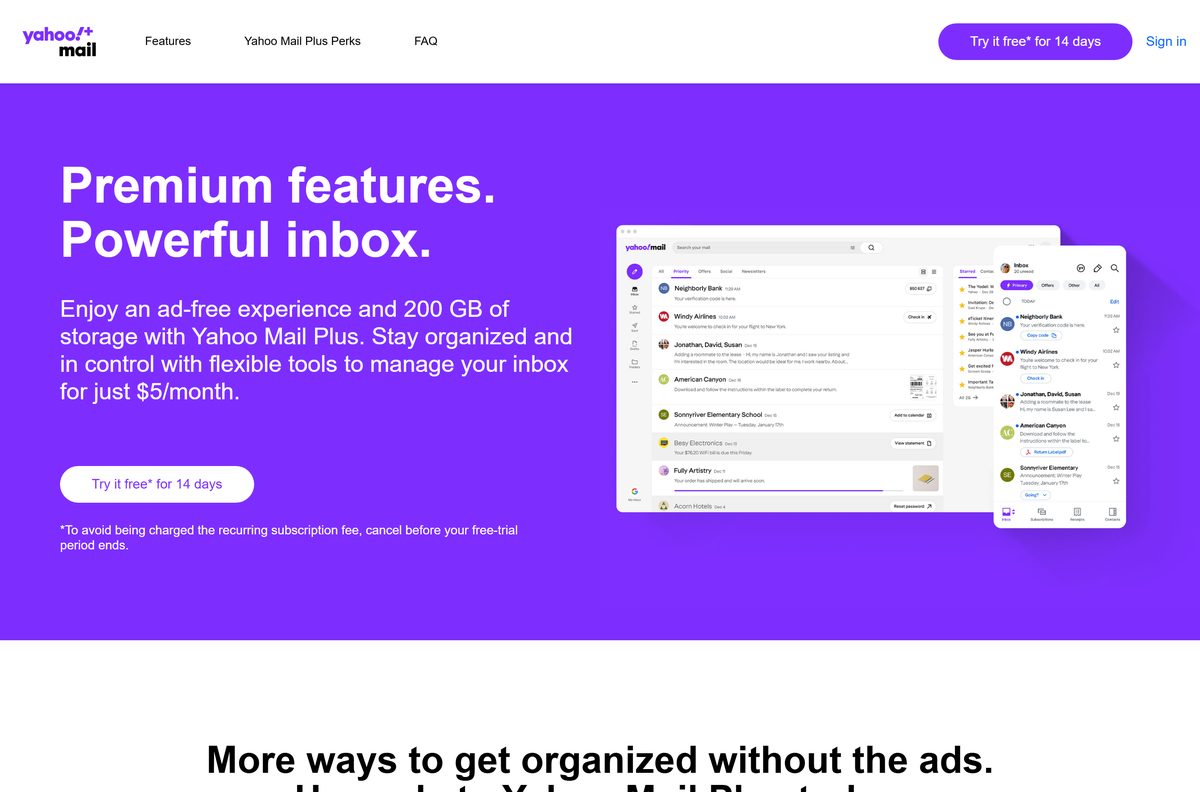
Yahoo Mail is free with ads, and Yahoo Mail Plus removes the ads for a monthly fee.
This guide covers the official links, the desktop app on Windows and Mac, adding Yahoo to Outlook, and fixes for loading and sync errors.
Which Yahoo Mail download do you need?
Match your device to a row. Every route signs in to the same Yahoo account and the same inbox.
| Your device | Get this | Size and notes |
|---|---|---|
| Windows 11 or Windows 10 PC | mail.yahoo.com installed from Edge or Chrome | No setup file; opens in its own window |
| Mac, Intel or Apple silicon | mail.yahoo.com added to the Dock from Safari | Add to Dock needs macOS Sonoma 14 or later |
| iPhone or iPad | Yahoo Mail on the App Store | 457.9 MB, iOS 17.0 or later, free |
| Android phone or tablet | Yahoo Mail on Google Play | Free, contains ads, in-app purchases |
| You prefer Outlook, Apple Mail or Thunderbird | Yahoo IMAP server settings | Outlook needs an app password |
Download Yahoo Mail from the official links
Yahoo serves its mail service from one web address and two phone stores. These are the only official sources.
- Yahoo Mail on the web — sign in with a Yahoo account; installs as a desktop app
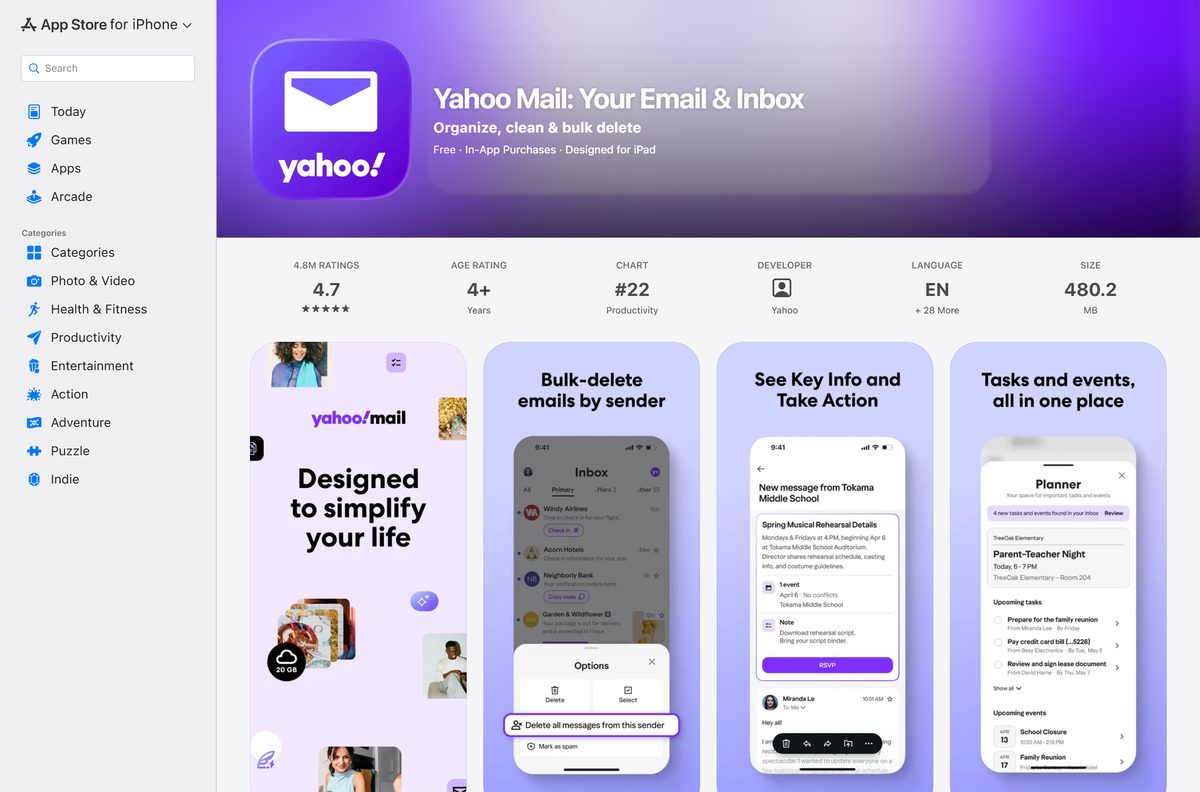
- Yahoo Mail: Your Email & Inbox on the App Store — 457.9 MB · version 26.37.1, iOS and iPadOS 17.0 or later
- Yahoo Mail: Email & Planner on Google Play — 100M+ downloads
- Yahoo Mail Plus — optional paid plan with a 14-day free trial
A file called Yahoo Mail Setup or Yahoo Mail Desktop comes from someone other than Yahoo. Skip it.
How to install Yahoo Mail on Windows 11 and 10 with Microsoft Edge
Edge ships with Windows 11 and Windows 10, so this route needs no extra download.
- Open Microsoft Edge and go to mail.yahoo.com.
- Sign in with your Yahoo email address and password.
- Select Settings and more, the three-dot button at the top right.
- Select More tools, then Apps, then Install this site as an app.
- Keep the name Yahoo Mail and select Install.
- Go to edge://apps and select Details on the Yahoo Mail card.
- Select Pin to taskbar, Pin to Start or Create Desktop shortcut.
- Open Yahoo Mail from the Start menu and confirm your inbox loads.
The app keeps its own window and its own entry in Alt + Tab, apart from your browser tabs.
Install Yahoo Mail as a Chrome app on Windows or Mac
Chrome builds the same windowed app on Windows 11, Windows 10 and macOS.
- Open Google Chrome and go to mail.yahoo.com.
- Sign in to the Yahoo account the app should open.
- Select More, the three-dot menu at the top right.
- Select Cast, save, and share, then Install page as app.
- Follow the prompt to finish the install.
- Open Yahoo Mail from the Start menu, the Dock or chrome://apps.
How to add Yahoo Mail to Outlook, Windows Mail or Thunderbird
Yahoo supports IMAP, so a desktop mail client can read and send Yahoo Mail. Changes sync both ways between the client and the web inbox.
Outlook for Windows and Outlook for Mac do not support Yahoo’s secure OAuth2 sign-in. They need a third-party app password instead of your normal password.
- Sign in to the Yahoo Account Security page, as the app password guide describes.
- Under External connections, select Create app password.
- Type a name such as Outlook and select Generate password.
- Copy the password and select Done.
- Add a new account in Outlook with your full Yahoo email address.
- Paste the app password when Outlook asks for a password.
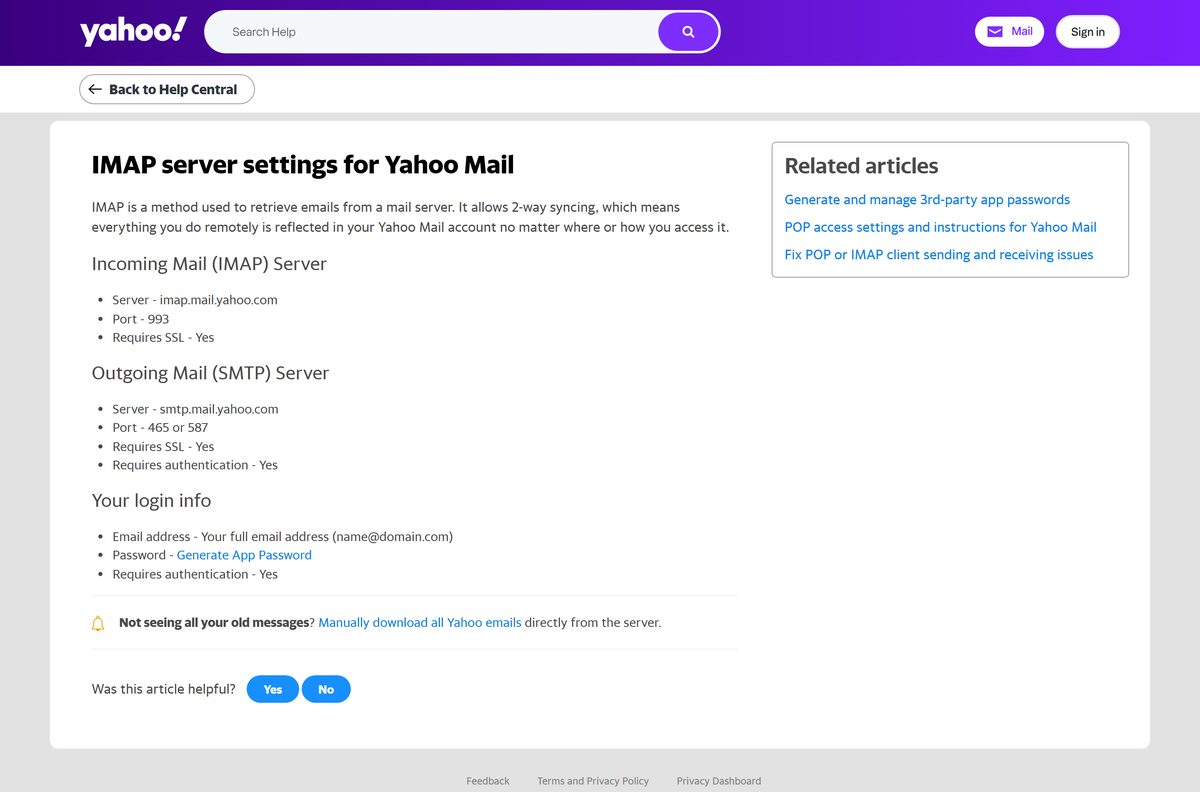
- If Outlook asks for server settings, use imap.mail.yahoo.com on port 993 with SSL for incoming mail.
- Use smtp.mail.yahoo.com on port 465 or 587 with SSL and authentication for outgoing mail.
In Windows Mail, Apple Mail and iPhone Mail, pick the Yahoo logo when you add the account. That starts the secure sign-in, so no app password is needed. See Yahoo’s secure access guide and the IMAP settings.
Which Yahoo Mail download do you need for your Mac?
The App Store app covers iPhone and iPad only. A Mac gets Yahoo Mail through Safari, Chrome or Apple Mail.
| Your Mac | Do this | Notes |
|---|---|---|
| macOS Sonoma 14 or later | Safari: File > Add to Dock | Saves Yahoo Mail to your Applications folder |
| Any macOS version with Chrome | Chrome: Install page as app | Same steps as on Windows |
| You want a native mail client | Apple Mail with the Yahoo sign-in | Choose the Yahoo logo when you add the account |
| Apple silicon or Intel | mail.yahoo.com in a supported browser | Runs the same on either chip |
Is Yahoo Mail free?
Yes. Yahoo Mail is free with ads and 20 GB of storage on every platform. Yahoo Mail Plus is the paid tier. It costs $5 a month after a 14-day free trial and adds ad-free email, 200 GB of storage, up to 500 disposable addresses, auto-forwarding and 24/7 account support. A Plus account also never expires from inactivity. Installing Yahoo Mail costs nothing.
Manage or cancel Plus on the Yahoo Mail Plus page, or in App Store or Google Play settings if you subscribed on a phone.
Should you use the web app or a desktop mail client for Yahoo Mail?
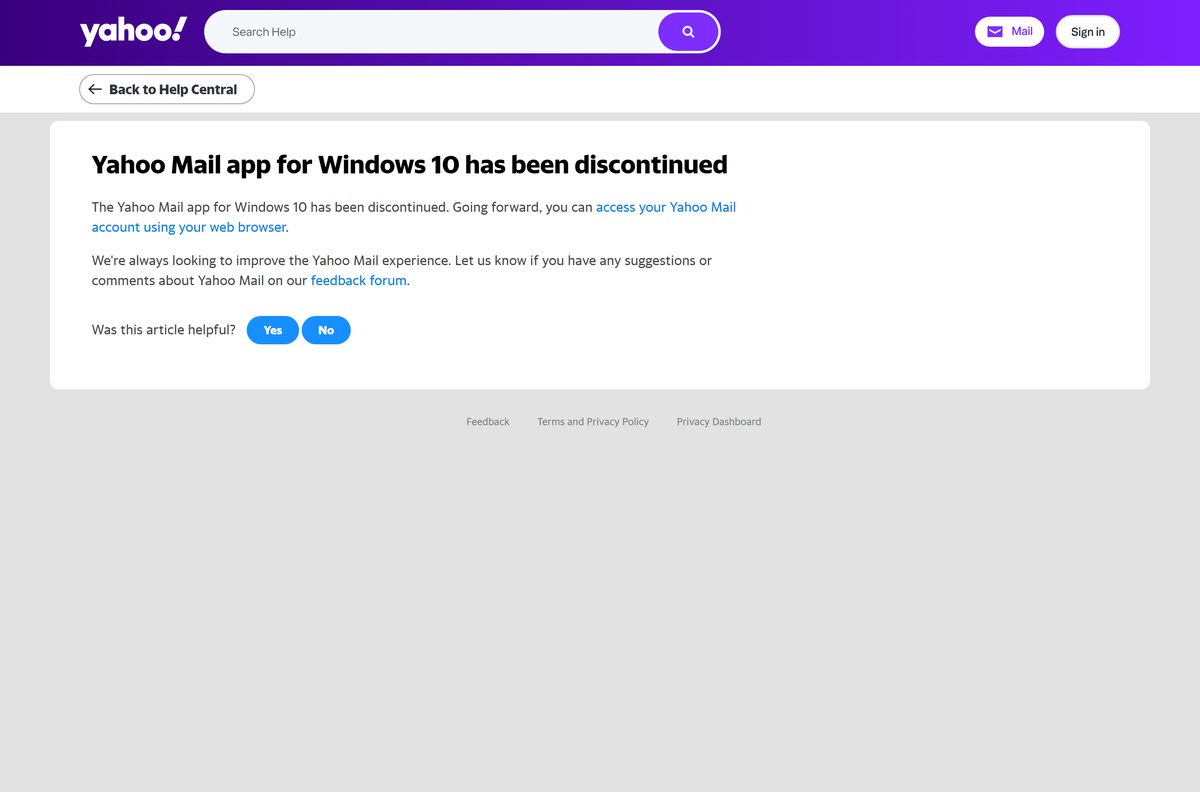
Yahoo discontinued its Yahoo Mail app for Windows 10, and the Microsoft Store has no Yahoo Mail listing now. That leaves two real routes on a computer.
Install mail.yahoo.com as an app from Edge, Chrome or Safari for the full Yahoo Mail experience. The web app gets every Yahoo feature and every Plus perk the day Yahoo ships it, with no password workarounds. Choose Outlook or Apple Mail only if you want Yahoo in the same inbox as other accounts. Yahoo-only features then stay on the web.
Yahoo’s own notice is on Yahoo Help.
How to keep Yahoo Mail up to date
The desktop app has no version to check. It loads the current Yahoo Mail every time it opens, so keep the browser current instead.
- In Edge, go to edge://settings/help so Edge checks for updates.
- In Chrome, open More, then Help, then About Google Chrome.
- On a Mac, update Safari through System Settings > General > Software Update.
- On iPhone, open the App Store, tap your profile picture and update Yahoo Mail.
- On Android, open Google Play, tap your profile icon and select Manage apps & device.
Check the Yahoo Mail system requirements
Yahoo Mail sets no hardware floor of its own. The browser and the operating system set it.
| Field | Value |
|---|---|
| Developer | Yahoo Inc. |
| Latest version | Web-based, auto-updating (iPhone app 26.37.1) |
| Price | Free with ads; Yahoo Mail Plus $5 a month |
| Storage | 20 GB free, 200 GB with Plus |
| Supported OS | Windows 11, Windows 10, macOS, iOS and iPadOS 17.0 or later, Android |
| Browsers | Newest non-beta Chrome, Edge, Firefox and Safari |
| Not supported | Internet Explorer |
| Architecture | Uses the browser’s build: x64, ARM64, Intel and Apple silicon |
| Desktop installer | None for Windows or macOS |
| Offline installer | None |
| iPhone and iPad app size | 457.9 MB |
| Official source | mail.yahoo.com |
| Last verified | 2026-09-24 |
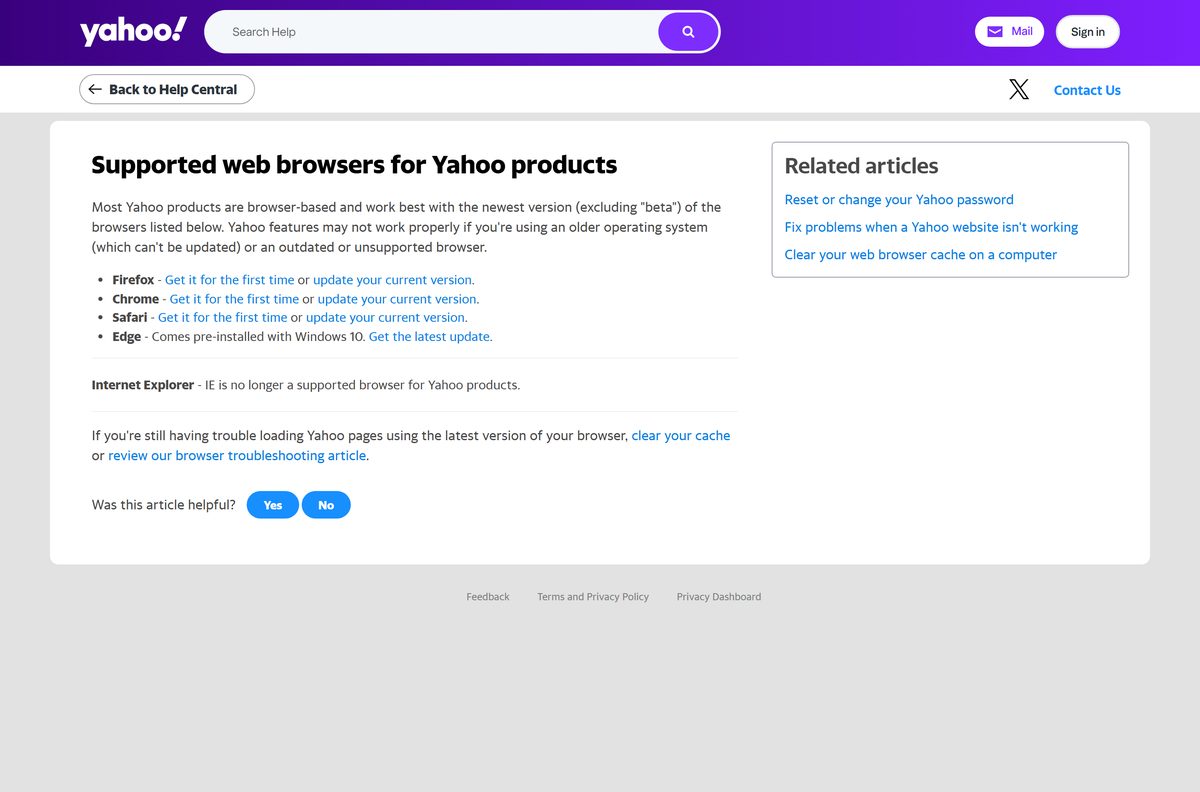
Yahoo warns that features can break on an older operating system that can no longer update its browser.
Fix Yahoo Mail not loading, not installing or not syncing
Yahoo Mail will not load or runs slowly in the browser
An outdated browser or an ad blocker is interfering with the Mail site.
- Update to the newest version of Chrome, Edge, Firefox or Safari.
- Disable ad blocking software for the Yahoo Mail site.
- Clear the browser cache, then reload mail.yahoo.com.
- Open Yahoo Mail in a private window to rule out other extensions.
The Microsoft Store has no Yahoo Mail app
Yahoo discontinued the Windows 10 app and publishes no Store package.
- Install mail.yahoo.com as an app in Edge or Chrome, using the steps above.
- Ignore Store results named Yahoo Mail from other publishers.
- Add your Yahoo account to Outlook if you want a full desktop client.
Outlook or another client will not send or receive Yahoo Mail
A wrong password type, wrong server settings or a blocked port.
- Sign in at mail.yahoo.com and send yourself a test message to confirm the account works.
- Create a new app password on the Yahoo Account Security page and enter it in the client.
- Check the servers: imap.mail.yahoo.com port 993, smtp.mail.yahoo.com port 465 or 587.
- Remove the Yahoo account from the client and add it again.
- Ask your ISP or security software vendor whether ports 465 and 587 are blocked.
- If the web inbox works but the client still fails, try a different mail client.
Yahoo keeps the full client checklist in Fix POP or IMAP sending and receiving issues.
How to uninstall Yahoo Mail from a PC or Mac
Removing the app leaves your Yahoo account and email untouched.
- In Edge, go to edge://apps, select Details on the Yahoo Mail card and select Uninstall.
- Choose whether to delete app history and data, then confirm.
- In Chrome, open the Yahoo Mail app, select More, then Uninstall Yahoo Mail, then Remove.
- For a Safari web app, open your home folder’s Applications folder and drag Yahoo Mail to the Trash.
- In Outlook or Apple Mail, remove the Yahoo account from the account settings.
- Delete the matching app password under External connections on the Yahoo Account Security page.
An app password stays valid after you change your main password, so delete it explicitly. See Yahoo’s app password guide.
Frequently asked questions
Is Yahoo Mail free to download?
Yes. Yahoo Mail is free on the web, the App Store and Google Play, with ads and 20 GB of storage. Yahoo Mail Plus is optional and costs $5 a month after a 14-day free trial. It removes ads and raises storage to 200 GB.
What is the official Yahoo Mail download page?
On a computer, the official address is mail.yahoo.com, which you can install as an app from Edge, Chrome or Safari. The phone apps come from the App Store under seller Yahoo Inc. and from Google Play. Yahoo publishes no desktop setup file.
Can I install Yahoo Mail on Windows 11?
Yes. Open mail.yahoo.com in Microsoft Edge and select Install this site as an app, or use Install page as app in Chrome. Yahoo Mail then opens in its own window with a Start menu entry and a taskbar icon.
How big is the Yahoo Mail download?
The desktop app on Windows and Mac is a browser shortcut to mail.yahoo.com, so it takes almost no disk space. The iPhone and iPad app is 457.9 MB on the App Store. The Android app downloads from Google Play.
Is there a Yahoo Mail offline installer or EXE for Windows?
No. Yahoo publishes no EXE, MSI or offline installer for Windows or Mac. The old Yahoo Mail app for Windows 10 is discontinued, and Yahoo points computer users to mail.yahoo.com in a web browser instead.
Is there a Yahoo Mail app for Mac?
There is no macOS build of the Yahoo Mail app. On macOS Sonoma 14 or later, open mail.yahoo.com in Safari and choose File, then Add to Dock. You can also add your Yahoo account to Apple Mail.
Does Yahoo Mail work on 64-bit and ARM64 PCs?
Yes. Yahoo Mail on a computer runs inside the browser, so it works on any processor your browser supports. That includes 64-bit Intel and AMD PCs, ARM64 Windows laptops and Apple silicon Macs.
Is Yahoo Mail safe to install?
Yes, when it comes from mail.yahoo.com, the App Store or Google Play. Check that the App Store seller reads Yahoo Inc. Avoid download portals offering a Yahoo Mail EXE, because Yahoo does not make one.
What is the latest version of Yahoo Mail?
Yahoo Mail on the web has no version number, because Yahoo updates it on its servers. The iPhone and iPad app is version 26.37.1, released on 22 September 2026, and it needs iOS 17.0 or later.
Why won’t Yahoo Mail install or load on my PC?
Yahoo Mail supports only the newest Chrome, Edge, Firefox and Safari, and Internet Explorer no longer works. Update the browser, clear its cache and disable ad blocking for the Mail site. Then install mail.yahoo.com as an app again.
How do I add Yahoo Mail to Outlook?
Generate a third-party app password on the Yahoo Account Security page, then add your Yahoo address in Outlook with that password. The IMAP server is imap.mail.yahoo.com on port 993, and SMTP is smtp.mail.yahoo.com on port 465 or 587.
What happened to the Yahoo Mail app for Windows 10?
Yahoo discontinued the Yahoo Mail app for Windows 10, and the Microsoft Store has no current Yahoo Mail listing. Yahoo directs Windows users to mail.yahoo.com, which installs as an app from Edge or Chrome.